
Invoice Go: Invoice Maker
Estimates & PDF, fully offline
Designed for iPhone, iPad
Free · In-app purchases
- Age rating4+
- CategoryBusiness
- DeveloperAdrian Garcia
- LanguagesEnglish+ 2 more
- Size8.0 MB
Links to the official App Store page
Download.org hosts no file of Invoice Go: Invoice Maker. The button opens its official App Store page, published by Adrian Garcia. Listing last checked on Nov 13, 2026.
Screenshots
About
Invoice Go does one thing and does it fast: it turns the work you just finished into a good-looking invoice, as a PDF, ready to send by email or messaging. No sign-up, no cloud, and nobody else looking at your numbers.
BUILT FOR PEOPLE IN A HURRY
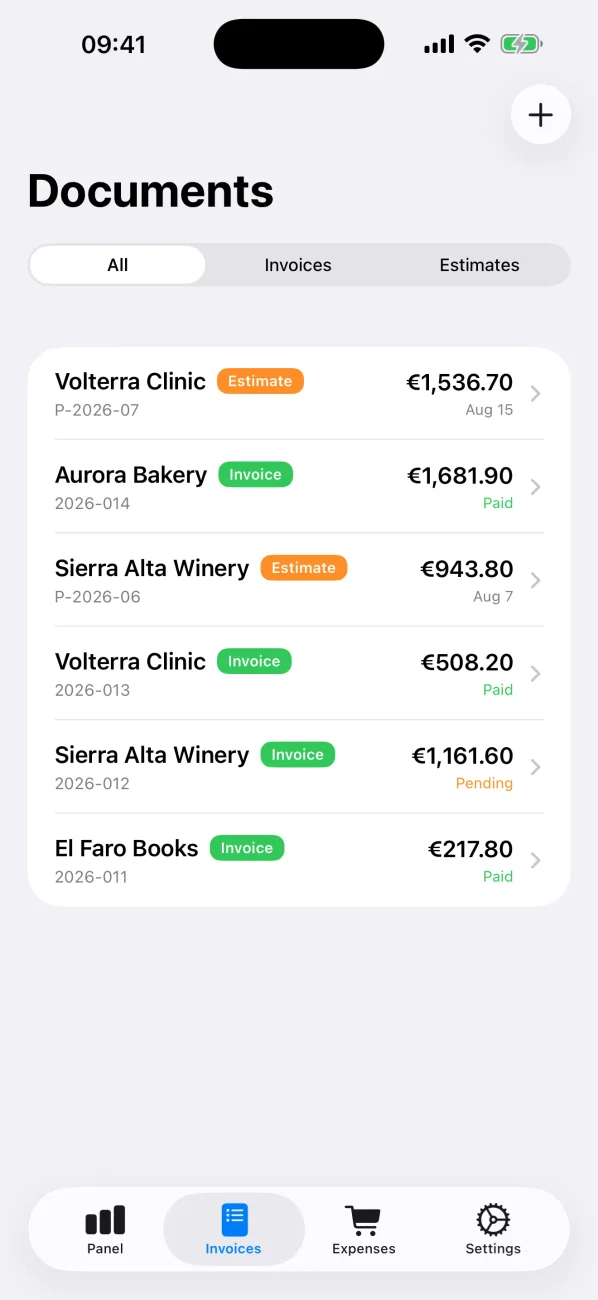
Open it, pick a client, add line items, and the PDF is there. Numbering looks after itself, tax rates apply themselves, and the total updates as you type. Regular clients are already filled in.
ESTIMATE FIRST, INVOICE AFTER
Send a quote, and when they say yes, turn it into an invoice with one tap. Nothing to copy across, nothing to retype.
YOUR DATA NEVER LEAVES THE PHONE
No account, no servers, no sync. Invoices, clients, expenses and your bank details stay on the device. It works perfectly in airplane mode, on a site with no signal, or on a train.
YOUR BRAND, NOT OURS
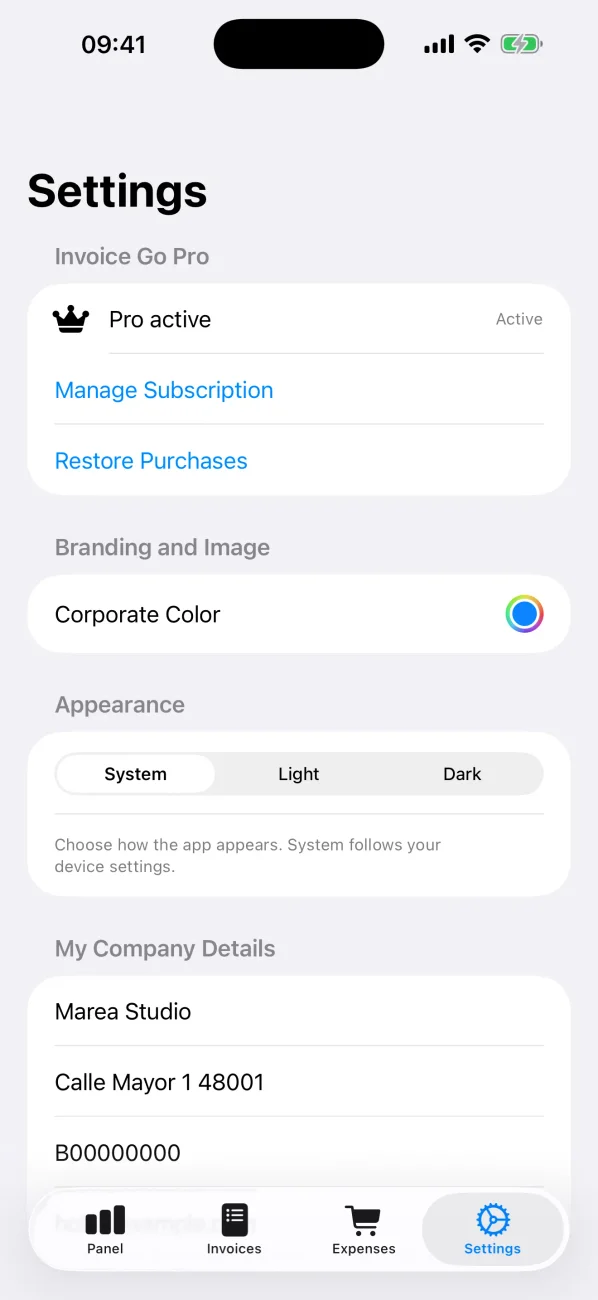
Add your logo, pick your brand colour, set your own tax rates, and sign with a finger. The PDF looks like it came from your business, because it did.
KNOW WHERE YOU STAND
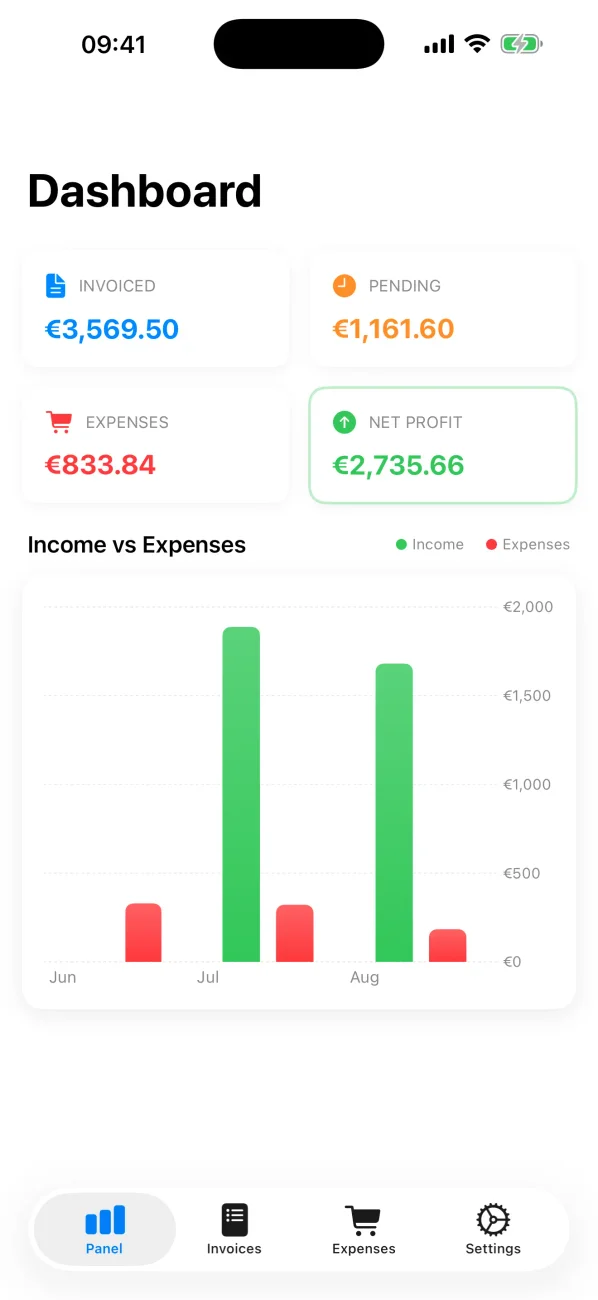
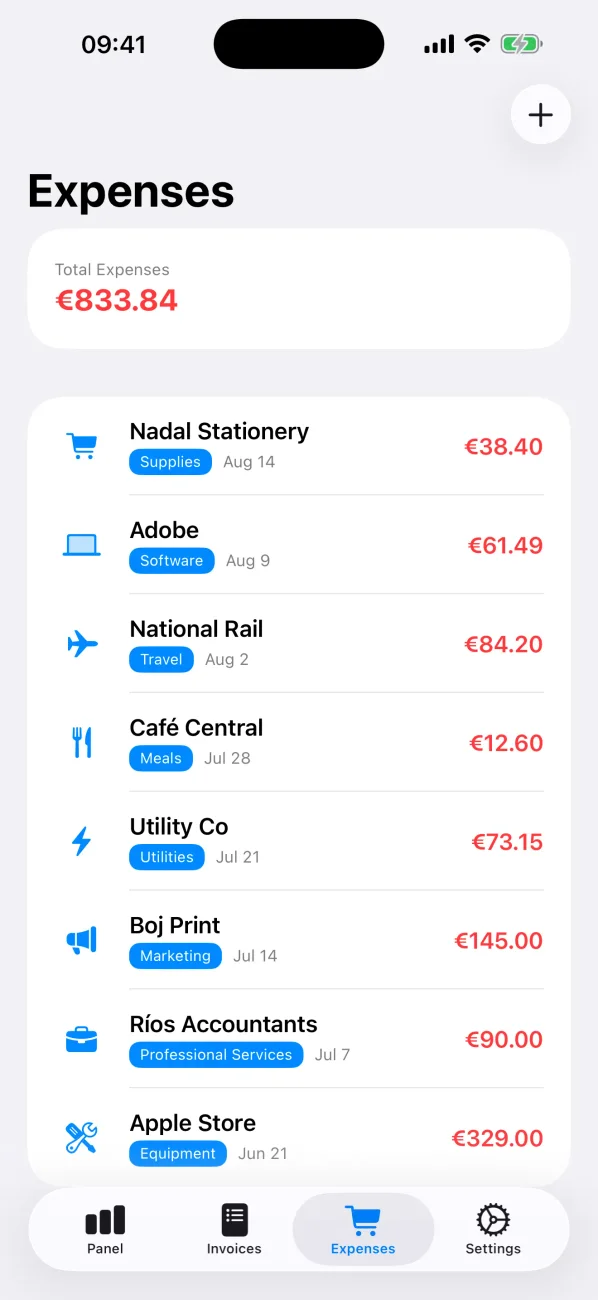
The dashboard shows what you have invoiced and what is still unpaid, in charts you can read at a glance. Expenses go in as quickly as invoices do.
FREE AND PRO
Free gets you 3 invoices and 3 estimates, with a small line at the bottom of the PDF.
PRO removes every limit: unlimited invoices and estimates, no line on the PDF, digital signature, full expense history, and import from Contacts.
YOU CHOOSE HOW TO PAY
Most invoicing apps only rent you access. Here the subscription is optional: you can pay once and keep PRO forever, with no renewals.
- PRO Monthly: auto-renewing subscription
- PRO Annual: auto-renewing subscription, the best value
- PRO Lifetime: a single payment, yours forever
Payment is charged to your Apple Account at confirmation of purchase. Subscriptions renew automatically unless canceled at least 24 hours before the end of the current period; your account is charged for renewal within 24 hours before the period ends. You can manage or cancel your subscription in your Apple Account settings. If a plan includes a free trial, any unused portion is forfeited when you buy a subscription.
Terms of Use (EULA): https://www.apple.com/legal/internet-services/itunes/dev/stdeula/
Privacy Policy: https://techy.eus/invoicego/privacidad
What’s new
Version 1.1 · Aug 25, 2026
Invoice Go now asks what you think once you have made a couple of invoices, so you can rate it without leaving the app. The App Store listing is properly localised too.
App privacy
What Adrian Garcia declares on the App Store about how this app handles data.
-
Data not collected
The developer does not collect any data from this app.
Privacy practices may vary, for example with the features you use or your age.
Information
- Seller
- Adrian Garcia
- Category
- Business
- Version
- 1.1
- Updated
- Aug 25, 2026
- Released
- Aug 12, 2026
- Size
- 8.0 MB
- Requires
- iOS 17.0 or later
- Age rating
- 4+
- Price
- Free
- In-app purchases
- Yes
- Languages
- English, Italian, Spanish
- Copyright
- © Adrián García 2025
You might also like
-
 Simple Invoice & Estimate AppEasy Estimate, Receipt Maker
-
 Invoice And Estimate Maker AppEasy generator for contractors
-
 Quotea: Quotes & InvoicesEstimates for Contractors
-
 MVR SiteReportAI-Powered Site Report Maker
-
 DoliExpert ERP/CRM MobileDoliExpert for Dolibarr
-
 Facturas simples instantáneasFinance
-
 Invoice Maker - Fast & EasyPDF and Word Export - Pay Once
-
 Workio: Quote & Invoice MakerReceipts, estimates, contracts
-
 Nove: Quotes & EstimatesQuotes for your business
-
 Quotation SuiteQuotation & Invoice Maker