Invoice Maker: PDF & Estimate
Receipt & Quote Generator
Designed for iPhone, iPad
Free · In-app purchases
- Age rating4+
- CategoryBusiness
- DeveloperAmandeep Singh
- LanguagesEnglish+ 10 more
- Size7.0 MB
Links to the official App Store page
Download.org hosts no file of Invoice Maker: PDF & Estimate. The button opens its official App Store page, published by Amandeep Singh. Listing last checked on Nov 23, 2026.
Screenshots

About
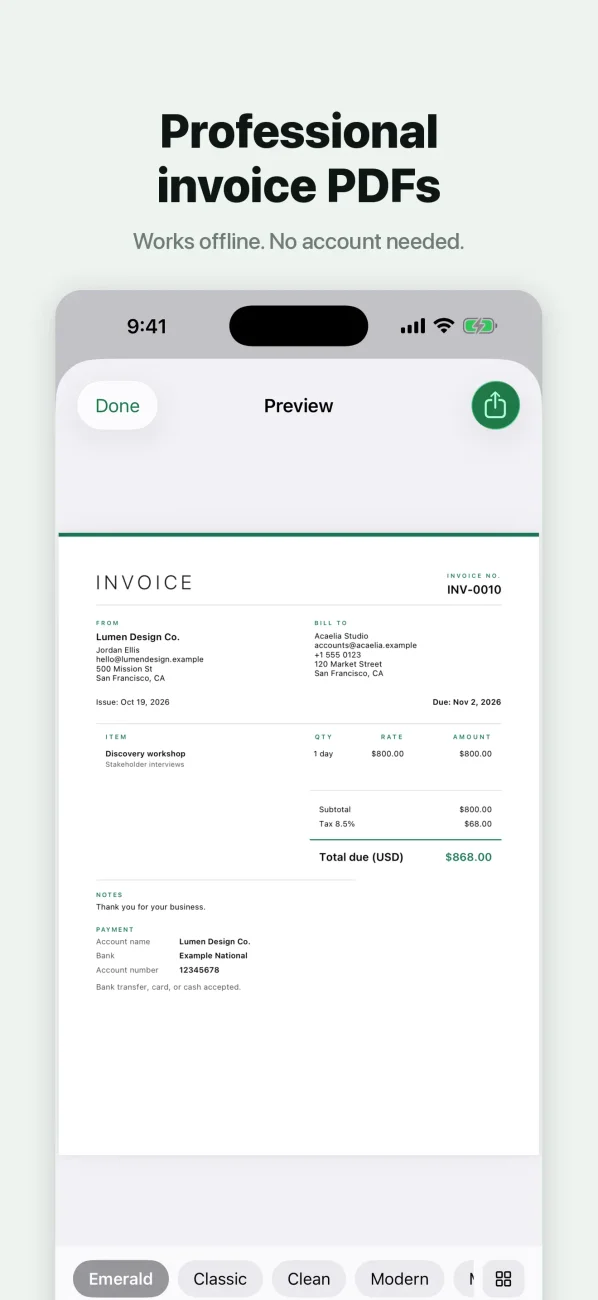
Invoice Maker: PDF & Estimate makes professional invoices, estimates (quotes) and receipts as PDFs on iPhone and iPad, for freelancers, contractors and small businesses. There is no account and no sign-up, and it works fully offline, so you can bill a client from a job site, a basement or a plane.
Everything stays on your device and in your own iCloud. We never see your clients, prices or revenue.
HOW IT WORKS
1. Add your business name, logo and currency once.
2. Create an invoice, estimate or receipt: pick a client, then add items, tax and shipping.
3. Preview the PDF and send it by email, Messages or AirDrop.
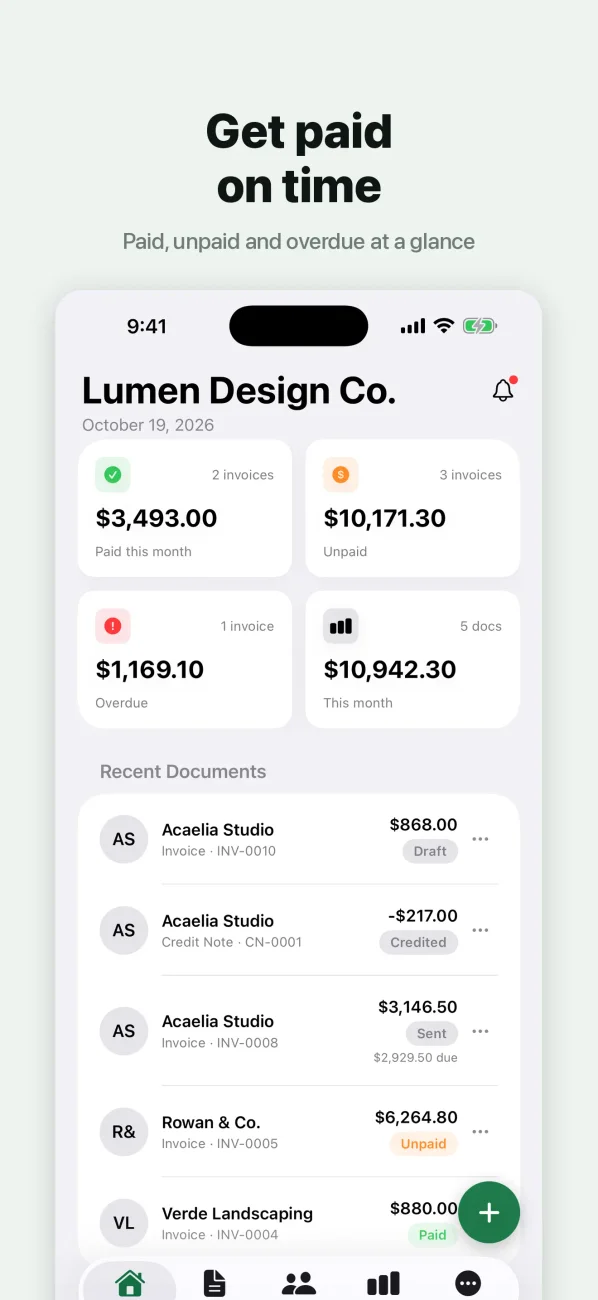
4. Record payments as they arrive. Paid, partly paid and overdue show at a glance.
MORE TOOLS
- Credit notes: credit a whole invoice, chosen items or an amount. Balances and reports update by themselves.
- Client statements: open items or account activity for any period, with aging, as a PDF.
- PO numbers and shipping on invoices, with optional tax on shipping.
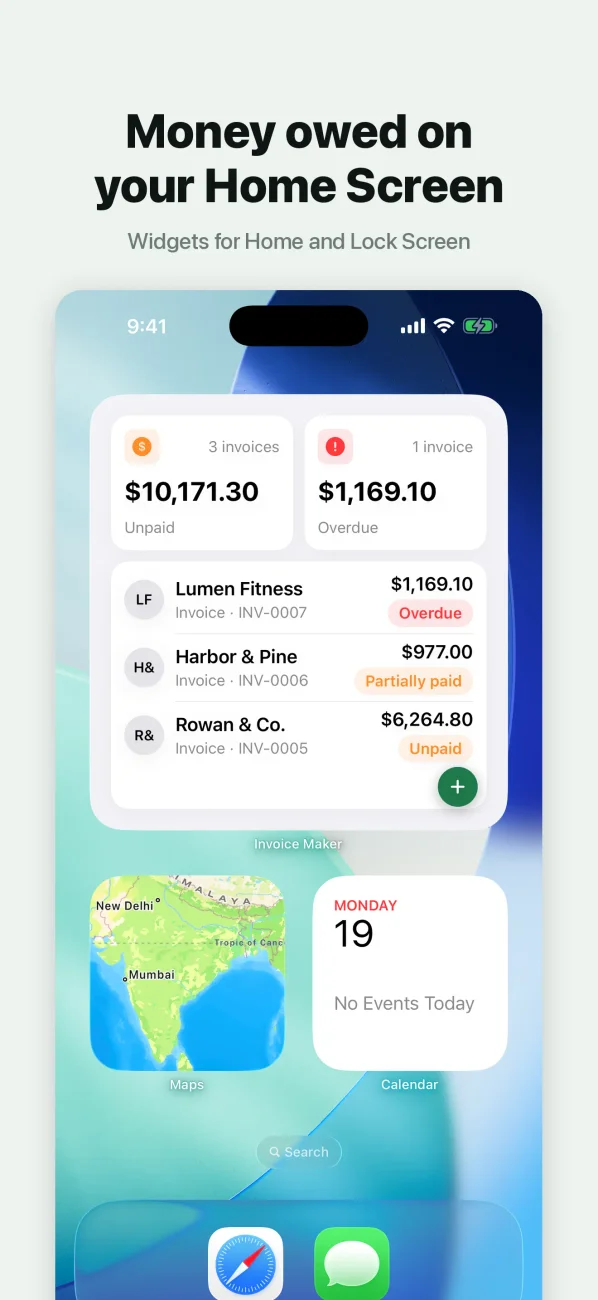
- Widgets for the Home Screen and Lock Screen: money owed, overdue, paid this month or open estimates.
- New invoice and New estimate buttons for Control Centre, the Lock Screen and the Action button.
- Siri and Shortcuts: ask what you're owed, start an invoice or record a payment.
- Spotlight finds invoices by client or number.
FREE, NOT A TRIAL
- Unlimited invoices, estimates, receipts and credit notes
- Unlimited clients, payments and reports
- 5 new PDFs a month; previews are always free, and resending an unchanged PDF never counts
- 3 of the 9 PDF templates
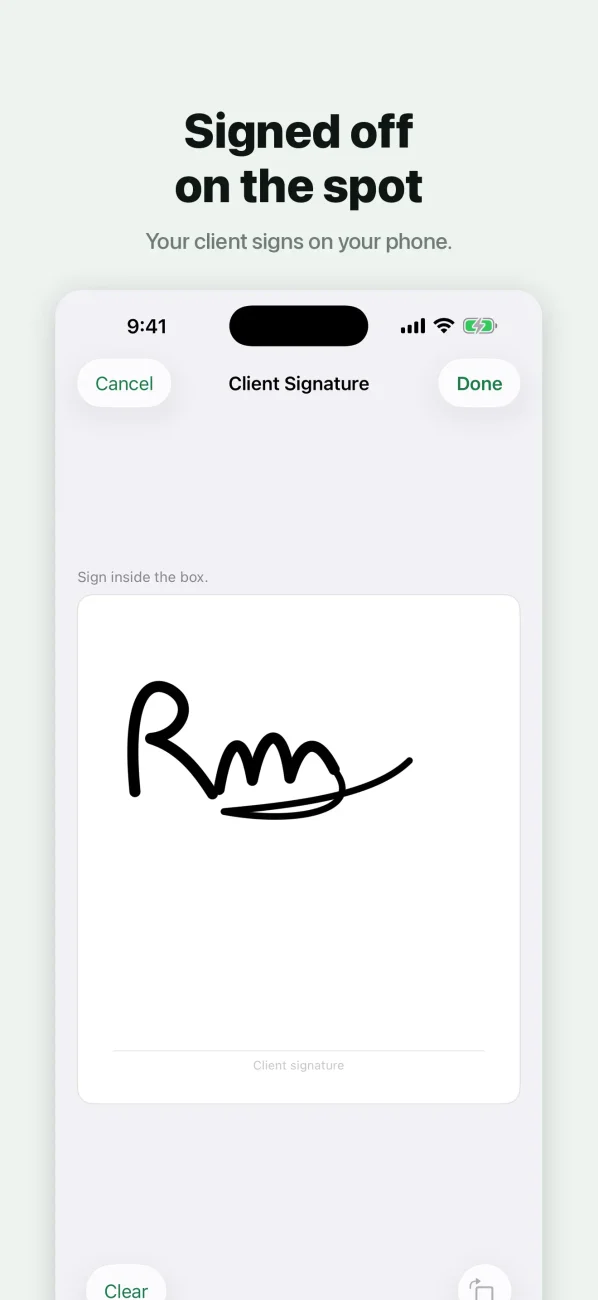
- Client signatures, payment links with a QR code, reminders and overdue alerts
- Tax report, CSV export and iCloud backup
- One business and one recurring invoice
INVOICE MAKER PRO (monthly or yearly)
- Unlimited PDFs
- All 9 PDF templates
- Client statements with balances and aging
- Recurring invoices, sent on schedule
- Unlimited businesses, each with its own logo, currency and numbering
- Custom invoice number prefixes
GREAT FOR
Freelancers, contractors, consultants, plumbers, electricians, cleaners, designers, photographers, tutors and small businesses that need to send a quote today and get paid next week.
WORKS WITH
- PDF invoices, estimates, receipts, credit notes and statements
- Any currency, with totals kept separate per currency
- A tax rate per line, tax-inclusive or tax-exclusive prices, discounts and shipping
- The app in 11 languages, chosen separately from your iPhone's language
- iPhone and iPad
QUESTIONS
How do I make an invoice on my iPhone?
Add your business once, tap +, pick a client and add items. Preview the PDF, then send it by email, Messages or AirDrop. It takes about a minute.
Is it a good invoice app for freelancers and contractors?
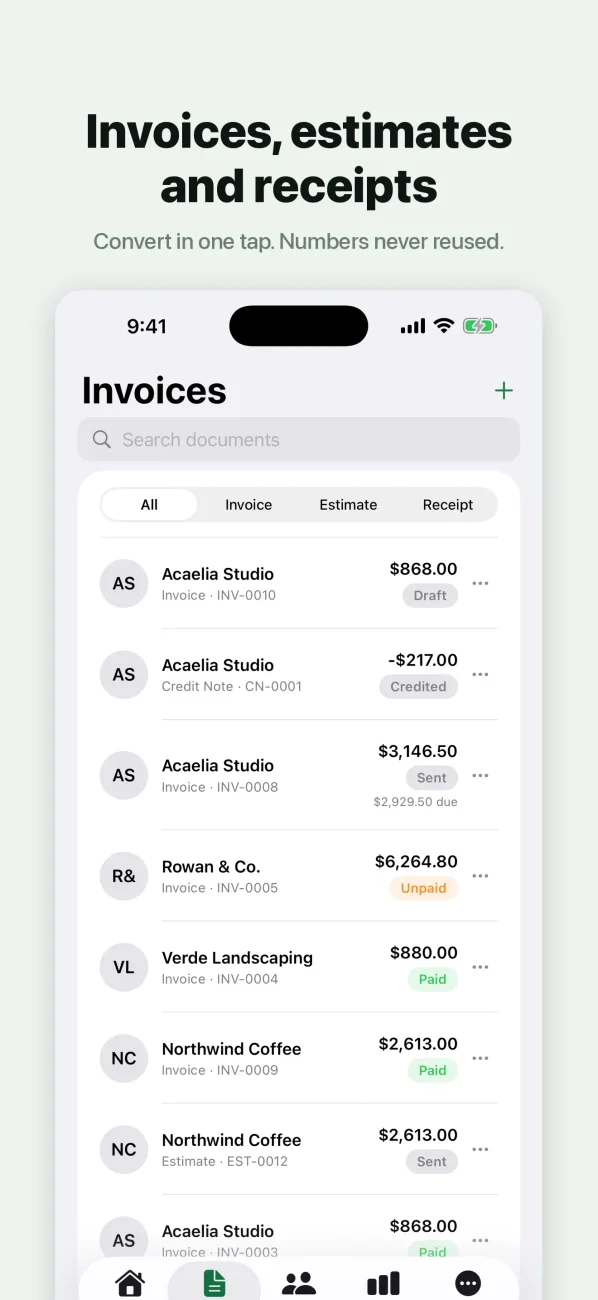
It is built for them: send an estimate from the job site, turn it into an invoice in one tap when the work is done, get the client's signature on screen and record payments as they arrive.
Can I make receipts and estimates too?
Yes. Invoices, estimates, receipts and credit notes all come out as professional PDFs, with your logo.
Is it free?
Yes. The free version is a complete invoicing app with no time limit and no ads. Pro is an optional subscription.
Can I correct an invoice after sending it?
Yes. Issue a credit note for the whole invoice, some items or an amount, and the client's balance updates.
Does it handle sales tax and VAT?
Yes. Set a rate per line, choose tax-inclusive or tax-exclusive prices, and export a tax report grouped by rate.
What happens if Pro ends?
Nothing is lost. Every document, client and payment stays readable and exportable.
Can I recover something I deleted?
Yes. Deleted documents and clients stay in Recently Deleted for 30 days.
Questions or problems? Write to support@amanghuman.com. We read every message.
Terms of Use (EULA): https://amanghuman.com/eula?app=invoicemaker
Privacy Policy: https://amanghuman.com/privacy?app=invoicemaker
What’s new
Version 1.1.1 · Nov 22, 2026
Small improvements.
App privacy
What Amandeep Singh declares on the App Store about how this app handles data.
-
Data not collected
The developer does not collect any data from this app.
Privacy practices may vary, for example with the features you use or your age.
Information
- Seller
- Amandeep Singh
- Category
- Business
- Version
- 1.1.1
- Updated
- Nov 22, 2026
- Released
- Aug 17, 2026
- Size
- 7.0 MB
- Requires
- iOS 17.0 or later
- Age rating
- 4+
- Price
- Free
- In-app purchases
- Yes
- Languages
- English, Dutch, French, German, Italian, Japanese, Korean, Portuguese, Simplified Chinese, Spanish, Traditional Chinese
- Copyright
- © 2026 Amandeep Singh
You might also like
-
 Lite Invoice - Invoice MakerSimple Invoicing, No Fees
-
 Estimate Maker PDF - OrçafyProfessional quotes fast
-
 Estimate Maker - Business CostJob Quote Generator
-
 Receipt Maker - Generate BillsCreate Business Payment PDFs
-
 Free Invoice Maker AppEstimates, Billing & Quotes
-
 Invoice Estimate MakerBill Book - SpeedInvoice
-
 Invoice and Estimates to PDFReceipt Maker & Quote Creator
-
 Freebie Estimate Maker AppQuick & Professional Estimates
-
 PDF Quote Maker ProQuote Maker
-
 Service Estimate PDFProductivity