
- Age rating4+
- CategoryUtilities
- Developeriodyne, LLC
- LanguagesEnglish
- Size49.7 MB
Links to the official App Store page
Download.org hosts no file of iodyne. The button opens its official App Store page, published by iodyne, LLC. Listing last checked on Nov 18, 2026.
Screenshots


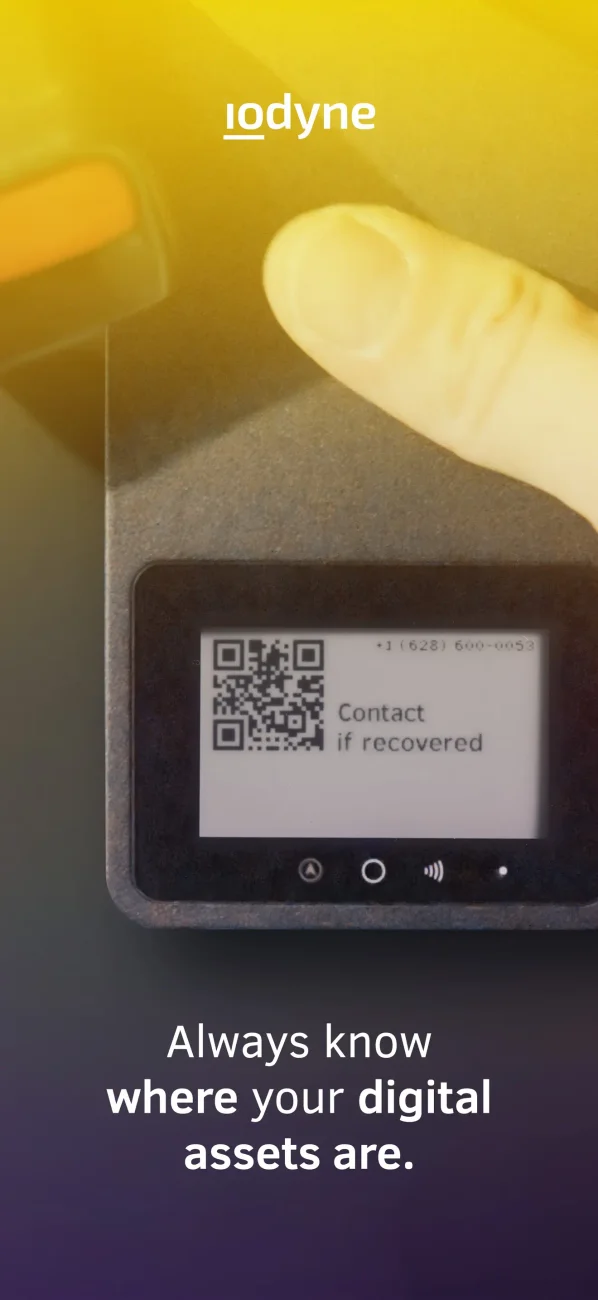
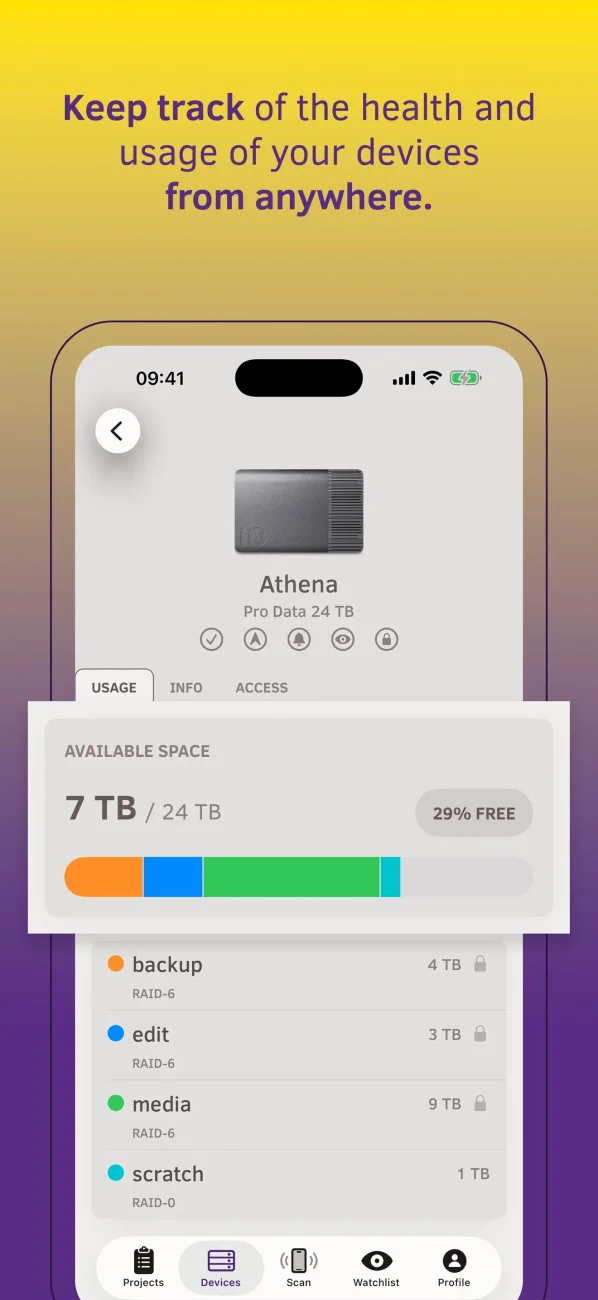
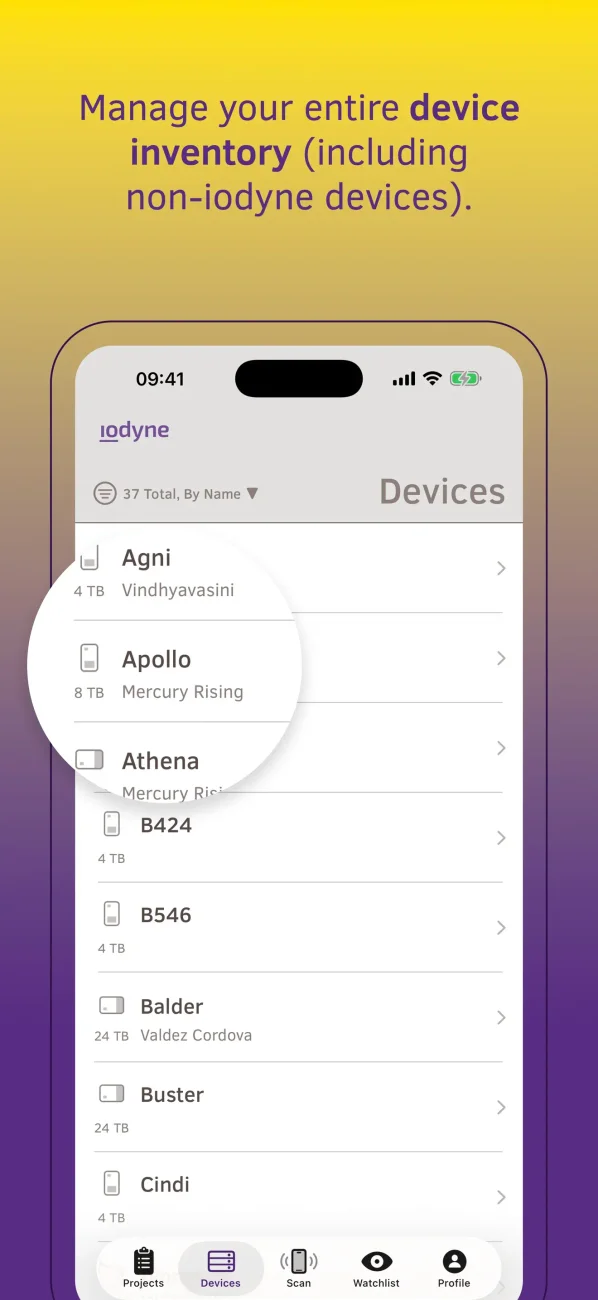
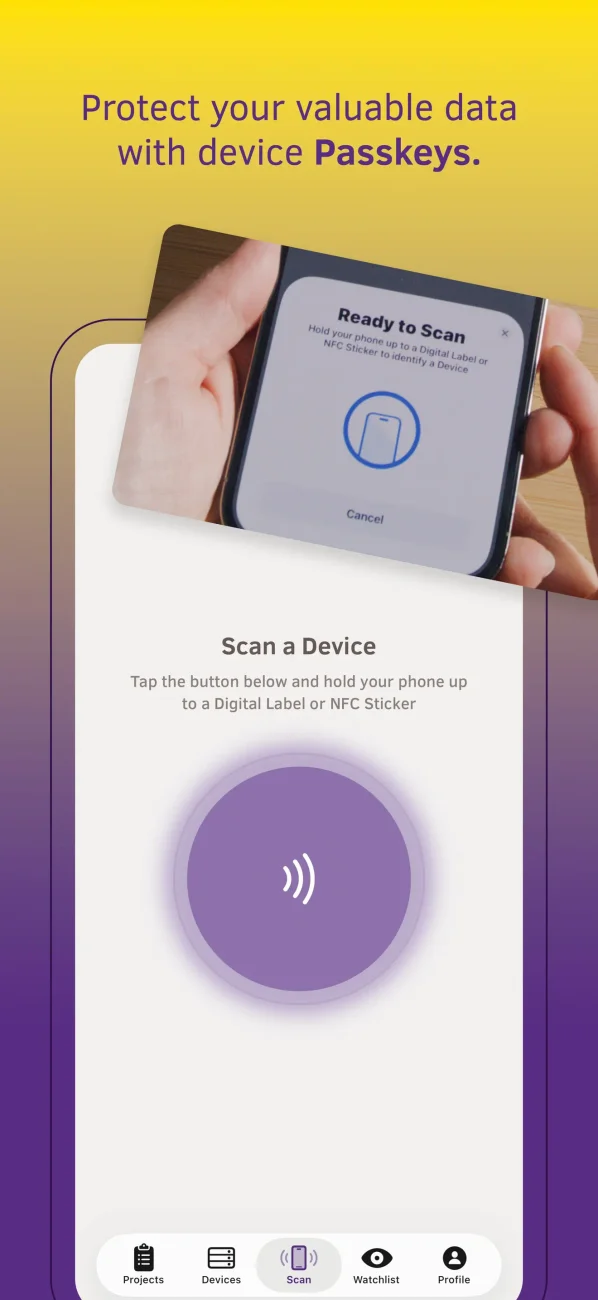
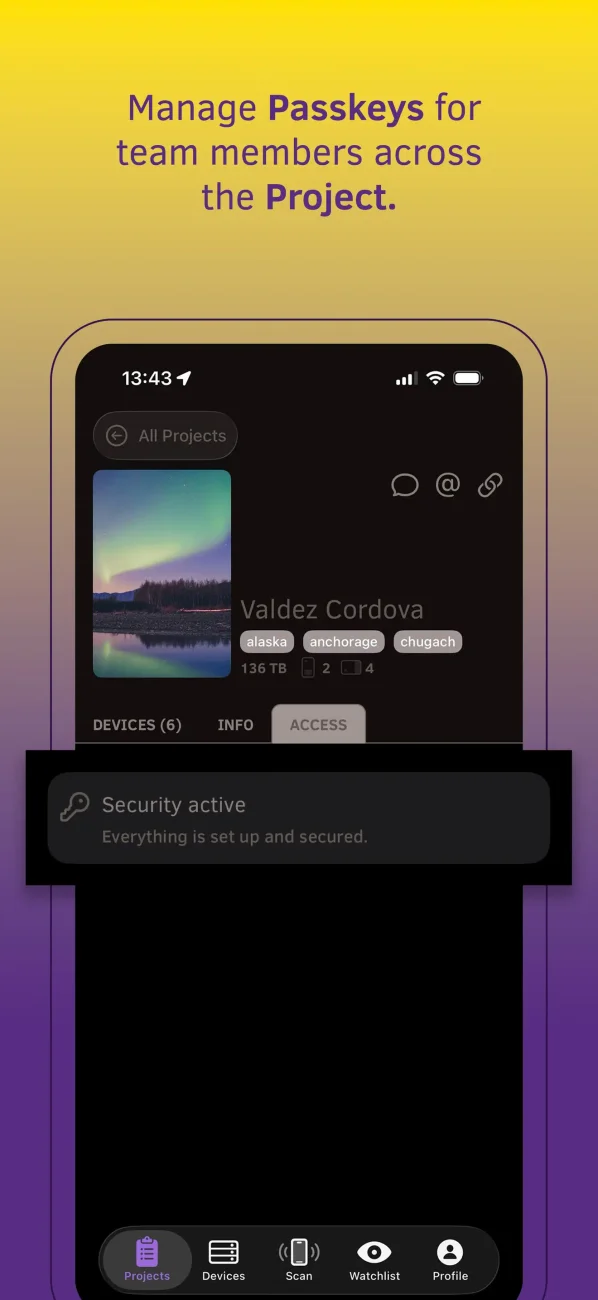
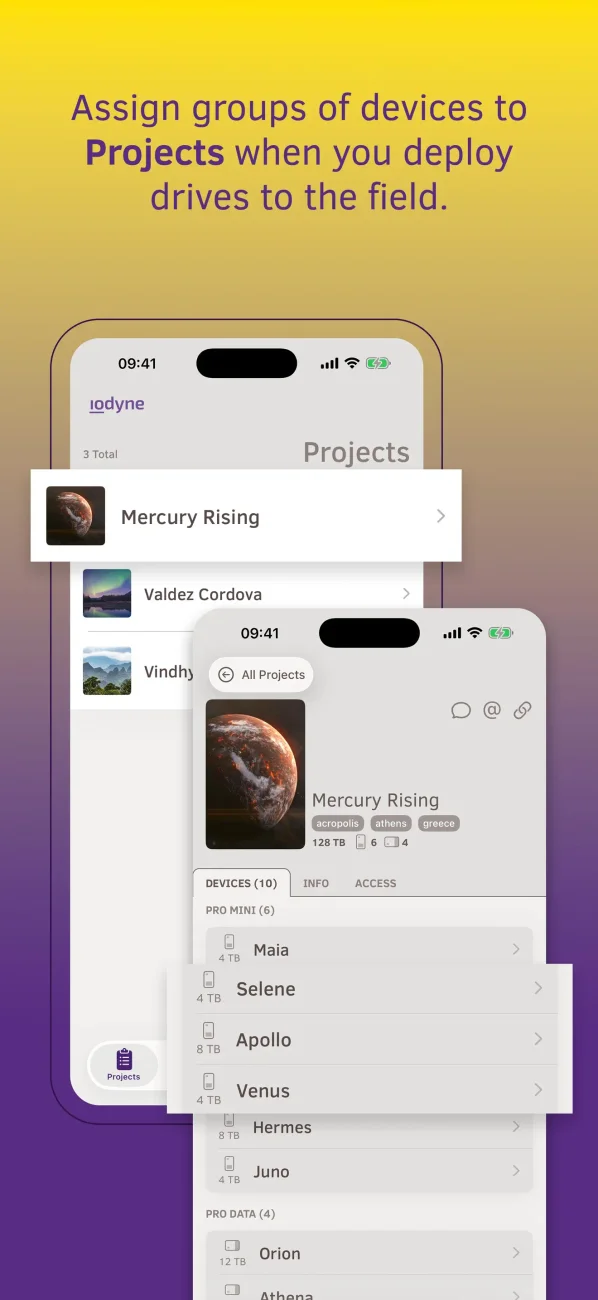
About
iodyne Utility enables you to interact your with fleet of storage devices in the field. Unlock smart iodyne drives using passkeys with the tap of your phone. Scan smart NFC tags for non-iodyne drives. View device provisioning and workflow metadata from your iodyne Cloud projects. Keep tabs on in-progress file transfers and workflows with the real-time Watchlist.
PASSKEYS and TAP-to-UNLOCK
In place of insecure passwords, PIN codes, and keypads, iodyne Utility provides the industry’s first implementation of Passkeys for a portable storage drive. Just like a modern website, iodyne Utility allows multiple authorized users to establish personal and secure Passkeys that are stored in your phone’s Secure Enclave. Unlock your iodyne Pro Mini with a tap of your phone.
SMART NFC STICKERS
Label other storage devices in your fleet with iodyne’s smart NFC Sticker, securely linking each asset to your iodyne Cloud Projects and Devices inventory. Scan the sticker with a tap of your phone to look up device provisioning and Project workflow metadata.
REAL-TIME WATCHLIST
Add busy drives to a real-time Watchlist that relays live workflow progress from your iodyne device to your phone. Once your workflow is running, you can manage other tasks on-set while you receive real-time notifications if your task is complete or requires your attention.
WORKFLOW METADATA
iodyne Utility can view and store customized workflow metadata that can be retrieved with an NFC tap, or viewed when the utility connects to iodyne Cloud. Use Workflow Metadata to record times, dates, project codes, shipping locations, billing codes, and more.
What’s new
Version 2.1.0 · Aug 12, 2026
• Improved Tap to unlock for faster and more reliable unlock.
• Added a Location tab to device details, where you can view your device on a map, see when it was last detected.
• Fixed the password reset flow.
• You’ll now be prompted at login when your contact name is missing.
• Fixed hidden device containers appearing in device details.
• Improved device tabs so available information appears correctly as device details load.
• Fixed error alerts that could display the same message twice.
• Fixed Watchlist transfer statistics carrying over after inactivity, so new transfer sessions show accurate amounts and speeds.
App privacy
What iodyne, LLC declares on the App Store about how this app handles data.
-
Data not collected
The developer does not collect any data from this app.
Privacy practices may vary, for example with the features you use or your age.
Information
- Seller
- iodyne, LLC
- Category
- Utilities
- Version
- 2.1.0
- Updated
- Aug 12, 2026
- Released
- Apr 18, 2026
- Size
- 49.7 MB
- Requires
- iOS 17.0 or later
- Age rating
- 4+
- Price
- Free
- Languages
- English
- Copyright
- Copyright © 2026 iodyne, LLC. All rights reserved.
You might also like
-
 Circle IDPasswordless authentication
-
 URBAN TAPSAFEUtilities
-
 Sound Meter: dB & Noise LevelDecibel Monitor & Oscilloscope
-
 VideoHubControlControl your Videohub
-
 Skip ShowcaseA showcase of Skip features
-
 TVU CCTVU Command Center
-
 Pubky RingYour Pubky keychain
-
 M&CoUtilities
-
 NexusFocusUtilities
-
 Maki LiveMaki Live