
- Age rating4+
- CategoryBusiness
- DeveloperOshkosh Corporation
- LanguagesEnglish
- Size127.2 MB
Links to the official App Store page
Download.org hosts no file of iOPS Mobile. The button opens its official App Store page, published by Oshkosh Corporation. Listing last checked on Nov 15, 2026.
Screenshots
About
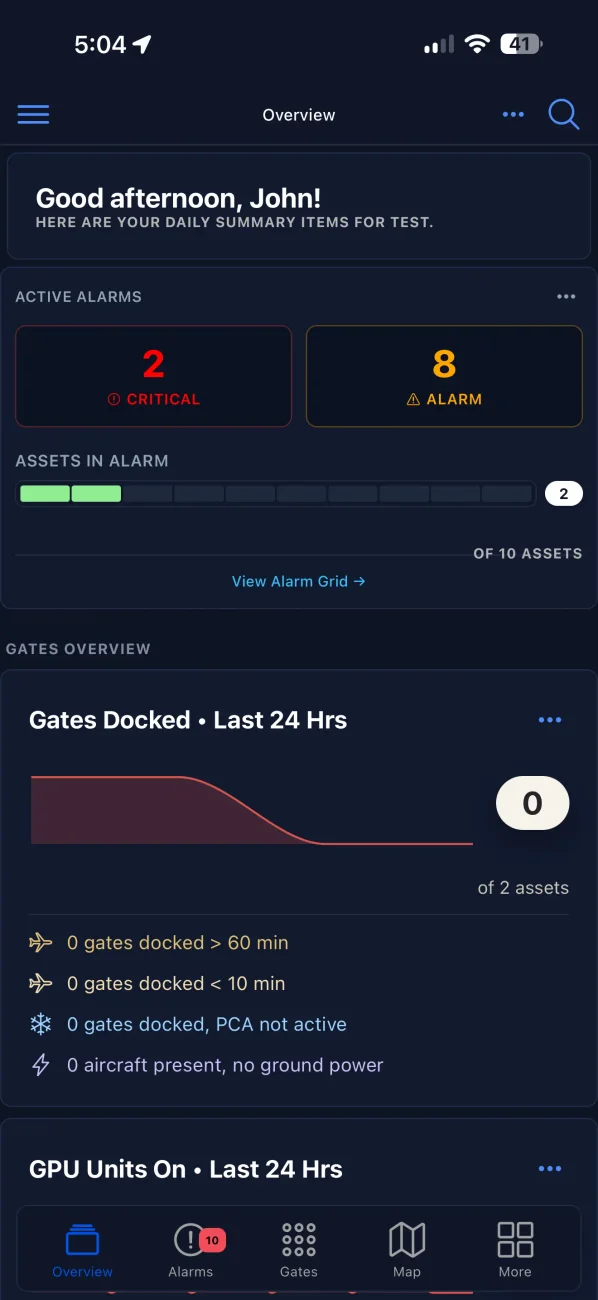
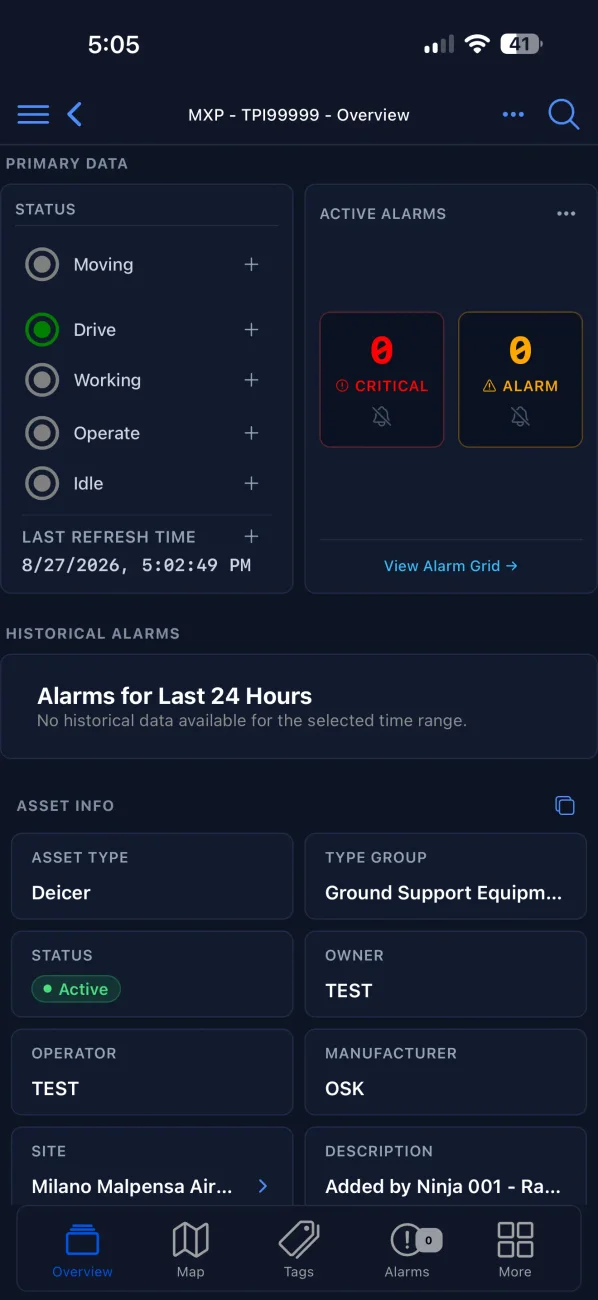
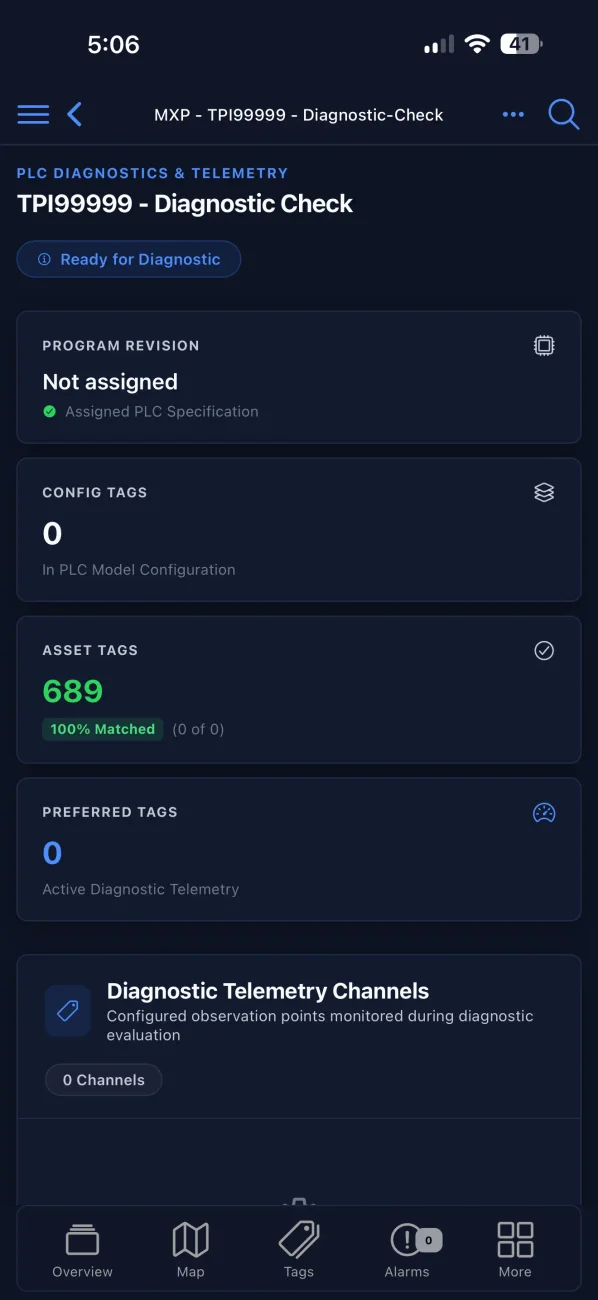
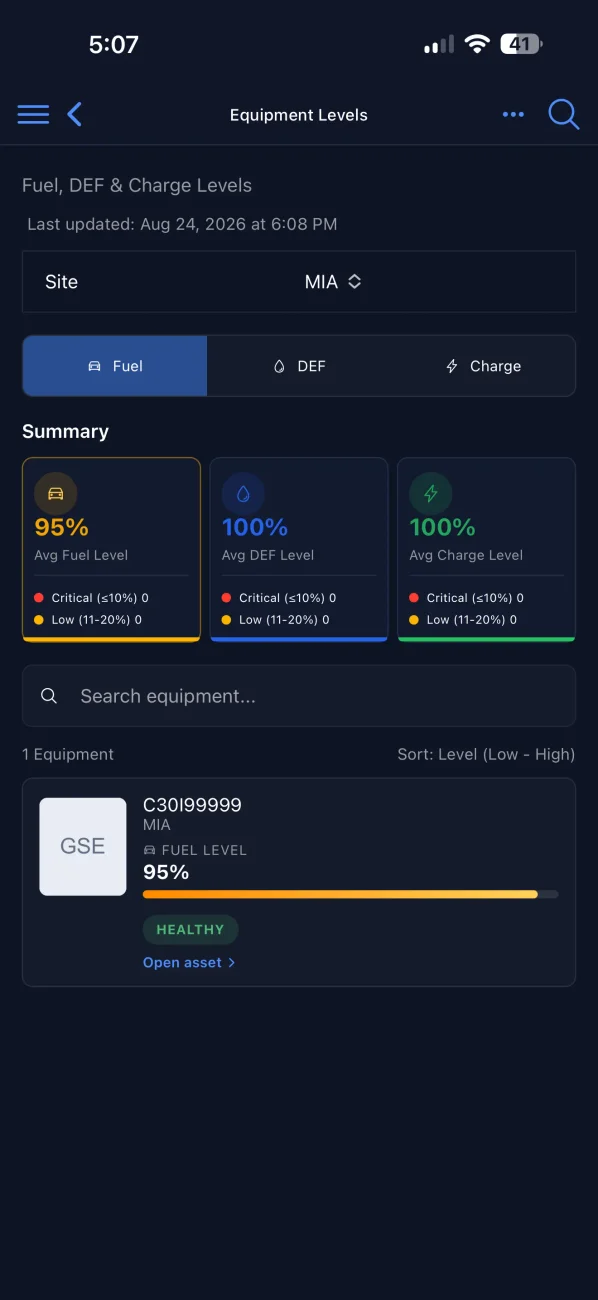
iOPS delivers real-time operational intelligence for airport gate systems and ground support equipment. Designed for technicians, operators, and airport operations teams, iOPS provides instant visibility into the health, status, and historical performance of critical assets—anytime, anywhere.
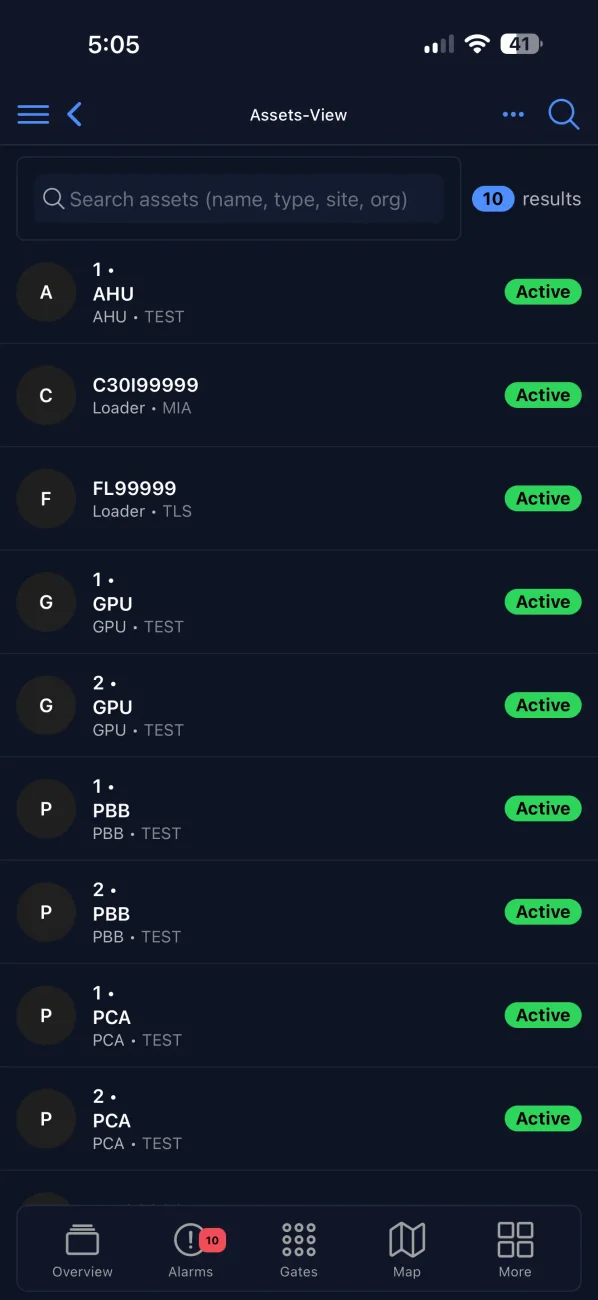
Built with a mobile-first experience, iOPS connects you directly to the equipment data that matters most, including Passenger Boarding Bridges, Ground Power Units, Pre-Conditioned Air Units, Air Handlers, Deicers, Pushback Tractors, and more. Whether monitoring a single gate or an entire airport network, iOPS gives users fast insight into alarms, trends, and operational conditions to support safer, more reliable gate operations.
Key Features:
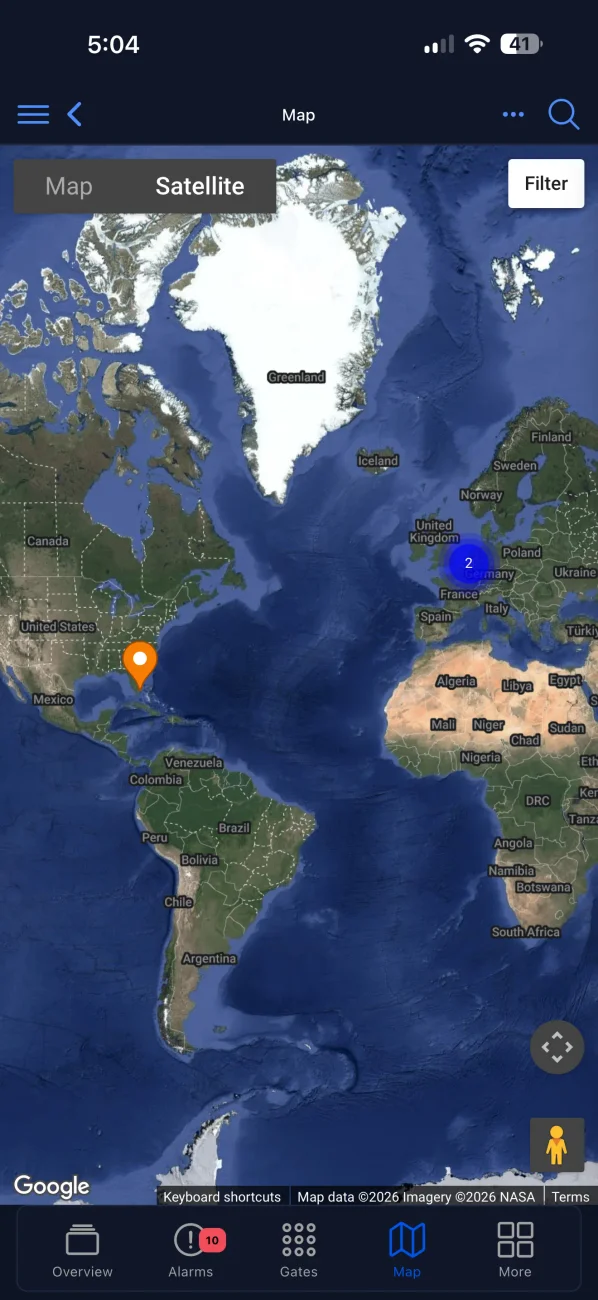
• Organization, Site, Gate & Asset Overview
Drill into any layer of your airport operation with intuitive summaries and actionable insights.
• Real-Time Equipment Monitoring
View live status, alarms, and telemetry from connected equipment using a high-performance WebSocket data pipeline.
• Advanced Insight Cards
Instantly see power status, HVAC activity, equipment usage, alarm counts, historical durations, and more using a flexible, configurable insight system.
• Historical Playback & Trends
Analyze equipment performance over time with interactive charts, inline tag identification, and navigable history views.
• Alarm Visibility & Filtering
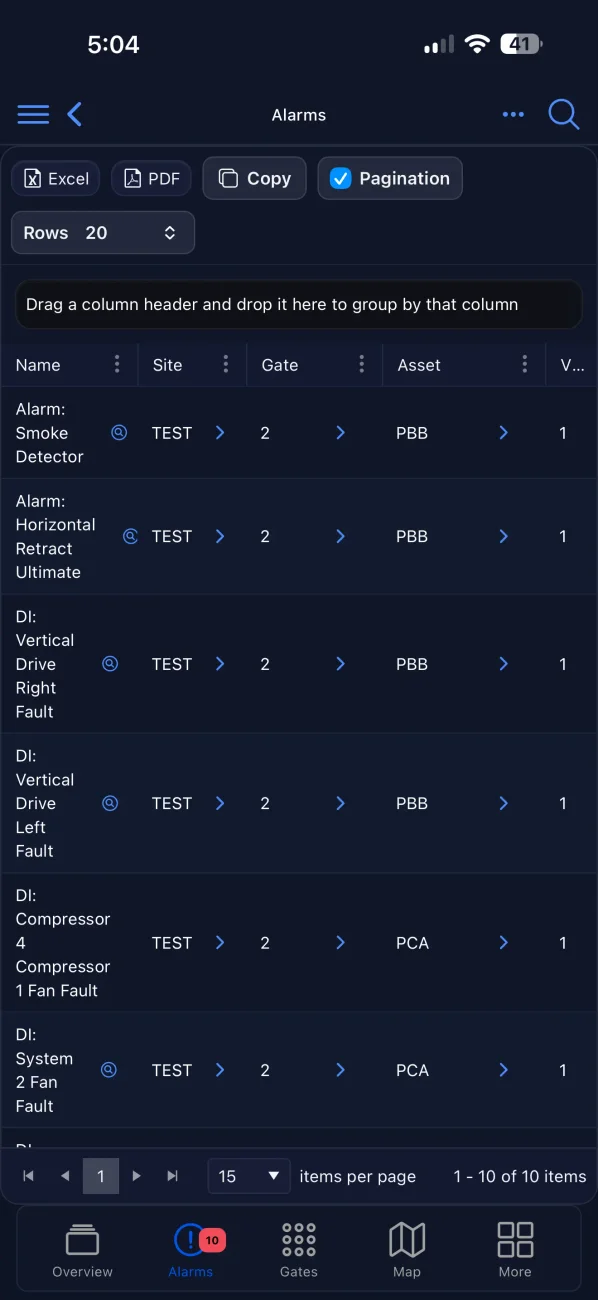
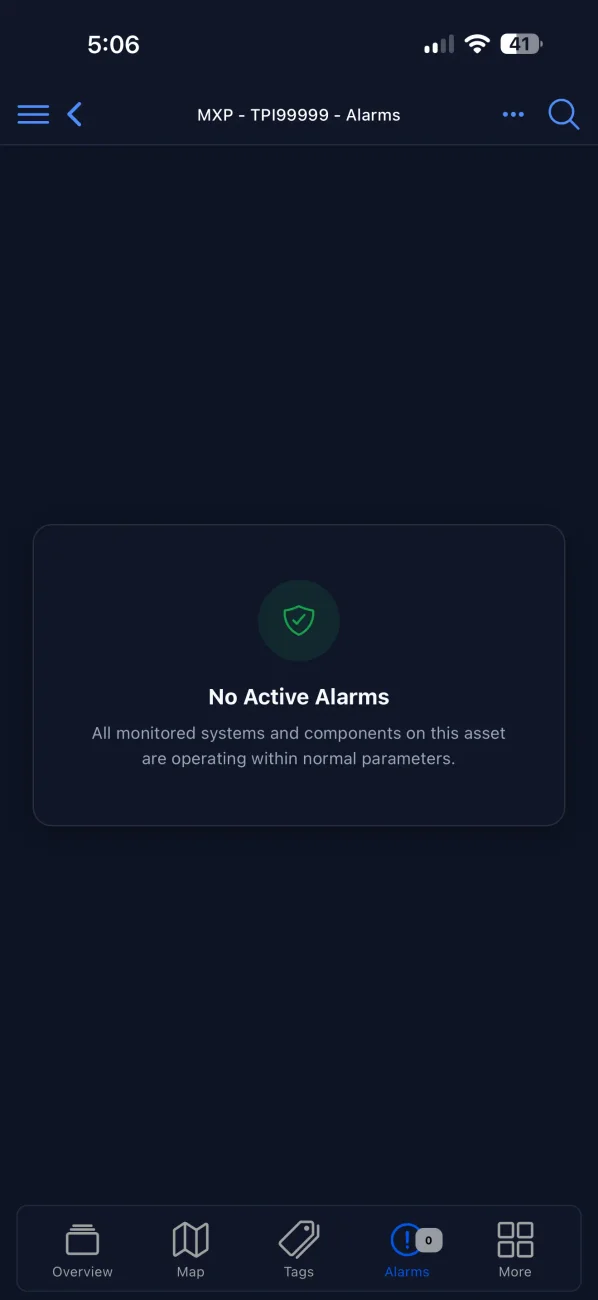
Track active alarms by severity across organization, site, gate, or asset levels, with one-tap navigation to affected equipment.
• Gate View Modernization
Quickly access camera feeds, gate asset groupings, and key operational stats in a streamlined view designed for field technicians.
• Search & Smart Filtering
Locate any asset quickly using full-text search, tag-based filtering, and aggregate condition thresholds.
• Mobile-Optimized Experience
Built using Ionic + Capacitor and designed specifically for mobile devices, providing a smooth, modern UI whether on the tarmac or in the terminal.
iOPS empowers airport operations teams with the data and visibility they need to keep gate systems running efficiently and safely—all in one easy-to-use application.
What’s new
Version 2.0 · Oct 13, 2026
Historic Perfect Turn Analysis: Review past flight turnaround performance, JetDock metrics, and utility connection timelines by selecting any historical date on the calendar.
Interactive In-App Guides: Tap the guide icon on any report or dashboard for instant metric explanations, calculation references, and workflows.
Streamlined Navigation & Breadcrumbs: Easily trace your location with dynamic breadcrumbs, organized report menus, and a recent session history stack in the side menu.
Maintenance Mode & Cross-Org Search: Quickly filter equipment in Maintenance Mode, share filtered views via deep links, and search assets across all authorized locations.
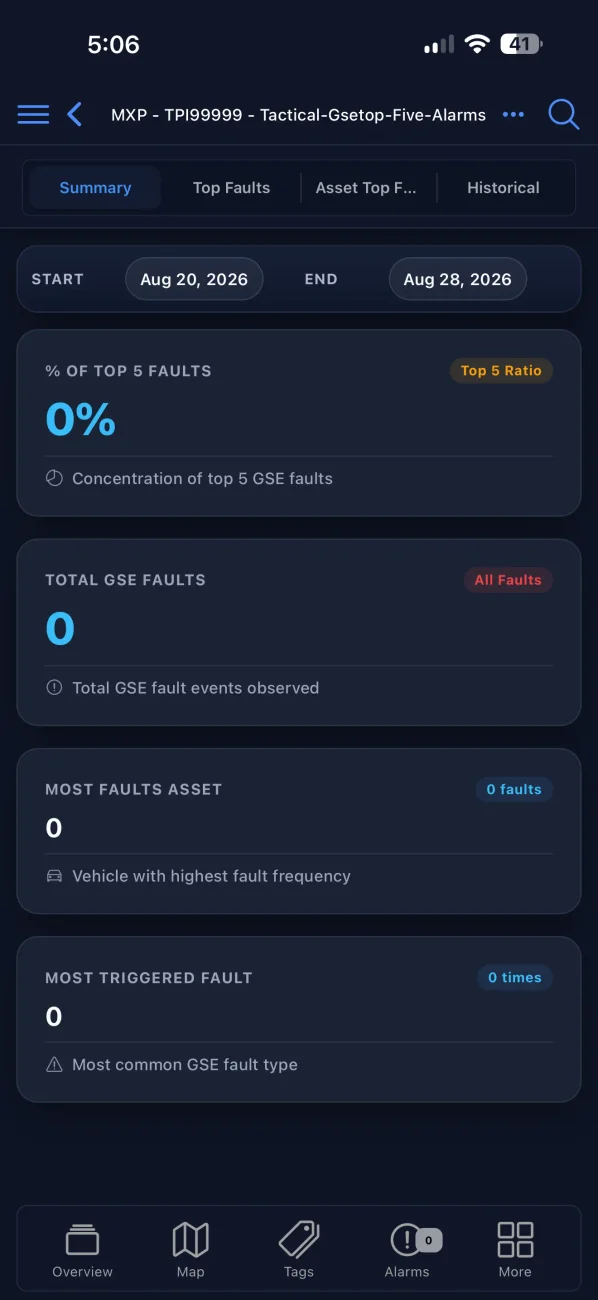
Smarter Alarm Categorization: Alarms now clearly separate physical equipment faults from operational process alerts, with direct search right from insight cards.
Full Report Parity: All tactical GSE and Gate Systems reports are now available directly at the airport site level.
Organization Flight Schedules: Access flight schedules for any airport directly from the Organization view with our new site picker.
iOS & iPad Fixes
Okta SSO Login Resolution: Fixed an issue where the embedded browser failed to launch when tapping "Login with Okta" on iOS devices.
iPad Camera View Controls: Fixed unintended fullscreen video launches in portrait mode on iPad and added easy-to-tap floating escape buttons.
Instant Foreground Refresh: Telemetry tags now refresh immediately when unlocking your device or switching back into the app.
Dark Mode & Visual Polish: Resolved a display glitch when opening the navigation menu in dark mode and refined card layouts across mobile screens.
App privacy
What Oshkosh Corporation declares on the App Store about how this app handles data.
-
Data not collected
The developer does not collect any data from this app.
Privacy practices may vary, for example with the features you use or your age.
Information
- Seller
- Oshkosh Corporation
- Category
- Business
- Version
- 2.0
- Updated
- Oct 13, 2026
- Released
- Jan 20, 2026
- Size
- 127.2 MB
- Requires
- iOS 15.0 or later
- Age rating
- 4+
- Price
- Free
- Languages
- English
- Copyright
- © 2025 Oshkosh Corporation
You might also like
-
 Aerosimple NextProductivity
-
 DataSplice ClientBusiness
-
 VirtowerLive airport traffic & alerts
-
 Airport Ground Trans. Assoc.AGTA
-
 All Saints Parish - HaywardConnect with your parish
-
 AerosimpleProductivity
-
 DSS Check InCustomer sign in kiosk
-
 Doddridge ConnectEvents, News, Contacts & More
-
 plumbSMARTBusiness
-
 FAMA ScreenBusiness