
- Age rating4+
- CategoryProductivity
- DeveloperAruna Chekuri
- LanguagesEnglish
- Size73.2 MB
Links to the official App Store page
Download.org hosts no file of iPageMint. The button opens its official App Store page, published by Aruna Chekuri. Listing last checked on Nov 18, 2026.
Screenshots



About
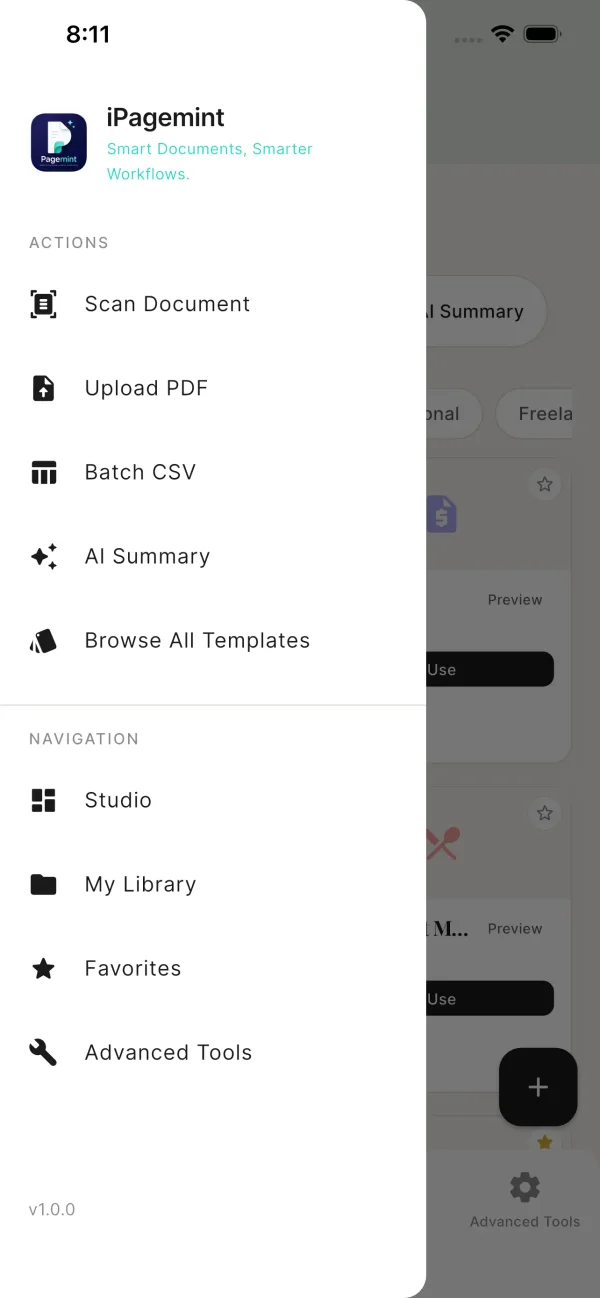
iPageMint is the offline, privacy-first document studio that combines on‑device AI intelligence, professional document creation, PDF editing, bulk automation, and legal‑grade eSignatures — all without ever uploading your data to the cloud. Your documents stay on your device. Always.
Why iPageMint?
100% Offline & Private
No data collection. No cloud storage. No analytics tracking. iPageMint never connects to external servers for document processing. All editing, signing, and AI features run entirely on your device. Your confidential files remain confidential.
On‑Device AI Intelligence
iPageMint brings powerful AI directly to your device:
• Summarize – Get a 2–5 sentence summary of any document using TextRank algorithms.
• Classify – Automatically detect document types (Invoice, Contract, Resume, Receipt, etc.).
• Extract – Pull out dates, amounts, emails, phone numbers, and legal clauses instantly.
Everything runs offline – zero latency, zero privacy concerns.
Professional Document Creation
Choose from 15+ professionally designed templates:
• Invoice, Quotation, Receipt, Purchase Order
• Service Agreement, Freelance Contract, Rental Agreement, Non‑Compete
• Offer Letter, Employment Contract, Termination Letter
• Restaurant Menu, Catering Quote, Staff Shift Schedule
• Resume / CV
Customize with your logo, signature, and auto‑fill fields from clipboard text – powered by smart AI.
Full PDF Editing & Annotation
Open any PDF and annotate with tools you expect from a premium editor:
• Highlights, underlines, and strikethroughs
• Sticky notes and freehand drawing
• Text stamps (Approved, Draft, Confidential)
• Redaction and bookmarking
• Reorder, rotate, delete, extract, merge, compress, and watermark pages
• Optimize images and convert to PDF/A for archiving
eSign & Fill Forms
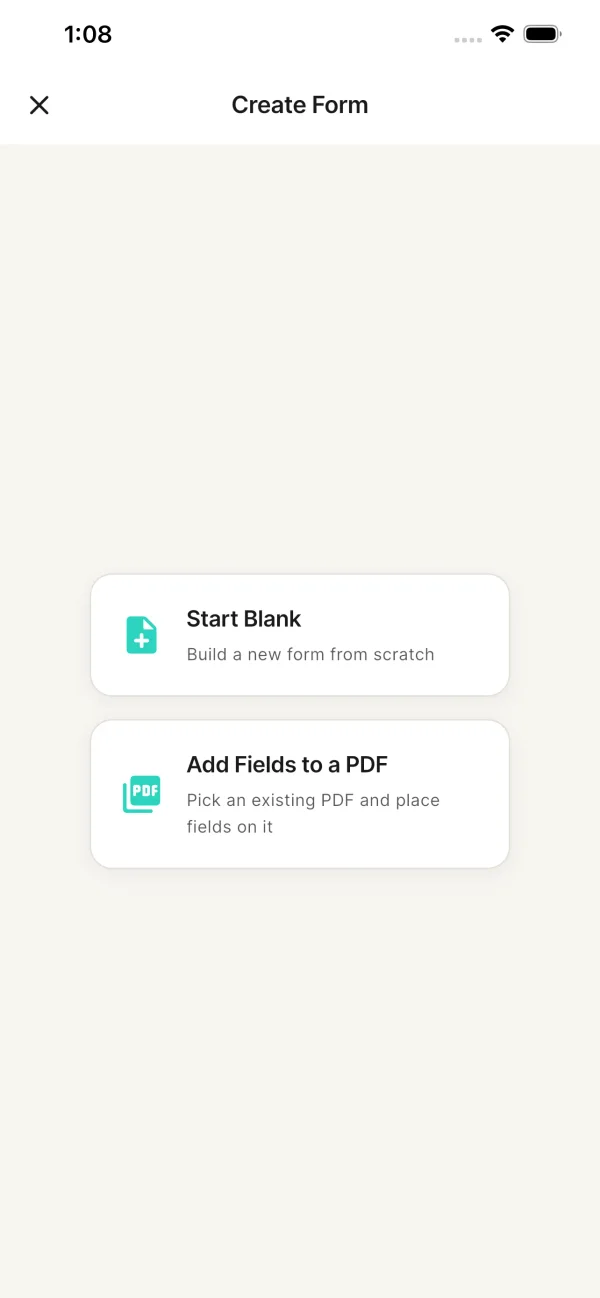
Draw your signature and place it anywhere on a PDF. Fill existing AcroForms (text, checkbox, dropdown, radio, signature). Create new fillable forms from scratch with the visual form builder. Audit trail logs IP, device, and timestamps for legal defensibility.
Batch CSV to PDF Generation
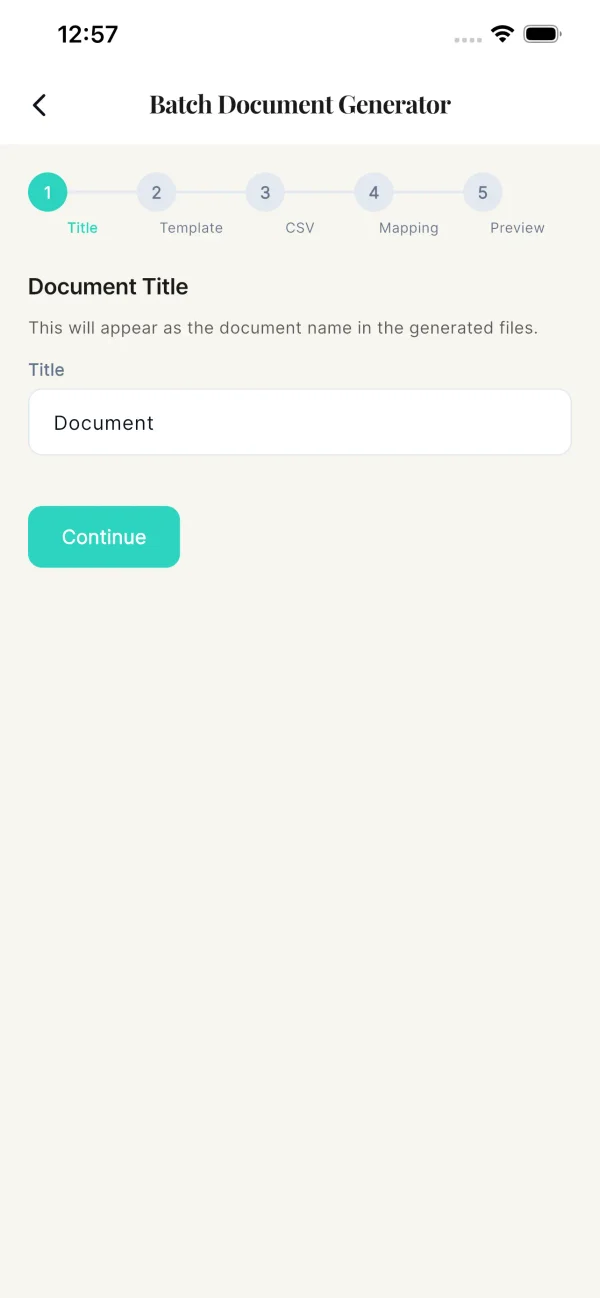
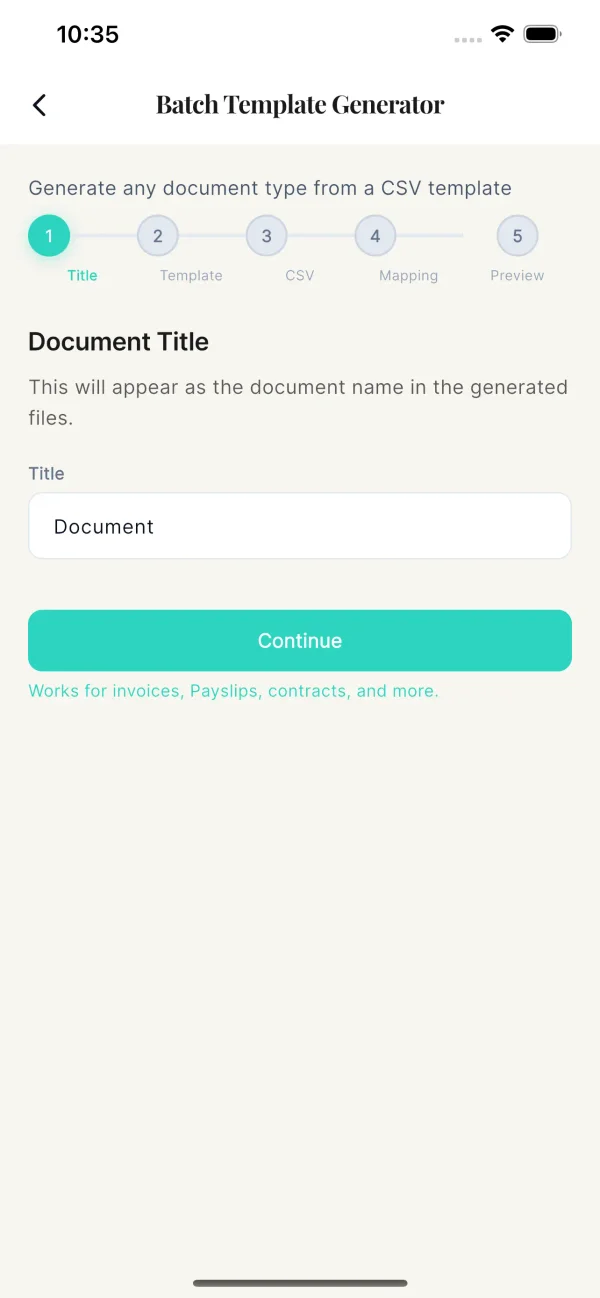
Upload a CSV file, map columns to template placeholders, and generate hundreds of personalized documents in seconds. Perfect for invoices, contracts, offer letters, and bulk correspondence. Preview the first document before generating the full batch.
Scanner & Import
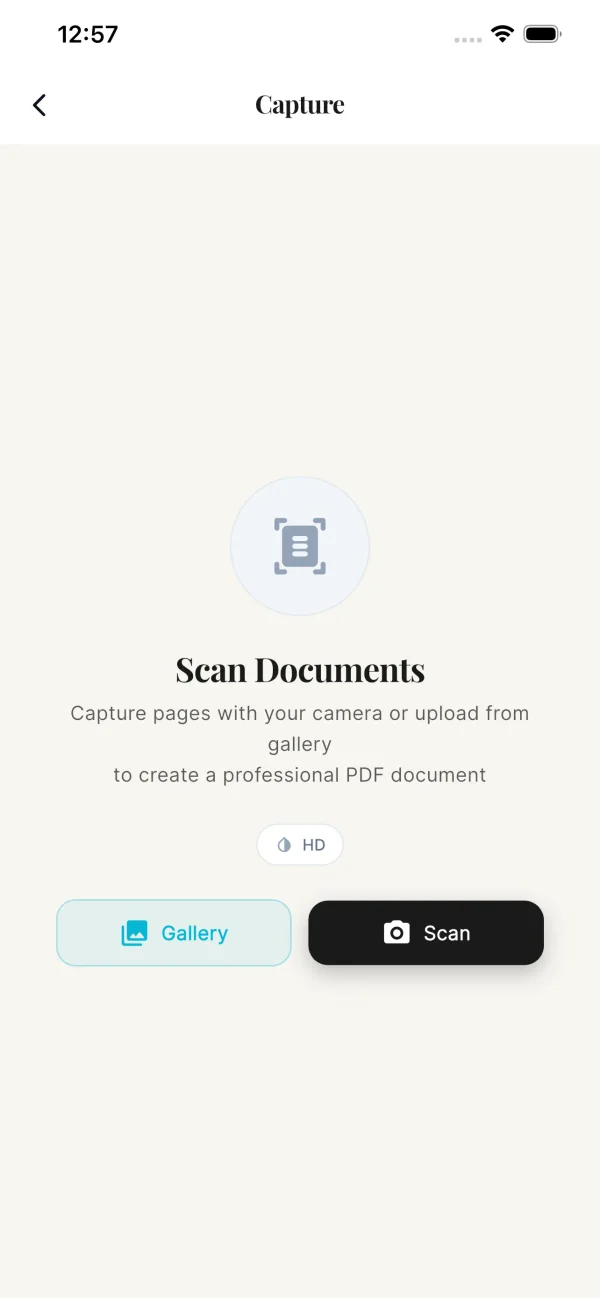
Scan physical documents using your device's camera. Import from photo library. Auto‑recognize text (OCR) and export to clean, searchable PDFs.
Beautiful & Intuitive Design
iPageMint features the Folio Design System – warm, tactile, and paper‑inspired. Every interaction feels natural, fast, and crafted for productivity.
Who Is iPageMint For?
• Freelancers and agencies – generate invoices and contracts in bulk
• Legal professionals – review and redact sensitive files offline
• HR teams – create offer letters and employment contracts
• Restaurant owners – menus, catering quotes, and staff schedules
• Students – build resumes and submit assignments
• Anyone who values privacy and productivity
Why Choose iPageMint Over Others?
• No subscription fees
• No internet required – work anywhere, anytime
• No data sharing – your files never leave your device
• No AI training on your data – the AI is your assistant, not your landlord
What’s New in This Version?
• Improved MMR summarizer for more diverse and informative summaries
• Batch CSV preview before generation
• Enhanced form filling with better field alignment
• Faster PDF rendering and page navigation
• Bug fixes and performance improvements
Ready to take control of your documents? Download iPageMint and experience a smarter, safer way to work with PDFs.
Privacy Policy: https://contractmindai.github.io/pagemint/privacy
Support: contractmindai@gmail.com
What’s new
Version 1.0.2 · Sep 25, 2026
Templates, done right. And a PDF editor that actually edits.
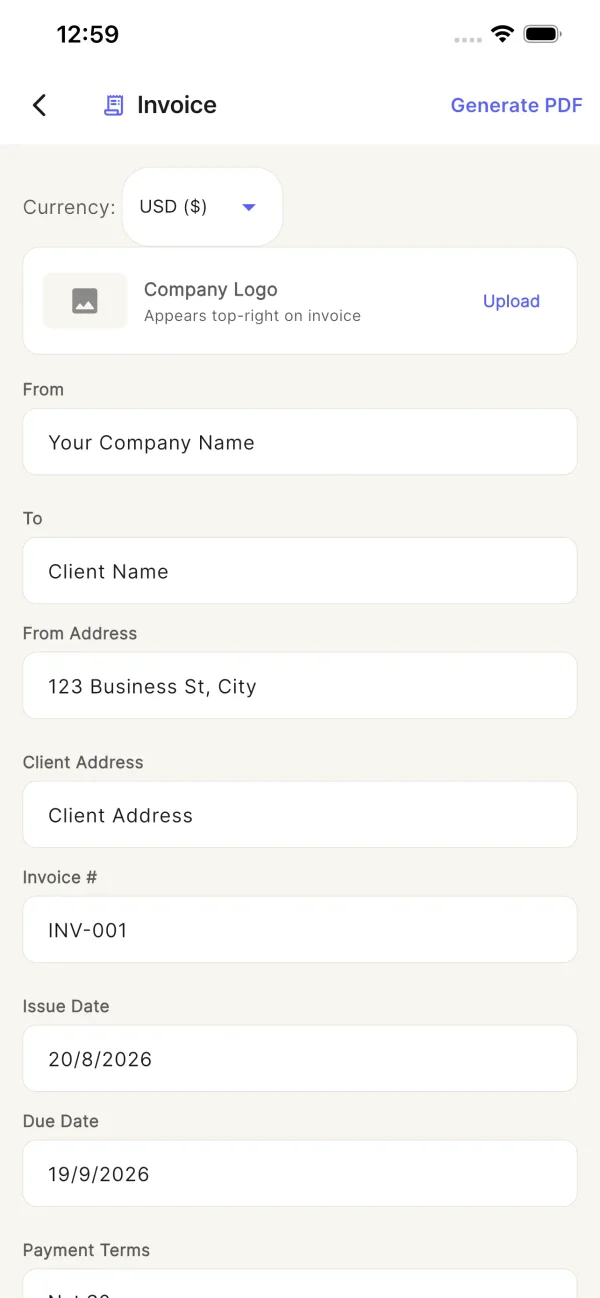
NEW: 21 ready-to-fill templates
• Invoice, Receipt, Quotation, Purchase Order, NDA, Service Agreement,
Rental Contract, Offer Letter, Resume, Restaurant Menu, Shift Schedule,
Cheat Sheet, Visiting Card and more
• 5 document styles per template — Classic, Modern, Bold, Elegant, Compact
• Currency, tax rate, payment terms and due dates calculated for you
• Upload your logo once, it appears on every document
• Auto-write clauses and notes with one tap
• Legal disclaimers and jurisdiction fields built in
NEW: Full PDF editor
• Highlight, underline, strikethrough
• Draw freehand annotations
• Add text, redact sensitive content
• OCR — search and select text in scanned PDFs
• Sign documents with a drawn or typed signature
• Automatic electronic signature audit trail
Fixed: better unicode support, cleaner pagination, faster PDF generation.
App privacy
What Aruna Chekuri declares on the App Store about how this app handles data.
-
Data not collected
The developer does not collect any data from this app.
Privacy practices may vary, for example with the features you use or your age.
Information
- Seller
- Aruna Chekuri
- Category
- Productivity
- Version
- 1.0.2
- Updated
- Sep 25, 2026
- Released
- Sep 1, 2026
- Size
- 73.2 MB
- Requires
- iOS 16.6 or later
- Age rating
- 4+
- Price
- Free
- Languages
- English
- Copyright
- © 2026 iPageMint. All rights reserved.
You might also like
-
 Td auraProductivity
-
 Praesto: AI Lecture AssistantRecorder, Transcribe & Quiz
-
 WeekSpark: Weekly PlannerYour Family Calendar & No Ads
-
 Unnanu Talentfor employment or job seekers
-
 Habit Tracker - StreakZenDaily Routine & Goal Planner
-
 Alexander Court2001 K Street
-
 Nodal: Private Offline AI ChatLocal LLM & voice cloning
-
 Home Expense Tracker & ManagerBudget, Debt & Savings Tracker
-
 Happy Inbox - Email CleanerDelete Spam & Unwanted Emails
-
 Lisa Chat: AI Bot AssistantChat & Answer Generator Bot