
- Age rating4+
- CategoryPhoto & Video
- DeveloperJoe Kocsis
- LanguagesEnglish
- Size54.9 MB
Links to the official App Store page
Download.org hosts no file of iPhantom. The button opens its official App Store page, published by Joe Kocsis. Listing last checked on Nov 13, 2026.
Screenshots
About
iPhantom has been discontinued:
Thank you all for over a decade of support for iPhantom.
iPhantom has been discontinued, but fear not,
we are happy to announce the release of:
iPhantom-X
https://apps.apple.com/us/app/iphantom-x/id6752670875
iPhantom Subscribers:
iPhantom will be available for download
until all licenses expire.
iPhantom Licenses will activate
iPhantom-X on your iOS/iPadOS device
You may freely switch between
iPhantom and iPhantom-X
until your iPhantom license expires,
at which time you will be asked to subscribe
to iPhantom-X
https://apps.apple.com/us/app/iphantom-x/id6752670875
=========================================
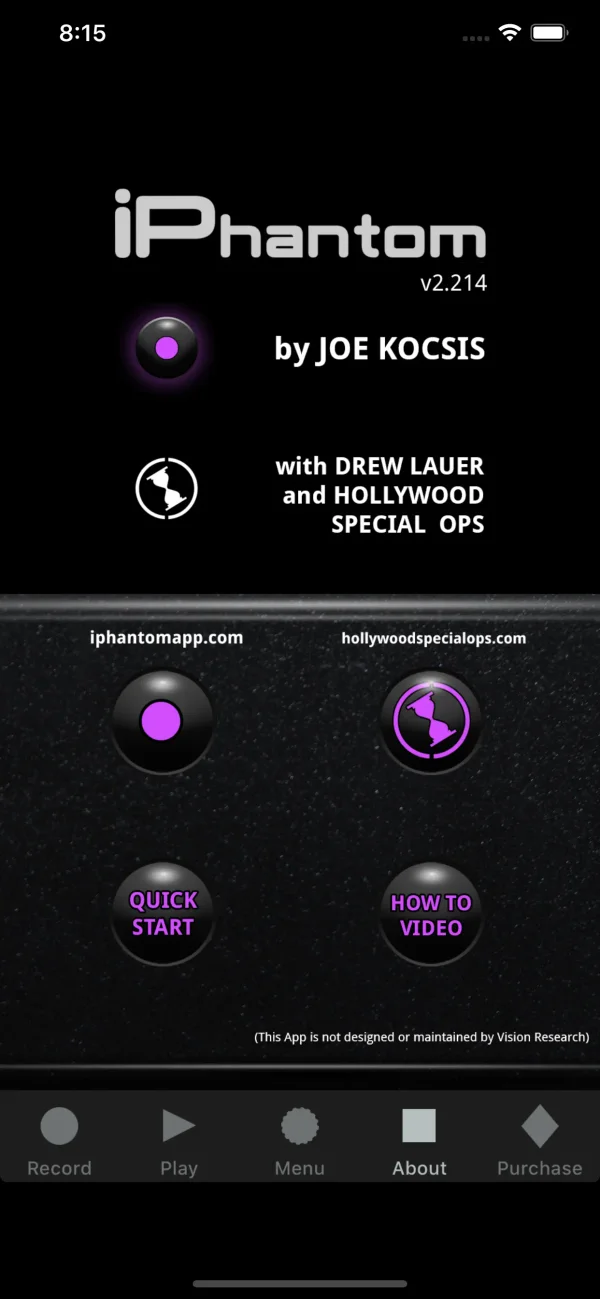
iPhantom by Joe Kocsis
with Drew Lauer & Hollywood Special Ops
This App is a game changer for all Phantom Camera operators and technicians.
Wirelessly control any Phantom Camera by Vision Research through your iPhone or iOS device via a Wifi router through the camera's Ethernet port.
Breath new life into older Phantom Cameras with amazing control like never before.
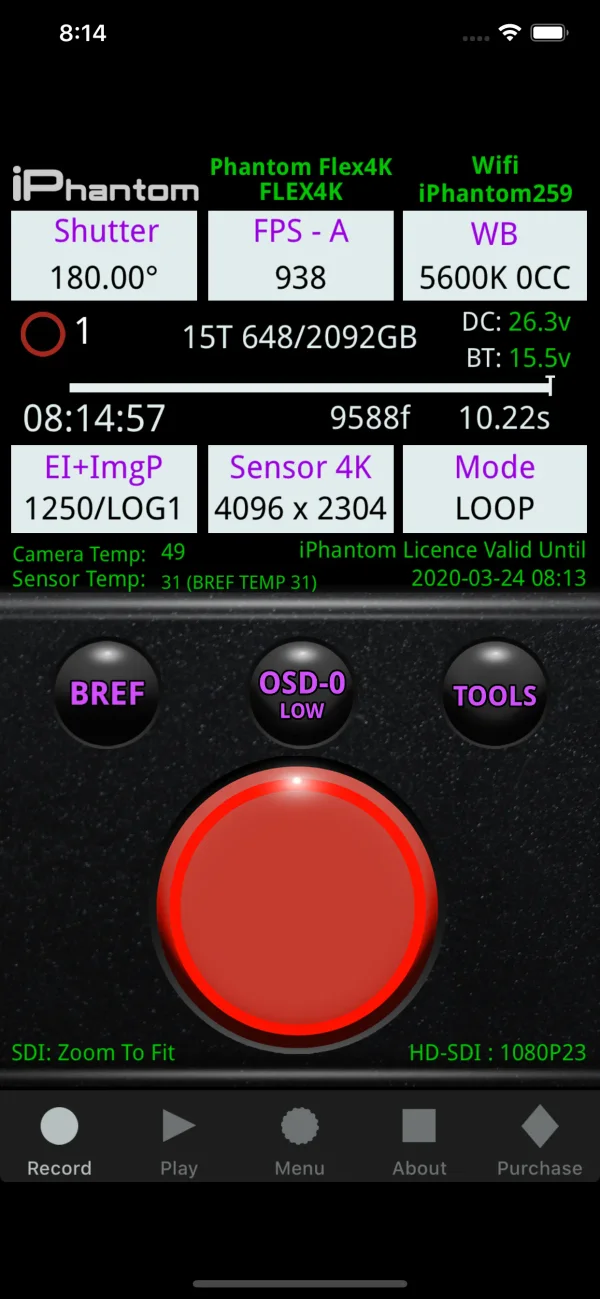
From the "Record Page"
Easily access necessary functions like Record, Trigger, Black Reference, OSD, view important camera information, and quickly connect to your camera.
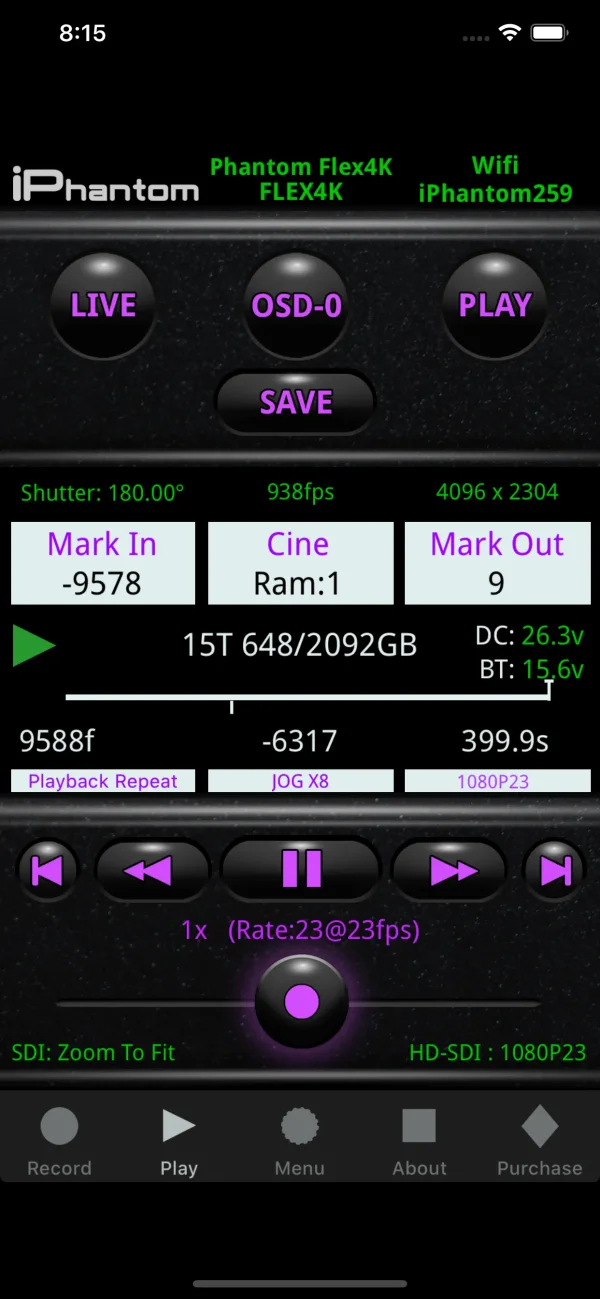
From the "Playback Page"
Experience incredibly agile playback functionality, set in and out points and save clips.
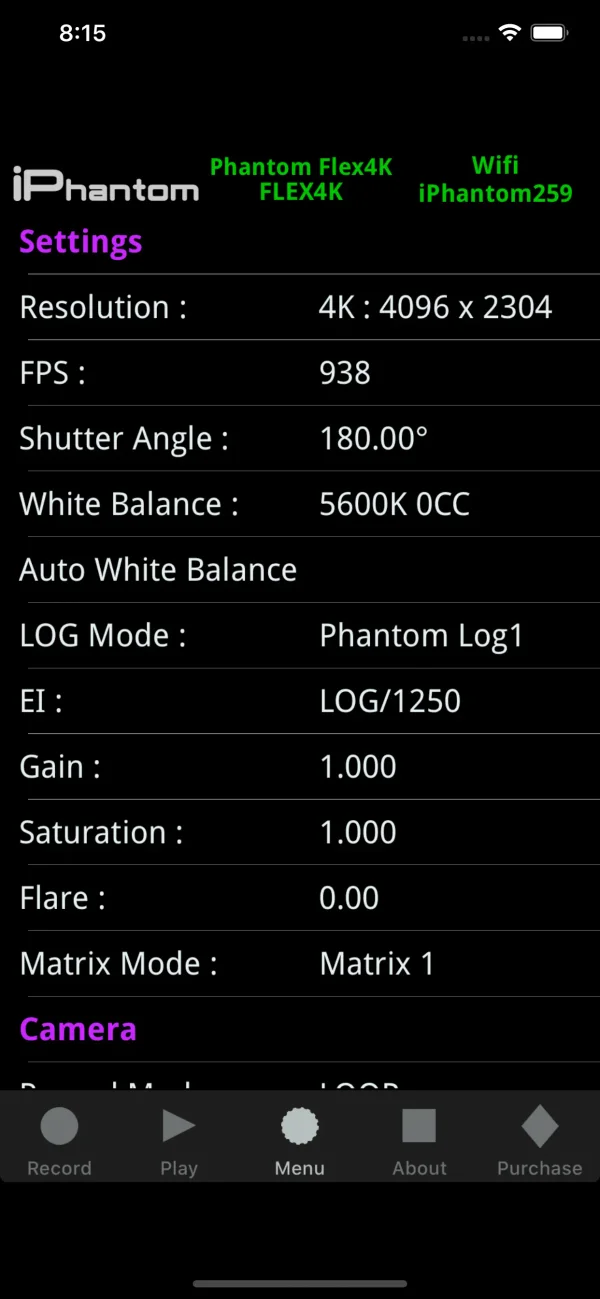
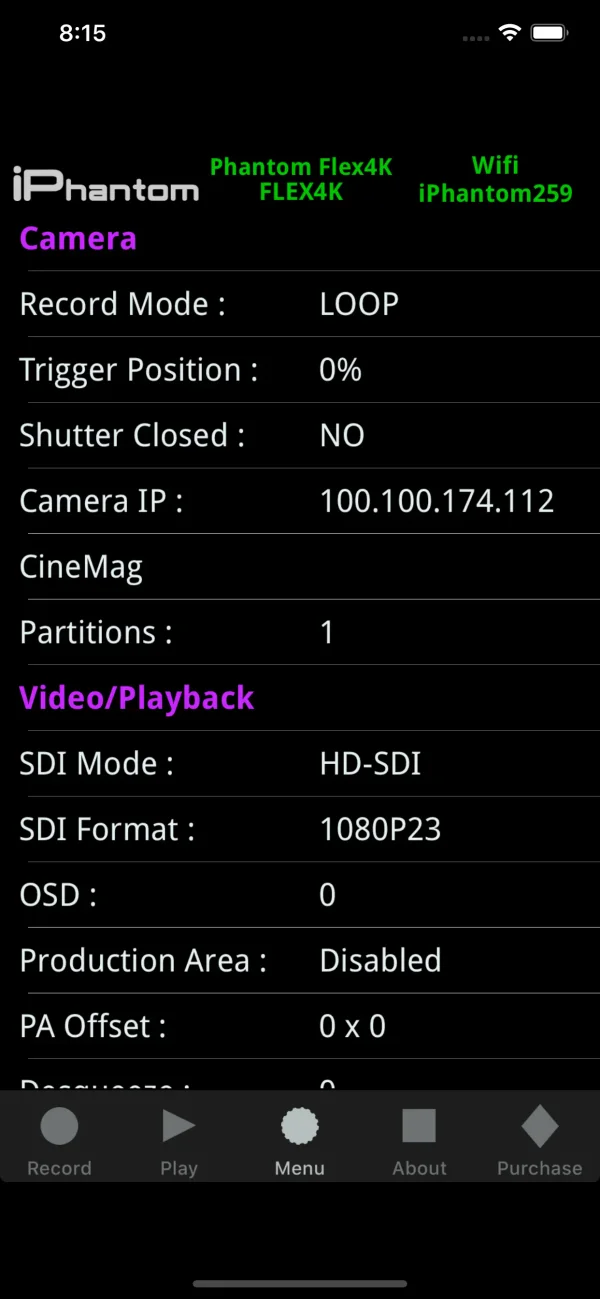
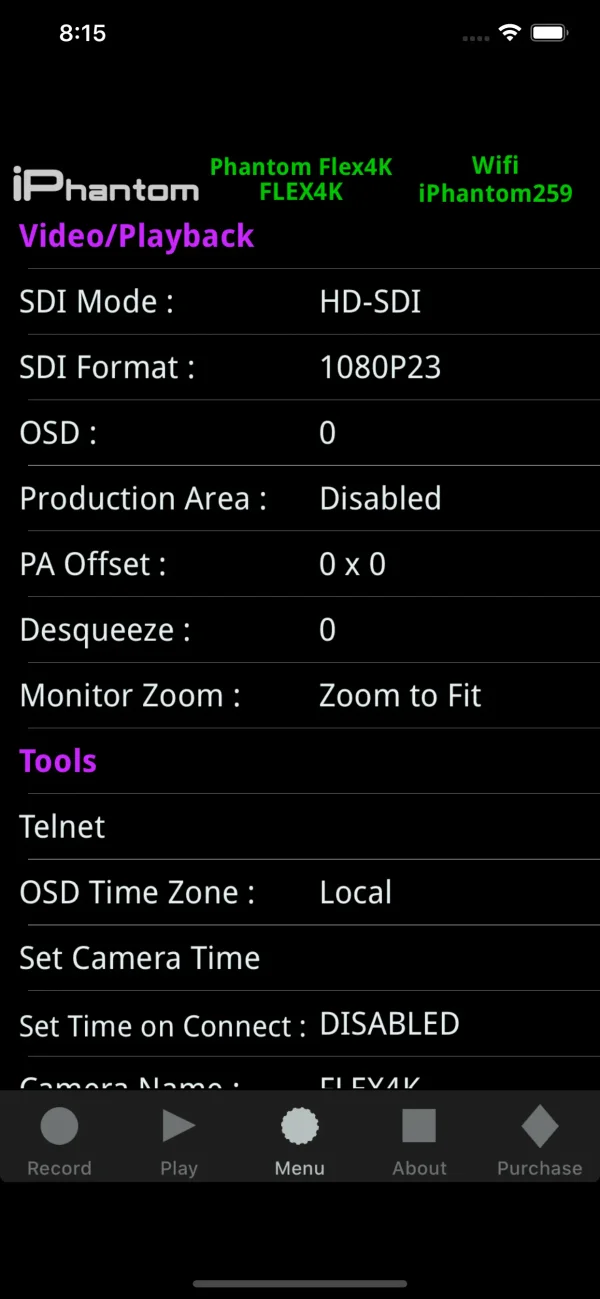
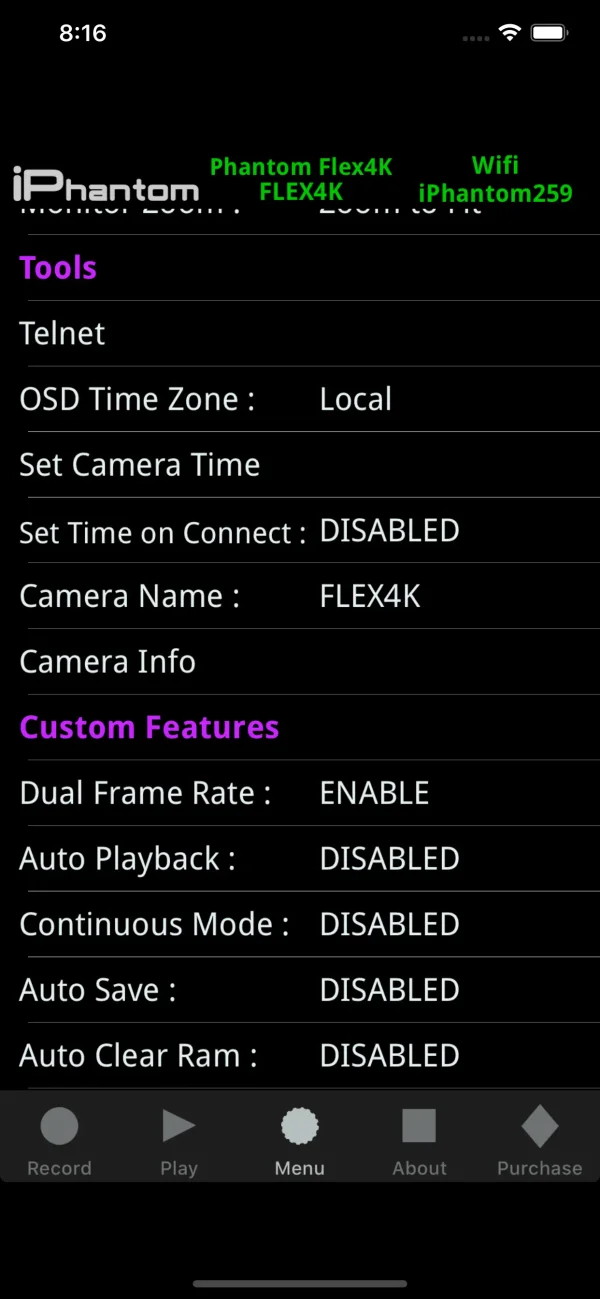
In the "Menu Page"
Adjust the most commonly used settings like fps, shutter angle, white balance, etc...
Send Telnet Commands from your phone via the built in Telnet Function
Never use a PC to control a Phantom again!
Download iPhantom for free to access a handful of functions and to test your connection. Unlock complete functionality through in-app purchase.
Setup is easy. There are many palm-sized Wifi routers on the market that can be powered through USB, and even some with built in battery, that can be connected to your Phantom camera through its Ethernet port. USB power can be provided by a small portable USB battery or by using an adapter cable like PTap to USB. Just connect your iOS device to that Wifi signal, open iPhantom, and click "Detect IP" then click "Connect". See the built in Quick Start Guide or www.iPhatomApp.com for more information on setup.
Visit us at www.iPhantomApp.com, where we will soon offer hardware accessories like preconfigured Wifi routers and short length Phantom to Ethernet cables.
iPhantom should work with every Phantom Camera, but has been thoroughly tested with the following cameras:
Flex4K, VEO4K, Flex2K, Miro, v10, v12.1, v2511, v2512, v642
Requirements:
A Phantom Camera by Vision Research
A Phantom Network Cable, aka Phantom to Ethernet Cable
A Wifi Router
A Power Source for Wifi Router
An iOS Device with Wifi capability
This app was not created or maintained by Vision Research.
www.iPhantomApp.com
www.HollywoodSpecialOps.com
iPhantom is a Subscription Based App
Current Offerings
1) Yearly Auto-Renewing Subscription
2) 14 Day Project License
3) 48 Project License
• Payment will be charged to iTunes Account at confirmation of purchase
• Auto Renewing Subscriptions automatically renew unless auto-renew is turned off at least 24-hours before the end of the current period
• Account will be charged for renewal within 24-hours prior to the end of the current period, and identify the cost of the renewal
• Subscriptions may be managed by the user and auto-renewal may be turned off by going to the user's Account Settings after purchase
Terms of Use
http://www.iphantomapp.com/terms-of-use/
What’s new
Version 2.424 · Mar 10, 2026
-minor UI Updates
App privacy
What Joe Kocsis declares on the App Store about how this app handles data.
-
Data not collected
The developer does not collect any data from this app.
Privacy practices may vary, for example with the features you use or your age.
Information
- Seller
- Joe Kocsis
- Category
- Photo & Video
- Version
- 2.424
- Updated
- Mar 10, 2026
- Released
- Apr 10, 2015
- Size
- 54.9 MB
- Requires
- iOS 12.1 or later
- Age rating
- 4+
- Price
- Free
- Languages
- English
- Copyright
- © 2015 Joe Kocsis
You might also like
-
 LookPocketColor grade cameras live
-
 Livegrade ViewerStreaming App for Livegrade
-
 Reeltime ViewerStreaming App for Reeltime Pro
-
 Freefly EmberWireless control and playback
-
 ARRI ECSPhoto & Video
-
 Teradek ServPhoto & Video
-
 LensKit: Lens ToolsSpecs, coverage and more
-
 RED_CONTROLTake control of your RED®
-
 CameraKit: Camera ToolsSpecs, storage calc, and more
-
 Digilog CameraPhoto & Video