
iPlayer: All Format Player
MKV·AVI·MOV·PiP·4K·Offline
Designed for iPhone
Free · In-app purchases
- Age rating4+
- CategoryPhoto & Video
- DeveloperMone Apps LLC
- LanguagesEnglish+ 19 more
- Size56.4 MB
Links to the official App Store page
Download.org hosts no file of iPlayer: All Format Player. The button opens its official App Store page, published by Mone Apps LLC. Listing last checked on Nov 15, 2026.
Screenshots

About
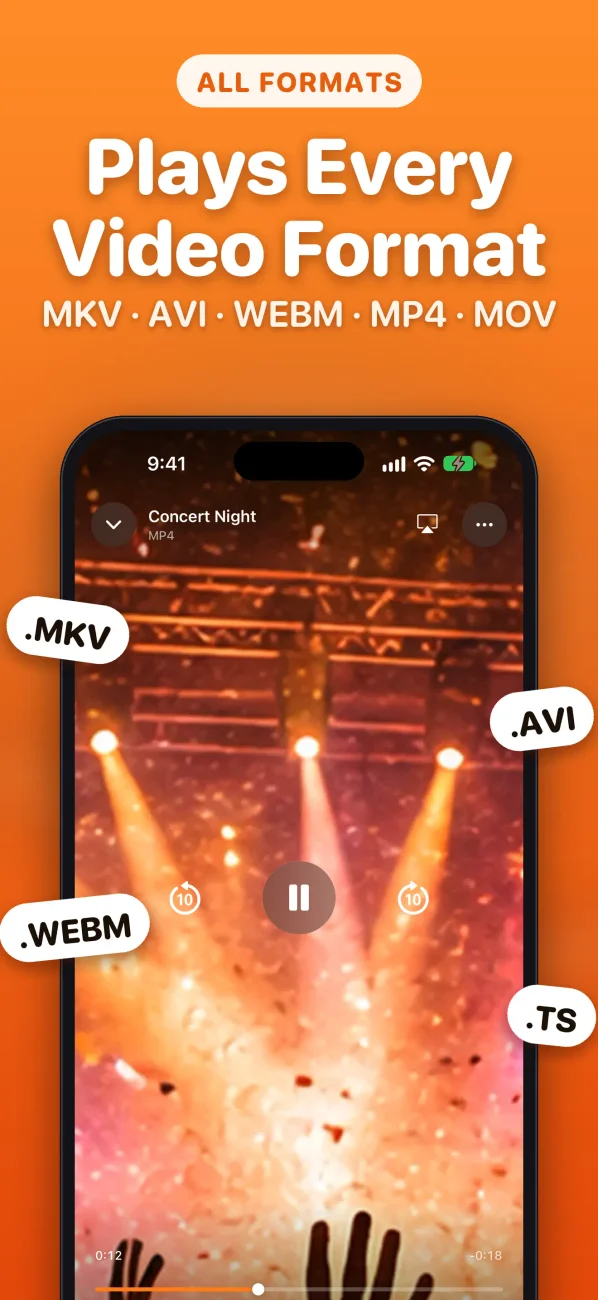
Play every video format on iPhone — no conversion, no limits, and free to watch. iPlayer opens MKV, AVI, MOV, WEBM, and dozens more, stored locally on your device.
Import any file and press play. Whether it's a ripped movie in MKV, a phone clip in MOV, or an AVI from years ago — iPlayer plays it instantly. No "unsupported format" errors.
KEY FEATURES
• ALL FORMATS — MP4, MKV, MOV, M4V, AVI, WMV, FLV, WEBM, TS, 3GP, MPEG, HEVC and many more
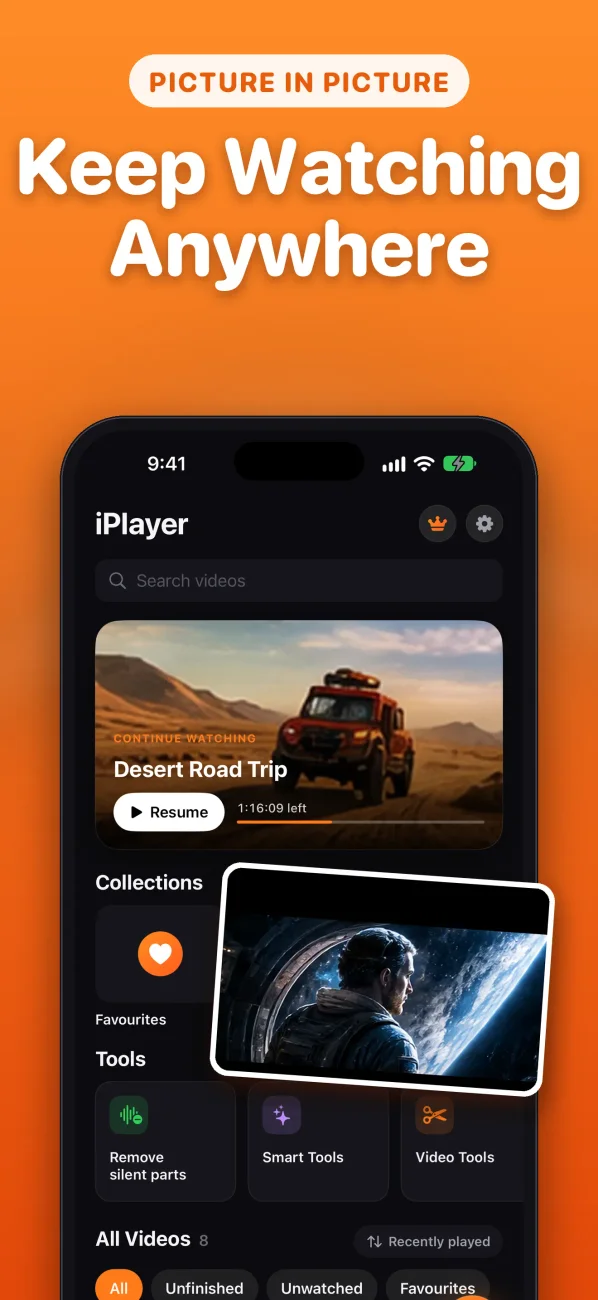
• PICTURE-IN-PICTURE — Pop the video out and keep watching while you use other apps
• BACKGROUND AUDIO — Listen to the audio track even with the screen off
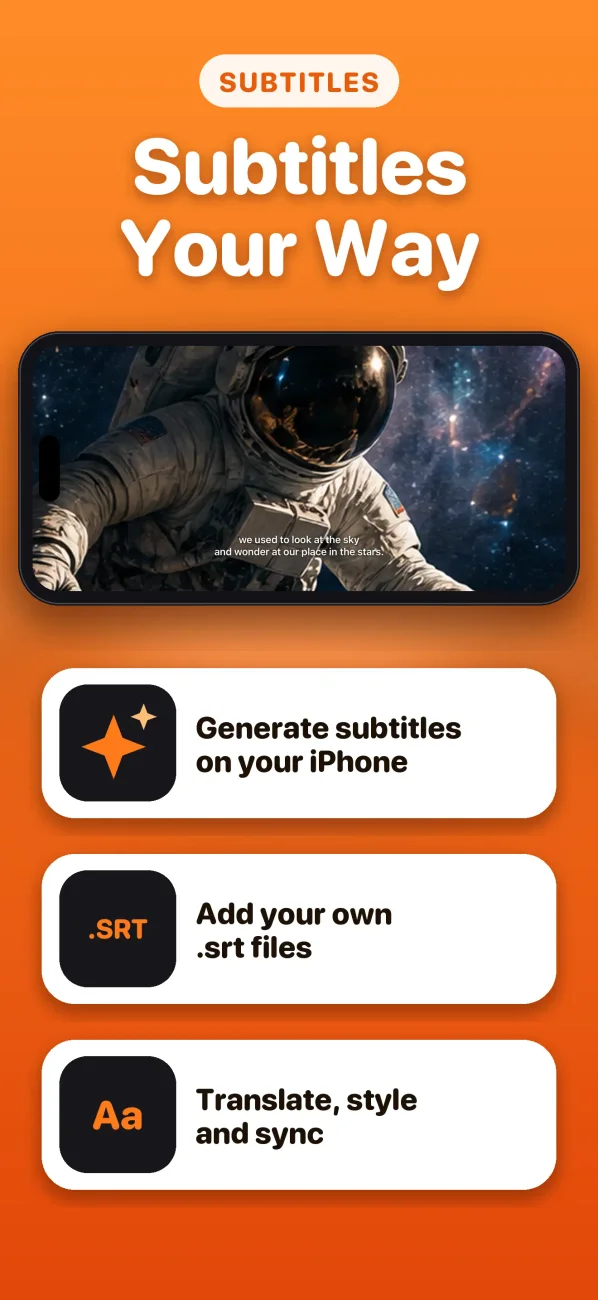
• SUBTITLE SUPPORT — Embedded tracks and your own .srt files, with styles and sync
• AUDIO TRACKS — Switch language or commentary tracks in movies that have them
• OFFLINE PLAYBACK — All videos stay on your device. No cloud, no streaming, no waiting
• HD & 4K READY — Smooth playback up to 4K with adaptive quality
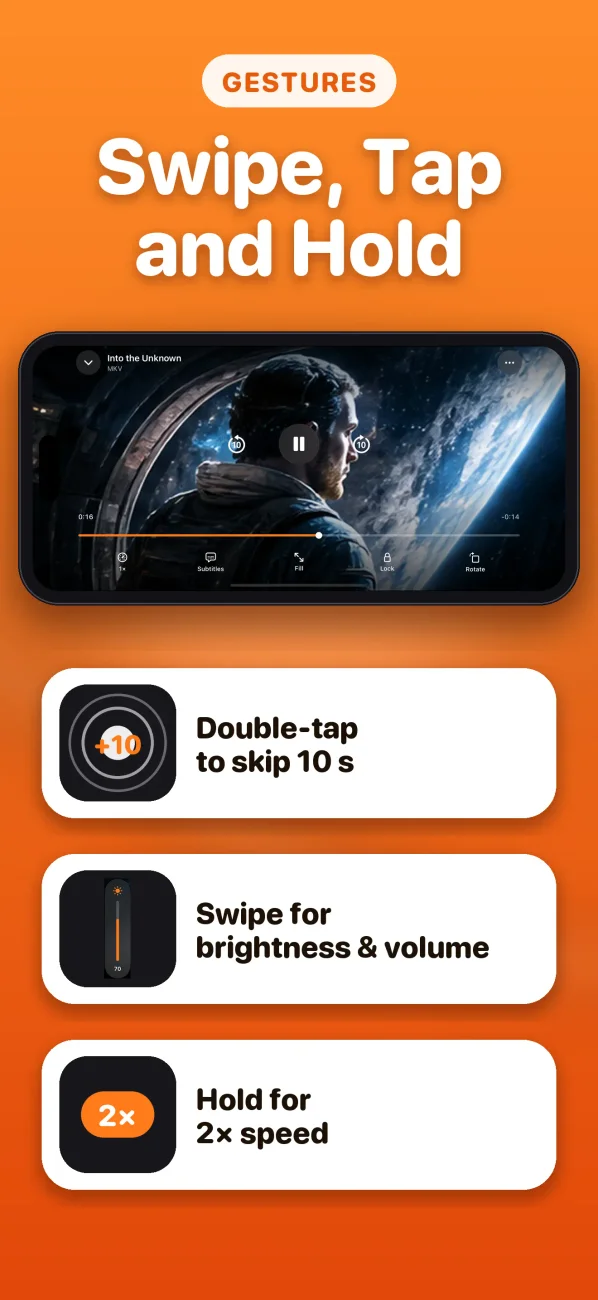
• NATIVE GESTURES — Hold for 2× speed. Double-tap to skip. Swipe for brightness and volume. Drag to scrub
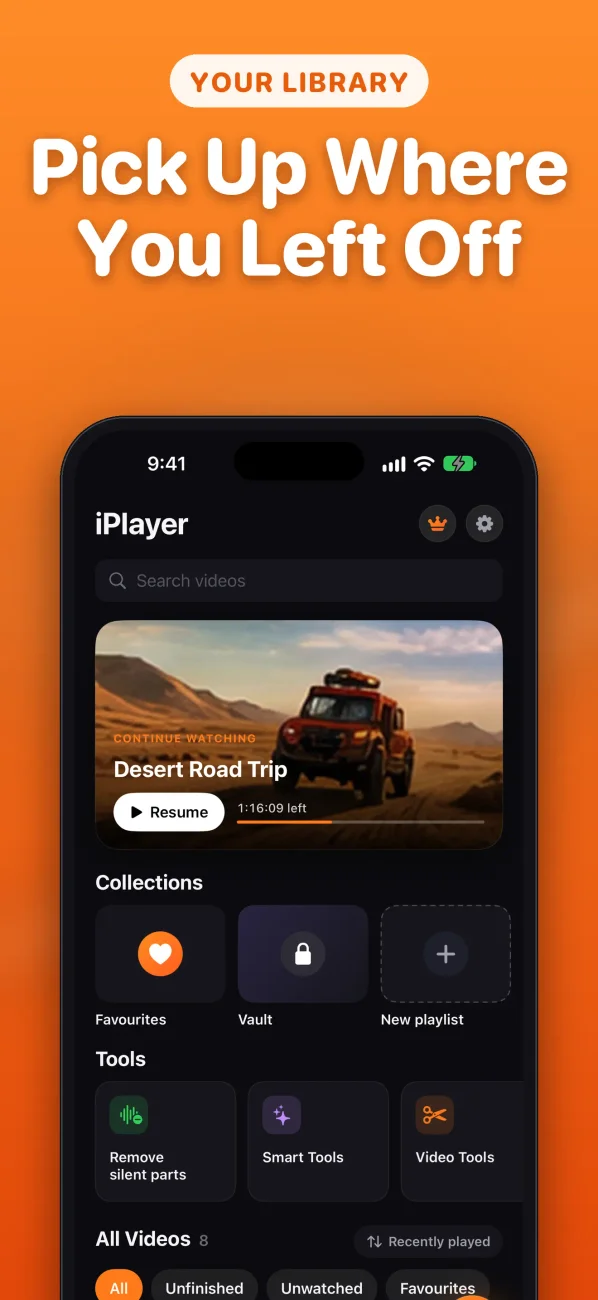
• YOUR LIBRARY — Continue Watching, favourites, playlists and search. Pick up exactly where you left off
• WI‑FI TRANSFER — Send videos from your computer to your iPhone over Wi‑Fi
• AD-FREE — No banners. No interruptions. Just video
• POWERFUL PLAYER — Variable speed (0.25× – 4×), aspect fit/fill, lock controls, sleep timer
PRO TOOLS
• REMOVE SILENT PARTS — Save a shorter copy without the pauses, or skip silence while you watch
• SMART SUBTITLES — Generate subtitles on your iPhone, translate them, and get a summary with chapters
• SEARCH WHAT WAS SAID — Find the moment a word was spoken across your library
• VIDEO TOOLS — Trim, make GIFs, compress, convert to MP4, extract audio and save frames
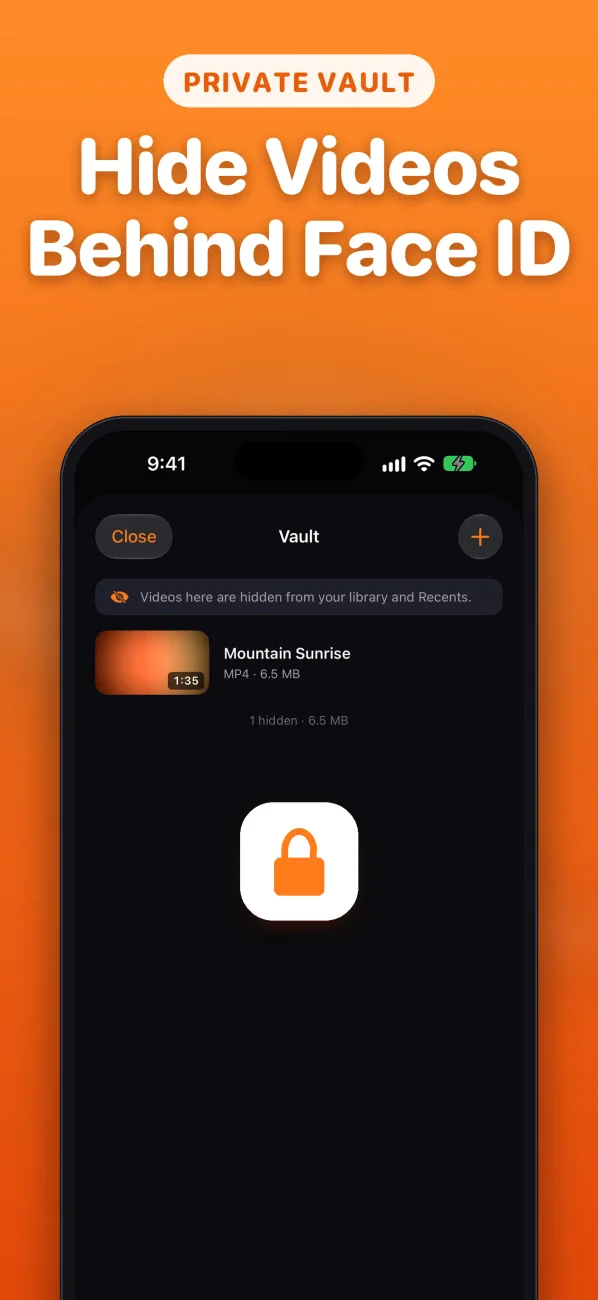
• PRIVATE VAULT — Hide videos behind Face ID, away from your library
• NETWORK PLAYBACK — Stream from SMB, FTP and SFTP servers on your network
• PLAYER EXTRAS — Equalizer and voice boost, picture adjustments, bookmarks and A–B loop
WHY iPLAYER?
Most video apps limit formats or push you to convert files. iPlayer plays what you have, in the format you have it. On a flight with downloaded shows, watching camera footage, or queuing files from your computer — iPlayer just works.
PREMIUM SUBSCRIPTION
Watching is free. Unlock the Pro tools with a Weekly, Yearly, or one-time Lifetime purchase. Subscriptions auto-renew unless cancelled 24 hours before renewal. Manage anytime in iOS Settings → Apple ID → Subscriptions.
PRIVACY-FIRST
Your videos never leave your device. Subtitles, translation and summaries are made on your iPhone. We don't upload, index, or analyze your content.
Terms of Service: https://videoplayer-legal.vercel.app/terms
Privacy Policy: https://videoplayer-legal.vercel.app/privacy
Support: support@moneapps.com
What’s new
Version 1.1.0 · Nov 12, 2026
iPlayer 1.1 is our biggest update yet:
• Watching is now free: MKV, AVI, WMV, FLV, WEBM, TS and more
• A new Home with Continue Watching, Collections and Tools
• Subtitles: embedded tracks, your own .srt files, styles and sync
• Gestures: double-tap to skip, hold for 2×, swipe for brightness and volume
• Keep listening with the screen locked
• Pro: remove silent parts, generate and translate subtitles on your iPhone
• Pro: trim, make GIFs, compress, extract audio and save frames
• Pro: a private Vault behind Face ID, equalizer, bookmarks and A–B loop
• Wi‑Fi Transfer from your computer, and Pro network playback (SMB/FTP)
• Widgets, Control Center, Siri and Spotlight
App privacy
What Mone Apps LLC declares on the App Store about how this app handles data.
-
Data used to track you
May be used to track you across apps and websites owned by other companies.
- Identifiers
- Usage data
-
Data linked to you
May be collected and linked to your identity.
- Purchases
- Identifiers
- Usage data
Privacy practices may vary, for example with the features you use or your age.
Information
- Seller
- Mone Apps LLC
- Category
- Photo & Video
- Version
- 1.1.0
- Updated
- Nov 12, 2026
- Released
- May 13, 2026
- Size
- 56.4 MB
- Requires
- iOS 17.0 or later
- Age rating
- 4+
- Price
- Free
- In-app purchases
- Yes
- Languages
- English, Arabic, Dutch, French, German, Hindi, Indonesian, Italian, Japanese, Korean, Polish, Portuguese + 8 more
- Copyright
- © 2026 Mone Apps LLC
You might also like
-
 Video Player - All In One HDVideo Player Music Player Lite
-
 Video Player All Format・VePlayMKV・AVI・MOV・MP4・HD・3GP・MEDIA
-
 Video Player - All FormatMedia Manager,All Media Player
-
 Video Player • All in OneFull HD Video Player
-
 Video Player All Format HD.Play 4K, MKV, MP4 Smoothly
-
 Video Player - FOCALoop, Offline & Media Player
-
 MIX Player: All Video FormatAVI, MKV, MP4 HD Movie & Media
-
 VidHub: Video & Media PlayerPlay MKV & 4K Movies from NAS
-
 Video Player - HD PlayerHD Video Player
-
 MX Video Player – All in OnePlay All Video Formats HD