
iPrompter Teleprompter
Read script, record & caption
Designed for iPhone, iPad
Free · In-app purchases
- Age rating4+
- CategoryPhoto & Video
- DeveloperDavid Robert
- LanguagesEnglish+ 12 more
- Size12.8 MB
Links to the official App Store page
Download.org hosts no file of iPrompter Teleprompter. The button opens its official App Store page, published by David Robert. Listing last checked on Nov 17, 2026.
Screenshots

About
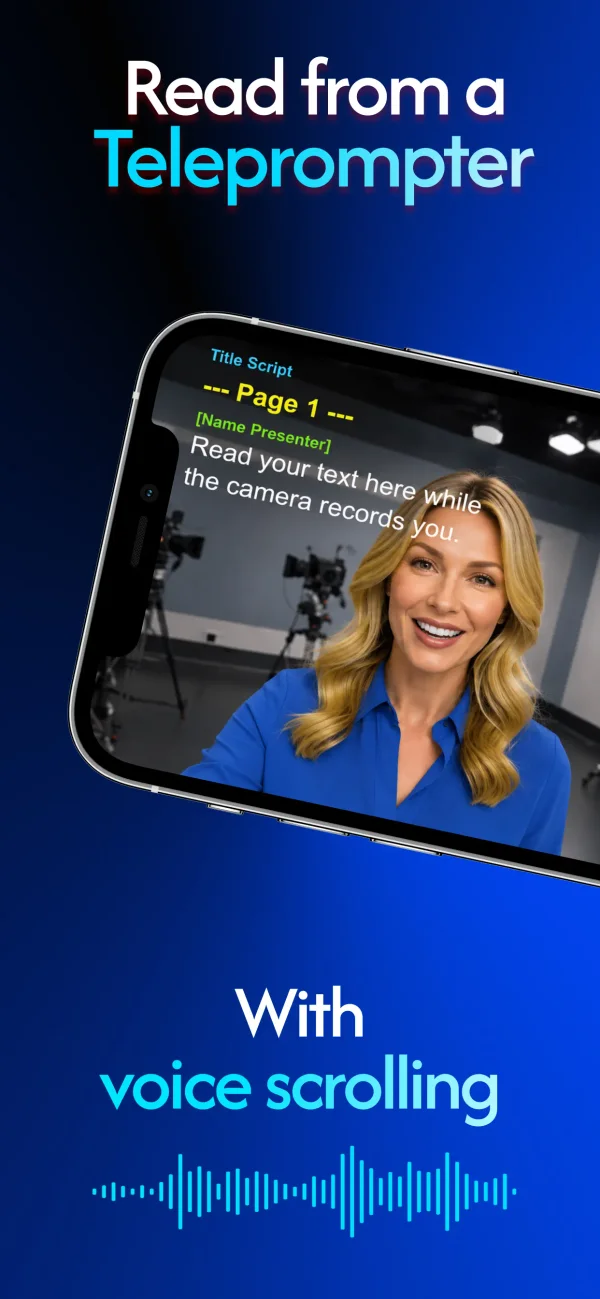
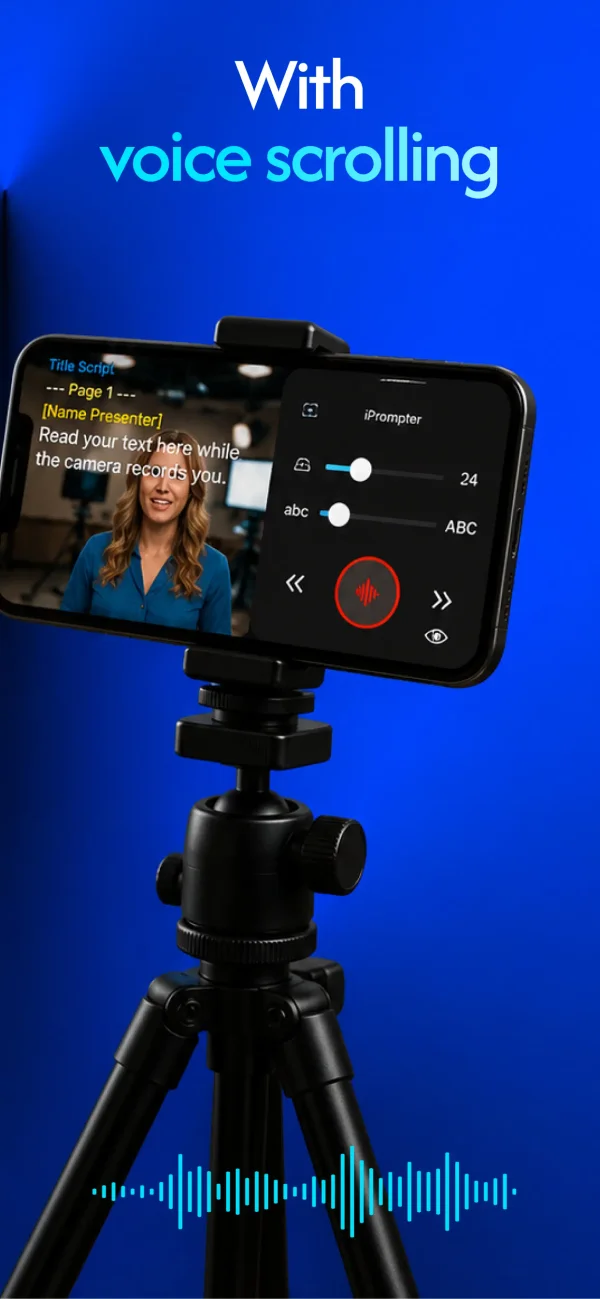
Teleprompter iPrompter is an advanced teleprompter with real-time voice recognition, designed to overcome the limitations of traditional teleprompters. While other apps require manual scrolling, iPrompter automatically moves the text as you speak, delivering a natural, precise, fully hands-free experience.
With superior performance, iPrompter combines intelligent teleprompter technology, integrated video recording, and complete script organization—making it the ultimate solution for content creators, journalists, presenters, and professionals who need a reliable teleprompter.
VOICE-CONTROLLED TELEPROMPTER
iPrompter uses advanced voice recognition to follow your speech in real time. The text scrolls automatically without pedals, gestures, or tapping—something many competing teleprompters do not offer. Perfect for videos, scripts, interviews, journalism, and presentations.
VIDEO RECORDING WITH TELEPROMPTER
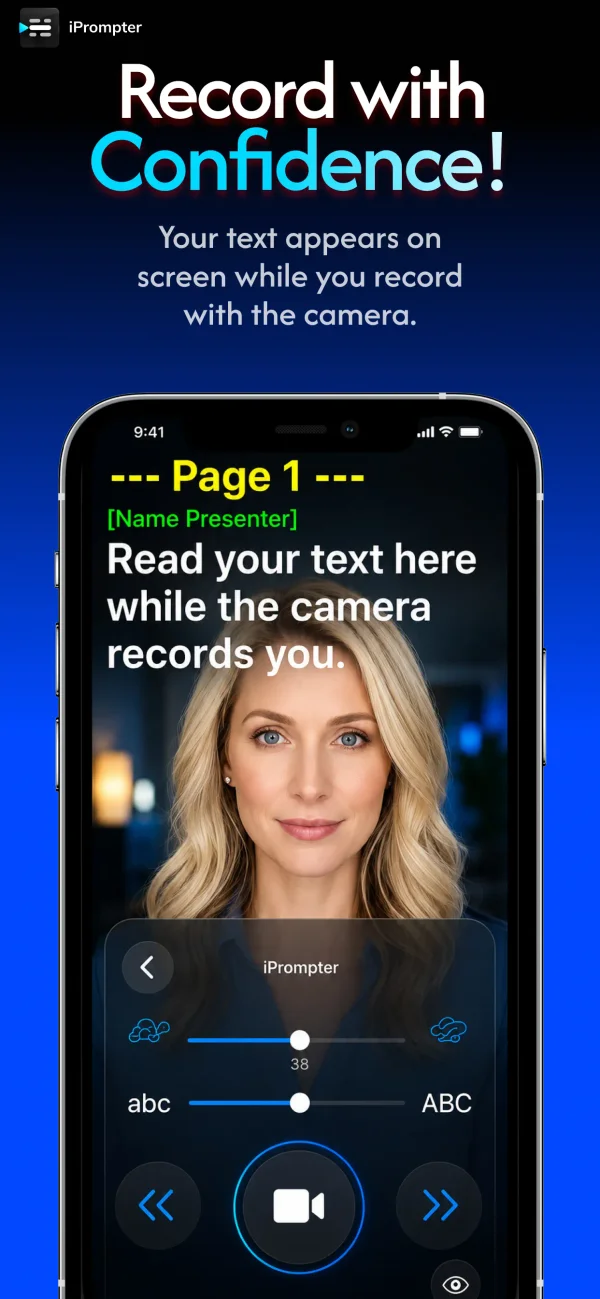
Record directly in the app while using the teleprompter. iPrompter seamlessly integrates camera and text, allowing you to record with the front camera, use mirror mode, and save videos automatically. It replaces multiple apps typically used for teleprompter video creation.
SCRIPT EDITOR AND ORGANIZER
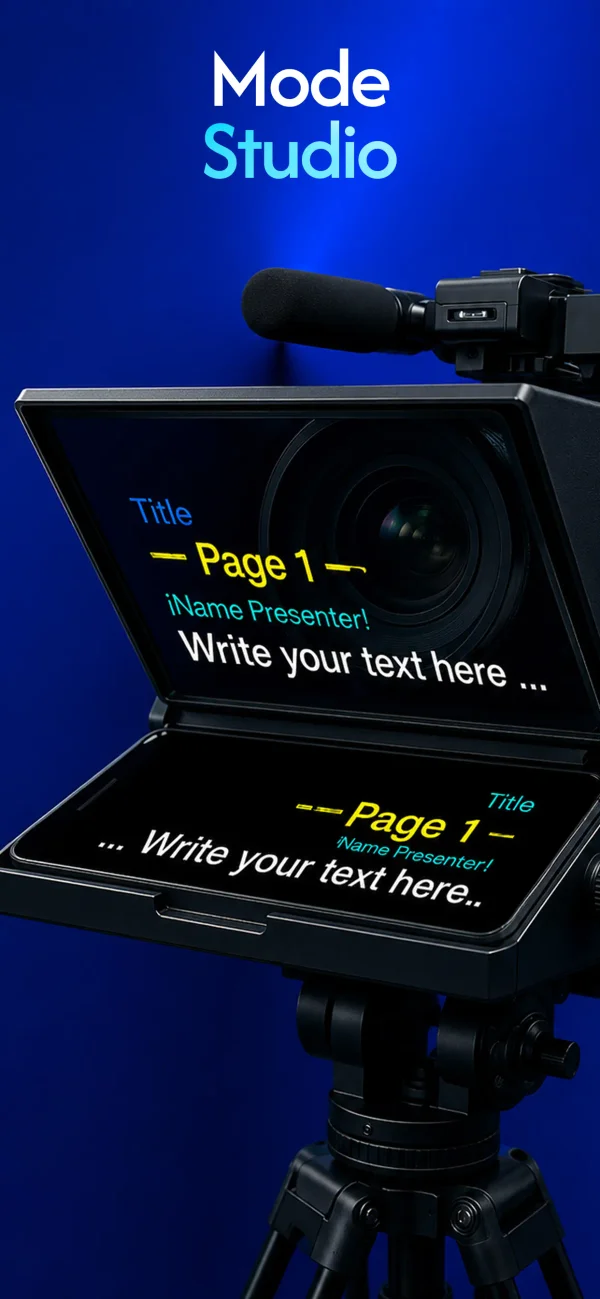
Create, edit, and organize your scripts inside the teleprompter. Add titles, notes, pages, and structured content. Scripts are saved automatically for quick access during recordings or presentations—ideal for creators, studios, lessons, speeches, and professional videos.
FULL TELEPROMPTER CUSTOMIZATION
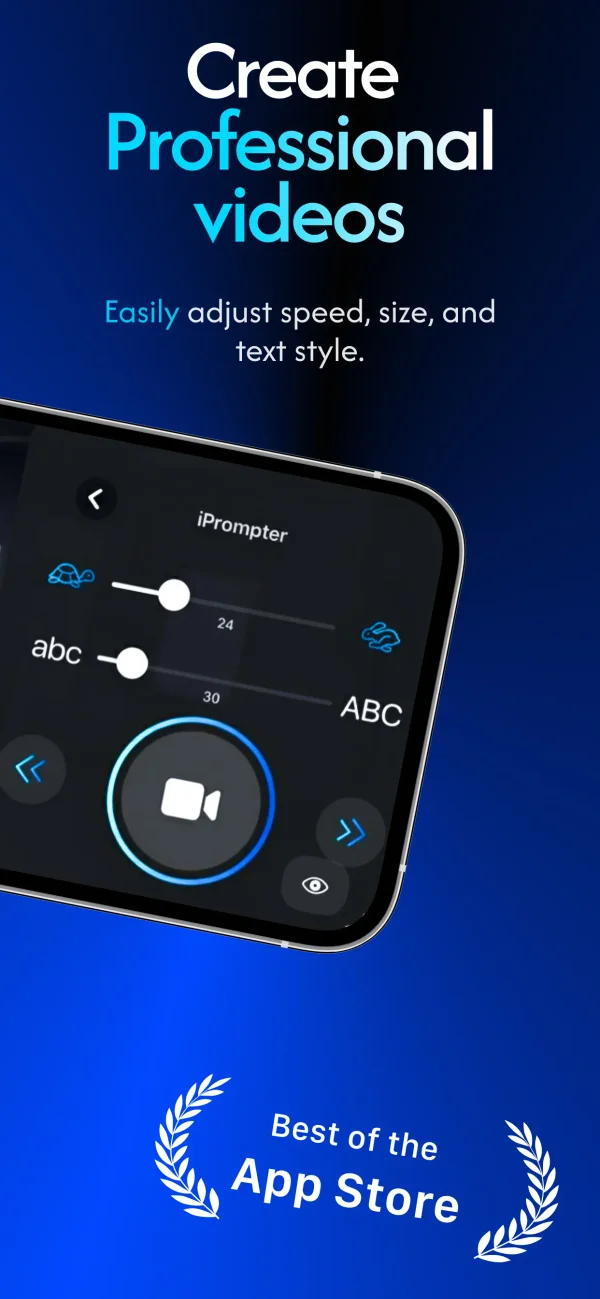
Adjust speed, font size, colors, margins, alignment, scrolling direction, dark mode, and text transparency. These options make iPrompter more flexible than most teleprompter apps in the App Store.
PERFORMANCE AND EFFICIENCY
A fast, distraction-free interface optimized for iPhone. Works offline, supports multiple languages, and keeps all scripts saved even after closing the app.
FOR PROFESSIONAL TELEPROMPTER USERS
Designed for content creators, YouTubers, TikTokers, journalists, presenters, teachers, speakers, corporate communicators, and anyone who needs a modern, reliable teleprompter.
WHY IPROMPTER STANDS OUT
• First teleprompter with fully integrated voice-controlled auto-scroll
• Replaces teleprompter, camera, and basic editing apps
• More natural reading experience with accurate voice tracking
• Interface optimized for iPhone
• Professional quality without extra equipment
iPrompter delivers a smarter, faster, and more precise teleprompter experience than competing apps, ensuring natural recordings, confident presentations, and higher productivity.
Download now and discover why iPrompter is a leading voice-controlled teleprompter for iPhone.
Terms of Use (EULA): https://www.apple.com/legal/internet-services/itunes/dev/stdeula/
Privacy Policy: https://www.apple.com/legal/privacy/
What’s new
Version 1.1.6 · Aug 23, 2026
What’s New:
Refreshed Settings screen with clearer sections and improved navigation.
New PRO Appearance tools: visual presets, live preview, font, spacing, margins, opacity, and text shadow.
Expanded support to 12 languages for a more global experience.
Speech Recognition now automatically follows the app language, with safer fallback behavior.
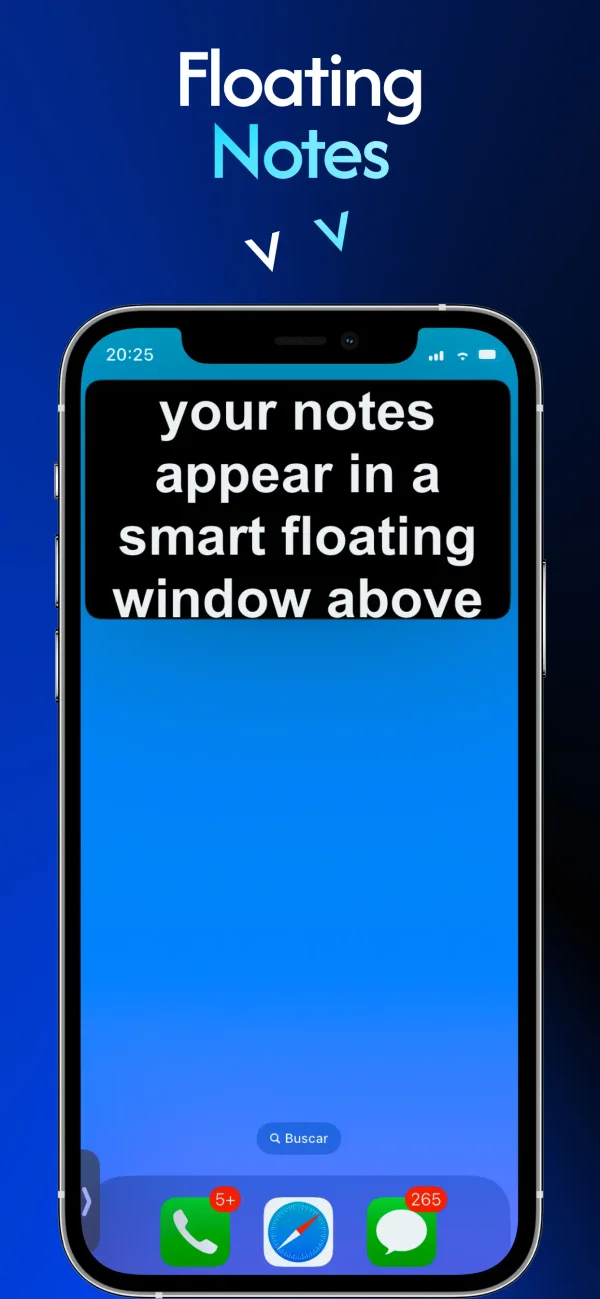
Floating Notes (PiP) improvements for smoother controls and better rotation handling.
App privacy
What David Robert declares on the App Store about how this app handles data.
-
Data not collected
The developer does not collect any data from this app.
Privacy practices may vary, for example with the features you use or your age.
Information
- Seller
- David Robert
- Category
- Photo & Video
- Version
- 1.1.6
- Updated
- Aug 23, 2026
- Released
- Oct 3, 2025
- Size
- 12.8 MB
- Requires
- iOS 18.0 or later
- Age rating
- 4+
- Price
- Free
- In-app purchases
- Yes
- Languages
- English, Arabic, French, German, Hindi, Italian, Japanese, Korean, Portuguese, Russian, Simplified Chinese, Spanish + 1 more
- Copyright
- © 2025 iPrompter. All rights reserved.
You might also like
-
 PromptFy: Teleprompter & VideoVoice scrolling and captions
-
 eZy TeleprompterRead script and record videos
-
 Teleprompter for Video TelecapRead script & record video
-
 AI TeleprompterPhoto & Video
-
 Autocue Teleprompter Video CueTeleprompt For Script Prompter
-
 Teleprompter & Editor – SufleAI Captions & Voice Scroll
-
 RIDO: teleprompter for videoRead scripts with voice scroll
-
 Teleprompter App - AutokueScripts, Captions & Recording
-
 Teleprompter ·Subtitles Generator For Video
-
 Teleprompter TikCueRead Script, Prompt for Video