IPTV Player One
M3U & Xtream lists, EPG, 4K
Designed for iPhone, iPad, Mac
Free · In-app purchases
- Age rating17+
- CategoryEntertainment
- DeveloperJerry van der Werf
- LanguagesEnglish
- Size86.1 MB
Links to the official App Store page
Download.org hosts no file of IPTV Player One. The button opens its official App Store page, published by Jerry van der Werf. Listing last checked on Nov 21, 2026.
Screenshots


About
IPTV Player One is an IPTV player for your own playlist.
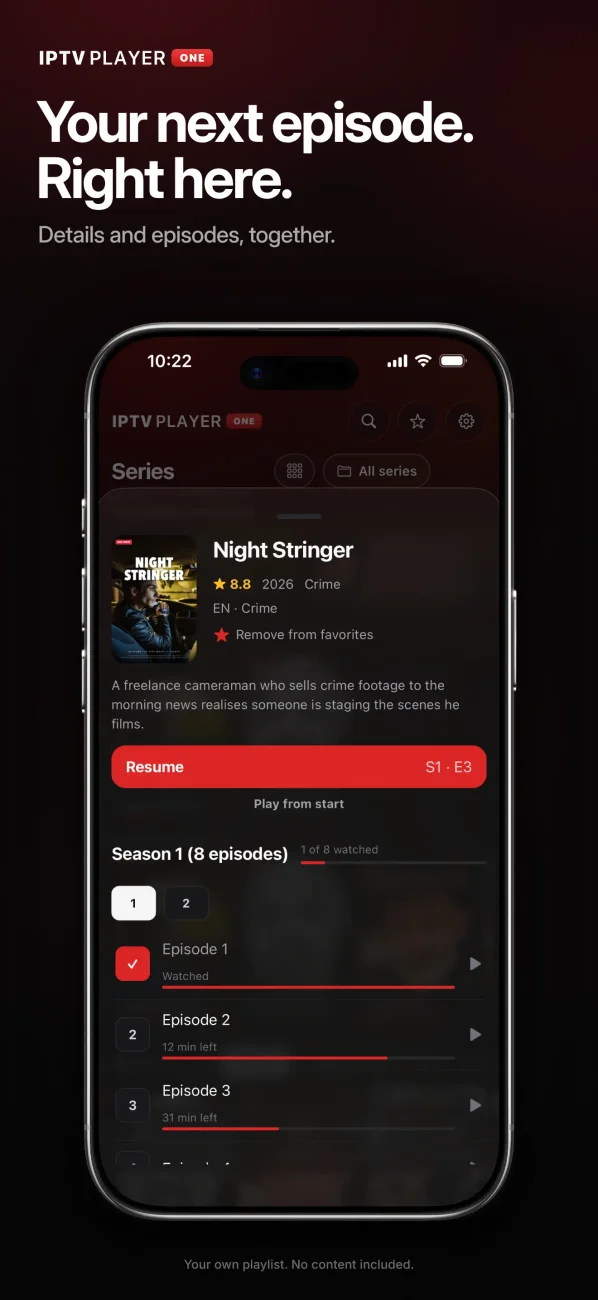
Add your M3U link or Xtream Codes account and watch live TV, movies, series and radio, with posters, seasons and episodes.
Works on iPhone and iPad. Apple TV has its own app in the App Store.
WHAT THE IPTV PLAYER DOES
- IPTV player for M3U, M3U8 and Xtream Codes
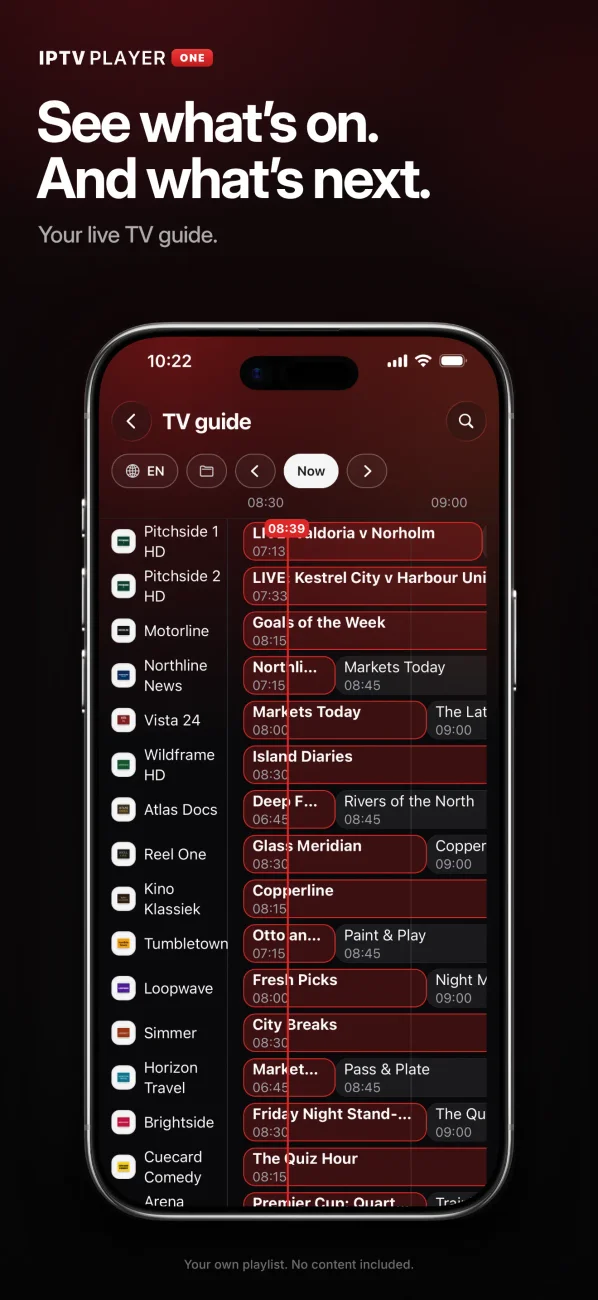
- TV guide (EPG) with now and next, also from XMLTV
- Catch-up TV, if your IPTV provider offers it
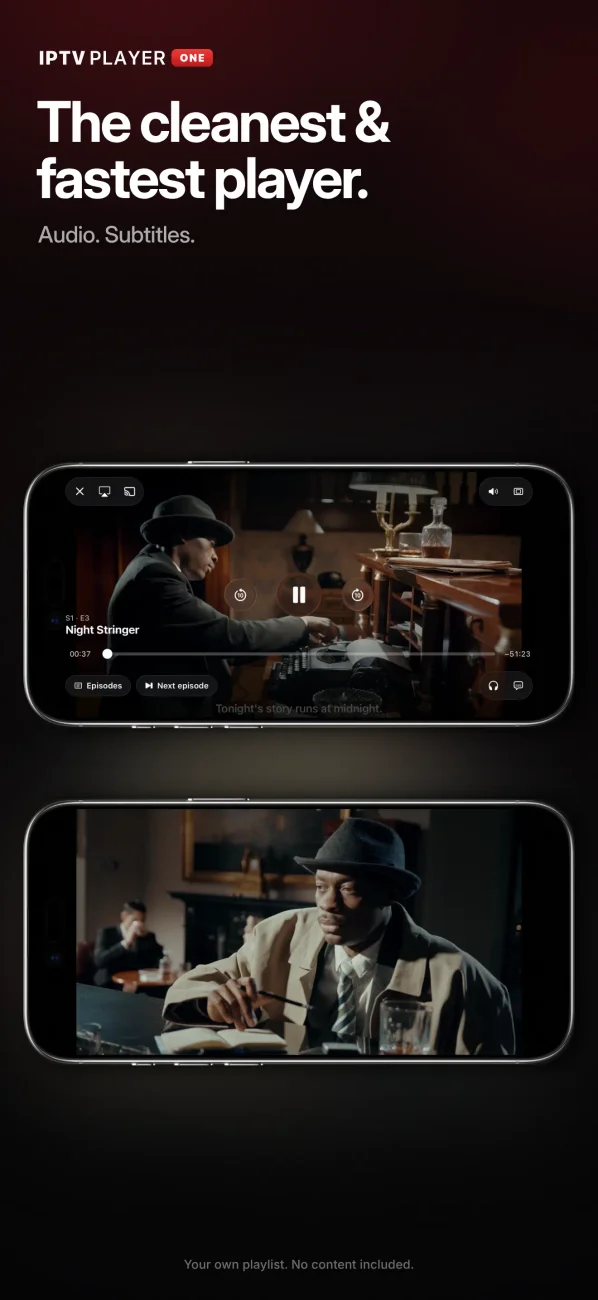
- 4K and Dolby Vision
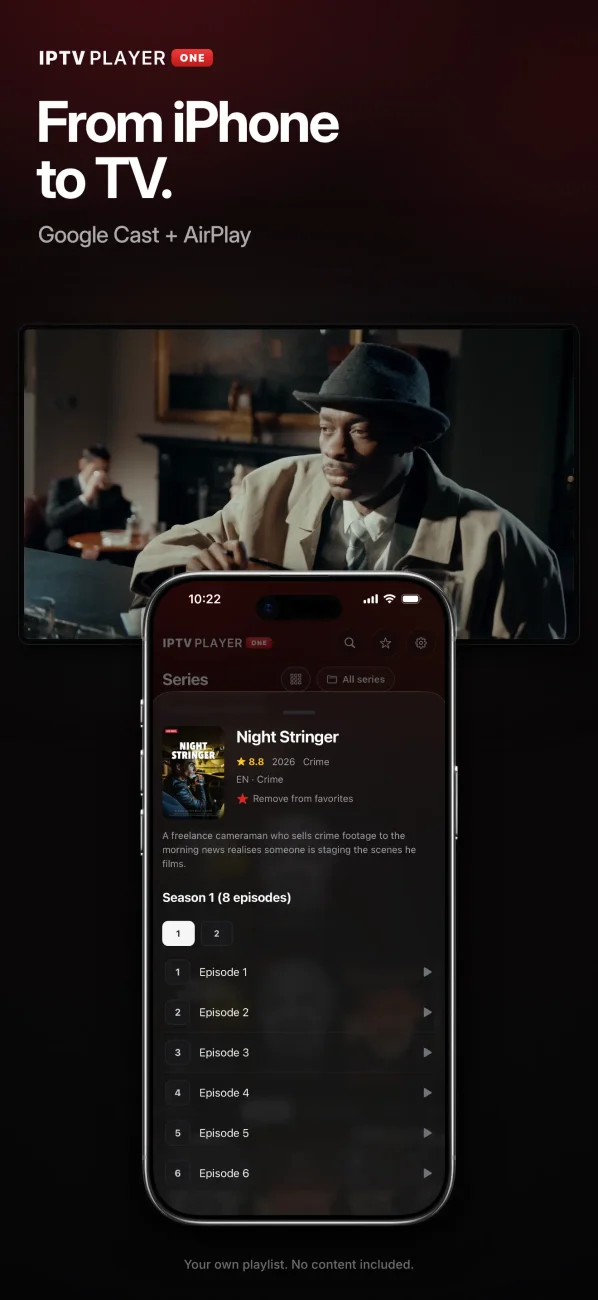
- Cast to Chromecast and AirPlay
- Picture in Picture
- Keep playing with the screen off, for example on headphones
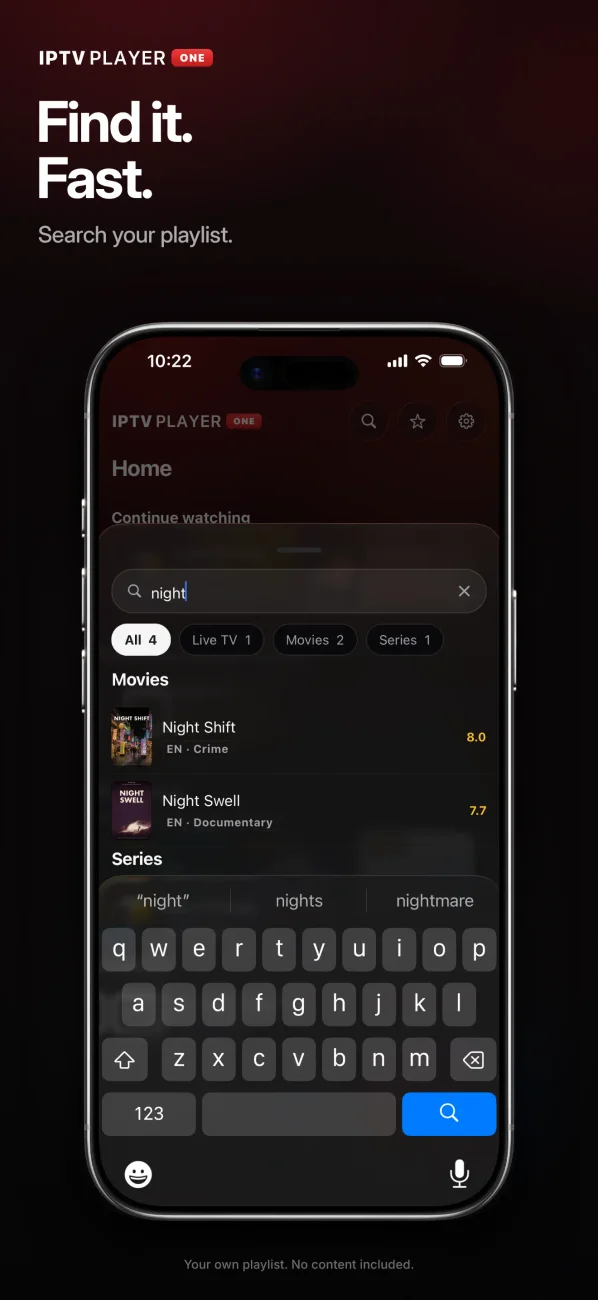
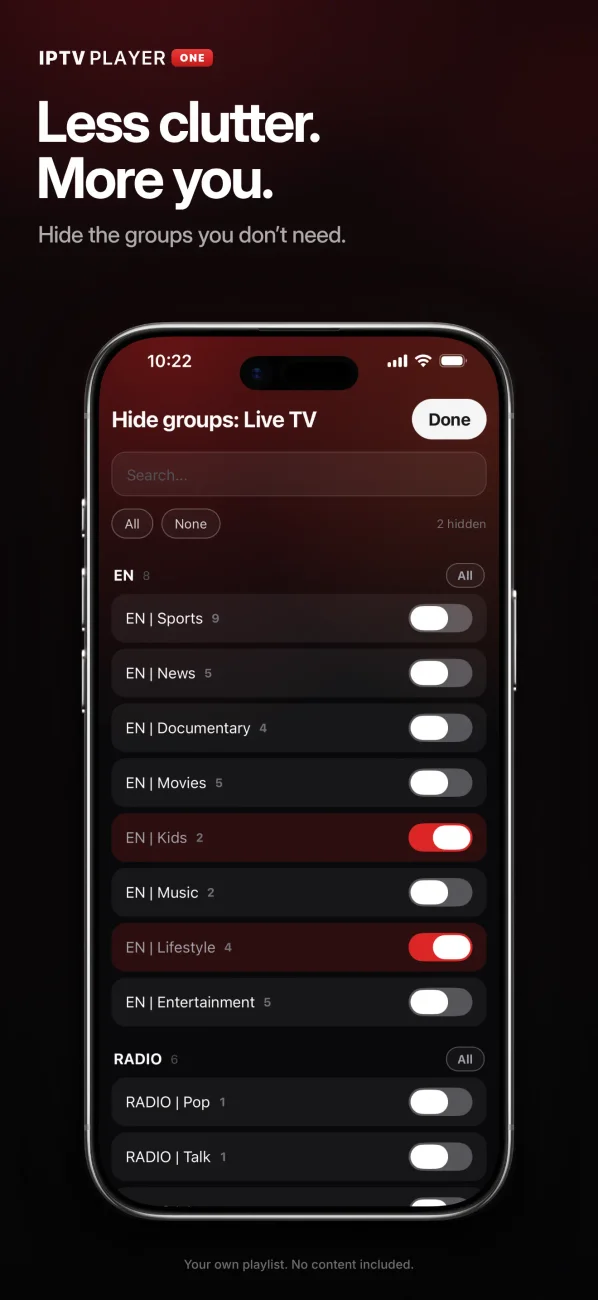
- Live TV with groups, search and a country view
- Pin your favourite groups; a group column on iPad
- Zap with previous and next channel
- Movies and series with posters, seasons and Continue watching
- New label for new episodes of your favourite series
- Your own home screen with Top 10 in your country
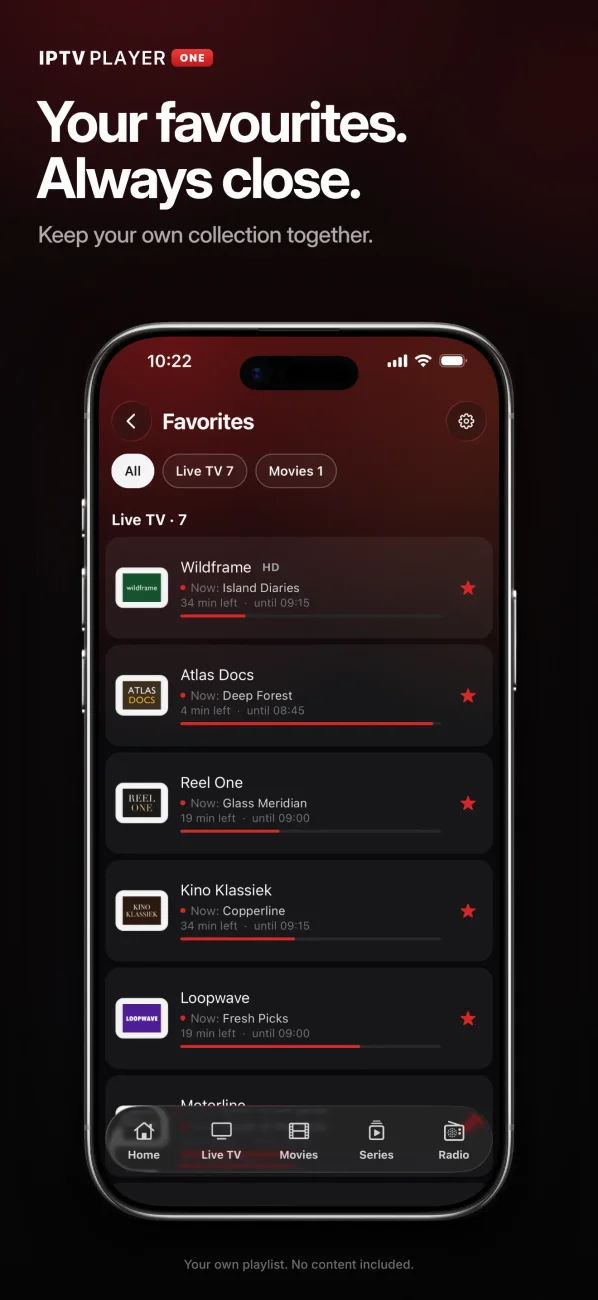
- Favourites for live TV, movies, series and radio
- Subtitles, audio tracks and lip sync
- Plays .mkv and HEVC
- Parental lock with PIN
- Several M3U and Xtream Codes playlists side by side
- Merge duplicate channels and clean up messy lists
EVERYTHING ON ALL YOUR DEVICES
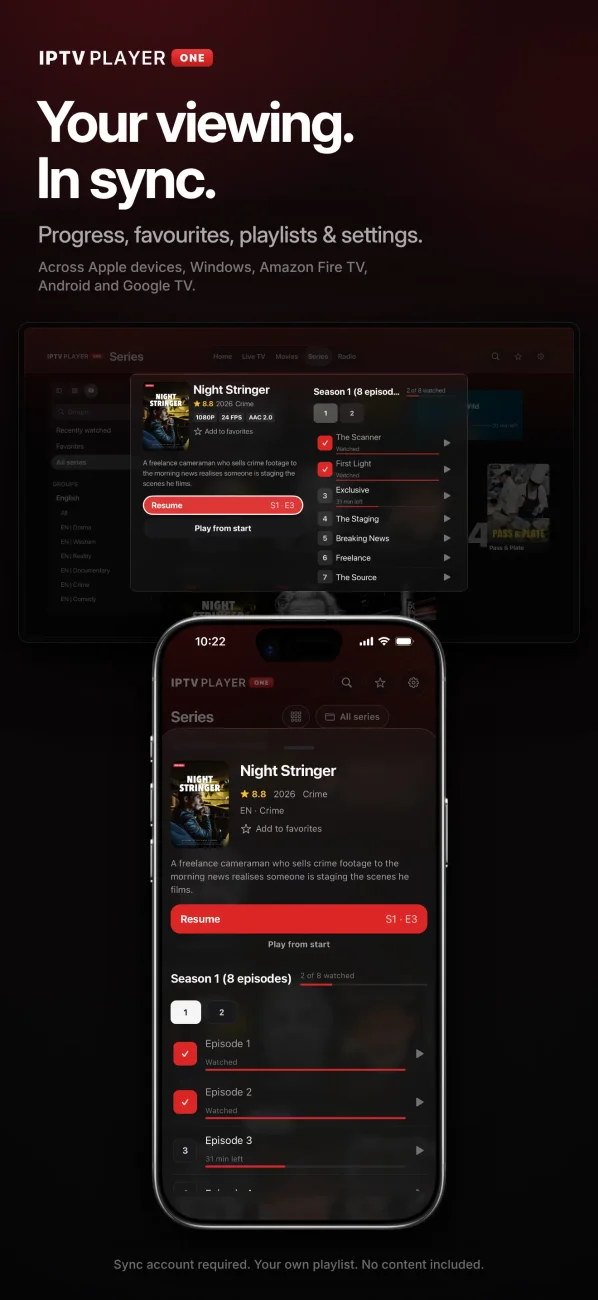
Add a playlist and your account is ready, no form to fill in. Playlists, favourites and where you left off stay the same on every device, already during the trial. Your playlists sit in an encrypted vault. With your customer number and recovery code you can always get back into your account; you can also sign in with Apple or Google. Link an Apple TV with a QR code.
IN YOUR OWN LANGUAGE
31 languages, including Arabic, Hebrew and Urdu right to left.
WHAT IT IS NOT
No channels, movies or series of its own: you use the playlist from your own IPTV provider. It is an IPTV player, not a provider.
TRY IT FIRST
Free for 14 days on 2 devices, with sync. Nothing to buy.
SUBSCRIPTIONS AND PURCHASES
After the trial you choose:
- 1 year access - 1 year - $5.99: Starter, every feature on 2 devices
- Account (1 year) - 1 year - $19.99: Pro, every feature on 8 devices
- Account (lifetime) - one-time - $49.99: the same, paid once
Prices shown are for the United States and differ per region; the exact price in your currency is shown in the app before you confirm.
Payment is charged to your Apple Account when you confirm the purchase. The subscription renews automatically unless auto-renew is turned off at least 24 hours before the end of the current period. Your account is charged for renewal within 24 hours before the end of the current period. You can manage your subscription and turn off auto-renew in your Apple Account settings.
Account (lifetime) is a one-time purchase and does not renew.
Terms of Use: https://iptvplayerone.com/terms/
Privacy Policy: https://iptvplayerone.com/privacy
What’s new
Version 2.4.39 · Nov 18, 2026
• If you use your IPTV provider's address instead of a playlist link, the app now explains this and opens Server and password with the server already filled in.
• If your IPTV provider briefly refused and you try again yourself, the app no longer stops you.
• A new playlist with https on a server that only speaks http now loads via http. A typo in the server address is corrected, or the app tells you what is wrong.
• Time format: choose 24-hour (13:00) or 12-hour (1:00 PM) in Settings > General. If you choose nothing, the app follows your system setting.
• Casting to a Chromecast no longer freezes when the channel briefly stutters, and casting again to an older Chromecast gives picture and sound it can play right away.
App privacy
What Jerry van der Werf declares on the App Store about how this app handles data.
-
Data not linked to you
May be collected but is not linked to your identity.
- Purchases
- Identifiers
- Usage data
Privacy practices may vary, for example with the features you use or your age.
Information
- Seller
- Jerry van der Werf
- Category
- Entertainment
- Version
- 2.4.39
- Updated
- Nov 18, 2026
- Released
- Jul 31, 2026
- Size
- 86.1 MB
- Requires
- iOS 16.4 or later
- Age rating
- 17+
- Price
- Free
- In-app purchases
- Yes
- Languages
- English
- Copyright
- © 2026 Jerry van der Werf
You might also like
-
 4U IPTV Player: M3U & XtreamLive TV, Movies, Series & EPG
-
 Vevora IPTV PlayerSmart M3U & Xtream
-
 Dino IPTV PlayerYour IPTV, your way
-
 Flow IPTV Player: M3U & XtreamPrivate, ad-free live TV & VOD
-
 PlayMe – IPTV PlayeriPhone, iPad, Mac and Apple TV
-
 Novi: Smart IPTV Player & EPGFast M3U & Xtream Live TV
-
 Spektra IPTV PlayerYour IPTV made easy
-
 IPTV Ultimate – Your Online TVStream Live TV & Movies
-
 DringTV: IPTV Player & EPGM3U, Xtream & Stalker player
-
 Better IPTV Player: M3U XtreamYour Live TV, Movies & Series