IPTV Player & Playlist Editor
Edit large M3U playlists
Designed for iPhone, iPad
In-app purchases
- Age rating12+
- CategoryPhoto & Video
- DeveloperCharles Imilkowski
- LanguagesEnglish
- Size6.2 MB
Links to the official App Store page
Download.org hosts no file of IPTV Player & Playlist Editor. The button opens its official App Store page, published by Charles Imilkowski. Listing last checked on Nov 12, 2026.
Screenshots


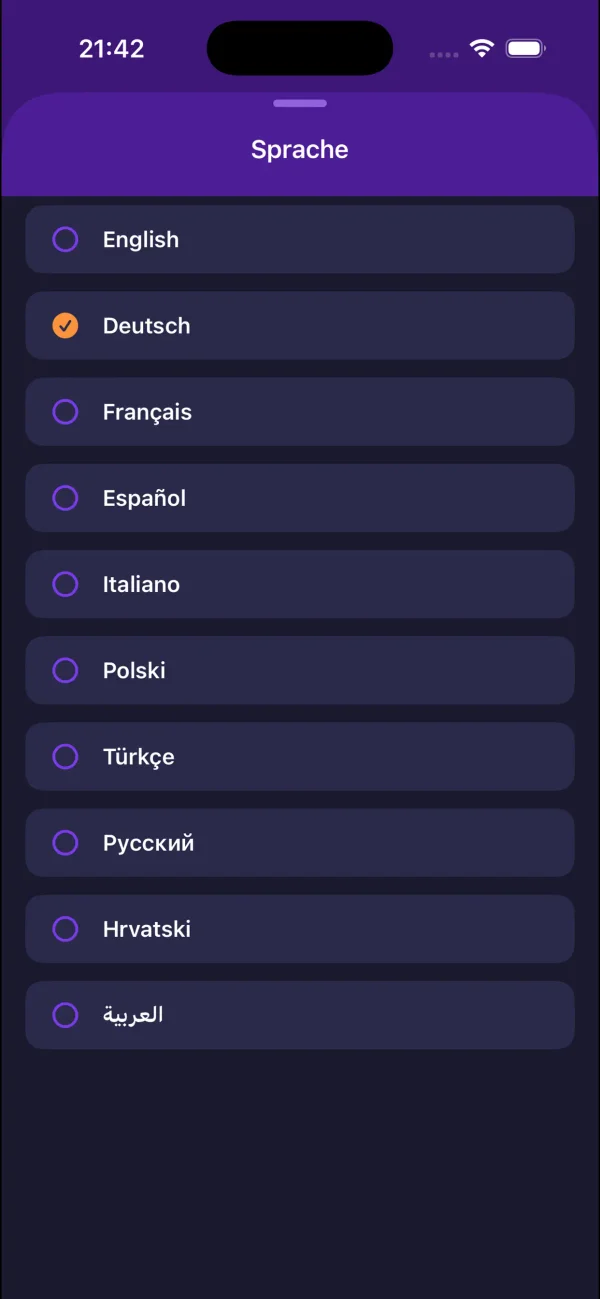
About
M3U Playlist Editor is a personal player and a management tool for the M3U, M3U8 and Xtream playlists you already own. The app itself contains no channels, no streams and no content – you bring your own, legally obtained playlists, and the app gives them a fast, tidy home on iPhone, iPad and Apple TV.
IMPORTANT: This app is solely a player and a tool for managing playlists. It does not provide, contain or sell any content, channels, streams, TV packages or IPTV subscriptions. It works exclusively with playlists that you provide yourself or have obtained legally. You alone are responsible for which content you load and for complying with all applicable laws as well as the terms of your own provider. The app does not support, promote or enable access to copyrighted material without permission and does not recommend any source for content. For playlists, contact your own provider.
What the app can do for your own lists:
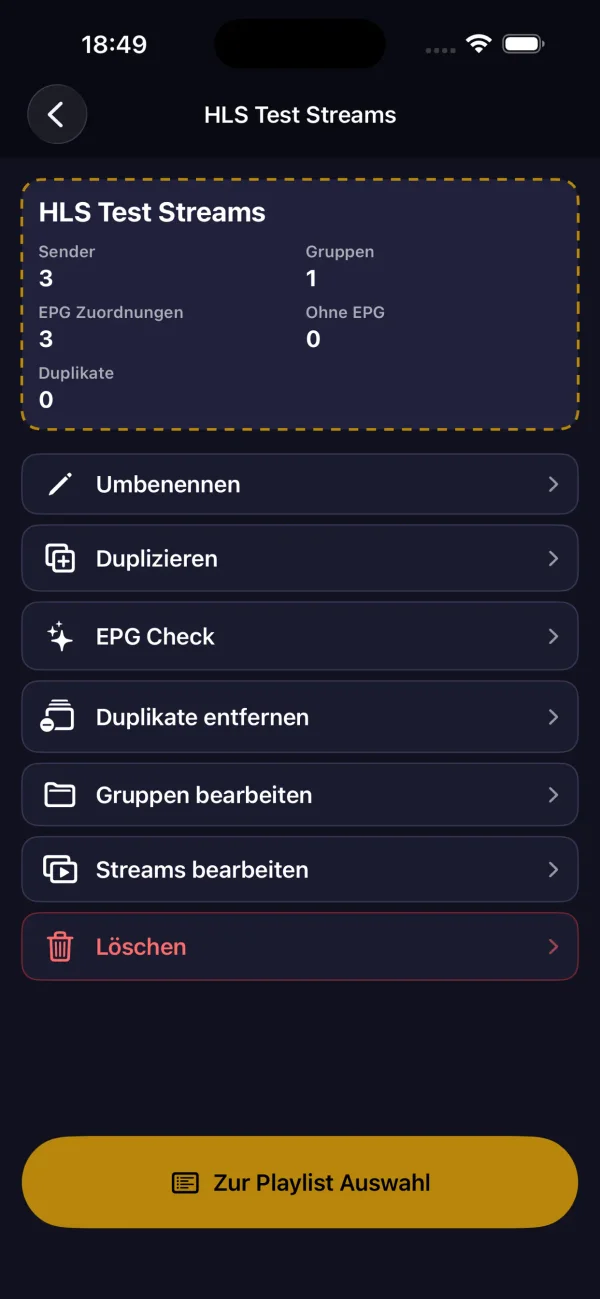
- Manage and edit several playlists at the same time and organize them into groups and favorites.
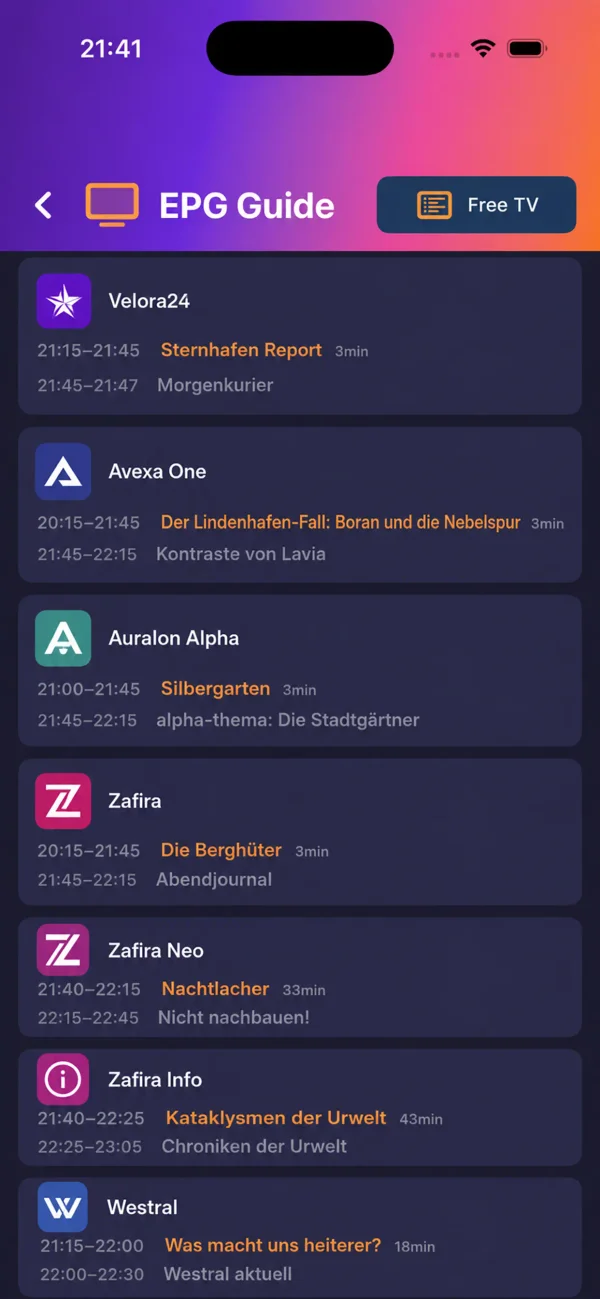
- EPG / TV guide for the channels in your own playlist – matched automatically and updated daily.
- Automatic stream check: quickly find dead links in your own list.
- Built-in player as well as manual sorting of groups and channels.
- Lightning fast: the processing of your lists runs on our servers, not on your device. Even huge lists are processed in seconds.
- Take it everywhere: your lists are tied to your account, not to the device. Sign in once – instantly available on Apple TV, iPhone, iPad and on the web.
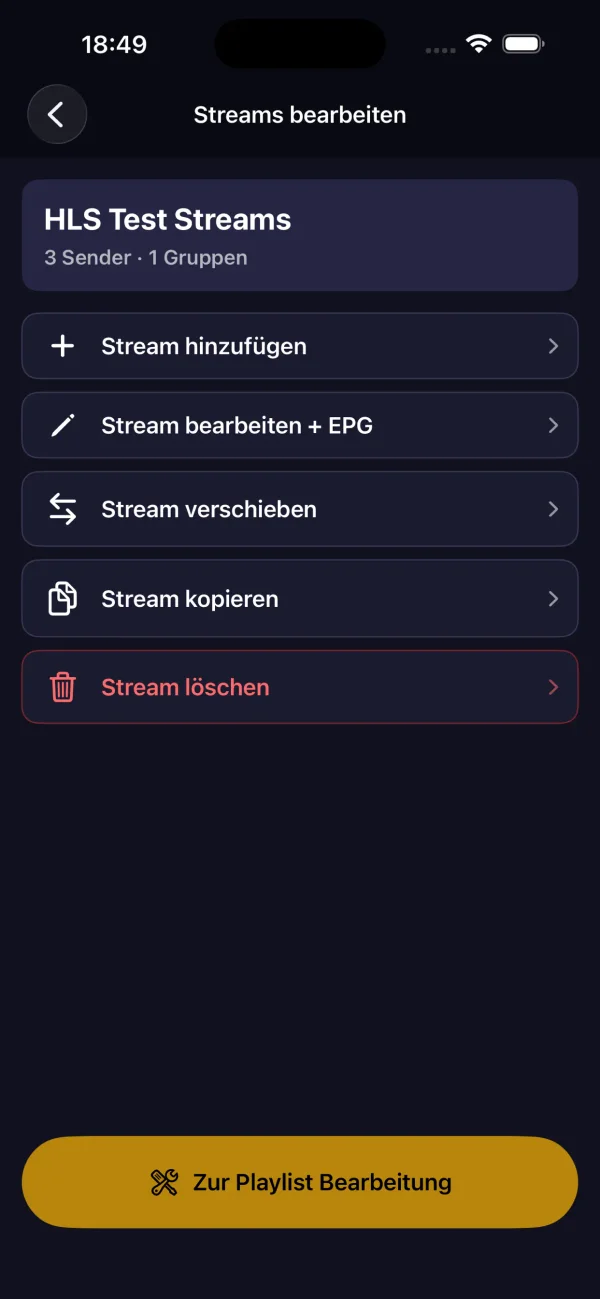
- A wide range of editing functions for groups and lists.
- The right fit for every platform: Apple TV imports directly, iOS lets you edit on the go, and the web editor offers full power.
- Stays current on its own: add lists via URL – they sync daily, and new channels from your own source are added automatically.
- 3 different sizes for the on-screen display during playback, plus 2 different display layouts.
- Jump straight into your programs via the EPG and, when you press play, see all the streams assigned to your list.
Advantages over other players:
- One app for TV, phone, tablet and PC – one account for all your devices at home.
- Several playlists at the same time instead of just one.
- Favorite groups and manual sorting of groups and channels – something many players don't offer.
- A wide range of editing functions in the app and in the web editor linked to your account.
The app is free to try after the first Apple login. Premium unlocks features of this app only – never content. Premium is offered as an automatically renewing subscription (1, 3, 6 or 12 months). Payment is charged to your Apple ID upon confirmation of purchase. The subscription renews automatically unless auto-renewal is turned off at least 24 hours before the end of the current period. The charge for the renewal occurs within 24 hours before the end of the current period. You can manage and cancel subscriptions in your App Store account settings.
Terms of Use (EULA): https://www.apple.com/legal/internet-services/itunes/dev/stdeula/
What’s new
Version 1.1.3 · Sep 23, 2026
New: M3U download. You can now save any playlist as an M3U file, with a progress bar and the option to cancel.
App privacy
What Charles Imilkowski declares on the App Store about how this app handles data.
-
Data linked to you
May be collected and linked to your identity.
- Contact info
- User content
- Identifiers
Privacy practices may vary, for example with the features you use or your age.
Information
- Seller
- Charles Imilkowski
- Category
- Photo & Video
- Version
- 1.1.3
- Updated
- Sep 23, 2026
- Released
- Jun 25, 2026
- Size
- 6.2 MB
- Requires
- iOS 17.0 or later
- Age rating
- 12+
- In-app purchases
- Yes
- Languages
- English
- Copyright
- © 2026 PepperTools
You might also like
-
 GiSplay: IPTV & M3U PlayerXtream Codes, Live TV & EPG
-
 YukaPlayer: IPTV & M3UStream Your Own Playlists
-
 De La Negrea TV: IPTV PlayerAdd your own playlists
-
 StereoPixStereo Photography App
-
 SnapScript: Animated CaptionsSubtitles & Captions for Video
-
 TM IPTV PlayerPlayer for Your IPTV Service
-
 Scopi: 3D Spatial CameraSee The World In Depth
-
 Ott Plus iptvIPTV made easy & social
-
 Instant Automatic SubtitlesCaptions audio video movies
-
 Viral Lab: Get More ViewsGet More Reels & TikTok Views