
- Age rating4+
- CategoryUtilities
- DeveloperSebastian Rank
- LanguagesGerman+ 1 more
- Size30.6 MB
Links to the official App Store page
Download.org hosts no file of IPv64.net. The button opens its official App Store page, published by Sebastian Rank. Listing last checked on Nov 23, 2026.
Screenshots

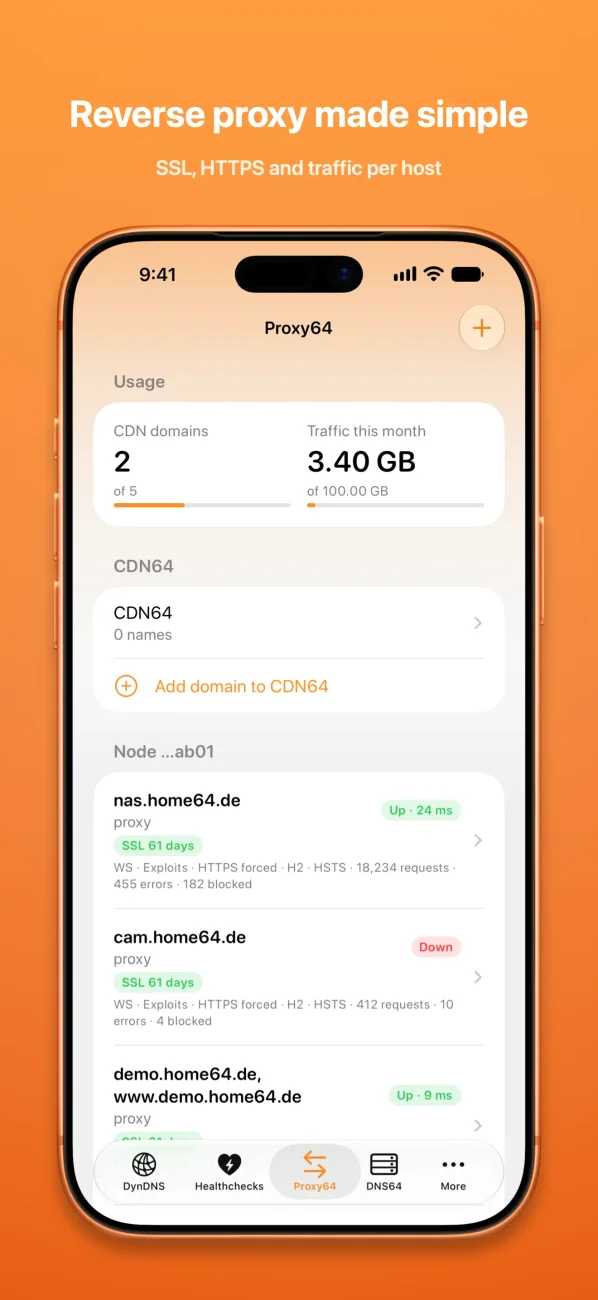
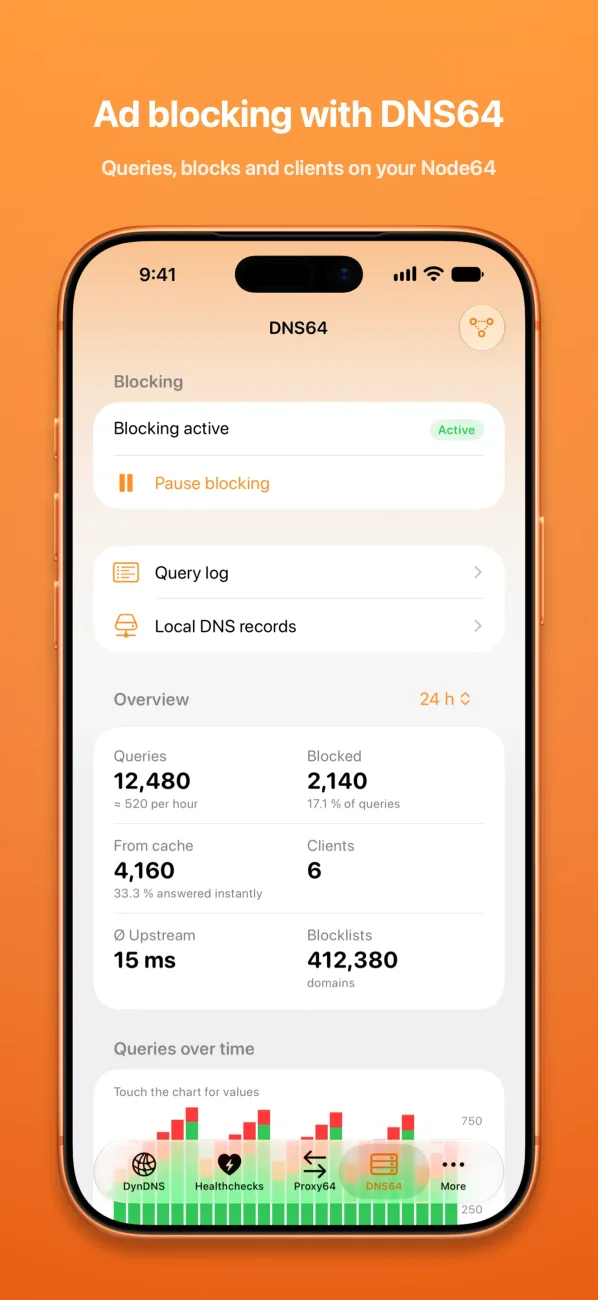

About
Your DynDNS in your pocket: the app for the free IPv64.net service. Manage domains and DNS records, monitor your services and control your Node64 – right from your iPhone or iPad.
DYNDNS & DOMAINS
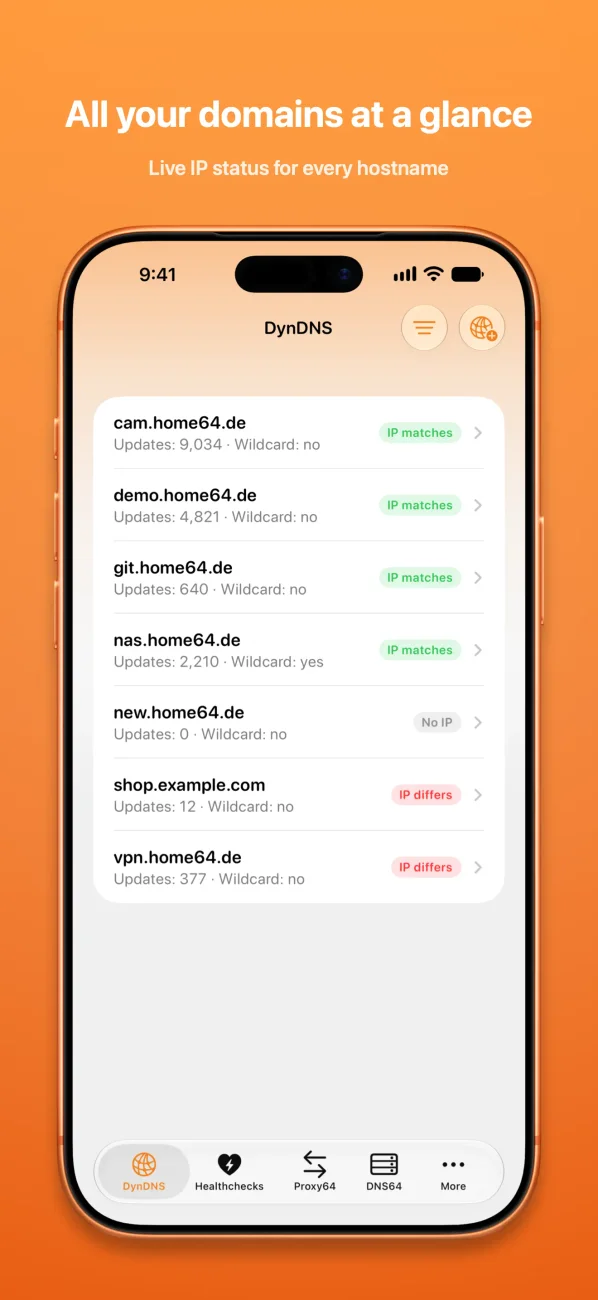
• All your domains at a glance, with the IP status of every hostname
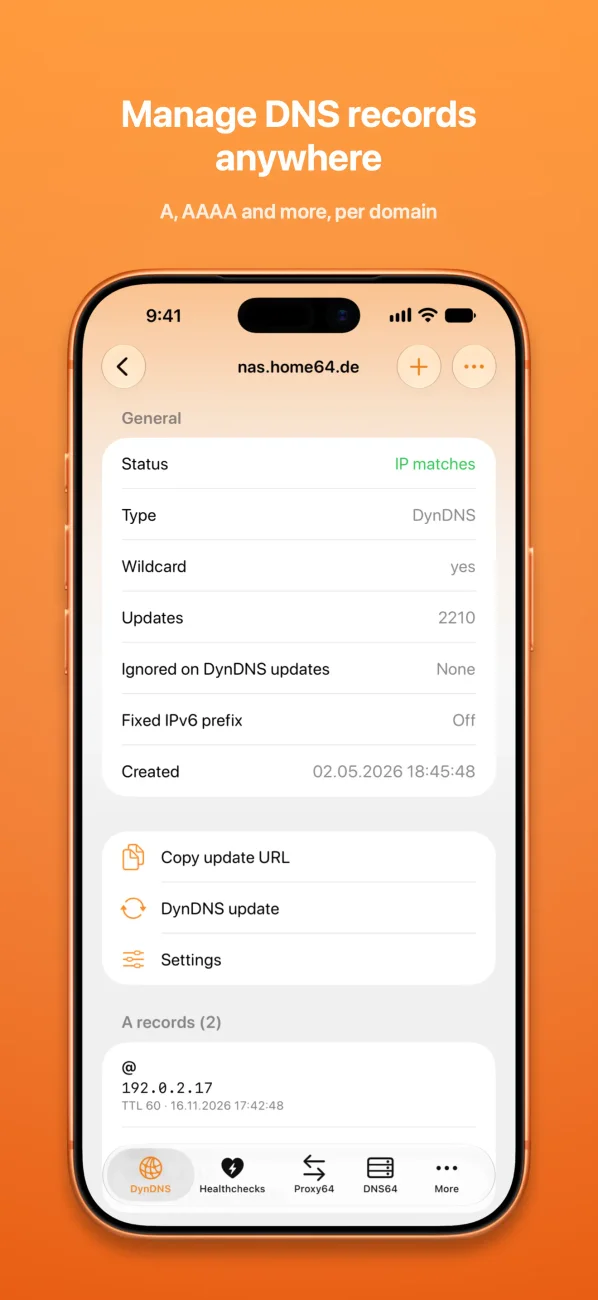
• Create, edit and delete DNS records (A, AAAA, CNAME, TXT and more)
• Notices when a record no longer holds your current IP and updates it on request
• Update URLs and domain settings such as wildcard and IPv6 prefix
HEALTHCHECKS & MONITORING
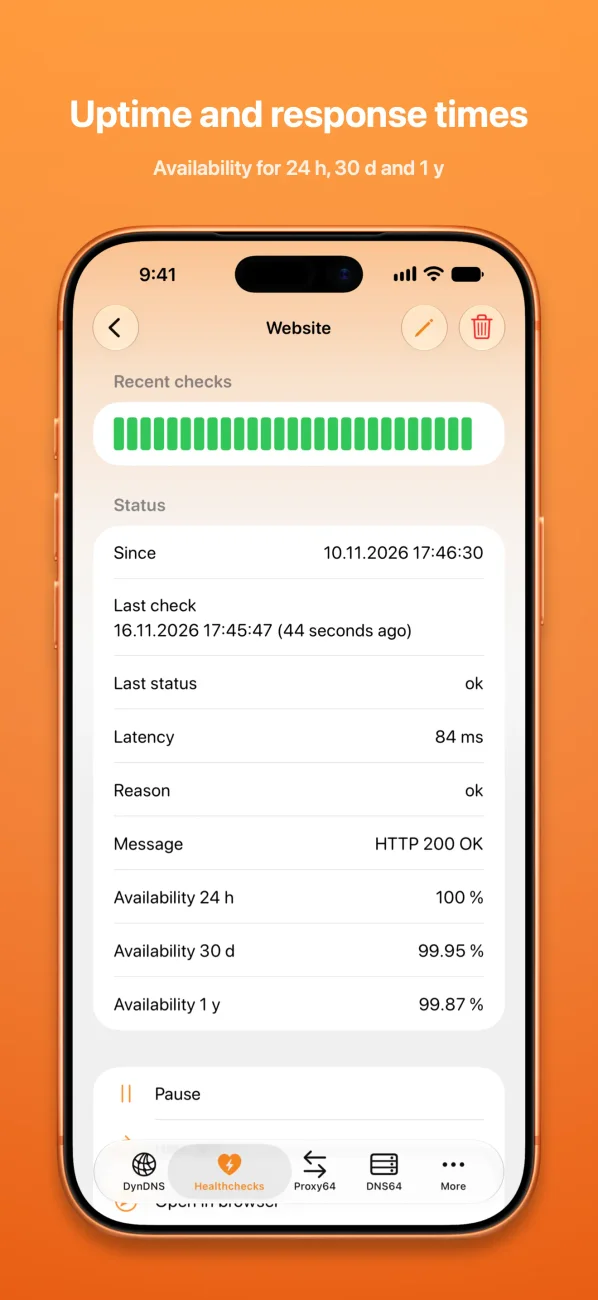
• HTTP, ping, TCP, DNS and TLS checks from several locations
• Availability and response times, incidents and events
• Create, edit and pause checks right in the app
• Monitor64: the hosts of your node with charts and open problems
NODE64
• Link your node to your account or connect directly in your local network
• Live status, modules, logs and commands
• Proxy64: manage proxy hosts, SSL status and a requests and traffic chart for 24 hours or 7 days
• CDN64: make proxy hosts reachable from the internet, with usage and quota
• DNS64: ad and tracker blocking in your own network – pause it, statistics, local DNS records and a query log where you can block or allow any domain
NOTIFICATIONS
• Encrypted push notifications with delivery receipts
• Channels for push, e-mail, webhooks and more – create, test and edit them
MORE
• Manage API keys, your account and quotas
• Honeypot network, IP lookup and password check
• Widgets for Healthchecks and DNS64, a DNS64 switch in Control Center
• Face ID or Touch ID lock and screenshot protection
• In English and German
APPLE TV
The Apple TV app shows your DNS64 dashboard and query log on the big screen. Nodes you connect here appear there via iCloud.
Requirements: an IPv64.net account and your API key, which you simply scan as a QR code. Proxy64, CDN64, DNS64 and Monitor64 need a Node64.
What’s new
Version 2.3.0 · Nov 20, 2026
• Apple TV app: your DNS64 dashboard and query log on the big screen. Nodes come from your iPhone via iCloud.
• The app is now also available in German.
• Proxy64: new requests and traffic chart per node, 24 hours or 7 days, with values on touch.
• CDN64: usage now sits in the CDN64 screen, together with the domains you set up on the website without a Node64 (Mode 3).
• Edit channels with a swipe, including this device's channel.
• Copy this app's API key.
• What's New is always available under More → App.
• The DynDNS IP check no longer counts CDN and failover records, so CDN domains no longer show a different IP.
• More fixes and improvements.
App privacy
What Sebastian Rank declares on the App Store about how this app handles data.
-
Data not collected
The developer does not collect any data from this app.
Privacy practices may vary, for example with the features you use or your age.
Information
- Seller
- Sebastian Rank
- Category
- Utilities
- Version
- 2.3.0
- Updated
- Nov 20, 2026
- Released
- Feb 19, 2026
- Size
- 30.6 MB
- Requires
- iOS 18.6 or later
- Age rating
- 4+
- Languages
- German, English
- Copyright
- © Prox IT UG
You might also like
-
 Unofficial CheckMK MonitoringHosts & Dienste überwachen
-
 24fireServer, Domains and Support
-
 Paperless 24Doc manager for paperless-ngx
-
 TammadClient for the Ticket System
-
 CrowdSec MonitorControl your CrowdSec instance
-
 DynDnsPulseAuto-update your domain IP
-
 OPNManager+Manage OPNsense on the go
-
 CookieCrumble for SafariManage Cookies by Domain
-
 Balance NFCUtilities
-
 hydropKeep track of your water usage