
- Age rating4+
- CategoryBusiness
- DeveloperDayou Co.,Ltd
- LanguagesEnglish+ 2 more
- Size50.6 MB
Links to the official App Store page
Download.org hosts no file of iRAMS III. The button opens its official App Store page, published by Dayou Co.,Ltd. Listing last checked on Nov 26, 2026.
Screenshots




About
iRAMSIII: iPhone - Remote Access & Monitoring System
Purpose: View live video from remote DVRs and search and play back recorded video
Users: Owners of UDR series (UDR-NH17XXD/10XXD/15XXD/JE22XXD), DDVR-XX21/DNVR-6XXX and DDIP-9XXX devices
Languages: English, Korean, Japanese (follows the phone's language setting)
[How to Use]
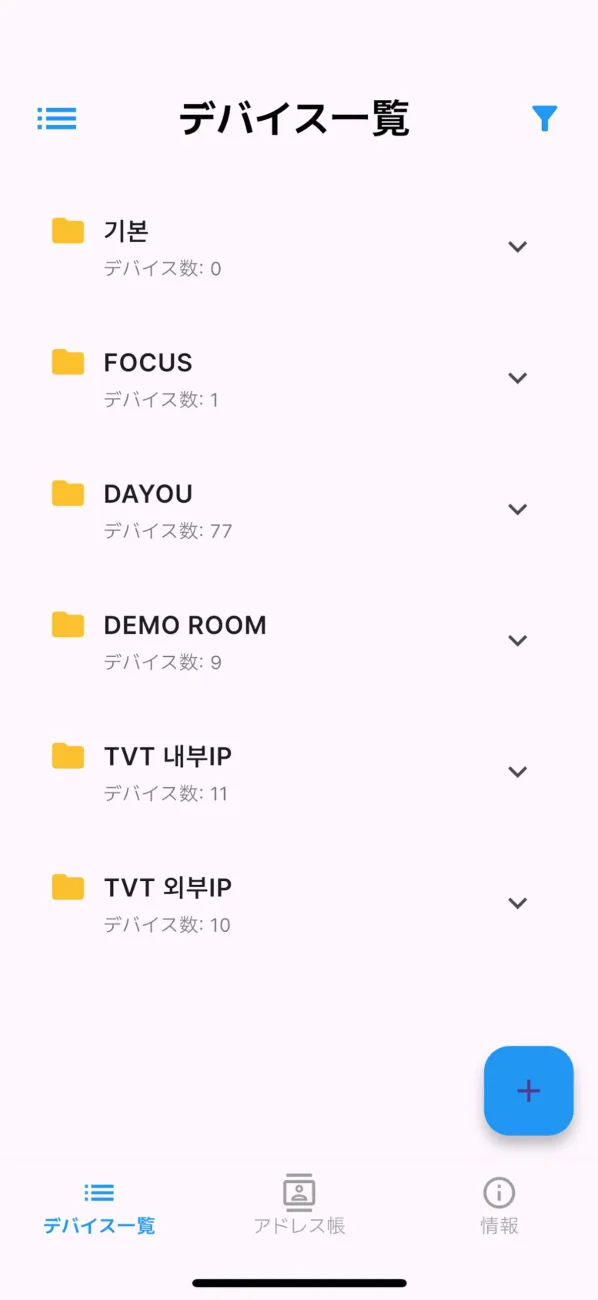
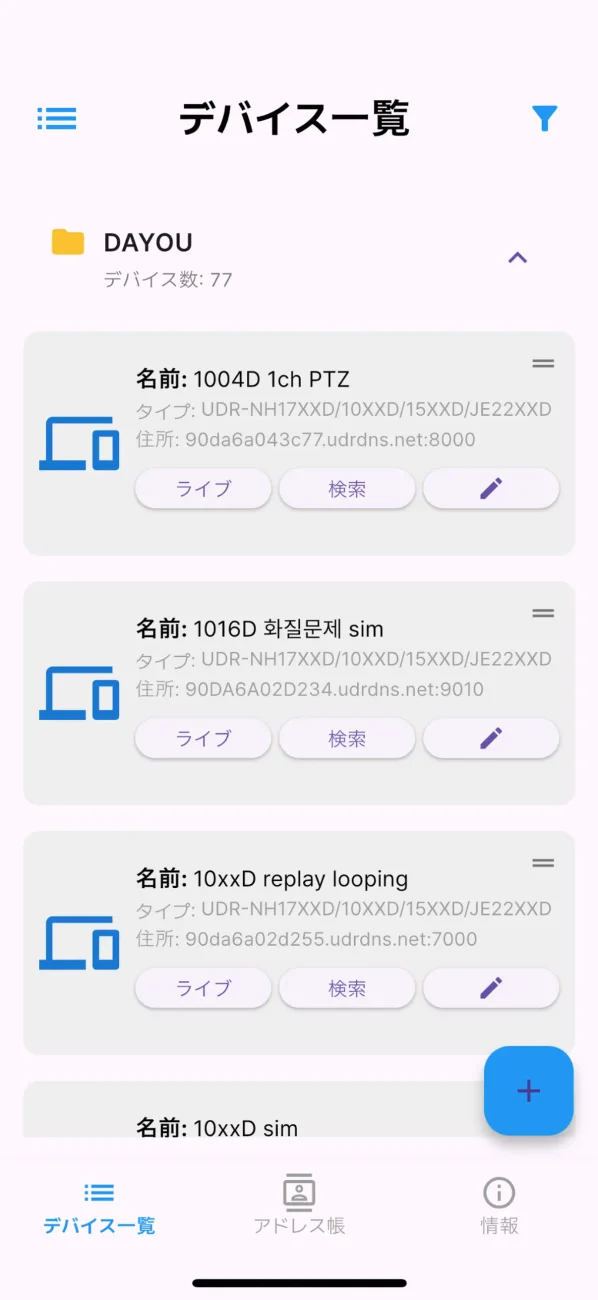
1. Device List: Manage your DVRs in groups and connect to the selected DVR
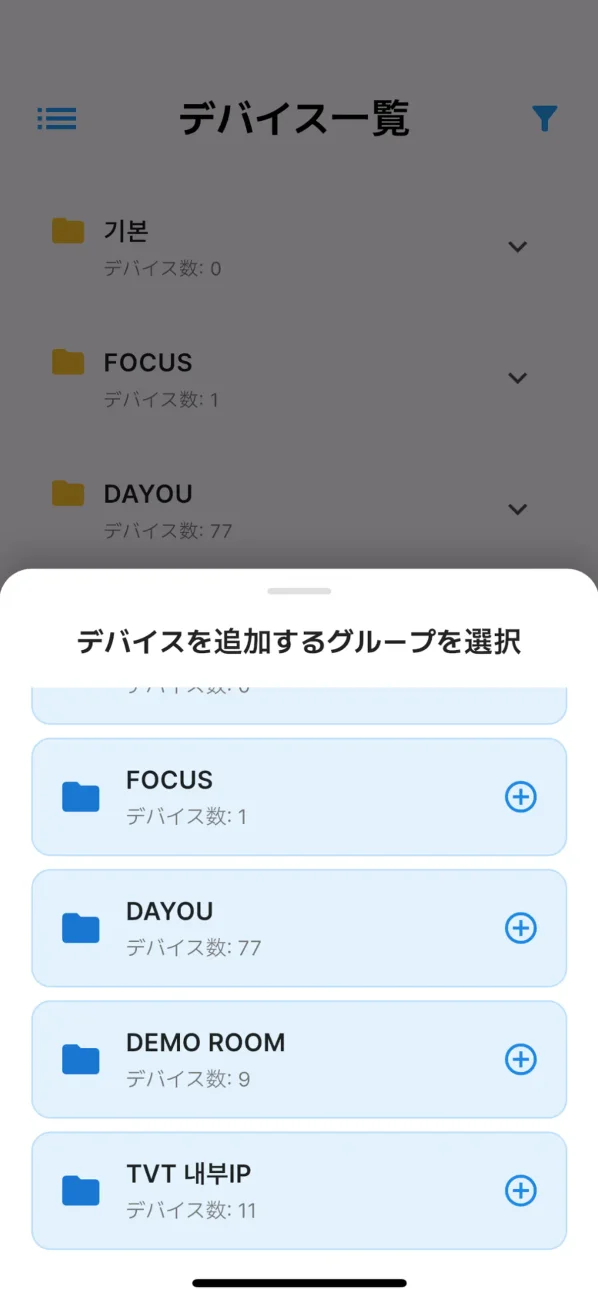
- +: Add a group or a device
- Live: Open the live screen of the selected DVR
- Search: Open the search screen of the selected DVR
- Edit: Modify the saved DVR information
- Long press: Rename or delete a group, move a device to another group or delete it
- Filter: Find DVRs by name
- Drag: Change the order of devices
2. Add / Edit Device
- Scan QR Code: Enter DVR information from a QR code
- Type: Select the DVR type
- Connection Method: IP/Port or P2P (Device SN). DDVR/DNVR/DDIP only
- Account: User ID and password
- Stream Type: Main, Network, Auto (Auto uses the main stream in 1-split view and the sub stream in multi-split view)
3. Address Book: Upload or download your DVR list to and from the server
4. Live Screen: Connect to the selected DVR and show live video
- Layout: Switch between 1, 4, 9 and 16 splits
- Swipe or left/right arrows: Change the page (channels)
- Double tap: View the selected channel in 1-split. Double tap again to go back
- Pinch: Zoom in on the video (up to 4x)
- PTZ: Control pan, tilt and zoom of a PTZ camera remotely (in 1-split)
- Direction buttons: Pan and tilt
- + and - buttons: Zoom in and zoom out
- Audio: Audio output (in 1-split)
- Alarm: Turn the DVR alarm output on or off
- Landscape: Full-screen view. Tap the screen to show the controls
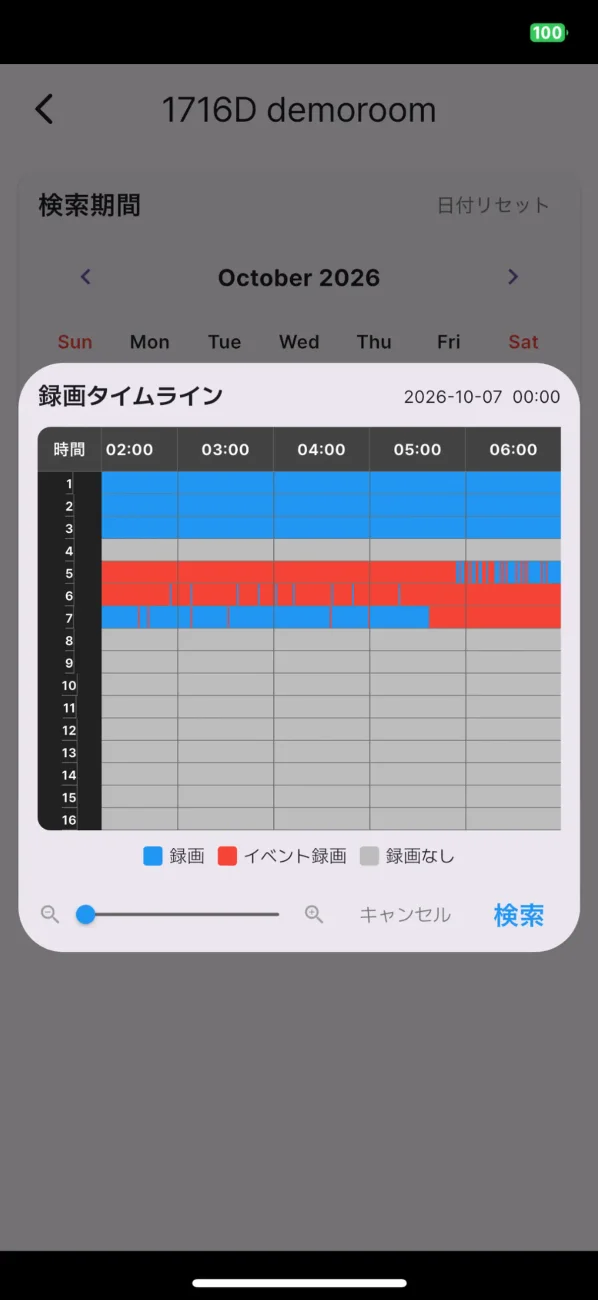
5. Search Screen: Search and play back recorded video
- Calendar: Select a date that has recordings
- Start Time: Select the time to start playback
- Recording Timeline: Check recording and event recording periods for each channel and pick a time
- Playback buttons: Fast reverse, reverse, pause, play, fast forward (reverse works in 1-split on supported devices only)
- Layout: 1, 4 and 9 splits
- Audio: Audio output
6. Info: Check the app version and privacy policy
What’s new
Version 1.0.1 · Nov 25, 2026
1. Added support for UDR-JA10XX, UNVR-J32XX/J5XXX, UDR-JE20XX, and UDR-NH17XX/NH18XX/JE27XX models.
2. Added support for P2P address recognition in the address book.
App privacy
What Dayou Co.,Ltd declares on the App Store about how this app handles data.
-
Data not collected
The developer does not collect any data from this app.
Privacy practices may vary, for example with the features you use or your age.
Information
- Seller
- Dayou Co,Ltd
- Category
- Business
- Version
- 1.0.1
- Updated
- Nov 25, 2026
- Released
- Oct 14, 2026
- Size
- 50.6 MB
- Requires
- iOS 15.5 or later
- Age rating
- 4+
- Price
- Free
- Languages
- English, Japanese, Korean
- Copyright
- © UNIMO Technology Co.,Ltd Japan