iScanPDF : Easy Scanner
A Powerful Document Scanner
Designed for iPhone, iPad
In-app purchases
- Age rating4+
- CategoryProductivity
- DeveloperDottedcloud Ltd
- LanguagesEnglish
- Size8.7 MB
Links to the official App Store page
Download.org hosts no file of iScanPDF : Easy Scanner. The button opens its official App Store page, published by Dottedcloud Ltd. Listing last checked on Nov 15, 2026.
Screenshots

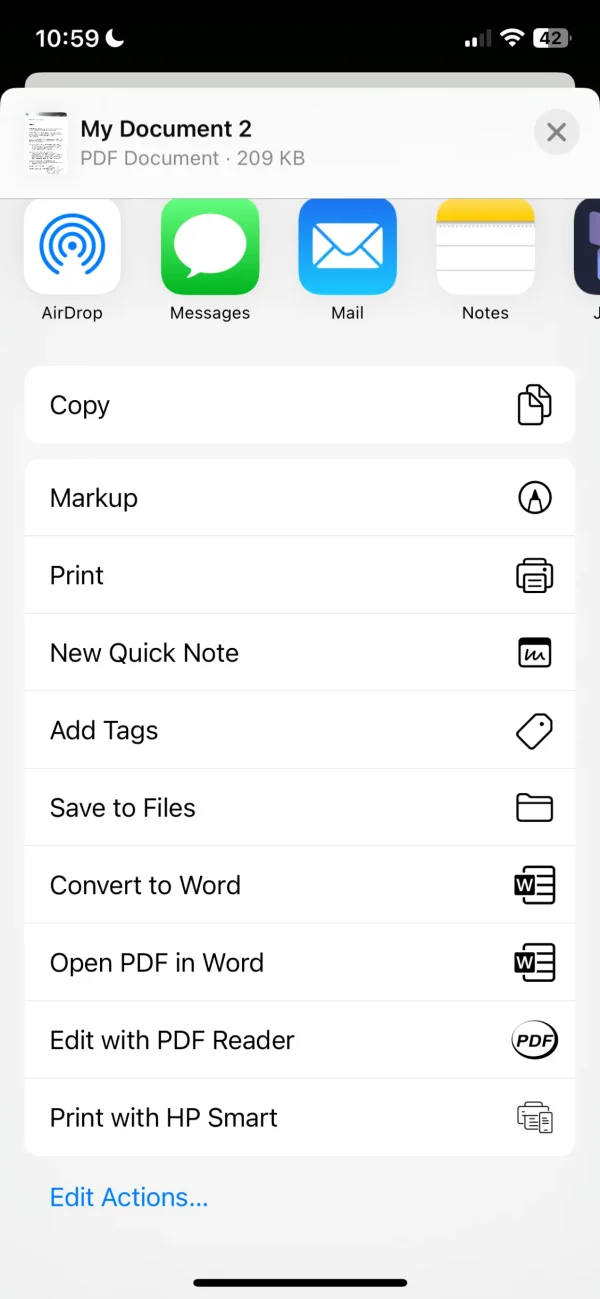
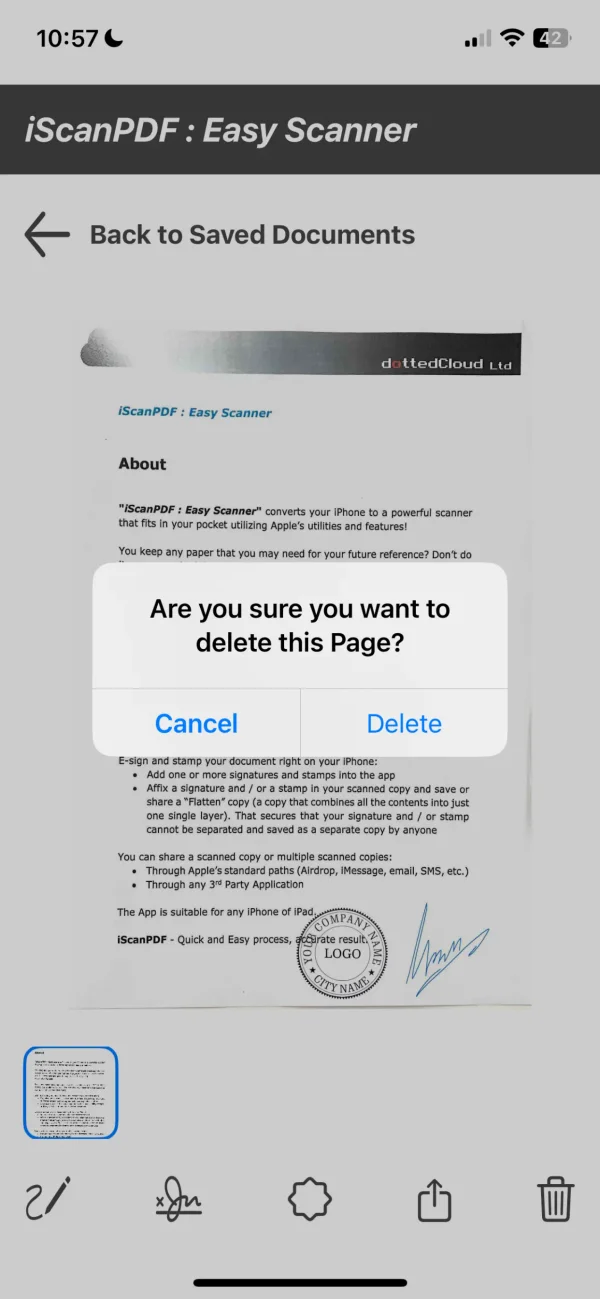
About
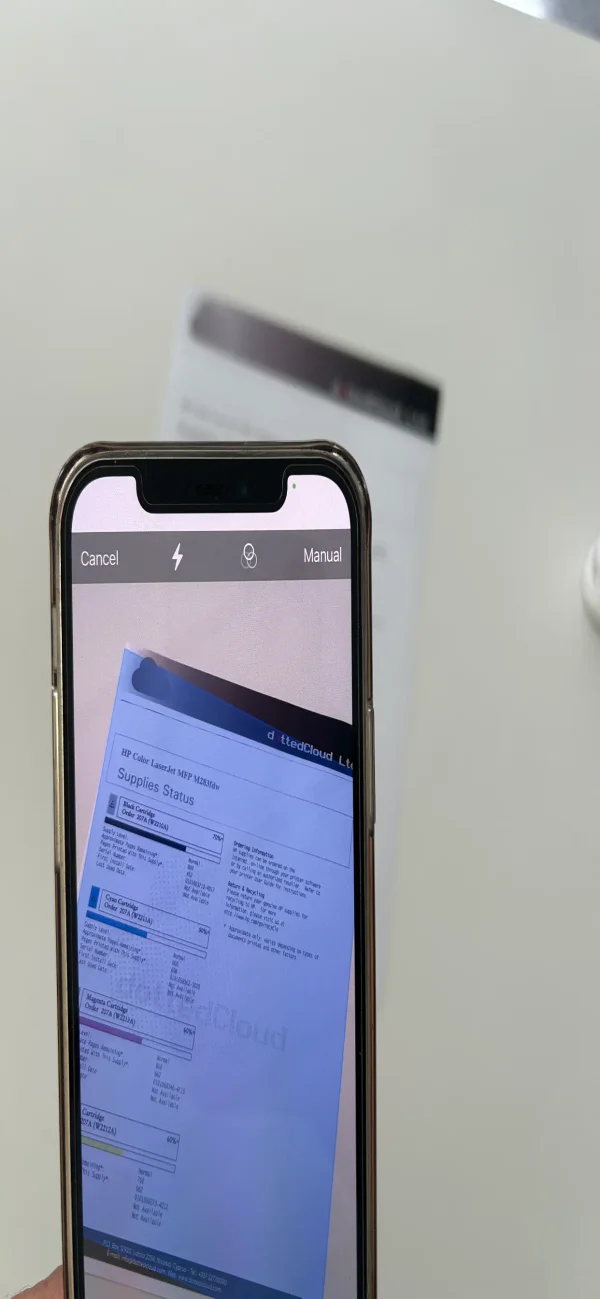
"iScanPDF : Easy Scanner" converts your iPhone to a powerful scanner that fits in your pocket utilizing Apple’s utilities and features!
You keep any paper that you may need for your future reference? Don’t do it anymore, don’t keep huge number of pages in bulky box-files! Scan them with this easy app and give the papers back to recycling!
Save the Planet!
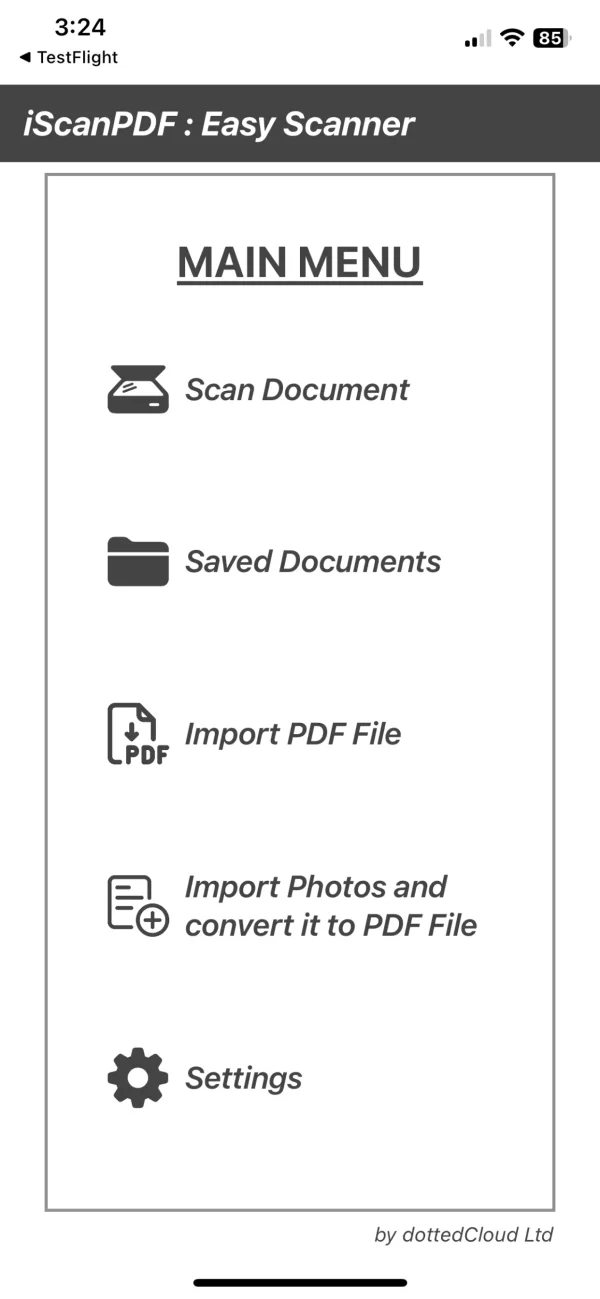
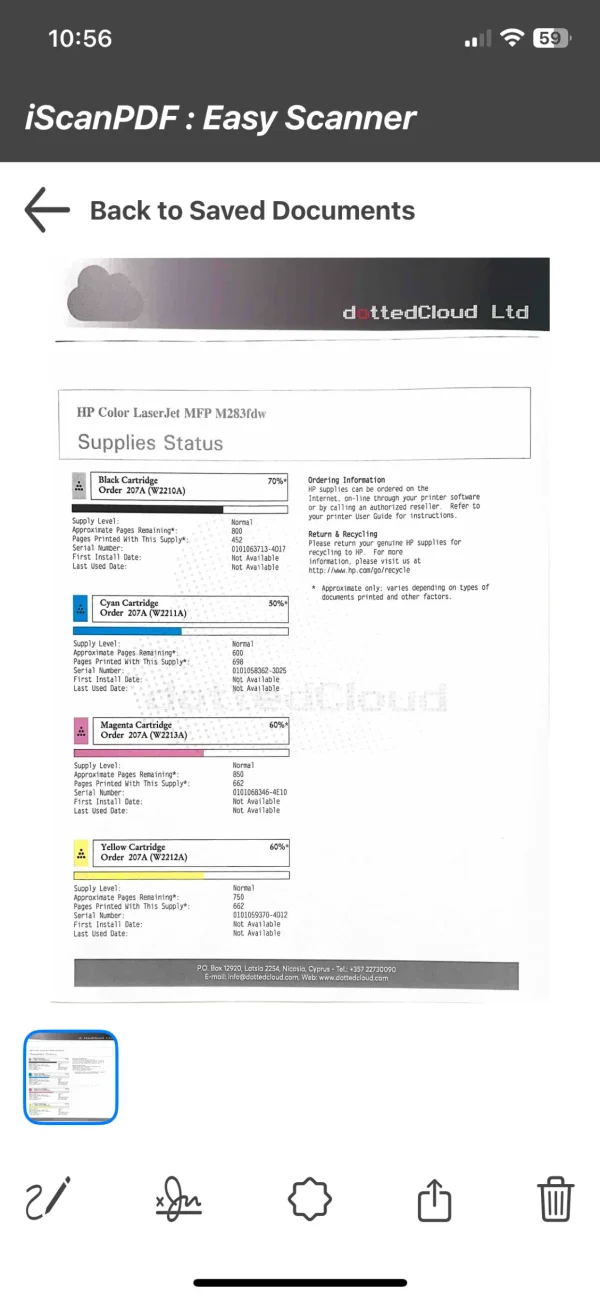
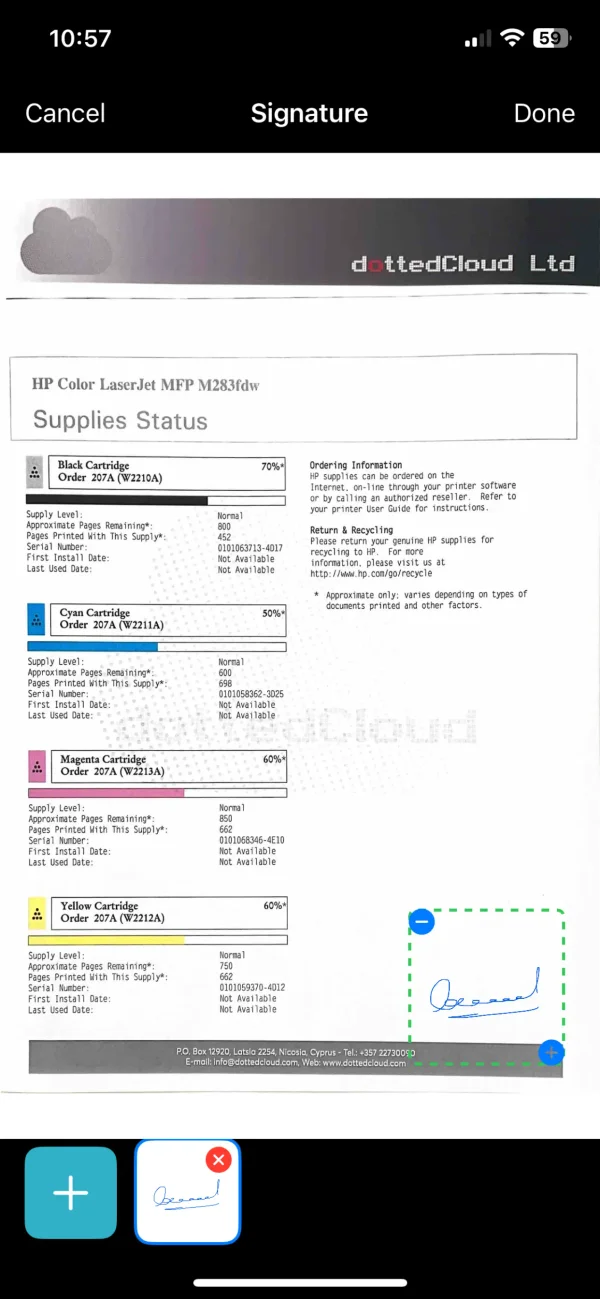
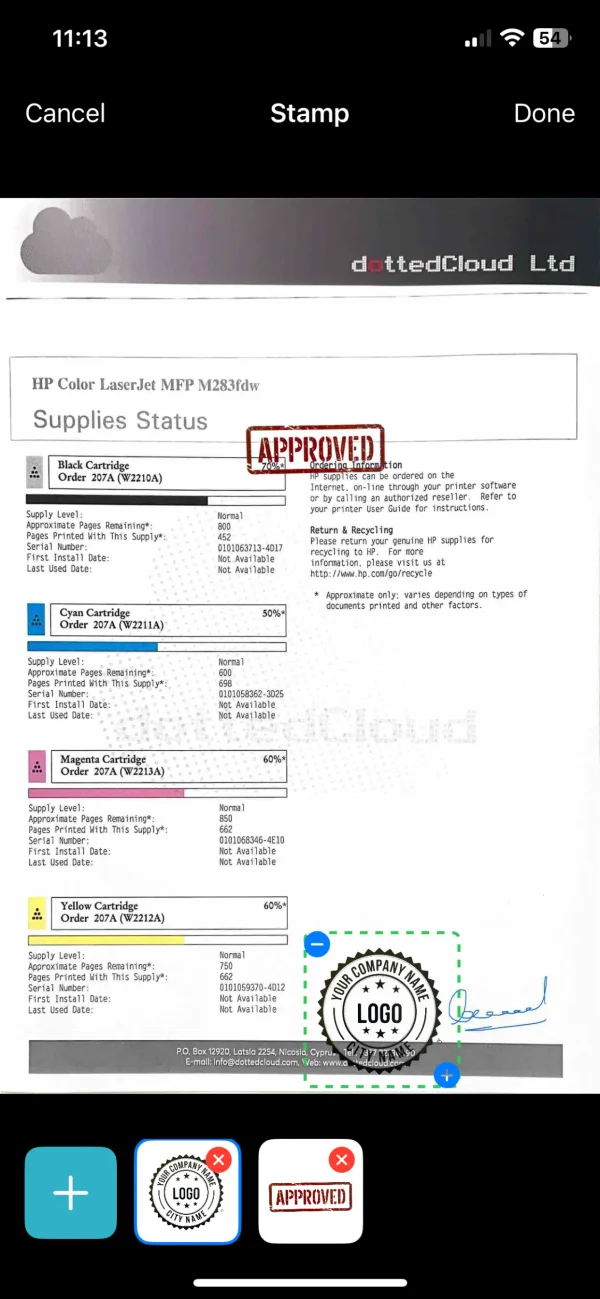
Scan any paper document and save the scanned copy (in PDF or JPEG format ) in a blink of an eye. You can affix your electronic signature and stamp at any scanned document.
Scan everything you need to keep and everything you need to share:
• Organize your work – Scan any business documents, invoices, purchase orders, contract agreements, correspondence letters
• Organize yourself – Scan any paper notes, book pages, bills, receipts, articles, sketches or any other printed document
E-sign and stamp your document right on your iPhone:
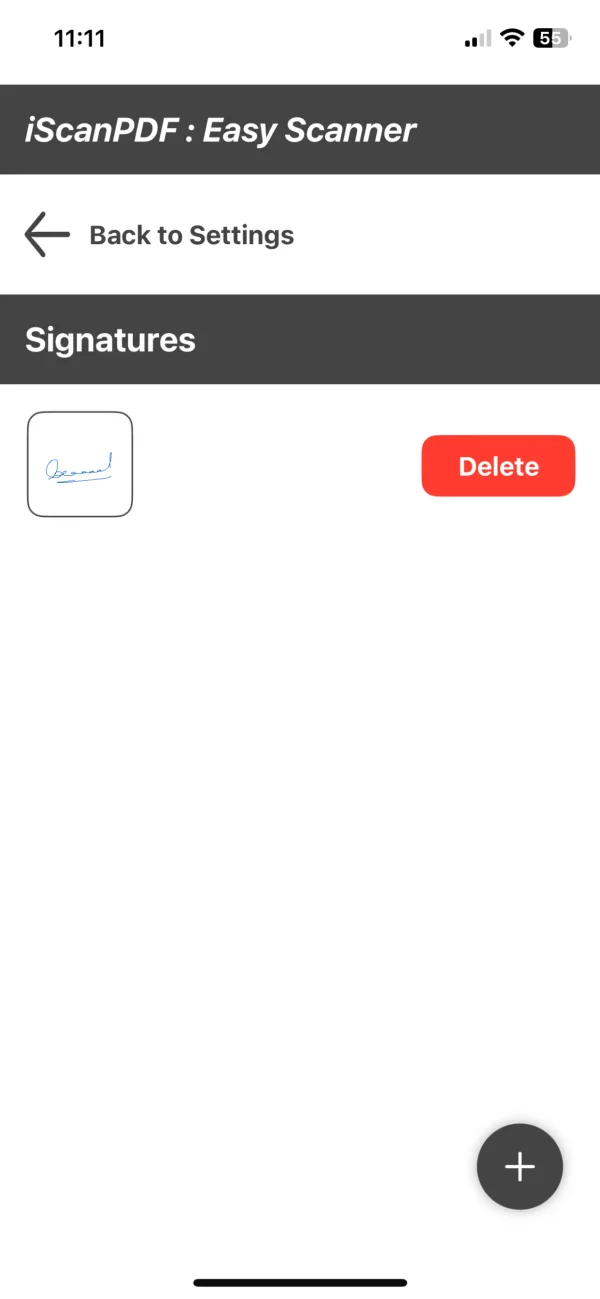
• Add one or more signatures and stamps into the app
• Affix a signature and / or a stamp in your scanned copy and save or share a “Flatten” copy (a copy that combines all the contents into just one single layer). That secures that your signature and / or stamp cannot be separated and saved as a separate copy by anyone
Import a .pdf file (or a photo and convert it to .pdf file) which needs your e-signature and/or e-stamping and then save it, share it, print it.
You can share a scanned copy or multiple scanned copies:
• Through Apple’s standard paths (Airdrop, iMessage, email, SMS, etc.)
• Through any 3rd Party Application
What’s new
Version 1.3.0 · Mar 20, 2026
Improved app performance
App privacy
What Dottedcloud Ltd declares on the App Store about how this app handles data.
-
Data not collected
The developer does not collect any data from this app.
Privacy practices may vary, for example with the features you use or your age.
Information
- Seller
- DOTTEDCLOUD LTD
- Category
- Productivity
- Version
- 1.3.0
- Updated
- Mar 20, 2026
- Released
- Aug 8, 2025
- Size
- 8.7 MB
- Requires
- iOS 16.6 or later
- Age rating
- 4+
- In-app purchases
- Yes
- Languages
- English
- Copyright
- © Dottedcloud Ltd
You might also like
-
 MeSomb for YangoRefill your Yango account
-
 PDF Pro – Scan, Sign & ConvertScan, sign, edit & fill PDFs
-
 Push PDF: PDF Converter, ScanPhotos to PDF & File Converter
-
 EditPDF | PDF Editor & SignEdit & E-Sign PDF Files
-
 iScanU scan badge on any eventScan badges on many devices
-
 Papr: PDF Editor & ScannerScan, Convert & Sign Documents
-
 SDA Church AppMembers, treasury and votes
-
 JPS StreetlightsProductivity
-
 Forms App for Google DocsSurvey Maker & AI Form Builder
-
 Warehouse LogisticsProductivity