
IT Tools - Network Analyzer
WiFi scanner & network tools
Designed for iPhone, iPad, iPod touch
$5.99
- Age rating4+
- CategoryUtilities
- DeveloperKEVIN KOLTZAU
- LanguagesEnglish
- Size16.5 MB
Links to the official App Store page
Download.org hosts no file of IT Tools - Network Analyzer. The button opens its official App Store page, published by KEVIN KOLTZAU. Listing last checked on Nov 17, 2026.
Screenshots


About
Network scanner and diagnostic utilities for users of all skill levels. Discover devices on your network, detect various types of problems and more!
Includes high speed WiFi network device discovery, able to find devices on your local network other tools miss. Standard network diagnostic tools such as ping, traceroute, DNS lookup, and whois are also provided.
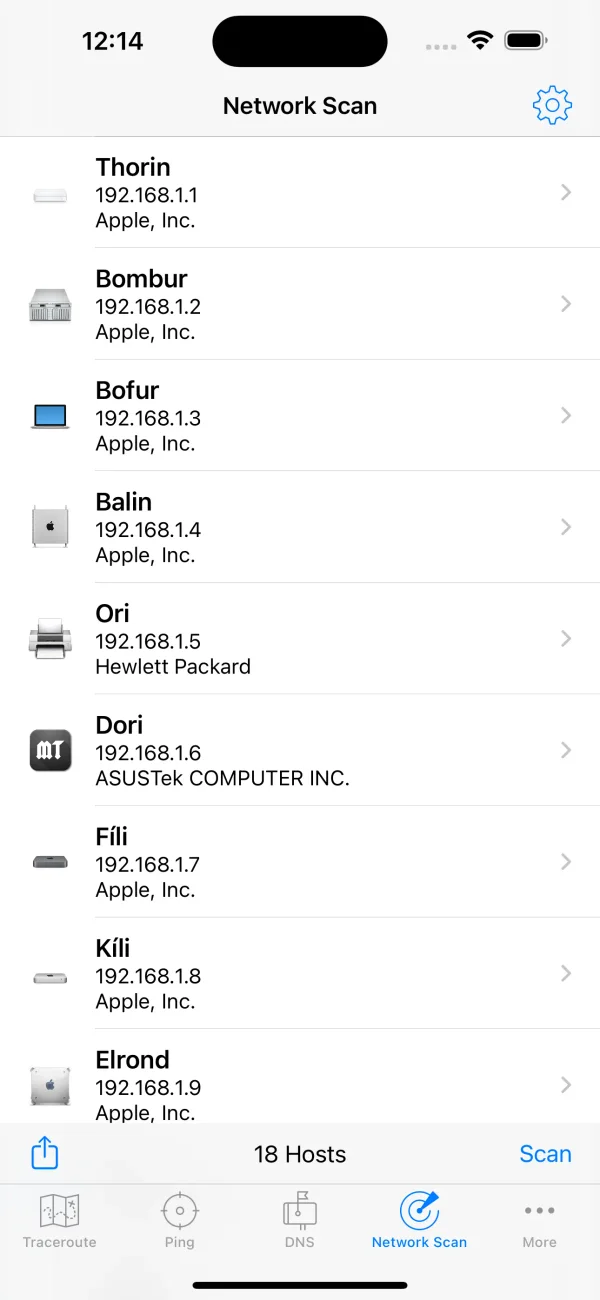
WiFi Network Scanner
Discover all the machines running on your network.
• Supports IPv6 scanning via broadcast addresses
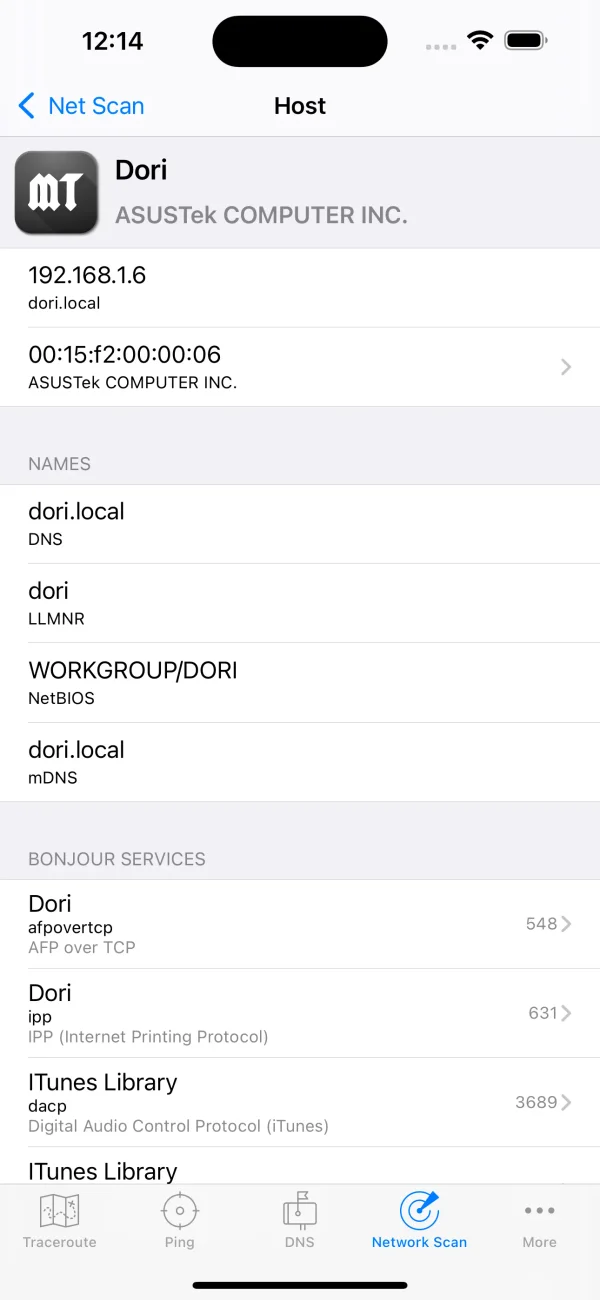
• All Bonjour/mDNS services, including all extra data stored in the TXT record.
• All UPnP devices, including sub-devices and services.
• Discover devices using NetBIOS. This helps a lot on networks with many Windows machines.
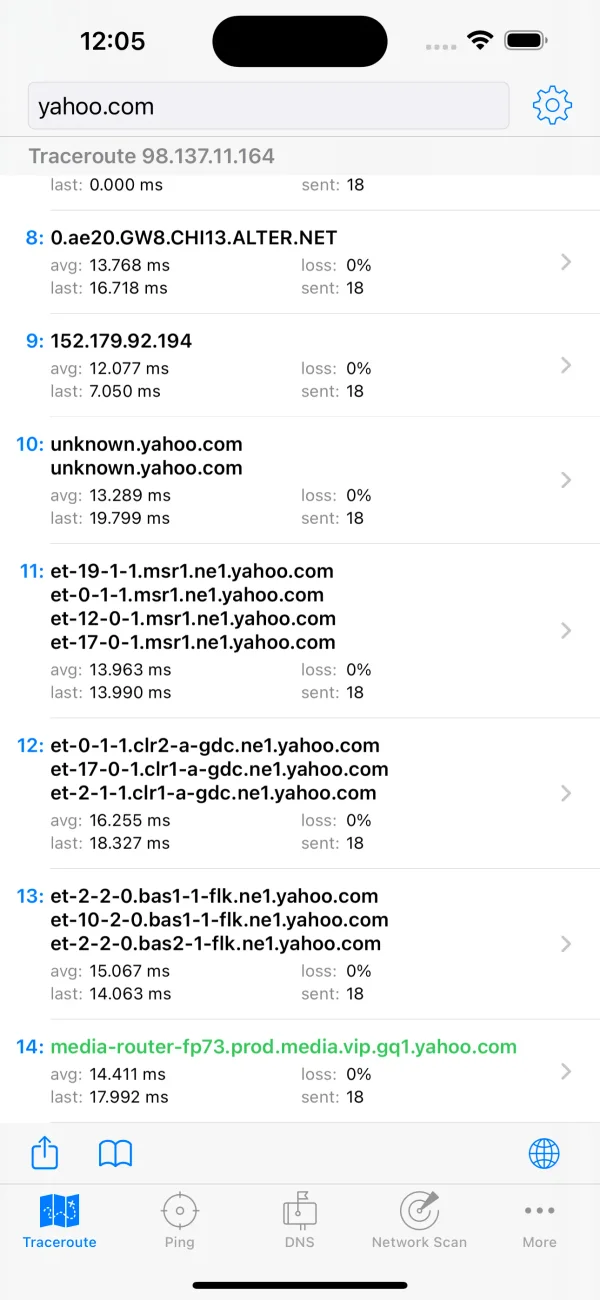
Continuous Traceroute
Provides details of the network hops to the destination host. Optimized to determine the network path extremely quickly, often in less then 5 seconds. Once the path is determined, it proceeds to continuously ping each hop to provide additional statistics and alternate paths, similar to tools like PathPing and MTR.
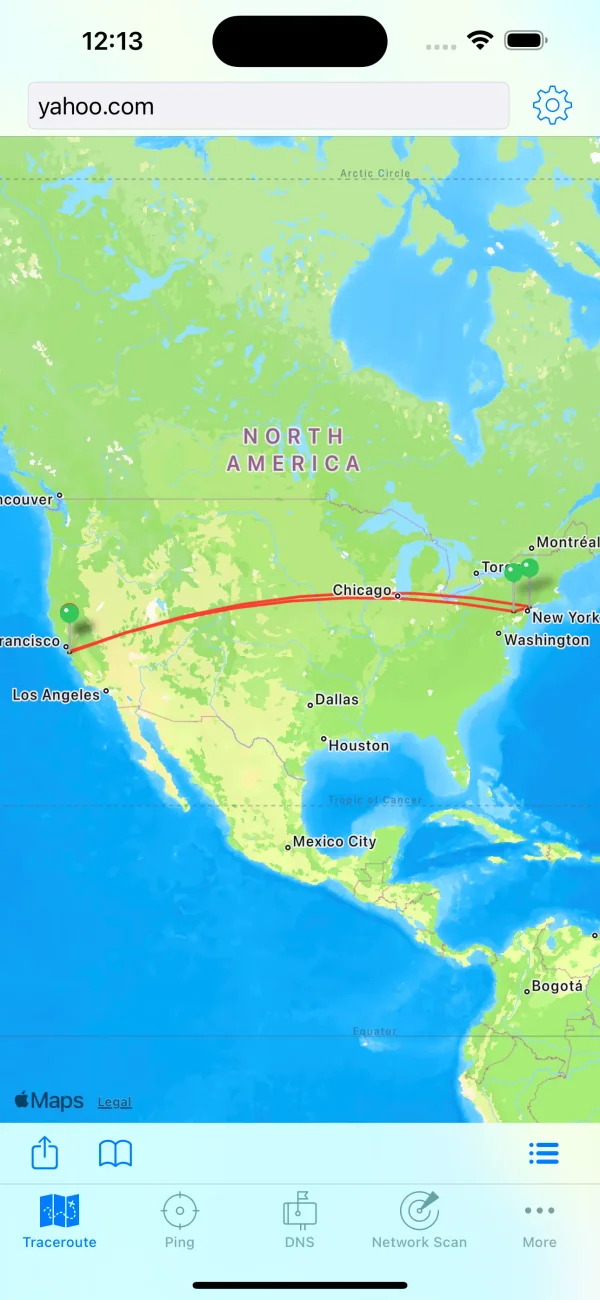
• Visualize traceroute geolocation data on the map
• Configurable start and max TTL, interval and payload size
• Choose which interface to use
• Lists all hostnames that respond to each hop
• View the AS Numbers associated with each hop
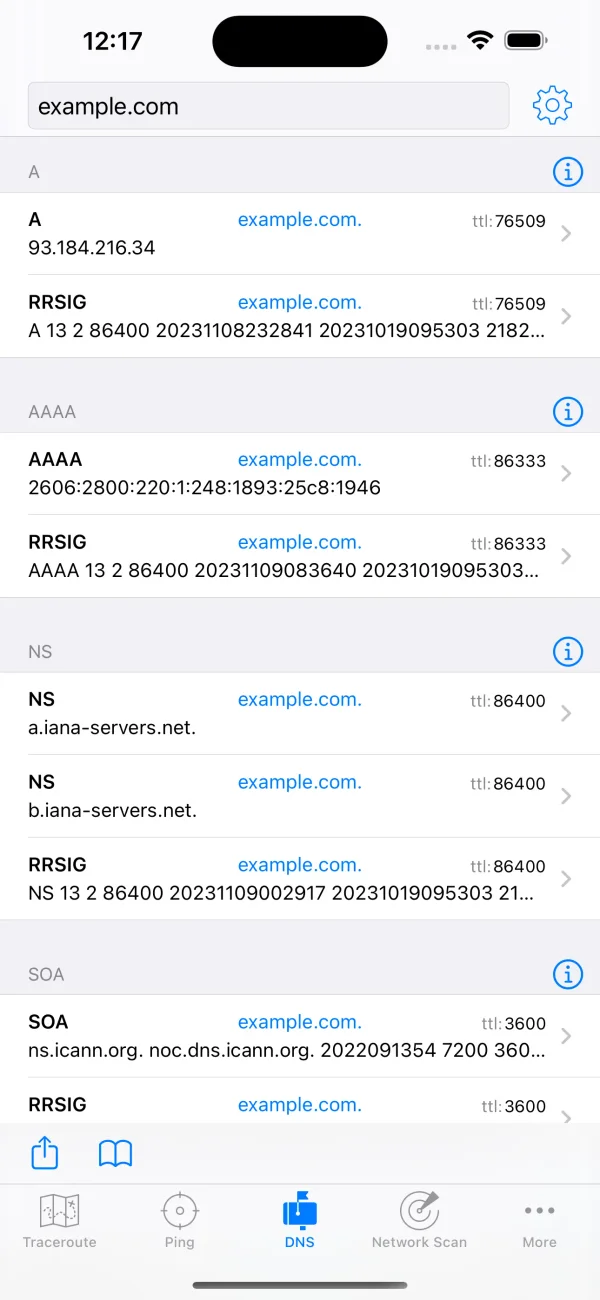
DNS
• Detects when an IP address is entered, and looks up the reverse PTR record
• Use the current system DNS server, or supply your own
• Choose from 50 supported DNS record types, including A, AAAA, CNAME, LOC, MX, NS, SRV, TXT
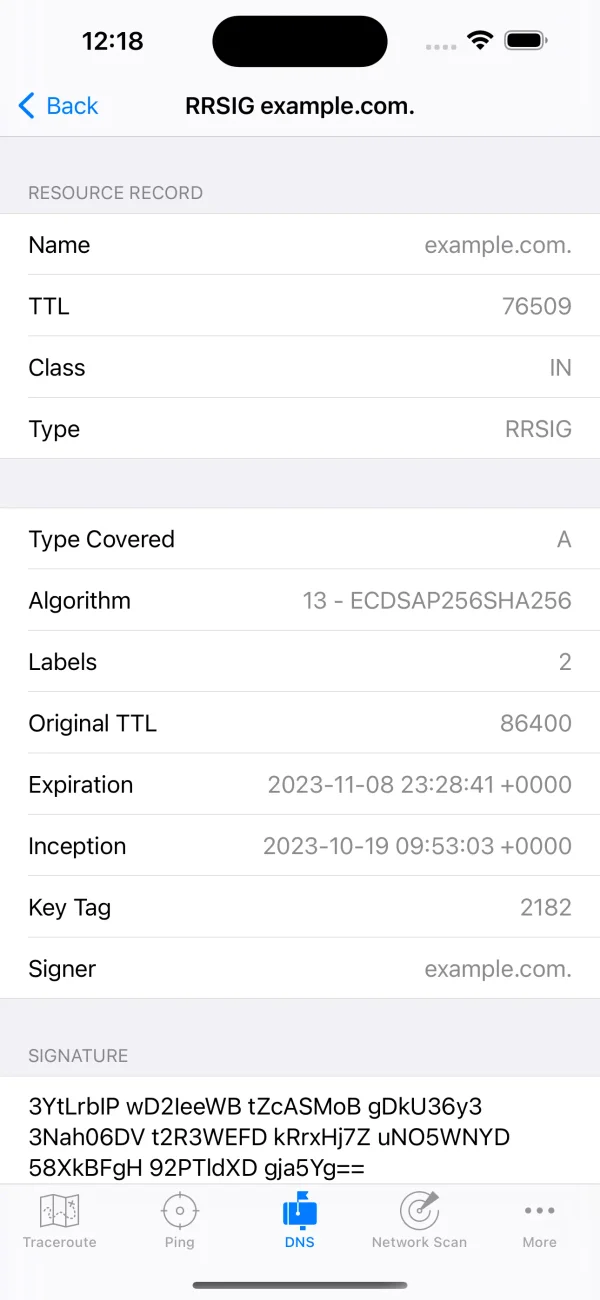
• Request DNSSEC records
• Optionally query using EDNS, including the NSID option.
• View LOC and GPOS records on a map
• Force DNS lookup over TCP to diagnose DNS server issues
• View the full DNS response, with headers and the question, answer, authority and additional sections
• Lookup internationalized domain names (IDN)
Ping
• Configurable TTL, Payload size, and interval
• Choose which interface to use
• Optionally keep the screen from going to sleep for very long ping sessions
• Optional audible sound on errors or when responses arrive
• Ping results can be graphed in real time to easily see response time spikes
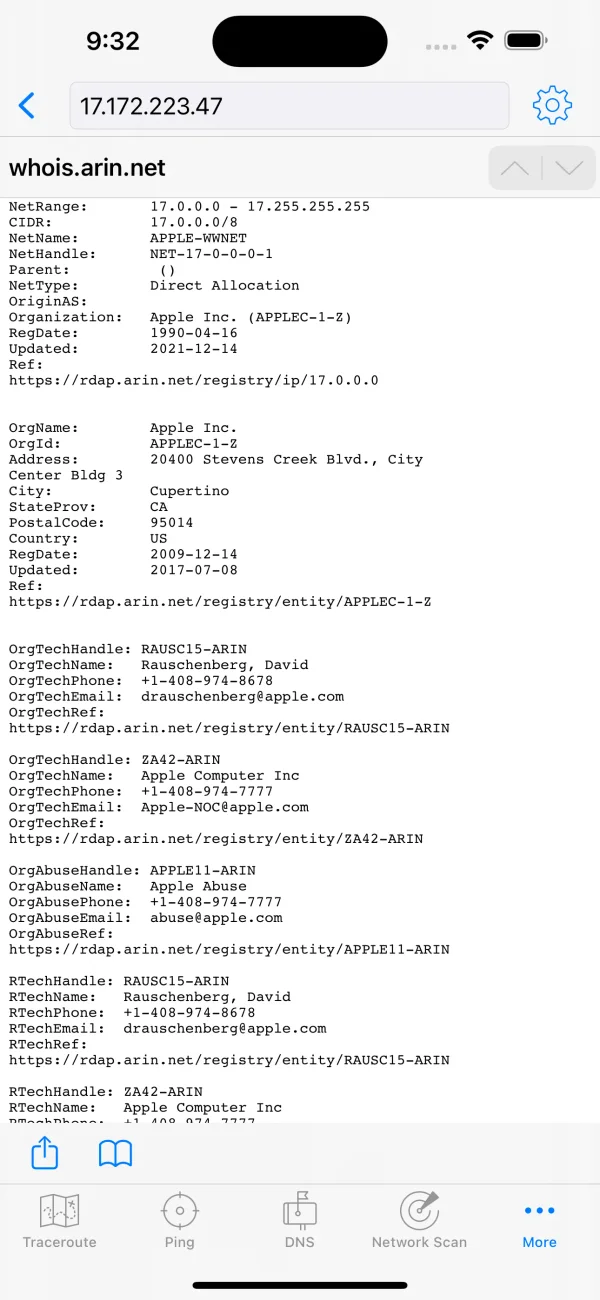
Whois
• Lookup details about hosts, IP addresses, and more
• Auto detects the whois server based on the query, or use a custom server
Routing table
• Route statistics updated in real time
• Very useful for diagnosing WiFi and VPN configuration issues
Interface
• All network interfaces on your device
• Network statistics updated in real time
• Current WiFi and WWAN IP Address
• WiFi SSID and BSSID
What’s new
Version 2.24.3 · Mar 17, 2024
Bug fixes
App privacy
What KEVIN KOLTZAU declares on the App Store about how this app handles data.
-
Data not collected
The developer does not collect any data from this app.
Privacy practices may vary, for example with the features you use or your age.
Information
- Seller
- KEVIN KOLTZAU
- Category
- Utilities
- Version
- 2.24.3
- Updated
- Mar 17, 2024
- Released
- Aug 1, 2009
- Size
- 16.5 MB
- Requires
- iOS 15.0 or later
- Age rating
- 4+
- Price
- $5.99
- Languages
- English
- Copyright
- © Kevin Koltzau
You might also like
-
 NetTools ProPro Network Toolkit
-
 NetAdmin - Network ScannerLAN scanner, SNMP & ping tools
-
 Service BrowserUtilities
-
 Network Radareasy to use IP Scanner
-
 iNet Pro - Network ScannerKnow your network…
-
 IP Scanner UltraNetwork Scanner (WiFi/LAN)
-
 iNetTools - ProBest Network Diagnosis App
-
 LocalSitesshows local device's websites
-
 WiFi Heat Map & AnalyzerDead zones & speed test
-
 Web ToolboxWebsites and pages monitoring