- Age rating4+
- CategoryUtilities
- DeveloperMarkus Spatling
- LanguagesGerman+ 1 more
- Size9.1 MB
Links to the official App Store page
Download.org hosts no file of ITRoomCAD Pro. The button opens its official App Store page, published by Markus Spatling. Listing last checked on Nov 23, 2026.
Screenshots



About
ITRoomCAD is data-center CAD for iPad: measure, plan and document IT rooms in one app — from the first survey on site to the finished documentation.
SURVEYING THE WAY IT WORKS ON SITE
• Draw walls with proper miters, or import the floor plan from vector PDF or a scan
• LiDAR room capture: pre-scan the floor plan with an iPhone Pro and continue in ITRoomCAD
• Take measurements numerically, with snapping — or straight from a Bluetooth laser meter
• Dimensions snap to elements; changing a dimension moves the object with it
PLANNING WITH DOMAIN KNOWLEDGE
• Racks with front and rear doors (cold/hot aisle), cooling units with airflow direction, cable trays, raised floor, obstacles and building services
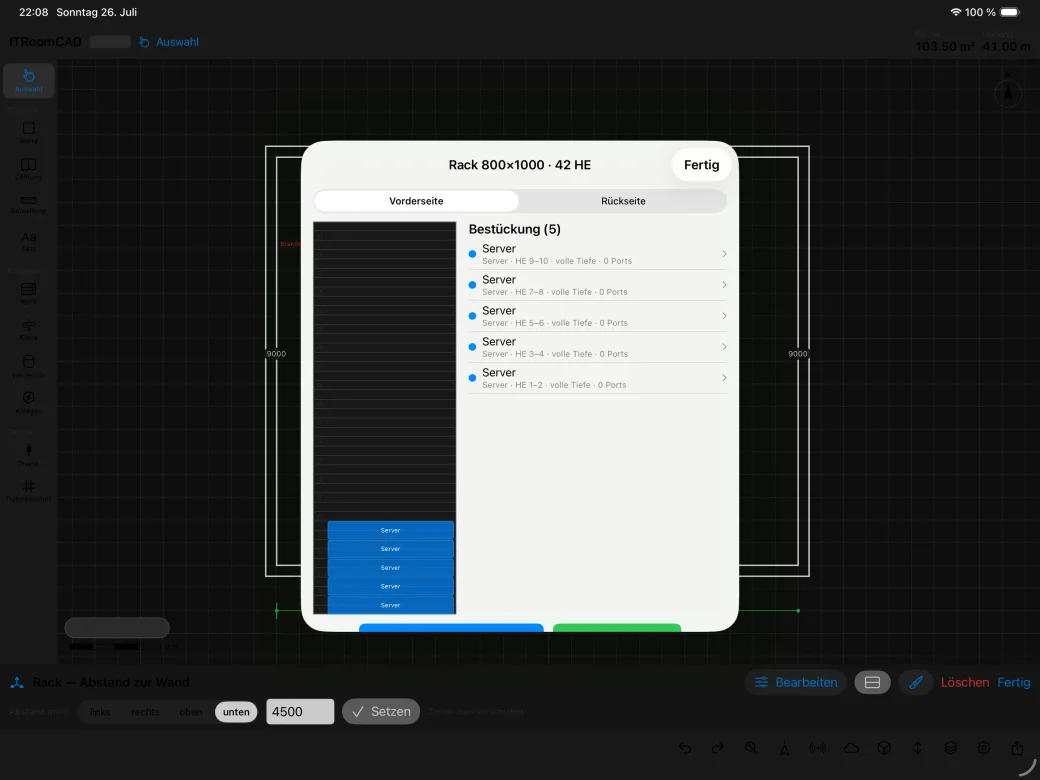
• Rack population in front and rear view: catalog devices with all their ports, expansion cards dragged onto a slot — power and port counts update automatically
• Cabling with calculated length and order dimension
INSPECTING AND DOCUMENTING
• Room check: does the cooling carry, do the PDUs carry — and which systems are missing from the room
• Audit findings with an open-items list right in the plan
• 3D view of the room
• Cost estimate split into materials and labor, separated into existing, planned and reserve
• Export as DXF and PDF, object data as an FNT Command template
CONTINUE TOGETHER ON THE SERVER
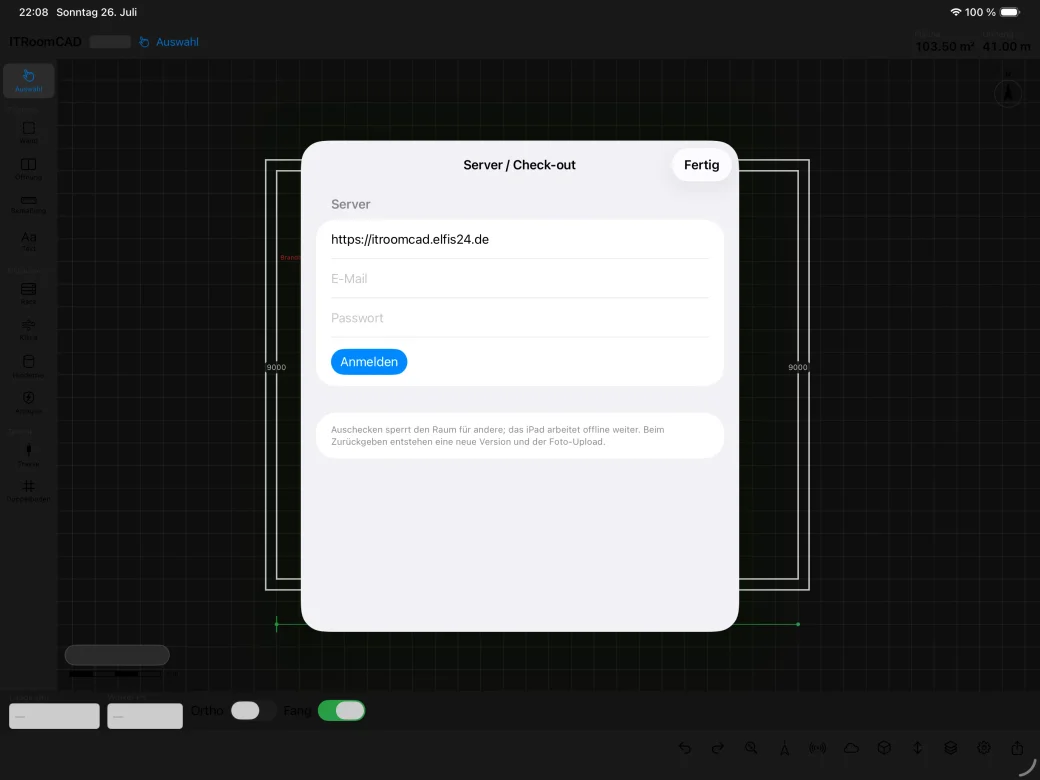
The app comes with a container-based server backend for your own house: store drawings centrally, work as a team with hard check-out and check-in, and keep drawing in the web client — with CAD editor, 3D view, fiber GIS across the campus and ACI network planning. The device catalog is maintained centrally and distributed to the iPads. That way your team keeps the documentation going; the server address is simply entered in the settings.
LANGUAGES AND DEVICES
German and English · for iPad · iPadOS 15 or later
ITRoomCAD Pro is a monthly subscription with a free trial. Payment is handled through your Apple account; the subscription renews automatically unless cancelled at least 24 hours before the end of the period. Manage or cancel any time in the App Store settings. Terms of Use (EULA): https://www.apple.com/legal/internet-services/itunes/dev/stdeula/
Privacy policy: https://itroomcad.lan-wan-consult.de/datenschutz
What’s new
Version 1.8.75 · Nov 12, 2026
The room as a whole: a rack plan shows all racks with their equipment from every side, and the app checks whether servers and storage are really connected redundantly.
• New: Rack plan. All racks in the room stand side by side, row by row, the way they are set up. A switch turns the whole overview to front, rear, left or right. Devices on the far side are drawn dashed. The PDF on A3 contains exactly the views you tick.
• New: Redundancy. Servers and storage carry a red triangle in the rack view as long as power or network do not run over two separate paths. A proposal names the missing connections, spreads the power supplies across both PDUs and keeps the phases evenly loaded.
• New: Import a device list. Devices from FNT, Docusnap, ServiceNow or Excel come into the room as CSV. Whatever brings a rack and a free rack unit is installed. The rest reappears every time the room is opened until every device has its place.
• New: Error list for connections without a mounting location. If the rack or the rack unit is missing at one end of a patch panel connection, it shows up in the defect list.
• New: Export for Docusnap, alongside FNT Command and ServiceNow.
• New: Outlet plan and connection assistant for PDUs, with a large PDU view by phase. The phase balance shows the load on L1, L2 and L3, including the failure of one feed.
• New: Proposals for power and network. The app suggests, it does not rebuild anything unasked.
• New: Slot compatibility in the configurator and inspection intervals with their standard reference.
• New: Tool mode Capture, Plan, Check. The bar shows only what fits the task.
• New: Switch between pencil and finger with larger buttons, metric or imperial units, and German or English right in the footer.
• New: Equipment can be dragged to size at its corner handle. In the rack view, a tap on a device opens the editor.
• Fixed: A device mounted at the rear in the web client appeared on the iPad only as a shadow. It now sits at the rear and can be tapped.
• Fixed: Management ports such as iDRAC or iLO no longer count as a second network path.
App privacy
What Markus Spatling declares on the App Store about how this app handles data.
-
Data linked to you
May be collected and linked to your identity.
- Contact info
- User content
Privacy practices may vary, for example with the features you use or your age.
Information
- Seller
- Markus Spatling
- Category
- Utilities
- Version
- 1.8.75
- Updated
- Nov 12, 2026
- Released
- Aug 13, 2026
- Size
- 9.1 MB
- Requires
- iOS 15.0 or later
- Age rating
- 4+
- In-app purchases
- Yes
- Languages
- German, English
- Copyright
- © 2026 LAN-WAN-Consult
You might also like
-
 Ultimate Video GamesUtilities
-
 Mein grüüünUtilities
-
 Klar by FirefoxUtilities
-
 Mozilla VPN - Secure & PrivateFast. Secure. Ultra-private.
-
 MeinMagenta: Mobile & InternetAll services in one app
-
 iVCam WebcamUse your phone as a PC webcam
-
 Carista OBD2 Car ScannerCode, Service, Diagnose cars
-
 Werwölfe VollmondnachtUtilities