- Age rating4+
- CategoryMusic
- DeveloperGianluca Natalini
- LanguagesEnglish
- Size3.0 MB
Links to the official App Store page
Download.org hosts no file of iTuningFork - Tone Generator. The button opens its official App Store page, published by Gianluca Natalini. Listing last checked on Nov 18, 2026.
Screenshots
About
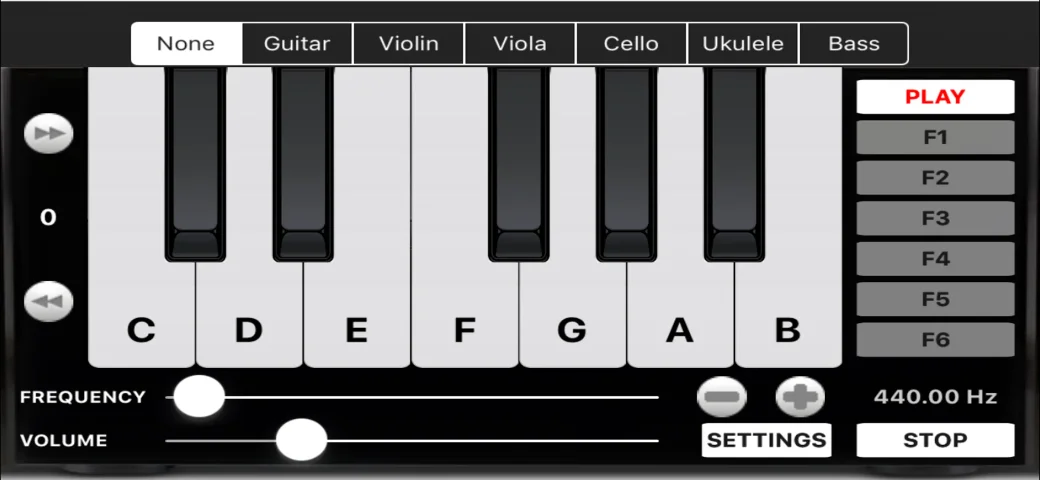
"iTuningFork - Tone Generator" is a tone generator (signal generator) for tuning musical instruments or for testing electronic equipments.
The signal generator is an electrical / electronic device capable of generating an electrical signal with waveforms types and frequencies selectable by the user.
Music industry:
"ITuningFork - Tone Generator" works like a tuning fork.
The program preset tones, different for each type of instrument, simplify the operations required for tuning musical instruments.
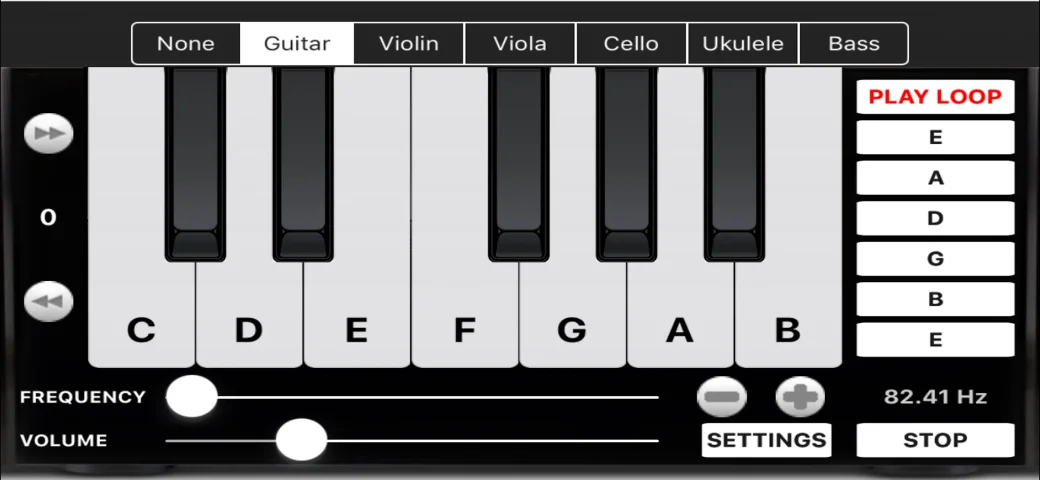
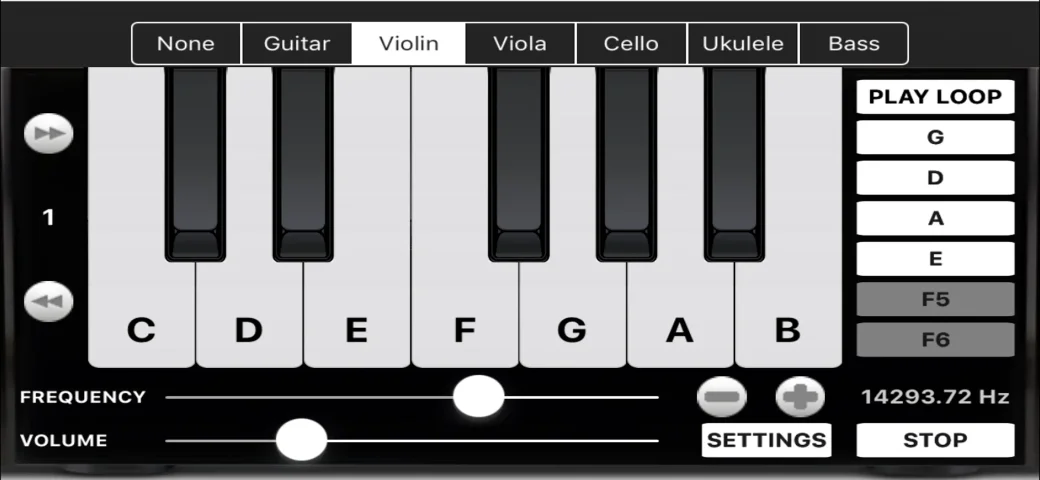
You have to select the musical instrument you want to tune and "iTuningFork - Tone Generator" will automatically generate the full tone scale for the selected musical instrument.
You can play the single key/tone/note, or you can "Play Loop" to activate all the preset tones in sequence for the selected instrument. In this case, the "Timeout" setting determines the duration of each tone in the automatic sequence of tones for the selected musical instrument.
Volume and timbre can also be edited while playing a tone; you can thus obtain special effects of shifting the tone frequency in real time.
Volume control allows you to adjust the exact audio intensity for the playing tone and allow you to tune your music instrument more easily.
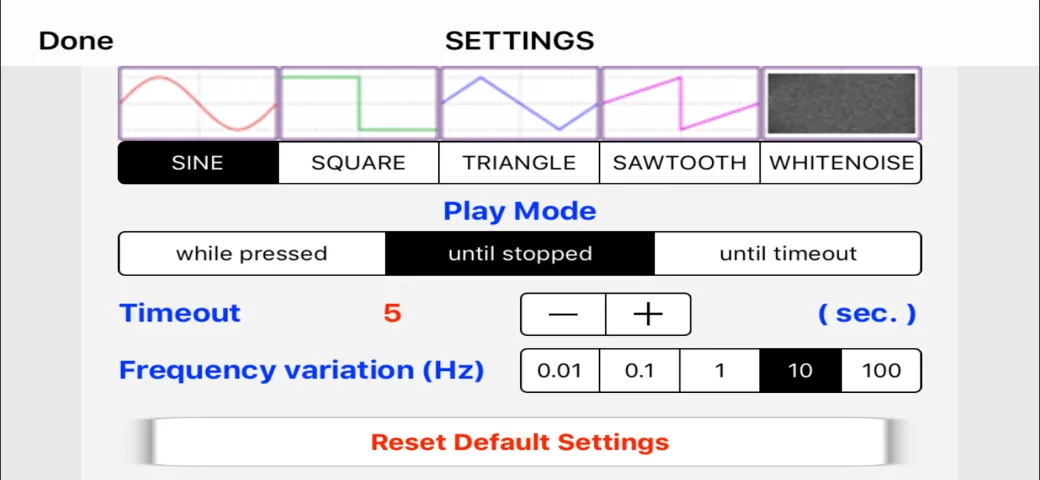
The “Notes Duration” controls allow you to decide whether the notes should only be played until the button is pressed or continuously until you press "Stop", or with a fixed timeout adjustable in seconds.
It is also available the 9-octave tones keyboard for each waveform selected to play the desired note.
Electronic industry:
Signals generators are typically used in three ways:
- in the testing of electrical and electronic circuits
- as a process control device
- as a sample instrument
Circuit Verification: the equipment provides a precise signal chosen by the user to the circuit to be verified: the analysis of how the circuit elaborates it, and the comparison of what was theoretically expected, give to the analyst details about the correct operation of the circuit.
Circuit Control: the generated signal is used as a reference to control the output process of the circuits
Sampling instrument: a particular variant of the use of signal generators in testing is when used as a sample capable of generating a known, stable and defined electrical signal with relatively low uncertainty to be used as a reference for calibration of electrical instrumentation.
Technical features:
1) Signals generator with selectable waveforms:
- Sine waveform
- Square waveform
- Triangular waveform
- Saw waveform
- White Noise waveform
2) Signals generator with selectable frequencies:
- From 5Hz to 22000Hz (some low frequencies or high frequencies tones can not be heard using the internal speaker of the portable device... for these tones, you must use an external audio amplifier or a specific equipment)
3) Repulsive ultrasonic multifrequencies: repellent for mosquito / flies / mice / animals that hates ultrasounds.
Application Type:
- UNIVERSAL APP (pay it only once and runs on all your devices)
What’s new
Version 2.2 · Jul 29, 2026
* Minor bugs fixed
App privacy
What Gianluca Natalini declares on the App Store about how this app handles data.
-
Data not collected
The developer does not collect any data from this app.
Privacy practices may vary, for example with the features you use or your age.
Information
- Seller
- Gianluca Natalini
- Category
- Music
- Version
- 2.2
- Updated
- Jul 29, 2026
- Released
- Feb 13, 2013
- Size
- 3.0 MB
- Requires
- iOS 16.6 or later
- Age rating
- 4+
- Price
- $1.99
- Languages
- English
- Copyright
- © 2013 Gianluca Natalini - NGCYBIT Robotics