JAMD Microscopic Video Editor
For JAMD certification videos
Designed for iPhone, iPad
- Age rating4+
- CategoryMedical
- DeveloperMitsuhiko Takata
- LanguagesJapanese
- Size4.1 MB
Links to the official App Store page
Download.org hosts no file of JAMD Microscopic Video Editor. The button opens its official App Store page, published by Mitsuhiko Takata. Listing last checked on Nov 12, 2026.
Screenshots


About
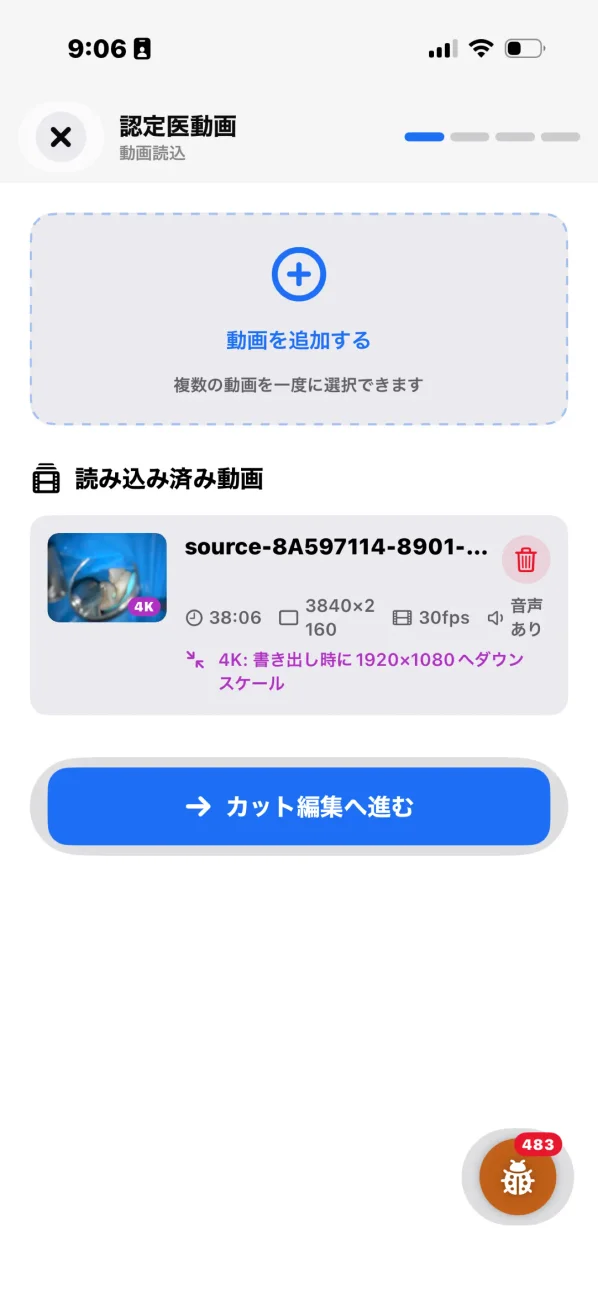
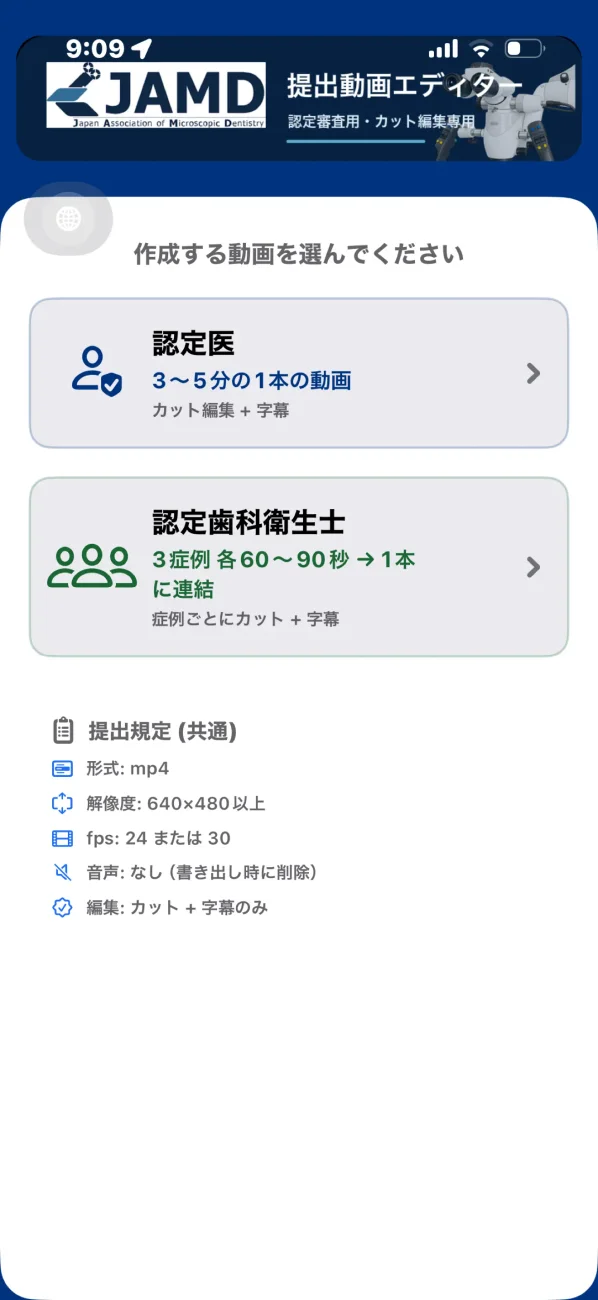
JAMD Microscopic Video Editor helps you prepare the case video required for certification by the Japan Association of Microscopic Dentistry (JAMD) — Certified Dentist and Certified Dental Hygienist — entirely on your iPhone.
WHY THIS APP EXISTS
General-purpose video apps make it easy to add something a certification case video is not meant to contain. Stabilization, a crop, a speed change or a transition can be applied in a single tap — often without the applicant ever intending it. This app takes a different approach: rather than warning you afterwards, it simply does not implement those operations. Cutting, subtitles and title cards are all there is. You do not need to memorize the editing rules; a video that breaks them cannot be produced.
WHAT YOU CAN DO
- Two modes
Certified Dentist: one case, 180-300 seconds of case footage.
Certified Dental Hygienist: one Required Task video (90-120 seconds) plus two Free Task videos (up to 90 seconds each), joined automatically into one video (fiscal 2027 rules).
Choosing a mode applies the submission rules automatically.
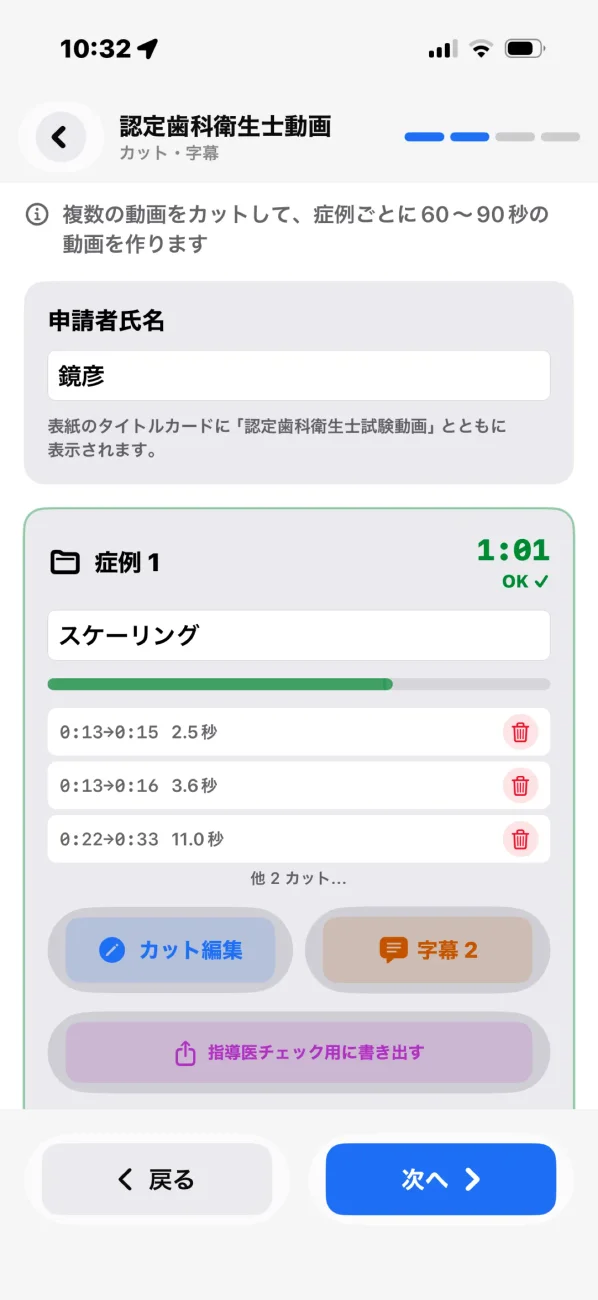
- Cut editing
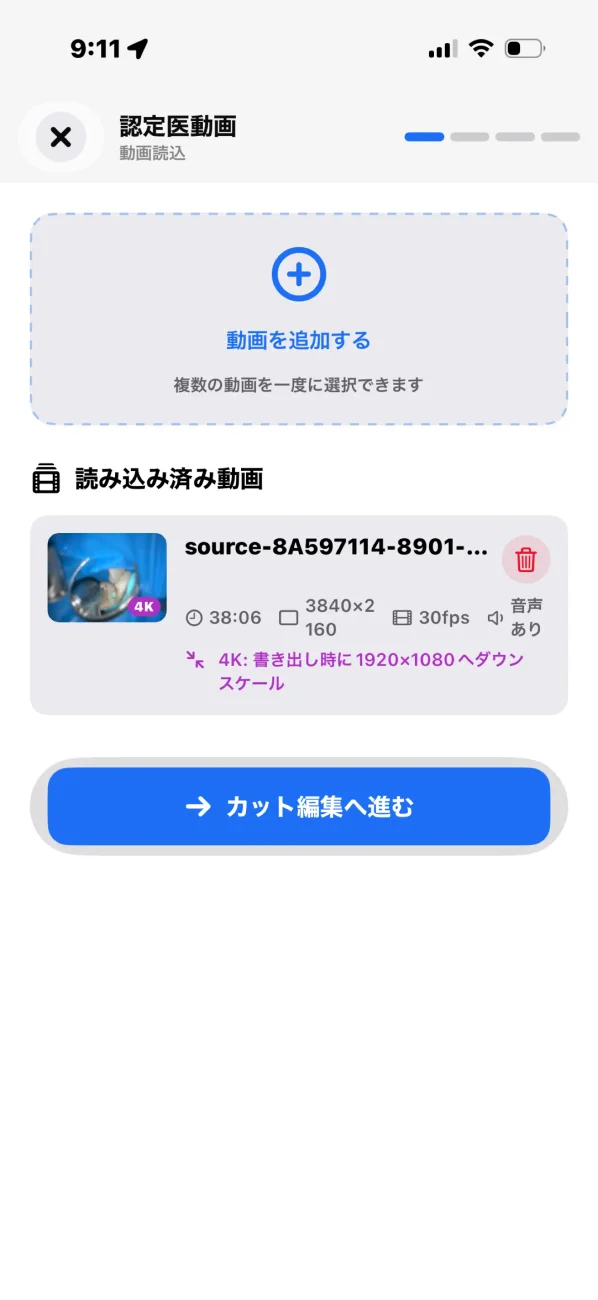
Select only the parts you need. The timeline plays back the finished video itself, so you can split, delete and trim while seeing exactly what will be exported.
- Subtitles
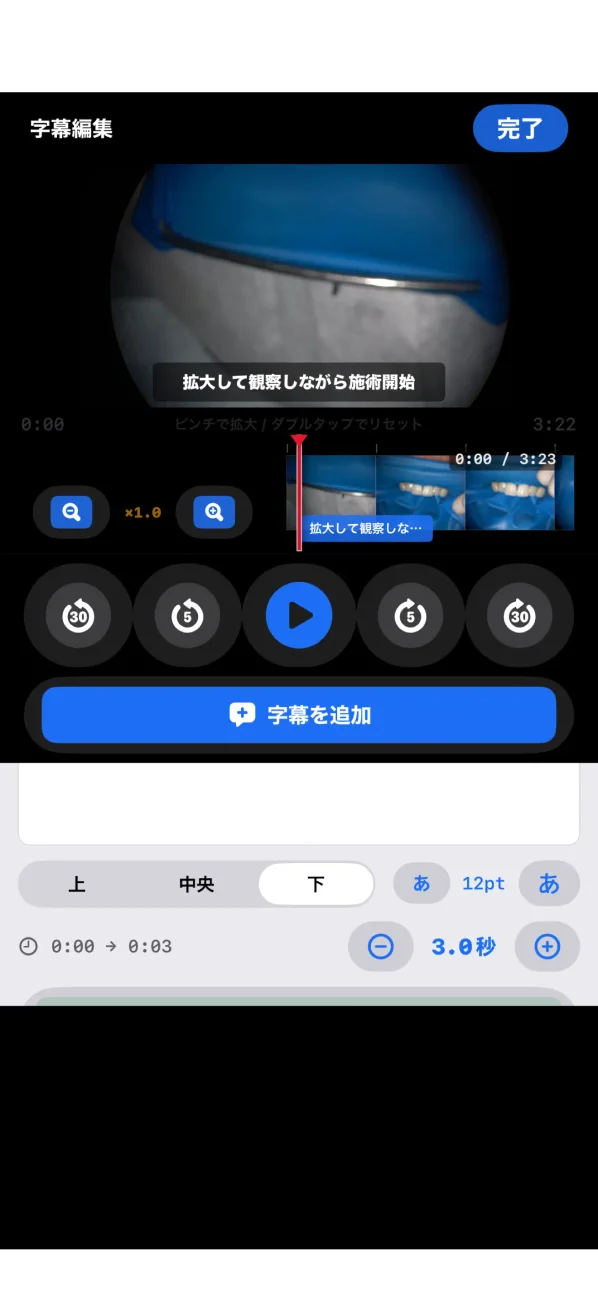
Overlay procedure names or commentary. Font size and position (top / middle / bottom) are adjustable. You can also type them all at once in a list view.
- Title cards
Enter the applicant name and case title, and a rule-compliant title card (3 seconds each) is generated automatically.
- Preflight check
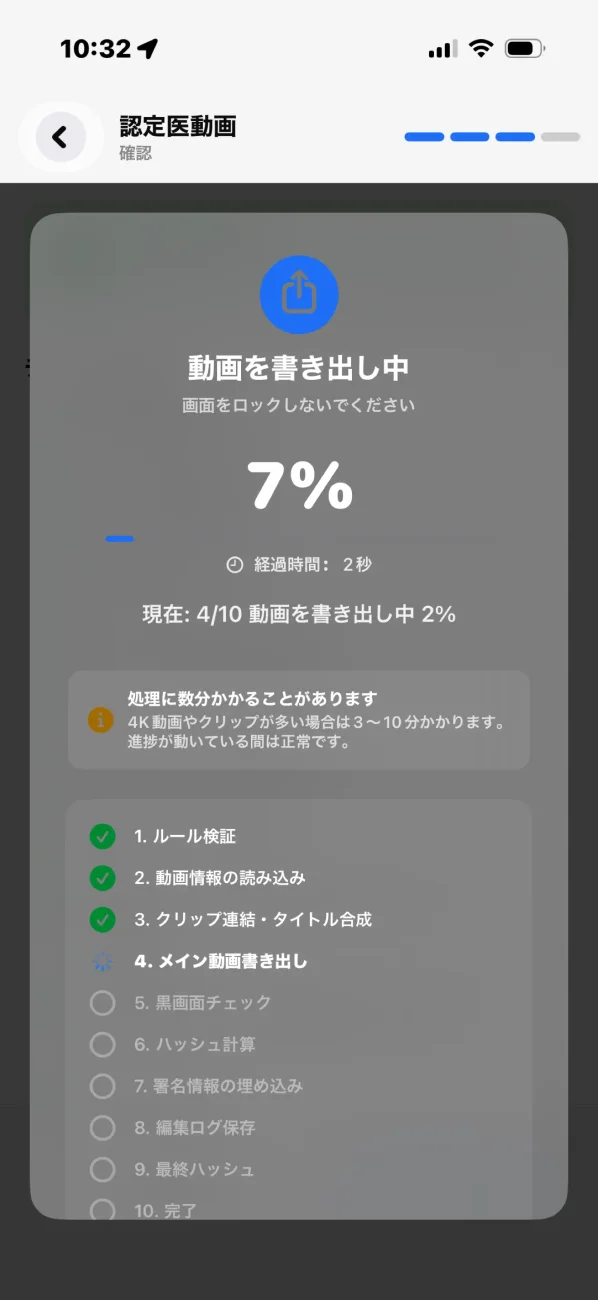
Before export, the app verifies resolution, frame rate, length and subtitle placement. If any rule is not met, export is blocked and the problem is shown.
- Silent export
The submission rules require no audio, so every audio track is removed automatically.
- Edit log
A JSON record is generated alongside the video. It stores only which source was used, from what second to what second. There is no field in which a scale factor or a speed factor could be written, so the record itself shows that out-of-spec processing could not have entered.
(This records what was done inside this app. It does not determine whether the source video was processed before import.)
- Four languages
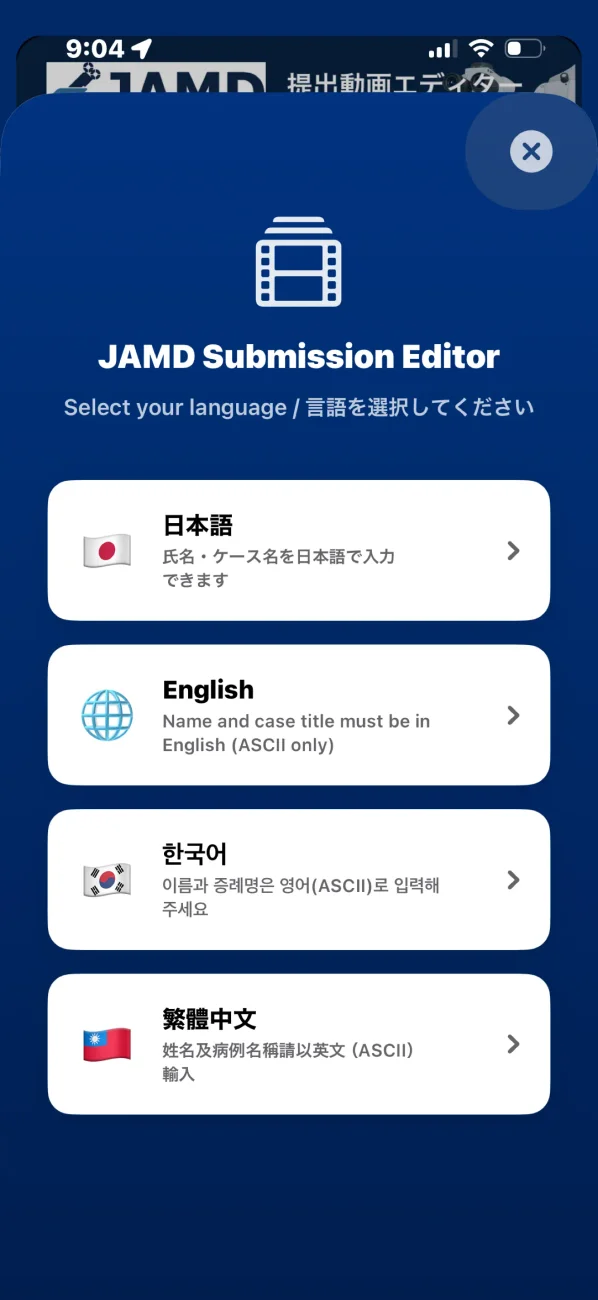
Japanese / English / Korean / Traditional Chinese
SUBMISSION RULES ENFORCED
- Format: MP4
- Resolution: 640x480 or higher, 1920x1080 recommended
- Frame rate: 24fps or 30fps
- Audio: none (removed automatically)
- Editing: cut, subtitles and title cards only
PRIVACY
All video data is processed on your device. The app has no networking capability, so nothing is ever uploaded to any server.
What’s new
Version 2.4 · Oct 14, 2026
[2.4] You can now correct the orientation of your footage
■ Rotate to match how your camera is mounted
If the camera on your microscope is mounted sideways, your footage used to stay tilted all the way to submission. The rotation buttons at the top of the editing screen turn the video 90° in either direction.
Rotation does not change the content, the length, or the left-right relationship of the footage, so it works as a correction for camera mounting. There is deliberately no mirror/flip function, because flipping would swap left and right and turn one tooth into another.
■ The preview now matches the exported video
Several things used to look different in the preview from the video you actually export.
- Footage recorded in portrait appeared tilted in the preview only
- Subtitles appeared less than half their true size on iPad
- With two or more overlaid photos, the front-to-back order could be reversed
In every case the exported video was correct and only the preview was wrong. Videos you have already exported or submitted are unaffected.
■ Guidance that helps you avoid re-recording
- The Certified Dental Hygienist description on the home screen still showed the old rules; it now shows the current ones (required task 90–120 sec, free tasks up to 90 sec each)
- Before you import a video, the app explains that the required task cannot be cut in the middle
- If you choose a video that is shorter than the required length, the app tells you right away
■ Easier to operate
- Split and delete are now icons on the timeline row, leaving more room on screen
- Overlaid photos are laid out on separate rows on the timeline when there are several
- If photo access is turned off, the app now says so (importing from the Files app needs no photo access)
- Fixed the screen being cut off at the sides on devices set to a large text size
Note: nothing has changed in the exported video (resolution, frame rate, silent audio) or in the submission-rule checks.
App privacy
What Mitsuhiko Takata declares on the App Store about how this app handles data.
-
Data not collected
The developer does not collect any data from this app.
Privacy practices may vary, for example with the features you use or your age.
Information
- Seller
- Mitsuhiko Takata
- Category
- Medical
- Version
- 2.4
- Updated
- Oct 14, 2026
- Released
- May 8, 2026
- Size
- 4.1 MB
- Requires
- iOS 17.0 or later
- Age rating
- 4+
- Languages
- Japanese
- Copyright
- © 2026 Mitsuhiko Takata