Jargon Flashcards: Auto-Define
Multilingual vocab & memorize
Designed for iPhone, iPad, iPod touch
In-app purchases
- Age rating4+
- CategoryEducation
- DeveloperQAEE CONPUUTENG
- LanguagesEnglish+ 2 more
- Size26.0 MB
Links to the official App Store page
Download.org hosts no file of Jargon Flashcards: Auto-Define. The button opens its official App Store page, published by QAEE CONPUUTENG. Listing last checked on Nov 12, 2026.
Screenshots
About
Time is money. Are you still wasting hours manually looking up words in a dictionary and typing them into flashcards one by one?
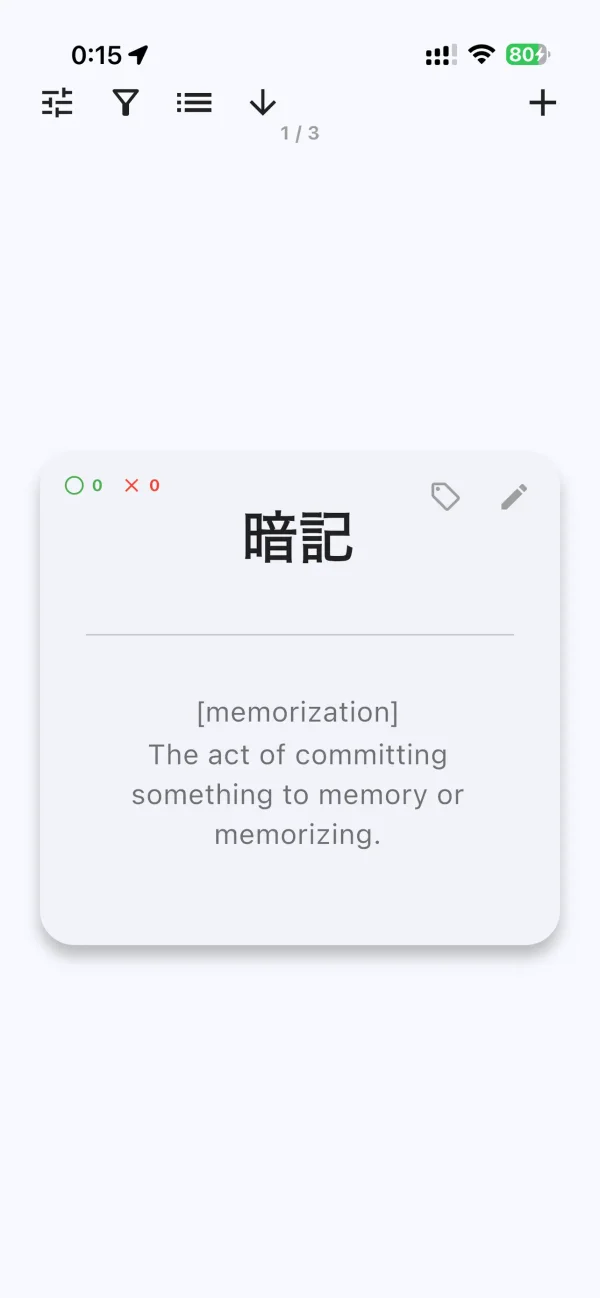
Jargon Flashcards turns any list of terms—technical jargon, exam vocabulary, medical or IT terminology, or words in another language—into a ready-to-study flashcard deck, just by pasting. It's built for professionals who need to master industry-specific terms fast, and works just as well for students, language learners, and everyday vocabulary.
You do not need expensive, slow AI or LLMs just to make flashcards.
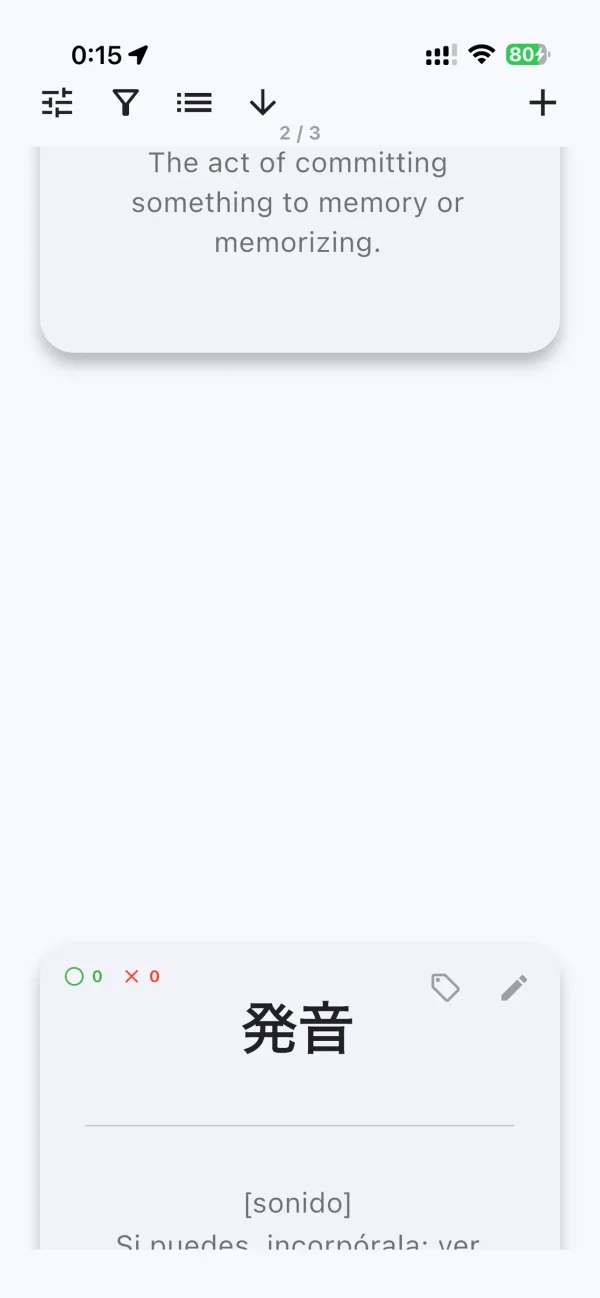
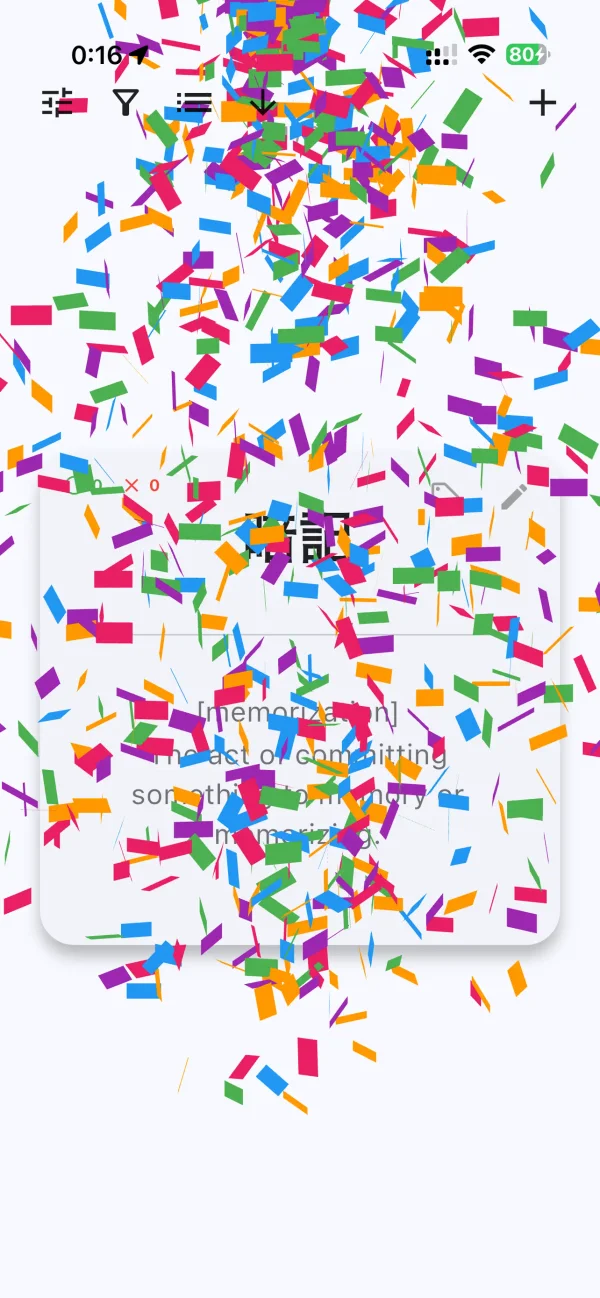
Whether you are reading foreign literature, academic papers, or business news, simply paste your list of unknown words. The app automatically searches multiple dictionary APIs in parallel to fetch definitions, translations, and pronunciations, creating your custom flashcard deck in seconds.
Stop preparing. Start learning.
[ Key Features ]
- Bulk Import & Auto-Definition
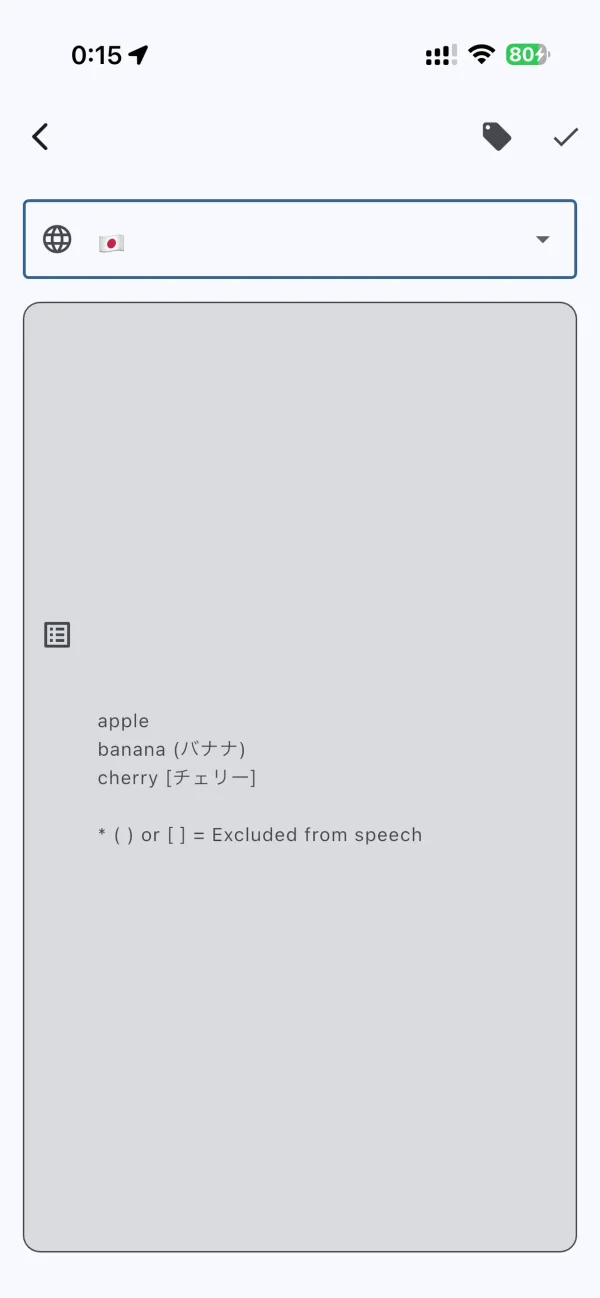
Simply paste your words (one per line). The app automatically fetches definitions and translations using Wikipedia, Wiktionary, and Translation APIs to create your cards instantly (up to 500 words at a time).
- Spaced Repetition System (SRS)
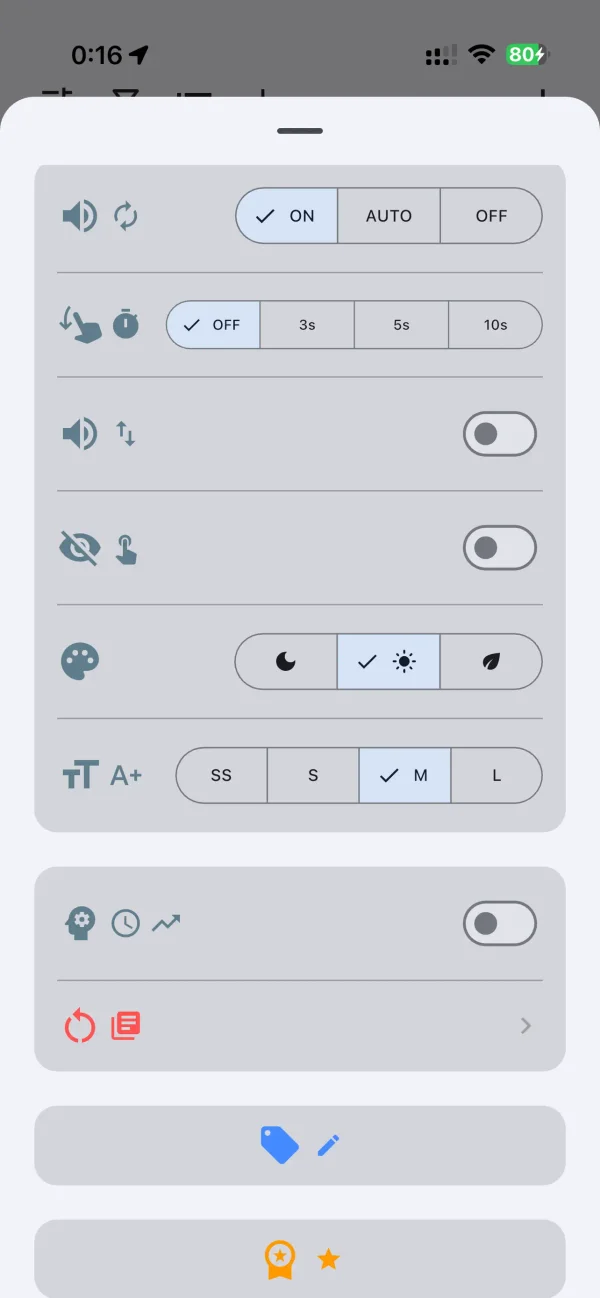
Optimize your learning with our SRS algorithm based on the forgetting curve. The app automatically schedules the best review timing for each card. You can also turn off SRS to use it as a simple, traditional flashcard deck.
- Text-to-Speech (TTS)
Master pronunciation with native device voices. Supports Tap-to-play and Auto-play. Text inside parentheses () is smartly skipped during audio playback.
- Intuitive Swipe & Button Controls
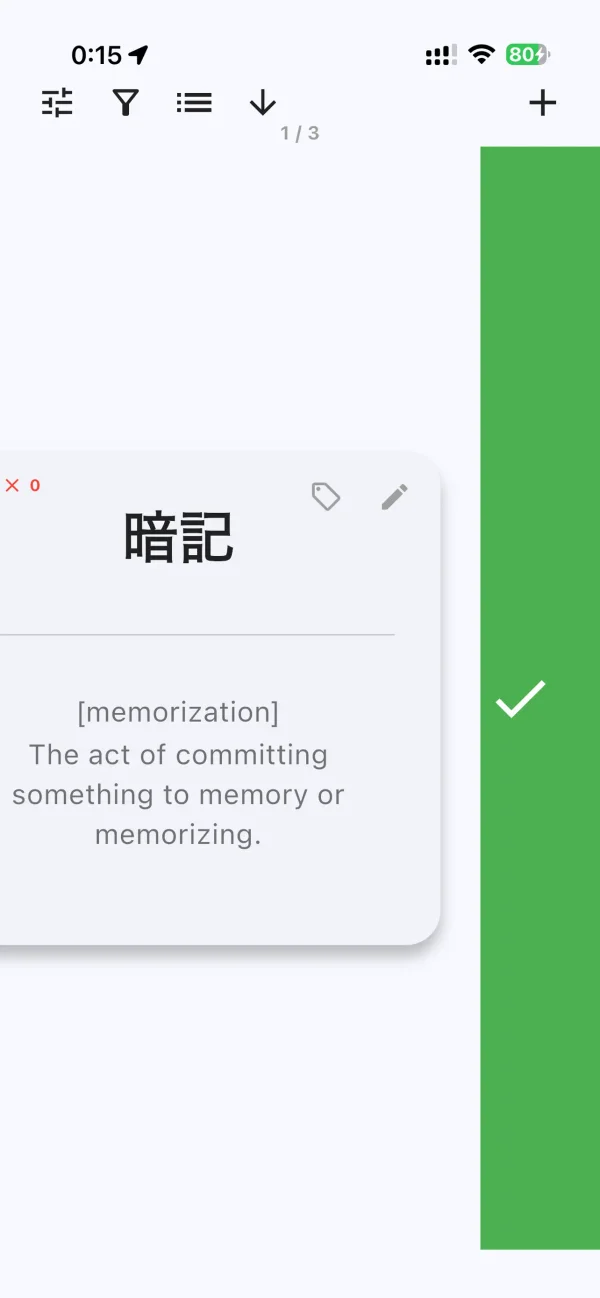
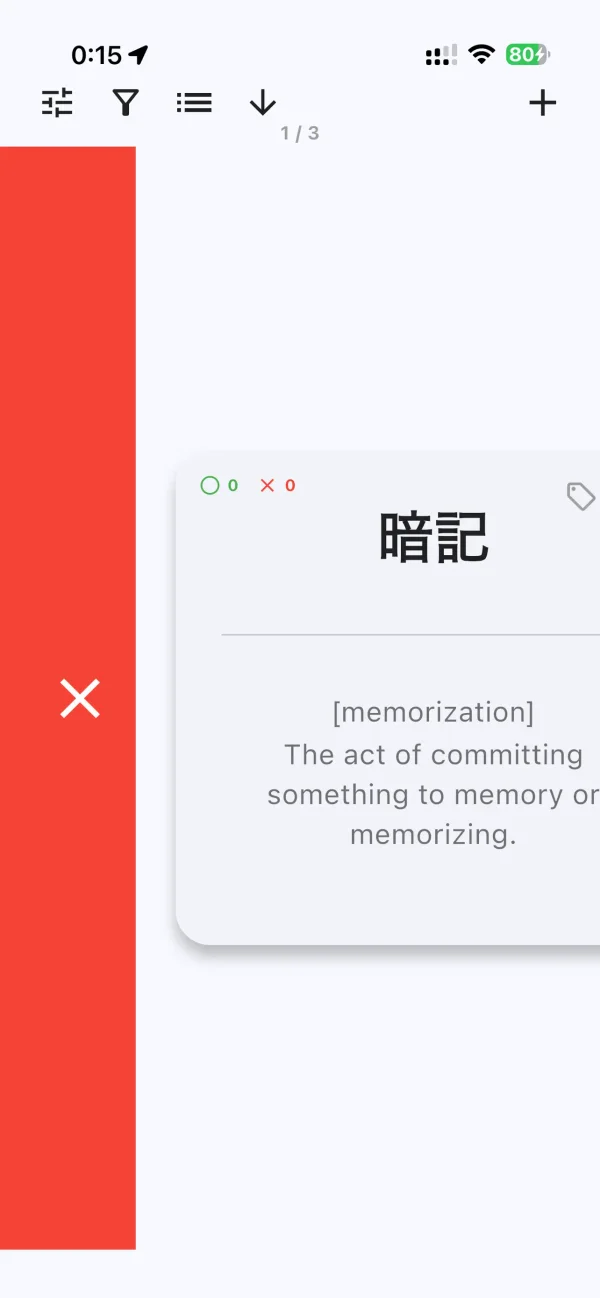
Swipe right for "Remembered" and left for "Again". You can also use your device's physical volume buttons to flip through cards, perfect for comfortable one-handed studying.
- Multi-Tag Filtering
Organize your flashcards with custom tags. Select multiple tags to filter and focus your study sessions exactly how you want.
- Personal Notes
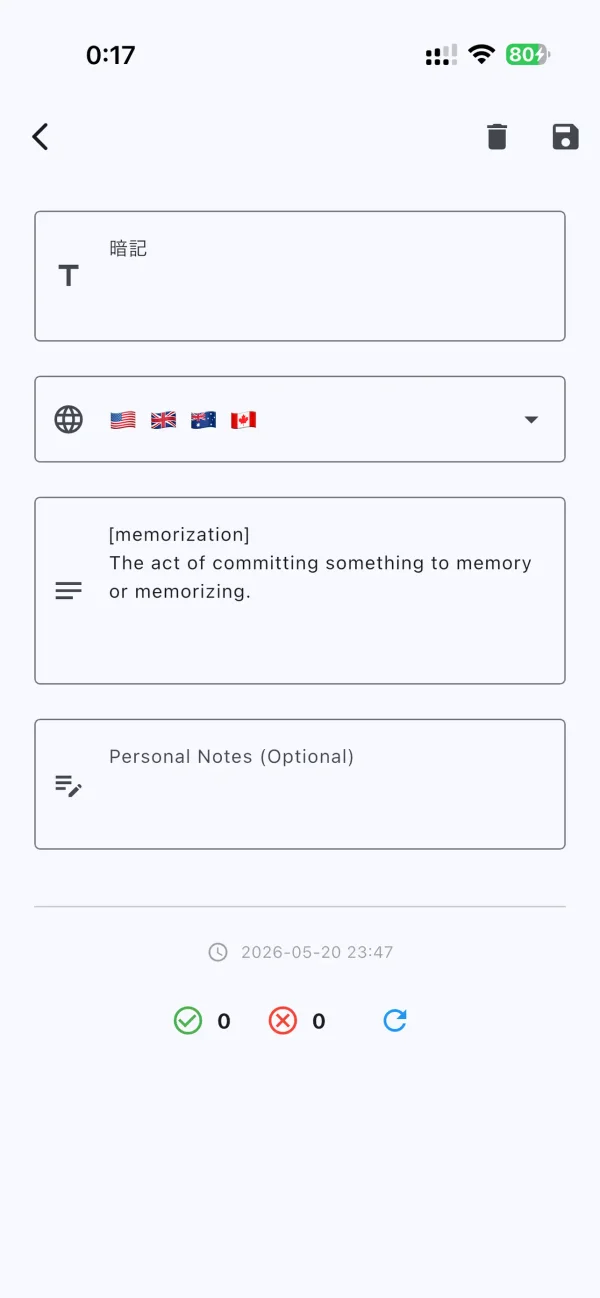
Add your own context, example sentences, or memory hooks in a dedicated notes section, kept separate from the auto-fetched definitions.
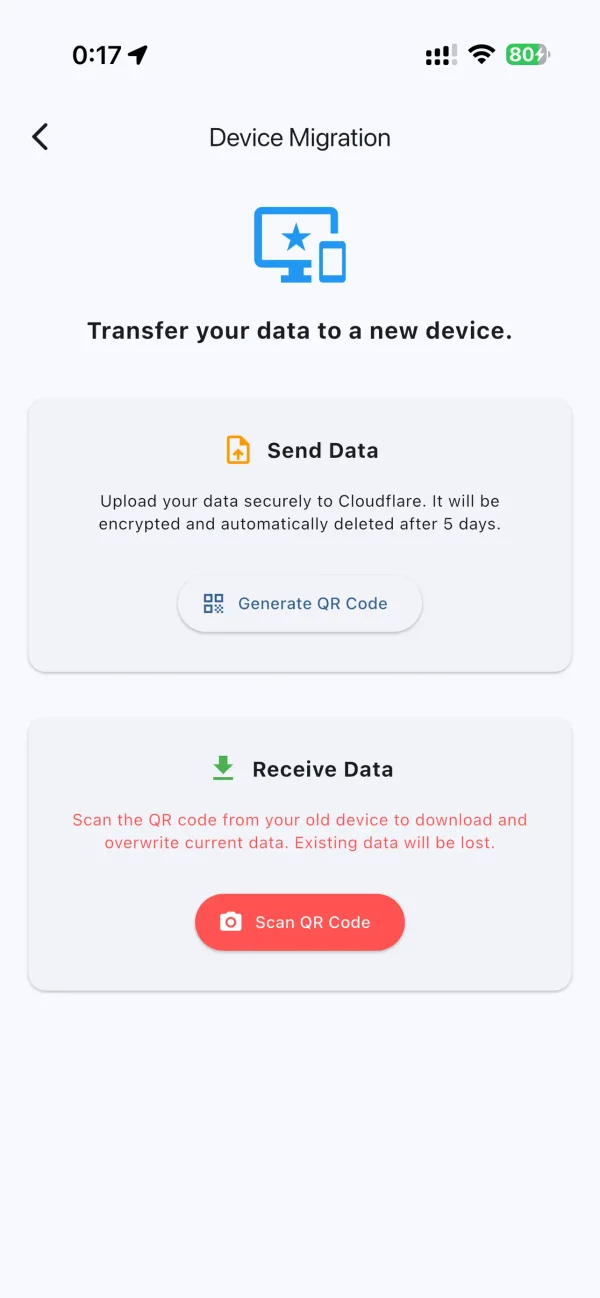
- Easy Device Migration
Securely transfer your flashcard data to a new device using our quick QR code sync system.
- Customizable Learning Environment
Adjust font sizes (SS to L), choose from Dark, Light, or Natural color themes, and enable auto-scrolling for hands-free review.
[ Supported Languages ]
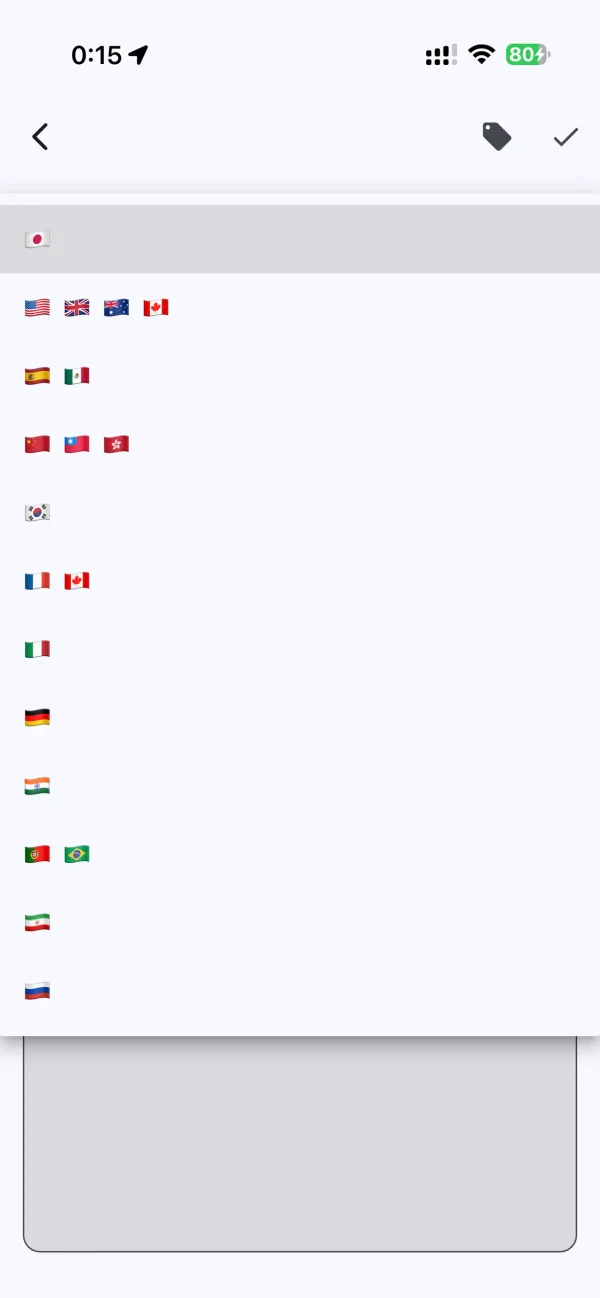
The app supports fetching definitions and translations for the following languages:
- English
- Japanese (日本語)
- Spanish (Español)
- Chinese (中文)
- Korean (한국어)
- French (Français)
- Italian (Italiano)
- German (Deutsch)
- Hindi (हिन्दी)
- Portuguese (Português)
- Persian (فارسی)
- Russian (Русский)
No account registration or login required.
Enjoy a 10-day free trial with full access to all features upon your first download. Even after the trial ends, you can continue to review and edit the flashcards you've already created.
---
[ Links ]
Terms of Use (EULA): https://www.apple.com/legal/internet-services/itunes/dev/stdeula/
Privacy Policy: https://qconp.com/privacy
What’s new
Version 1.0.8 · Sep 28, 2026
- Fixed an issue where switching apps while adding words or studying sent you back to the first card.
- Read-aloud now starts right away when you flip through cards.
- Long terms no longer break in the middle of a word on the card.
- You can now undo deleting a card by swiping in the word list.
- The meaning language now starts with your last choice.
- Other bug fixes and improvements.
App privacy
What QAEE CONPUUTENG declares on the App Store about how this app handles data.
-
Data not collected
The developer does not collect any data from this app.
Privacy practices may vary, for example with the features you use or your age.
Information
- Seller
- QAEE CONPUUTENG, INC.
- Category
- Education
- Version
- 1.0.8
- Updated
- Sep 28, 2026
- Released
- May 20, 2026
- Size
- 26.0 MB
- Requires
- iOS 15.0 or later
- Age rating
- 4+
- In-app purchases
- Yes
- Languages
- English, Japanese, Spanish
- Copyright
- © 2026 QAEE CONPUUTENG, Inc.
You might also like
-
 FluenttoActive Recall Word Trainer
-
 Inkling: Word of the DayImprove vocabulary daily
-
 MemdoraAI Flashcard Maker & Study
-
 Studicards - Learn FlashcardsSpaced Repetition & Quiz Mode
-
 Fusion Vocab - Nuclear EnergyMaster fusion terms in 5min
-
 IELTS Speaking TestsEducation
-
 FSP Medizin DeutschFSP Deutsch für Ärzte
-
 FSP Hero: FachsprachprüfungMedizinisches Deutsch üben
-
 Medical Terminology: AuraNursing Flashcards, Labs, Meds
-
 IQ Test - MatriqLogic puzzles & aptitude quiz