
Jargon: Hacker Dictionary
Hacker Culture Dictionary
Designed for iPhone, iPad
Free
- Age rating12+
- CategoryEducation
- DeveloperMathew Brown
- LanguagesEnglish
- Size2.4 MB
Links to the official App Store page
Download.org hosts no file of Jargon: Hacker Dictionary. The button opens its official App Store page, published by Mathew Brown. Listing last checked on Nov 14, 2026.
Screenshots


About
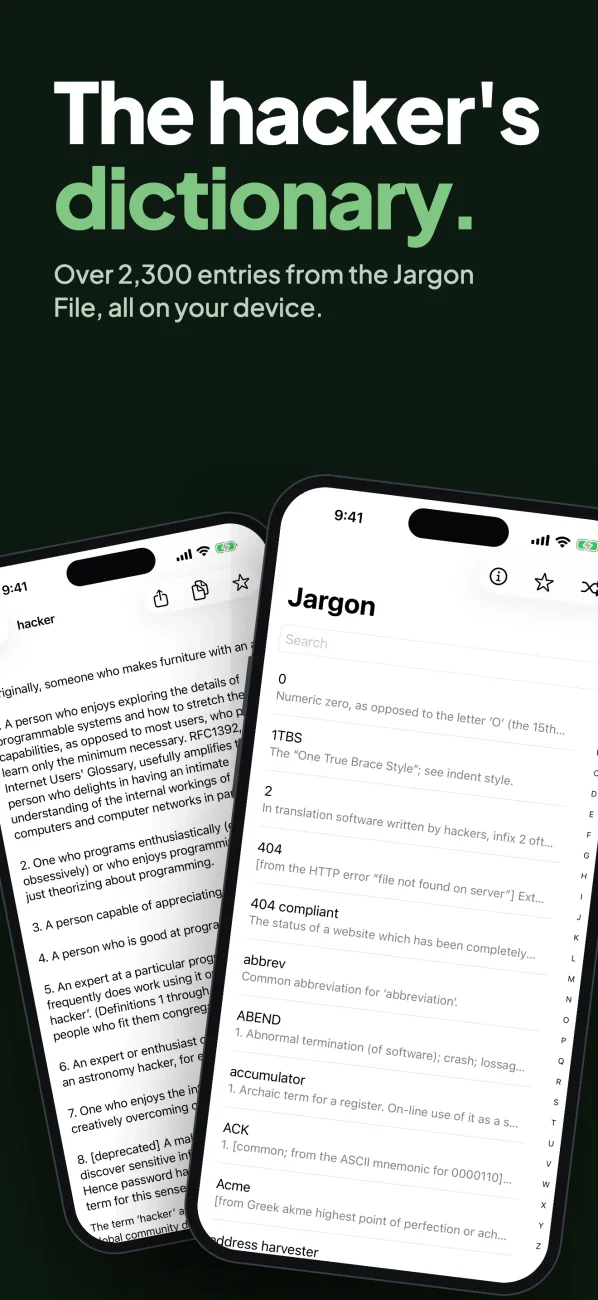
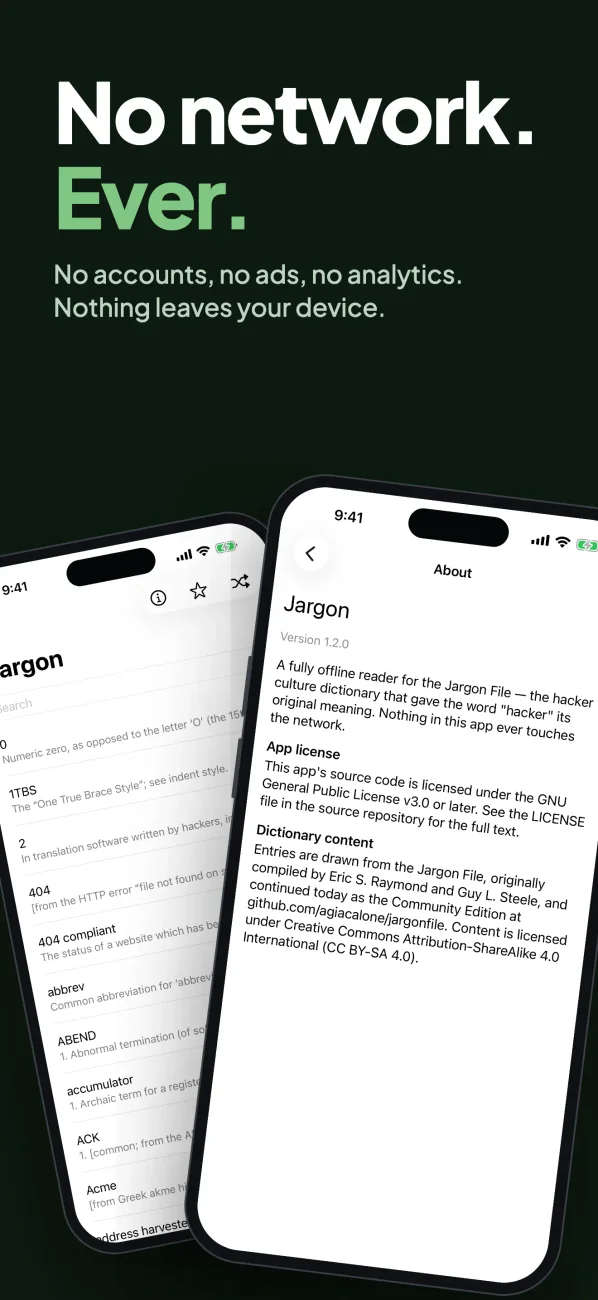
Jargon is a fully offline reader for the Jargon File — the hacker culture
dictionary that gave the word "hacker" its original meaning, decades before
it came to mean "cracker." Compiled by Eric S. Raymond and Guy L. Steele and
continued today as a community project, it's the closest thing hacking has
to an etymology.
Over 2,300 entries, all bundled in the app:
* Browse alphabetically with a fast-scroll index
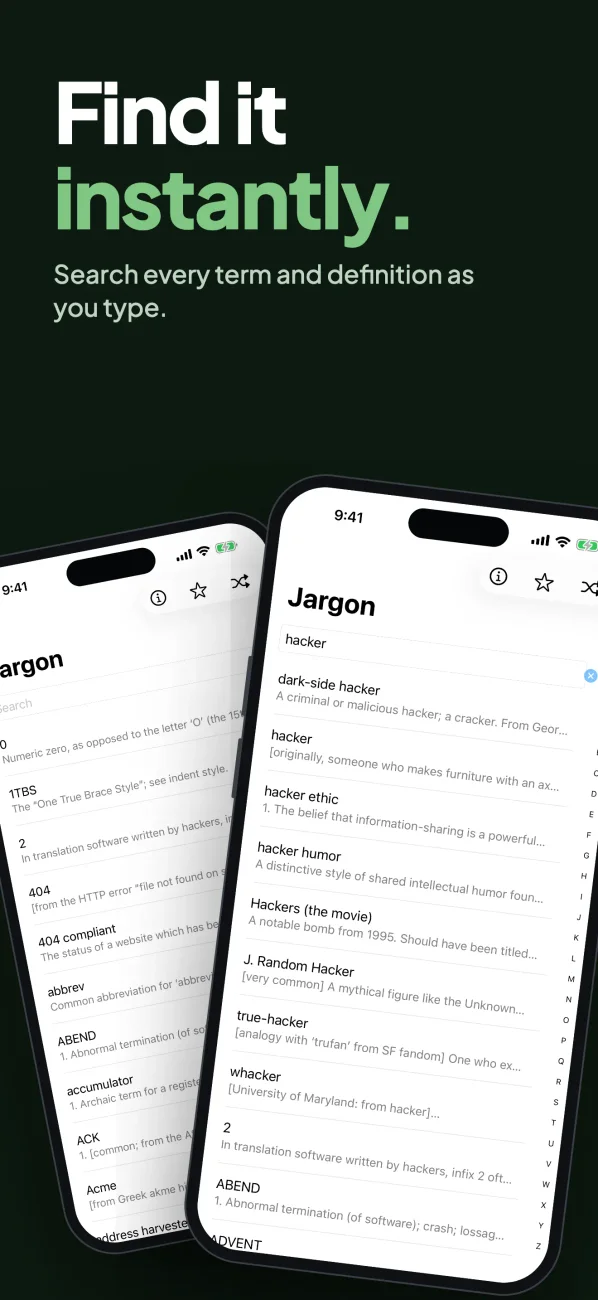
* Instant search across terms and definitions, with your recent lookups kept handy
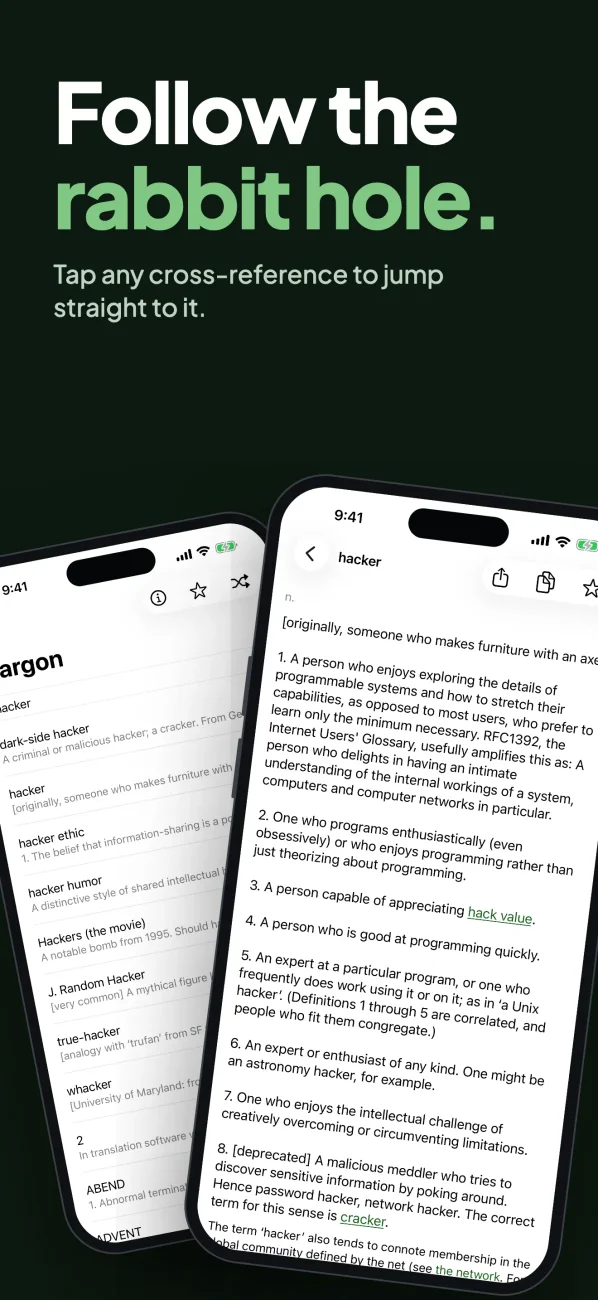
* Tap any cross-referenced term to jump straight to it
* Share or copy any definition
* Favorite entries for quick access later
* "Surprise me" with a random entry — or long-press the app icon for one
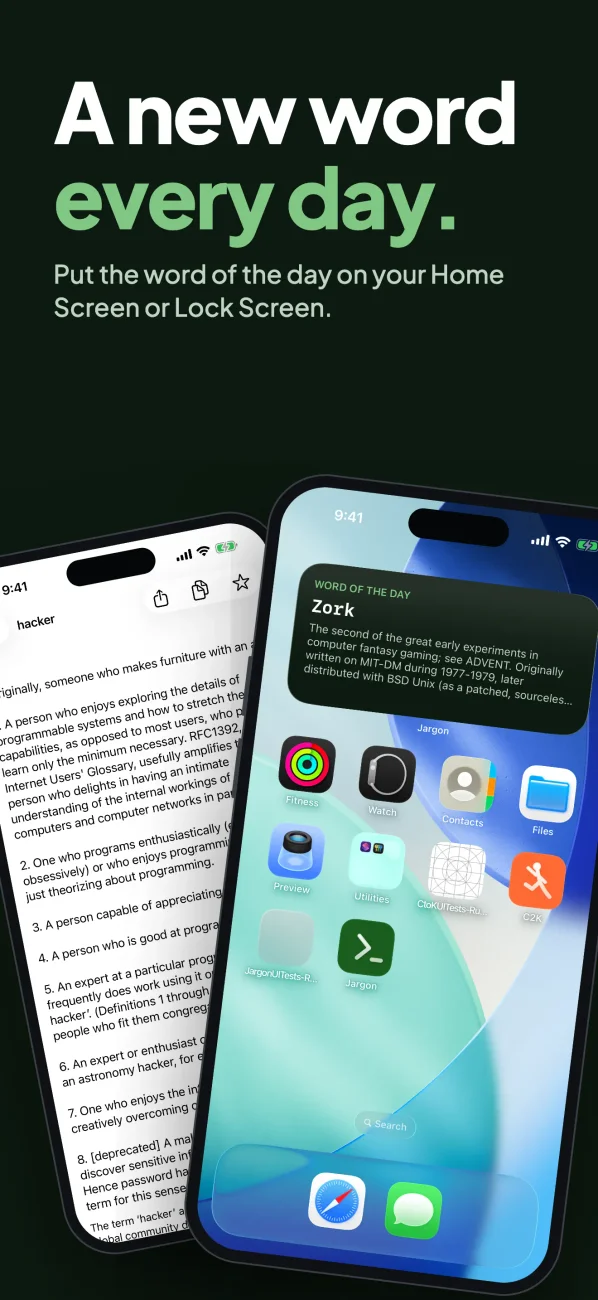
* A Word of the Day widget for the Home Screen and Lock Screen
* Find entries straight from Spotlight, or ask Siri to look up a term
* On iPad, browse the list and read entries side by side
Zero permissions. Zero network access, ever — the dictionary ships inside
the app, favorites stay on your device, nothing is ever sent anywhere.
No accounts, no ads, no analytics.
Dictionary content is CC BY-SA 4.0 from the Jargon File community edition
(github.com/agiacalone/jargonfile). App source is GPL-3.0.
What’s new
Version 1.2.0 · Nov 2, 2026
* Word of the Day widget for the Home Screen and Lock Screen
* Find any entry from Spotlight: search "kludge" from the Home Screen
* Siri and Shortcuts: "Look up a term in Jargon", "Jargon word of the day", or a random entry
* iPad: the list and the entry now sit side by side
App privacy
What Mathew Brown declares on the App Store about how this app handles data.
-
Data not collected
The developer does not collect any data from this app.
Privacy practices may vary, for example with the features you use or your age.
Information
- Seller
- Mathew Brown
- Category
- Education
- Version
- 1.2.0
- Updated
- Nov 2, 2026
- Released
- Aug 26, 2026
- Size
- 2.4 MB
- Requires
- iOS 17.0 or later
- Age rating
- 12+
- Price
- Free
- Languages
- English
- Copyright
- © 2026 Matt Brown
You might also like
-
 CCNA Exam Prep Flashcards 2026Cisco 200-301 Test Practice
-
 TechLynk - Tech DictionaryLearn Tech Terms & Concepts
-
 LabuKeyAI Chat Wizard
-
 Command Line FuThe best command line snippets
-
 EarthEye LiveLive Cams on 3D Earth
-
 Java Academy - Learn JavaMaster Java Programming
-
 EdTechTermsTechnology Terms for Education
-
 A+ 220-1102 Exam PrepPractice test for A+ 220-1102
-
 Recordy: Voice Recorder & MemoRecord Audio, AI Transcription
-
 Cyber Defense LabBlue Team, SIEM & Security