
- Age rating4+
- CategoryBoard
- DeveloperJeff Rosengarden
- LanguagesEnglish
- Size6.4 MB
Links to the official App Store page
Download.org hosts no file of JCE Chess Studio. The button opens its official App Store page, published by Jeff Rosengarden. Listing last checked on Nov 12, 2026.
Screenshots

About
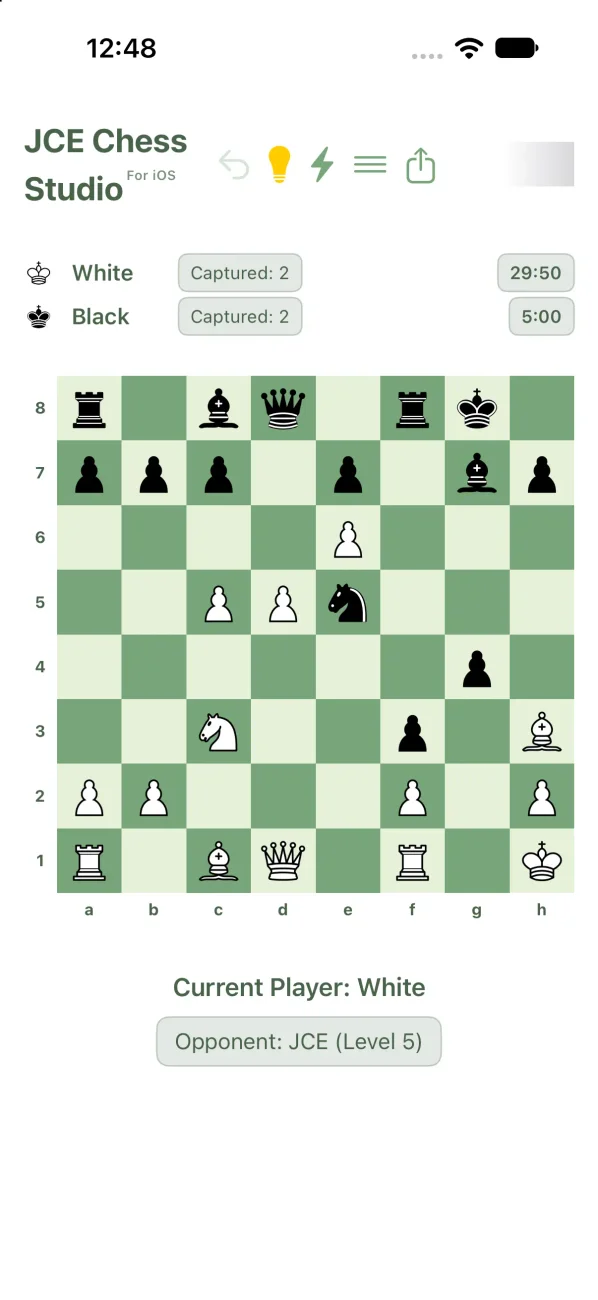
JCE Chess Studio is a powerful, feature-rich chess app for iPhone and iPad that combines beautiful design with serious functionality. Whether you're learning the game or preparing for tournament play, JCE Chess Studio gives you the tools to study, practice and improve.
WHAT MAKES JCE CHESS STUDIO SPECIAL
• Play Anywhere, Anytime – The built-in JCE engine (Jeff Chess Engine) runs entirely on your device, so you can play offline with no internet connection.
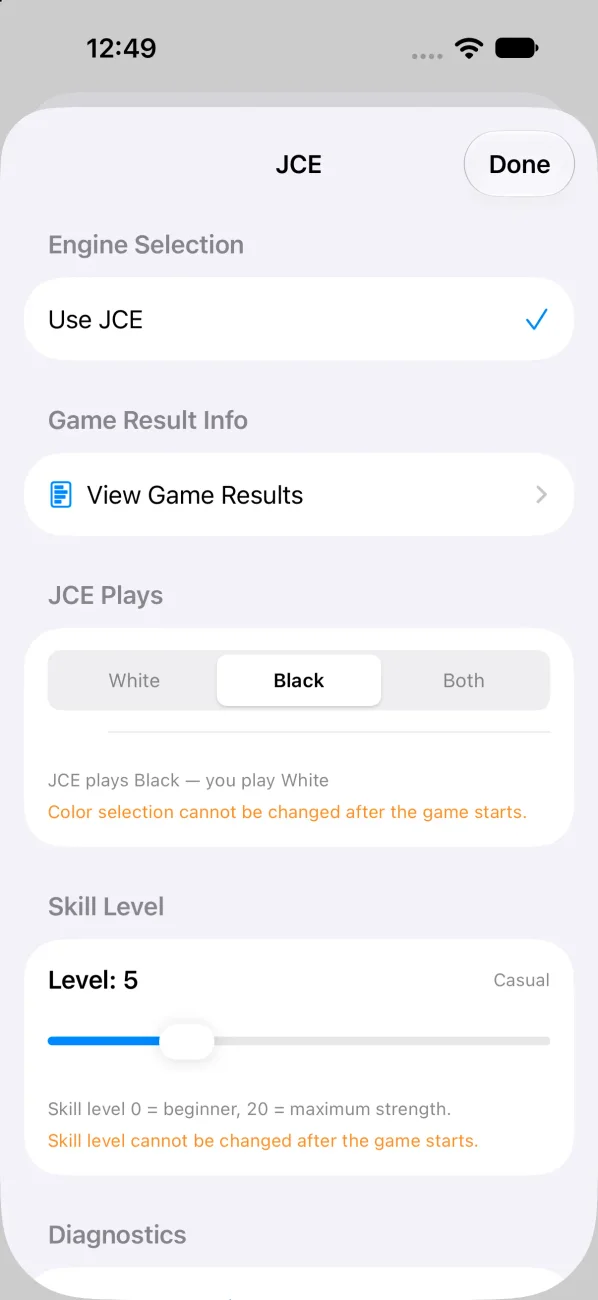
• Challenging AI – JCE, an original engine written for this app, offers 21 skill levels, from beginner up to full strength.
• Watch JCE Play Itself – Set JCE to play both sides, pick a level, then sit back and watch. Analyze the saved game later.
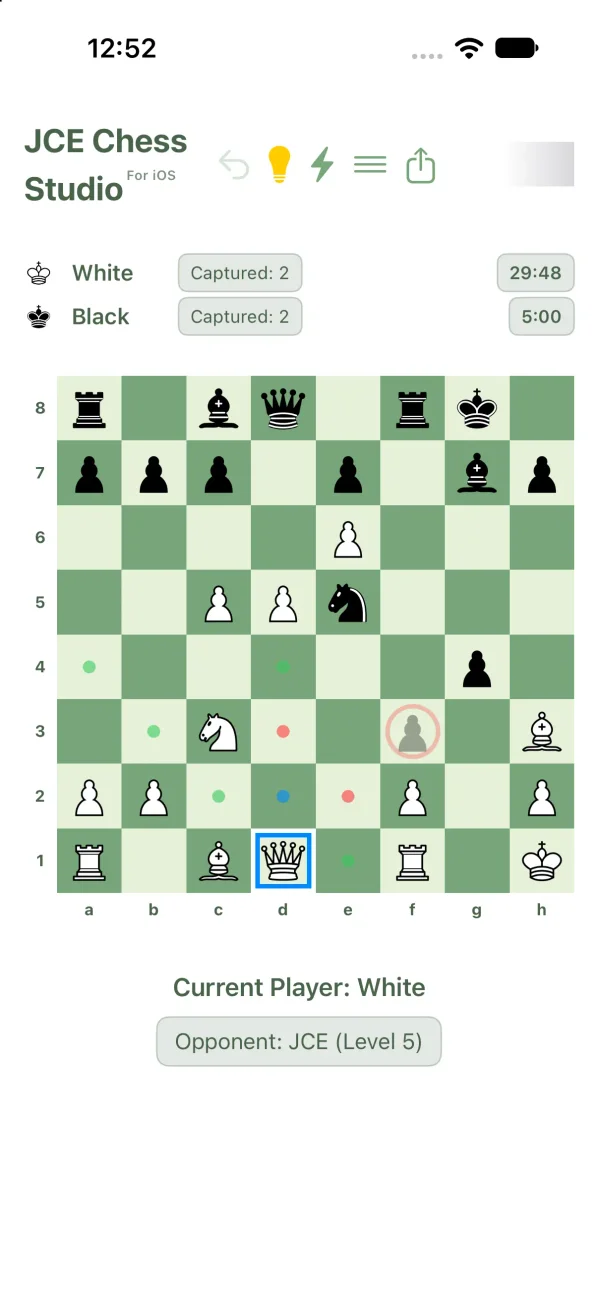
• Professional Analysis – Real-time position evaluation and move hints help you understand the game.
• Study Tools – Set up any position to practice specific scenarios, openings or endgames. The built-in FEN parser accepts only fully legal positions.
• Time Controls – Practice with realistic tournament time settings, including increments.
• Save Games – Save complete or partial games to continue or review later, send to friends, or open in other chess apps.
• Share Games – Share any game at any point using the standard iOS share sheet, as a FEN string or as PGN text or a PGN file.
• Import Games – Reopen your saved games to continue play or review them exactly as they were. Bring in FEN or PGN files from anywhere by dropping them into the JCE Chess folder in the Files app.
• Classical Openings – 12 classical opening files included for study.
• Tactical Positions – 12 common tactical positions included for study.
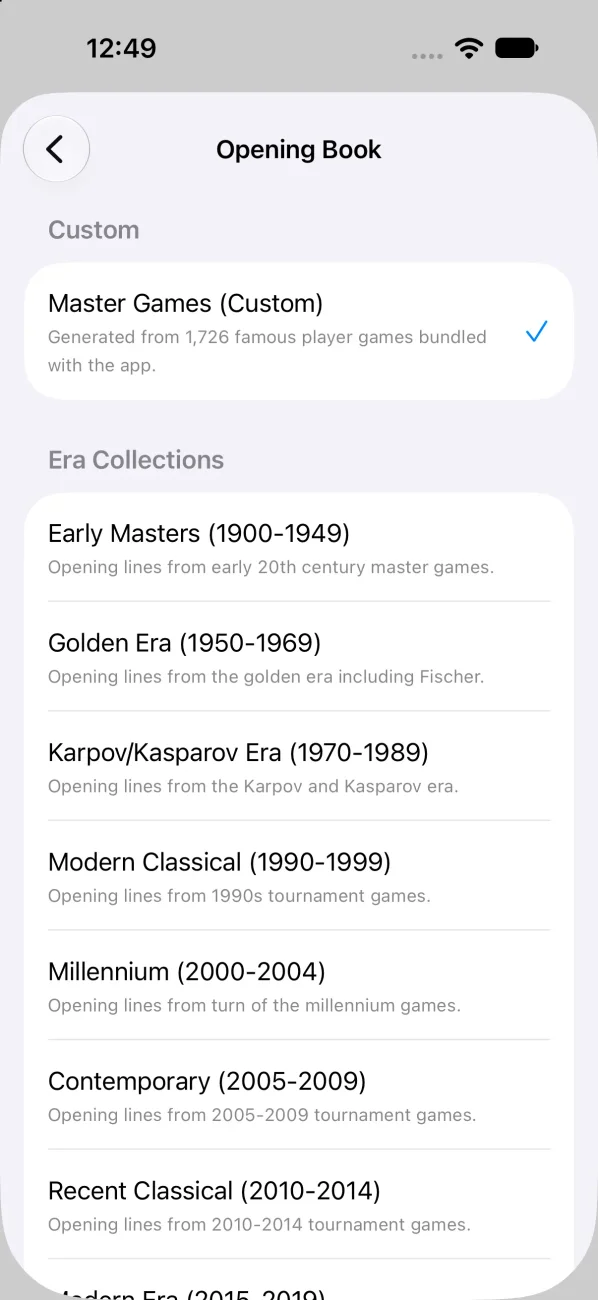
• Famous Player Games – Over 1,700 complete games by 9 famous players. Step forwards and backwards through any game, or take over and play it yourself from any point.
• Opening Books – A custom book built from those 1,700+ games plus 15 "Era Collection" books, so the engine plays standard openings quickly. A red LED shows when a move or hint came from the book.
• Animations – Smooth piece and capture animations, each of which can be turned on or off.
• Hint System – Can be turned off at the start of a game for more disciplined play.
PRIVACY
JCE Chess Studio collects no data. No accounts, no ads, no tracking.
App privacy
What Jeff Rosengarden declares on the App Store about how this app handles data.
-
Data not collected
The developer does not collect any data from this app.
Privacy practices may vary, for example with the features you use or your age.
Information
- Seller
- Jeff Rosengarden
- Category
- Board
- Version
- 1.0.0
- Updated
- Oct 15, 2026
- Released
- Oct 15, 2026
- Size
- 6.4 MB
- Requires
- iOS 18.6 or later
- Age rating
- 4+
- Price
- $4.99
- Languages
- English
- Copyright
- © 2026 Jeff Rosengarden
You might also like
-
 OpeningDrillBoard
-
 Chess Openings CoachGames
-
 ChessferatuBoard
-
 ChessExplore Openings TrainerChess Opening Quiz & Reference
-
 Tempo64Chess games as vertical shorts
-
 8bit ChessChess Puzzles
-
 Chess Pro Trainer™Learn WHEN to Spot Tactics
-
 Chess - Tactical BattlesPlay Battles, Learn Tactics
-
 Learn Chess Openings ChessMaxxChess openings and puzzles
-
 ChessLab: Openings & PuzzlesLearn chess openings, puzzles