- Age rating4+
- CategoryUtilities
- DeveloperGerman Alfonso Torres
- LanguagesEnglish+ 5 more
- Size68.6 MB
Links to the official App Store page
Download.org hosts no file of JetRemote. The button opens its official App Store page, published by German Alfonso Torres. Listing last checked on Nov 23, 2026.
Screenshots
About
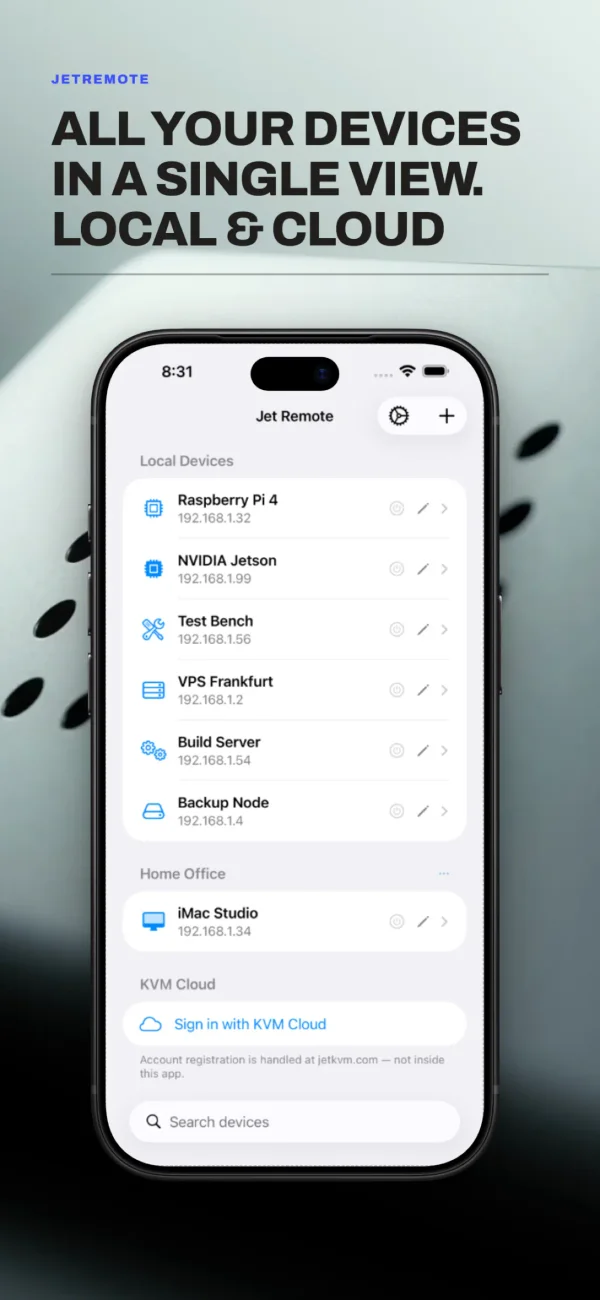
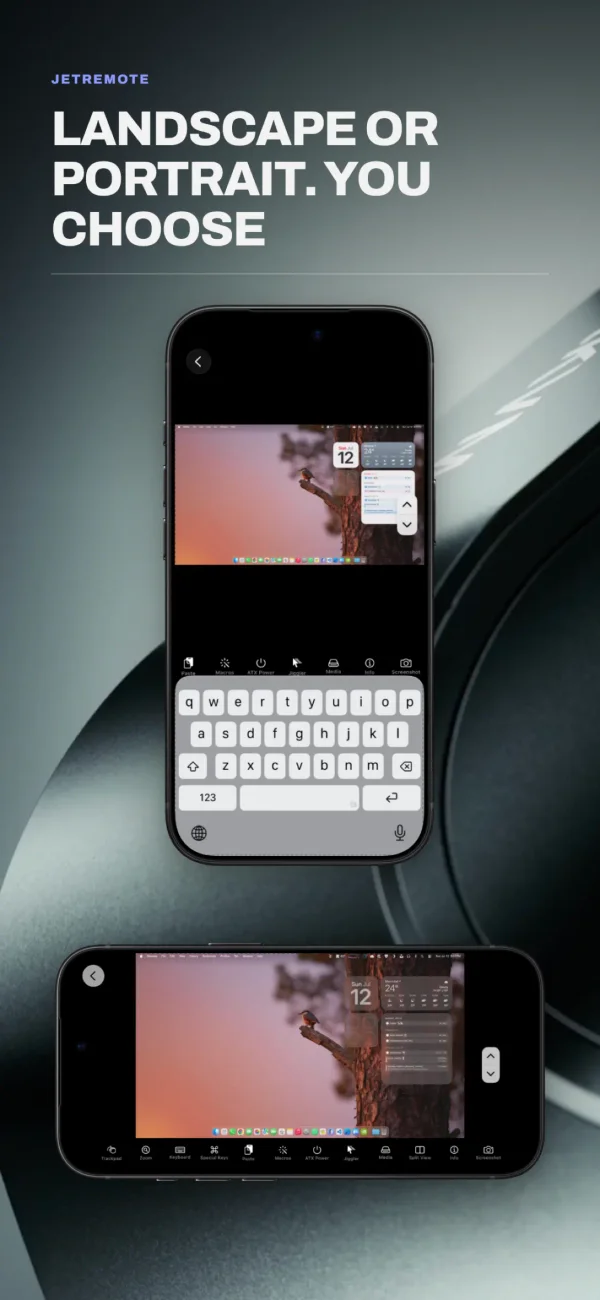
Jet Remote gives you native iOS and iPadOS control over your Jet KVM hardware device from anywhere in the world. View your target hardware remotely and control its mouse and keyboard as though you were sitting in front of it. This app provides the original native mobile experience built specifically for KVM power users, and we're confident you'll love it.
===Key features===
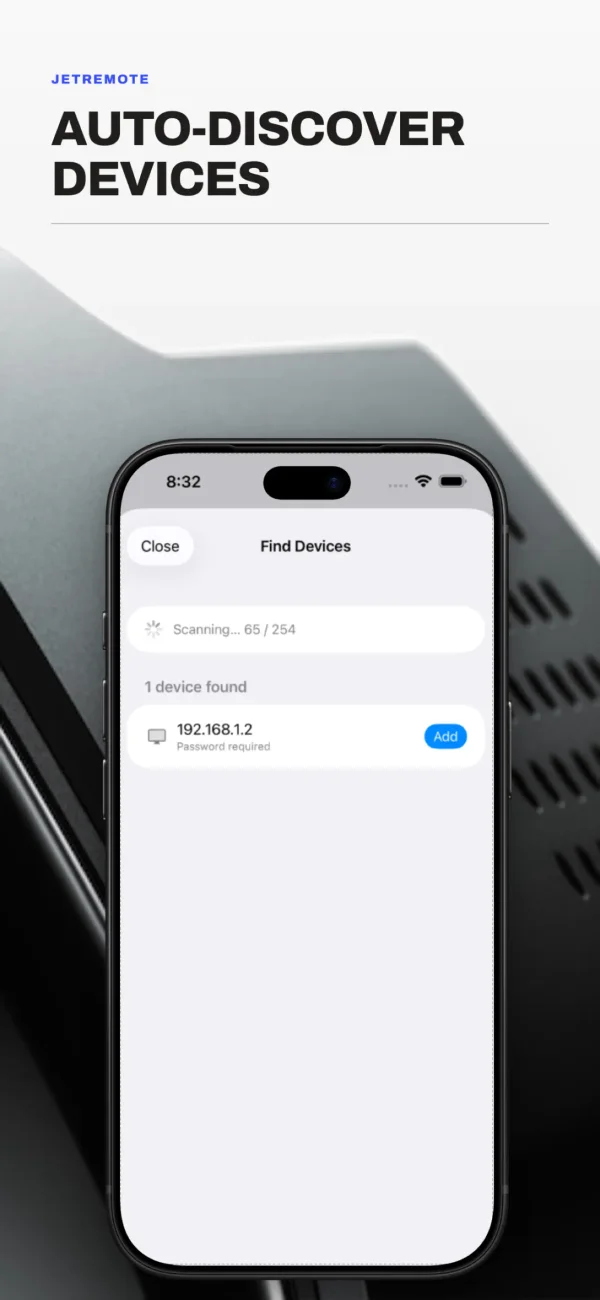
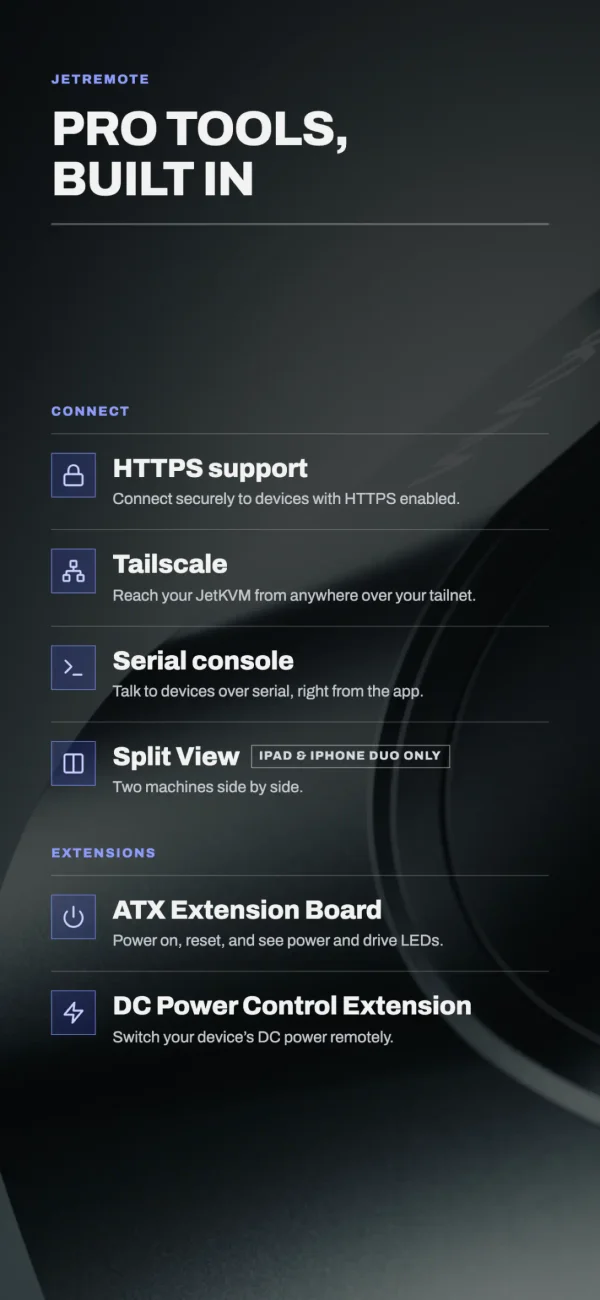
• Connect via your local network, KVM Cloud, or Tailscale tailnet with hardware-accelerated streaming.
• Manage multiple simultaneous hardware sessions in clean, separate tabs (iPad only).
• A scrolling toolbar above the virtual keyboard includes advanced keys such as Esc, Tab, Ctrl, Alt, Cmd, arrow keys, and F1–F12.
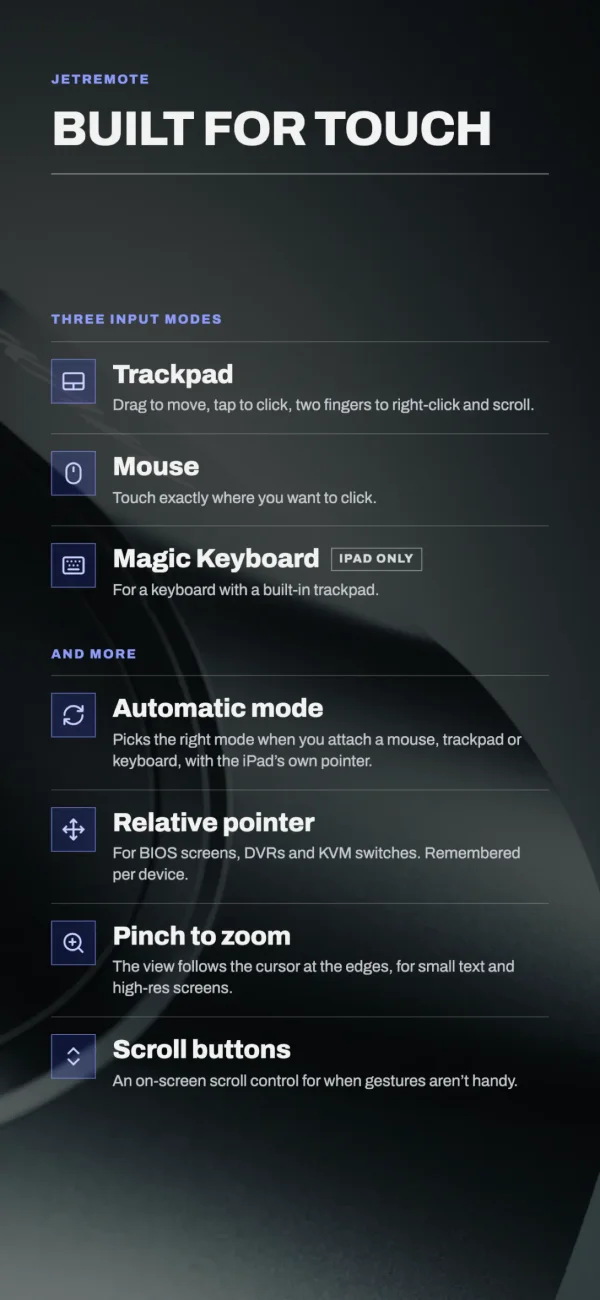
• Support for hardware and Bluetooth keyboards with full passthrough.
• Build and trigger multi-step Keyboard Macros with just one tap.
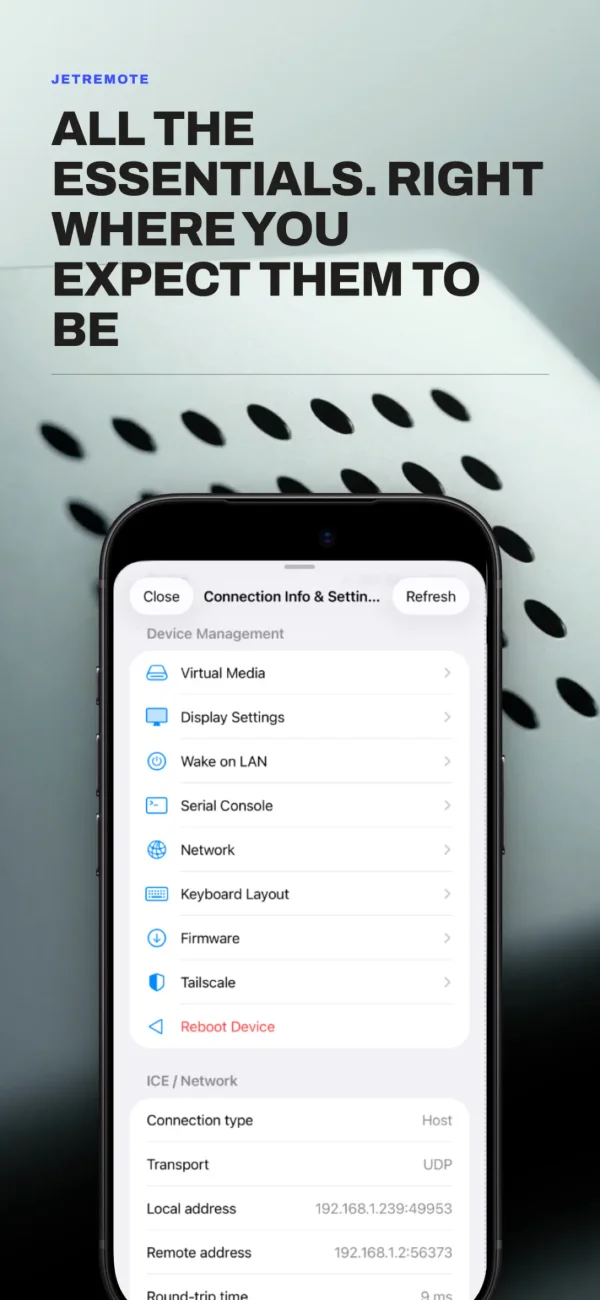
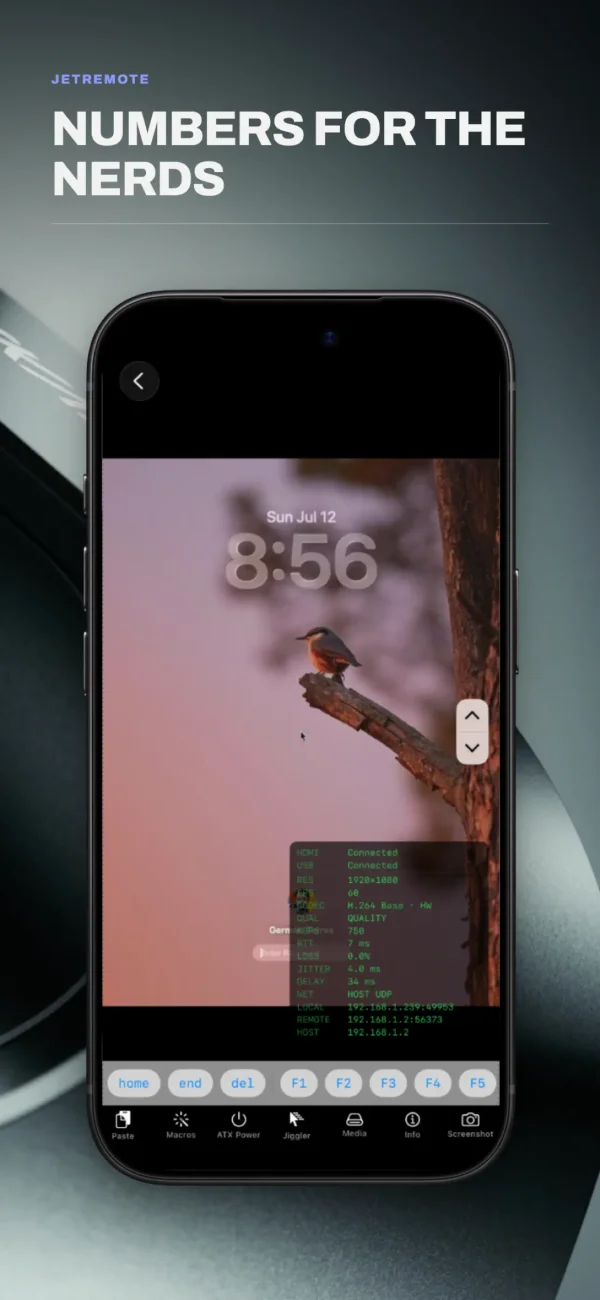
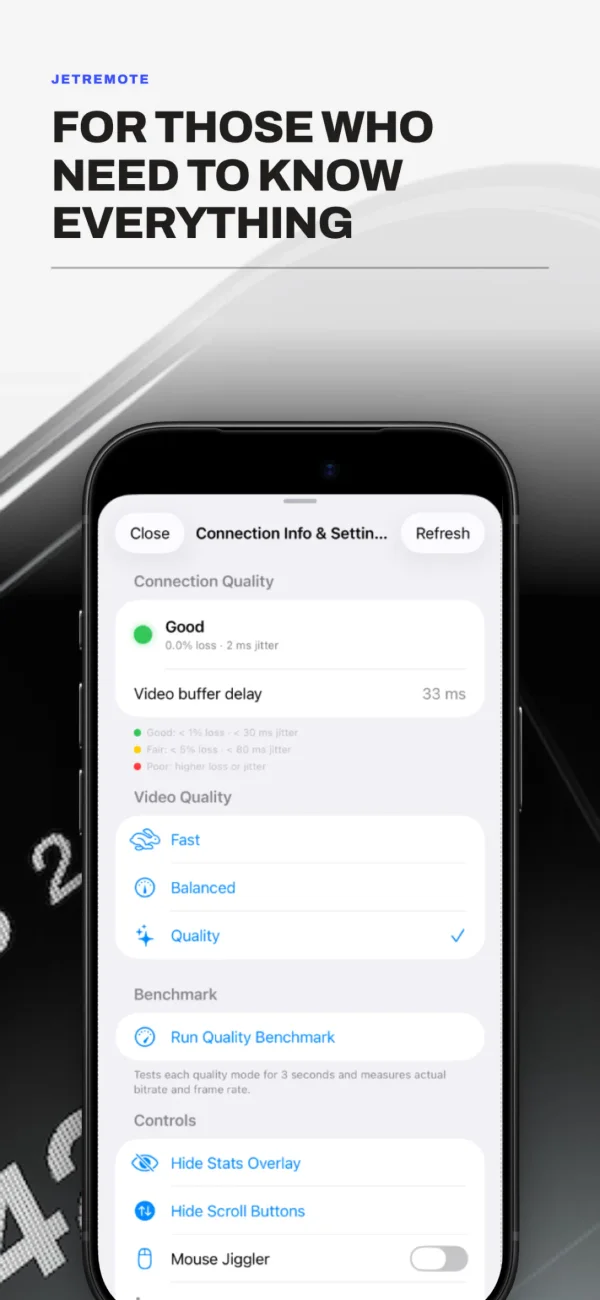
• Live diagnostic overlays displaying real-time resolution, FPS, RTT, bitrate, packet loss, and jitter.
• Built-in Mouse Jiggler to keep your target OS remote sessions alive automatically.
• Serial Console, Wake on LAN, and full ATX Power Control.
• Paste clipboard directly to remote.
• Device list syncs automatically to iCloud, with manual backup and restore.
===Please note===
This app is a client utility and requires a specific KVM hardware device (available at jetkvm.com) connected to a target computer or server to function. Cloud access requires an existing account — registration is managed at jetkvm.com, not within this app.
What’s new
Version 1.5.8 · Nov 22, 2026
New in 1.5.8
• Zoom follows cursor now works with a trackpad or mouse on iPad: after Fit to Screen or a pinch, hold the pointer near an edge in Mouse or Magic Keyboard mode and the view slides that way, so you can reach the whole remote screen. Settings › Pointer & Trackpad.
• On iPad, the Tailscale notice shown as a session connects no longer takes room from the picture: a session that opens at Fit to Screen stays fitted, with the top of the remote screen in view.
• If part of the connection to the KVM drops during a session, the pointer now keeps moving instead of freezing while the keyboard and scrolling still work.
• Also in this update: connection errors now appear in your language, Split View with a device that's already open keeps that session going, Wake on LAN confirms only once the packet was really sent, and many smaller fixes from a full review of the app.
Thanks for using Jet Remote! Found a bug? Please report it from inside the app: Settings › Report a Bug or Create Support Ticket.
App privacy
What German Alfonso Torres declares on the App Store about how this app handles data.
-
Data not collected
The developer does not collect any data from this app.
Privacy practices may vary, for example with the features you use or your age.
Information
- Seller
- German Alfonso Torres
- Category
- Utilities
- Version
- 1.5.8
- Updated
- Nov 22, 2026
- Released
- Jul 1, 2026
- Size
- 68.6 MB
- Requires
- iOS 16.0 or later
- Age rating
- 4+
- Price
- $4.99
- Languages
- English, French, German, Portuguese, Spanish, Turkish
- Copyright
- © 2026 Germán Torres