
- Age rating4+
- CategoryFinance
- DeveloperJayhope LLC
- LanguagesEnglish
- Size16.9 MB
Links to the official App Store page
Download.org hosts no file of JFin. The button opens its official App Store page, published by Jayhope LLC. Listing last checked on Nov 18, 2026.
Screenshots



About
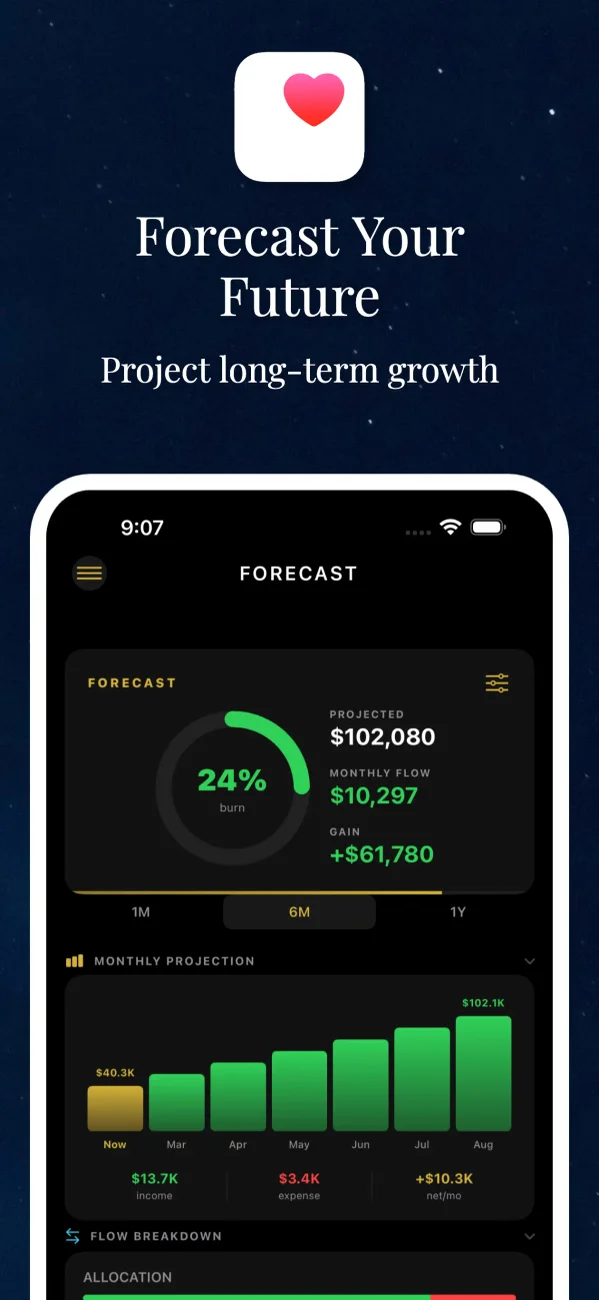
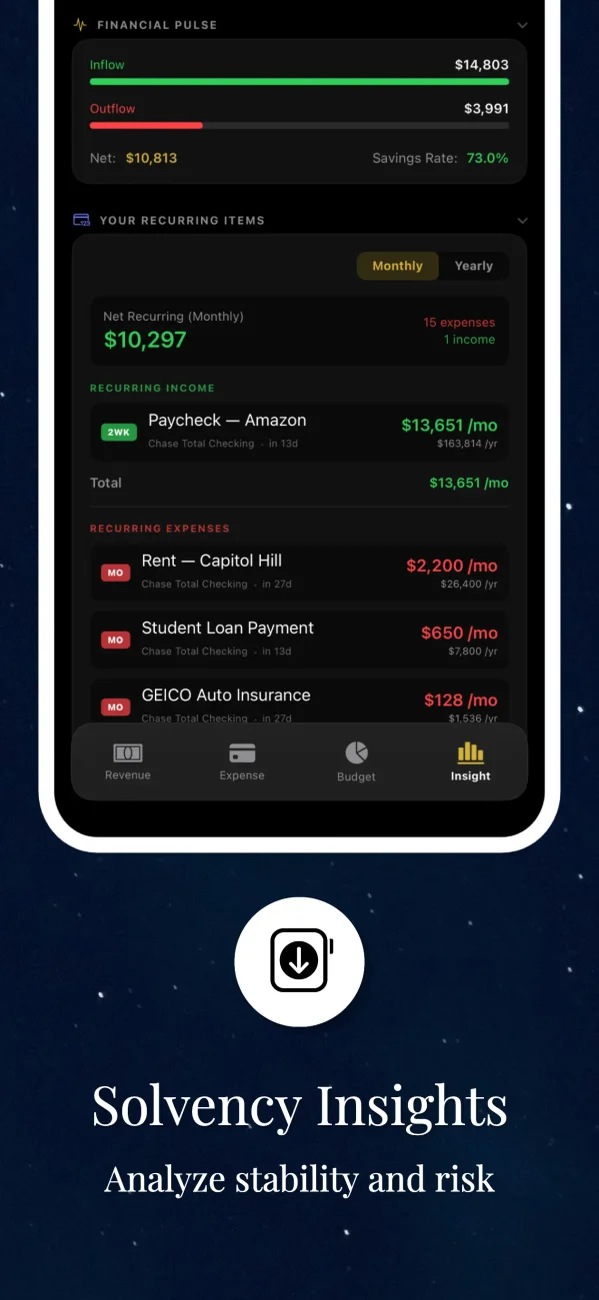
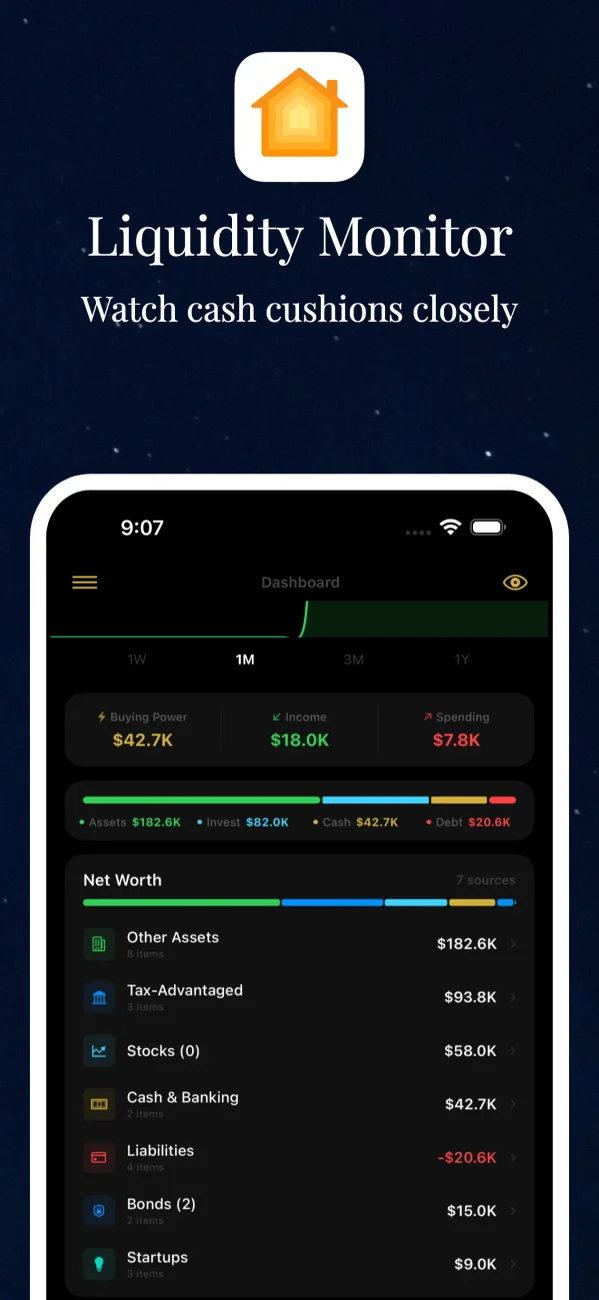
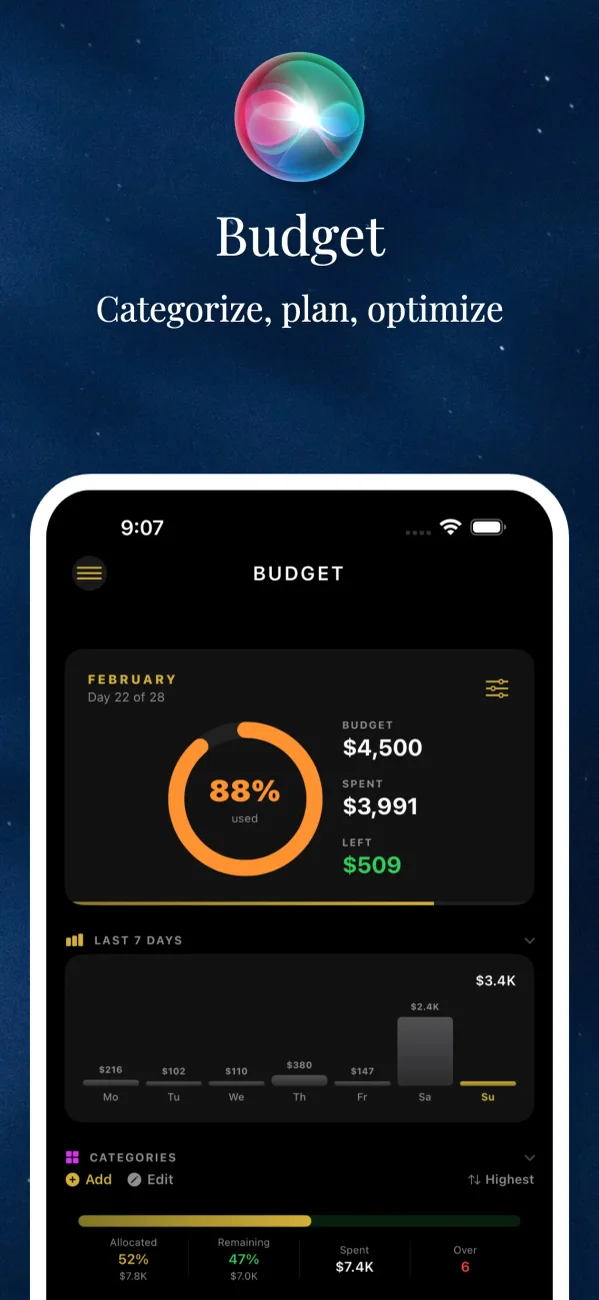
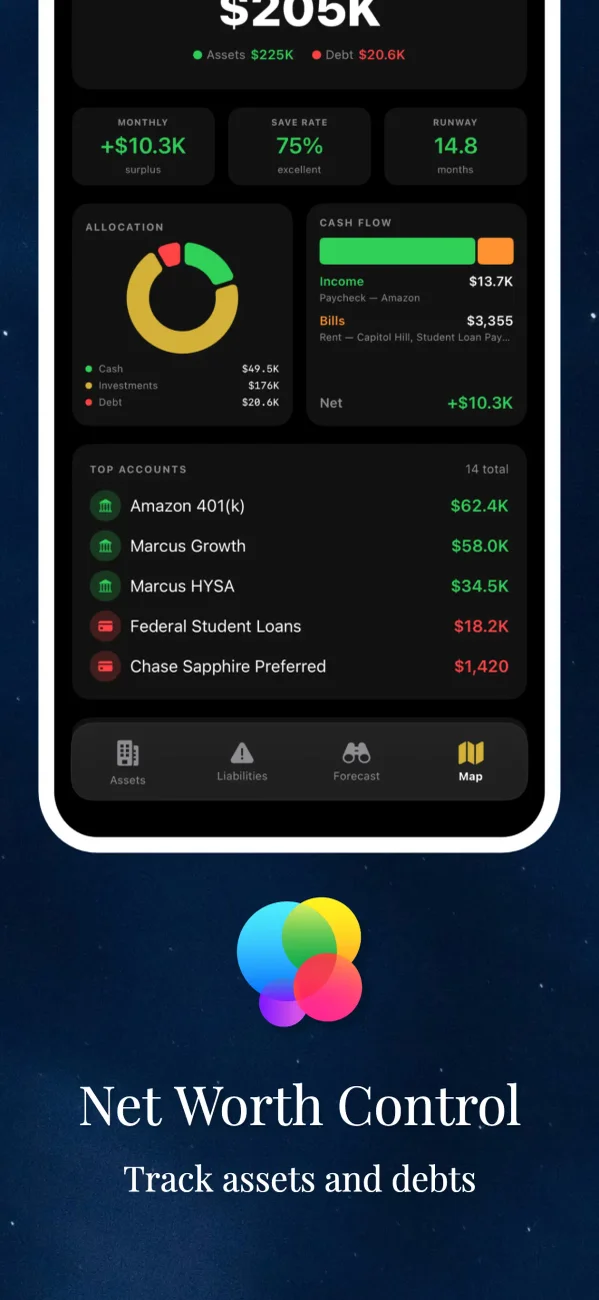
JFin is a privacy-first financial command center designed for individuals serious about wealth creation, offering a comprehensive system to track net worth, manage cash flow, and forecast future growth without relying on invasive bank connections. Built with a high-performance, manual-entry architecture, the application ensures complete data sovereignty by keeping your financial information localized and secured behind biometric authentication, while providing professional-grade tools to analyze solvency ratios, monitor liquidity, and simulate long-term retirement scenarios. By stripping away the noise of automated trackers and focusing on high-level financial strategy, JFin provides a clear, distraction-free environment for mastering your financial narrative and executing a precise roadmap toward financial freedom.
What’s new
Version 2.2.2 · Jun 10, 2026
Moved the Gain/Period toggle to the top of the tab as a full-width master control with a sliding gold selector and icons; it now drives the headline, chips, the accounts list, and benchmarks.
Removed tap-to-chart from the "Your Accounts" rows — they're display-only now.
Turned the Benchmarks section from a card carousel into a list (matching "Your Accounts" styling: gradient icon, sparkline, return pill).
Benchmarks now show in both Gain and Period modes, measured over the date filter.
Bug fixes
Fixed the sparklines leaking outside their boxes (added chart plot clipping).
Fixed the gain sort: Net Worth is no longer pinned to the top, so "Biggest gain" actually puts the largest gainer first; each row now shows the gain $ amount, total value, and % so every sort key is visible.
Gain math
Gain mode now shows true capital gain vs cost (P&L excluding deposits), not balance change.
Stock portfolios use the exact same formula as the stock data tab (InvestmentView): market value − invested, % = P&L / invested, cash excluded — pulled from the same live cached value the stock tab uses.
Extracted one shared stockGainVsCost helper so the graph's headline/chip and the accounts list use identical math (and both match the stock data tab).
Made the displayed % consistent with the value and gain shown in each row.
App privacy
What Jayhope LLC declares on the App Store about how this app handles data.
-
Data not collected
The developer does not collect any data from this app.
Privacy practices may vary, for example with the features you use or your age.
Information
- Seller
- Jayhope LLC
- Category
- Finance
- Version
- 2.2.2
- Updated
- Jun 10, 2026
- Released
- Jan 10, 2026
- Size
- 16.9 MB
- Requires
- iOS 26.1 or later
- Age rating
- 4+
- Price
- Free
- Languages
- English
- Copyright
- © 2026 JFin
You might also like
-
 UltiSaverTrack what you DIDN'T spend
-
 TaxSnap AIExpense & Receipt Tracker
-
 Goldfinch FinanceGoal based savings framework
-
 Leva to EuroFinance
-
 FinClarity Budget Loan TrackerBudget, loans & debt tracker
-
 Kaspa ObserverTrack Kaspa addresses live
-
 Variant: Investment AvatarsFinance
-
 My Receipts: Expense ReportsReceipt Scanner & Expense Log
-
 My Simplified BudgetFinance
-
 Tally – PDF invoice creatorContractor or freelance bills