
- Age rating4+
- CategoryProductivity
- DeveloperAndongdaolai Technology Co., Ltd.
- LanguagesEnglish+ 5 more
- Size5.7 MB
Links to the official App Store page
Download.org hosts no file of Jianben Cat. The button opens its official App Store page, published by Andongdaolai Technology Co., Ltd. Listing last checked on Nov 18, 2026.
Screenshots


About
Jianben Cat is a professional, local-first plain-text editor for iPhone and iPad.
It works directly with Apple's Files app. Create, open, edit and save documents on your device, in iCloud Drive or in other file locations supported by iOS. Your documents remain real files instead of being locked inside the app.
COMMON TEXT FORMATS
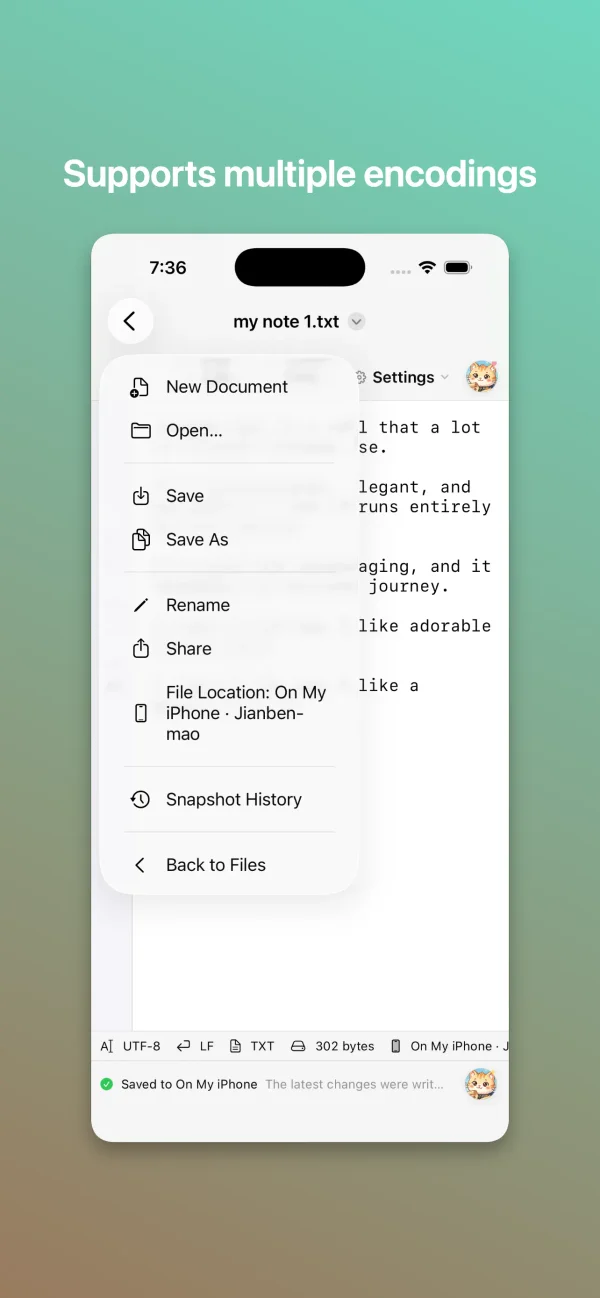
Open and edit TXT, Markdown, CSV, TSV, JSON, XML, YAML, logs, source code, scripts and configuration files. Jianben Cat preserves file extensions and supports Save, Save As, Rename and the system share sheet.
Jianben Cat focuses on plain text. It does not edit rich-text Word documents such as DOC or DOCX, and it does not add hidden formatting to your files.
ENCODING AND LINE ENDING CONTROL
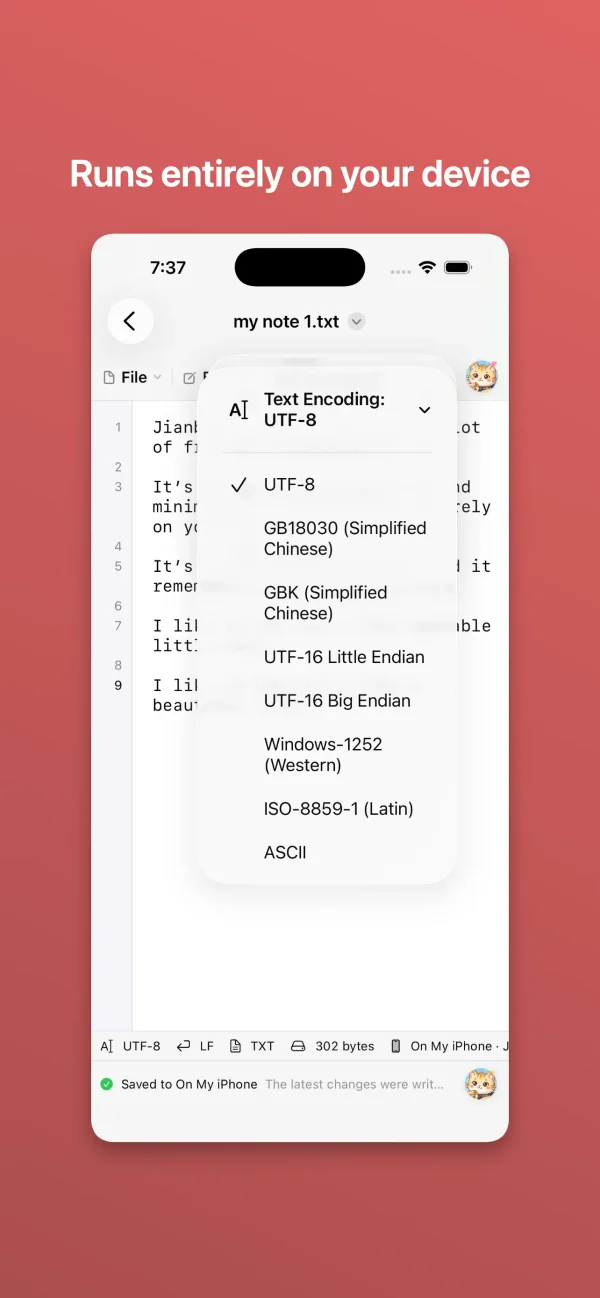
Work with UTF-8, GB18030, GBK, UTF-16 little-endian and big-endian, Windows-1252, ISO Latin-1 and ASCII. UTF byte-order marks are detected and preserved. If a legacy encoding cannot be identified safely, the app asks you to choose an encoding and can reopen the original file with that selection.
Detect and convert LF, CRLF and CR line endings, including files that contain mixed line endings. This keeps text predictable when moving between iOS, macOS, Windows and other systems.
TOOLS FOR SERIOUS EDITING
• Line numbers and Go to Line
• Plain-text and regular-expression search
• Case-sensitive matching and previous/next navigation
• Replace and Replace All
• Character, word, line and file-size statistics
• Undo, redo and essential hardware-keyboard shortcuts
• Monospaced editing without autocorrection, smart quotes or spelling interference
WARMTH FOR EVERY EDIT
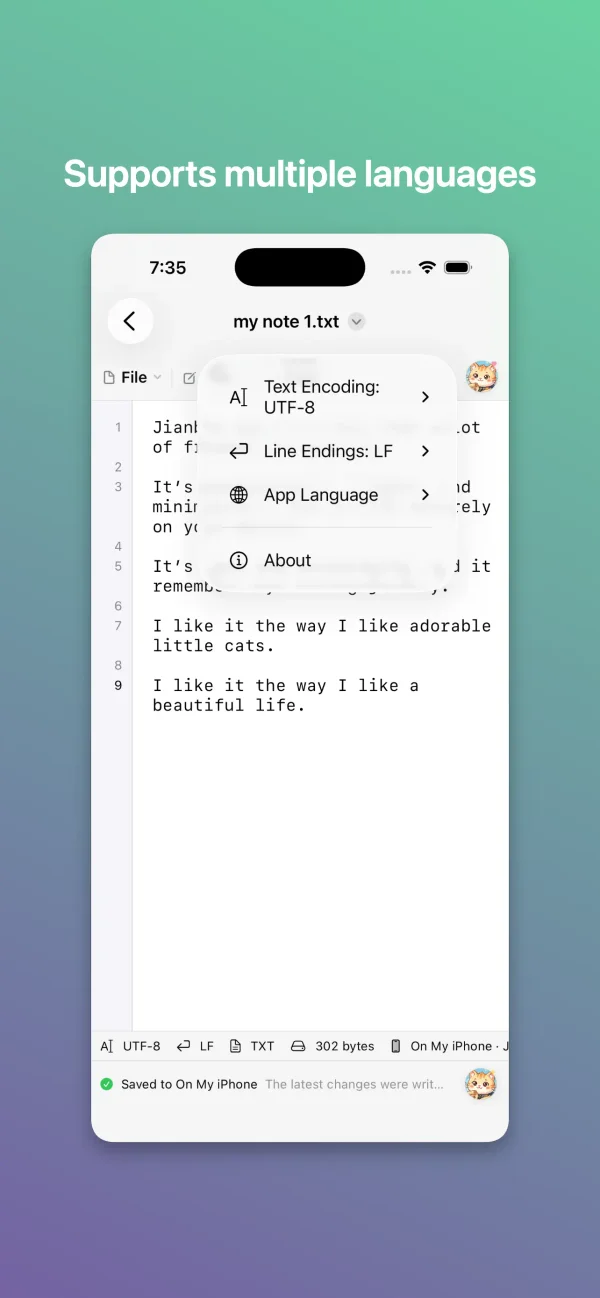
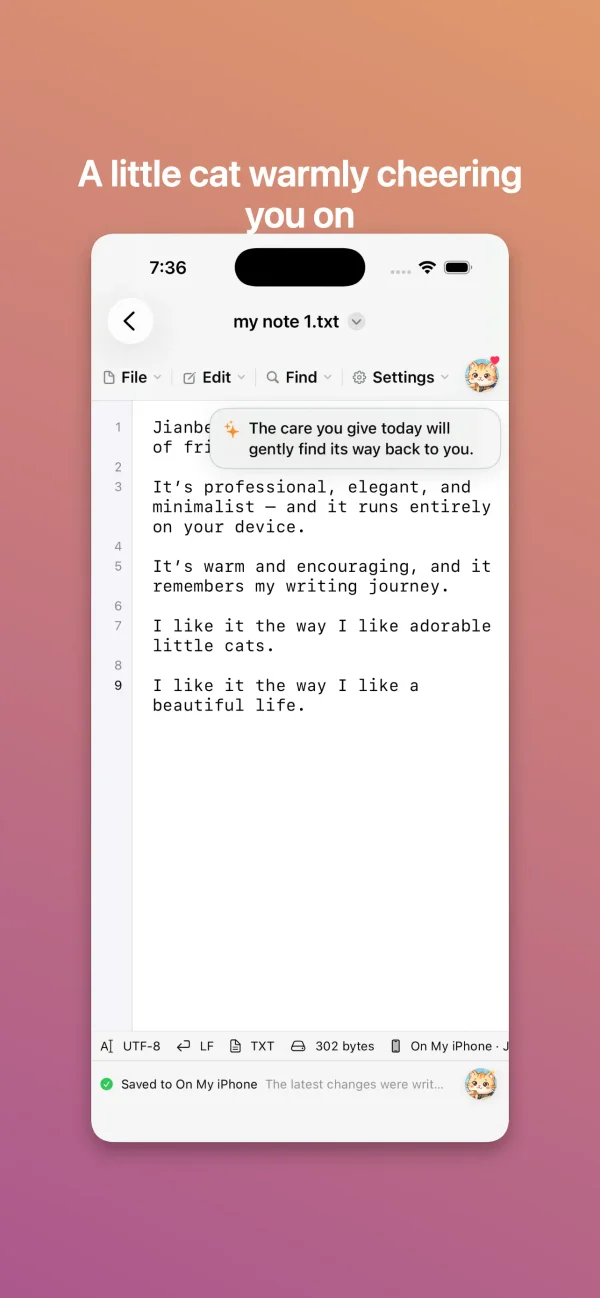
Subtle cat animations and gentle encouragements bring warmth to the clean, professional interface. While you edit, the cat occasionally offers a short, lighthearted message without interrupting your typing. You can also tap it whenever you would like a little motivation to keep going. The messages are available in multiple languages and stay unobtrusive without covering the main editing area.
YOUR WRITING JOURNEY
Writing Journey summarizes the characters you have entered and the documents you have worked on, along with your earliest start and any late-night writing sessions. It also awards milestone badges as your work grows. It is not a cold leaderboard, but a personal retrospective that gives every keystroke a place in your story and reminds you to appreciate your persistence.
LOCAL SNAPSHOTS AND RECOVERY
Create local snapshots automatically while editing or save a recovery point manually. Browse and restore snapshot history, with the current version protected before a restore. A damaged snapshot is isolated so it does not affect the rest of the history.
BUILT FOR LONG TEXT
Incremental line indexing, delayed statistics and background search help keep long documents responsive. Search results and highlights are bounded, while large and extremely large files use reduced workloads and additional safeguards.
LOCAL FIRST
No account is required. There are no ads or tracking, and no analytics SDK is included by default. Documents stay on your device or in a Files/iCloud Drive location you choose. Recovery snapshots stay in the app's local sandbox.
Jianben Cat is designed for people who work directly with logs, configurations, Markdown, structured data, source snippets and long-form text. The interface stays restrained so your text remains the focus and your files remain under your control.
What’s new
Version 1.2 · Sep 16, 2026
1. Added syntax highlighting and code editing support for multiple popular programming languages.
2. Added automatic and manual save modes, selectable as needed.
3. Added switches for “Helpful Tips” and “Creative Journey.”
4. Improved the interface layout and overall user experience.
5. Improved performance and responsiveness when editing long documents.
6. Added local document backup reminders, with support for backing up to iCloud Drive to reduce the risk of data loss.
App privacy
What Andongdaolai Technology Co., Ltd. declares on the App Store about how this app handles data.
-
Data not collected
The developer does not collect any data from this app.
Privacy practices may vary, for example with the features you use or your age.
Information
- Seller
- Beijing Andongdaolai Technology Co., Ltd.
- Category
- Productivity
- Version
- 1.2
- Updated
- Sep 16, 2026
- Released
- Sep 5, 2026
- Size
- 5.7 MB
- Requires
- iOS 16.7 or later
- Age rating
- 4+
- Price
- $0.99
- Languages
- English, French, German, Japanese, Korean, Simplified Chinese
- Copyright
- © 2026 北京安冬到来科技
You might also like
-
 git.md — Editor MarkdownProductivity
-
 ZFilesLocal and remote file browser
-
 Confetti Cannon for SafariConfetti on Any Website
-
 스꾸공지Productivity
-
 dailytodo: Simplest PlannerSimplest Daily To-Dos & Memo
-
 DXF AssistantView & Explore DXF drawings
-
 Week Agenda UltimateOrganize your life with style
-
 Recording.:Voice Record&EditorVoice Recorder
-
 EZText - Text EditorProductivity
-
 Flipo - Minimalist PomodoroFlip & Focus