Jibun Museum
Frame & compare your drawings
Designed for iPhone
Free · In-app purchases
- Age rating4+
- CategoryLifestyle
- DeveloperTAKASA WORKS
- LanguagesEnglish+ 3 more
- Size32.3 MB
Links to the official App Store page
Download.org hosts no file of Jibun Museum. The button opens its official App Store page, published by TAKASA WORKS. Listing last checked on Nov 18, 2026.
Screenshots


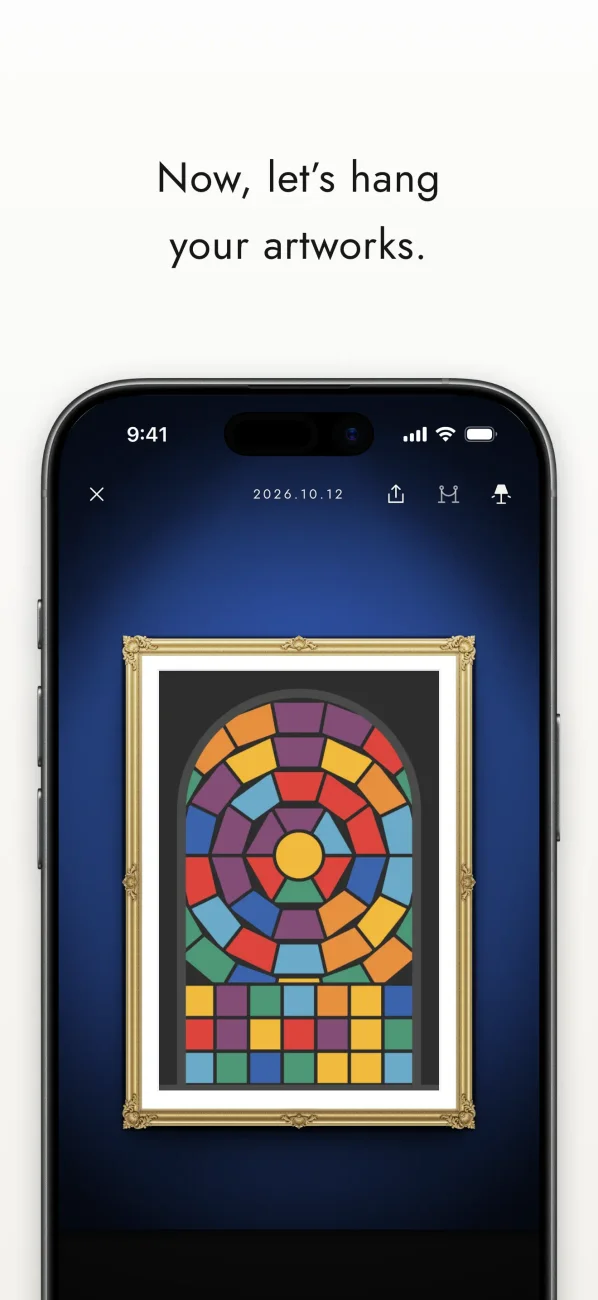
About
Keep each drawing with its date.
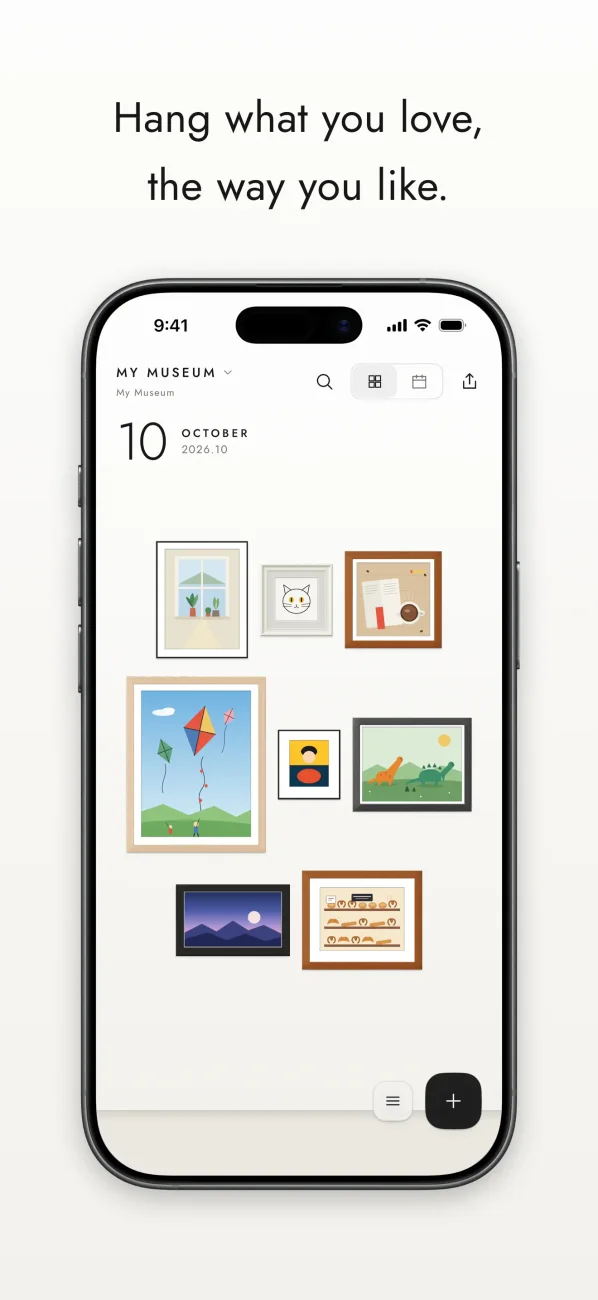
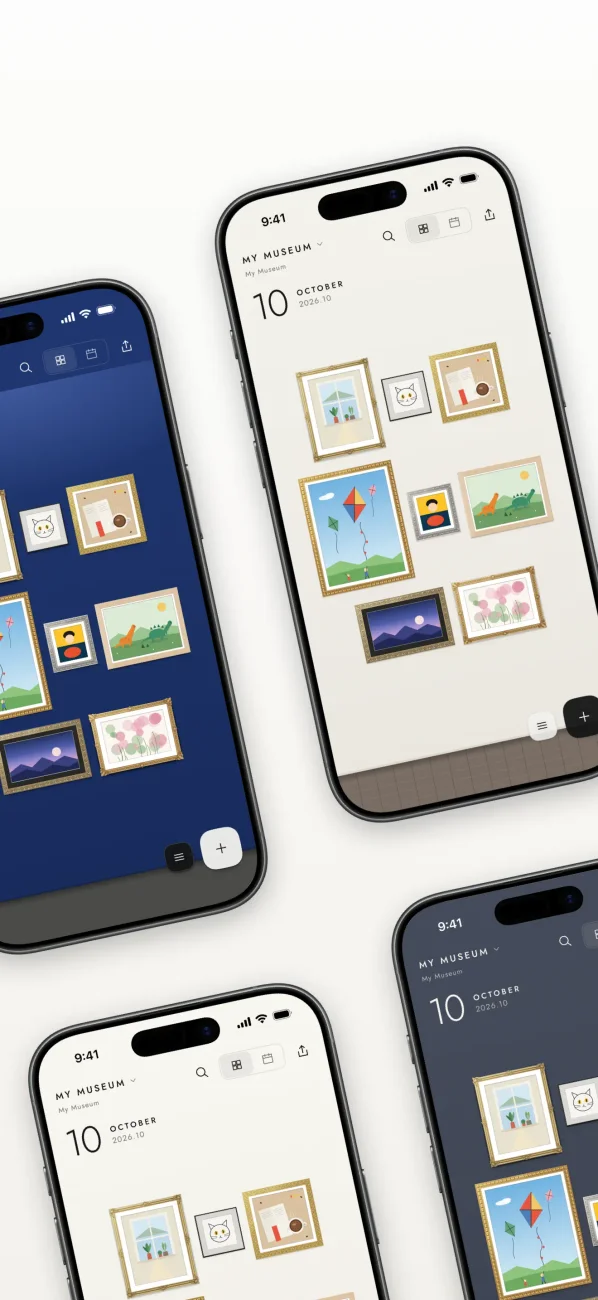
Hang it on a wall and enjoy it like a museum.
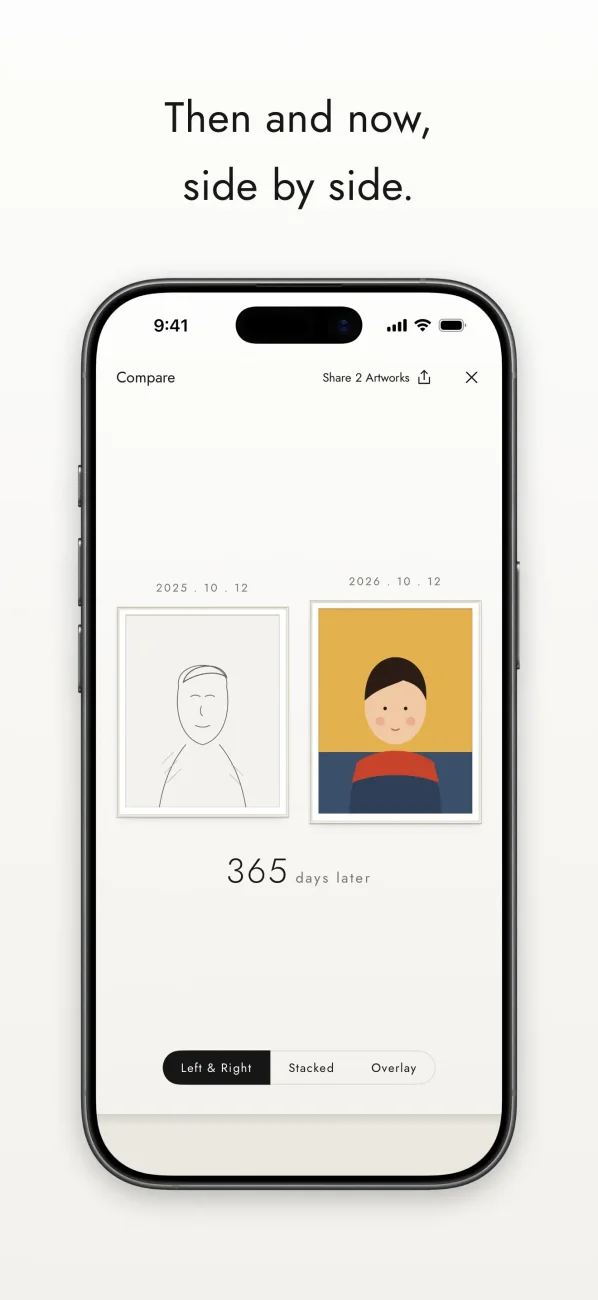
See then and now side by side.
Jibun Museum is a small museum for people who draw, and for people who take photos.
HANG
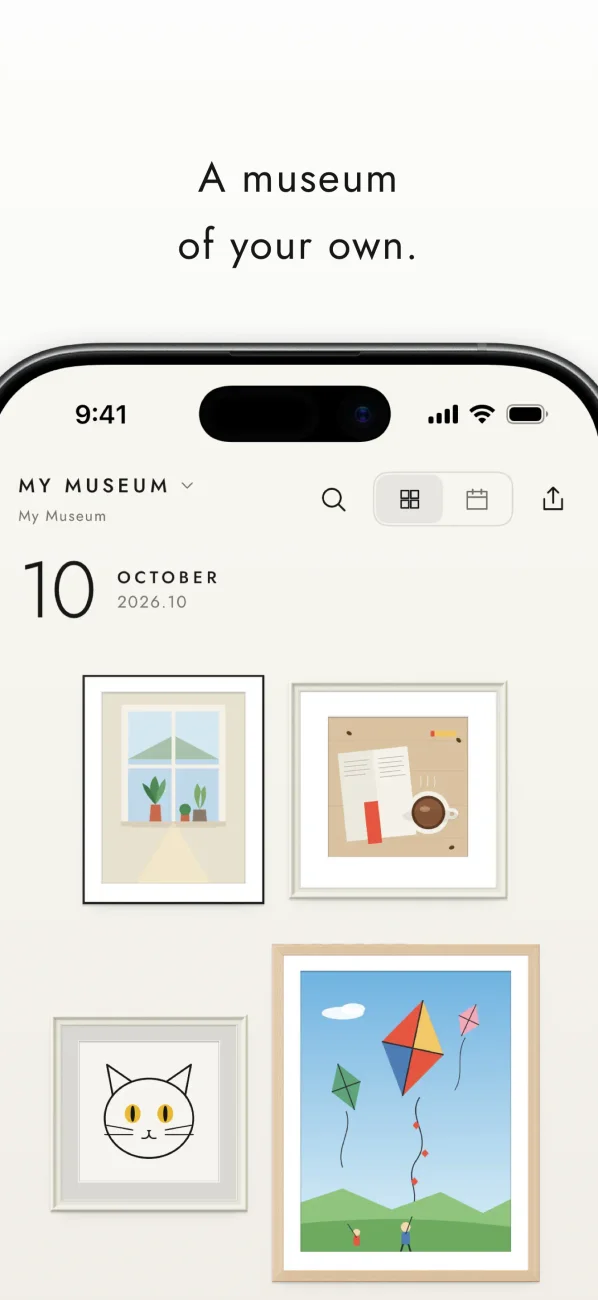
Choose your images and they line up, framed, on each month's wall.
The date is read from the image automatically. Photos are placed on the day they were taken.
Import years of work at once.
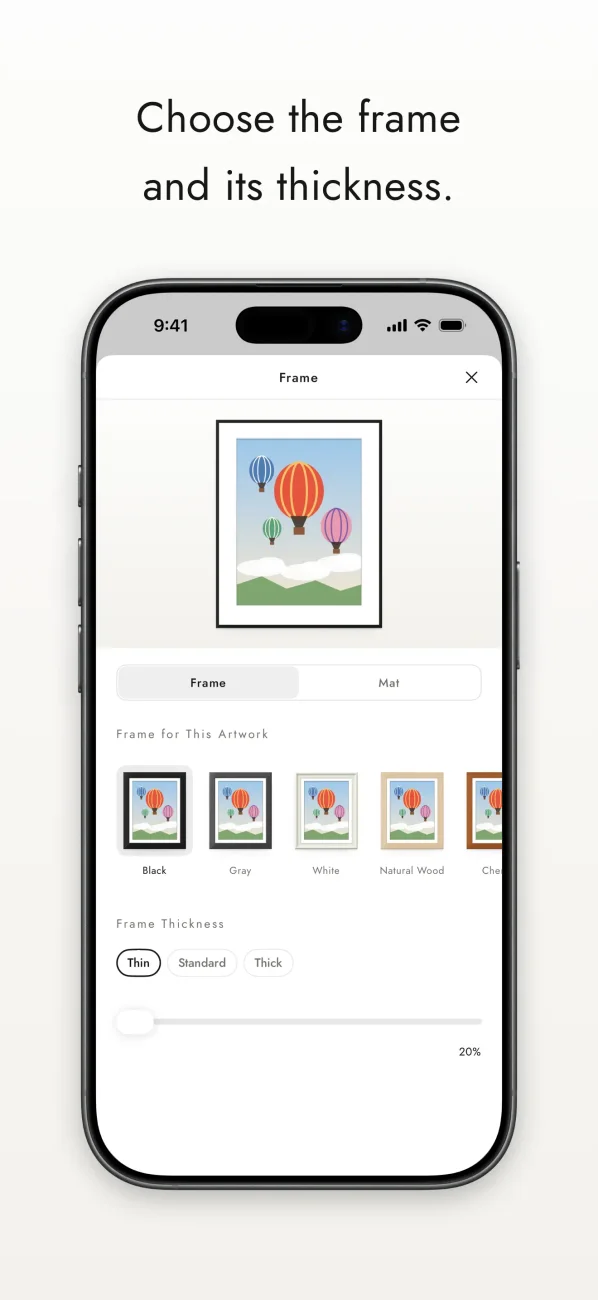
14 frames. Choose the frame thickness and mat for each artwork.
Turn your iPhone sideways for a long exhibition room.
LOOK BACK
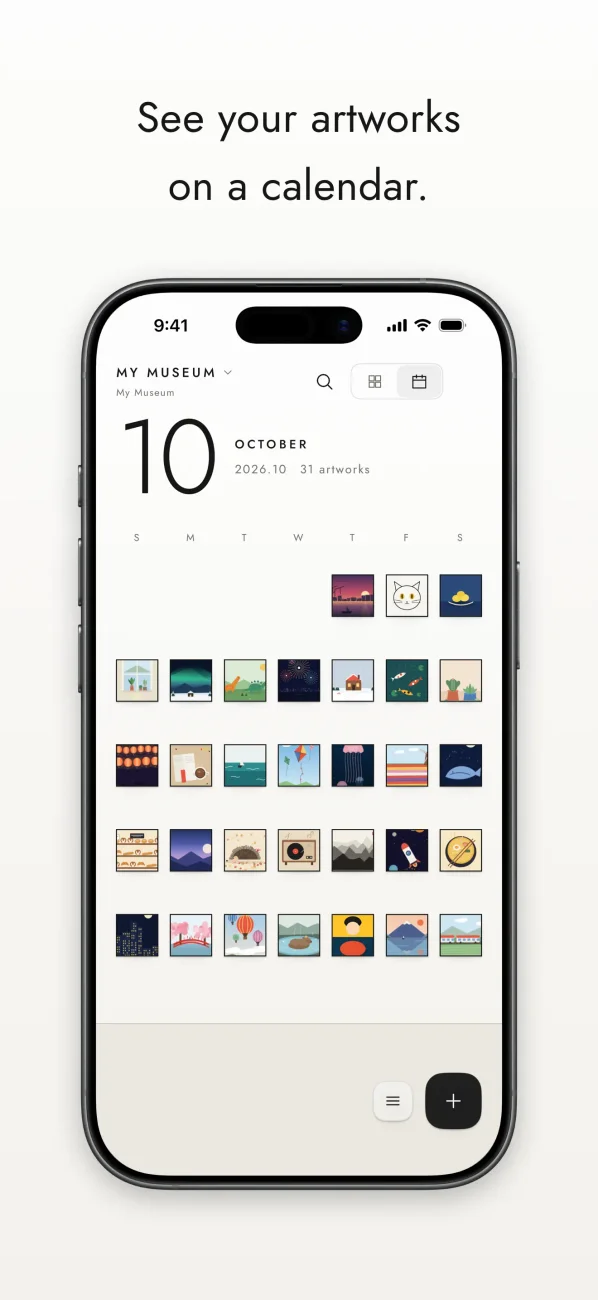
Switch between Gallery View and Calendar View with one tap.
Look Back places "1 year ago today" and "The First Artwork and Now" side by side.
Find artworks quickly with tags and search.
Put this month's wall on your Home Screen with a widget.
COMPARE
Place any two artworks side by side, stacked, or overlaid.
See how many days lie between them.
SHARE
Turn the artworks you choose into an exhibit, a grid, or a video to share.
Or send just the image, with nothing added.
YOUR DATA
Your artworks are stored only on your device and in your own iCloud.
iCloud sync is on from the start, so everything carries over to a new iPhone.
The app collects nothing. No ads.
Works without access to your photo library.
Export a ZIP and open it as an ordinary folder of images, even without this app.
Lock the app with Face ID.
PRICING
Everything above is free, except saving and sharing grids and videos, and some frames.
There is no limit on the number of artworks.
Jibun Museum Pro is a one-time purchase. It is not a subscription.
Expanding adds:
Unlimited museums
Saving and sharing grids and videos
No app name on shared images (up to 4096px)
10 gold, silver and wood frames
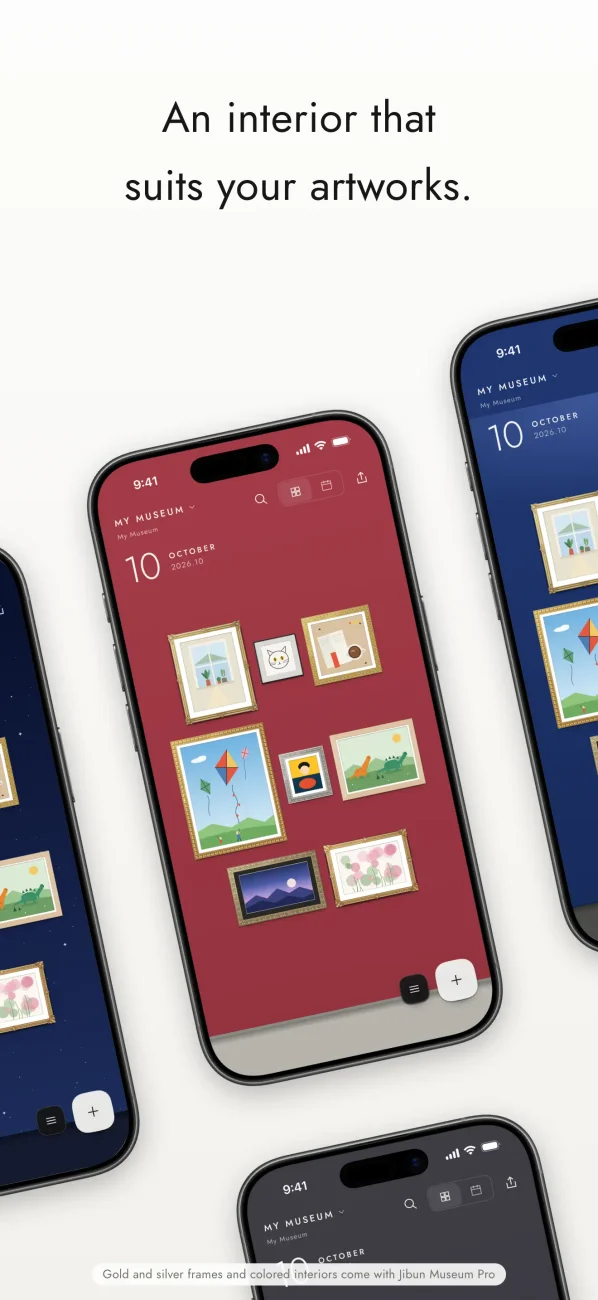
8 colored interiors
Any wall and floor color for your interior
2 door shapes and 6 door designs
Tag statistics
Family Sharing is supported.
What’s new
Version 1.0.3 · Nov 11, 2026
NEW
- "Size on Wall" in an artwork's Info: tap it to change that artwork's size on the wall
- Undo after applying a frame to several artworks, changing the order, or resetting to default
FIXES AND IMPROVEMENTS
- Refined the display, shared images, and controls
- Reviewed the English, Traditional Chinese, and Korean text
App privacy
What TAKASA WORKS declares on the App Store about how this app handles data.
-
Data not collected
The developer does not collect any data from this app.
Privacy practices may vary, for example with the features you use or your age.
Information
- Seller
- TAKASA WORKS
- Category
- Lifestyle
- Version
- 1.0.3
- Updated
- Nov 11, 2026
- Released
- Nov 2, 2026
- Size
- 32.3 MB
- Requires
- iOS 18.0 or later
- Age rating
- 4+
- Price
- Free
- In-app purchases
- Yes
- Languages
- English, Japanese, Korean, Traditional Chinese
- Copyright
- © 2026 TAKASA WORKS