JigsawDesigner
Create Custom Jigsaw Puzzles
Designed for iPhone, iPad, Mac
Free · In-app purchases
- Age rating4+
- CategoryGraphics & Design
- DeveloperGuangzhou Axing E - Commerce Co., Ltd.
- LanguagesEnglish+ 38 more
- Size17.1 MB
Links to the official App Store page
Download.org hosts no file of JigsawDesigner. The button opens its official App Store page, published by Guangzhou Axing E - Commerce Co., Ltd. Listing last checked on Nov 12, 2026.
Screenshots
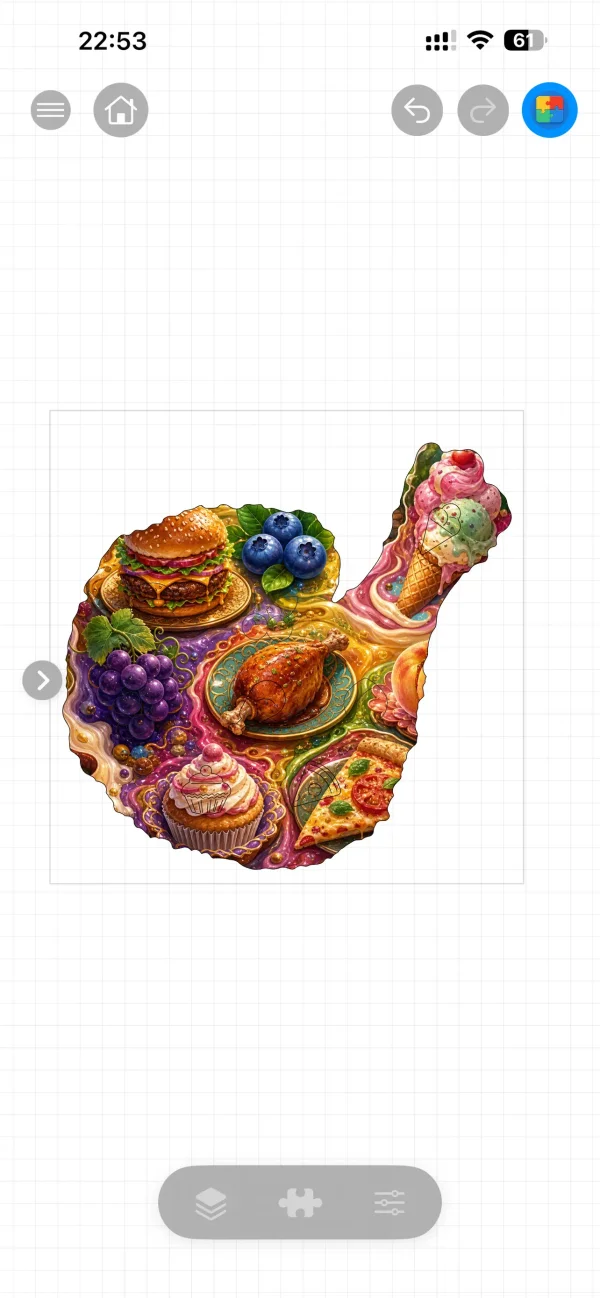
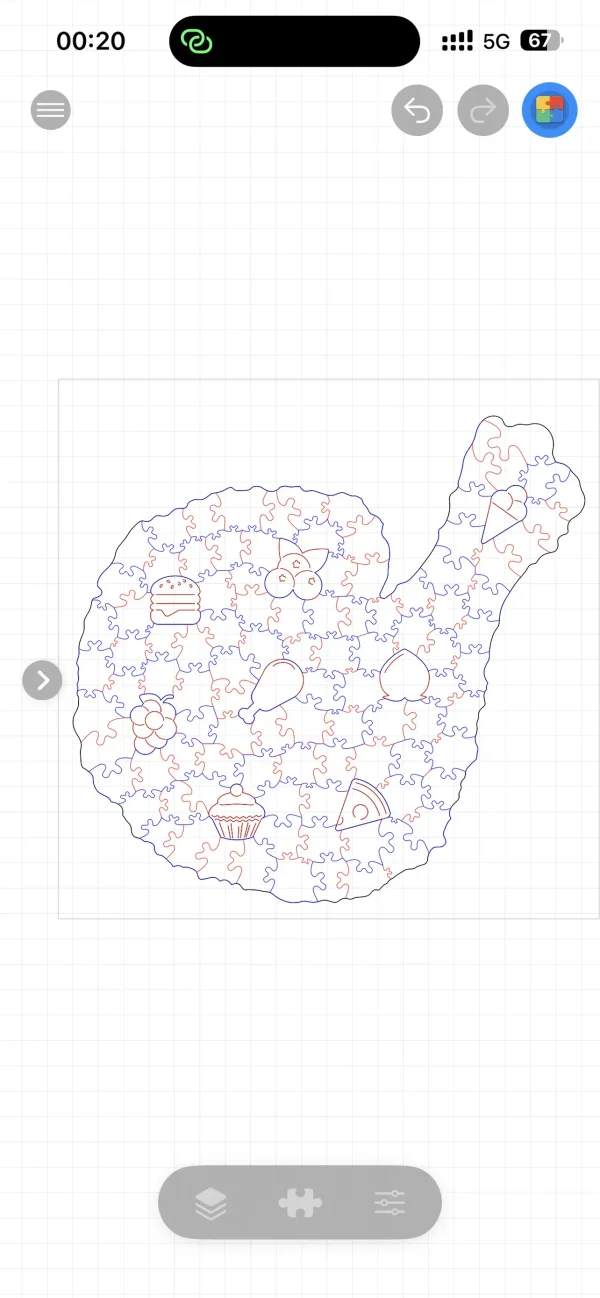
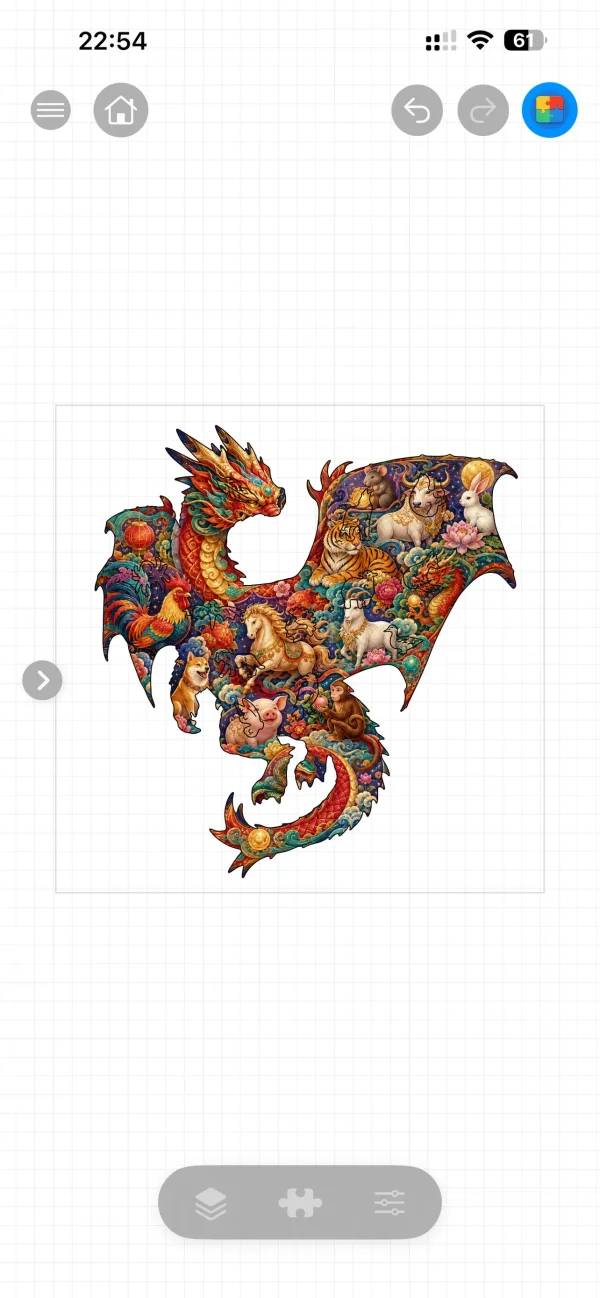
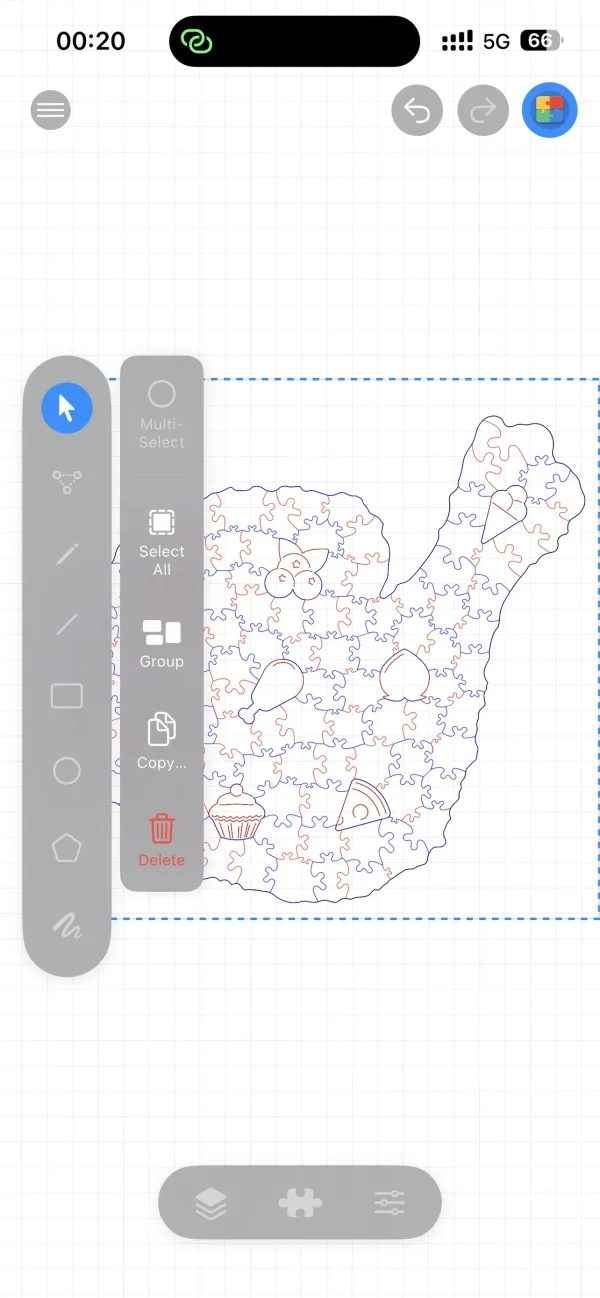
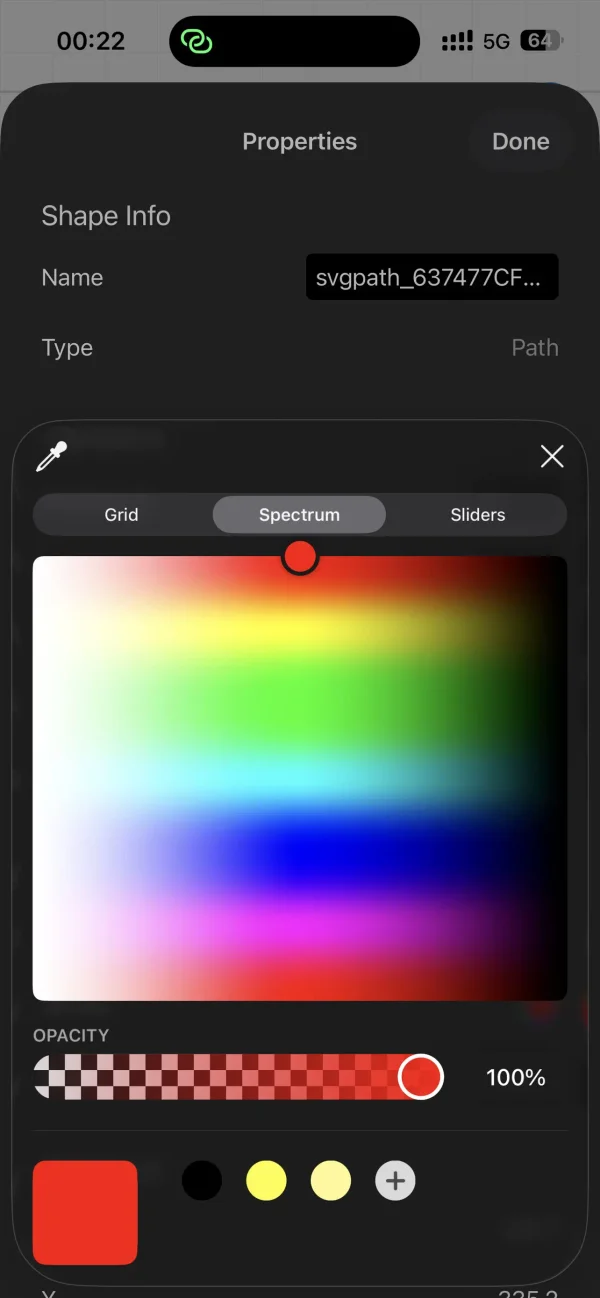
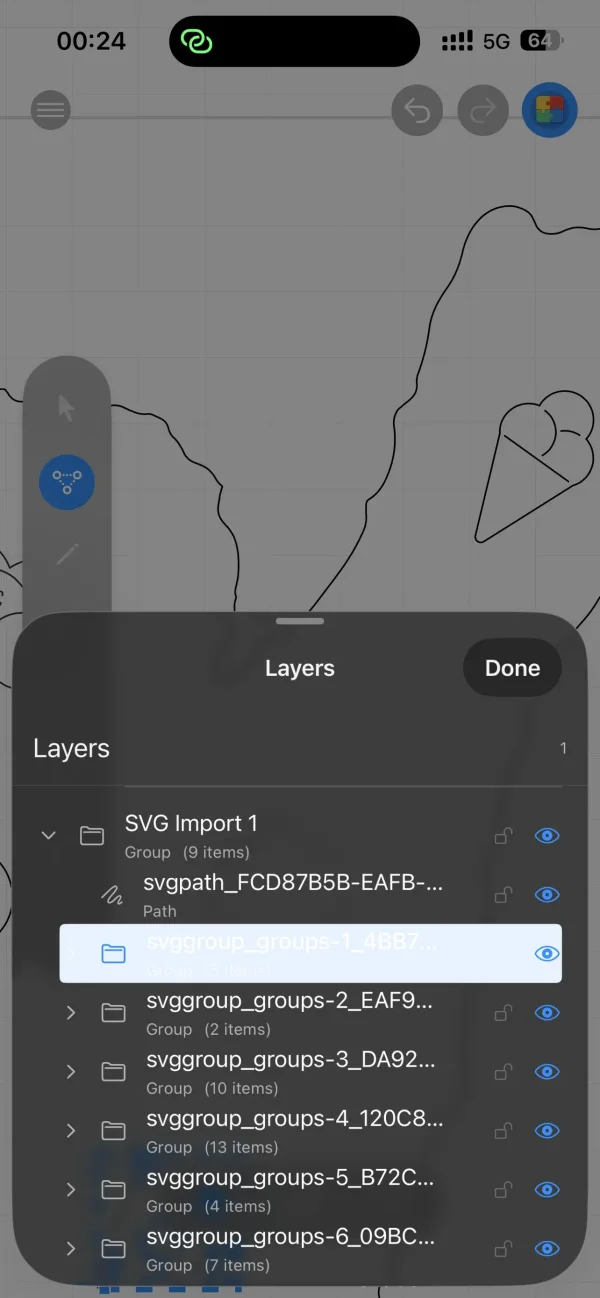
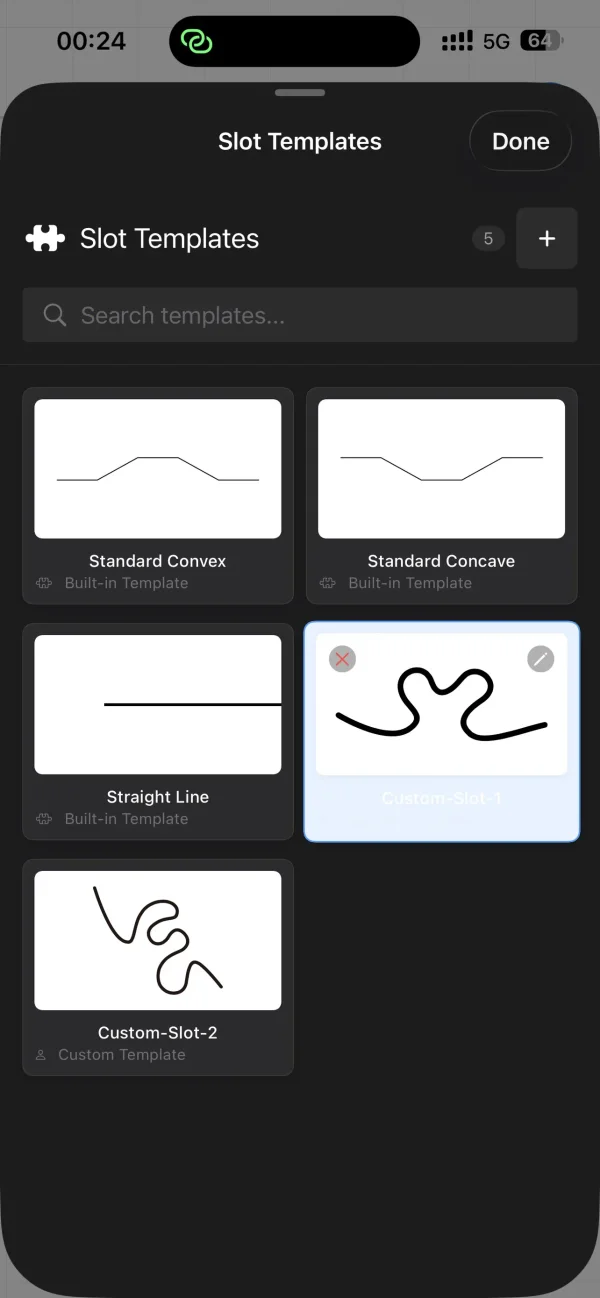

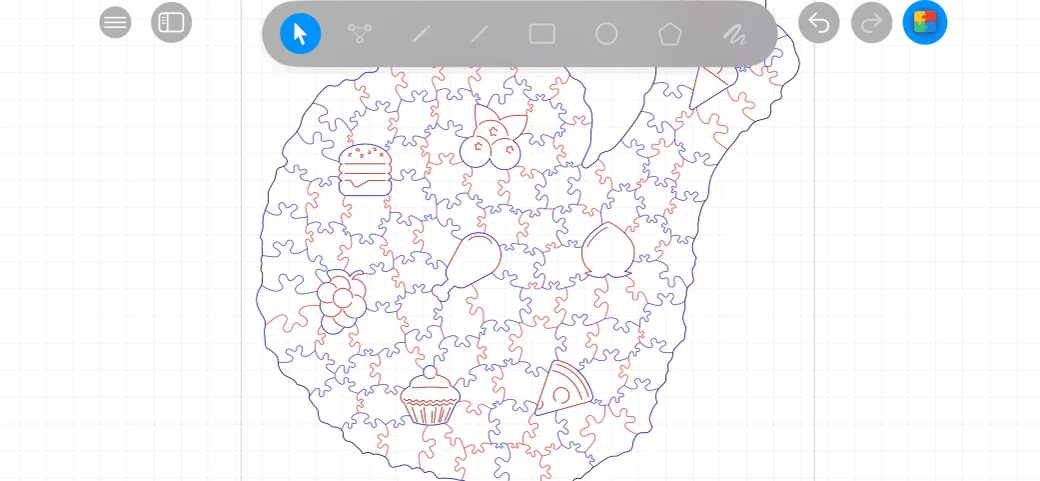

About
JigsawDesigner: The Professional Jigsaw Puzzle Maker & SVG Dieline Generator
Stop wasting hours manually tracing puzzle paths! Transform your creative ideas into professional jigsaw puzzles in seconds with JigsawDesigner. Whether you are a laser cutting enthusiast, a graphic designer, or a puzzle lover, we provide the high-precision automation you need to skip the tedious work and get straight to creating.
FROM HOURS TO SECONDS:
Standard design software requires hours of manual Bezier tracing to create a functional jigsaw pattern. JigsawDesigner's advanced C++ engine generates perfectly interlocking, randomized dielines instantly. What used to take a whole afternoon now takes a single tap.
UNIVERSAL PURCHASE: Buy Once, Design Everywhere!
Enjoy a seamless experience across all your devices. One single purchase or subscription unlocks the full power of JigsawDesigner on iPhone, iPad, and Mac. Start your project on your Mac and refine it on the go with your iPhone—no extra cost!
Powerful Jigsaw Generation & Design:
• Instant Jigsaw Maker: Generate randomized, interlocking puzzle pieces instantly using professional-grade algorithms.
• SVG Dieline Generator: Create precise cutting lines for laser cutters, craft machines, and die-cut printing.
• Rich SVG Import: Preserve embedded images, gradients, patterns, and clipping paths while editing, saving, and reopening your work.
• Professional Vector Editing: Resize with on-canvas handles, lock proportions, rotate around the selection center, and edit Bezier control points.
• Natural Drawing Tools: Draw smooth Pencil paths, continue or join open contours, and use Bezier, Line, Rectangle, Circle, and Polygon tools.
Key Features for Designers:
• Precision Canvas: True zoom percentages, Fit to Window, and screen-sized anchors and handles for detailed dieline inspection.
• Professional Templates: A built-in library of predefined jigsaw piece shapes and slots.
• Layer Management: Organize complex designs effortlessly with a Photoshop-style layer system.
• High-Quality Export: Save your designs as professional SVG files, ready for any laser software or CAD tool.
Perfect For:
• Laser Cutting: Generate ready-to-cut SVG files for wood, acrylic, or cardboard puzzles.
• Education: Create engaging educational puzzles and classroom activities in a flash.
• DIY Crafting: Make personalized gifts and custom physical puzzles without the design headache.
Download JigsawDesigner today for a precise, time-saving jigsaw design workflow across iPhone, iPad, and Mac.
Terms of Use: https://www.apple.com/legal/internet-services/itunes/dev/stdeula/
What’s new
Version 1.6.1 · Aug 27, 2026
What's new in 1.6.1:
• Project previews now preserve artwork, colors and canvas proportions consistently across My Projects, Public Projects and Shared Projects.
• Improved the reliability of creating and reusing shared links while reducing unnecessary cloud uploads.
• Improved cloud publishing, legacy thumbnail repair and iCloud sync stability.
App privacy
What Guangzhou Axing E - Commerce Co., Ltd. declares on the App Store about how this app handles data.
-
Data not collected
The developer does not collect any data from this app.
Privacy practices may vary, for example with the features you use or your age.
Information
- Seller
- Guangzhou Axing E - Commerce Co., Ltd.
- Category
- Graphics & Design
- Version
- 1.6.1
- Updated
- Aug 27, 2026
- Released
- Sep 29, 2025
- Size
- 17.1 MB
- Requires
- iOS 18.0 or later
- Age rating
- 4+
- Price
- Free
- In-app purchases
- Yes
- Languages
- English, Arabic, Bulgarian, Catalan, Croatian, Czech, Danish, Dutch, Estonian, Finnish, French, German + 27 more
- Copyright
- © 2025 Guangzhou Axing E - Commerce Co., Ltd.
You might also like
-
 AI Laser Engraving DesignerWood Metal Leather Glass Craft
-
 Artisan ForgeGenerative Art Studio
-
 ScanToPrintLiDAR 3D Scanner for Printing
-
 Sprite Artisan Pixel ArtMake Pixel art, Sprite Sheet
-
 Pixelet: Pixel Art ProgrammingCreate pixel art with coding
-
 HomeSketch: AI Interior DesignRoom Planner & Decor Makeover
-
 MaterializrOpen-source 3D CAD for makers.
-
 3D Scanner: LiDAR ModelingLiDAR Scanner
-
 SVGRImage to SVG Vector Converter
-
 TopMod 3D: Design SoftwareTopology modeler for 3D print