
- Age rating4+
- CategoryProductivity
- DeveloperJIHO LEE
- LanguagesEnglish+ 1 more
- Size5.2 MB
Links to the official App Store page
Download.org hosts no file of JihoVault. The button opens its official App Store page, published by JIHO LEE. Listing last checked on Nov 20, 2026.
Screenshots
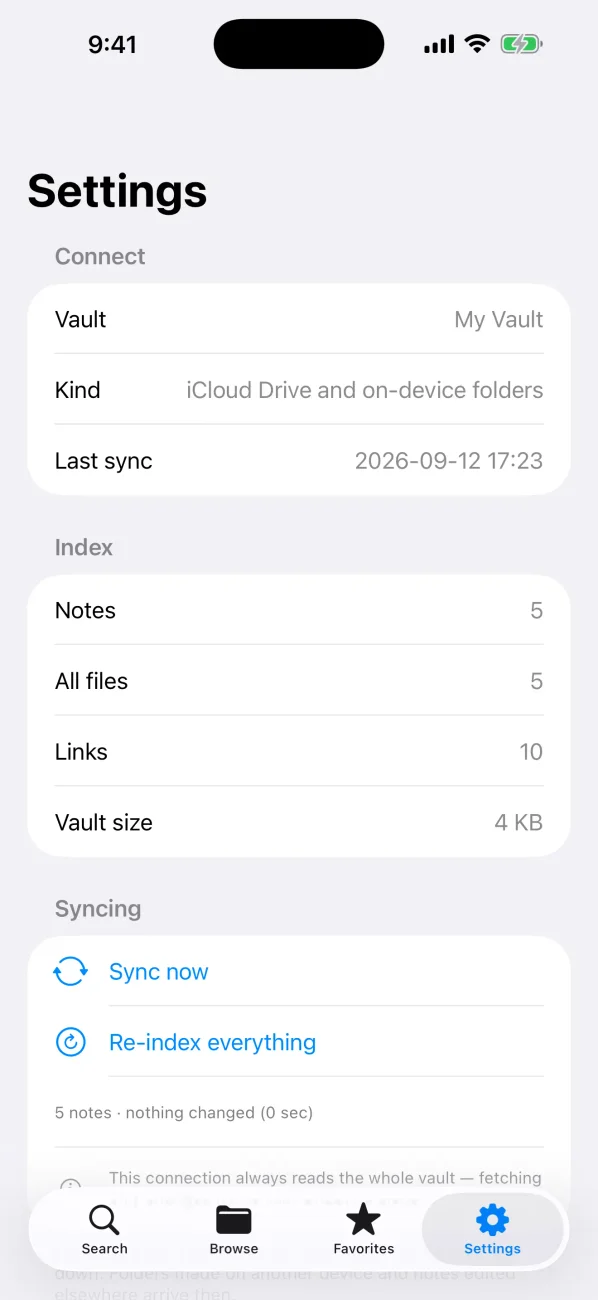
About
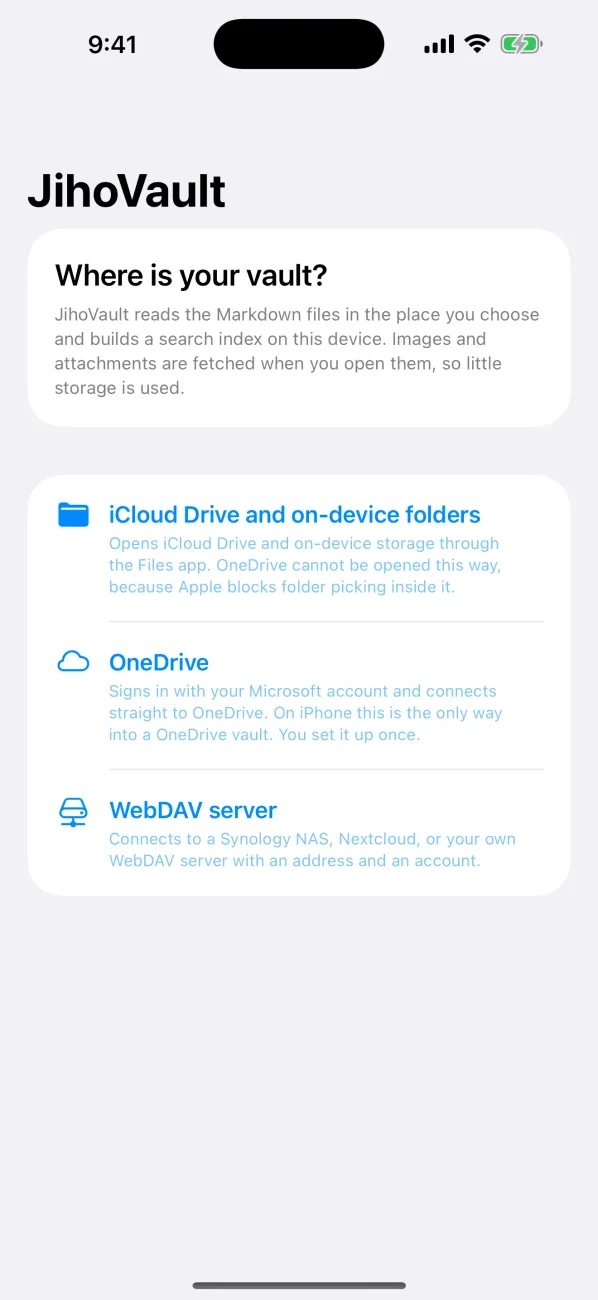
JihoVault opens a Markdown folder you already own — in OneDrive, on a WebDAV server, or on the device — and turns it into a fast, searchable notebook on iPhone and iPad.
Your notes stay ordinary text files. Nothing is locked inside a database, and nothing passes through a server of ours, because there is no such server.
CONNECT THE VAULT YOU ALREADY HAVE
• OneDrive — sign in with your Microsoft account and choose a folder. No add-on, and no copying of the whole drive onto the phone.
• WebDAV — your own NAS or server. Type the address and password, test the connection, and you are in.
• On My iPhone and iCloud Drive — any folder the Files app can reach.
BUILT FOR A VAULT THAT IS ALREADY BIG
• The first sync reads the Markdown text so search works with no connection. After that, only what changed comes down.
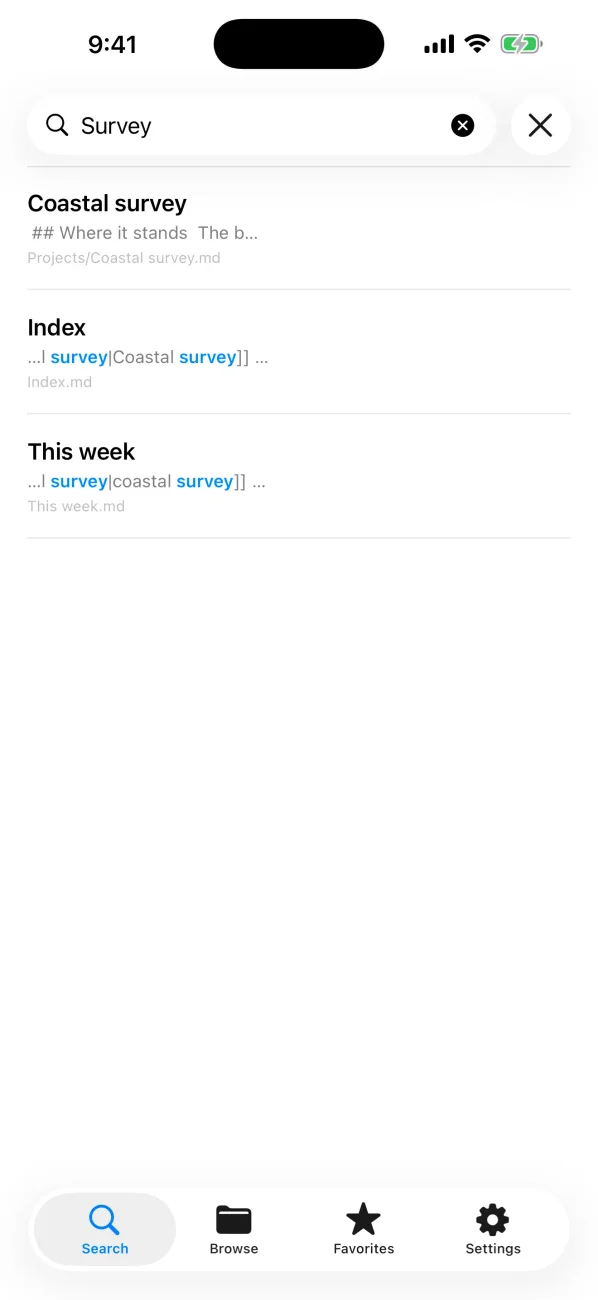
• Search looks inside words, not only at their edges, so Korean and other languages that do not break on spaces are found properly.
• Aliases in front matter are indexed, so links written in your own language still resolve.
WRITE THE WAY YOU THINK
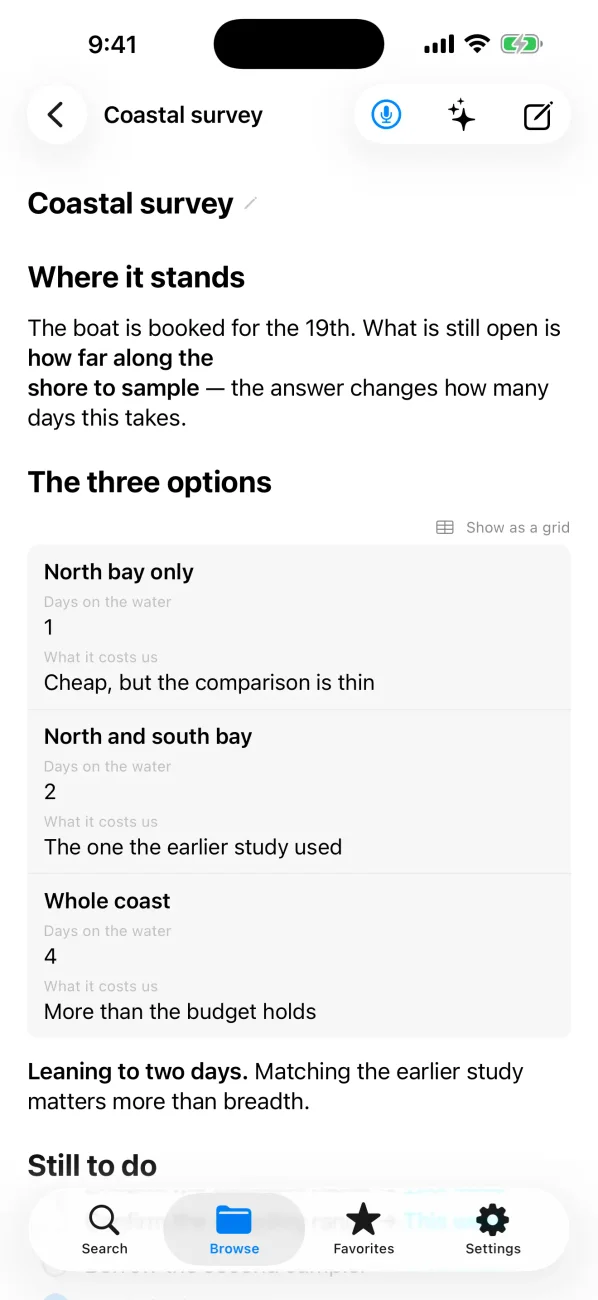
• Live Markdown — headings, bold, quotes, code, and tables take shape as you type, with the marks kept out of the way.
• [[Wiki links]] with completion, and backlinks that show you what points here.
• Checklists you tick by tapping, lists that carry on by themselves, and keyboard shortcuts on iPad.
A MEETING, CAUGHT WHOLE
• Record while you take notes. Tap a line afterwards and the playback jumps to the moment you wrote it.
• Transcription runs on the device.
• The recording is saved inside your own vault, beside the note.
REAL FILE MANAGEMENT
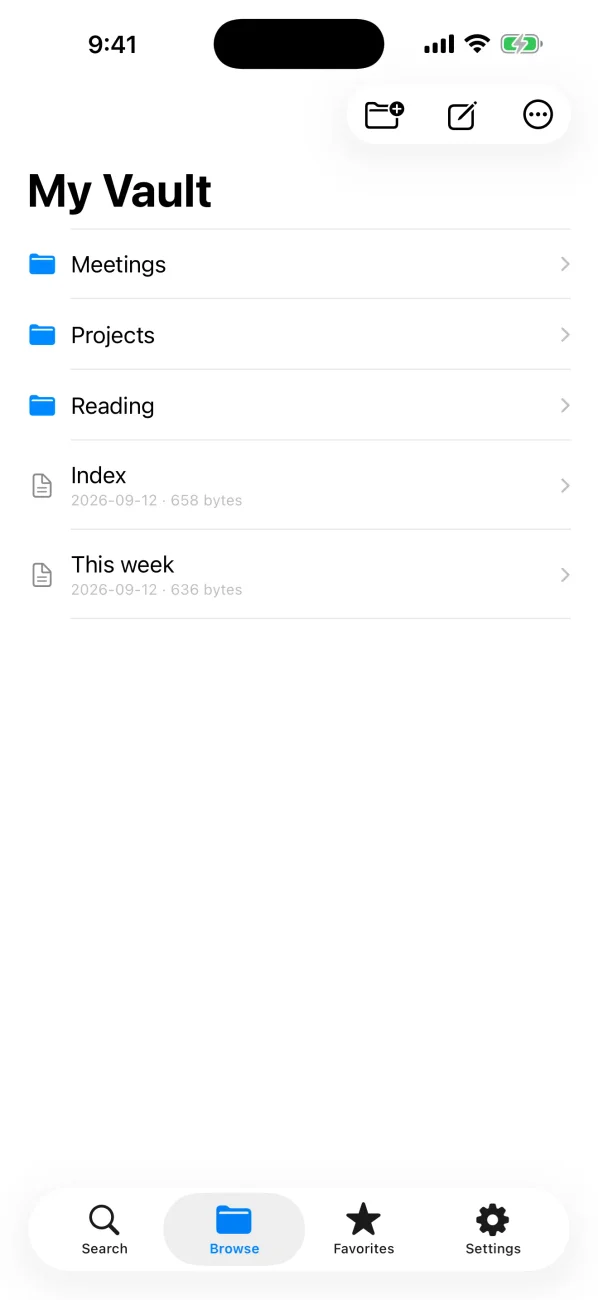
Swipe a row to rename, copy, move, or delete. Press and hold to pick several at once. Deleted items go to a trash folder inside the vault, so you can bring them back.
PRIVACY
No account to create, no usage tracking, no advertising, and no server of ours. Passwords and sign-in tokens live in the iOS Keychain on your device.
Free. Nothing to buy inside.
What’s new
Version 1.0.2 · Oct 5, 2026
Connect straight to your own Nextcloud server.
• Enter the server address and a browser opens for you to sign in
• Your password never goes into the app — the server issues a password for this app alone
• Works with two-factor authentication turned on
• Revoke this app by itself later from Nextcloud's security settings
App privacy
What JIHO LEE declares on the App Store about how this app handles data.
-
Data not collected
The developer does not collect any data from this app.
Privacy practices may vary, for example with the features you use or your age.
Information
- Seller
- JIHO LEE
- Category
- Productivity
- Version
- 1.0.2
- Updated
- Oct 5, 2026
- Released
- Sep 15, 2026
- Size
- 5.2 MB
- Requires
- iOS 17.0 or later
- Age rating
- 4+
- Price
- Free
- Languages
- English, Korean
- Copyright
- © 2026 Jiho Lee
You might also like
-
 AllListLists for all situations
-
 Tably: Sleep On ItThink it over before you buy
-
 The Cube App ProThe app every cuber needs
-
 Stellata: Save Links & ReelsBookmark Manager & Moodboard
-
 DebtShield: Debt CollectionCall Log & Evidence Journal
-
 Vocapa - Capture & Share NotesPush-to-Record Quick Memos
-
 SoloMD: Markdown Editor & NoteFree Offline Writer, PDF, Math
-
 NotePlus - Markdown EditorNative Markdown Notes
-
 Dawn - MarkdownA beautiful Markdown reader
-
 Marko: Markdown ViewerFast, native offline reader