
- Age rating4+
- CategoryBusiness
- DeveloperJobPlanner LLC
- LanguagesEnglish
- Size24.8 MB
Links to the official App Store page
Download.org hosts no file of JobPlanner Field Tools. The button opens its official App Store page, published by JobPlanner LLC. Listing last checked on Nov 18, 2026.
Screenshots



About
JobPlanner provides a best-in-class construction management app experience for contractors of all sizes, making it easy for construction teams to manage their construction projects from anywhere.
JobPlanner's field tools enable construction teams to collaborate in real time from anywhere. Construction teams utilize JobPlanner's features, workflows, and collaboration tools to deliver construction projects on time and under budget.
Drawings/Blueprints:
View, markup, and share the latest project drawings from anywhere
Documents:
Upload, and manage specs and other project documents. View and share these documents right from your mobile device.
Daily Reports:
Use daily reports to log inspections, site observations, deliveries, site photos, and more. Automatically send daily and weekly reports to team members and clients to keep them updated on job progress.
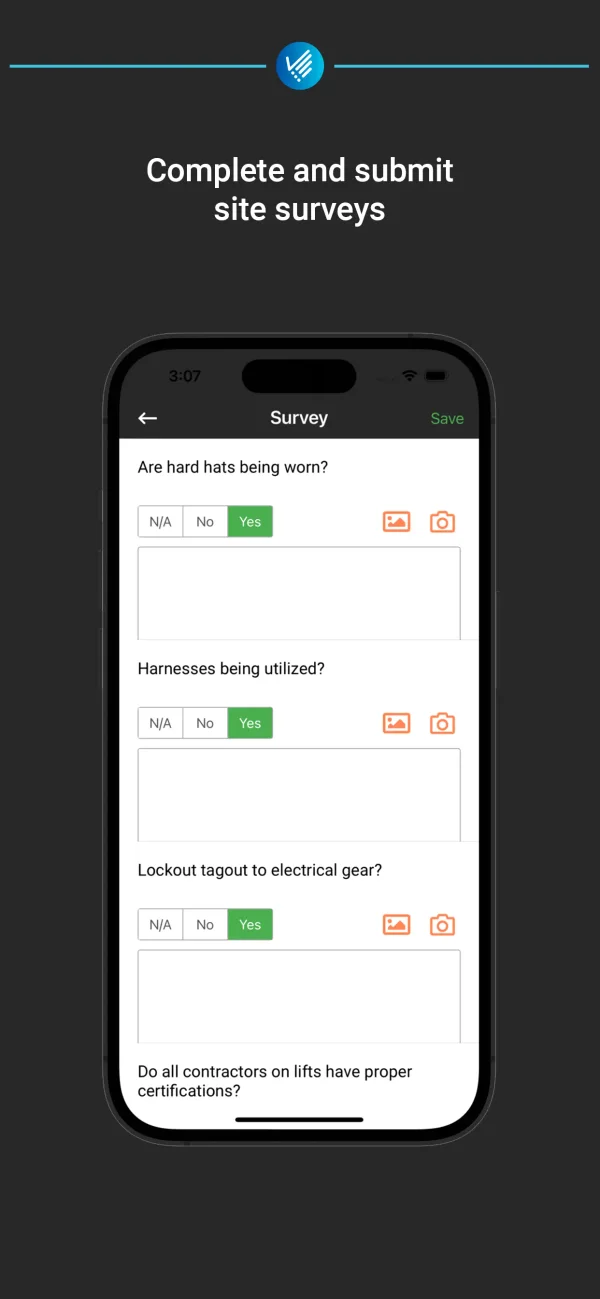
Site Survey:
Track site conditions and safety daily effortlessly using site surveys. Custom survey forms allow you to collect the information you need, when you need it.
Punch List:
Close out projects fast and easy using project punch lists. Assign team members add before/after photos to track their progress to completion
Action Items:
Assign and track actionable items during the project's duration. Ensure tasks are complete on time to prevent overruns.
RFI:
Collaborate and share RFIs and their responses with your team members and external users.
Schedule:
Keep your projects on time with a real-time schedule. Use schedule templates and import your schedule from various scheduling softwares, allowing you to quickly share the project schedule with team members.
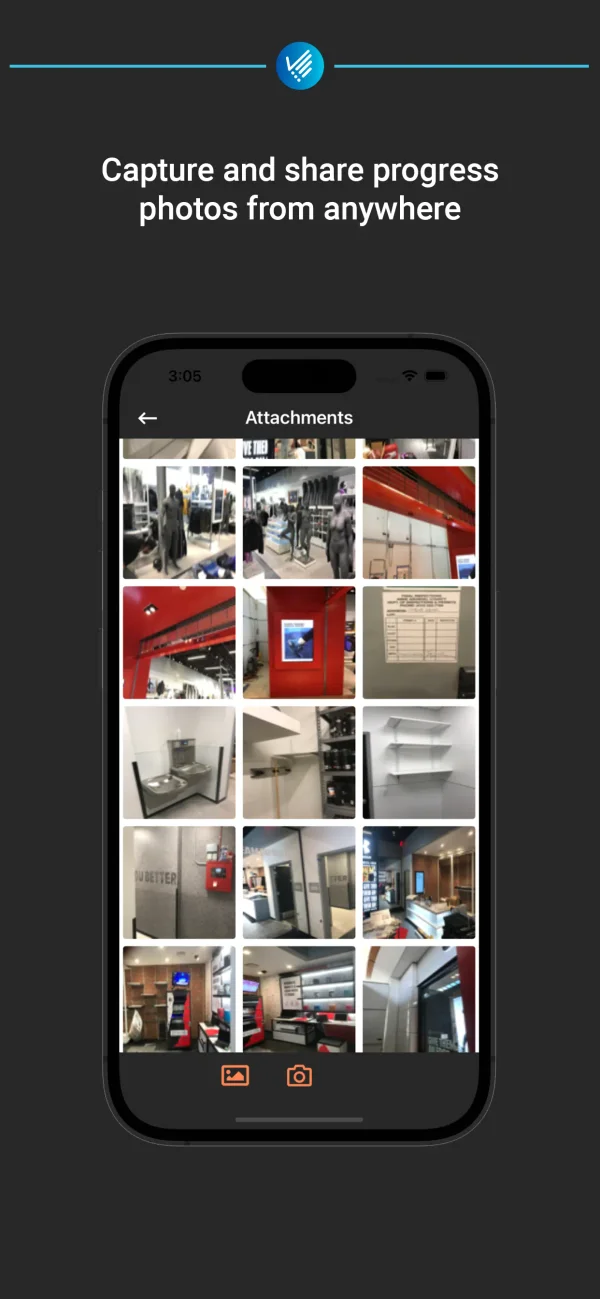
Photos:
Use the project photo gallery to view all photos taken on the project in one place.
What’s new
Version 1.6.1 · Nov 10, 2026
* NEW: Improved Photo Gallery (beta)
* Minor bug fixes and performance improvements
App privacy
What JobPlanner LLC declares on the App Store about how this app handles data.
-
Data linked to you
May be collected and linked to your identity.
- Location
- Contact info
- User content
- Identifiers
- Usage data
-
Data not linked to you
May be collected but is not linked to your identity.
- Diagnostics
Privacy practices may vary, for example with the features you use or your age.
Information
- Seller
- JobPlanner.com LLC
- Category
- Business
- Version
- 1.6.1
- Updated
- Nov 10, 2026
- Released
- Jun 14, 2023
- Size
- 24.8 MB
- Requires
- iOS 15.0 or later
- Age rating
- 4+
- Price
- Free
- Languages
- English
- Copyright
- © 2022 JobPlanner LLC
You might also like
-
 Pantera MobileBusiness
-
 Seven Minute Safety TrainerBusiness
-
 ITB InboxAll your ITBs in one place!
-
 PlanHubGC Bid Management Platform
-
 Core Cloud Systems 2.0Business
-
 Sage HCM TimeBusiness
-
 FTQ360 Mobile InspectionInspection & QAQC for Projects
-
 PlanHub Field AppPlanHub Field App
-
 ConDoc Mobile AppRFIs, Plans, Reports
-
 SKYSITE Projects: ConstructionProject Management Software