
Jotgrid: Visual Grid Notes
Modular brain dump & organizer
Designed for iPhone, iPad
Free · In-app purchases
- Age rating4+
- CategoryProductivity
- DeveloperKaty Rickles-McGreal
- LanguagesEnglish
- Size9.2 MB
Links to the official App Store page
Download.org hosts no file of Jotgrid: Visual Grid Notes. The button opens its official App Store page, published by Katy Rickles-McGreal. Listing last checked on Nov 23, 2026.
Screenshots




About
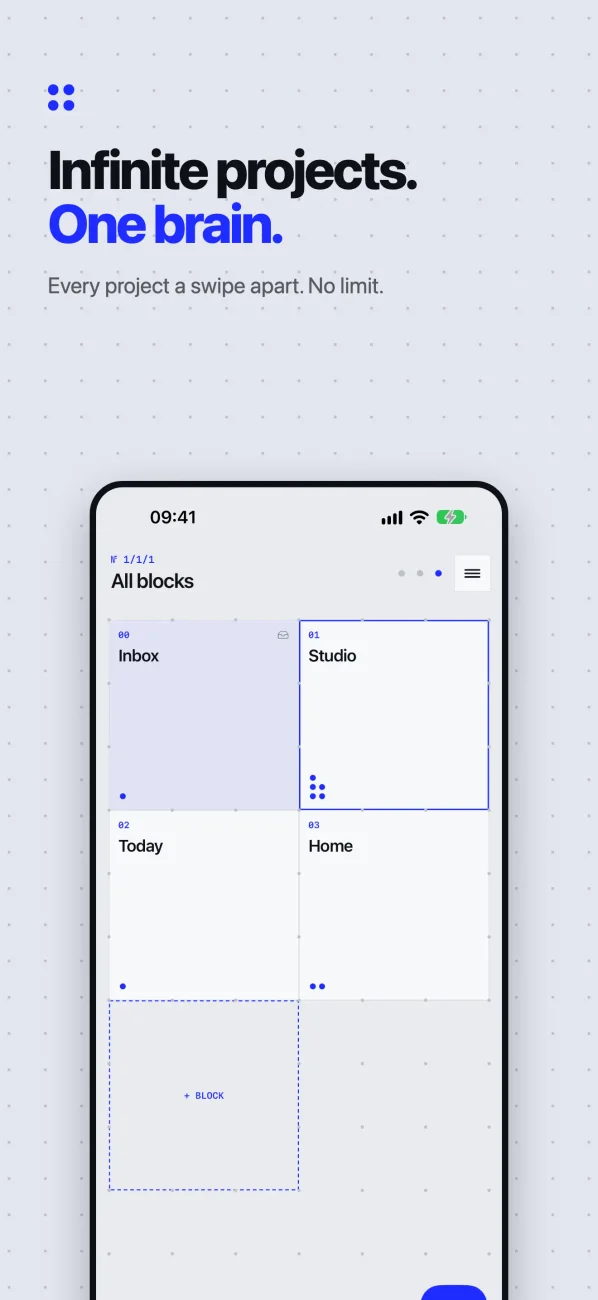
Infinite projects, endless ideas, one brain. Jotgrid is a note app built for ADHD minds, and anyone whose thoughts jump between a dozen things at once.
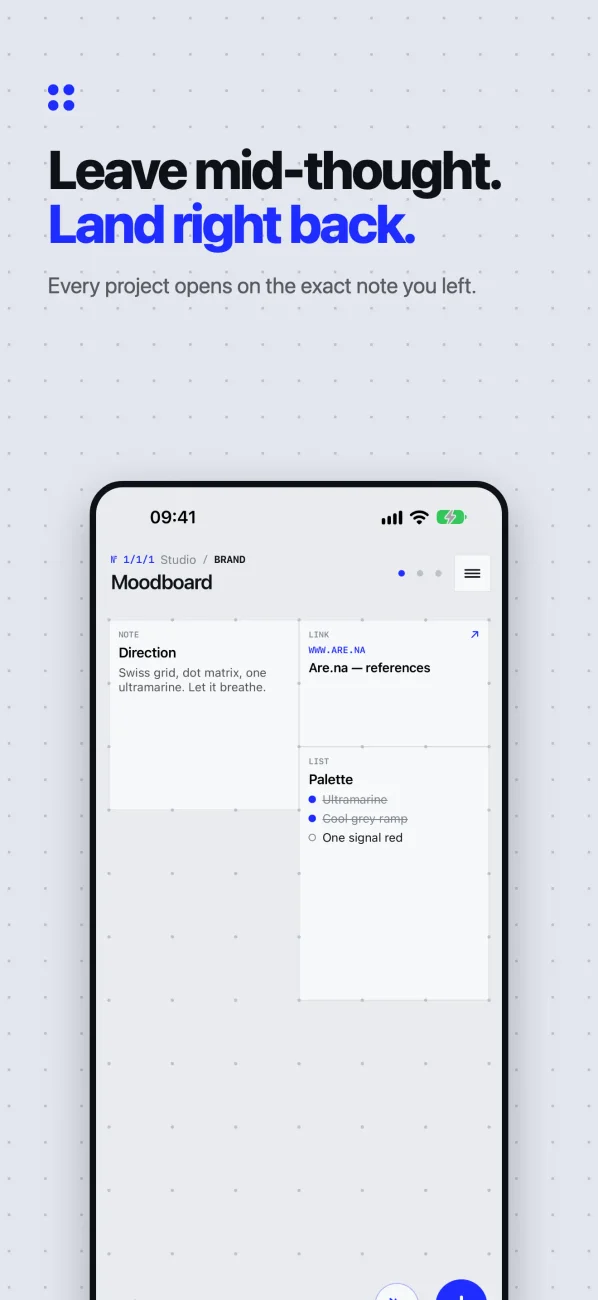
Every project lives on its own grid, one swipe from the next, and opens on the exact note you left. No digging through folders, no losing your place.
SWITCH IN A SWIPE
Swipe sideways for the next idea, up and down for the next topic, two fingers for the next project. Pinch out to see everything at once. A faint map in the corner shows where you are.
CATCH IT BEFORE IT'S GONE
Jot a thought into the Inbox in a second: from the app, the widget, Control Center, the Action button, Siri, or any app's Share button. Sort it later, or never.
PRIVATE AI THAT SUGGESTS, NEVER SORTS BEHIND YOUR BACK
The Inbox Weaver uses on-device AI to spot where a note belongs and adds a small blue tag. Tap it and the note becomes a grid in that project. Pull it down to say no. Nothing moves on its own, and nothing leaves your iPhone: no chatbot, no cloud, no one reading your thoughts.
FIND ANYTHING
Search from any screen. What's found gathers into one grid as you type, by word, by place, or by theme ("money", "home"). Your notes show up in iPhone search too.
NOTHING IS LOST
Shake to undo. Anything you delete waits 30 days in the Recycle bin. Lock Jotgrid with Face ID if you like.
NO GUILT PILES
Notes you haven't touched fade to grey and step aside. Nothing is deleted, nothing nags, and there are no red badges. Ever.
EVERYTHING A THOUGHT NEEDS
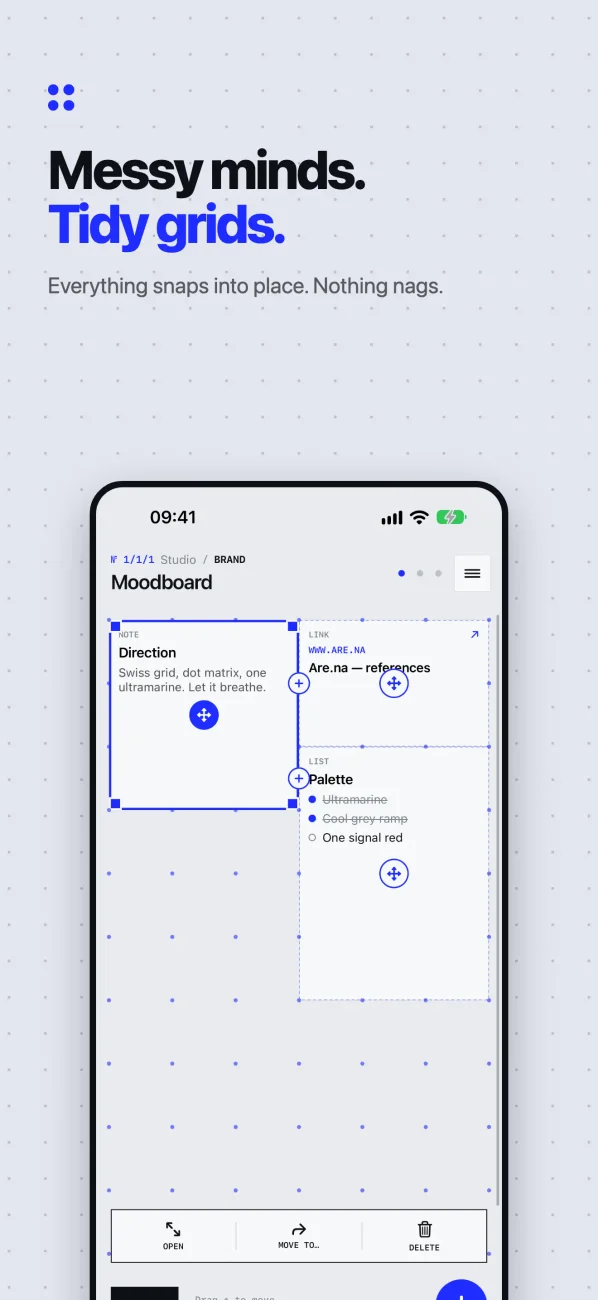
Notes, lists, links, photos, sketches, voice notes that write themselves out, clocks and timers. Drag, resize and connect them; they always snap to the grid.
YOURS
Your notes sync through your own iCloud to your iPhone, iPad and Mac. We never see them. No ads, no tracking, never sold.
MEMBERSHIP
One membership for all of Jotgrid: £3.99 a month or £29.99 a year (save 37%), each starting with a free week. We'll remind you two days before the trial ends. Cancel any time in your iPhone's Settings.
Terms: https://www.apple.com/legal/internet-services/itunes/dev/stdeula/
Privacy: https://jotgrid.app/privacy
What’s new
Version 1.0.4 · Nov 17, 2026
Start from a template: 20 ready-made setups, from Brain dump to Job hunt, Money and Christmas, each with a short guide waiting in your Inbox. Add a Picker to any list and let Jotgrid choose when you're stuck, or tap the new Pick one widget on your Home Screen. Undo now goes back many steps, so a deleted note, a bad edit or a replaced setup can be brought straight back. Long list items now show in full.
App privacy
What Katy Rickles-McGreal declares on the App Store about how this app handles data.
-
Data linked to you
May be collected and linked to your identity.
- Contact info
- Identifiers
Privacy practices may vary, for example with the features you use or your age.
Information
- Seller
- Katy Rickles-McGreal
- Category
- Productivity
- Version
- 1.0.4
- Updated
- Nov 17, 2026
- Released
- Nov 3, 2026
- Size
- 9.2 MB
- Requires
- iOS 18.0 or later
- Age rating
- 4+
- Price
- Free
- In-app purchases
- Yes
- Languages
- English
- Copyright
- © 2026 Katy Rickles-McGreal
You might also like
-
 ExoFocus - Deep Focus TimerPomodoro, Study & App Blocker
-
 Cairn: Your Second BrainDump it. Cairn remembers.
-
 Call My MeetingAlarm Reminders for meetings
-
 Addy: ADHD’s Best FriendBrain dump, tasks & calendar
-
 Rank 'Em!Your lists, ranked.
-
 yapyap goRecord & transcribe on-device
-
 Sayso: Say It Your WayYour mouthpiece in any chat.
-
 HighFive: Contact Journal CRMPersonal CRM, networking
-
 ADHD Focus - TiniAidNoise Cancellation for Mind
-
 Set · ADHD Task ManagerPlan your day, keep it moving.