
- Age rating4+
- CategoryLifestyle
- DeveloperMasayoshi Ueda
- LanguagesEnglish+ 1 more
- Size1.1 MB
Links to the official App Store page
Download.org hosts no file of JotItDownYo. The button opens its official App Store page, published by Masayoshi Ueda. Listing last checked on Nov 17, 2026.
Screenshots

About
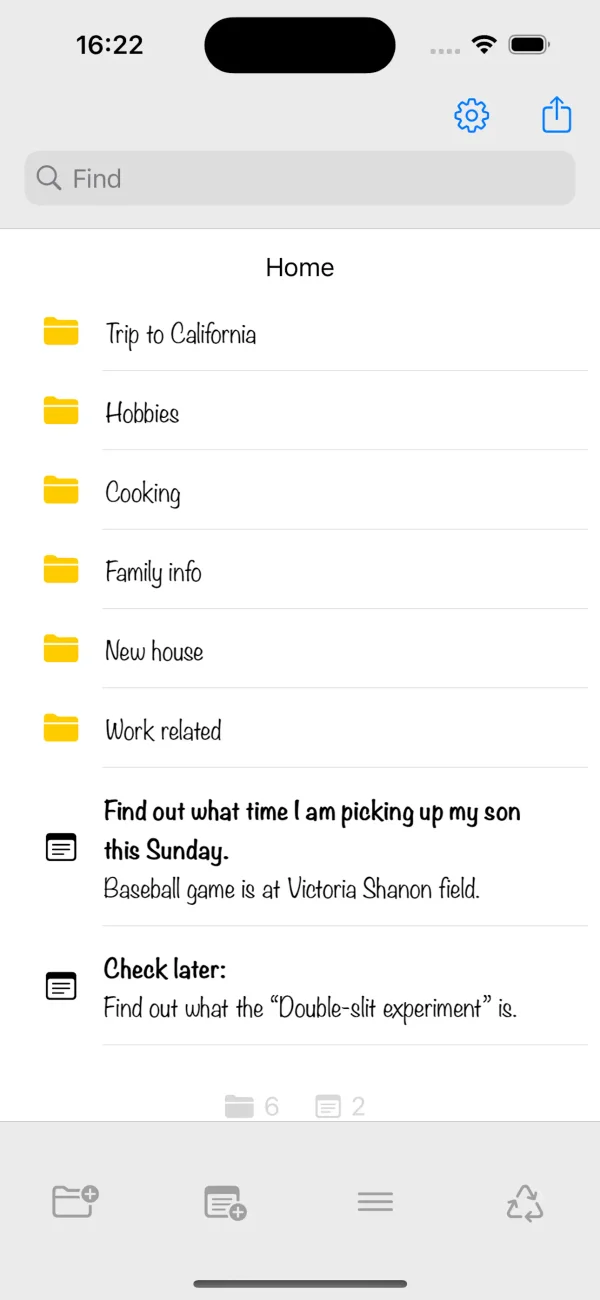
"Jot It Down Yo!" is a simple and user-friendly notes app, tailored to provide a customized experience for each user. Developed with the goal of creating a 'notes app even my Dad can use'.
* Completely Free: No ads, no in-app purchases!
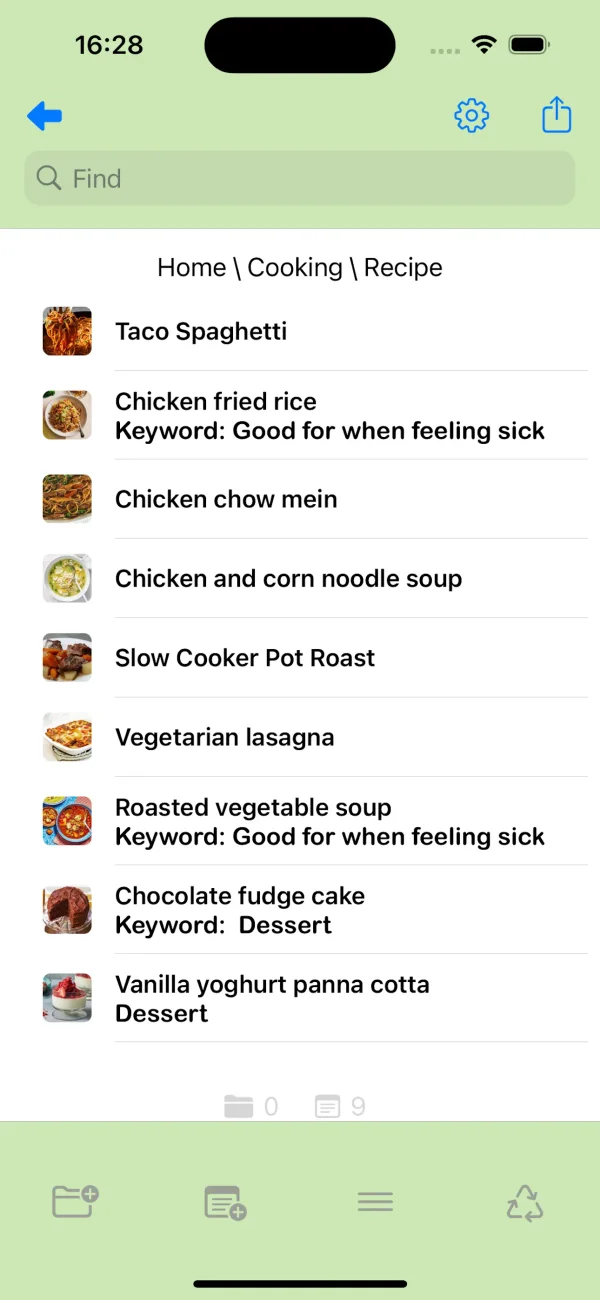
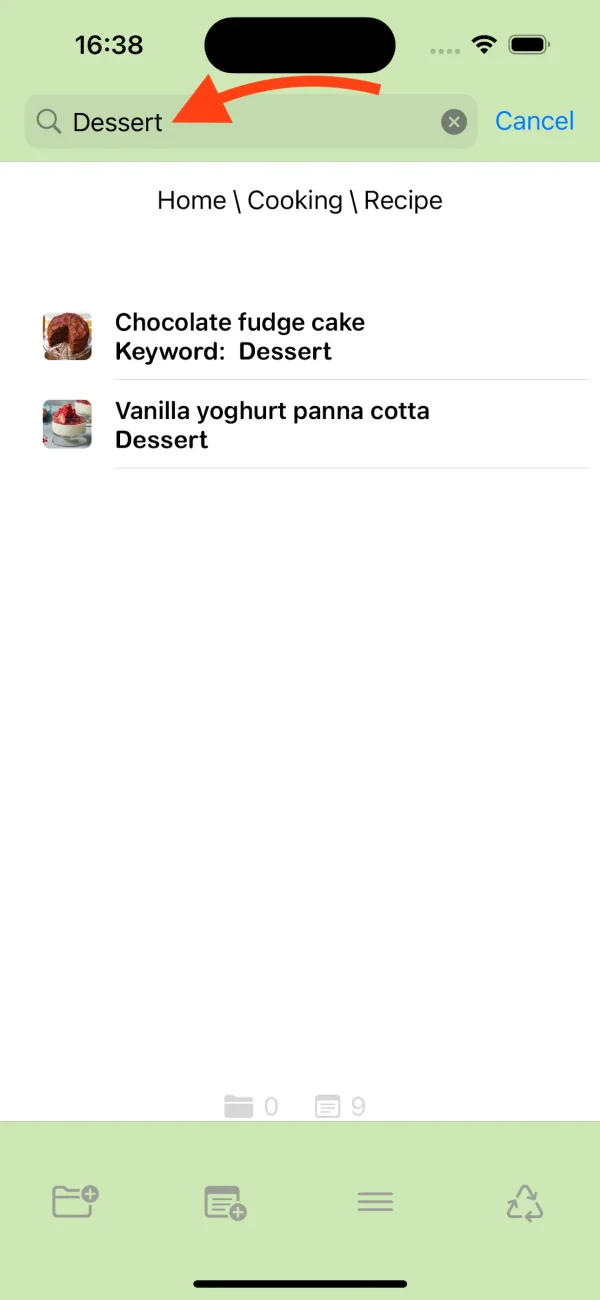
* Intuitive Interface: Easy to use with just 'taps' and 'long presses'. So intuitive that you won't be lost trying to find where a new note is saved.
* Unlimited Folder Creation: Create additional folders within folders for hierarchical organization - perfect for those who love to keep things tidy!
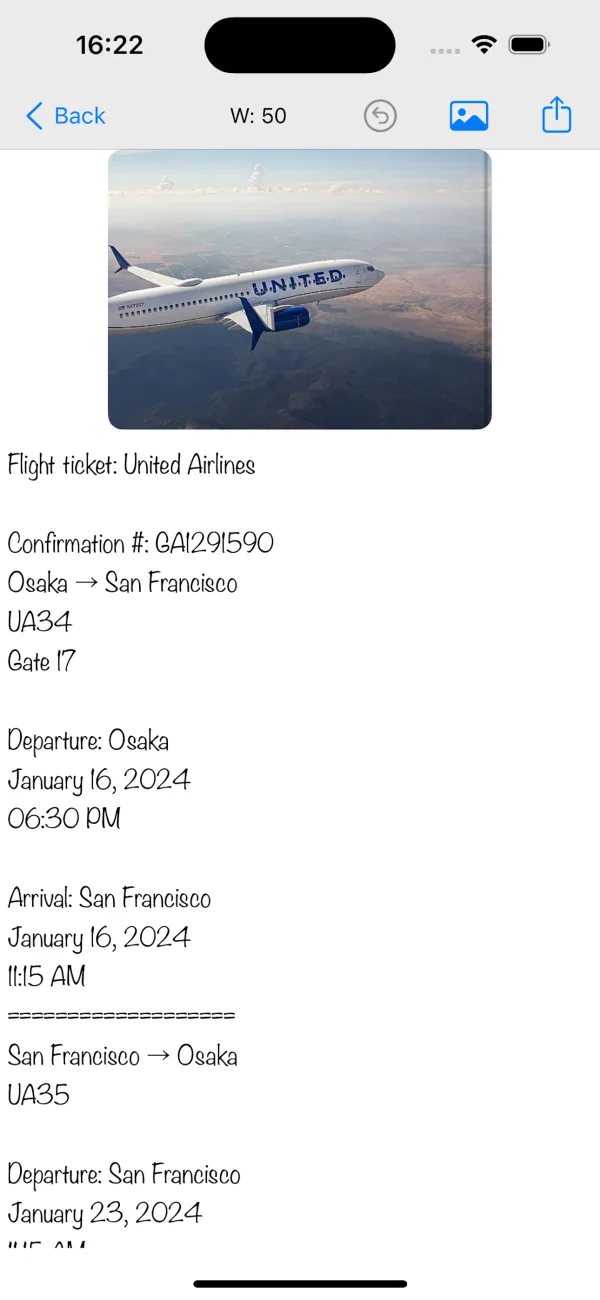
* Customizable Fonts: Choose from hundreds of pre-installed iOS fonts (including font styles), with font sizes ranging from 10pt to 50pt, making it easy to read even for people with presbyopia like me!
* Security with Authentication: Protect your privacy with passcode, facial recognition, and fingerprint authentication (depending on the device). Of course, you can opt to use it without the cumbersome authentication.
* Customizable Theme Colors: Select your unique theme using the color picker - fully supports dark mode!
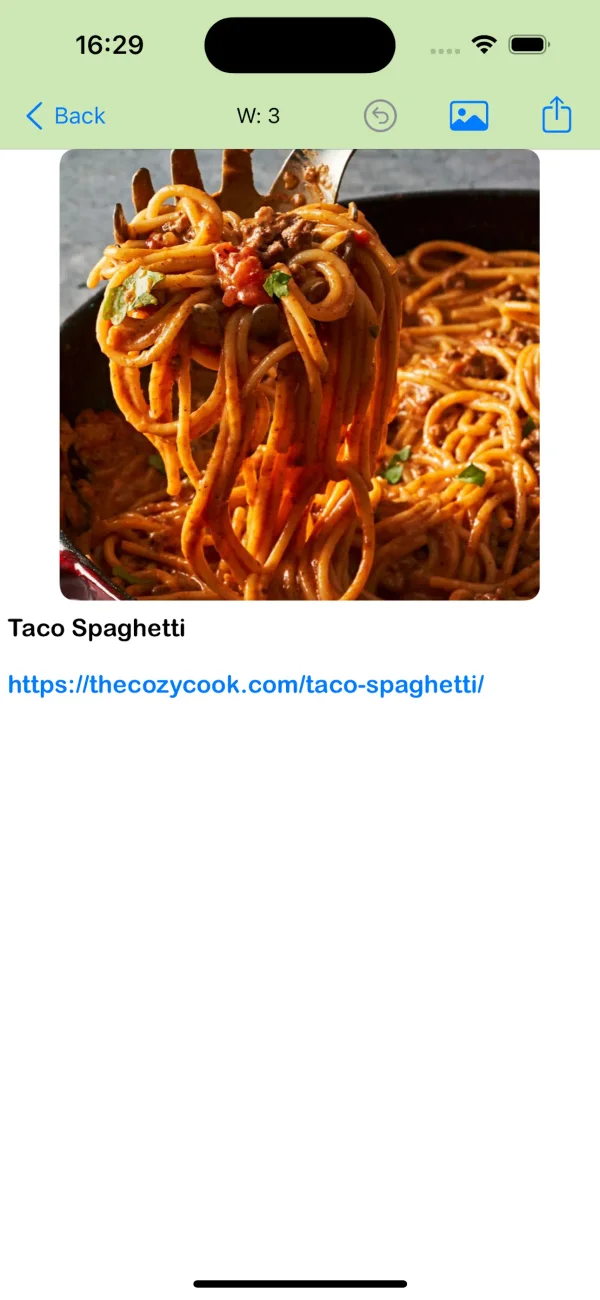
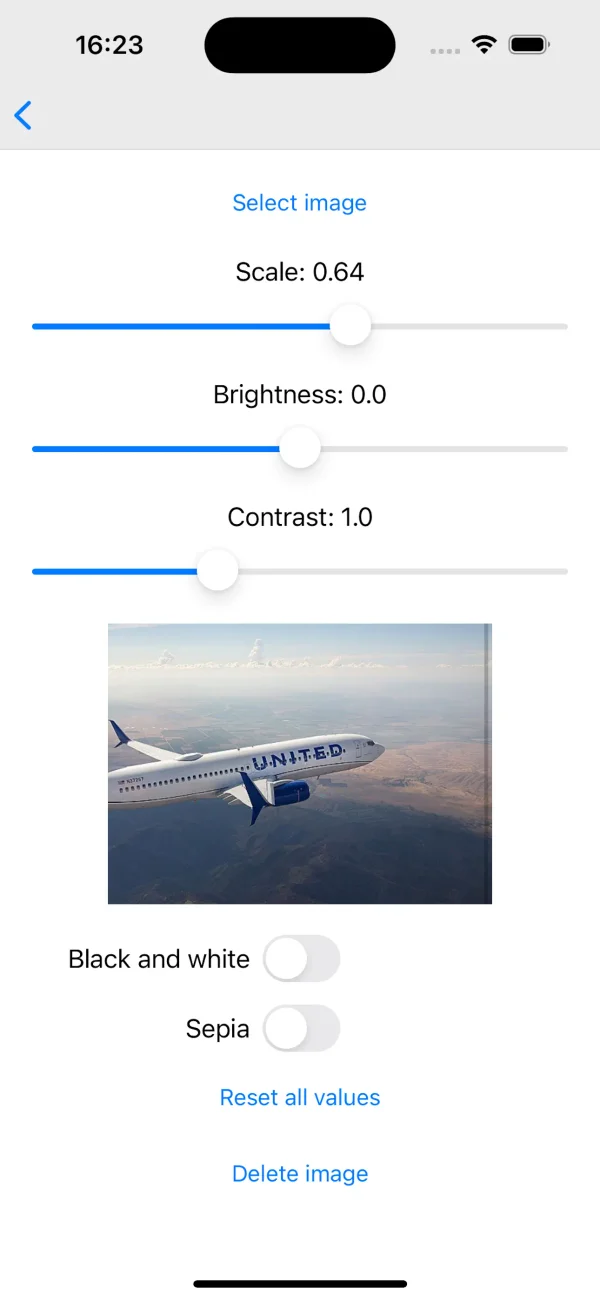
* Image Features: Attach images to notes, with thumbnail display, adjustable size, brightness, and contrast. Black and white or sepia filters can also be applied.
* Undo Function: Equipped with an Undo feature for peace of mind in case of mistaken inputs (Note: Redo function is not included).
* Trash Can Function: Deleted notes are moved to the trash, so you can restore them later if needed.
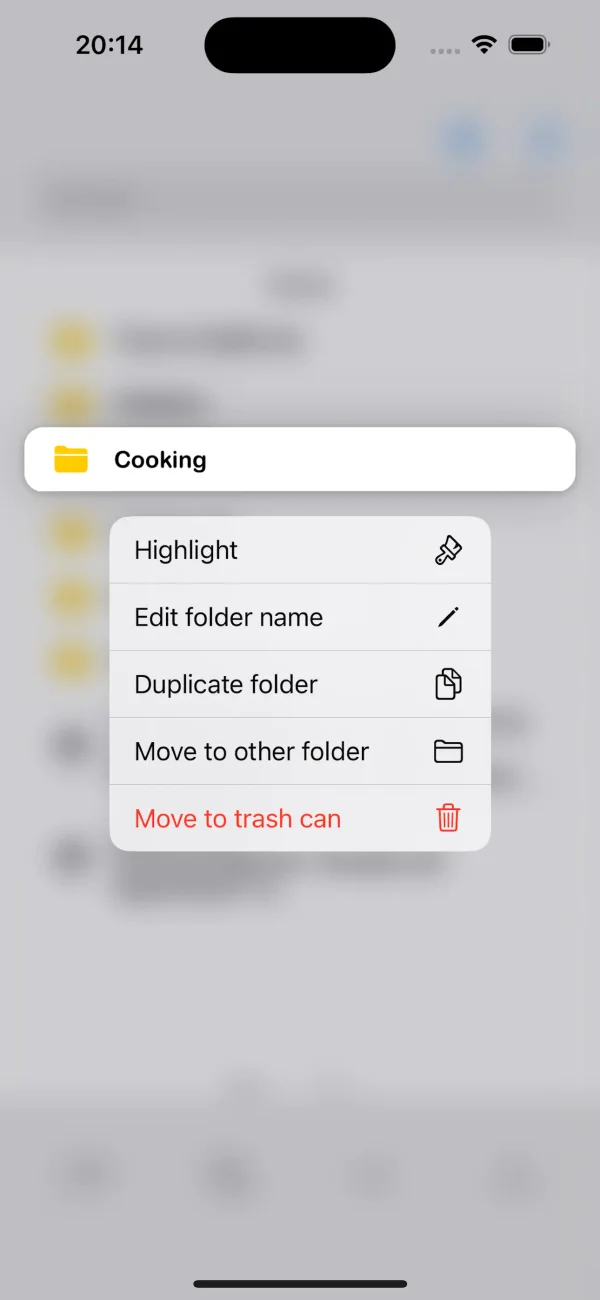
* Sharing Function: Easily share the contents of notes and folders with just a tap.
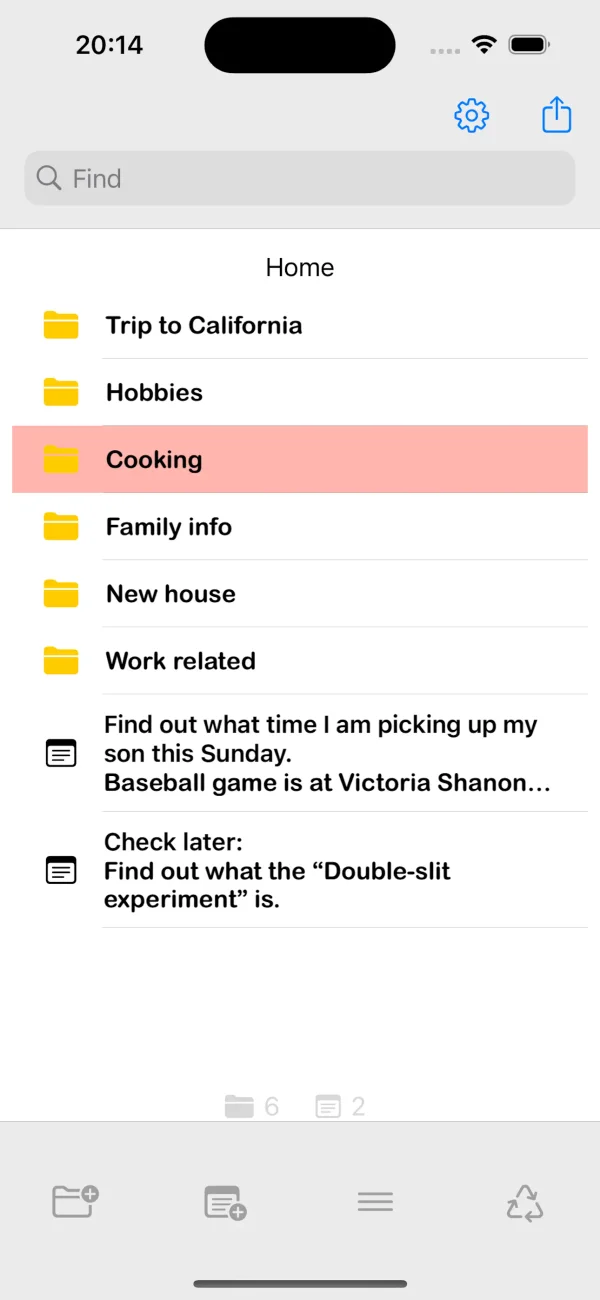
* Color Highlighting: Highlight notes and folders with colors, making important notes instantly recognizable.
* Backup Function: Backup all notes in a file and load backup files if necessary.
* Character Count and Word Count Display: Features for displaying character and word count (Note: Supports only languages where words are separated by spaces).
What’s new
Version 1.07 · Oct 22, 2026
- Improved the backup saving process.
- Added a warning and alternative upload instructions in Settings for Google Drive.
- Added a reminder after saving to check that the backup file exists at the destination.
App privacy
What Masayoshi Ueda declares on the App Store about how this app handles data.
-
Data not collected
The developer does not collect any data from this app.
Privacy practices may vary, for example with the features you use or your age.
Information
- Seller
- Masayoshi Ueda
- Category
- Lifestyle
- Version
- 1.07
- Updated
- Oct 22, 2026
- Released
- Feb 18, 2024
- Size
- 1.1 MB
- Requires
- iOS 17.2 or later
- Age rating
- 4+
- Price
- Free
- Languages
- English, Japanese
- Copyright
- © 2026 Masayoshi Ueda
You might also like
-
 Fast Diary - シンプルに続けられる日記アプリLifestyle
-
 ThreadNoteLifestyle
-
 シンプルな日記帳 続けやすい機能付きLifestyle
-
 ぱっとログLifestyle
-
 Koyomi - Diary with FutureLifestyle
-
 シンプルな日記Lifestyle
-
 Memory Tiny Photo DiarySmall photo and diary
-
 Text Diary - Journal NotebookJournal Diary Notebook, Habit
-
 GoodDiary: Mood & MemoriesSimplest diary, one line a day
-
 ちょっとあとのLifestyle