
JSON Tools: Viewer & Formatter
Edit, Validate, Diff & Convert
Designed for iPhone, iPad, iPod touch
$0.99
- Age rating4+
- CategoryDeveloper Tools
- DeveloperMohammed Aadhil
- LanguagesEnglish+ 4 more
- Size30.6 MB
Links to the official App Store page
Download.org hosts no file of JSON Tools: Viewer & Formatter. The button opens its official App Store page, published by Mohammed Aadhil. Listing last checked on Nov 7, 2026.
Screenshots

About
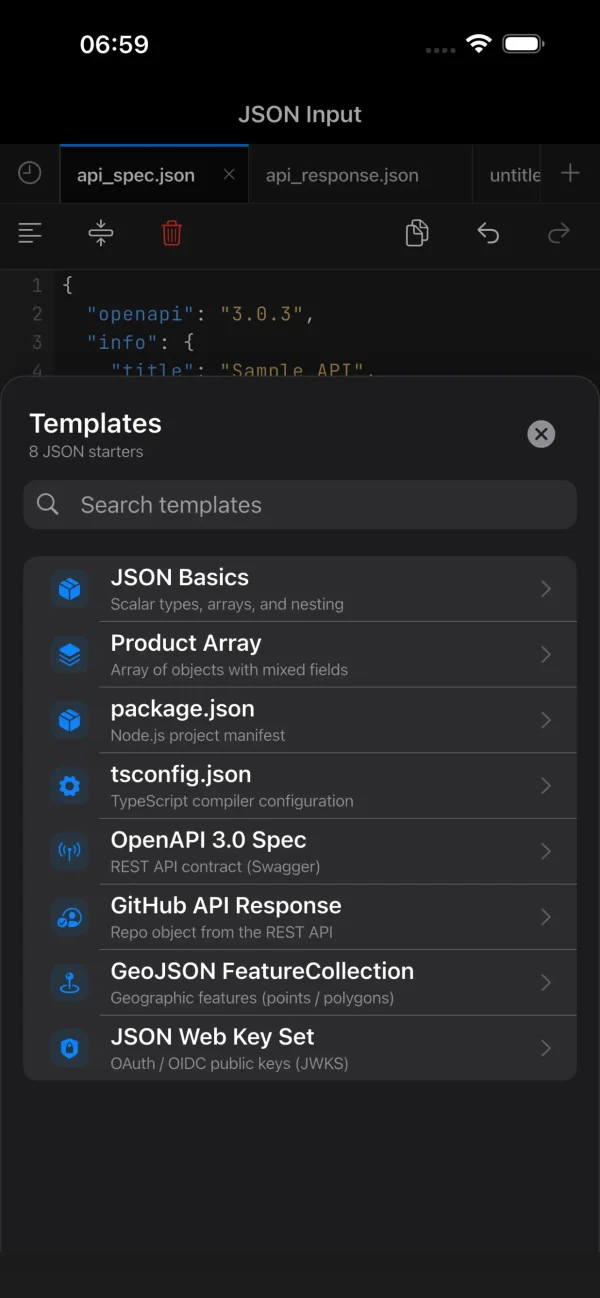
A fast, private JSON editor and viewer for iPhone and iPad. Paste an API response, open a file or load a URL, then format, validate, explore and convert it without leaving your device.
EDIT LIKE ON YOUR DESKTOP
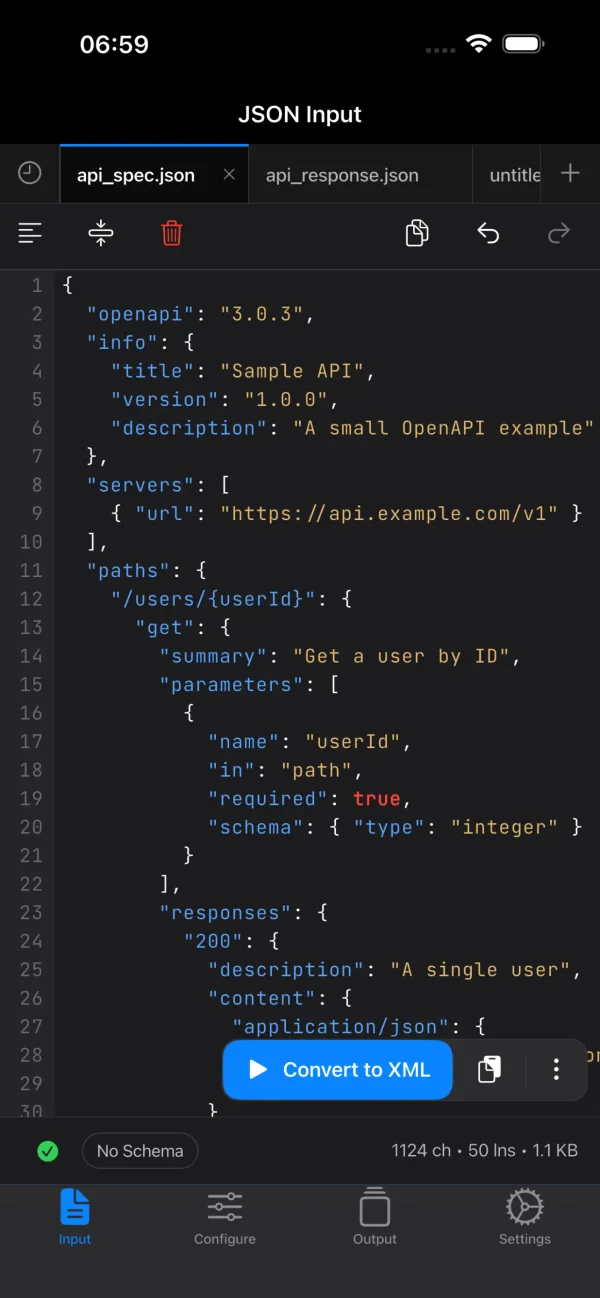
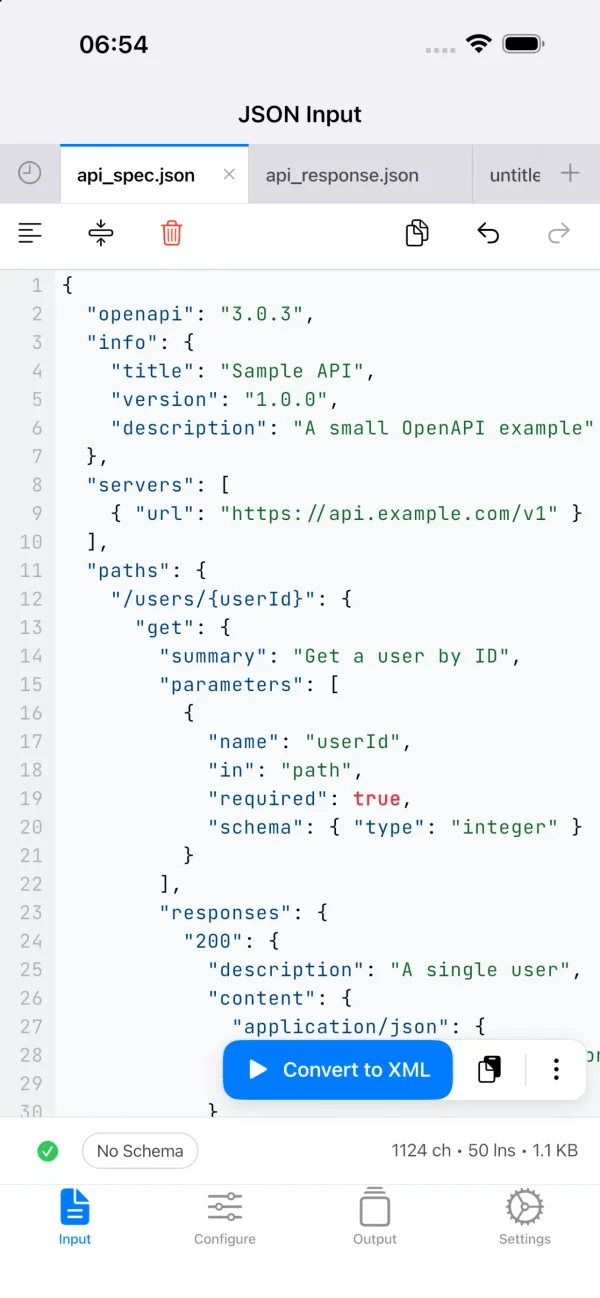
• Syntax highlighting, line numbers and code folding
• Smart editing: brackets and quotes close themselves, closers line up, Backspace steps back a whole indent level
• Keyboard toolbar with JSON keys, indent and outdent
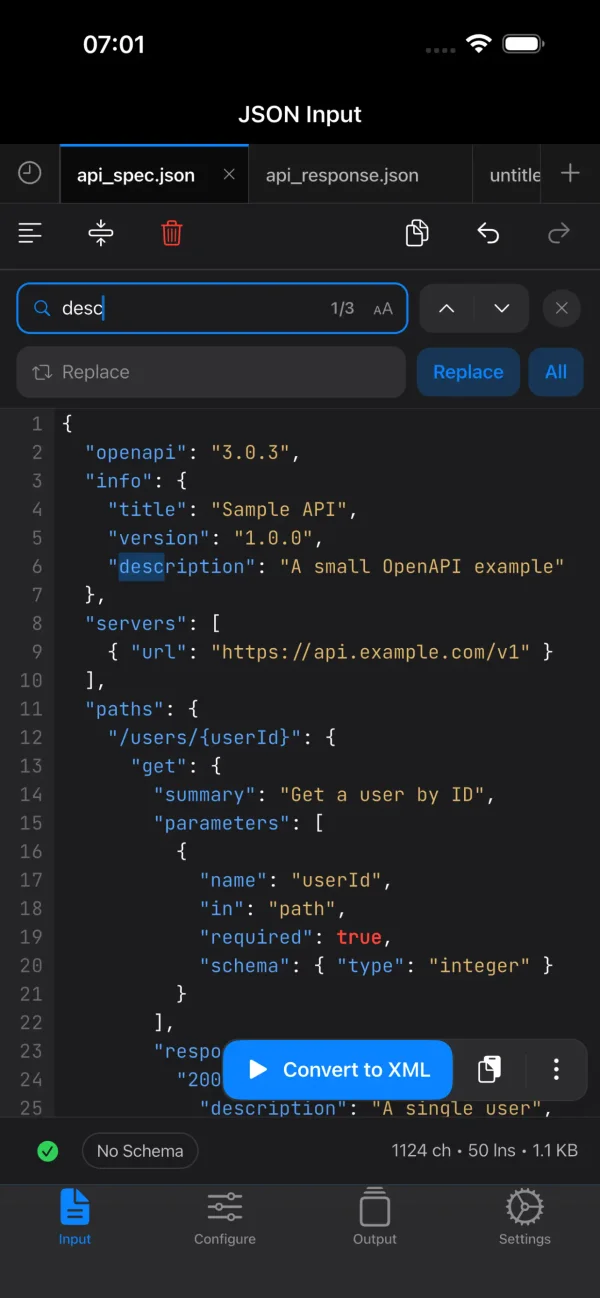
• Tabs, find and replace, undo and redo, and full iPad keyboard shortcuts
EXPLORE YOUR DATA
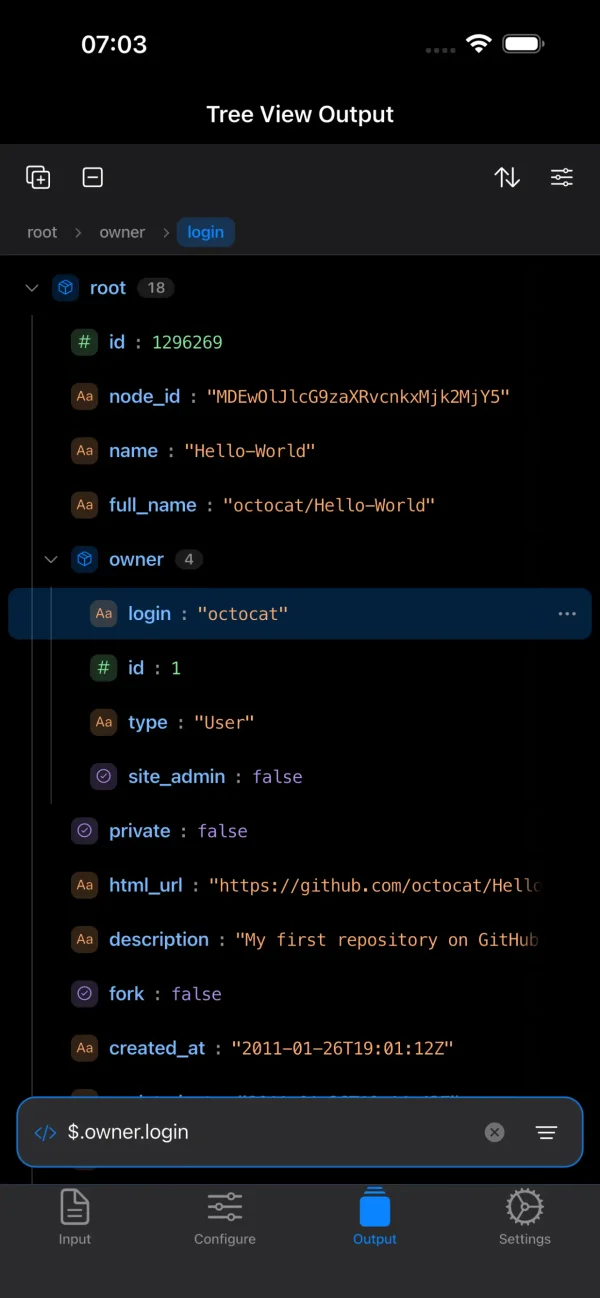
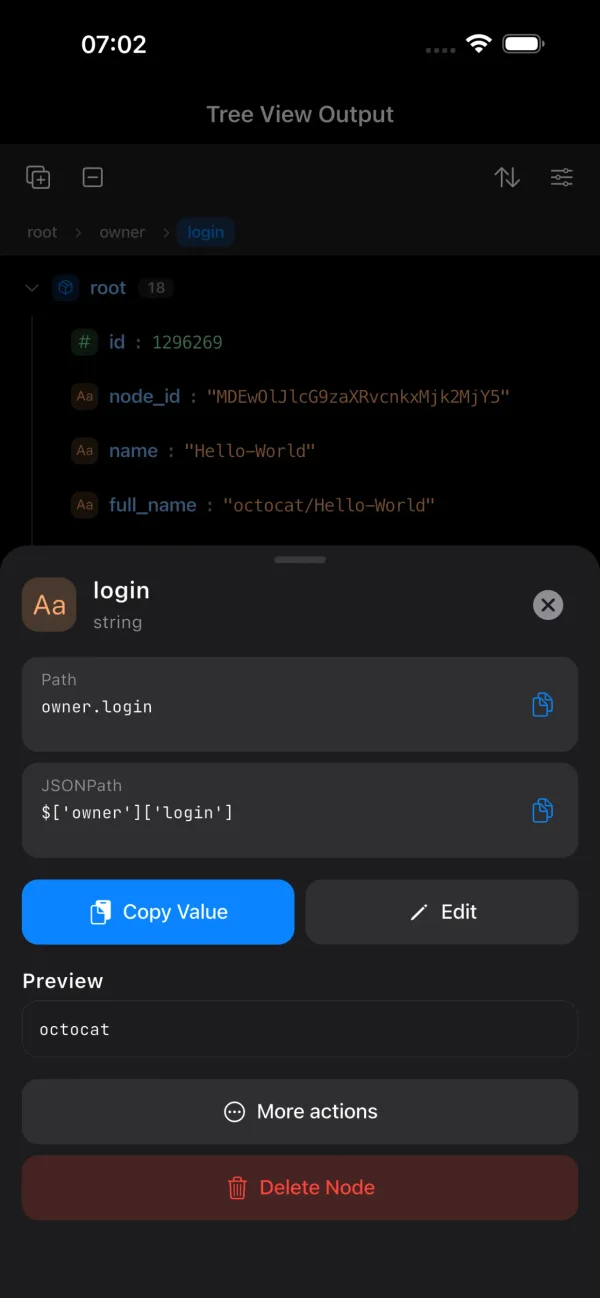
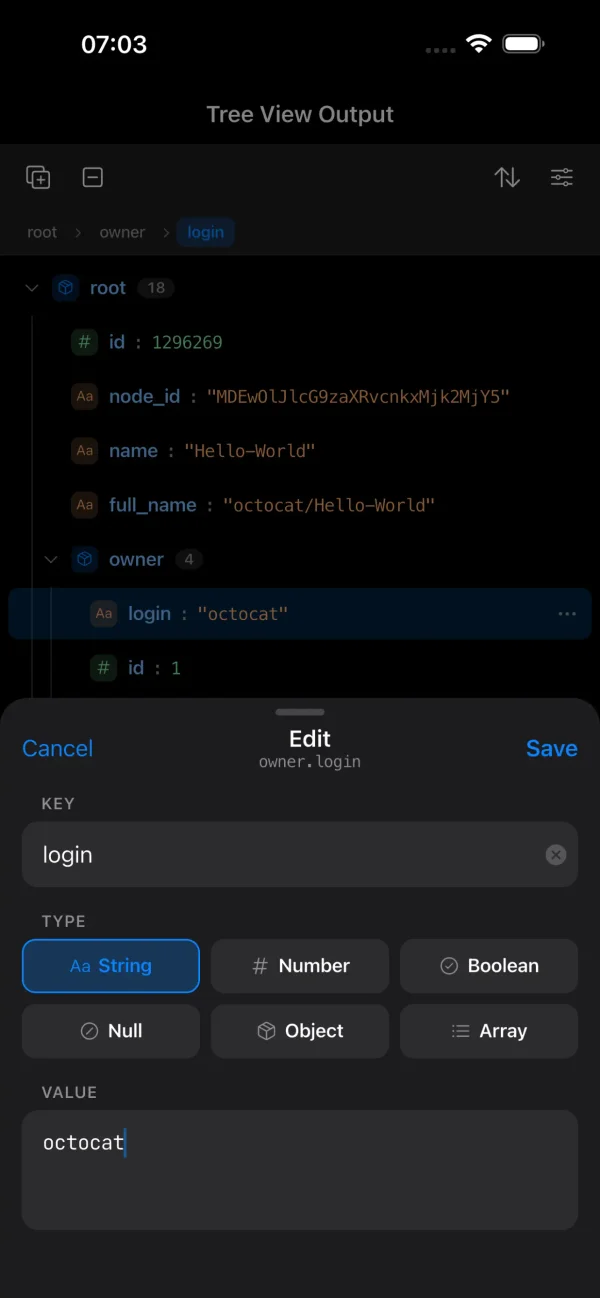
• Interactive tree view with search, JSONPath filters and Copy JSONPath
• Table view shows arrays of objects as a spreadsheet-style grid
• Side-by-side diff against another file, pasted text, an open tab or a URL
VALIDATE WITH JSON SCHEMA
• Built-in SchemaStore catalog covering hundreds of popular config files
• Use the $schema your file declares, add one from a file or URL, or generate one from your JSON
• Errors point to the exact line
CONVERT AND EXPORT
• Pretty-print or minify with your preferred indentation
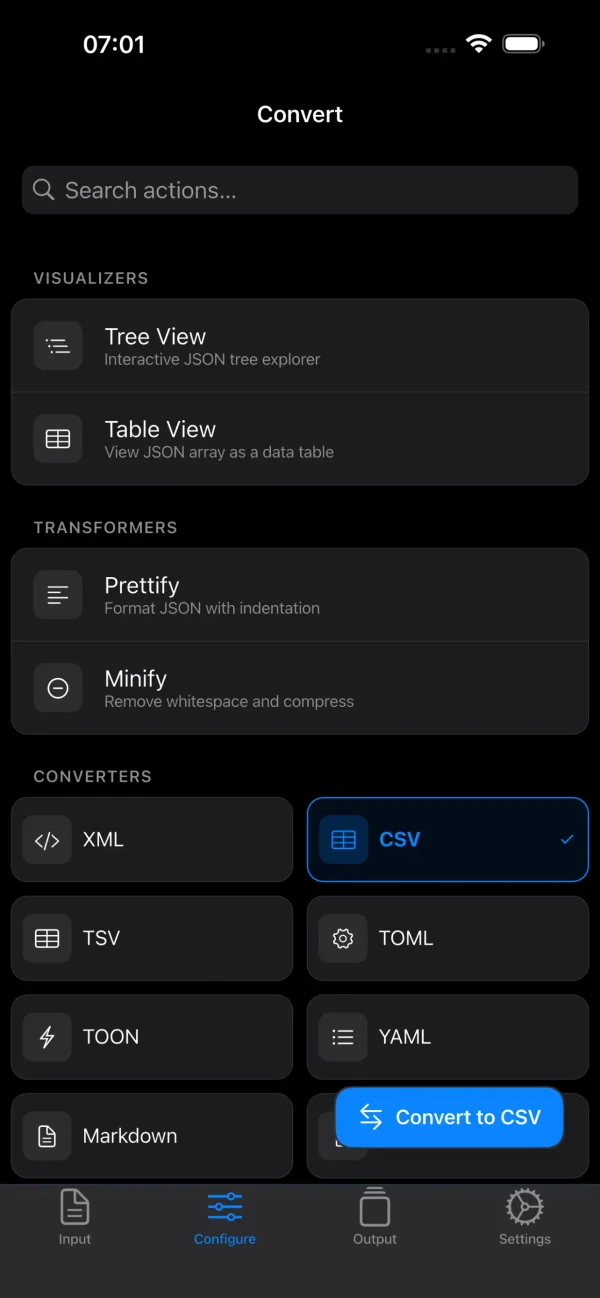
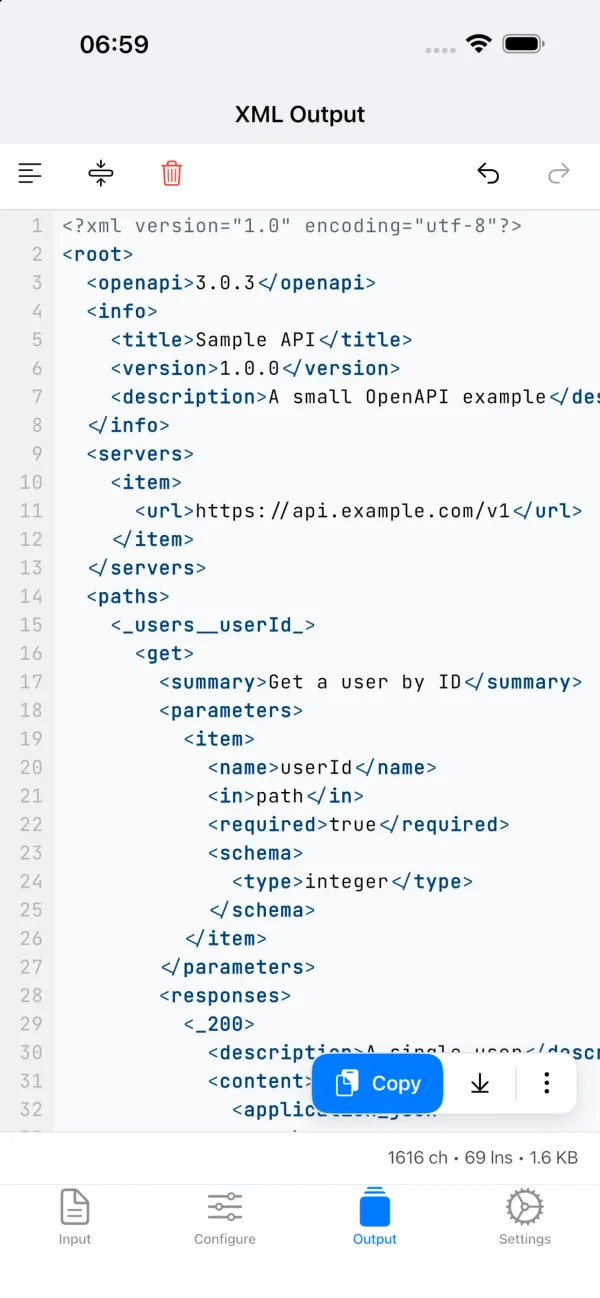
• Convert JSON to YAML, XML, CSV, TSV, TOML, TOON, HTML, Markdown and Base64
• Generate model classes for Swift, Kotlin, Dart, TypeScript, Python, Java, C# and Go
PRIVATE BY DESIGN
Your documents are processed on your device and never uploaded. No account, no ads, no tracking. Open files from the Files app, iCloud Drive or a URL, and share results anywhere.
What’s new
Version 10.1 · Nov 2, 2026
• Backspace in indentation steps back a whole indent level, and the keyboard toolbar has a new outdent key
• Line-number gutter: tap a number to select its line, long-press for Copy Line, Fold and Unfold All
• Notifications no longer block the screen
• Fixed the keyboard covering dialogs on iPad
App privacy
What Mohammed Aadhil declares on the App Store about how this app handles data.
-
Data not collected
The developer does not collect any data from this app.
Privacy practices may vary, for example with the features you use or your age.
Information
- Seller
- Mohammed Aadhil
- Category
- Developer Tools
- Version
- 10.1
- Updated
- Nov 2, 2026
- Released
- Aug 30, 2020
- Size
- 30.6 MB
- Requires
- iOS 15.6 or later
- Age rating
- 4+
- Price
- $0.99
- Languages
- English, Japanese, Korean, Simplified Chinese, Traditional Chinese
- Copyright
- © 2026 Aadhil
You might also like
-
 Device Information ToolDetailed device information
-
 Void ConnectDeveloper Tools
-
 Python SandboxOffline Python Compiler
-
 App Icon ExtractorFind & Save Any App Icon
-
 JSON Navigator for SafariJSON reader & API debugger
-
 systemsoundtestUnlock the Systems sound
-
 Word to HTML Converter#1 HTML Converter
-
 iDevToolsDesktop DevTools on Safari
-
 Python ManualOffline tutorial & reference
-
 Tanuki for GitLabNative GitLab Client