
JTerm
SSH client & terminal
Designed for iPhone, iPad, Mac
Free · In-app purchases
- Age rating4+
- CategoryDeveloper Tools
- DeveloperHangzhou Blade Technology Co., Ltd
- LanguagesEnglish+ 3 more
- Size15.9 MB
Links to the official App Store page
Download.org hosts no file of JTerm. The button opens its official App Store page, published by Hangzhou Blade Technology Co., Ltd. Listing last checked on Nov 23, 2026.
Screenshots
About
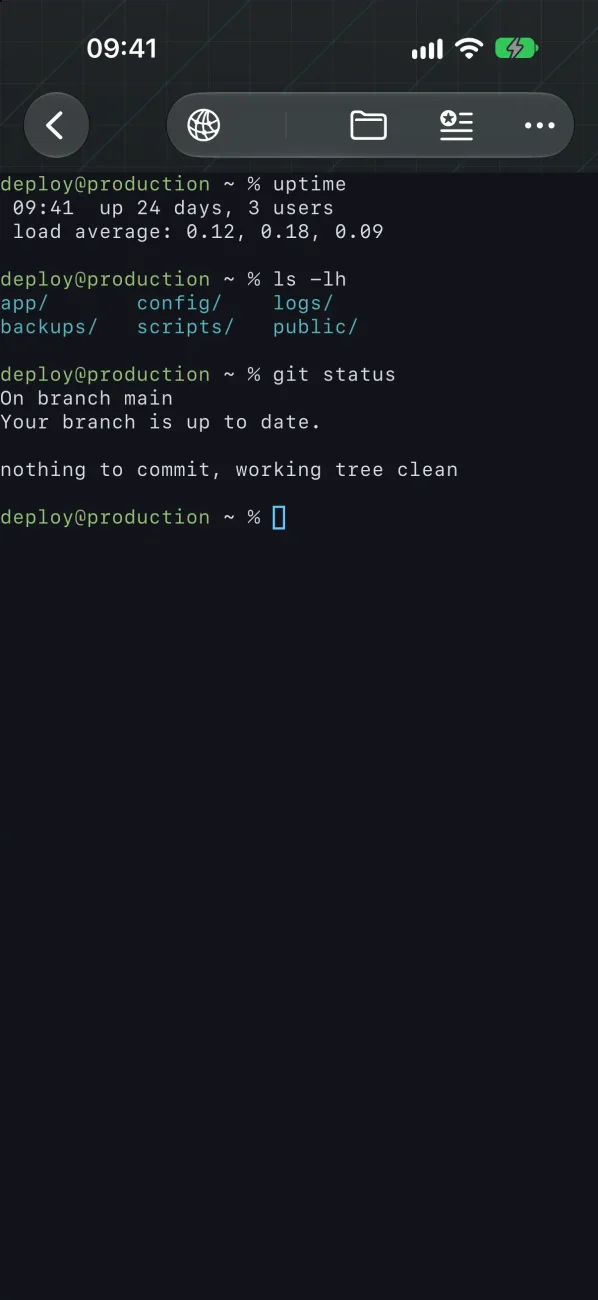
JTerm is a fast, native SSH client and xterm-compatible terminal for iPhone and iPad. Connect securely, manage remote files with SFTP, and keep essential server workflows close at hand.
FEATURES
• Secure SSH connections with ordered multi-hop jump hosts
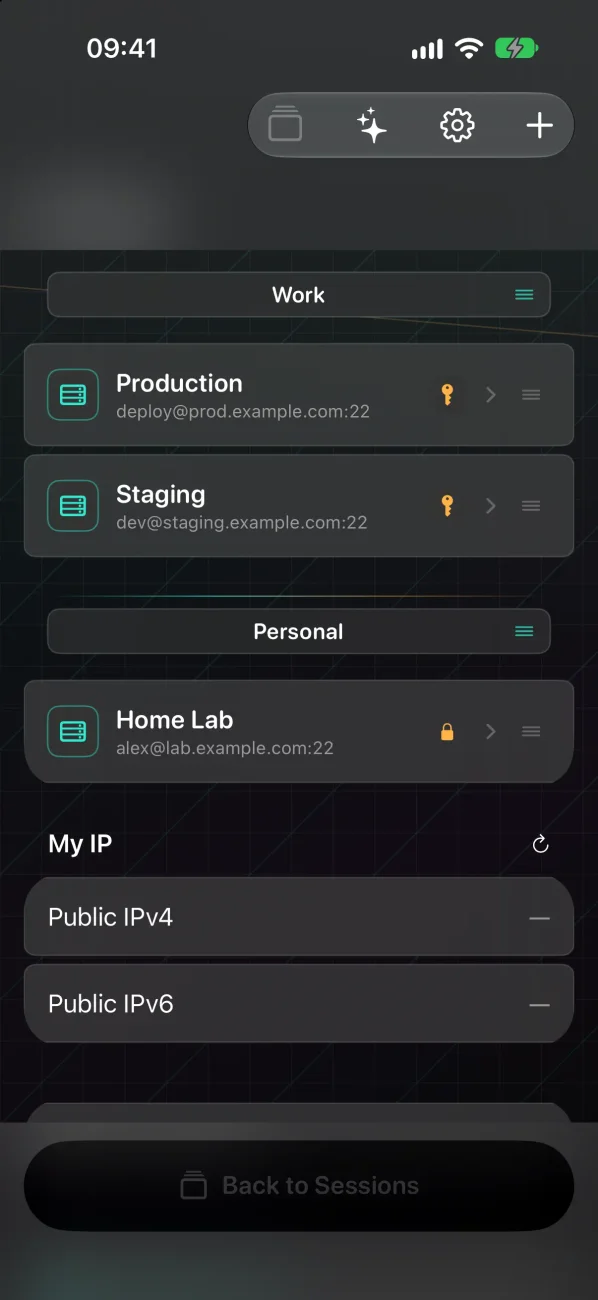
• Saved hosts with sortable groups and credentials protected by the iOS Keychain
• Reusable SSH keys shared across hosts
• SFTP file explorer with uploads, downloads, favorite folders, sharing, and inline text editing
• Multiple live sessions — keep several connections open and switch instantly
• Automatic reconnection with backoff when your network drops or changes
• Saved commands for frequently used terminal workflows
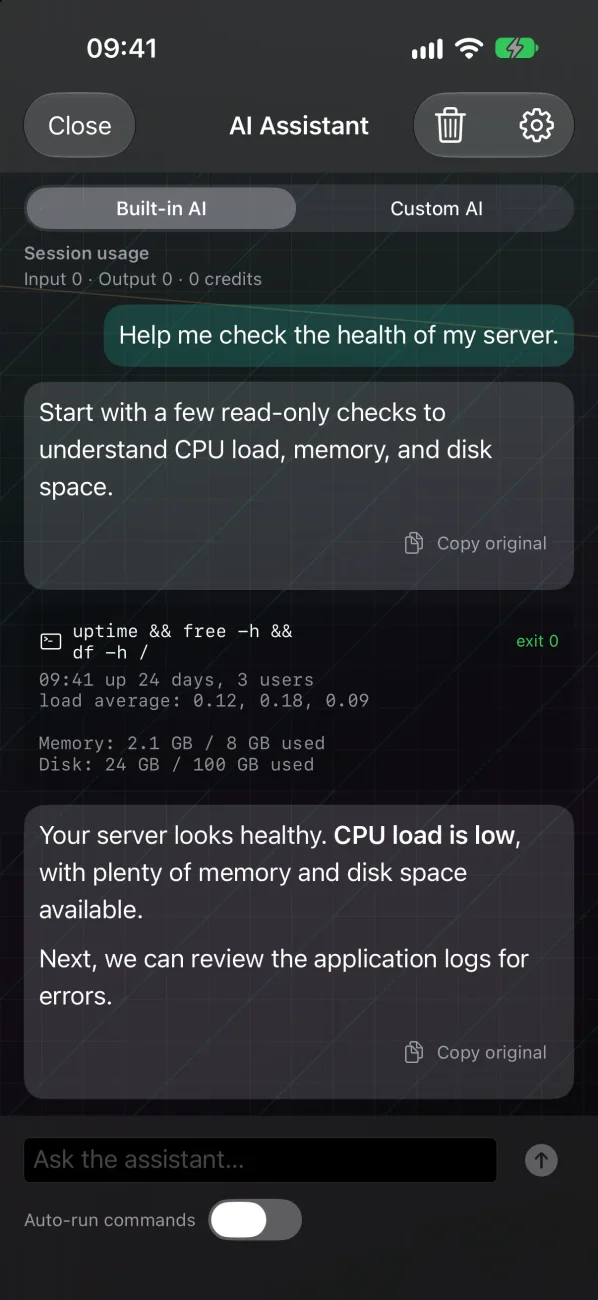
• AI Assistant that can work with active terminal sessions using built-in AI or your own provider
• Custom keyboard row with Esc, Ctrl, Alt, arrows, Tab, pipe, and more
• Hardware-keyboard support on iPad with Command shortcuts
• iPad split view with hosts and sessions beside the terminal
• Pinch to zoom the terminal font
• iCloud sync for hosts, keys, and settings across your devices
Your secrets stay on-device: passwords, private keys, and AI API keys are protected by the iOS Keychain and sync only through iCloud Keychain.
Built-in AI requires cloud-processing consent and either a connected App Store wallet on supported devices or Sign in with Apple. Guest wallets are specific to JTerm. Purchases made while signed in remain with that registered account. Permanent AI credits do not expire. One-time AI plans last 31 days. Independent monthly AI credit packs renew automatically; different amounts can be subscribed to together and are billed separately. Unused monthly allowance expires at the end of each billing period. These purchases are separate from JTerm Pro. Find balances and purchases in Settings > Buy AI Credits, configure AI in Settings > AI Information, and manage or delete your account in Settings > Account.
Privacy Policy: https://jterm.jimeji.com/privacy.html
Terms of Use (EULA): https://www.apple.com/legal/internet-services/itunes/dev/stdeula/
What’s new
Version 1.38 · Nov 20, 2026
My Machines now refreshes device details daily and removes devices that have been inactive for more than 30 days. This update also improves the hosts mapping interface.
App privacy
What Hangzhou Blade Technology Co., Ltd declares on the App Store about how this app handles data.
-
Data linked to you
May be collected and linked to your identity.
- Purchases
- Contact info
- User content
- Identifiers
- Usage data
Privacy practices may vary, for example with the features you use or your age.
Information
- Seller
- Hangzhou Blade Technology Co., Ltd
- Category
- Developer Tools
- Version
- 1.38
- Updated
- Nov 20, 2026
- Released
- Jun 26, 2026
- Size
- 15.9 MB
- Requires
- iOS 26.0 or later
- Age rating
- 4+
- Price
- Free
- In-app purchases
- Yes
- Languages
- English, Japanese, Simplified Chinese, Traditional Chinese
- Copyright
- © 2026 Hangzhou Blade Technology Co., Ltd
You might also like
-
 cmds CompanionYour Mac terminals, in hand
-
 cmd+cmdScreenshots to Codex
-
 DevToolkit MobileHash JWT JSON Cron & More
-
 EzsshYour AI SSH Terminal
-
 Termpolis RDeveloper Tools
-
 Wolf MonitorSSH Server Monitor
-
 Remote Terminal: SSH & TmuxShell, server & AI agents
-
 MoshellModern SSH Terminal
-
 DevStash: Bookmark ManagerSave articles, code and notes
-
 Exec Terminal: SSH & MoshTerminal, AI Agent & Mosh