
- Age rating17+
- CategoryMusic
- DeveloperJukeBox Song Sync LLC
- LanguagesEnglish
- Size70.0 MB
Links to the official App Store page
Download.org hosts no file of JukeBox One. The button opens its official App Store page, published by JukeBox Song Sync LLC. Listing last checked on Nov 23, 2026.
Screenshots

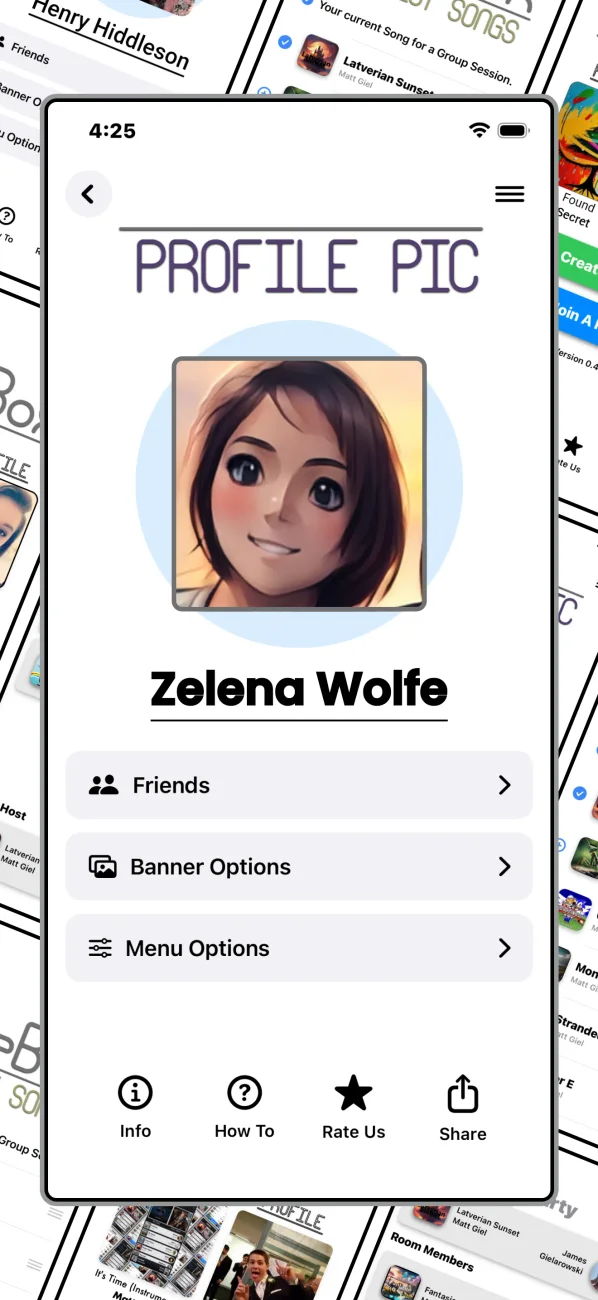
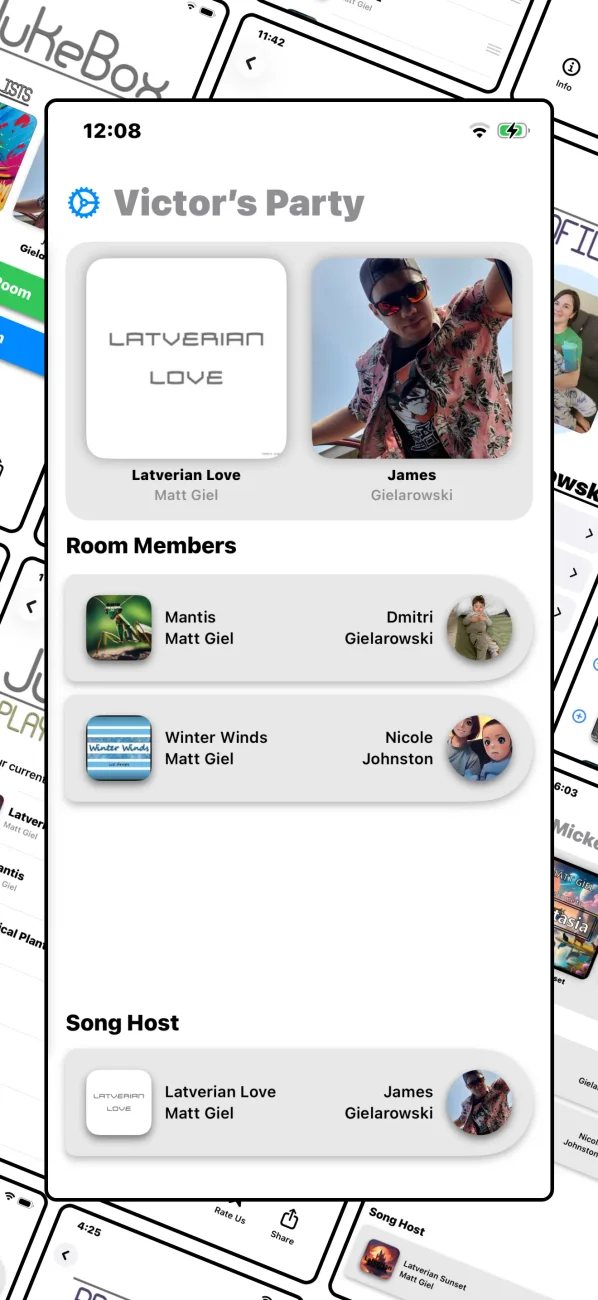
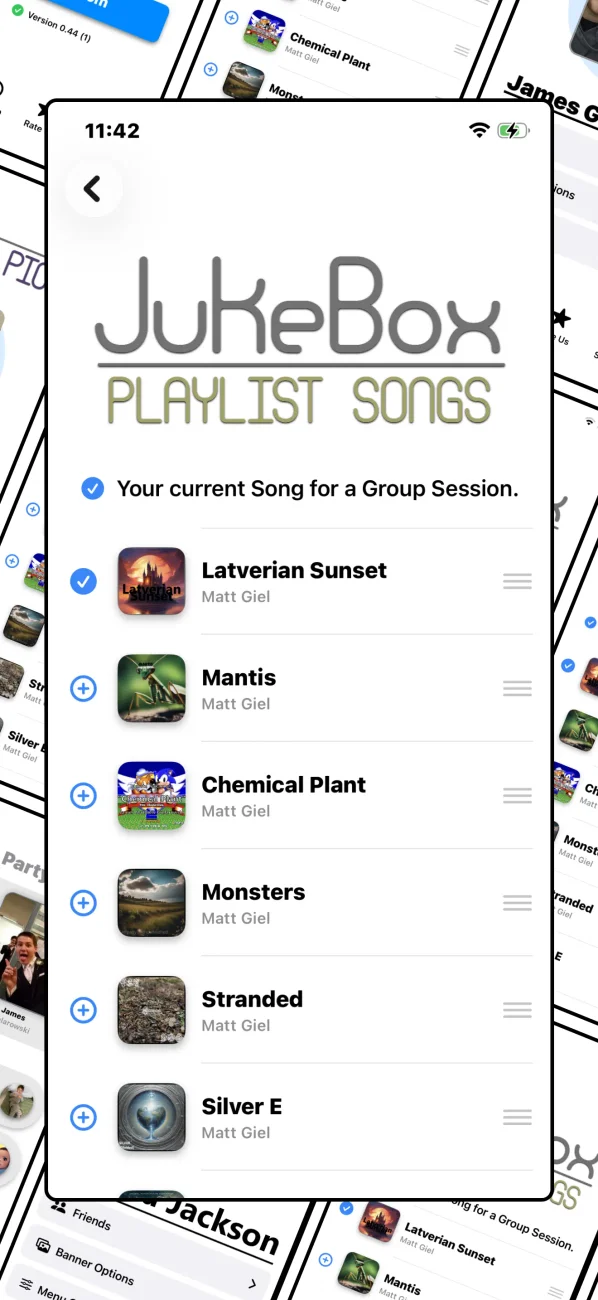
About
JukeBox One brings people together through music. Create a room, invite your friends, and let everyone take a turn sharing songs from their designated Apple Music playlist.
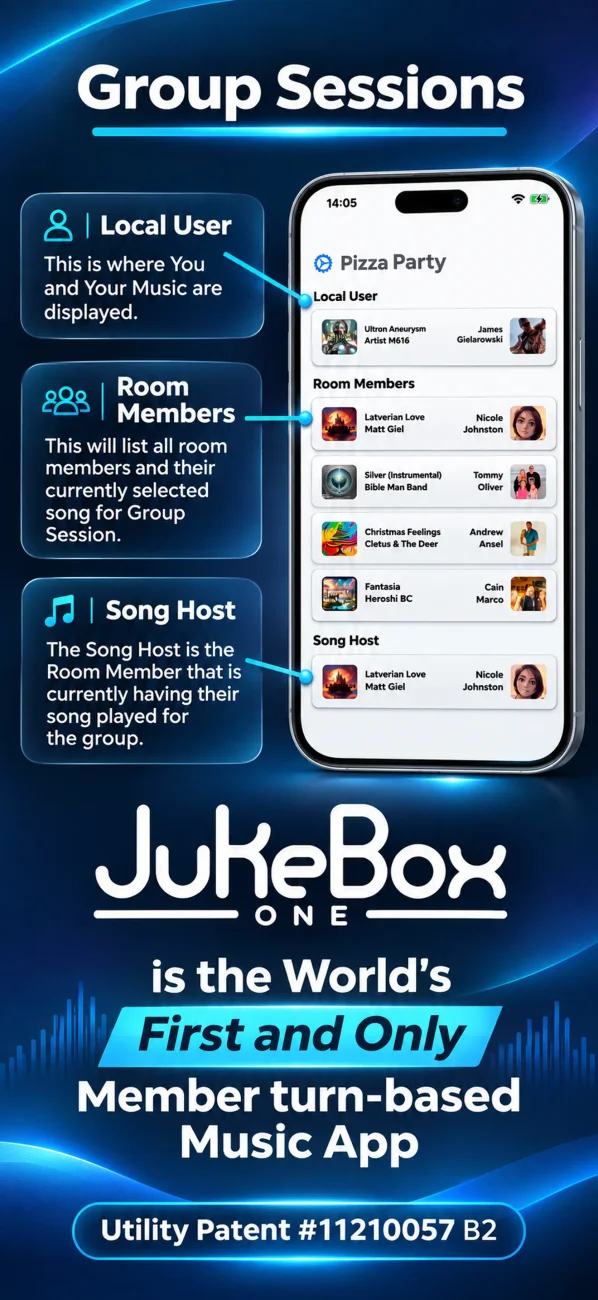
Each member takes a turn as Song Host—the person whose song is selected to play. Share your favorites, discover something unexpected, and make listening a group experience.
CHOOSE HOW YOU PLAY
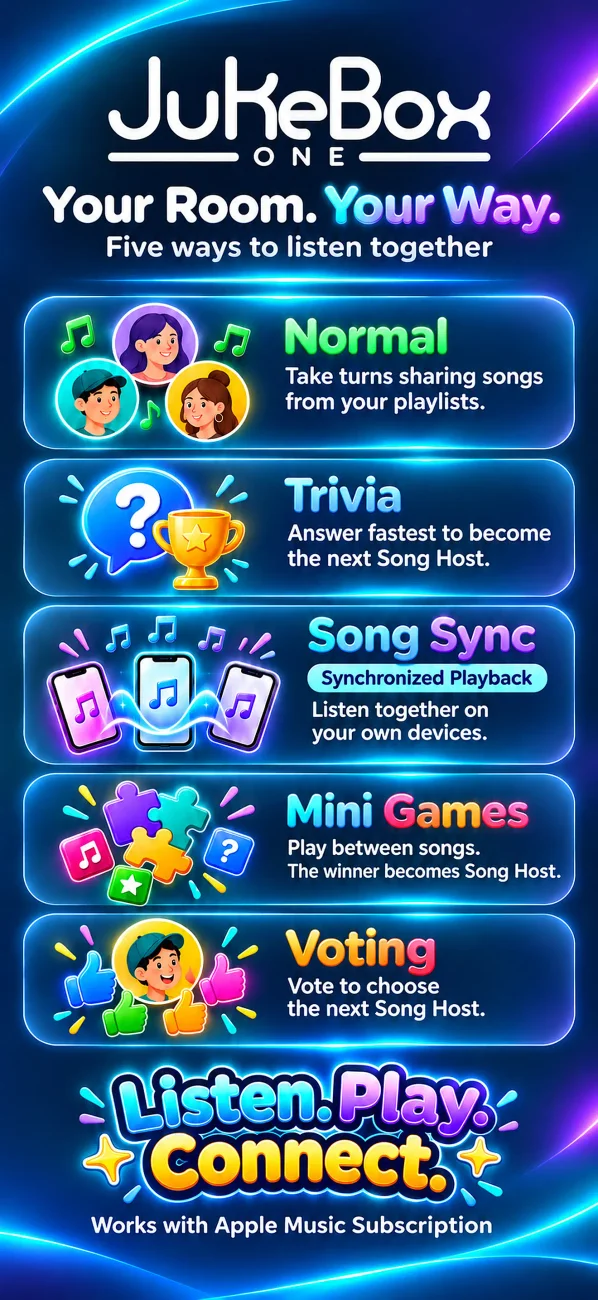
• Normal: Take turns sharing songs through a rotating Song Host.
• Voting: Vote for the next Song Host based on each member’s upcoming song.
• Trivia: Answer questions to compete for the next Song Host spot.
• Mini Games: Play games to determine who shares the next song.
LISTEN TOGETHER
Enable optional Synchronized Playback when creating any room type to play songs together across participating devices. Guests can choose whether their device participates from the first song and adjust their choice for upcoming songs.
For synchronized listening, use your device’s built-in speakers, keep JukeBox One open, and maintain a reliable internet connection. Bluetooth, AirPlay, and wired audio connections may affect synchronization.
Prefer one device playing the music? Leave Synchronized Playback off to listen through the Room Host’s device.
BRING YOUR PEOPLE
Add friends and favorites, find them easily among room members, and choose whether friends or favorites can join your room automatically. Room Hosts can approve join requests and manage membership.
PICK YOUR PLAYLIST
Designate an Apple Music playlist containing 3–50 supported songs. JukeBox One uses each member’s playlist to keep the music moving as the Song Host changes. Local-only or unsupported tracks are filtered out.
GET STARTED
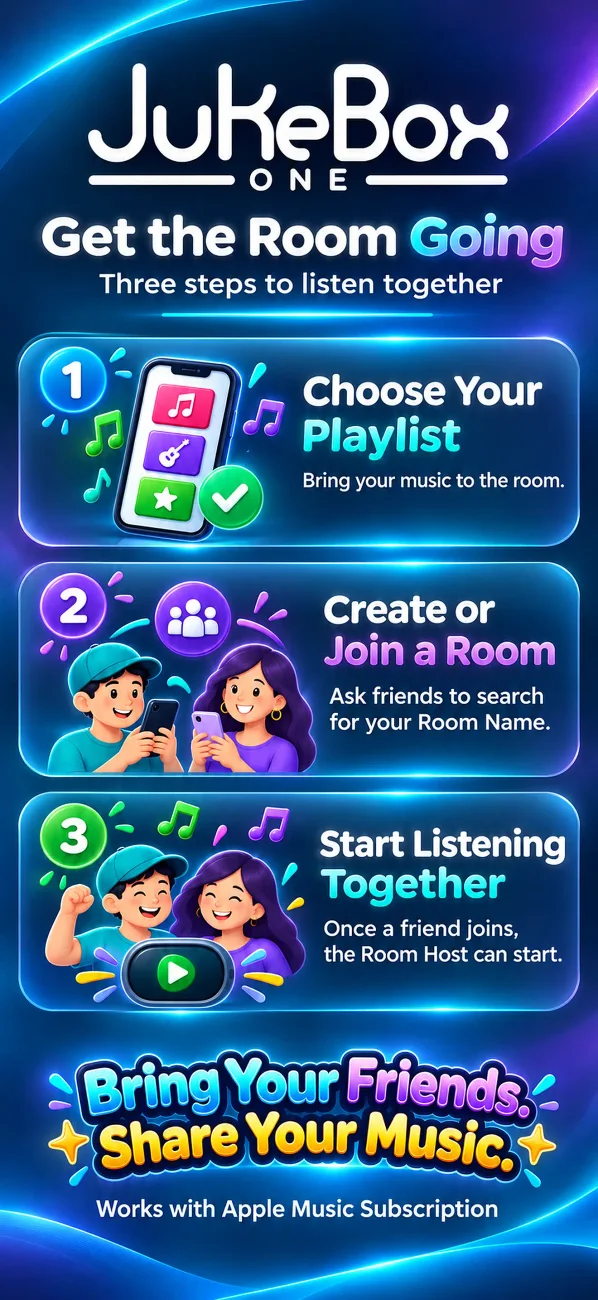
Sign in and connect Apple Music.
Choose an eligible playlist.
Create or join a room.
Share the music and enjoy everyone’s turn.
JukeBox One is free to download and use. An active Apple Music subscription and internet connection are required. Available on iPhone and iPad.
What’s new
Version .78 · Nov 20, 2026
This patch fixes a Main Menu issue where your first name could appear in place of the song title.
App privacy
What JukeBox Song Sync LLC declares on the App Store about how this app handles data.
-
Data linked to you
May be collected and linked to your identity.
- Contact info
- User content
- Identifiers
- Other data
Privacy practices may vary, for example with the features you use or your age.
Information
- Seller
- JukeBox Song Sync LLC
- Category
- Music
- Version
- .78
- Updated
- Nov 20, 2026
- Released
- Jul 22, 2025
- Size
- 70.0 MB
- Requires
- iOS 18.0 or later
- Age rating
- 17+
- Price
- Free
- Languages
- English
- Copyright
- © JukeBox Song Sync LLC
You might also like
-
 Social JukeboxParty DJ & Group Music Voting
-
 JukeBox InStore PlayerConnecting business with music
-
 AuxioBest Jukebox for Apple Music
-
 Jukebox - Party PlaylistGuest Song Voting, Big Screen
-
 Jukebox.ge**Control the Bar Jukebox**
-
 VocalBox: Custom Song GiftsAI Songs from Your Photo
-
 My JukeboxMusic Library Manager
-
 The Queue - Mobile JukeboxReal-Time Music Queue Editor
-
 Platinum Album Music PlayerRediscover Your Music Albums
-
 LoopLab - AI MusicMusic