- Age rating4+
- CategoryProductivity
- DeveloperTodd Vallie
- LanguagesEnglish
- Size7.0 MB
Links to the official App Store page
Download.org hosts no file of Just Do Three. The button opens its official App Store page, published by Todd Vallie. Listing last checked on Nov 15, 2026.
Screenshots



About
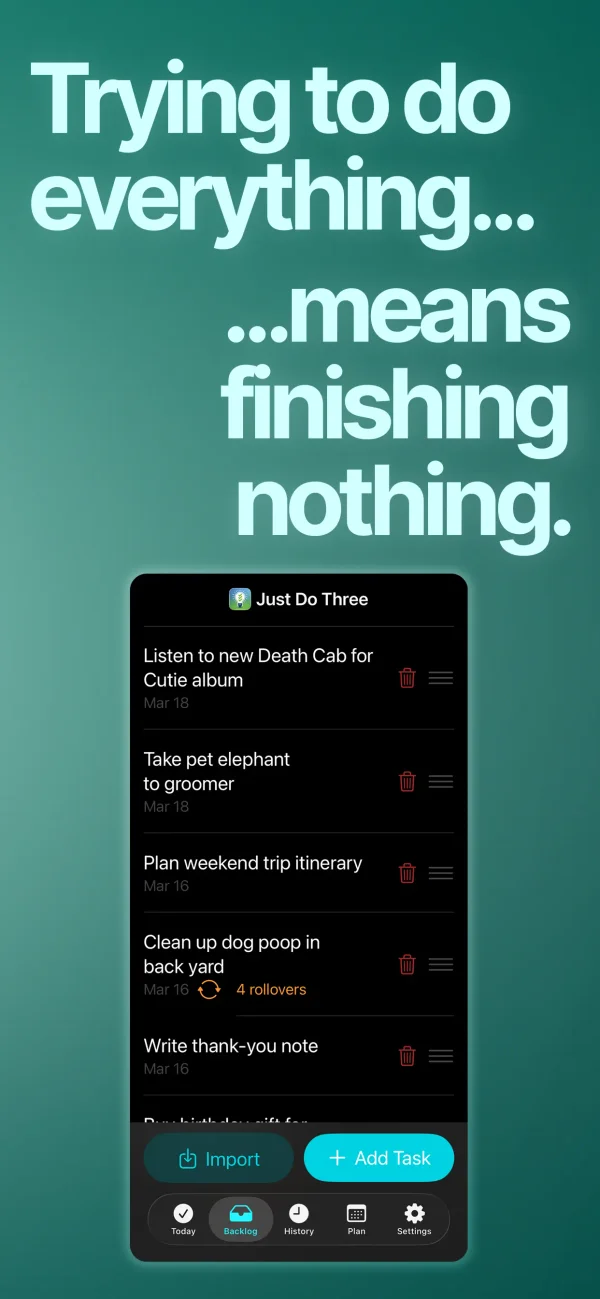
Trying to do everything means finishing nothing.
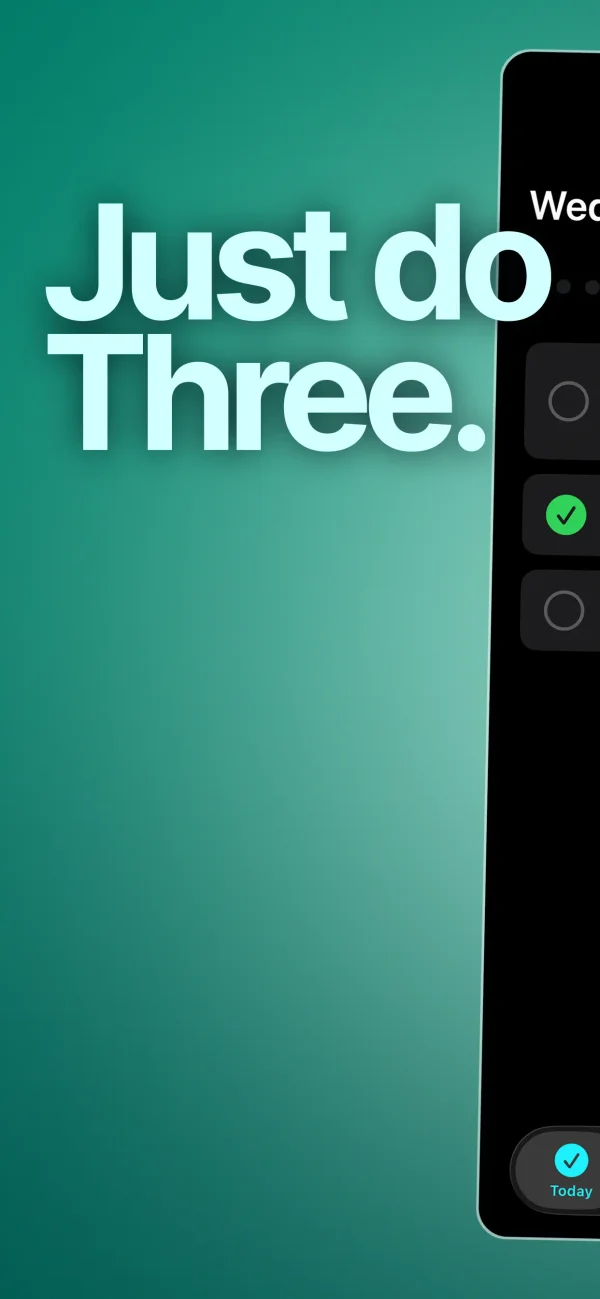
Just Do Three helps you focus on what actually matters today.
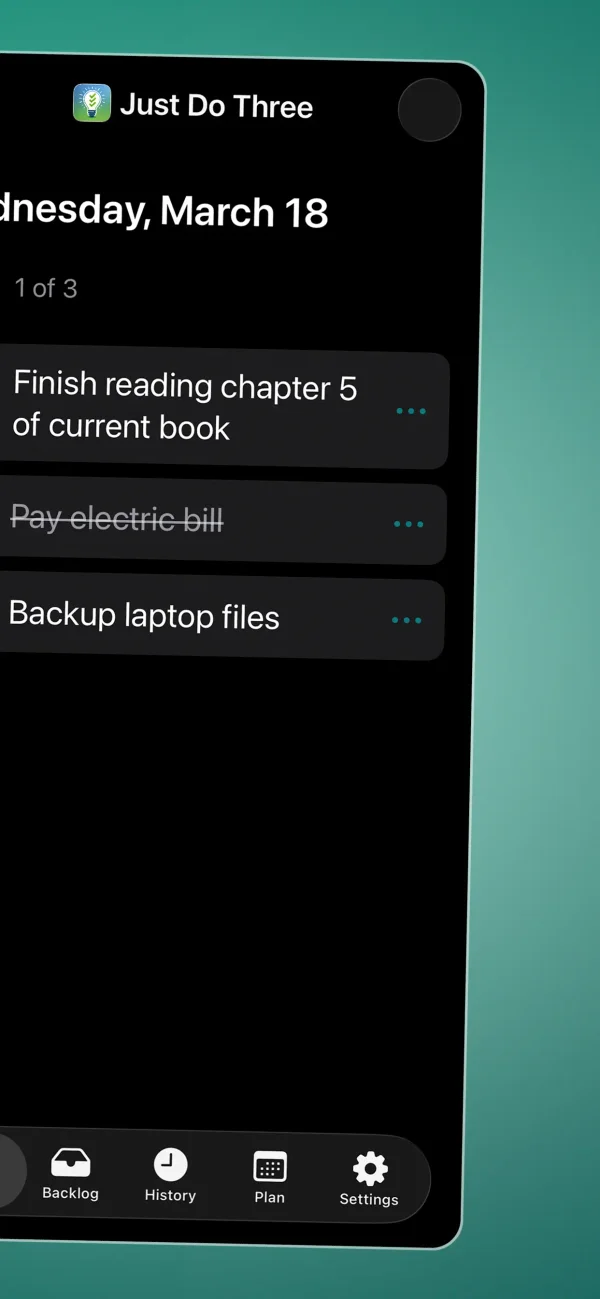
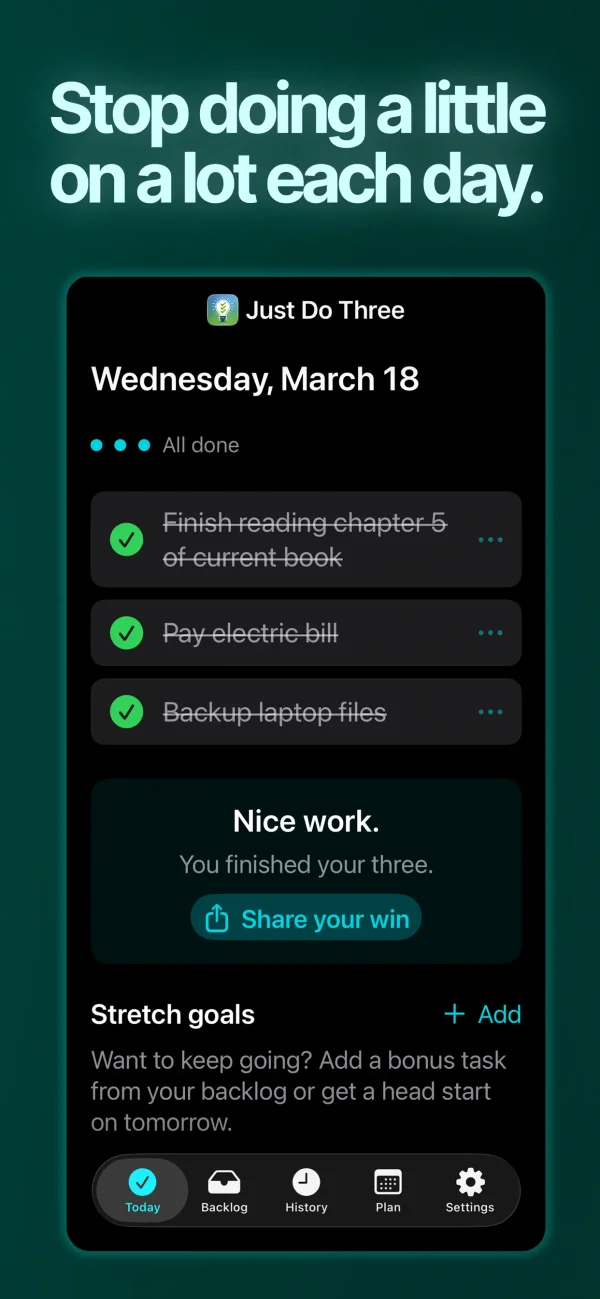
Instead of managing an overwhelming list of tasks, you choose three priorities for the day. That’s it. When those three things are done, the day is a success.
Simple. Clear. Achievable.
Just Do Three is designed for people who want a lightweight productivity tool without complicated systems, subscriptions, or endless task management features.
How it works
• Pick the three most important things you want to accomplish today
• Focus on completing those tasks
• Track your progress and build momentum
Premium Features
Upgrade to unlock powerful insights and planning tools:
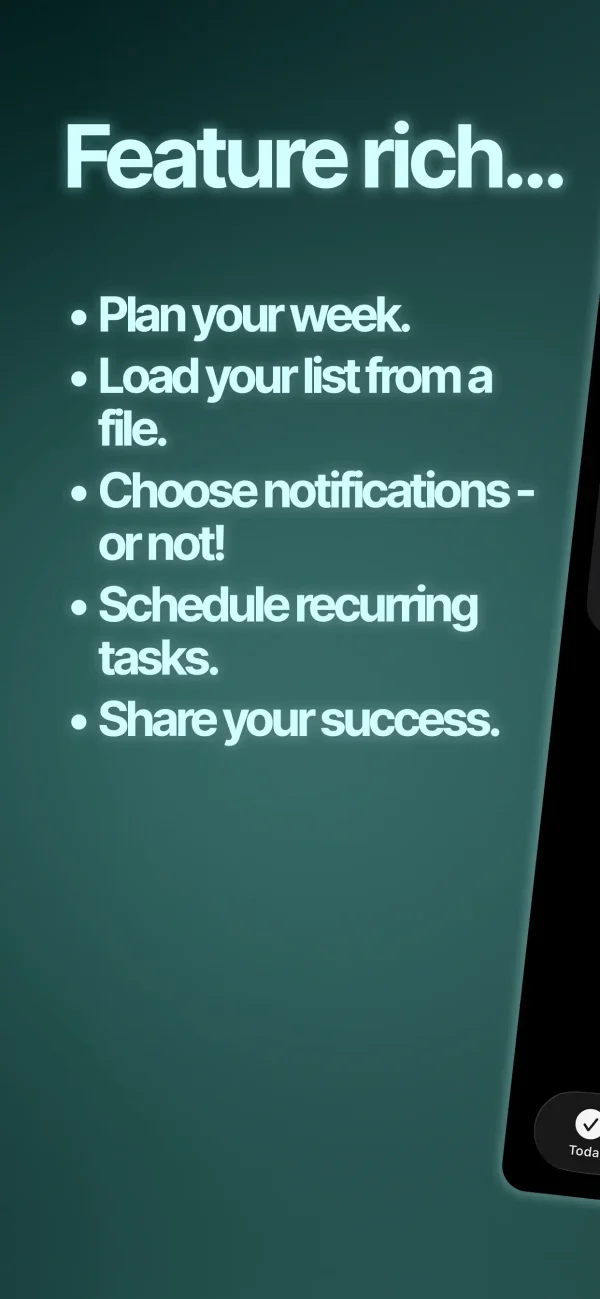
• Schedule tasks up to a week ahead
• Import tasks from a file
• Day, week, month, and year productivity analytics
• Recurring weekly and monthly tasks
• Stretch goal tracking
• “Most Avoided Tasks” insights
• Add tasks from a paper list or photo via OCR.
• Add tasks to your iPhone calendar as tasks or calendar entries
• Have a "work list" and a "personal list" and track them separately.
• Export your list as a csv for use elsewhere.
Built for simplicity
• No clutter
• No complicated productivity systems
• No endless lists
Just pick three things.
And do them.
What’s new
Version 3.5 · Jun 5, 2026
What's new in 3.5:
• Apple Watch companion — your three on your wrist, tap to complete. Today and Work pages, live sync with iPhone.
• Voice dictation — tap the mic and talk. On-device by default.
• Siri quick capture — "Hey Siri, add a task to Just Do Three" works without opening the app. When JDT at Work is on, "add a work task to Just Do Three" routes straight to your Work backlog.
• Optional task notes — add a note to any task when you need to. Off by default; turn it on in Settings.
• Various minor bug fixes.
App privacy
What Todd Vallie declares on the App Store about how this app handles data.
-
Data not collected
The developer does not collect any data from this app.
Privacy practices may vary, for example with the features you use or your age.
Information
- Seller
- Todd Vallie
- Category
- Productivity
- Version
- 3.5
- Updated
- Jun 5, 2026
- Released
- Mar 12, 2026
- Size
- 7.0 MB
- Requires
- iOS 17.0 or later
- Age rating
- 4+
- Price
- Free
- Languages
- English
- Copyright
- © Todd Vallie
You might also like
-
 Commit: One TaskProductivity
-
 SmallWins DailyYour daily wins journal
-
 3Things Tasks Habits & PlannerSmart calendar. Energy. Focus.
-
 streakr - One TaskOne task. Laser focus. Execute
-
 Task One: One Thing TodayFocus on what matters most
-
 Just Do This: ADHD PlannerMonotask, Beat Procrastination
-
 DayDone: Three a DayProductivity
-
 #BacklogA calm task manager.
-
 Top-3 ListFocus on What Matters
-
 Cards Against BacklogsProductivity