Just Walk - Walking Tracker
Daily Walk Log & Habit Streak
Designed for iPhone, iPad, iPod touch
Free · In-app purchases
- Age rating4+
- CategoryHealth & Fitness
- DeveloperRaymond Rothwell
- LanguagesEnglish+ 9 more
- Size21.6 MB
Links to the official App Store page
Download.org hosts no file of Just Walk - Walking Tracker. The button opens its official App Store page, published by Raymond Rothwell. Listing last checked on Nov 28, 2026.
Screenshots
About
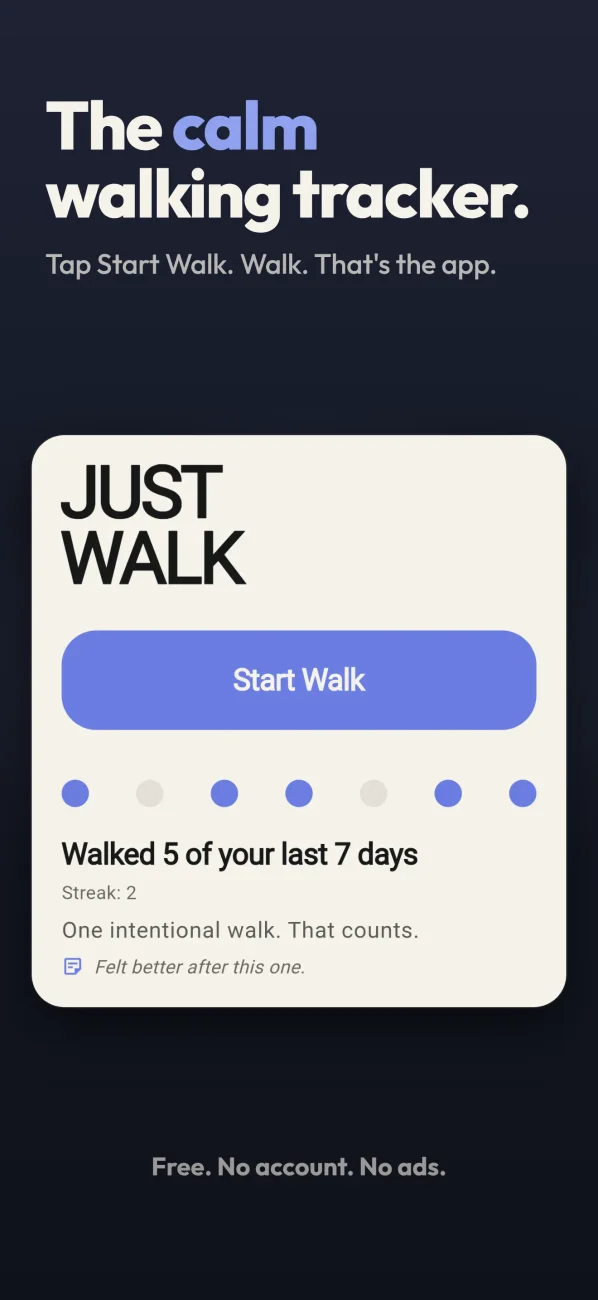
A calm walking tracker for people who want to walk more, not chase numbers. Tap Start Walk, walk, and log it. Every walk becomes a dot in your mosaic.
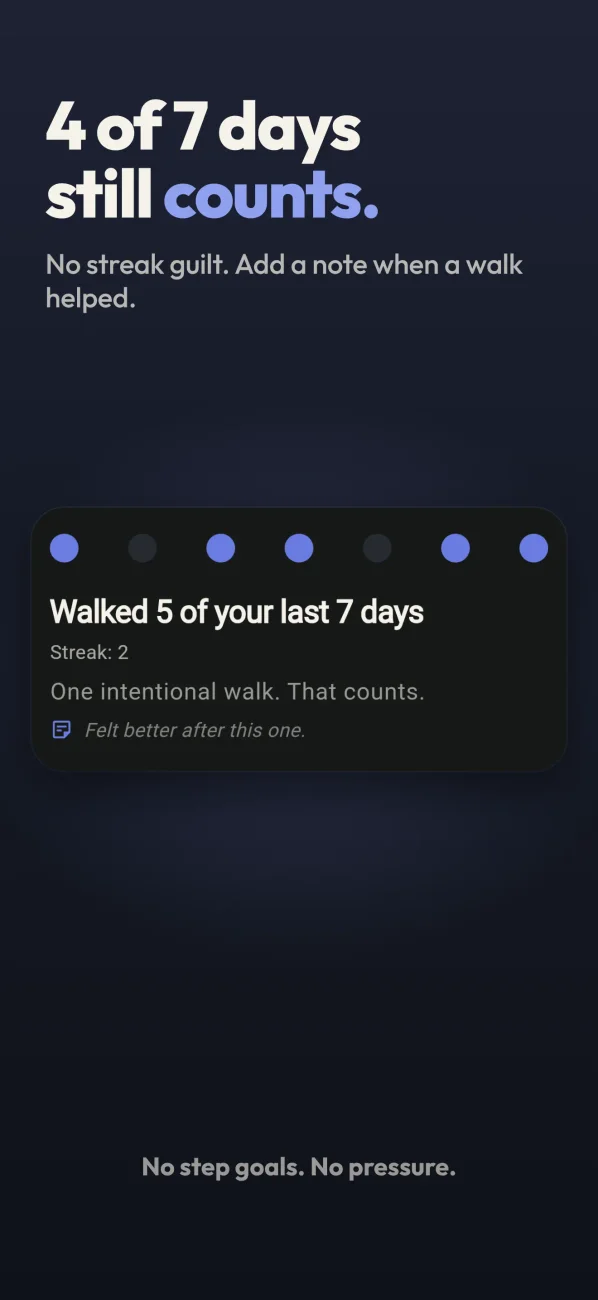
No daily step goal. No leaderboard. No account. No ads. Just one intentional walk at a time.
HOW IT WORKS
• Tap Start Walk. Time, steps and distance run quietly while you walk.
• Hold to end. The walk is logged and today's dot fills in.
• Add a note if you like ("felt better after this one").
• The home screen leads with "Walked 4 of your last 7 days". Consistency first; your streak is a quiet detail underneath.
FREE
• Unlimited walks with time, steps and distance
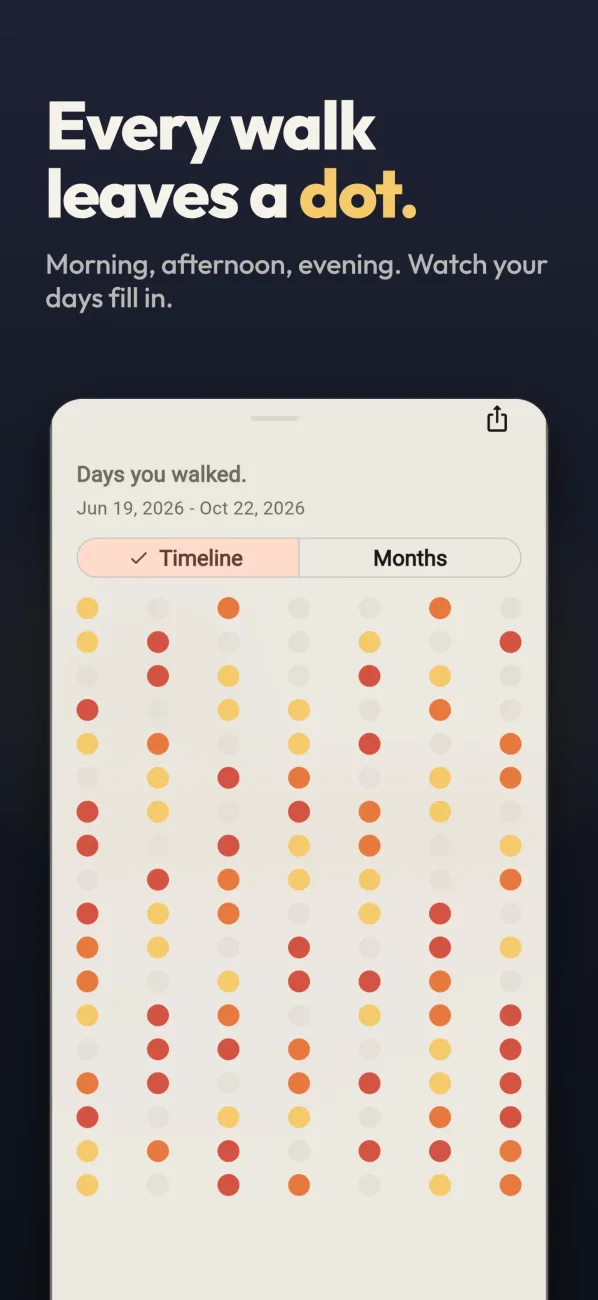
• Your last 30 days as a mosaic, colored by morning, afternoon and evening
• Share your mosaic as an image
• Light and dark mode, metric or imperial
• In 10 languages
JUST WALK PRO (ONE-TIME PURCHASE, NO SUBSCRIPTION)
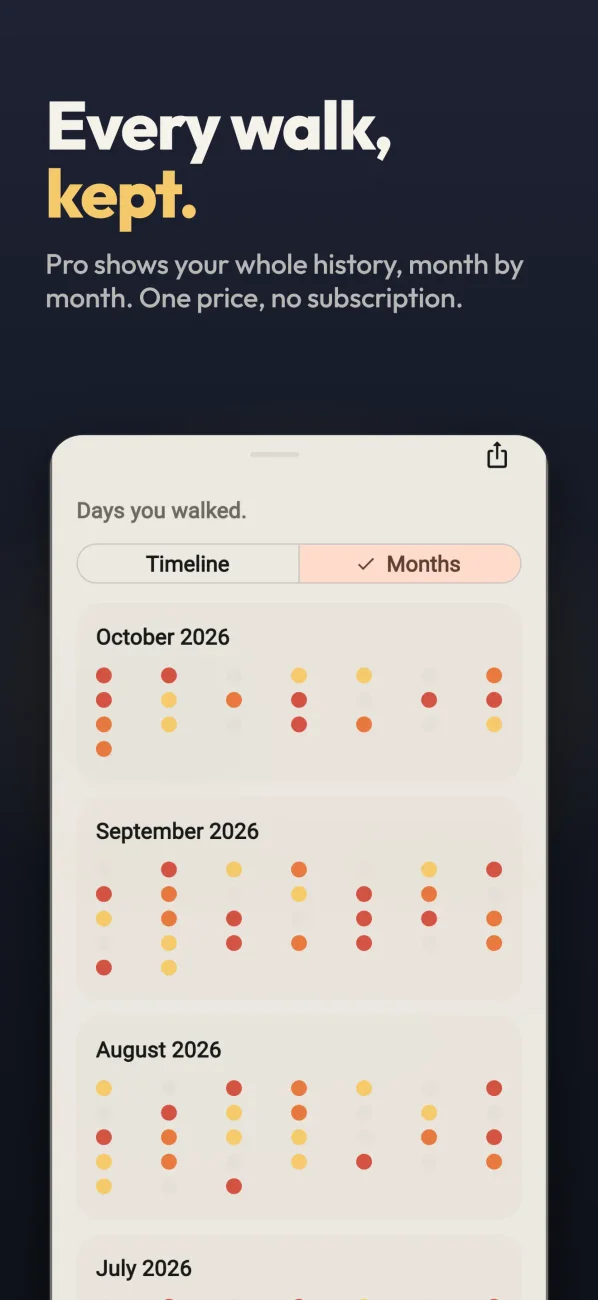
• Your full history: every walk since day one. Free never deletes older walks; Pro shows them.
• Month by month: a clean card for every month you walked
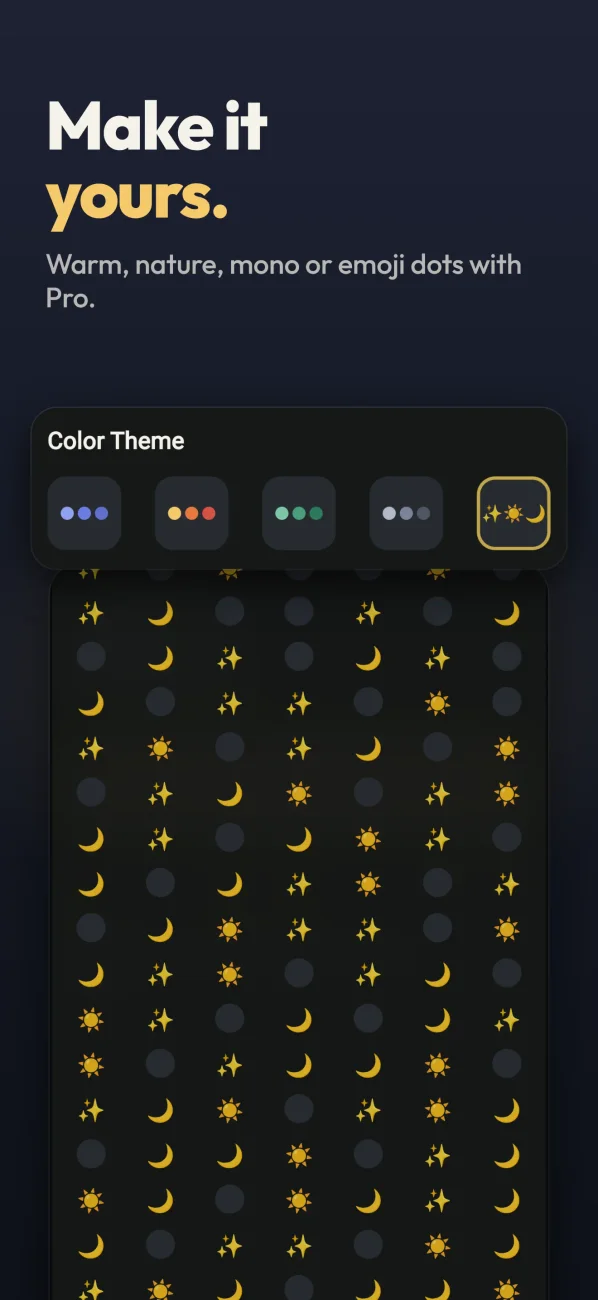
• Color themes: warm, nature, mono or emoji dots
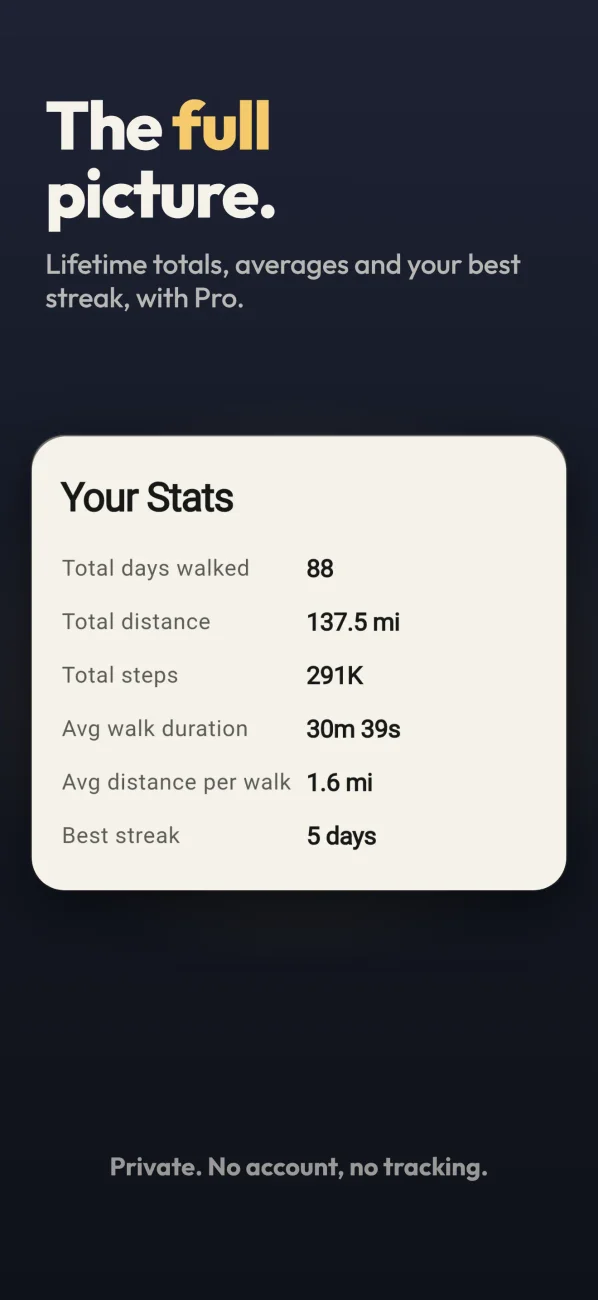
• Lifetime stats: days walked, distance, steps, averages and your best streak
APPLE WATCH
• Start an outdoor walk on your wrist and leave your phone at home. Time, distance and heart rate are saved to Apple Health. (Watch walks don't appear in the phone mosaic yet.)
PRIVATE BY DESIGN
• No account, no social feed, no public profile
• Your walks are backed up to your own iCloud, so a reinstall or a new phone brings them back. Only you can see them, and you can turn it off in Settings.
• Location is used only during a walk to measure distance. It never leaves your device, and Just Walk collects no data.
WHAT PEOPLE SAID
"The mosaic idea is probably the strongest part. It gives a sense of progress without making the user feel judged." (a commenter on r/iosapps)
I built Just Walk after losing about 60 pounds, mostly by walking. I wanted an app that counted the walk, not every step of my day. If something feels off, Settings → Send Feedback comes straight to me.
Just Walk is not a medical device and does not give medical advice.
Privacy Policy: https://dahvio.com/just-walk-privacy
What’s new
Version 1.3.2 · Nov 9, 2026
• Walks are now saved as you go. If your phone closes the app mid-walk, the walk picks back up when you reopen it.
• Your walks are backed up to your own iCloud, so they come back after a reinstall or on a new phone. You can turn it off in Settings.
• Bought Pro? It now comes back on its own after a reinstall.
• Thank you to everyone who sent feedback. If Just Walk has been good to you, a rating genuinely helps.
App privacy
What Raymond Rothwell declares on the App Store about how this app handles data.
-
Data not collected
The developer does not collect any data from this app.
Privacy practices may vary, for example with the features you use or your age.
Information
- Seller
- Raymond Rothwell
- Category
- Health & Fitness
- Version
- 1.3.2
- Updated
- Nov 9, 2026
- Released
- May 27, 2026
- Size
- 21.6 MB
- Requires
- iOS 15.0 or later
- Age rating
- 4+
- Price
- Free
- In-app purchases
- Yes
- Languages
- English, Arabic, French, German, Hindi, Japanese, Portuguese, Russian, Simplified Chinese, Spanish
- Copyright
- © 2026 DahVio Studios
You might also like
-
 Walking Tracker - Step CounterPedometer & Calorie Counter
-
 Just Walk: Daily Walking CoachGuided walks for every day
-
 Walk Window: Walking WeatherBest time to head out, daily
-
 Steps App - 10K Steps TodayStep Counter and Step Tracker
-
 StepLog - Step Counter & WalkWalk More, Feel Better
-
 Kim: Personal Health AssistantSleep, Workout & Nutrition
-
 Step AI: Smart Step CounterAI Pedometer & Daily Walk Goal
-
 easy 10KHealth & Fitness
-
 Walking Distance TrackerTrack My Walk Miles by Vima
-
 GoWalker:Smart Step TrackerHealth & Fitness