- Age rating4+
- CategoryUtilities
- DeveloperJongyun Park
- LanguagesEnglish
- Size6.3 MB
Links to the official App Store page
Download.org hosts no file of K-Compass. The button opens its official App Store page, published by Jongyun Park. Listing last checked on Nov 8, 2026.
Screenshots


About
K-Compass
1. A smart compass for quick and easy orientation
K-Compass is a mobile compass app that utilizes your smartphone's sensors and location data to provide an intuitive view of your current direction and azimuth.
Designed with a clean, intuitive interface, it allows you to quickly check your facing direction during various activities—such as hiking, traveling, camping, outdoor recreation, or fieldwork.
Simply launch the app to see your direction and azimuth at a glance—no complex setup required. It also integrates GPS location data for added convenience in tracking both your orientation and location.
2. Key Features
- Intuitive Compass Display
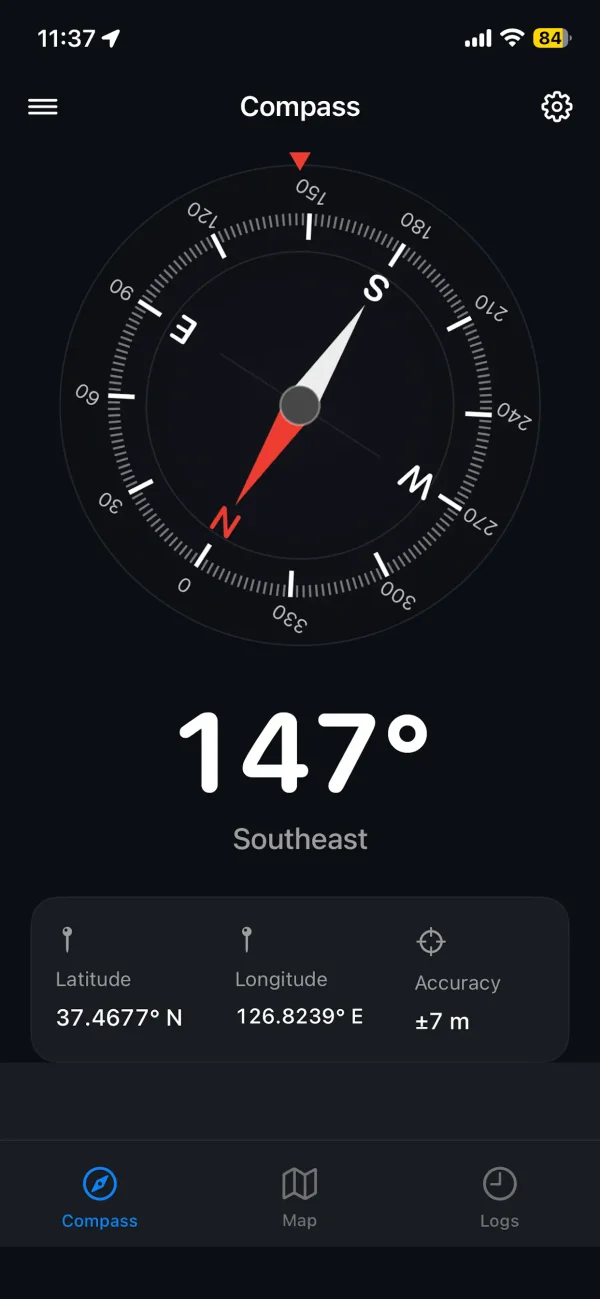
Features a circular dial resembling a real compass, allowing for an intuitive view of your current direction.
- 360° Azimuth Display
Displays your facing direction as a numerical value based on a 360° scale.
- GPS Location Information
Shows GPS data for your current location.
Leveraging location data allows you to see exactly where you are and the direction you are facing at a specific spot.
- Combined Direction and Location View
K-Compass goes beyond basic compass functions by combining direction and location data, making it ideal for outdoor activities.
Use it to check your location and facing direction simultaneously while hiking or traveling, or to verify specific directions during fieldwork.
- Clean, Easy-to-Read Interface
Minimizes clutter by focusing the display on the compass and your current direction.
Displays the current azimuth in large, clear numbers for quick reading outdoors, while directional markers and the compass needle provide an intuitive sense of orientation.
Company Homepage: https://www.ct-is.co.kr
Terms of Use: https://ctis-apps.com/privacy/kr/terms
Privacy Policy: https://ctis-apps.com/privacy/kr/privacy-policy
What’s new
Version 1.0.1 · Oct 27, 2026
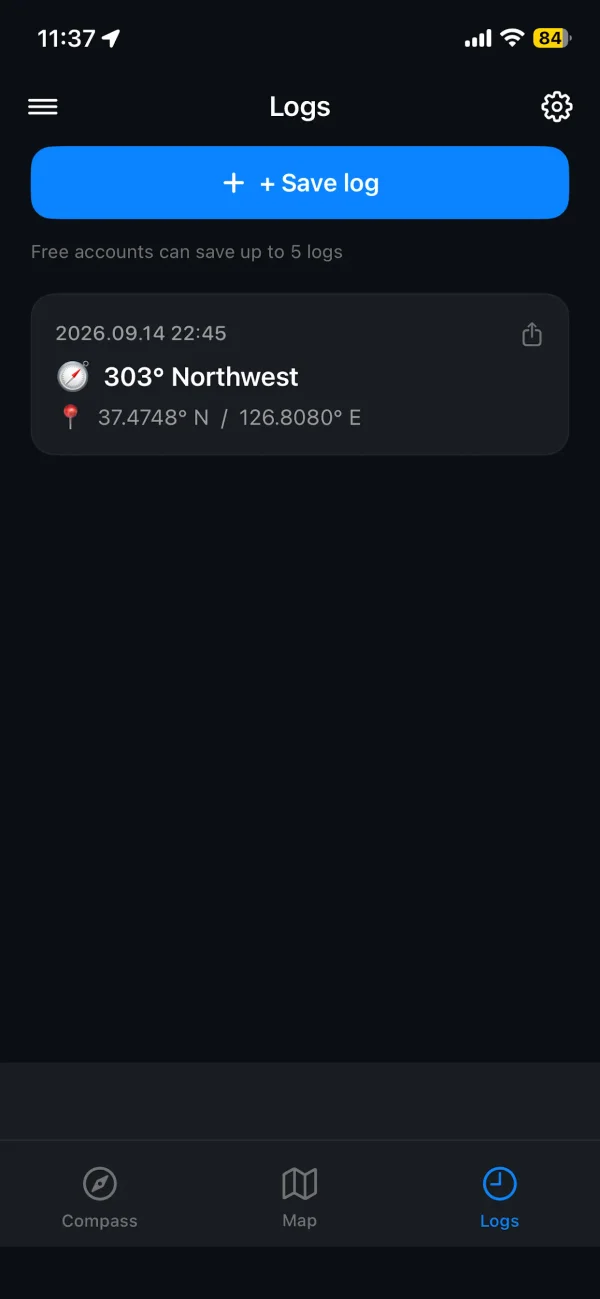
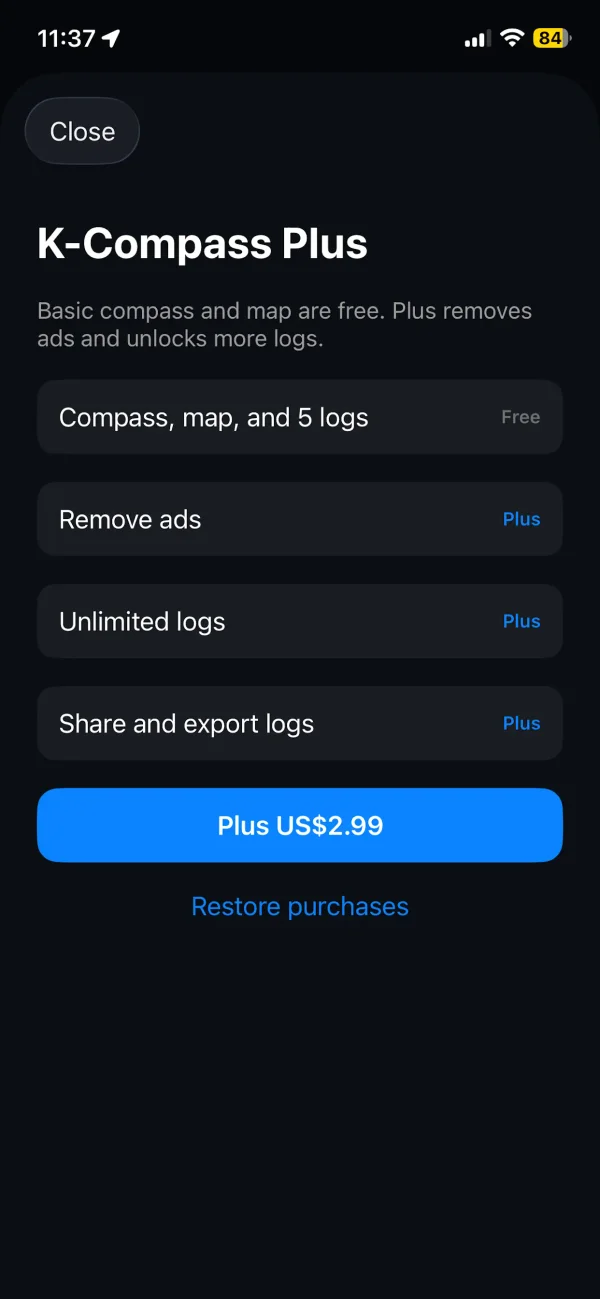
Add-on: Features such as target point acquisition, recording locations, altitude data, and the horizon system—which require a 'Plus' purchase—are now active.
App privacy
What Jongyun Park declares on the App Store about how this app handles data.
-
Data used to track you
May be used to track you across apps and websites owned by other companies.
- Usage data
-
Data not linked to you
May be collected but is not linked to your identity.
- Location
- Usage data
Privacy practices may vary, for example with the features you use or your age.
Information
- Seller
- CTIS Co.,Ltd.
- Category
- Utilities
- Version
- 1.0.1
- Updated
- Oct 27, 2026
- Released
- Oct 6, 2026
- Size
- 6.3 MB
- Requires
- iOS 17.6 or later
- Age rating
- 4+
- In-app purchases
- Yes
- Languages
- English
- Copyright
- © 2026 Copyright All Reserved by CTIS Co.,Ltd.
You might also like
-
 Ventaurio: Solar & Smart HomeInverter, battery, heat pump
-
 City Pointer: Compass CitiesCompass of cities worldwide
-
 WLED MaxLED Light Controller & Effects
-
 Clinometer+ Slope & Roof PitchInclinometer & Angle Finder
-
 BZ VPNUtilities
-
 Deye HomeUtilities
-
 GPS Altitude CompassAltitude Compass Positioning
-
 GPS Area Measure:Land Survey+Field Maps,Distance Calculator
-
 Altimeter & BarometerAltitude, Atmospheric Pressure
-
 Protractor Angle Measure ToolAngle Finder, Meter & Level