KaiOro: Expense Tracker
Private Budget, No Bank Link
Designed for iPhone, iPod touch
Free · In-app purchases
- Age rating4+
- CategoryFinance
- DeveloperStephen Messing
- LanguagesEnglish+ 4 more
- Size116.6 MB
Links to the official App Store page
Download.org hosts no file of KaiOro: Expense Tracker. The button opens its official App Store page, published by Stephen Messing. Listing last checked on Nov 25, 2026.
Screenshots

About
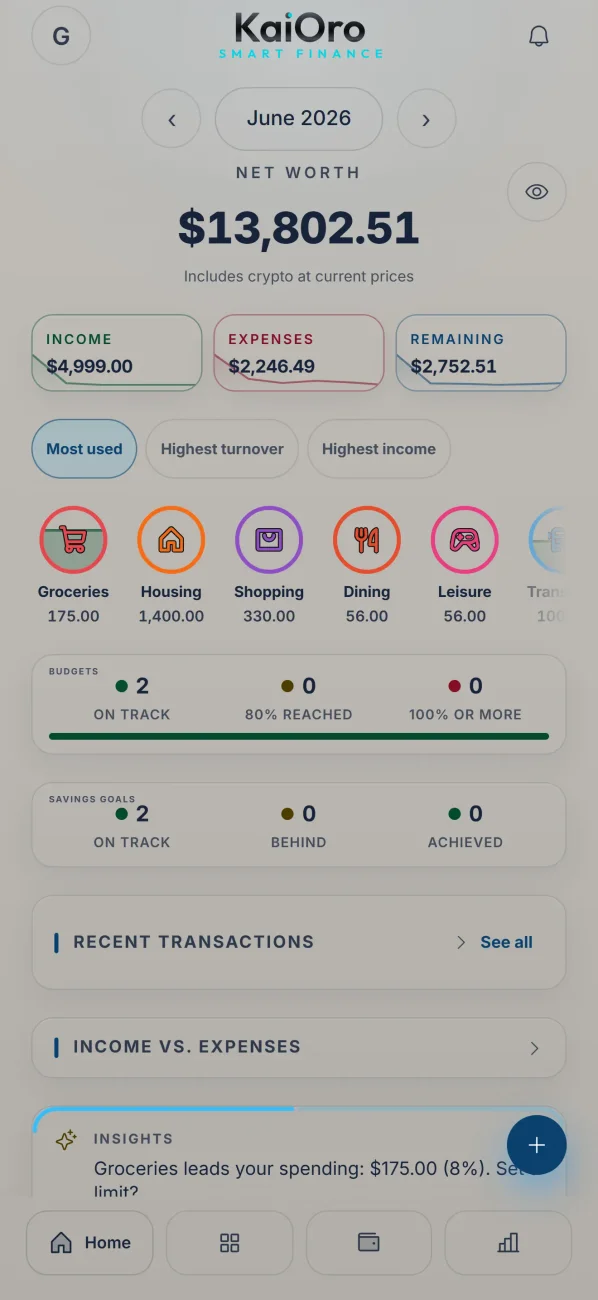
KaiOro is the expense tracker and budget planner that respects your time and your data: log expenses and income in seconds, plan a monthly budget and reach your savings goals. No ads, no bank account linking, and your data stays on your phone.
LOG EXPENSES IN SECONDS
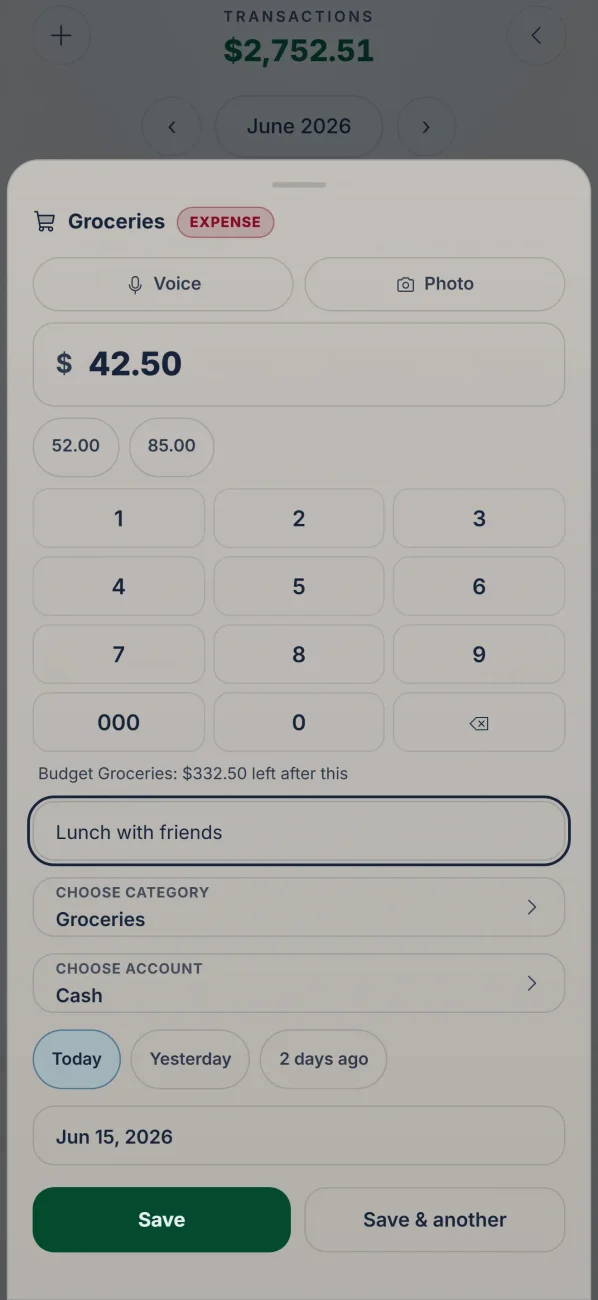
Category, amount, done: three steps and the expense is saved. Prefer not to type? Say it out loud or snap a photo of the receipt: KaiOro suggests the entry and you check it before saving.
MONTHLY BUDGET AND SAVINGS GOALS
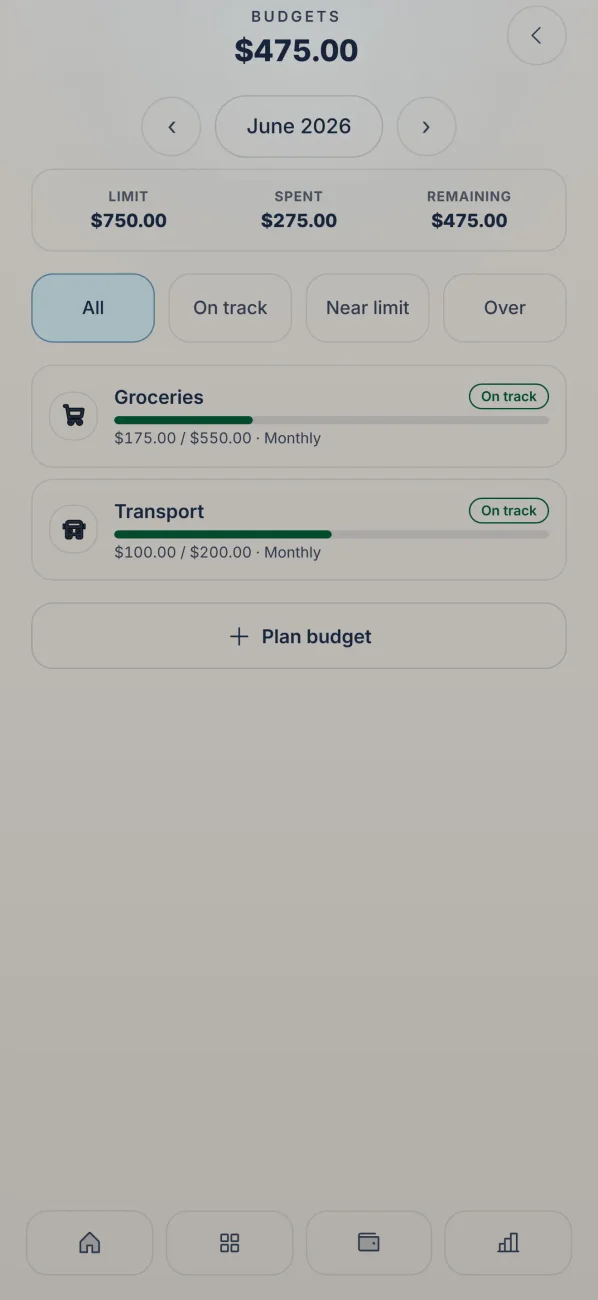
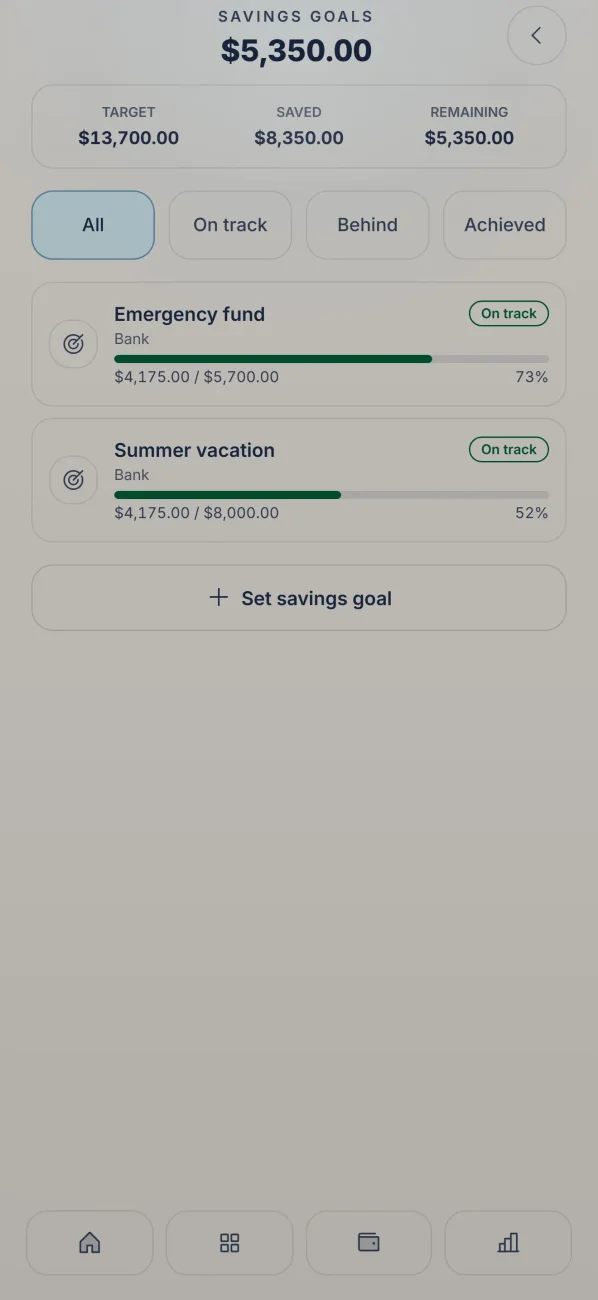
Set a budget per category and see right away what is left this month. Create savings goals linked to your accounts and follow your real progress.
ACCOUNTS, CREDIT CARDS AND FINANCING
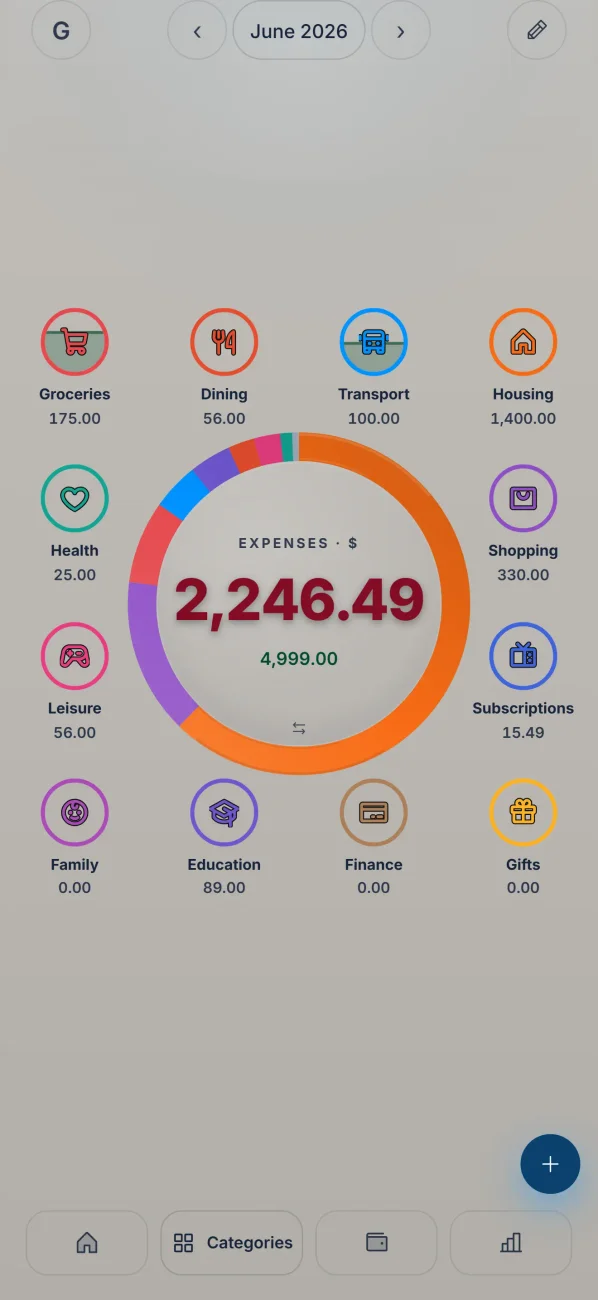
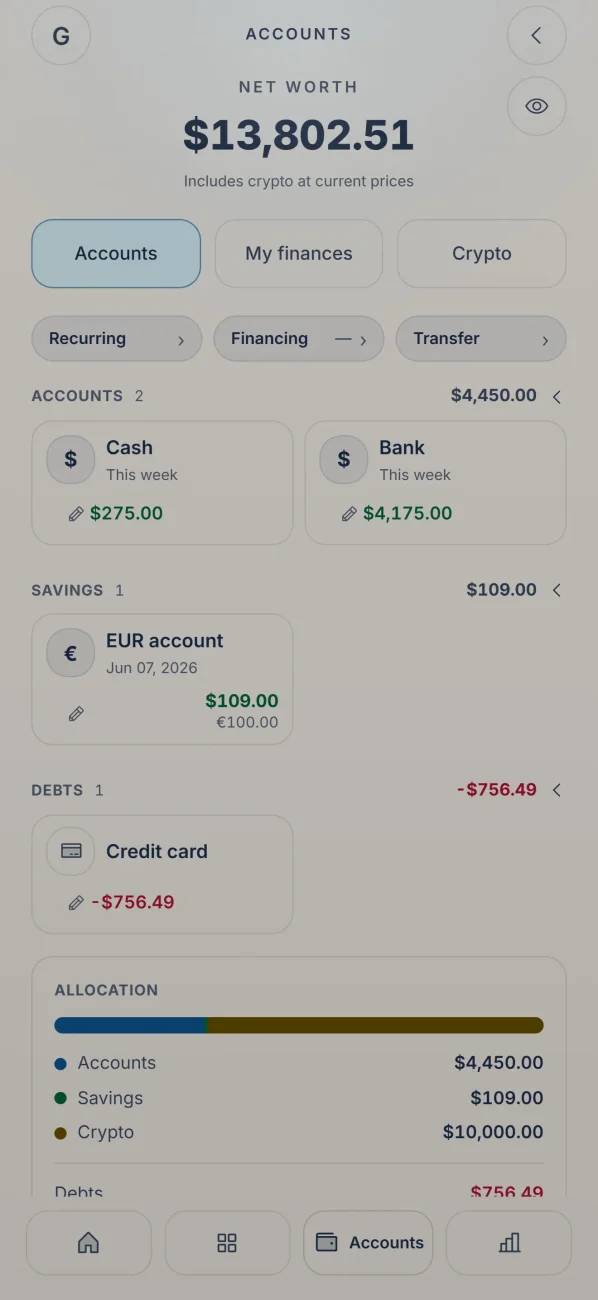
Cash, bank account and credit card in one place. Track installment purchases and loans, recurring payments and transfers between your accounts. Unlimited categories and subcategories, even on the free plan.
MULTI-CURRENCY WITHOUT TRICKS
Accounts in dollars, euros, reais, pesos or guaraníes. KaiOro never invents an exchange rate: it keeps the original amount and tells you when a rate is missing. With Plus you record payments in a foreign currency, ideal for travel expenses: KaiOro converts them to the account currency at the day's official reference rate. Your totals always show in your base currency.
REPORTS YOU CAN READ
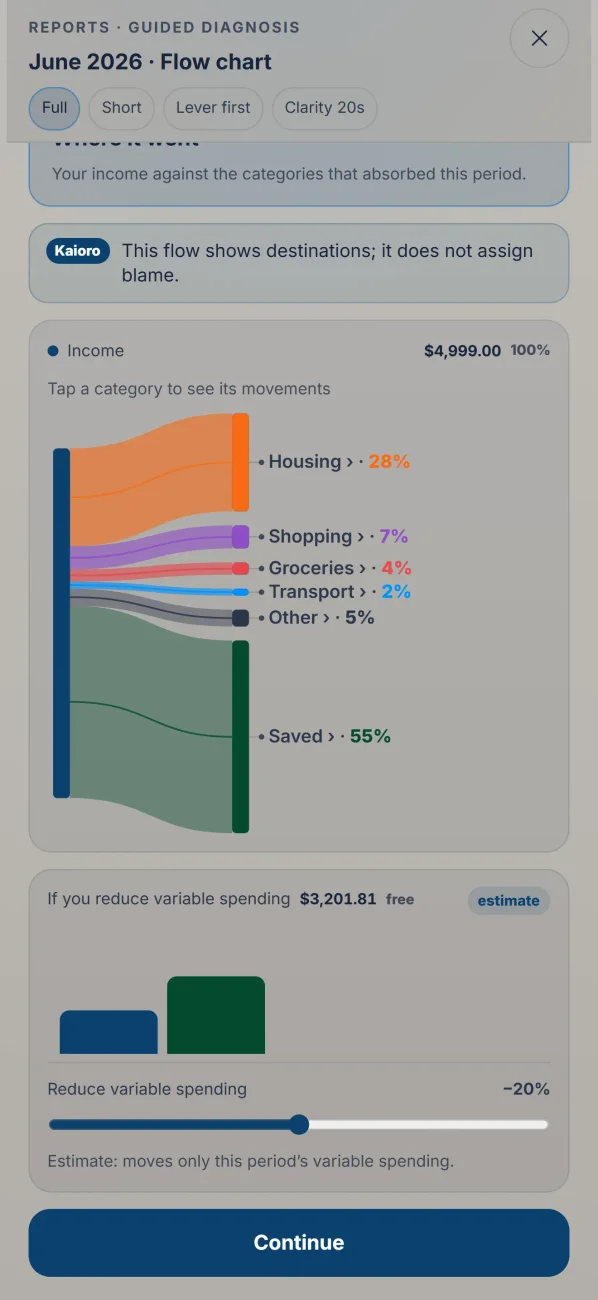
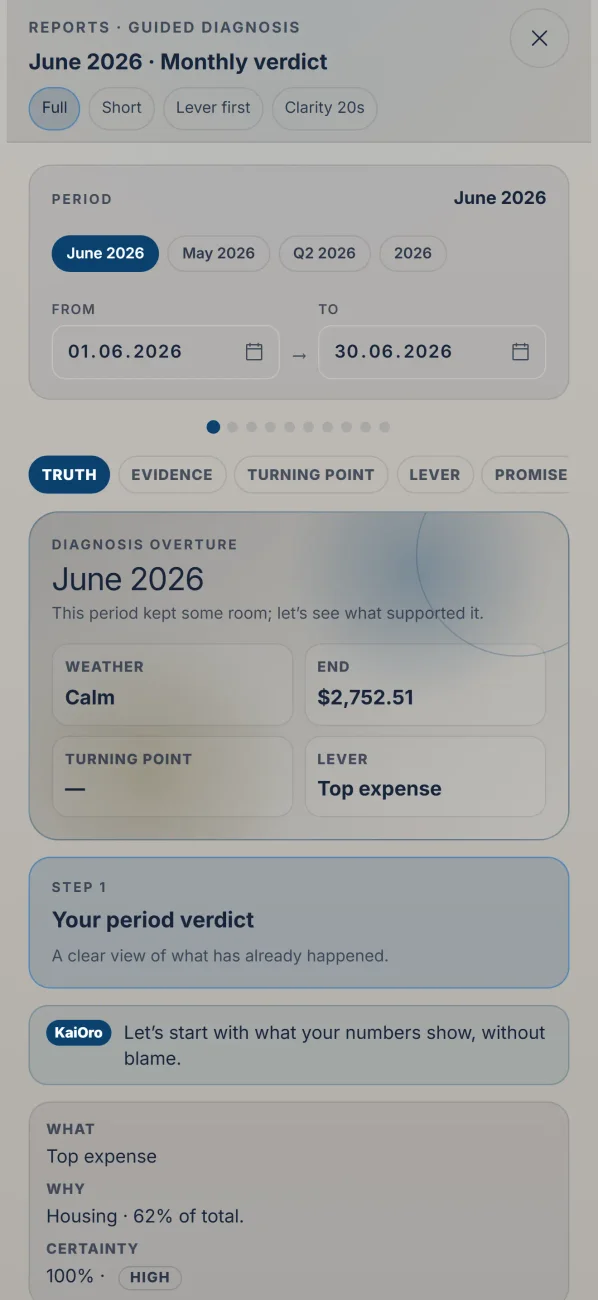
See where your money goes each month: the categories that weigh most, your monthly spending and how much you managed to save, step by step.
YOUR DATA, YOUR CONTROL
Everything is stored on your phone and works offline. No forced account, no bank access, no ads. Import your transactions from another app with a CSV file and export whenever you like. Optional encrypted cloud backup: only you hold the key. Unlock with Face ID or your iPhone passcode.
LEARN IN MINUTES
18 short, free lessons with real app screens in the KaiOro Academy: getkaioro.com/en/academy
FREE OR KAIORO PLUS
The free plan includes quick entry, reports, unlimited categories, CSV import, backup and export, with up to 3 accounts, 3 budgets, 3 goals, 3 recurring payments and 5 financing plans, plus 5 voice or receipt-photo entries a month (10 in the first month). KaiOro Plus removes the limits and adds deeper reports, foreign-currency entries, sync across devices, a package for your accountant, a crypto portfolio and unlimited voice and photo entries. Optional monthly or yearly subscription.
KAIORO PLUS
Optional monthly or yearly subscription that renews automatically. Payment is charged to your Apple Account at confirmation of purchase, and the subscription renews unless you cancel it at least 24 hours before the end of the current period in your account settings.
Terms of Use: https://www.apple.com/legal/internet-services/itunes/dev/stdeula/
Privacy: https://getkaioro.com/en/privacy
Languages: English, Spanish, Portuguese, German and French.
What’s new
Version 1.0.6 · Nov 24, 2026
If you denied access to your photos, KaiOro now explains how to allow it in iPhone Settings or use the camera to scan your receipt.
App privacy
What Stephen Messing declares on the App Store about how this app handles data.
-
Data linked to you
May be collected and linked to your identity.
- Purchases
- Financial info
- Contact info
- User content
- Identifiers
-
Data not linked to you
May be collected but is not linked to your identity.
- Identifiers
- Usage data
- Diagnostics
Privacy practices may vary, for example with the features you use or your age.
Information
- Seller
- Stephen Messing
- Category
- Finance
- Version
- 1.0.6
- Updated
- Nov 24, 2026
- Released
- Oct 20, 2026
- Size
- 116.6 MB
- Requires
- iOS 15.0 or later
- Age rating
- 4+
- Price
- Free
- In-app purchases
- Yes
- Languages
- English, French, German, Portuguese, Spanish
- Copyright
- © 2026 Stephen Messing