Kanban Tasker: Task Planner
Boards, Calendar & AI
Designed for iPhone, iPad, Mac
Free · In-app purchases
- Age rating17+
- CategoryProductivity
- DeveloperHunter Johnson
- LanguagesEnglish
- Size31.3 MB
Links to the official App Store page
Download.org hosts no file of Kanban Tasker: Task Planner. The button opens its official App Store page, published by Hunter Johnson. Listing last checked on Nov 23, 2026.
Screenshots

About
Kanban Tasker brings boards, checklists, schedules, and focused planning together in one organized workspace. Capture ideas quickly, turn them into actionable tasks, and keep work moving wherever you are.
Your cloud workspace is also available on Windows and on the web at https://cloud.kanbantasker.app.
ORGANIZE WITH KANBAN BOARDS
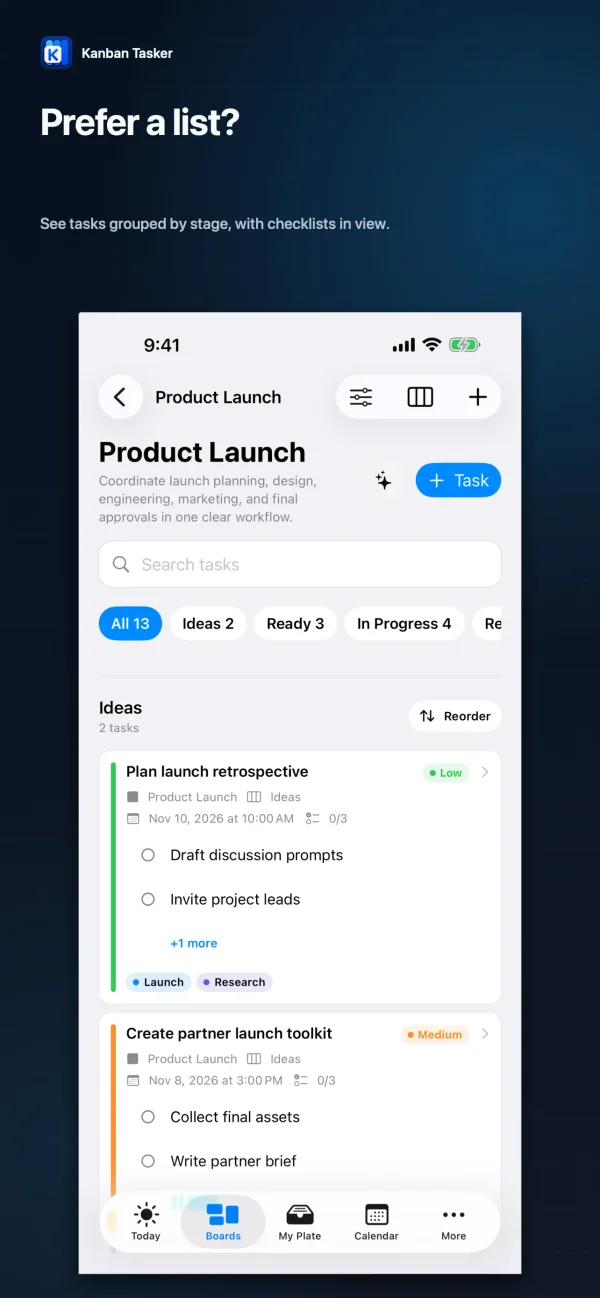
Create boards that match your workflow, customize columns and work-in-progress limits, prioritize tasks, and move cards as your work progresses.
BUILD FLEXIBLE LISTS
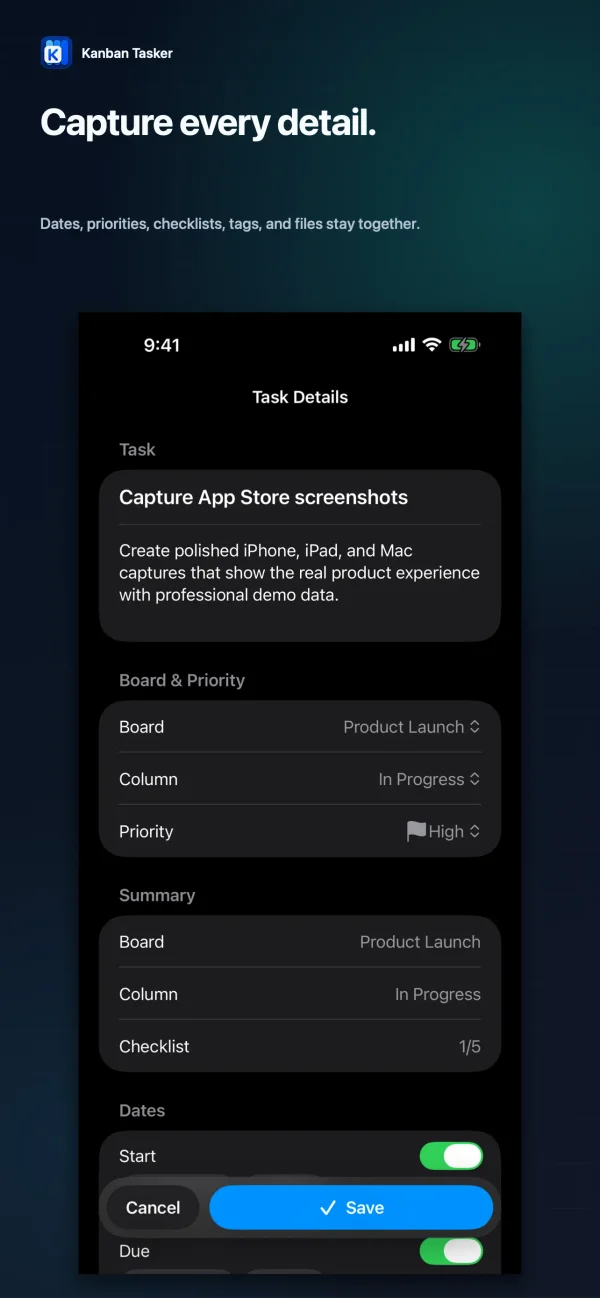
Use grouped checklists for errands, launch plans, recurring work, and everyday routines. Add due dates, times, recurrence, and reusable tags.
PLAN YOUR DAY
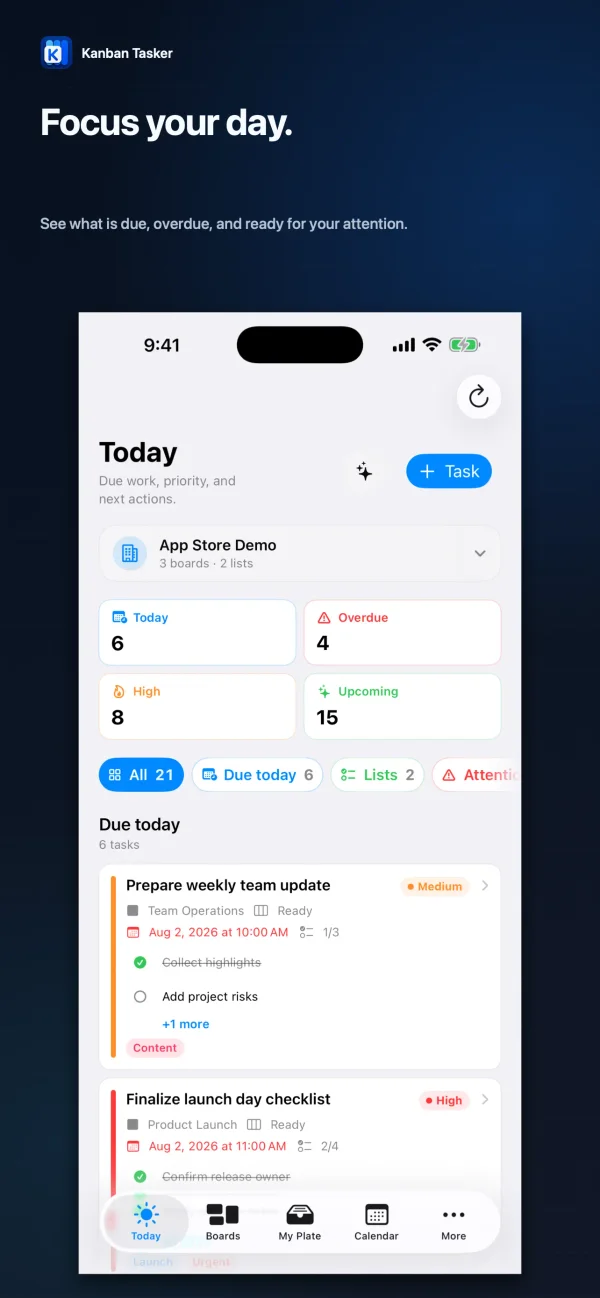
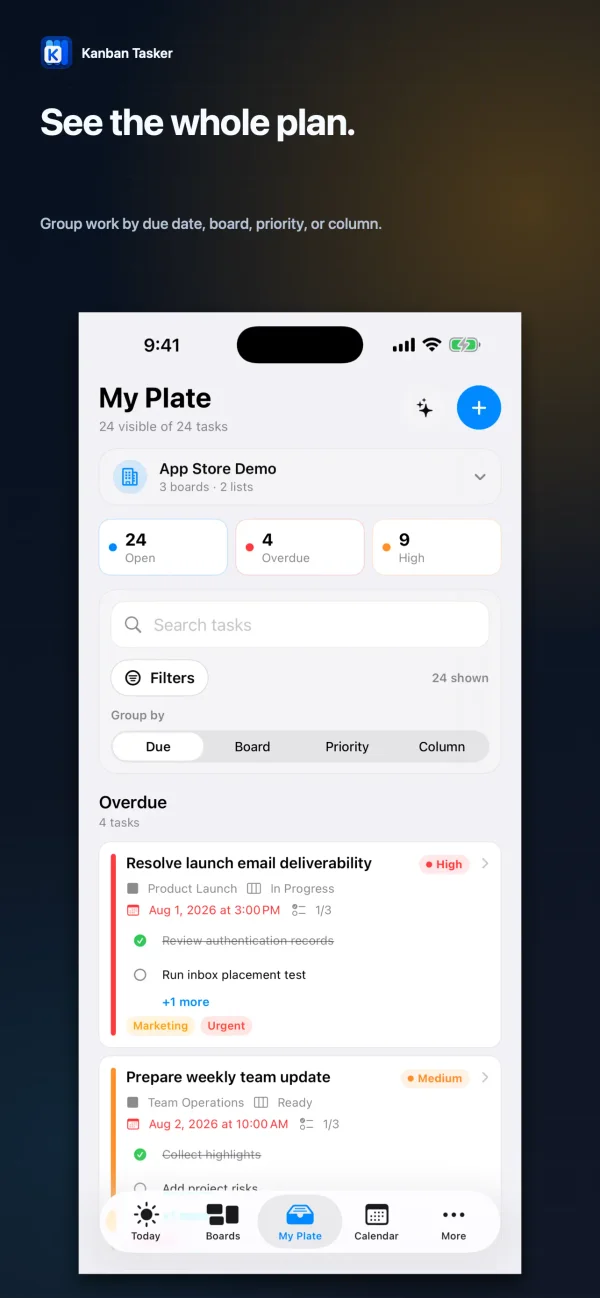
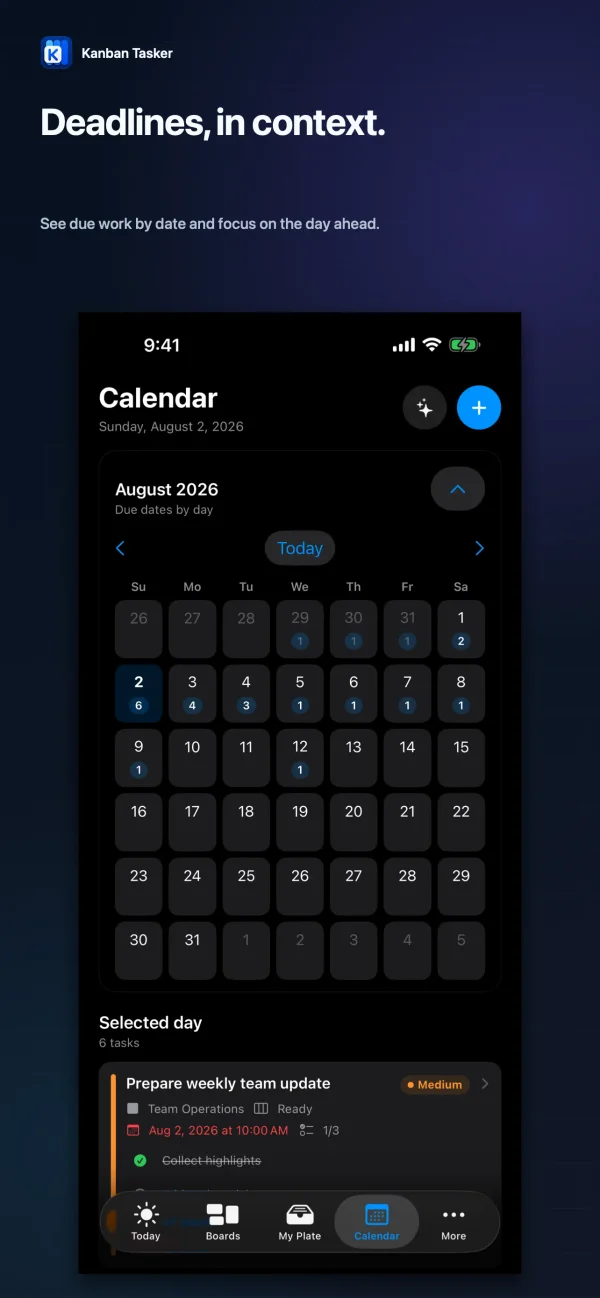
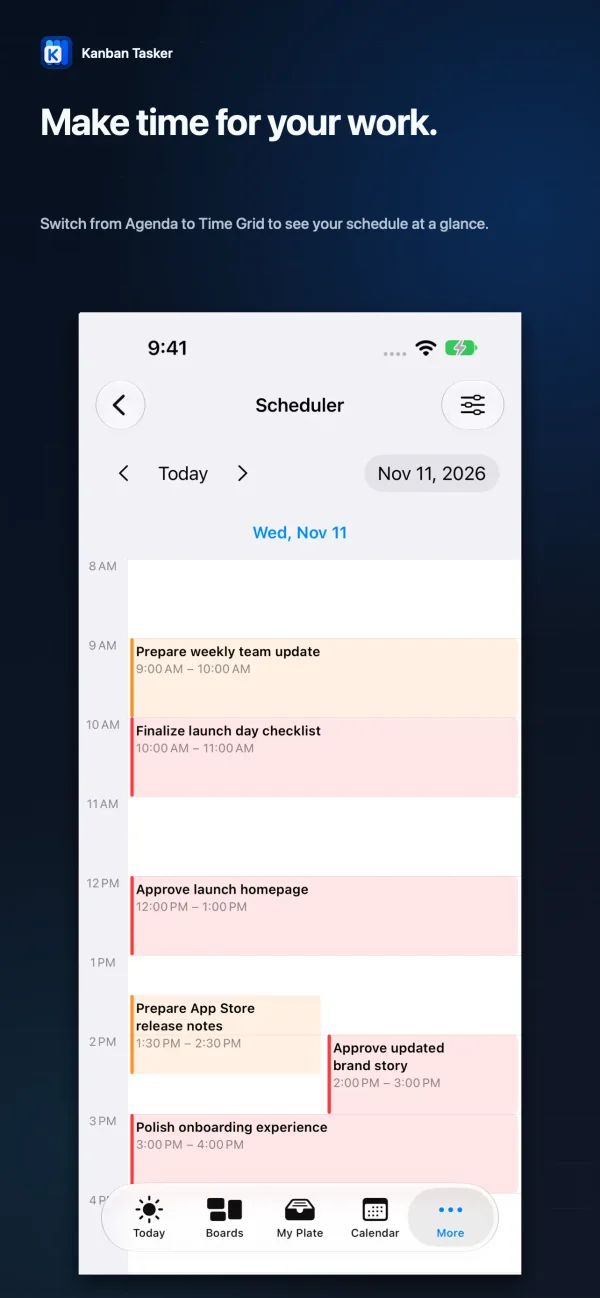
See upcoming and overdue work in Today, My Plate, Calendar, and Scheduler views. Set reminders so important tasks stay visible.
PLAN WITH KORA
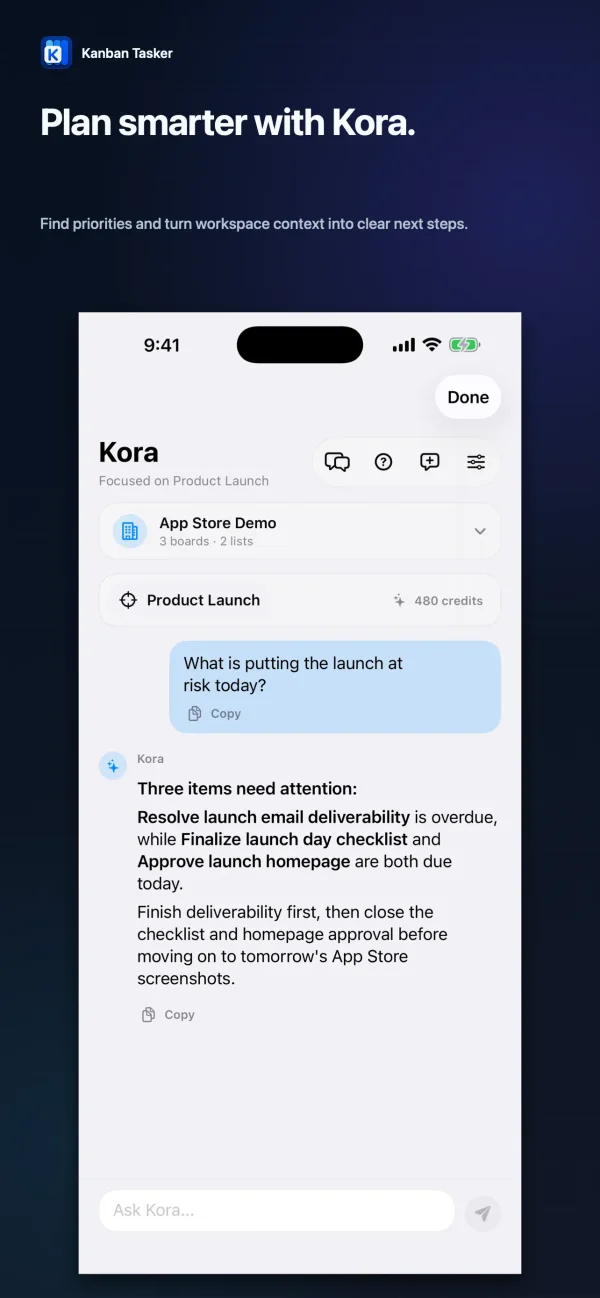
Use Kora, your AI planning assistant, to review workspace context, identify priorities, and suggest practical next steps. Kora requires Personal and is available in supported regions.
WORK ACROSS DEVICES
Plan on iPhone, iPad, Mac, Windows, or the web, and pick up where you left off with Kanban Cloud. On Apple Watch, see today’s tasks, their board and column, and checklist progress at a glance.
MORE WAYS TO STAY ORGANIZED
• Search and filter tasks
• Add notes, steps, priorities, tags, dates, and reminders
• Attach supporting files on eligible plans
• Import selected tasks from Microsoft To Do (Beta) as independent copies
• Archive completed work without losing context
• Choose a light or dark appearance
START FREE, UPGRADE WHEN YOU NEED MORE
Free Cloud includes a personal workspace with core boards, tasks, lists, and reminders.
An optional Personal Monthly auto-renewable subscription unlocks expanded limits, attachments, Kora AI, Microsoft To Do import, and included monthly AI credits. Additional AI credit packs may be available as one-time purchases.
Subscription availability, features, and pricing are shown before purchase. Payment is charged to your Apple Account at confirmation. Subscriptions renew automatically unless canceled at least 24 hours before the end of the current subscription period. You can manage or cancel your subscription through your Apple Account settings.
Privacy Policy:
https://kanbantasker.app/privacy
Terms of Use:
https://kanbantasker.app/terms
Apple Standard EULA: https://www.apple.com/legal/internet-services/itunes/dev/stdeula/
What’s new
Version 1.1.0 · Nov 14, 2026
New in 1.1.0
• Plan your schedule visually with the new Time Grid: hourly Day and Week views, plus a Month calendar. Switch back to Agenda anytime from the filter menu. Your saved view preference is preserved.
• See all-day tasks at a glance, expand longer lists, and open scheduled tasks directly from the calendar.
• Enjoy adaptive Scheduler layouts on iPhone and iPad, with support for larger text.
• Get improved iPhone Duo layouts when folded or unfolded, including centered sign-in and spacing for side-mounted navigation.
• Find release notes anytime in Settings > What’s New. Eligible existing users will see this release’s highlights once after updating.
• Enjoy a consistent tag catalog appearance in light and dark mode.
• Includes Scheduler improvements for time zones, daylight saving changes, task updates and deletions, and late-night Start markers while preserving overnight tasks.
App privacy
What Hunter Johnson declares on the App Store about how this app handles data.
-
Data linked to you
May be collected and linked to your identity.
- Purchases
- Location
- Contact info
- User content
- Identifiers
- Usage data
- Diagnostics
- Other data
Privacy practices may vary, for example with the features you use or your age.
Information
- Seller
- Hunter Johnson
- Category
- Productivity
- Version
- 1.1.0
- Updated
- Nov 14, 2026
- Released
- Nov 9, 2026
- Size
- 31.3 MB
- Requires
- iOS 26.0 or later
- Age rating
- 17+
- Price
- Free
- In-app purchases
- Yes
- Languages
- English
- Copyright
- © 2026 Johnson Tech LLC
You might also like
-
 SuperhenEgg, flock & money tracker
-
 Converter of UnitsMeasurements, dates and tank
-
 Tasks - To Do List & RemindersDaily planner & checklist
-
 Hivemind AI Chat & CodingIdea to App in seconds
-
 95: Accountability & CoworkingAchieve Your Goals, Together.
-
 GembaDocsLean Documents Made Easy
-
 Laxis: AI Notes & DictationVoice to Text & Transcription
-
 iStratus Notebook & PlannerTo-do list & task manager
-
 Superhappy Screen Time BlockerAI Coach, Block Apps, Websites
-
 Lucyd - Personal AIPowered by ChatGPT API