Kanji Write: Stroke Order
Japanese Handwriting Practice
Designed for iPhone, iPad
Free
- Age rating4+
- CategoryEducation
- DeveloperAnastasiia Trofimova
- LanguagesEnglish+ 1 more
- Size25.4 MB
Links to the official App Store page
Download.org hosts no file of Kanji Write: Stroke Order. The button opens its official App Store page, published by Anastasiia Trofimova. Listing last checked on Nov 24, 2026.
Screenshots


About
Learn to write Japanese by hand: kanji, hiragana and katakana, with correct stroke order and instant feedback on every stroke.
Kanji Write teaches you to write Japanese stroke by stroke: over 2,000 JLPT kanji plus basic hiragana and katakana, including voiced forms and yōon. Practice with your finger on iPhone or with Apple Pencil on iPad, and build real muscle memory.
◆ Correct Stroke Order
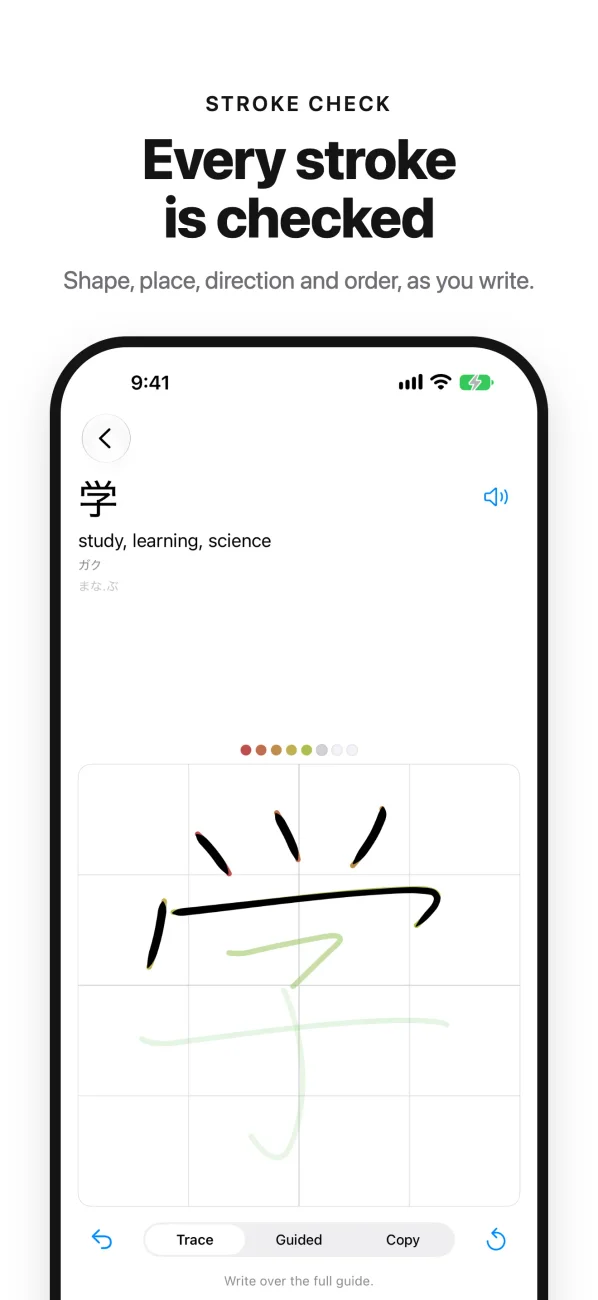
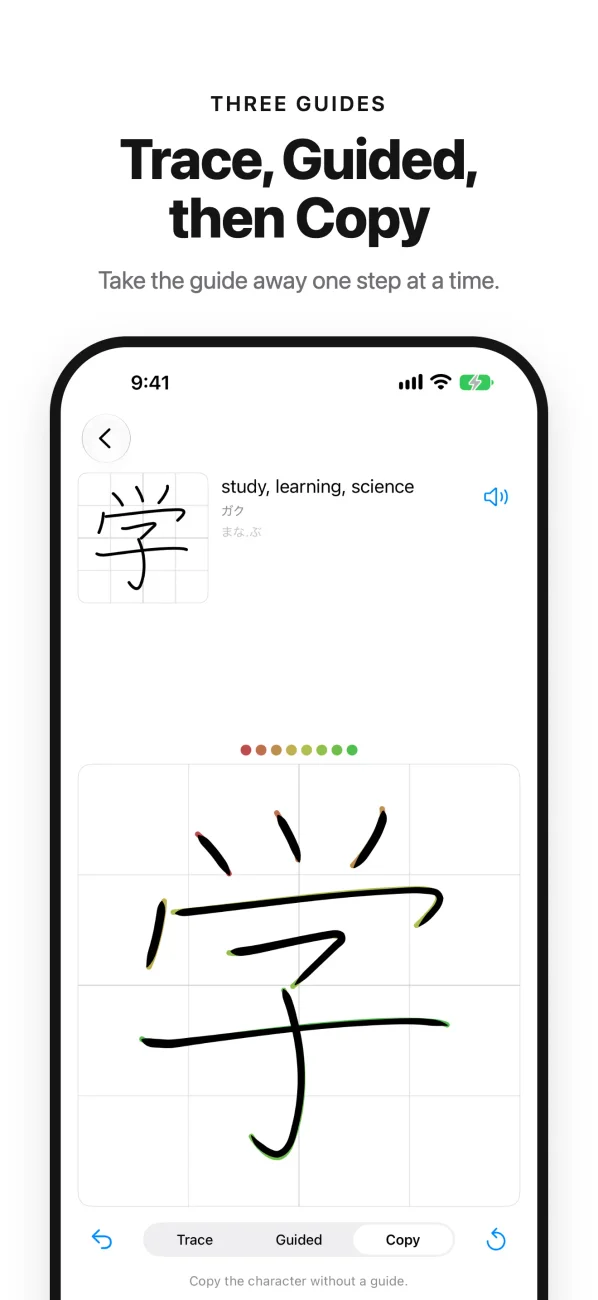
Every character is animated stroke by stroke and color-coded, so you learn the right order and direction from the start. No guessing, no bad habits.
◆ Instant Feedback
Each stroke you draw is checked against the correct shape and order. Miss a few times in Guided mode and a hint appears automatically.
◆ Trace. Guide. Memorize.
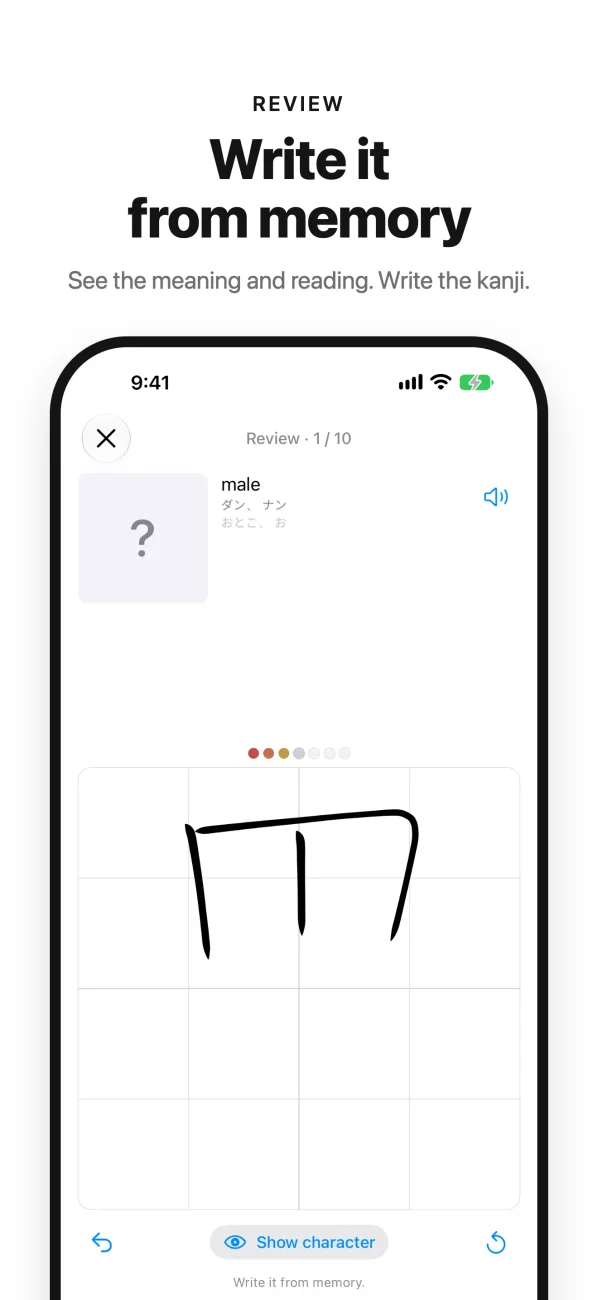
Three practice modes: trace over the character, follow the strokes one at a time, then write it from memory with the guides hidden.
◆ Hiragana & Katakana
All 46 basic kana in both scripts, plus the voiced forms (が, ぱ…) and yōon combinations (きょ, シャ…), each written in one box. Search by romaji: type "ka" to find か and カ.
◆ Complete JLPT Library (N5–N1)
Filter kanji by JLPT level, search by meaning or reading, and see on'yomi, kun'yomi and meanings for every character.
◆ Built for Apple Pencil & iPad
Pressure and tilt shape every stroke like a real brush. On iPad, practice in a notebook-style grid, like a calligraphy workbook.
◆ Quick Sessions
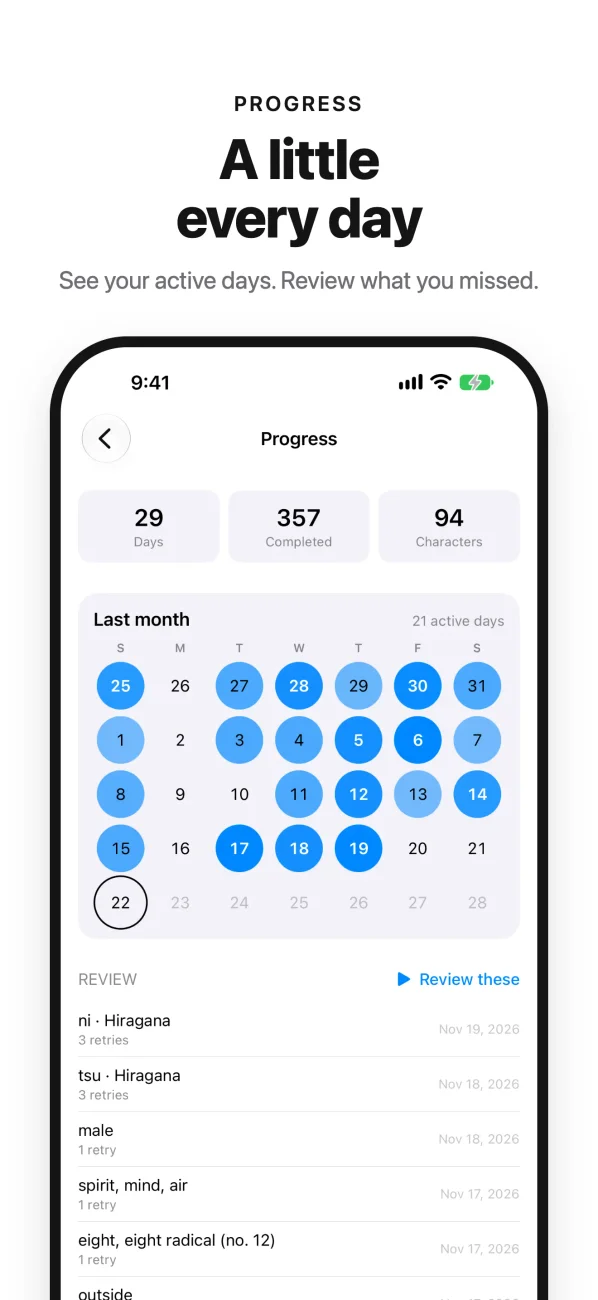
Tap play for a random set of characters from any level or script and review your results at the end.
What’s new
Version 1.17 · Nov 23, 2026
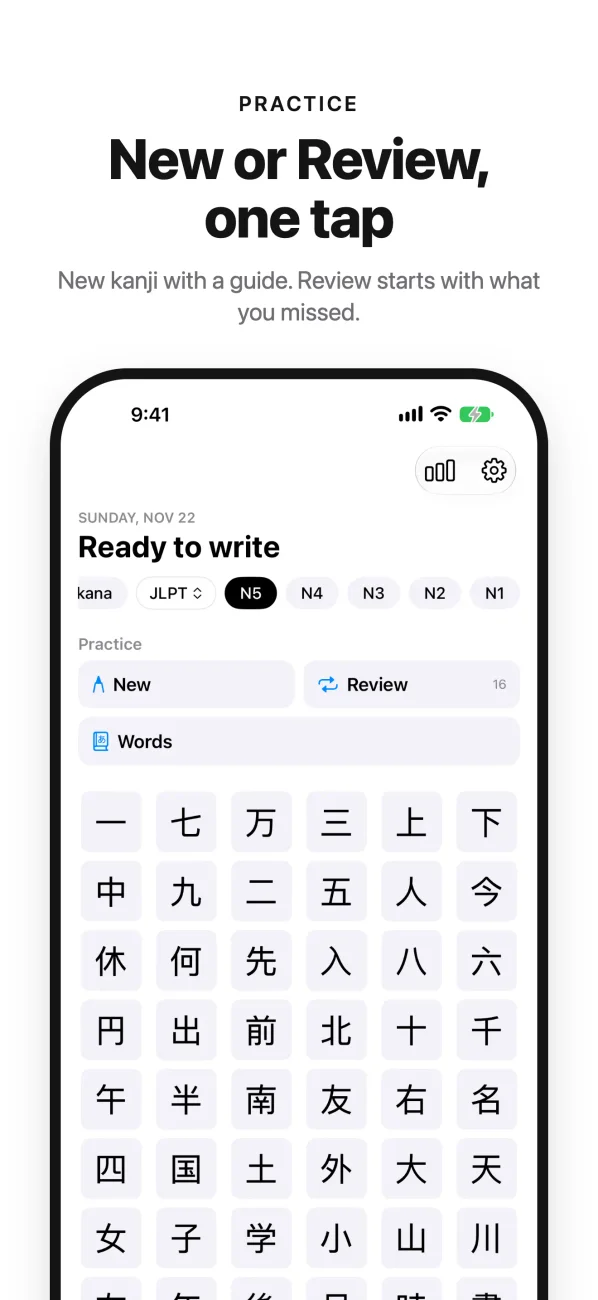
A simpler home screen: Practice now has two buttons, New and Review. Review starts with the characters you missed.
Words and Writing are now available to everyone, with no setting needed.
Apple Pencil Pro now gives a haptic when you complete a character, cell or sentence.
New Apple Pencil settings: turn double-tap or squeeze on or off.
On iPad, the sidebar hides while you write.
Fixed a crash on iOS 27.3 when you tap right after opening the app.
Bug fixes and improvements.
App privacy
What Anastasiia Trofimova declares on the App Store about how this app handles data.
-
Data not collected
The developer does not collect any data from this app.
Privacy practices may vary, for example with the features you use or your age.
Information
- Seller
- Anastasiia Trofimova
- Category
- Education
- Version
- 1.17
- Updated
- Nov 23, 2026
- Released
- Apr 14, 2026
- Size
- 25.4 MB
- Requires
- iOS 16.0 or later
- Age rating
- 4+
- Price
- Free
- Languages
- English, Japanese
- Copyright
- © 2022 Anastasiia Trofimova
You might also like
-
 Tegaki - Kanji WritingWrite it. Get it graded.
-
 Kanji Pad: Learn by WritingJapanese kanji, JLPT & grades
-
 Kalley's Machine Plus CatsEducation
-
 Morse Code Go - Audio TrainerTap, Listen & Master Signals
-
 Japanese Vocabulary & JLPTWords, Sentences, Dictation
-
 Chuchu Academy: Kids ChinesePinyin, Characters & Math
-
 MaruReader: Read in JapaneseDictionary, Manga, Books, OCR
-
 Fraction Calculator with WorkShow Work, Quiz & Decimals
-
 Long Division CalculatorLong Division
-
 World War II Military VehiclesWW2 Vehicle Encyclopedia