
KB Volume Lock & Limiter
Parental Volume Limit Control
Designed for iPhone, iPad
Free · In-app purchases
- Age rating4+
- CategoryUtilities
- DeveloperChristopher Mayberry
- LanguagesEnglish
- Size3.8 MB
Links to the official App Store page
Download.org hosts no file of KB Volume Lock & Limiter. The button opens its official App Store page, published by Christopher Mayberry. Listing last checked on Nov 13, 2026.
Screenshots


About
Volume Lock - Kid-Safe Volume Control & Parental Audio Limiter
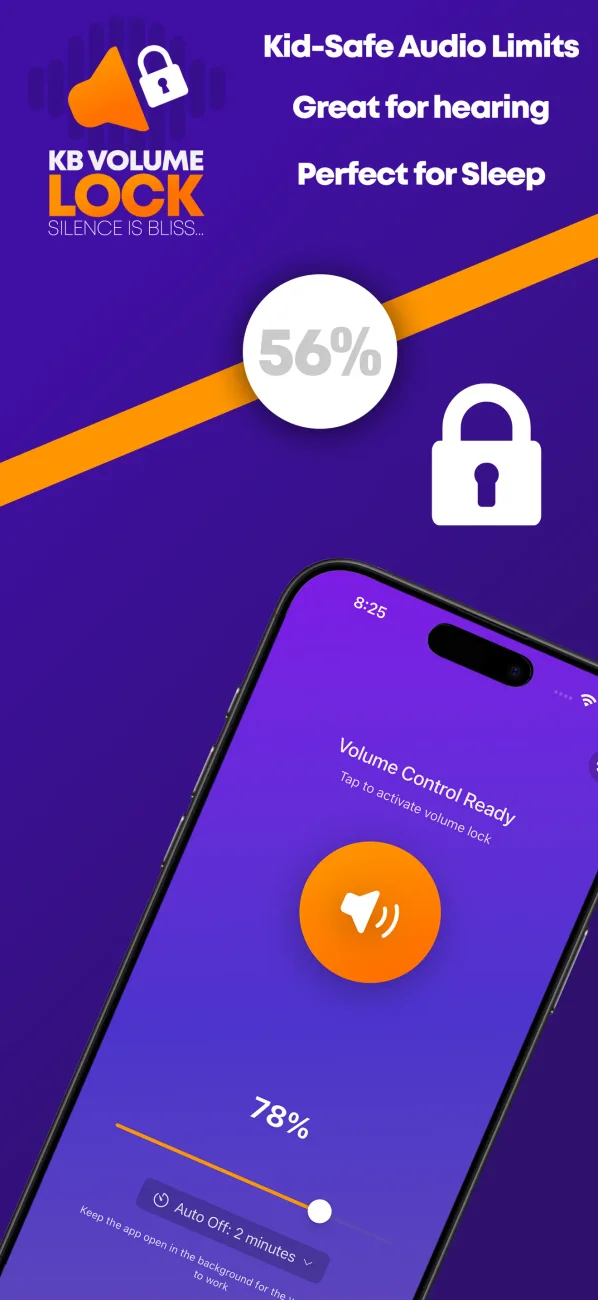
Tired of Baby Shark at maximum volume? KB Volume Lock lets you set safe volume limits on iPhones and iPads, protecting your family's hearing while keeping kids entertained.
NEW: Remote Volume Control — manage your child's device volume from your own iPhone or iPad. Pair in seconds and adjust limits from anywhere.
Perfect For:
- Parents managing screen time volume
- Special needs families — ideal for autism spectrum children
- Daycare providers managing multiple devices
- Grandparents who want peace during visits
Key Features:
Volume Lock Technology
Set custom limits from 10% to 100% and lock them. Kids can't override your settings — no more volume spikes during Cocomelon marathons!
Remote Volume Control (PRO)
Control your child's volume from your own phone. Pair devices with a 6-digit code, then adjust limits, toggle the lock, and set timers remotely. Manage multiple children's devices from one place. Syncs instantly via iCloud.
Smart Auto-Off Timer
- FREE: 2-minute auto-disable
- PRO: 1 hour, 3 hours, or always on
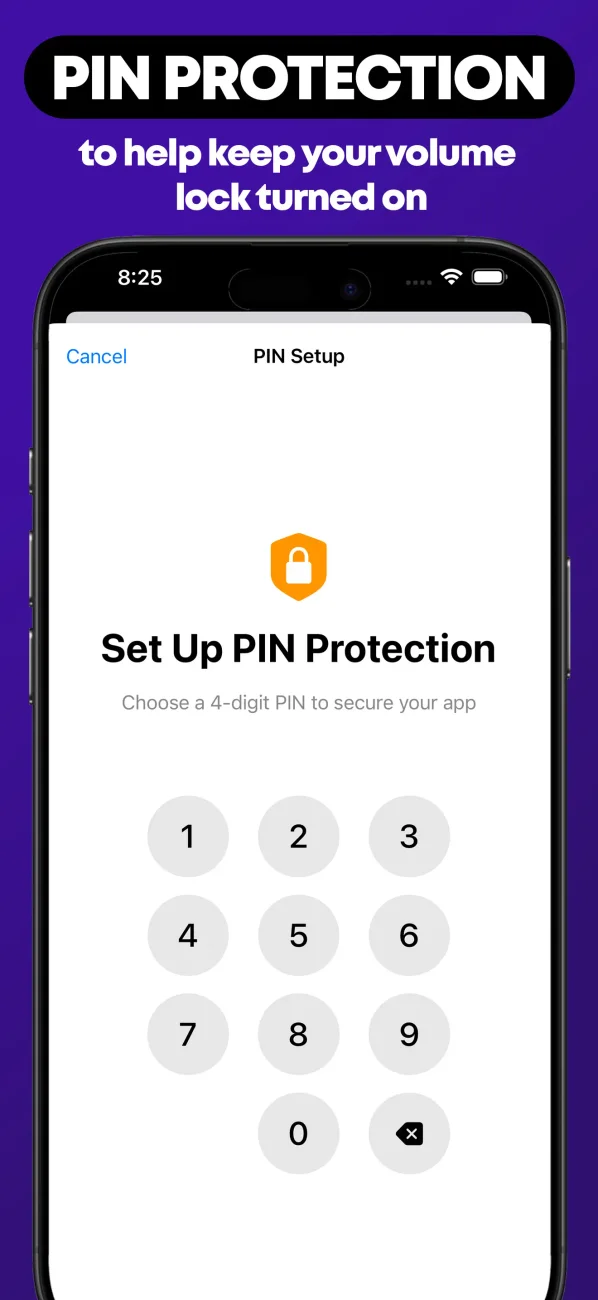
PIN Protection (PRO)
Secure settings with a 4-digit PIN. Perfect for determined little fingers!
Family Sharing
One PRO subscription covers up to 6 family members.
How It Works:
1. Set Your Limit — choose max volume with our slider
2. Activate Lock — tap the button to enable protection
3. Stay Protected — keep the app running in background
4. Control Remotely — manage your child's device from your phone
Real Parent Solutions:
- iPad Gaming: No sound explosions from Roblox or Minecraft
- Car Rides: Peaceful trips without volume wars
- YouTube Kids: No more volume roller coaster
- Bedtime Stories: Perfect levels for wind-down time
- Multiple Kids: Manage all devices from your phone
Hearing Protection:
Sounds over 85 decibels can damage hearing. KB Volume Lock maintains safe levels, especially important for developing ears.
Plans:
- FREE: Volume lock with 2-minute timer
- WEEKLY: $2.99/week with 3-day free trial — unlimited timers, remote control, PIN, family sharing
- LIFETIME: $39.99 one-time — all PRO features, forever
Try PRO free for 3 days. Cancel anytime.
Technical Notes:
- Requires iOS 16.0 or later
- Must remain open in background for volume monitoring
- Remote control uses iCloud — no account creation required
- No personal data collection
Support: support@kbkidsapp.com — 24-hour response time
Privacy: https://kbkidsapp.com/volumelock/privacy.html
Terms: https://www.apple.com/legal/internet-services/itunes/dev/stdeula/
App must stay open in background. Not intended to replace parental supervision.
What’s new
Version 1.1.0 · Jul 2, 2026
- fixes and improvements
App privacy
What Christopher Mayberry declares on the App Store about how this app handles data.
-
Data not collected
The developer does not collect any data from this app.
Privacy practices may vary, for example with the features you use or your age.
Information
- Seller
- Christopher Mayberry
- Category
- Utilities
- Version
- 1.1.0
- Updated
- Jul 2, 2026
- Released
- Aug 7, 2025
- Size
- 3.8 MB
- Requires
- iOS 16.6 or later
- Age rating
- 4+
- Price
- Free
- In-app purchases
- Yes
- Languages
- English
- Copyright
- Copyright: © 2025 Christopher Mayberry
You might also like
-
 Volume Limiter & BlockerParental volume limit control
-
 Volume Lock : Parental ControlSafe Sound Child Volume Lock
-
 Max Volume GuardSet maximum volume limit
-
 Volume Blocker and LimiterParental volume limit control
-
 PacketLoss & SpeedScanping,traceroute,dig,vpn,tool
-
 Sasha: Precise Volume ControlUtilities
-
 Text Cleaner - No Format CopyCopy Clean Paste - Plain Text
-
 AlmostSilentFor Low Volume
-
 Volume Master - Volume ControlControl your volume on the go!
-
 Coloring Book - Pixel ColorPixel Color - Color Paint