
Keel: Screen Time & Focus
Screen time, read as weather
Designed for iPhone, iPad
Free
- Age rating4+
- CategoryProductivity
- DeveloperLuca Schidu
- LanguagesEnglish
- Size7.9 MB
Links to the official App Store page
Download.org hosts no file of Keel: Screen Time & Focus. The button opens its official App Store page, published by Luca Schidu. Listing last checked on Nov 23, 2026.
Screenshots

About
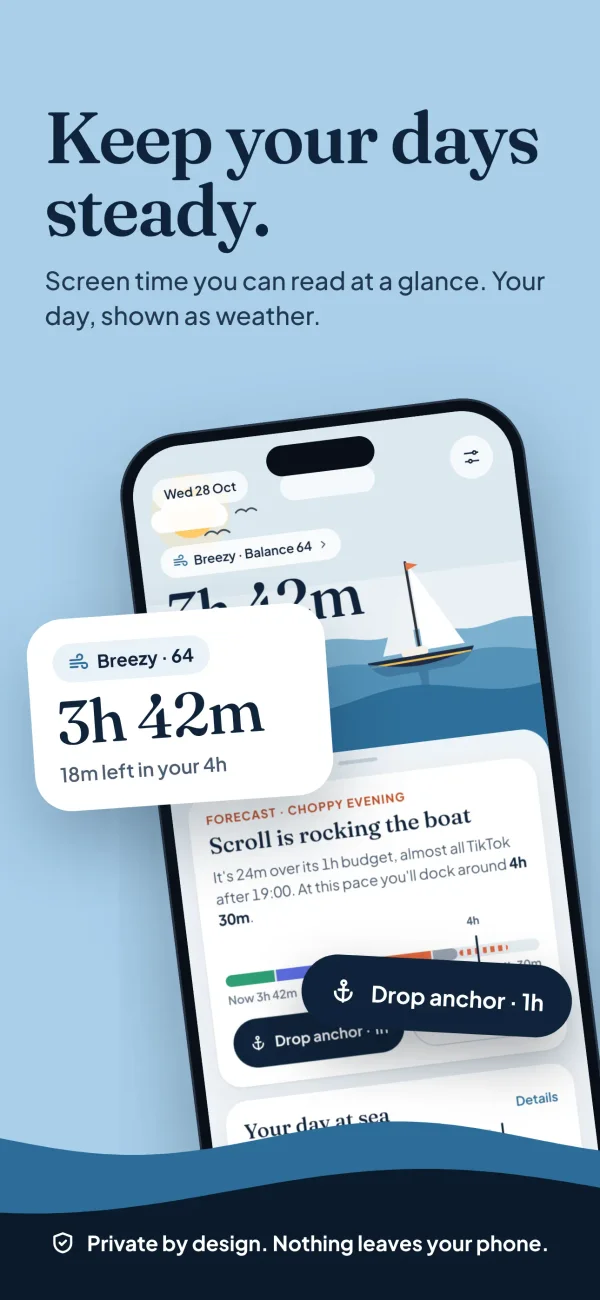
Keel shows your screen time as weather at sea. One look at the sky tells you how your day is going: calm water when your time is in balance, a storm rolling in when the scrolling takes over.
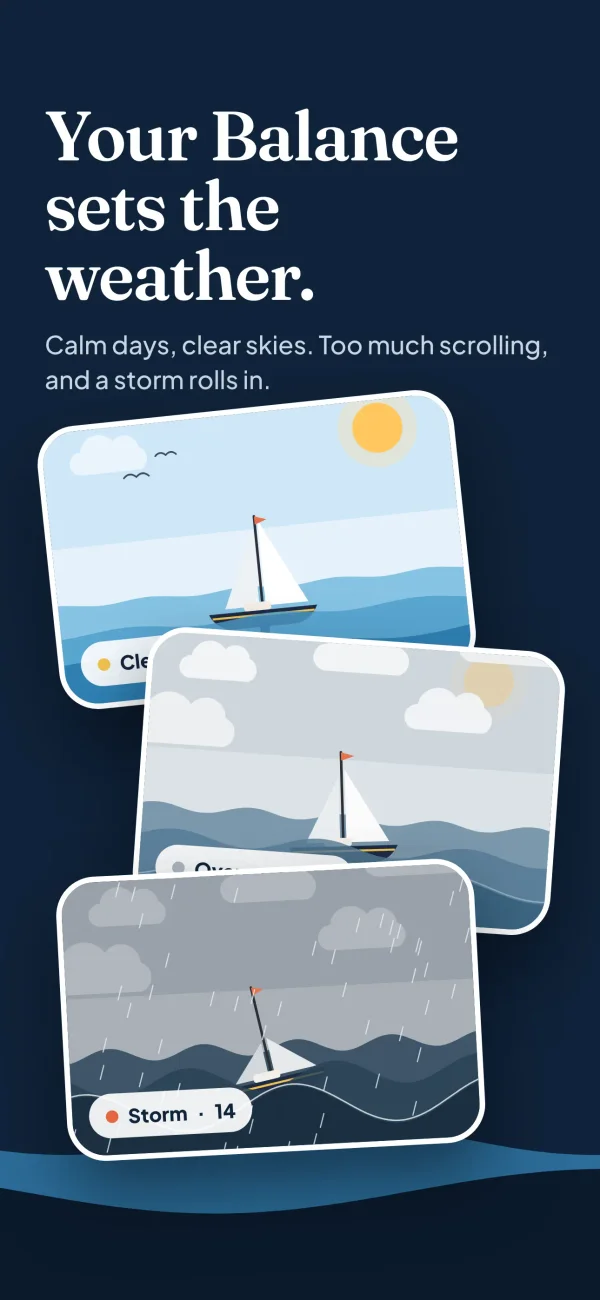
YOUR BALANCE SETS THE WEATHER
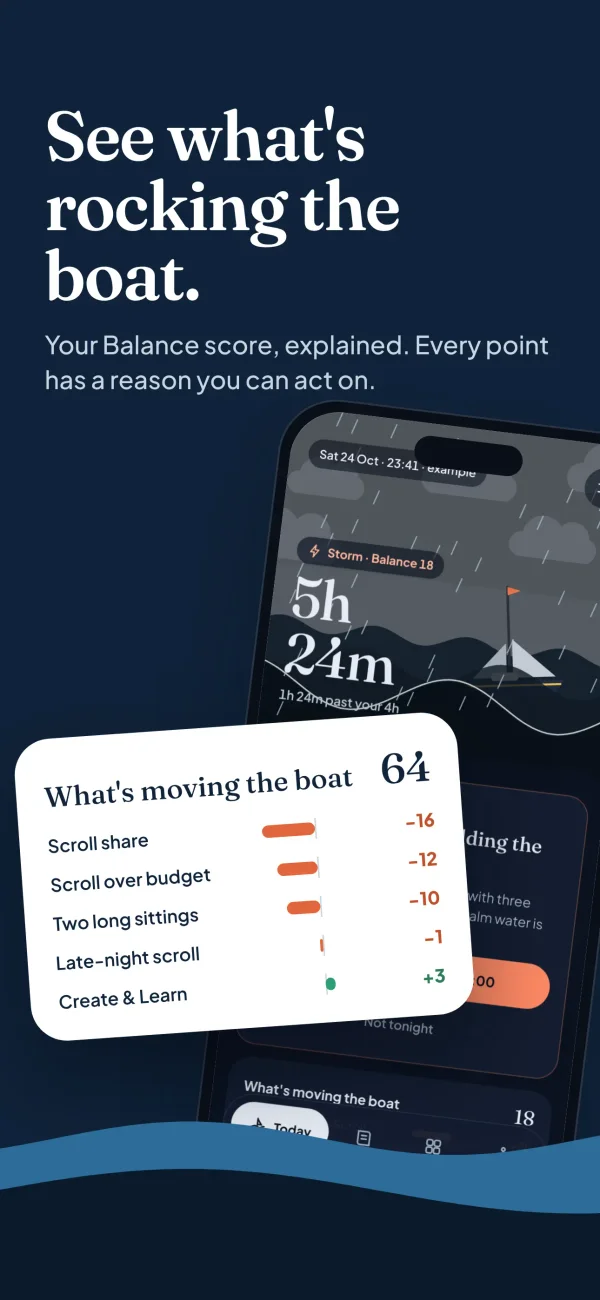
Every day gets a Balance score, from clear skies to storm. It's explained point by point, so you can see what's rocking the boat: too much of your day spent scrolling, going over a budget, long sittings, late-night use. Time spent creating and learning counts in your favour.
KNOW BEFORE YOU GO OVER
Keel forecasts where today is heading while there's still time to change course. Set a daily budget for total time and for scrolling, and get a gentle heads-up before you pass it. No streak flames, no shame.
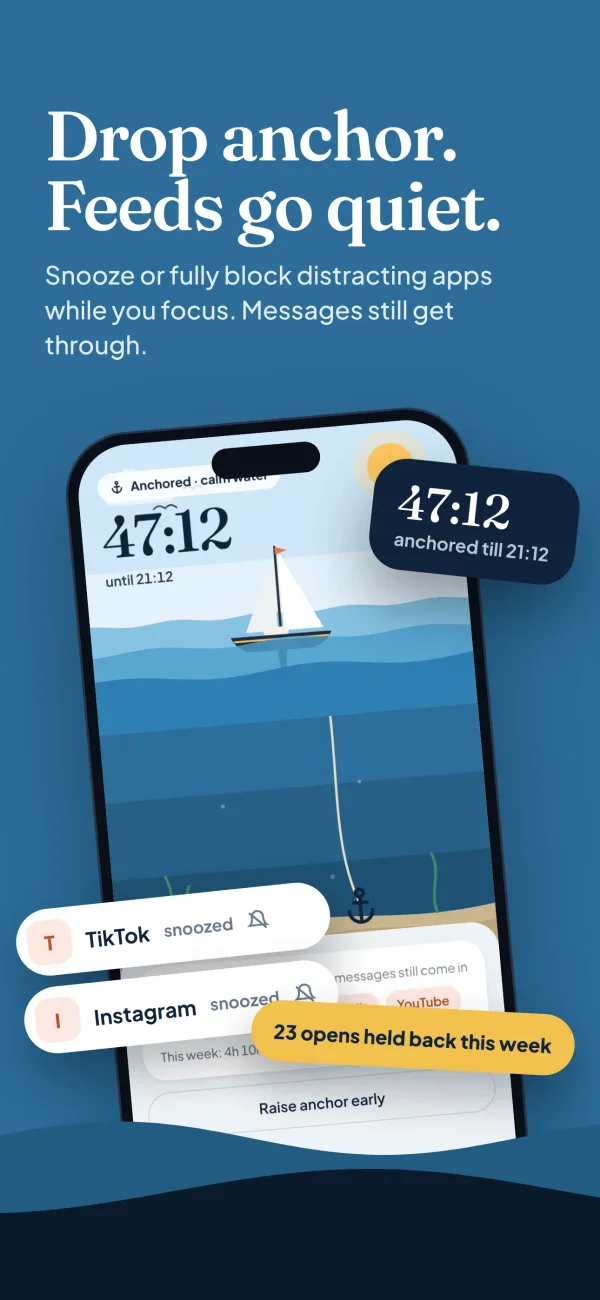
DROP ANCHOR
• Drop anchor: snooze your feeds while you focus. Distracting apps rest behind a calm screen until the timer ends, and messages still get through.
• Hard Focus: fully block the apps you choose, for a timer or at set hours each day, like work hours or after 11pm. A Hard Focus block can't be ended early, not even from inside Keel.
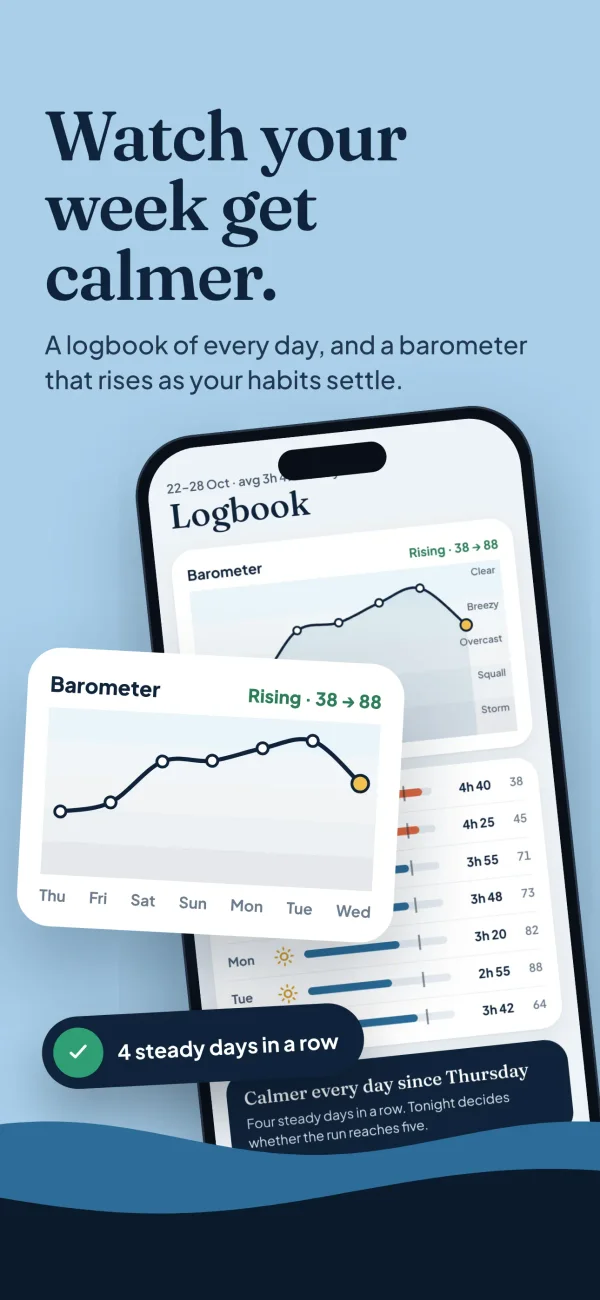
WATCH YOUR WEEK GET CALMER
• A logbook of every day, with its weather, screen time and Balance
• A barometer that rises as your habits settle
• A run of steady days within your budgets, with one rest day a week allowed
• A Monday review of your week
YOUR PATTERNS
• How often you pick up your phone, your first app of the day and your last use at night
• Quick checks, long sittings and the time between pickups
• App by app: where the time went, today and over the last 7 days
FOUR KINDS OF TIME
Every app counts as Create & Learn, Social & Chat, Scroll or Utility. If Keel guesses an app wrong, move it, or sort whole App Store categories at once.
PRIVATE BY DESIGN
No account, no cloud, no ads. Your screen time never leaves your phone. Optional setup analytics stay off unless you agree.
SCREEN TIME ACCESS
Keel uses Apple's Screen Time to see which apps were used and to block the ones you pick. You grant access once, and you can take it back at any time in Settings.
What’s new
Version 1.1.4 · Nov 12, 2026
A redesigned setup that shows your usual day next to a suggested daily budget. Smoother scrolling on Anchor › Rules, and a fix for Screen Time data sometimes disappearing. Fixed a bug where Hard Focus timers could keep running after you restarted your phone. Plus visual refinements throughout.
App privacy
What Luca Schidu declares on the App Store about how this app handles data.
-
Data not linked to you
May be collected but is not linked to your identity.
- Usage data
- Diagnostics
Privacy practices may vary, for example with the features you use or your age.
Information
- Seller
- Luca Schidu
- Category
- Productivity
- Version
- 1.1.4
- Updated
- Nov 12, 2026
- Released
- Nov 2, 2026
- Size
- 7.9 MB
- Requires
- iOS 17.0 or later
- Age rating
- 4+
- Price
- Free
- Languages
- English
- Copyright
- © 2026 Luca Schidu
You might also like
-
 PDF Search KitSearch & scan PDFs instantly
-
 OneThing - Unlock your dayDo one thing, not everything
-
 Build MomentumProductivity
-
 Notal Pro - Quick NotesNotes, lists and tables
-
 Focus KingdomFocus Builds your Kingdom
-
 Habit Builder - StreaklyTrack Habits & Goals.
-
 PumBaby - Baby TrackerFeed, Sleep & Diaper Log
-
 Zavi AI Voice Typing KeyboardSmart AI Voice Typing Keyboard
-
 LifeFeed AI: Bookmark ManagerSave Reels, Links, Read Later
-
 iPantry: Food & Expiry TrackerNever waste food again