
Keep Receipt
Receipts, warranties & returns
Designed for iPhone, iPad
Free · In-app purchases
- Age rating4+
- CategoryFinance
- DeveloperNikola Panic
- LanguagesEnglish
- Size11.3 MB
Links to the official App Store page
Download.org hosts no file of Keep Receipt. The button opens its official App Store page, published by Nikola Panic. Listing last checked on Nov 24, 2026.
Screenshots

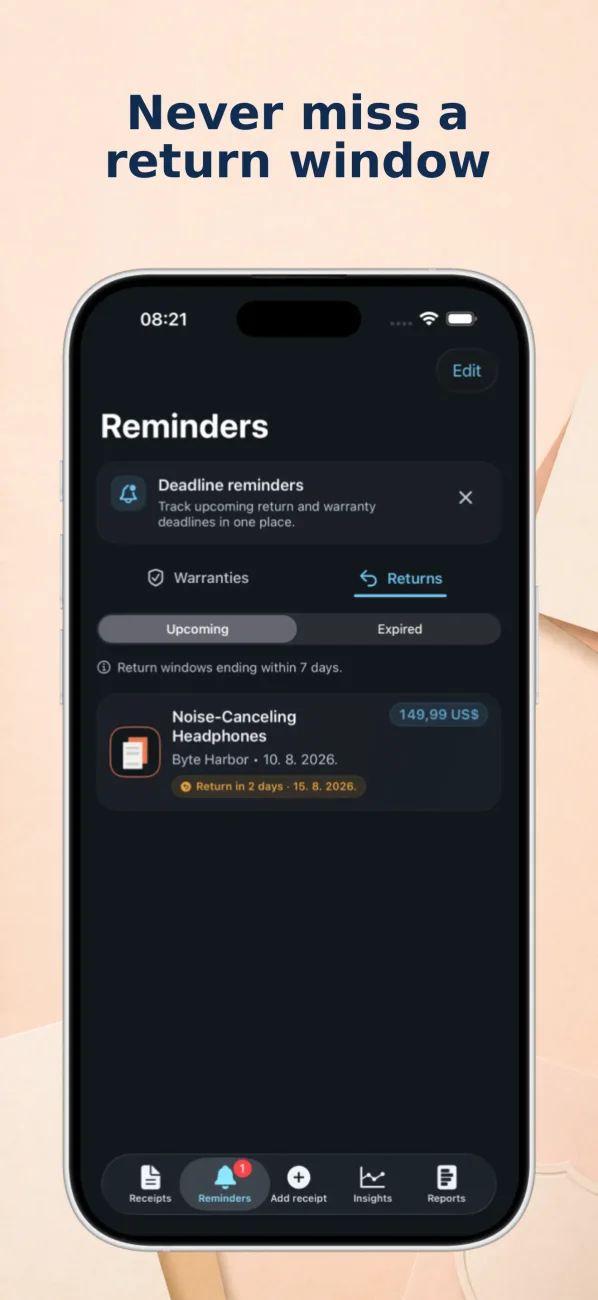
About
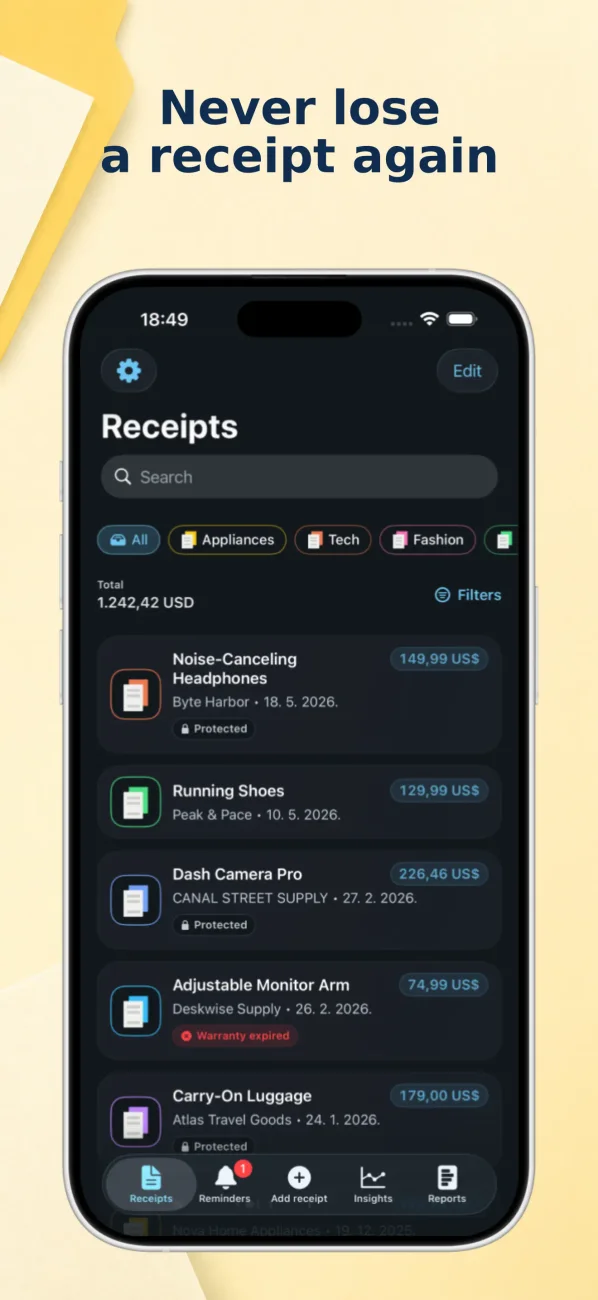
Keep Receipt helps you organize receipts, warranty papers, and important purchase details in one place.
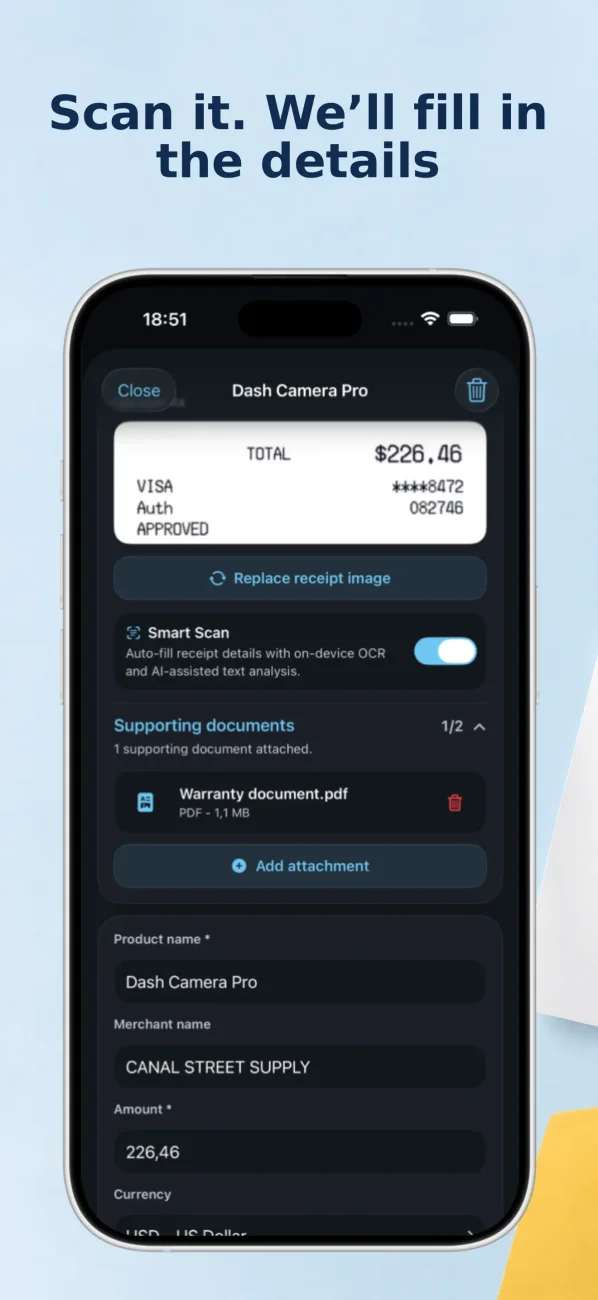
Scan a receipt, import an image from your photo library, or add an image or PDF from Files. Add the details that matter: product name, merchant, amount, category, purchase date, warranty expiration date, and notes. PDF receipts show a first-page preview and open as full documents when you need them.
Find past purchases quickly and keep the records you may need for returns, repairs, reimbursements, taxes, or accounting.
Track return deadlines with 14, 30, 60, or 90-day presets, or choose a custom return date. Track warranties with 6 month, 1 year, or 2 year presets, or choose a custom expiration date. Return and warranty tracking, including optional reminders, are available without Premium. You can save a PDF as your main receipt without Premium, subject to the free plan's receipt limit.
Keep Receipt Premium unlocks:
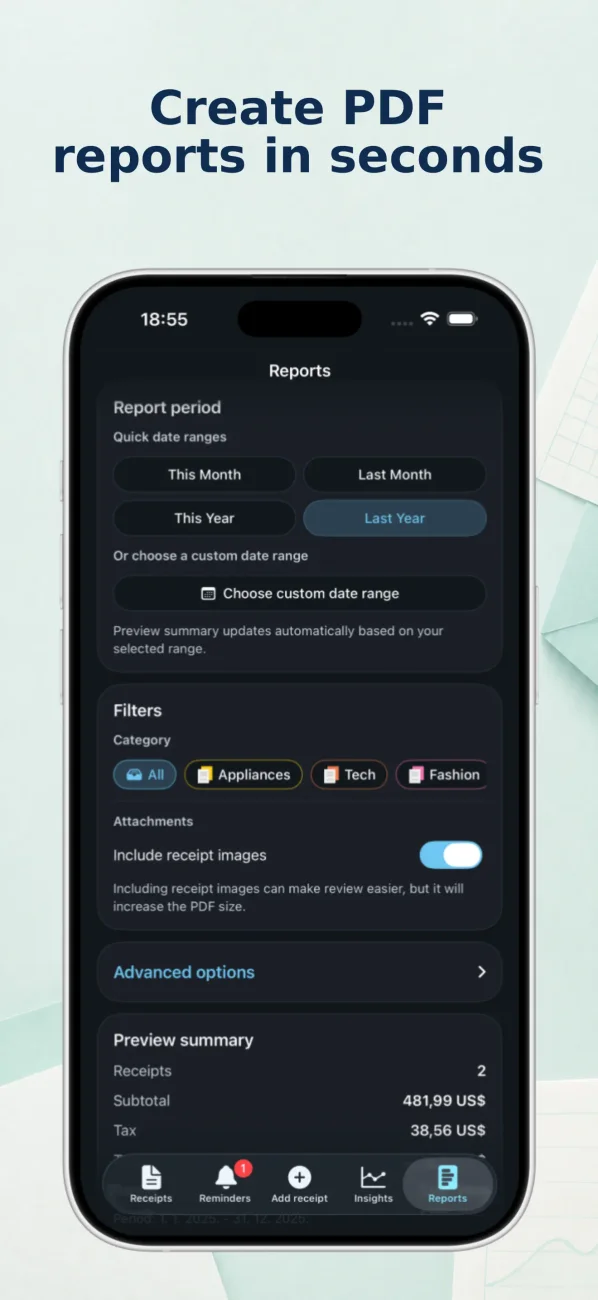
- Flexible exports: PDF reports, CSV and Excel files, and ZIP archives of your stored receipt images and original PDF receipts
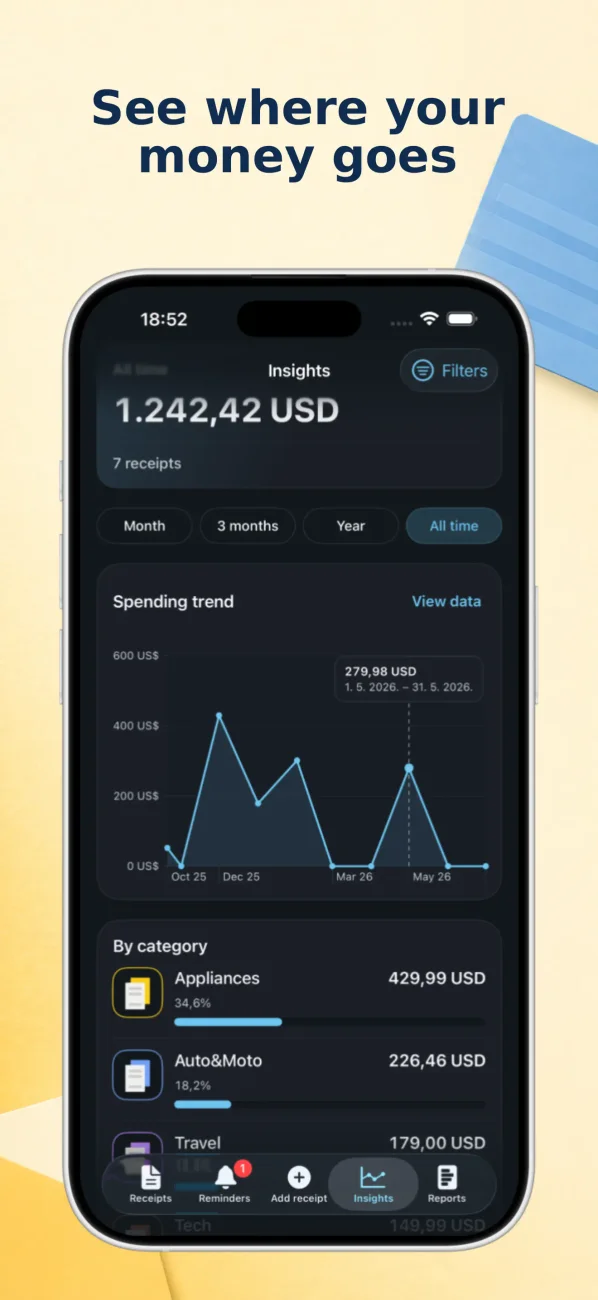
- Spending Insights with clear trends, category breakdowns, useful highlights, and flexible filters, without mixing currencies
- Smart Scan auto-fill using OCR and AI-assisted text analysis
- Unlimited receipt storage where free plan limits apply
- Extra supporting documents for warranties, PDFs, and other files
- Category renaming for every category, including built-in categories
When included in a PDF report, a PDF receipt contributes all of its pages. ZIP exports contain stored main receipt images and original PDF receipts, not supporting documents.
Use Keep Receipt for everyday purchases and the documents that come with them, from electronics and appliances to furniture, sports gear, fashion, auto, and household essentials.
Terms of Use (EULA): https://www.apple.com/legal/internet-services/itunes/dev/stdeula/
Privacy Policy: https://keepreceipt.app/privacy.html
What’s new
Version 2.5.0 · Nov 5, 2026
Save PDF receipts directly from Files. Keep the original document, preview its first page, and open the full PDF whenever you need it. Premium exports include original PDFs in ZIP downloads and every page in PDF reports.
We've also refreshed Premium Insights charts and improved reminder reliability across accounts.
App privacy
What Nikola Panic declares on the App Store about how this app handles data.
-
Data linked to you
May be collected and linked to your identity.
- Location
- Identifiers
-
Data not linked to you
May be collected but is not linked to your identity.
- Purchases
- Contact info
- User content
- Identifiers
- Usage data
- Diagnostics
Privacy practices may vary, for example with the features you use or your age.
Information
- Seller
- Nikola Panić
- Category
- Finance
- Version
- 2.5.0
- Updated
- Nov 5, 2026
- Released
- Apr 12, 2019
- Size
- 11.3 MB
- Requires
- iOS 18.0 or later
- Age rating
- 4+
- Price
- Free
- In-app purchases
- Yes
- Languages
- English
- Copyright
- © 2019 Nikola Panić
You might also like
-
 QuickReceipts Smart Scannerez digital receipt tracker app
-
 Receipt Lens - Expense TrackerScan receipts, manage expenses
-
 Smart Receipts: Expenses & TaxFinance Tracking & Scanner
-
 Foreceipt Receipt Tracker AppExpense Report, IRS Tax Tool
-
 Receipt Scanner・Track ExpensesOCR Scanning・PDF Reports
-
 Shoeboxed: Mileage TrackerBusiness Receipts & Paper
-
 Categorizr: Receipt ScannerTrack Expenses and Inventory
-
 SimplyWise: Receipts, ExpensesBusiness Tax Report & Tracker
-
 Smart Receipt Scan: ReceiptlyEasy Expense & Mileage Tracker
-
 Receipt Tracker Smart ReceiptsInvoice Scanner & Archive App