Keepbook: Checkbook Register
Balance your accounts by hand
Designed for iPhone, iPad
Free · In-app purchases
- Age rating4+
- CategoryFinance
- DeveloperBruce Johnson
- LanguagesEnglish
- Size1.6 MB
Links to the official App Store page
Download.org hosts no file of Keepbook: Checkbook Register. The button opens its official App Store page, published by Bruce Johnson. Listing last checked on Nov 23, 2026.
Screenshots
About
Keepbook is a checkbook register for people who enter their own transactions and want the balance to be right.
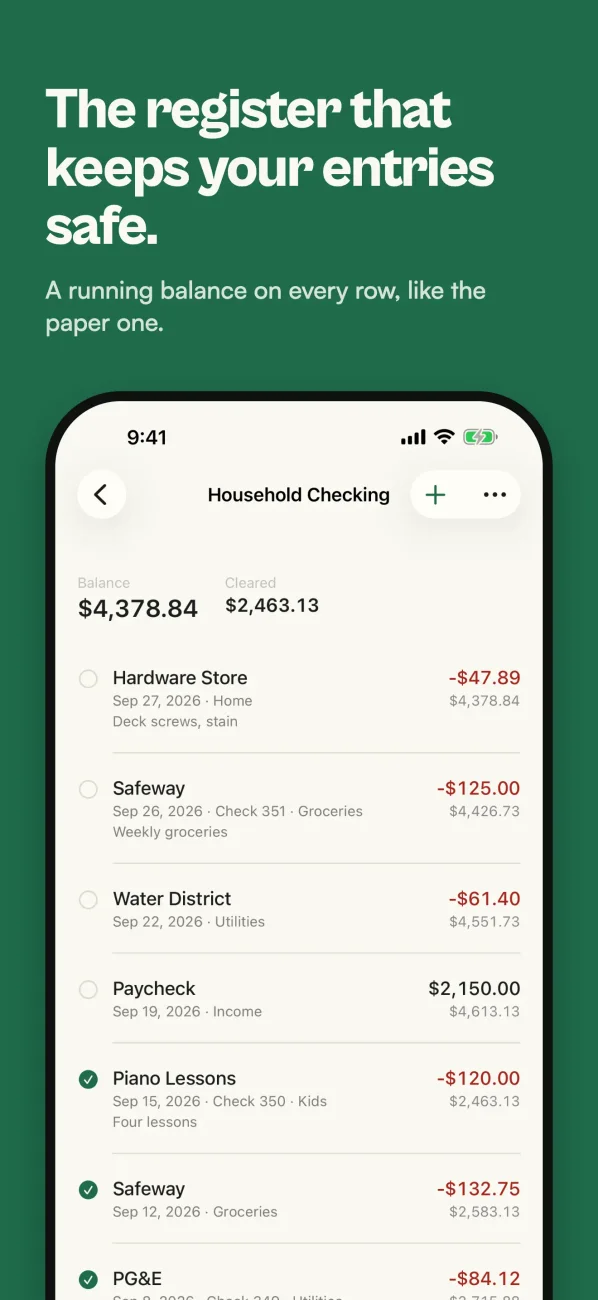
Every row shows the balance after it, the way a paper register does. Amounts are kept in whole cents, so the balance is never off by a penny.
YOUR ENTRIES ARE KEPT SAFE
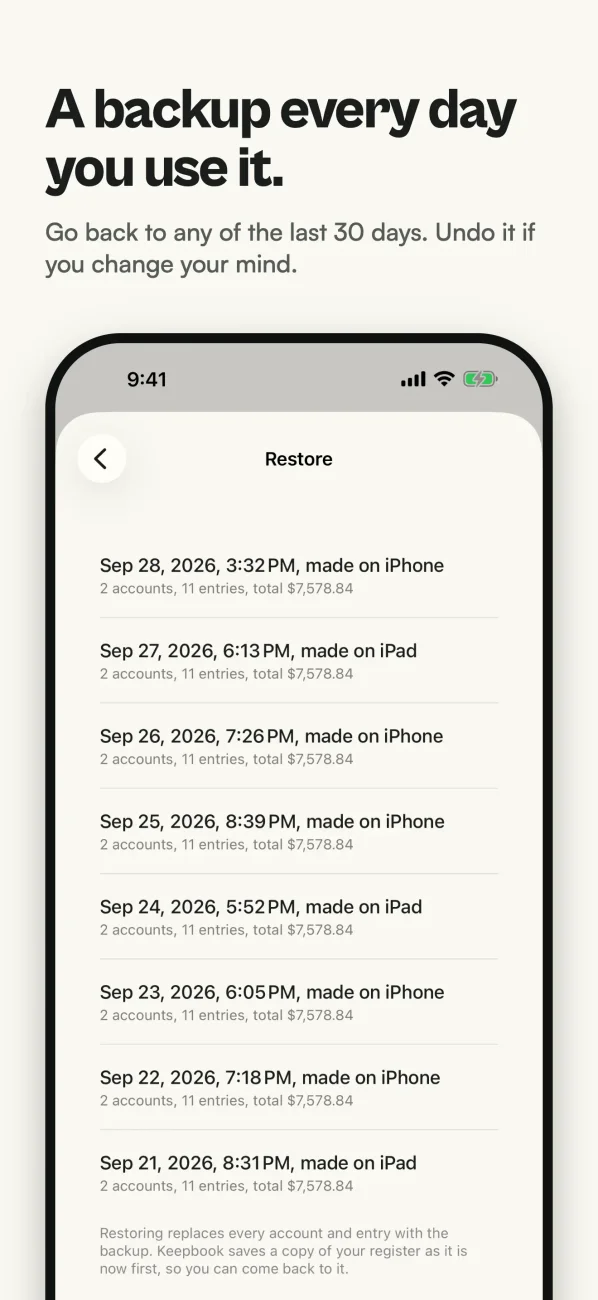
- A backup file is written every day you use the app and kept for 30 days.
- Backups are plain files in your own iCloud Drive. Restore any of them with two taps.
- Restoring saves your current register first, so a restore can be undone.
WHAT IT DOES
- As many accounts as you need: checking, savings, credit cards, cash.
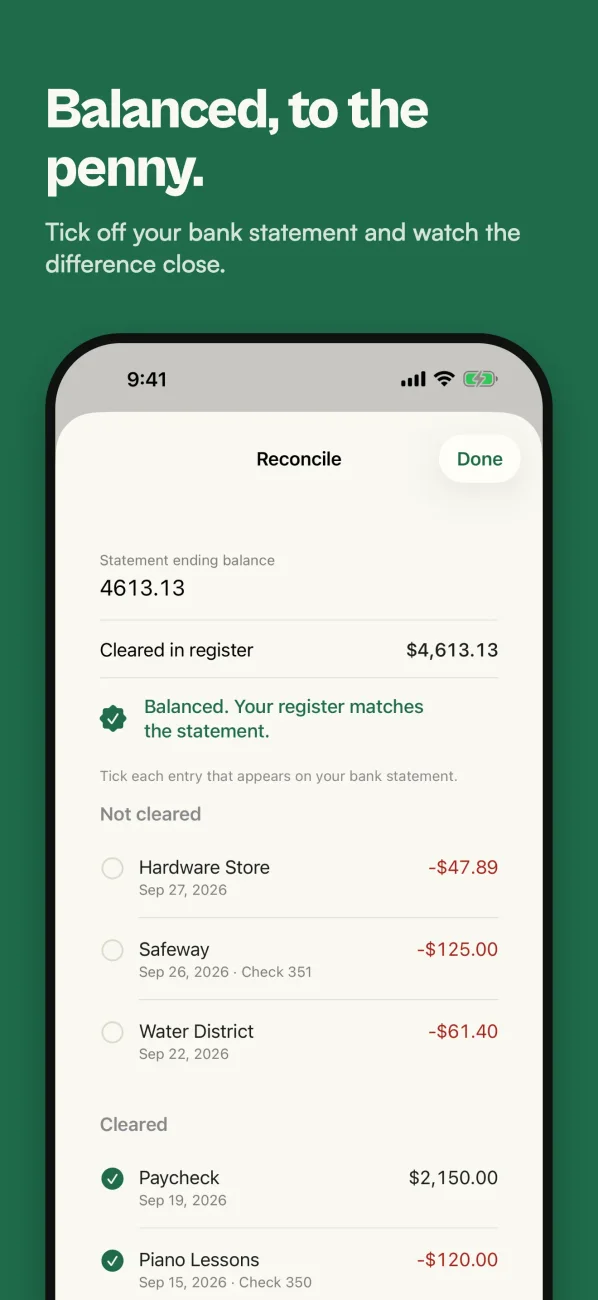
- Reconcile against your bank statement and see the difference as you tick entries off.
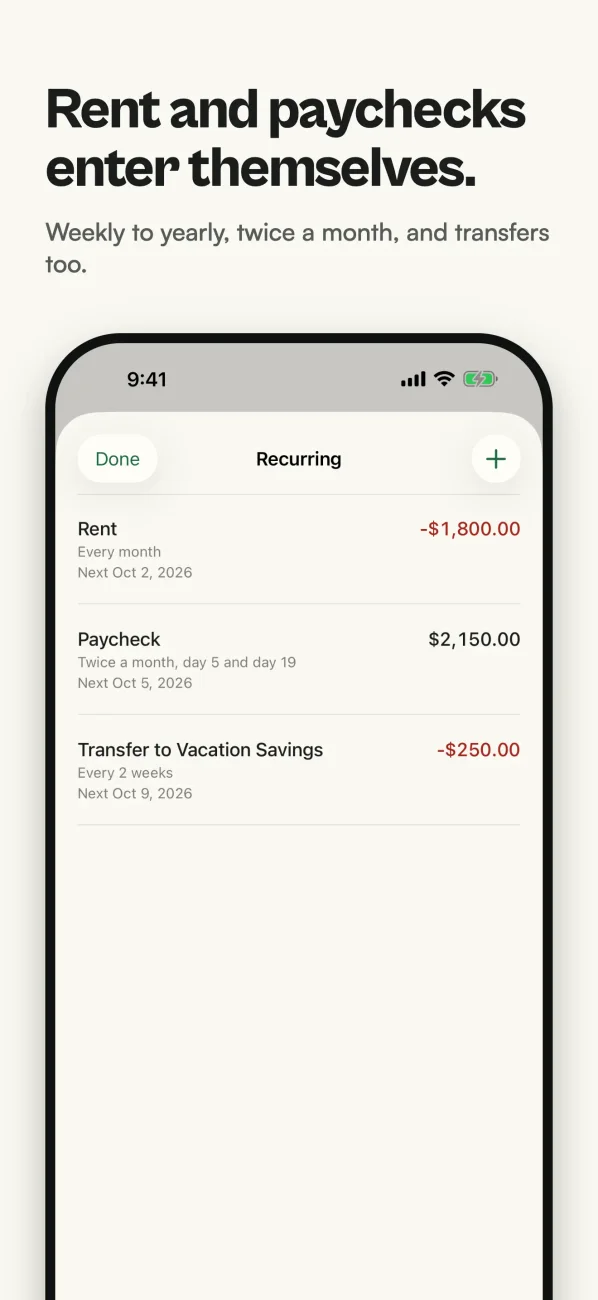
- Recurring entries: weekly, every 2 weeks, every 4 weeks, twice a month, monthly, quarterly, twice a year, yearly.
- Transfers between accounts, shown in both registers.
- Search by description, amount, check number or memo.
- Automatic decimal point, if you want it: type 12345 and the entry is $123.45.
- Lock with Face ID, Touch ID or your passcode.
- Dark mode and large text.
COMING FROM ACCOUNTS 2 OR ACCOUNTS 3
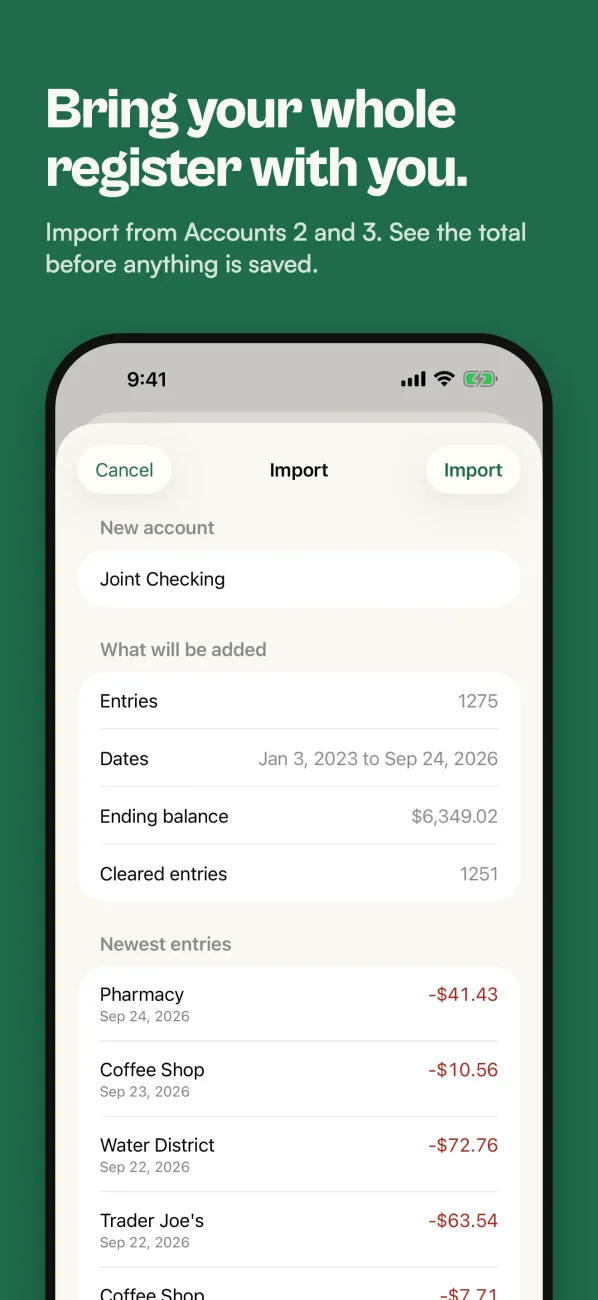
Export each account as CSV and import it. You see the entry count and the ending balance before anything is saved.
WHAT IT DOES NOT DO
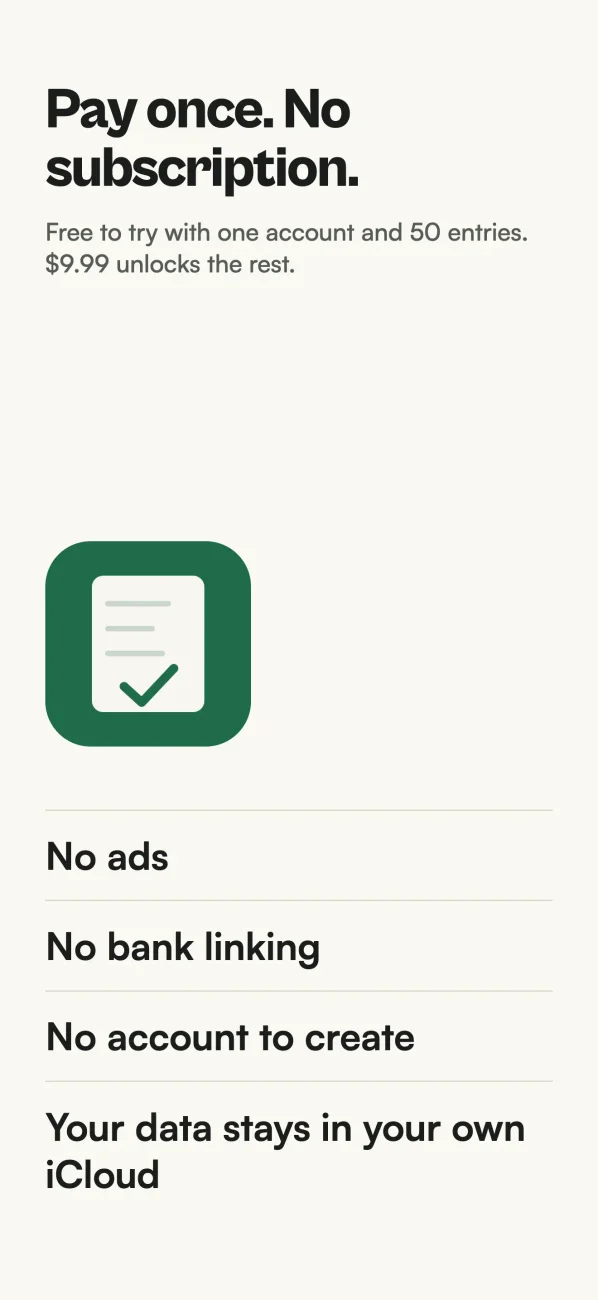
No ads. No bank linking. No account to create. Nothing leaves your devices except through your own iCloud.
PRICE
Free: one account, 50 entries, and a backup every day.
One payment of $9.99 adds unlimited accounts and entries, sync between your iPhone and iPad through your own iCloud, export to CSV, and print. There is no subscription.
What’s new
Version 1.0.3 · Nov 20, 2026
Automatic decimal point, added because a customer asked for it.
• Turn it on in Settings, under Entering amounts. With it on you do not type the decimal point: the last two digits of what you type are the cents. Type 12345 for $123.45, or 4000 for $40.00.
• It works wherever you enter money: entries, recurring entries, statement balances and starting balances.
• It stays off until you turn it on, so the amounts you type today keep the meaning they have now.
Questions or ideas: support@getkeepbook.com
App privacy
What Bruce Johnson declares on the App Store about how this app handles data.
-
Data not collected
The developer does not collect any data from this app.
Privacy practices may vary, for example with the features you use or your age.
Information
- Seller
- Bruce Johnson
- Category
- Finance
- Version
- 1.0.3
- Updated
- Nov 20, 2026
- Released
- Oct 1, 2026
- Size
- 1.6 MB
- Requires
- iOS 17.0 or later
- Age rating
- 4+
- Price
- Free
- In-app purchases
- Yes
- Languages
- English
- Copyright
- © 2026 Bruce Johnson
You might also like
-
 Simple RegisterSimple Checkbook Register
-
 checkbook wizardOrganize and Pay Your Bills
-
 Checkbook Register: LedgerFlowTrack Spending & Balance
-
 Checkbook Register - ReconLogAccount Tracker, Cheque Ledger
-
 Checkbook - Simple TrackingManual budget & spend tracker
-
 Pocket Register: CheckbookManual Ledger & Paycheck Plan
-
 Easy Check Book RegisterFinance
-
 Checkbook - Budget & ExpensesCheck Register, Bills & Budget
-
 Quick CheckbookCheck Book Register and Ledger
-
 Checkbook - Account TrackerSpending, Income and Cashflow