KeepDates: Contact Dates
Contact dates, handled
Designed for iPhone
Free · In-app purchases
- Age rating4+
- CategoryLifestyle
- DeveloperZiga Dolar
- LanguagesEnglish+ 6 more
- Size12.4 MB
Links to the official App Store page
Download.org hosts no file of KeepDates: Contact Dates. The button opens its official App Store page, published by Ziga Dolar. Listing last checked on Nov 23, 2026.
Screenshots



About
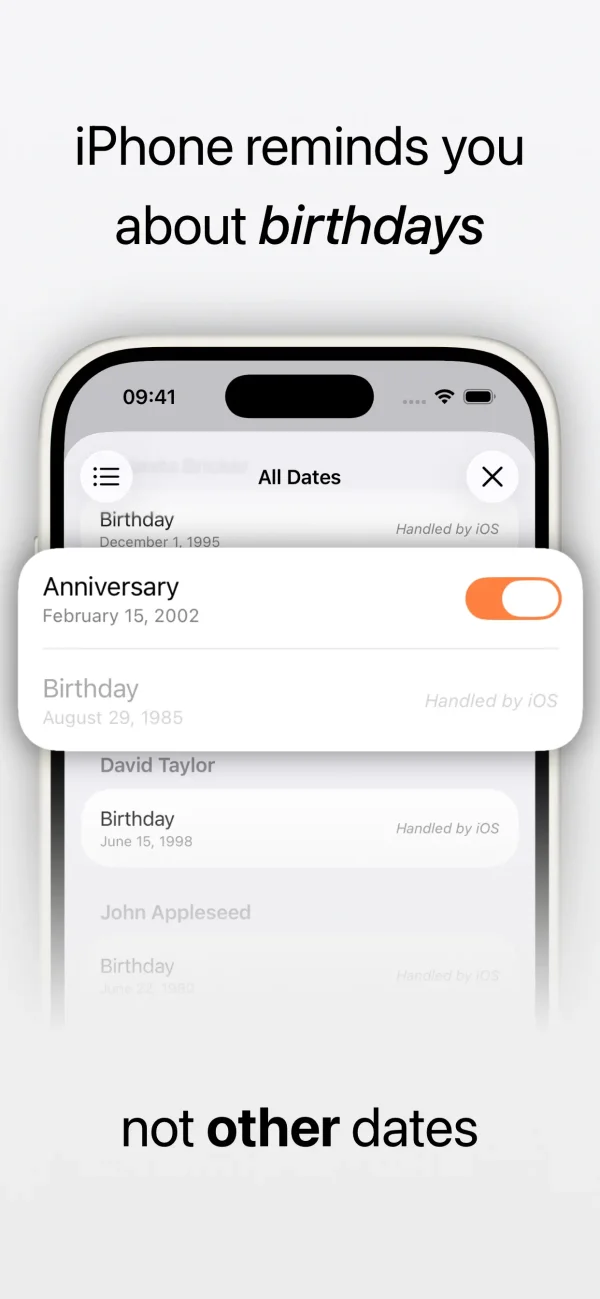
Your iPhone remembers birthdays.
But important dates like anniversaries are easy to miss.
KeepDates fixes that automatically.
# What it does
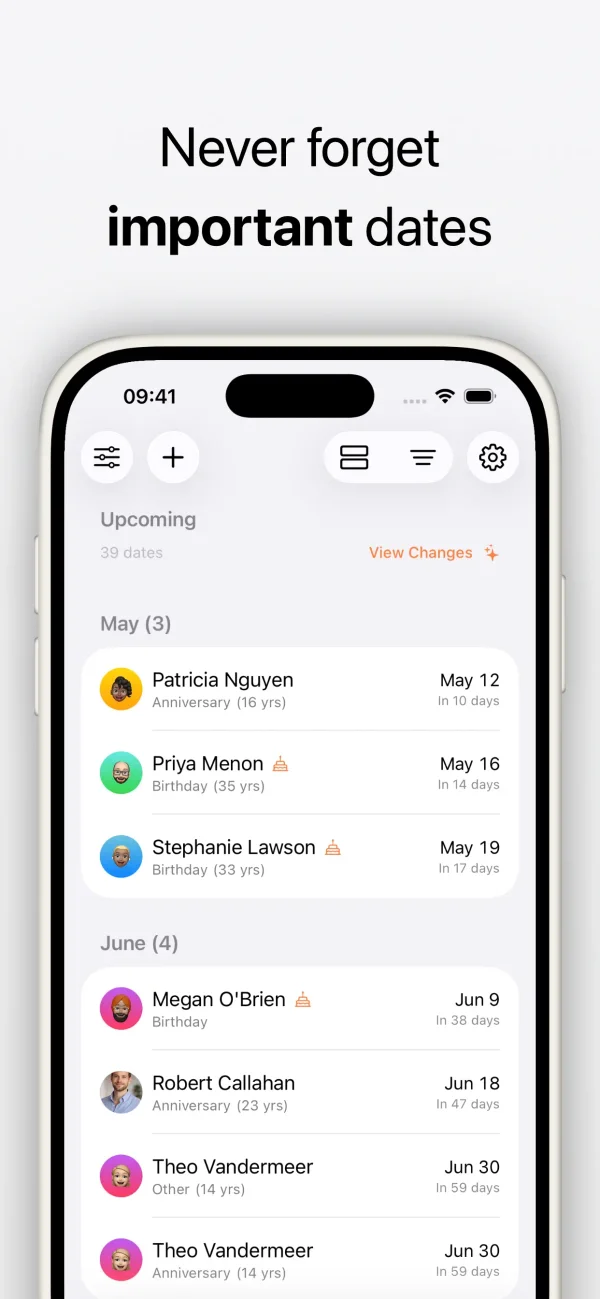
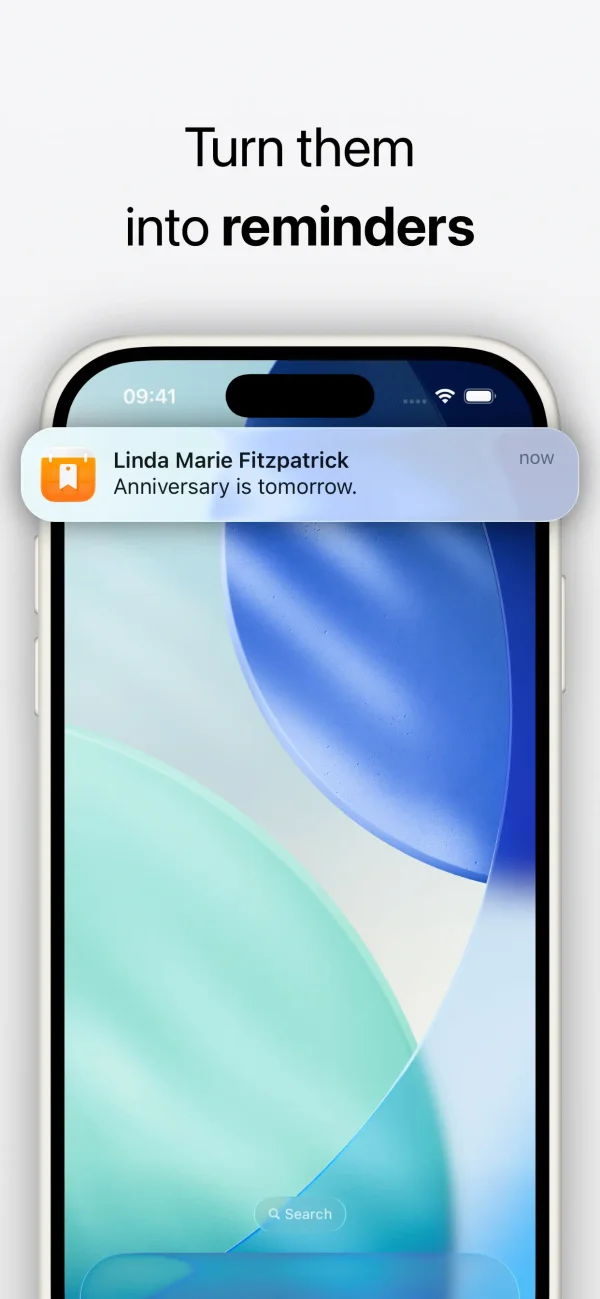
KeepDates finds the dates stored in your contacts: anniversaries, custom events, and more. It turns them into reminders you’ll actually see.
It works quietly in the background and keeps everything up to date as your contacts change.
# Why it’s useful
* Never forget anniversaries, milestones, or important personal dates
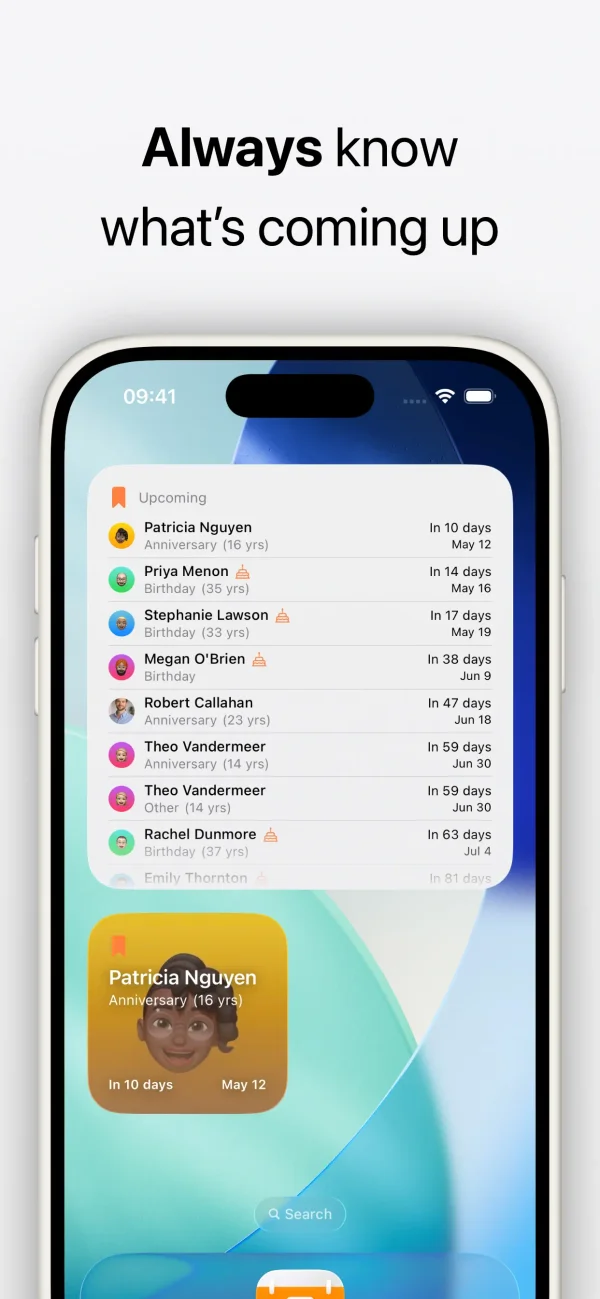
* See all upcoming dates in one simple list
* Get reminders before they happen
* Works automatically, with no manual setup
# How it works
* Scans your contacts for date fields
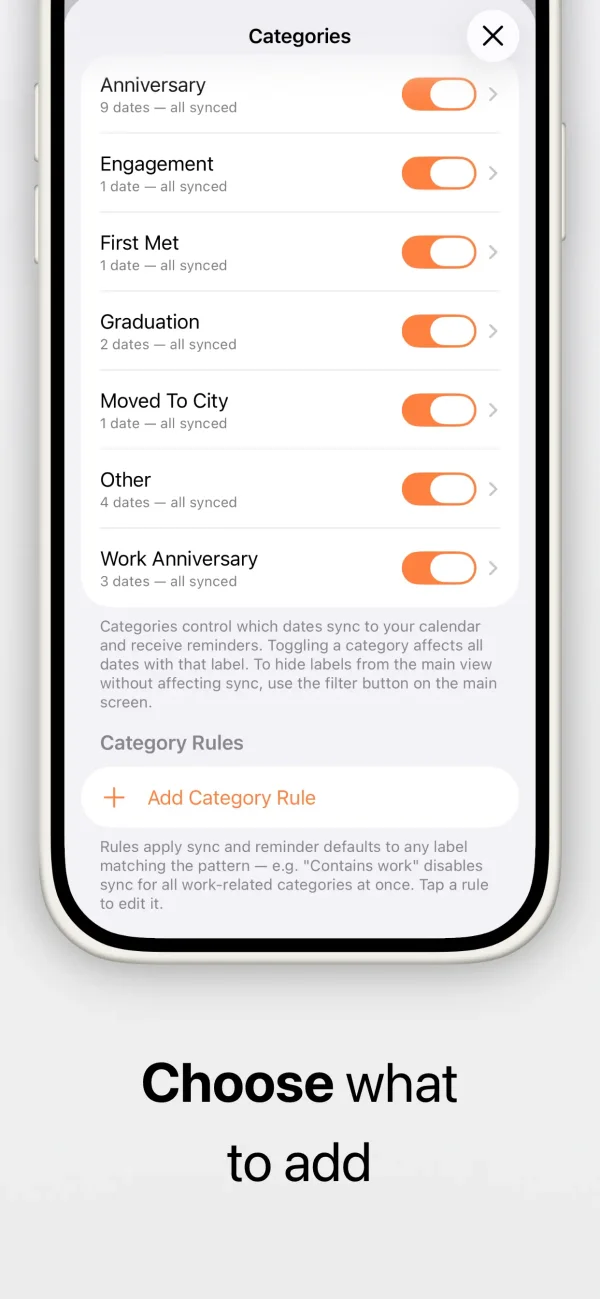
* Lets you review and choose what to include
* Syncs selected dates into a dedicated calendar
* Keeps everything updated in the background
# Key Features
* Automatic contact date detection
* Calendar sync with yearly recurring events
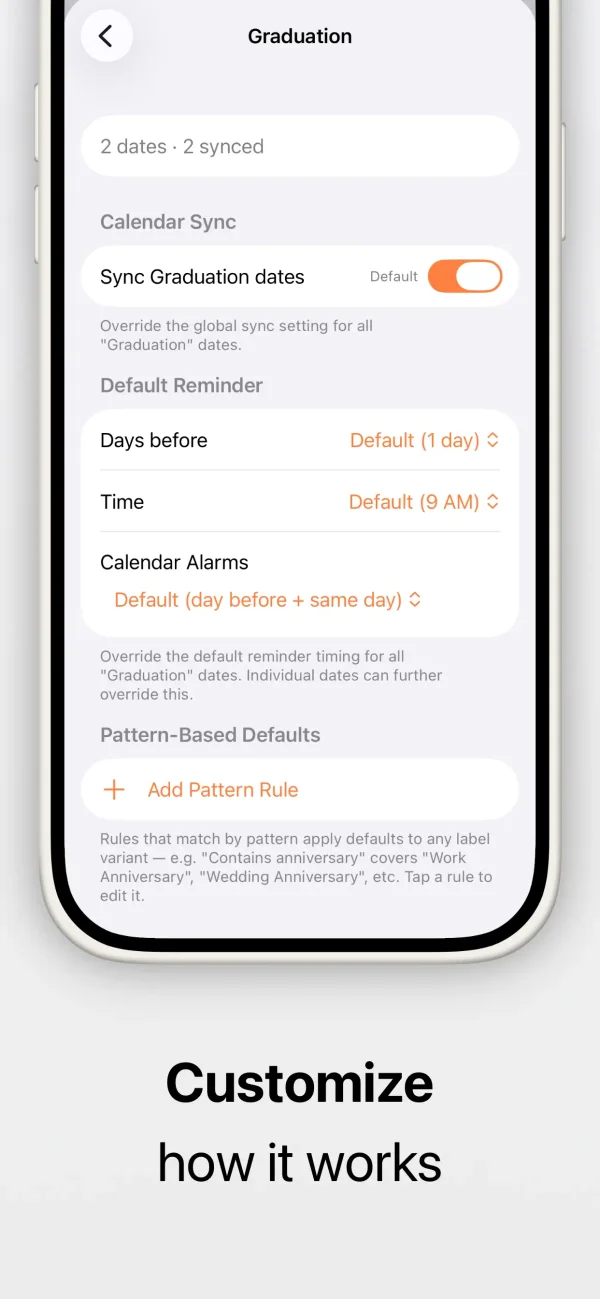
* Optional reminders (day before by default)
* Widgets for quick access to upcoming dates
* Apple Watch app with complications
* Two-column layout on iPhone Duo
* Background sync, so it is always up to date
* Works completely offline
# Widgets
* Small widget: next upcoming date
* Medium widget: multiple upcoming dates
* Lock screen widget: quick glance countdown
# Apple Watch
* Upcoming dates on your wrist, with contact photos
* Complications for every watch face style
* Tap a complication to open that date
* Its own look-ahead window and birthday setting, separate from your iPhone
* Keep the list flat, or group it by month or by person
* Free, like the rest of KeepDates
# iPhone Duo
* Two columns on the larger screen: your list beside the date you opened
* Open a contact and both columns move along, so the date you came from stays in view
* KeepDates at a glance in the sidebar: your contacts, dates synced and hidden, and how they split by type
# Privacy
KeepDates is built to be simple and private:
* No accounts
* No cloud sync
* No tracking
* All data stays on your device
# Premium (Optional)
Unlock additional control and customization:
* Smart reminders (multiple timings)
* Mark each date Handled, with a checklist for every occurrence
* More dates in widgets, plus large and extra large sizes with your next date featured
* Contact Spotlight and Today widgets
* Look-ahead window control
* Pinned contacts
* Defaults per category and per contact
* Your own calendar name, event titles and calendar account
* Advanced filtering and customization
###
KeepDates is designed to feel like a missing system feature: simple, automatic, and out of the way.
What’s new
Version 26.16.1 · Nov 17, 2026
Fixes a crash on some iOS 27.2 beta versions, where KeepDates closed as soon as it opened and its widgets could stop updating.
App privacy
What Ziga Dolar declares on the App Store about how this app handles data.
-
Data not collected
The developer does not collect any data from this app.
Privacy practices may vary, for example with the features you use or your age.
Information
- Seller
- Ziga Dolar
- Category
- Lifestyle
- Version
- 26.16.1
- Updated
- Nov 17, 2026
- Released
- Apr 9, 2026
- Size
- 12.4 MB
- Requires
- iOS 26.0 or later
- Age rating
- 4+
- Price
- Free
- In-app purchases
- Yes
- Languages
- English, French, German, Italian, Portuguese, Simplified Chinese, Spanish
- Copyright
- © 2026 Ziga Dolar
You might also like
-
 Gratula – GeburtstageLifestyle
-
 Together BoardA pinboard for your life
-
 TrackUrNutriLifestyle
-
 Plunder: Challenge CoinsOrganize Your Loot
-
 CelebriTracking birthday made easy!
-
 Happy BirTheyBirthday Reminder & Countdown
-
 Save The Date AppNever Miss a Birthday Again
-
 3&3 ~ Birthday ReflectionsLifestyle
-
 Faith & World Holiday CalendarCultural Calendar & Name Days
-
 B'Day: Birthday Cards & ComicsReminders, AI art & videos