Keepnook
Your scrapbook and journal
Designed for iPhone, iPad
Free · In-app purchases
- Age rating4+
- CategoryLifestyle
- DeveloperAliaksandra Valodzina
- LanguagesEnglish
- Size71.1 MB
Links to the official App Store page
Download.org hosts no file of Keepnook. The button opens its official App Store page, published by Aliaksandra Valodzina. Listing last checked on Nov 18, 2026.
Screenshots
About
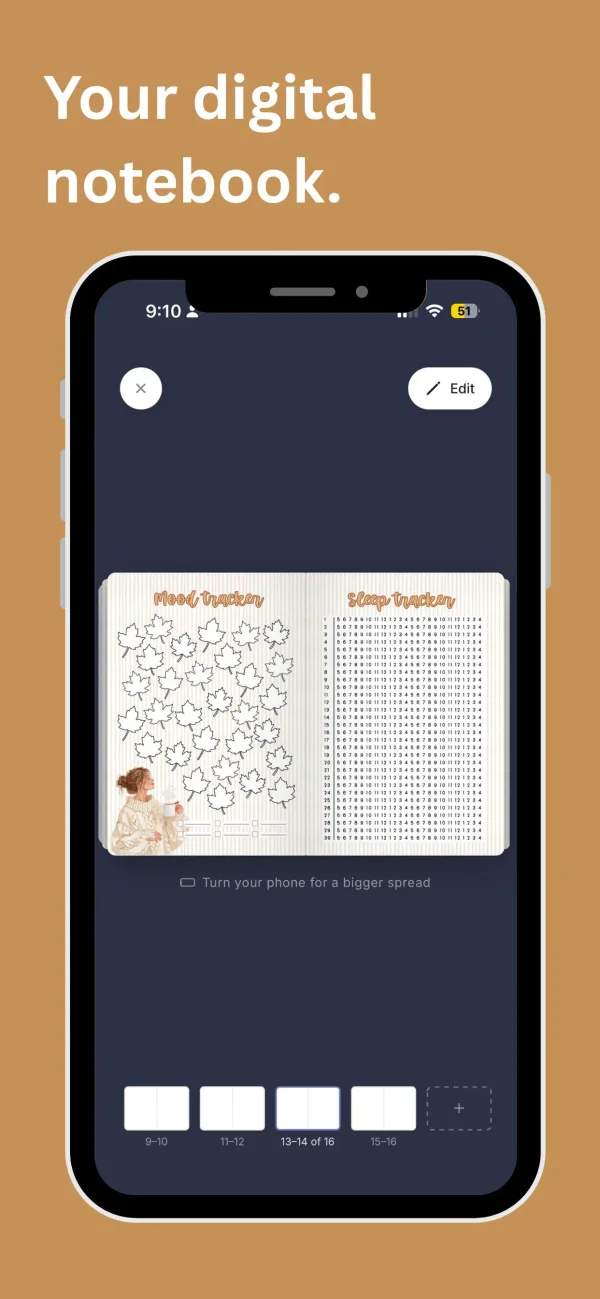
Keepnook is a notebook you keep with your hands.
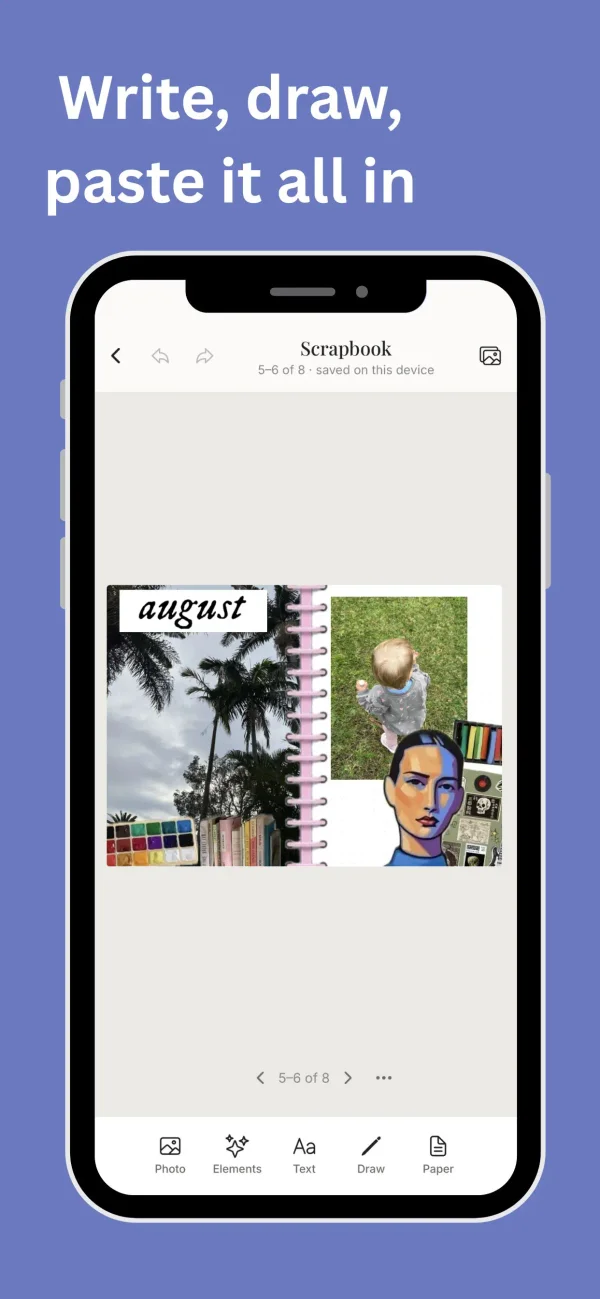
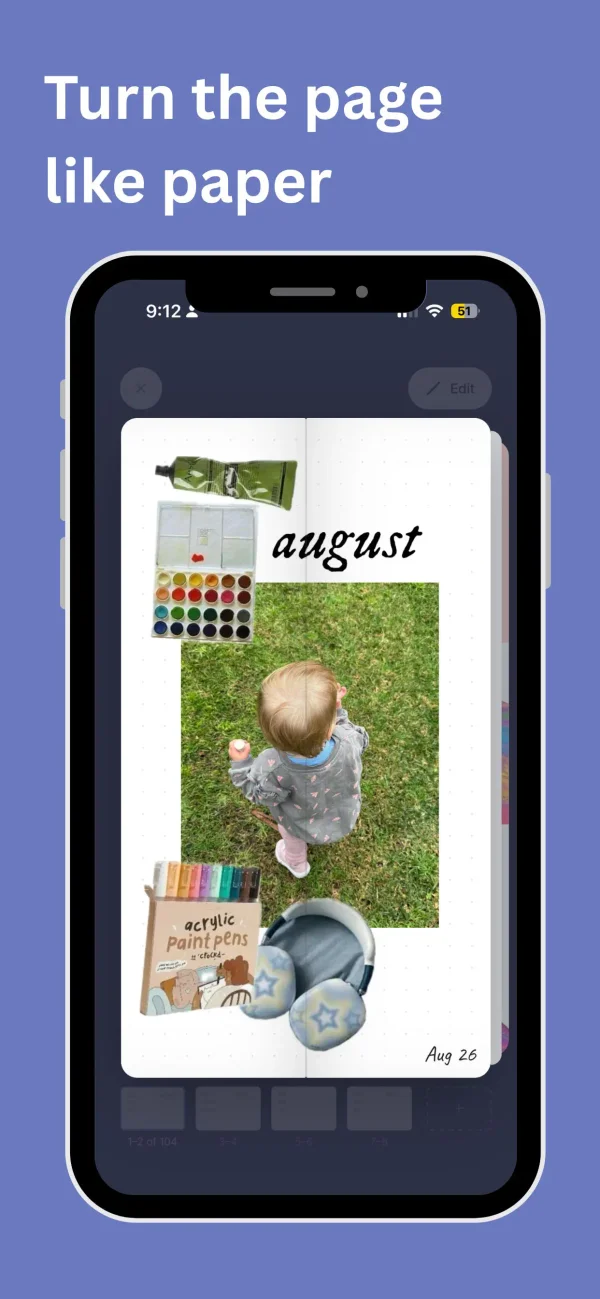
Paste in a photograph, write beside it, run a strip of tape across the corner. Turn the page like paper.
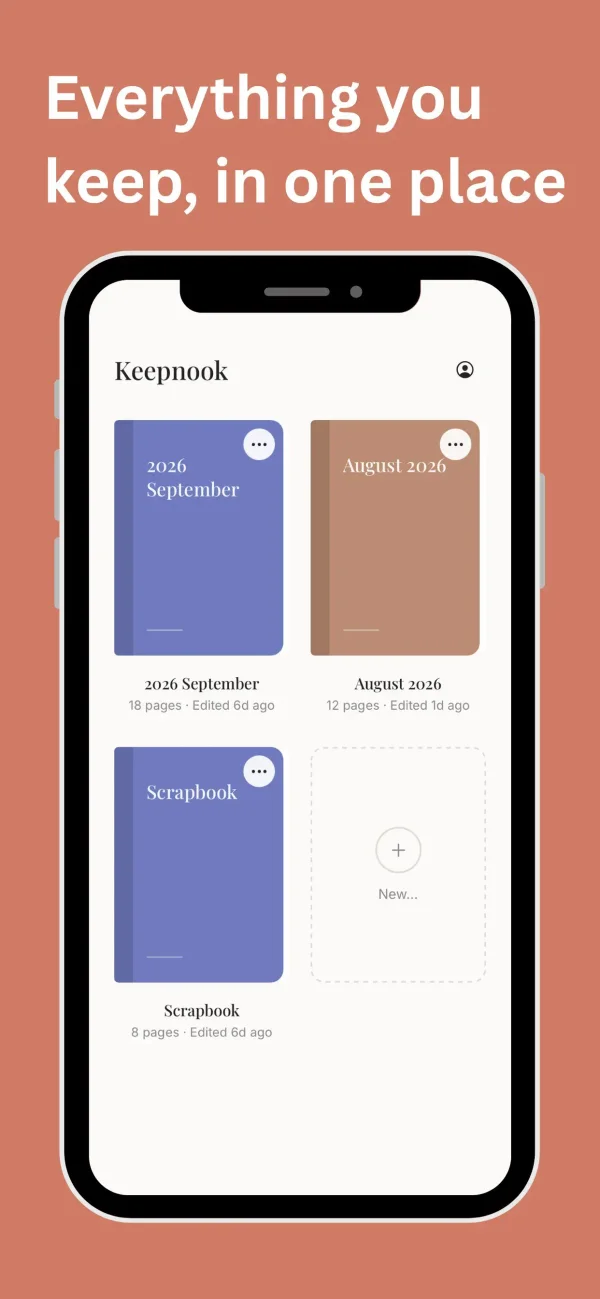
It lives on your iPad. No account, no sign-in, nothing to log into - your notebooks are yours and they stay on your device.
A real spread
Two pages, side by side, the way a notebook actually opens. Write across the fold. Turn the page and watch the leaf lift.
Draw with a pen that means it
Pen, pencil, marker and highlighter, all pressure-sensitive with Apple Pencil. Rub something out and the ink is gone, not painted over.
Photographs, cut how you like
Place a photo, drag its sides to reshape it, or cut around a subject by hand. Round the corners, or give it a polaroid border.
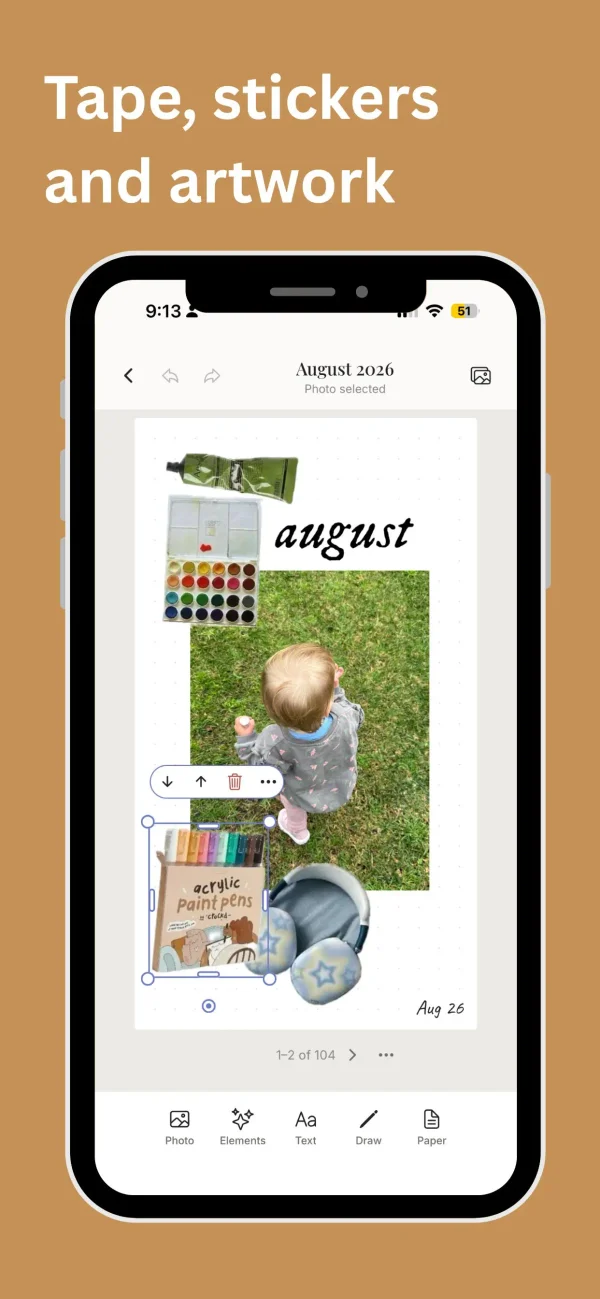
Tape, stickers and artwork
Washi tape, drawn shapes, and illustrated packs you can add as they arrive. Tint the paper, change the ruling, or pick a texture.
Bring your planner in
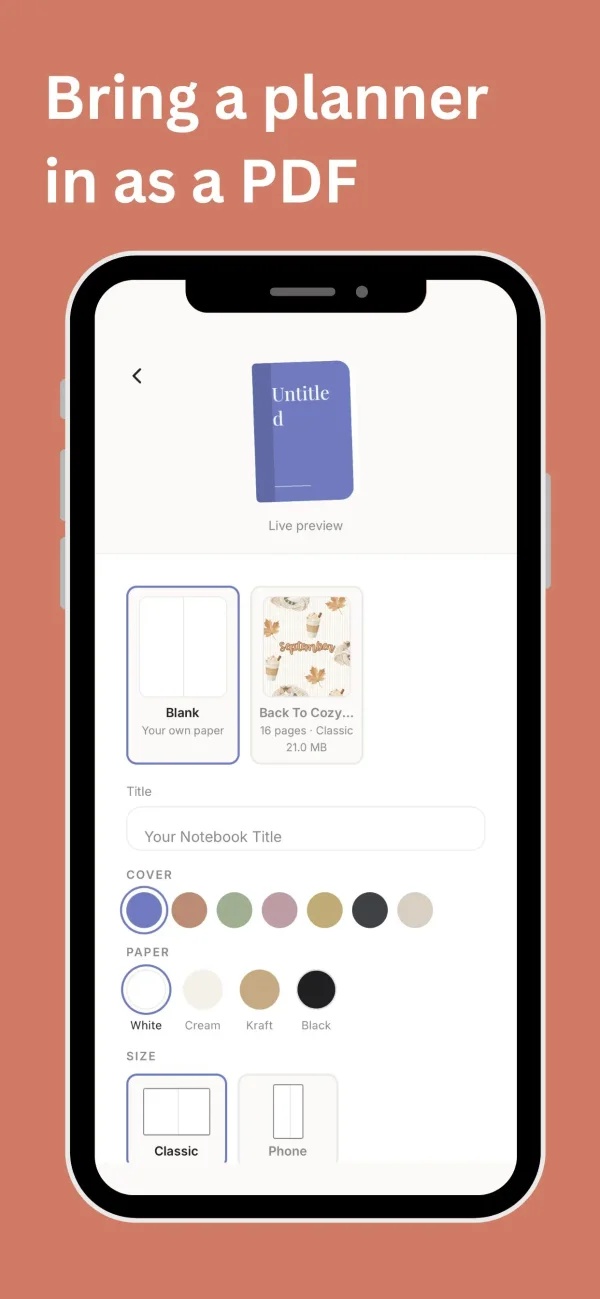
Import a PDF and it becomes a notebook you can write on - a planner, a workbook, sheet music.
Save a page as a picture
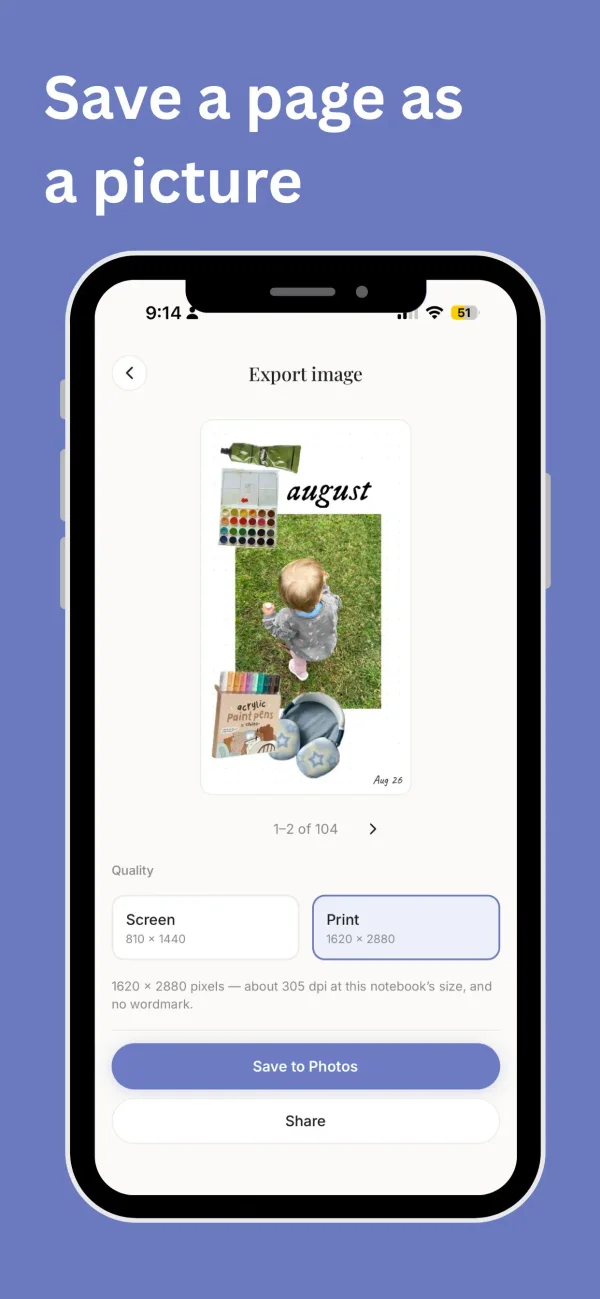
Send a spread to Photos to print or keep.
Your work is yours
Export a backup any time, free, forever. Import it on another device. Nothing is locked behind anything.
Keepnook Plus
Three notebooks to start with. Plus adds as many as you like, opens the premium artwork, and unlocks print-quality export.
Terms of Use (EULA): https://www.apple.com/legal/internet-services/itunes/dev/stdeula/
Terms of Service: https://keepnook.app/terms
What’s new
Version 1.1.4 · Oct 19, 2026
A new A4 notebook. One tall page at a time, the shape of a printable planner — turn pages by dragging the page itself, either direction, or tap the arrows.
Writing with Apple Pencil. A lot of work here. Writing on the page now goes into the text box you have selected, writing well away from it starts a new box where you wrote, and a word written far from an open box no longer jumps to the start of its text. Drawing and handwriting no longer fight each other, and the Pencil no longer writes on the panel instead of the page.
Text. Tap with the Text tool and the box appears where you pointed. A column widened past the edge of the page can be narrowed again.
Photos. Cutting out a photo turns with the picture, pinching behaves, and the outline stays put when you move the view. A photo scaled up on the page is sharp straight away instead of after reopening the spread.
Colours. “From this spread” offers up to fourteen colours instead of six, tells close shades apart properly, and now includes the colours in your photographs. The colour picker opens as a gradient rather than a flat block.
Stickers. The Elements tab opens immediately — it used to take over a second. Every pack is one picture, newest first, and starring a sticker now actually keeps it.
Packs. A pack can be part free, so some pieces are yours without a subscription. Italian Summer, Back To Cozy and Ghost Hotel are now part of the subscription — anything you have already placed on a page stays exactly where it is. Subscribers now see the crown too, quietly, so it’s clear what your subscription covers.
Brushes. A new brush pen that tapers with your hand. The marker has been retired; the highlighter was already doing its job.
Also. The import notice now tells you up front that you can leave it running. The Elements search field holds its text at large type sizes.
App privacy
What Aliaksandra Valodzina declares on the App Store about how this app handles data.
-
Data not linked to you
May be collected but is not linked to your identity.
- Purchases
- Diagnostics
Privacy practices may vary, for example with the features you use or your age.
Information
- Seller
- Aliaksandra Valodzina
- Category
- Lifestyle
- Version
- 1.1.4
- Updated
- Oct 19, 2026
- Released
- Sep 11, 2026
- Size
- 71.1 MB
- Requires
- iOS 16.4 or later
- Age rating
- 4+
- Price
- Free
- In-app purchases
- Yes
- Languages
- English
- Copyright
- © 2026 Aliaksandra Valodzina
You might also like
-
 Folded LettersLetters to your future self
-
 Wishlume1-5 min daily wish rituals
-
 DailyMe: Journal, Diary & MoodNotes, planner, stickers & pet
-
 DayBook - One Page Per DayOne page a day, one book
-
 Stickin: Sticker ScrapbookScrapbook your everyday
-
 How We Feel - Mood TrackerMood Journal, Habits & Meals
-
 Vision Board: Goals & DreamsManifest Your Goals & Habits
-
 Memori: Visual JournalPhoto Collage, Diary & Planner
-
 StyleTwin: Outfit PlannerDigital Closet & Outfit Maker
-
 VisionBoard_AIHayallerini görselleştir