- Age rating4+
- CategoryEntertainment
- DeveloperGroundcode
- LanguagesEnglish+ 16 more
- Size8.5 MB
Links to the official App Store page
Download.org hosts no file of Kickflip Simulator. The button opens its official App Store page, published by Groundcode. Listing last checked on Nov 12, 2026.
Screenshots
About
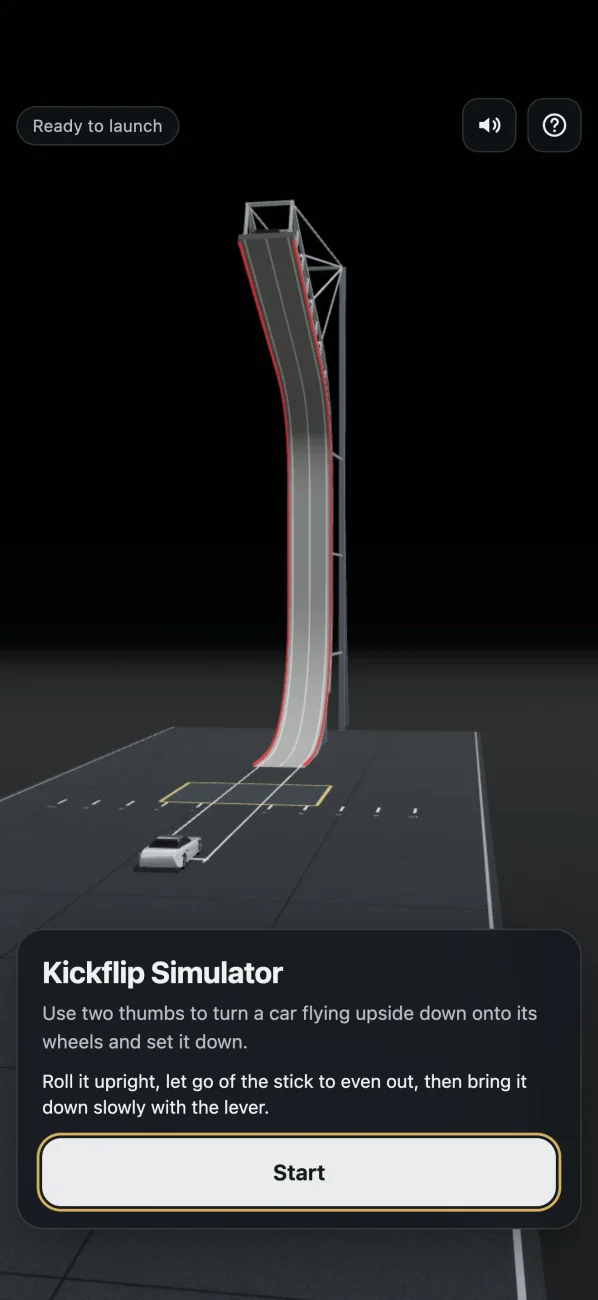
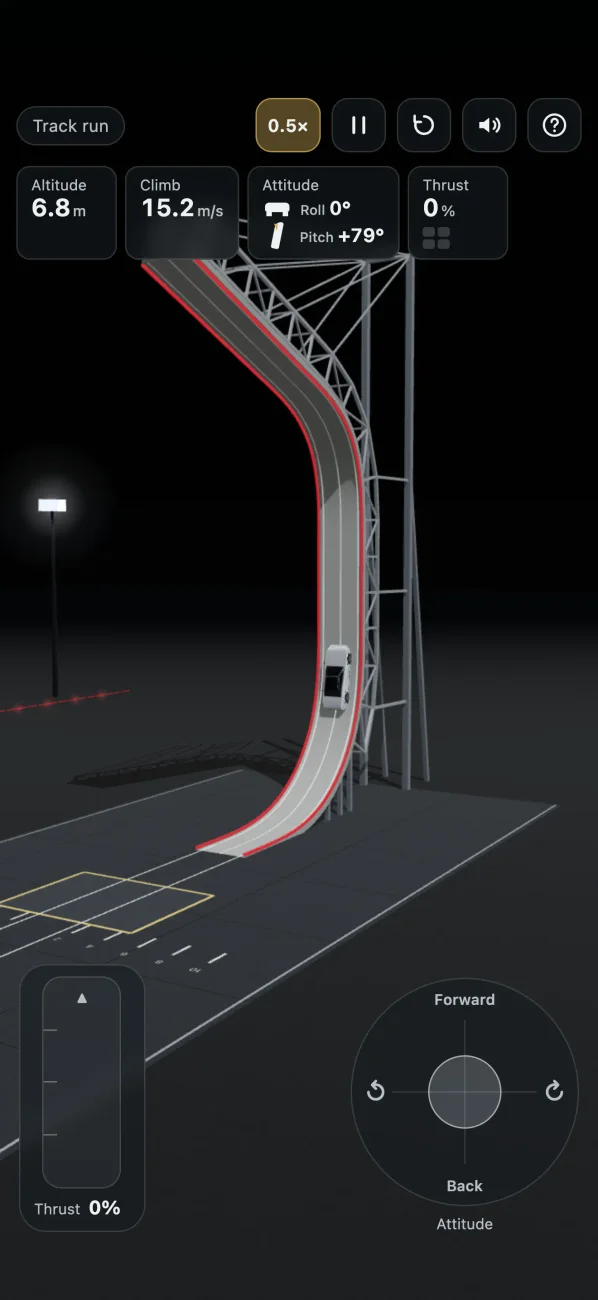
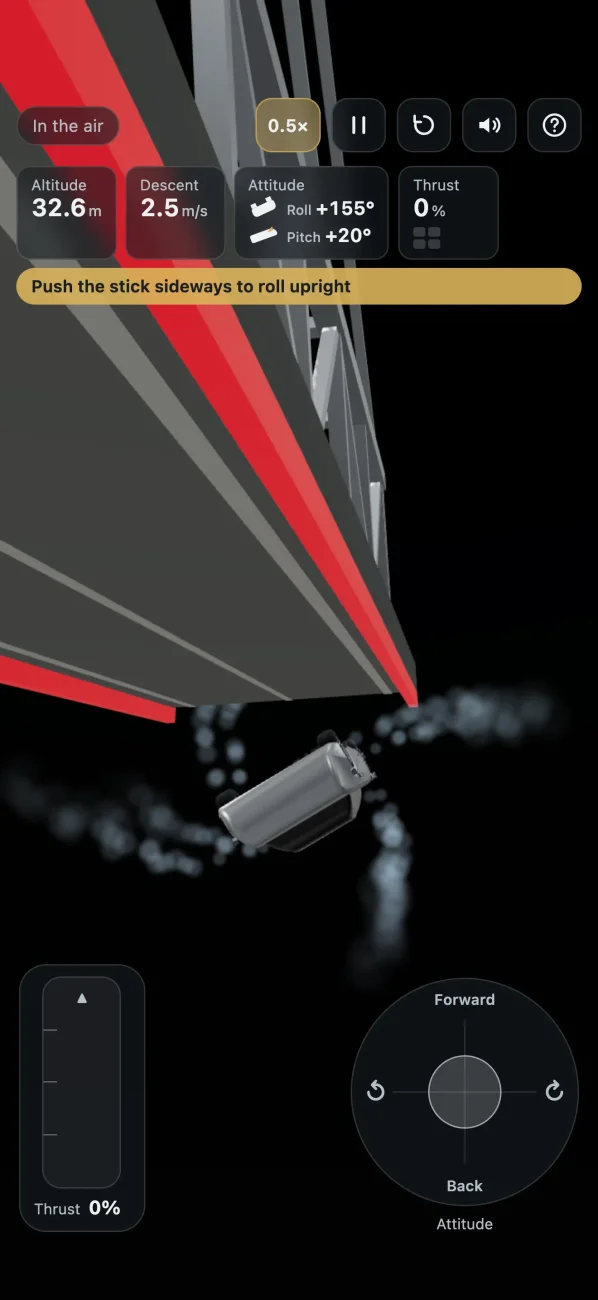
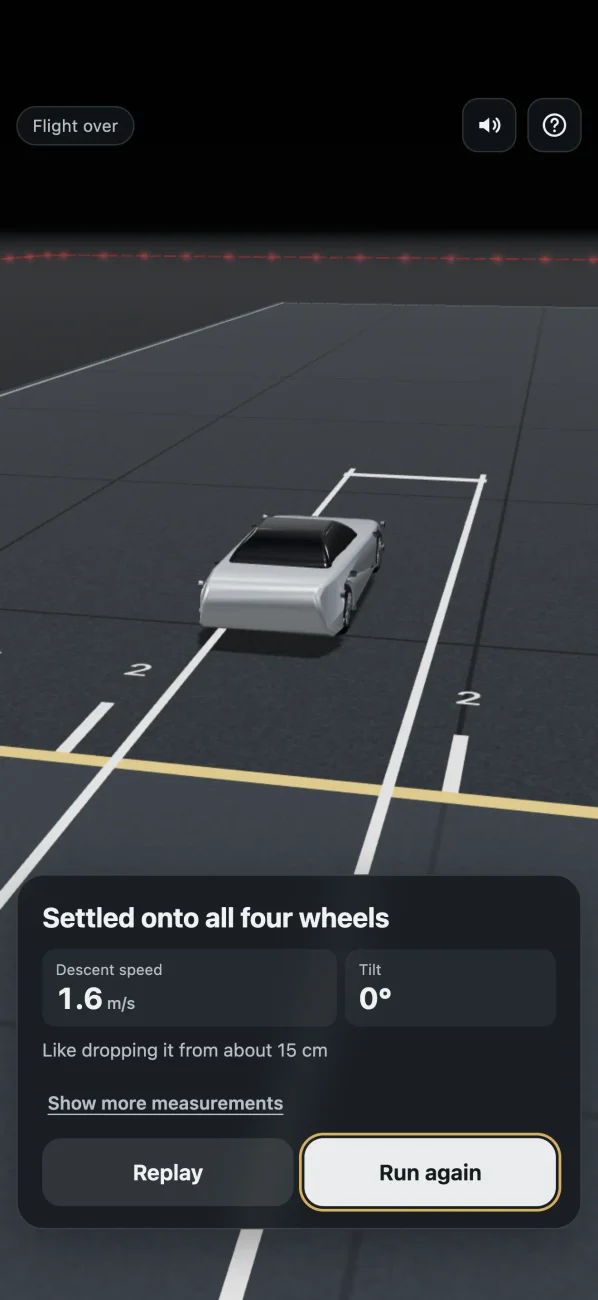
Take control of a virtual car as it leaves the ramp upside down and flies into the air. Roll and tilt it with a stick, adjust the thrust of its underbody jets with a lever, and guide it until its wheels touch the ground in this 3D physics simulator.
• Two-thumb controls
Raise the thrust lever on the left and all four underbody jets push harder together. Push the attitude stick on the right sideways to roll the car with its side jets, or forward and back to dip or lift the nose. Let go of the stick when the car is almost upright and it settles flat on its own. Flipping it back over is up to you.
• See what happened at touchdown
When the car touches the ground, one sentence describes what happened, followed by the descent speed, the tilt, and the drop height that speed equals. Tap More measurements to see the time in the air, the time it took to turn upright, and how long each jet fired.
• Slow it down and watch again
Switch the playback speed between 1x, 0.5x, 0.25x and 0.1x, or pause to study the motion. Replay the flight you just finished with the exact same inputs, or run again from the start of the ramp. Your first two flights begin their airborne part at 0.5x speed.
• Haptics and sound
Short vibrations mark each press on the controls and the moment of touchdown. Turn sound on or off with the button on screen.
No sign-up, login or in-app purchases, and the simulator works without an internet connection. The app stores no personal information on our servers; the banner ad at the bottom of the screen is provided by Google AdMob. It uses a virtual car and simplified physics, and does not recreate any real manufacturer or vehicle.
What’s new
Version 1.1.0 · Oct 22, 2026
New place: Flat takeoff. Pick Curved wall or Flat takeoff on the start screen.
The in-flight screen is cleaner, and the start and result screens now fit on smaller screens.
App privacy
What Groundcode declares on the App Store about how this app handles data.
-
Data used to track you
May be used to track you across apps and websites owned by other companies.
- Identifiers
-
Data linked to you
May be collected and linked to your identity.
- Location
- Identifiers
- Usage data
-
Data not linked to you
May be collected but is not linked to your identity.
- Diagnostics
Privacy practices may vary, for example with the features you use or your age.
Information
- Seller
- Groundcode
- Category
- Entertainment
- Version
- 1.1.0
- Updated
- Oct 22, 2026
- Released
- Oct 22, 2026
- Size
- 8.5 MB
- Requires
- iOS 17.0 or later
- Age rating
- 4+
- Price
- Free
- Languages
- English, Arabic, French, German, Hindi, Indonesian, Italian, Japanese, Korean, Portuguese, Russian, Simplified Chinese + 5 more
- Copyright
- © 2026 Groundcode
You might also like
-
 Pogl - AI Game MakerMake games & play with friends
-
 RevApp: Engine LabCar Engine Sound Simulator
-
 DriveFX: Car Engine SoundsFun sounds react to driving
-
 WattGrowl: Engine 3D SimulatorReal 3D engine sound simulator
-
 EngineForgeEntertainment
-
 연애도감 - AI 채팅Entertainment
-
 IptvDXEntertainment
-
 EV Engine Sound: PowertrainCar Exhaust & V8 Rev Simulator
-
 Kliptoon - Your next storyShort webtoons. Choose & vote
-
 Sona by RipplewareYour Discord AI Companion