
Kidney Note
Managing blood test results
Designed for iPhone, iPad
In-app purchases
- Age rating4+
- CategoryHealth & Fitness
- Developershinichi tanimoto
- LanguagesJapanese+ 1 more
- Size17.7 MB
Links to the official App Store page
Download.org hosts no file of Kidney Note. The button opens its official App Store page, published by shinichi tanimoto. Listing last checked on Nov 23, 2026.
Screenshots


About
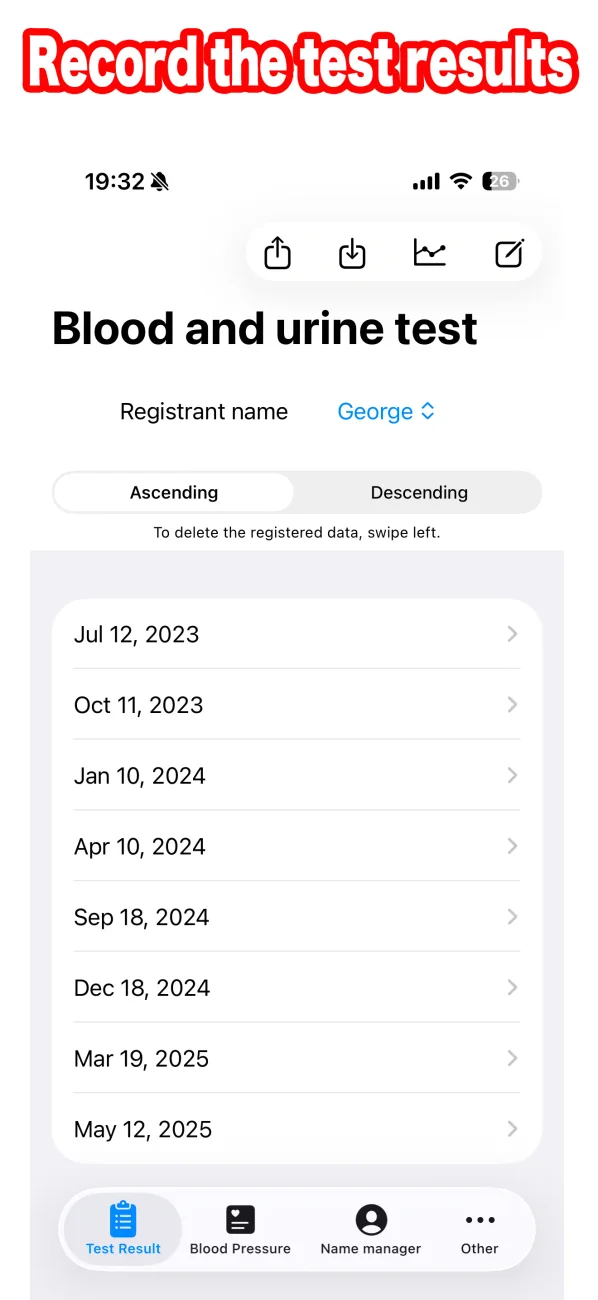
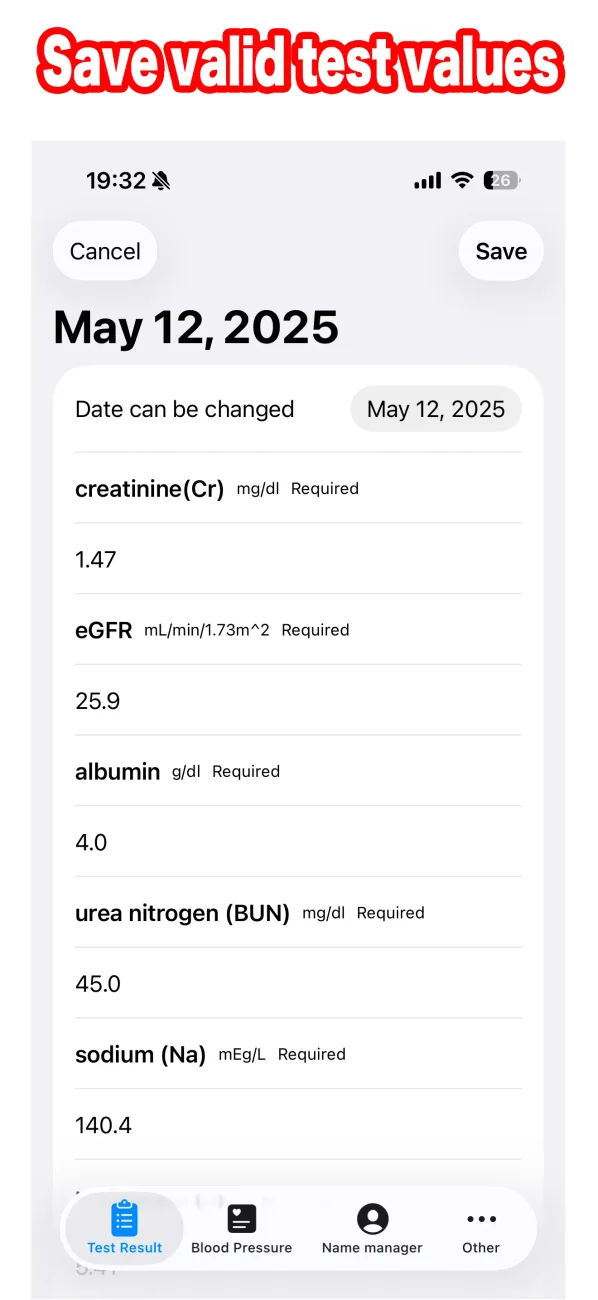
This is an app that can manage blood and urine test results, suitable for patients with kidney disease.
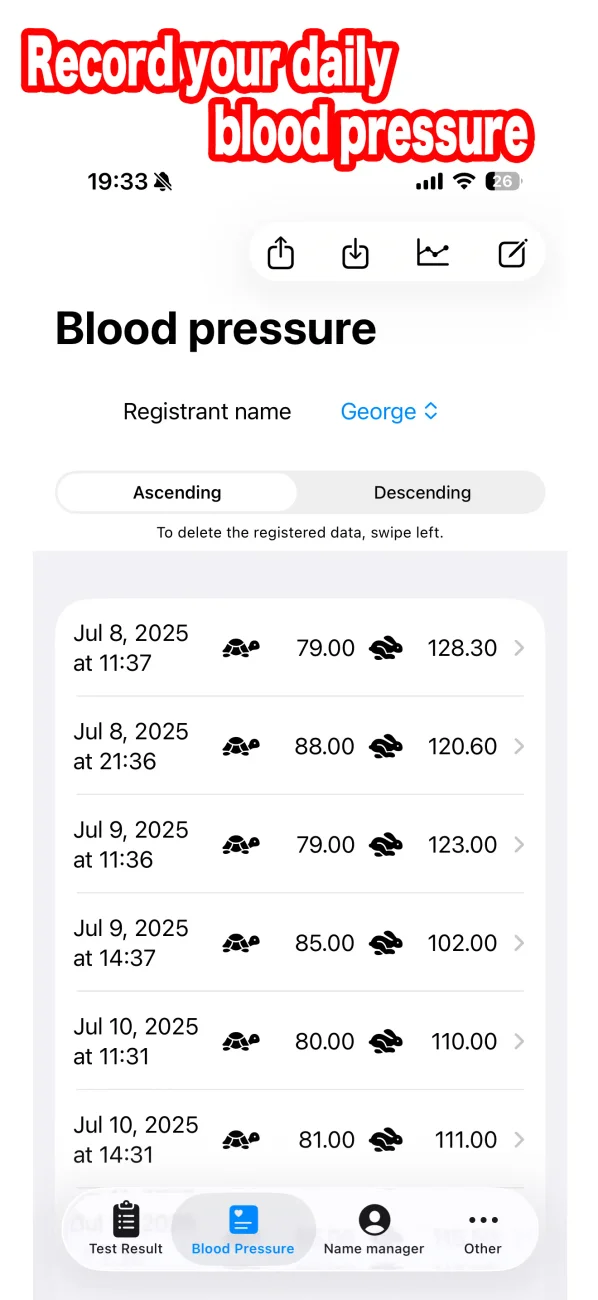
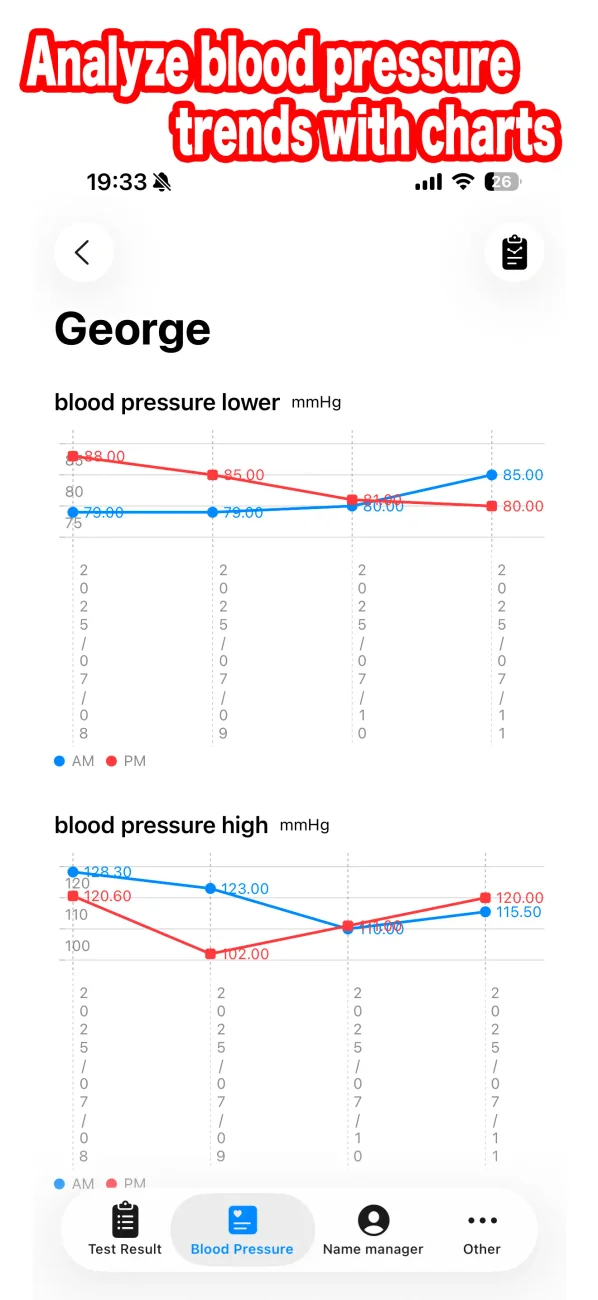
It also manages your daily blood pressure measurements and can store them in conjunction with Apple Health.
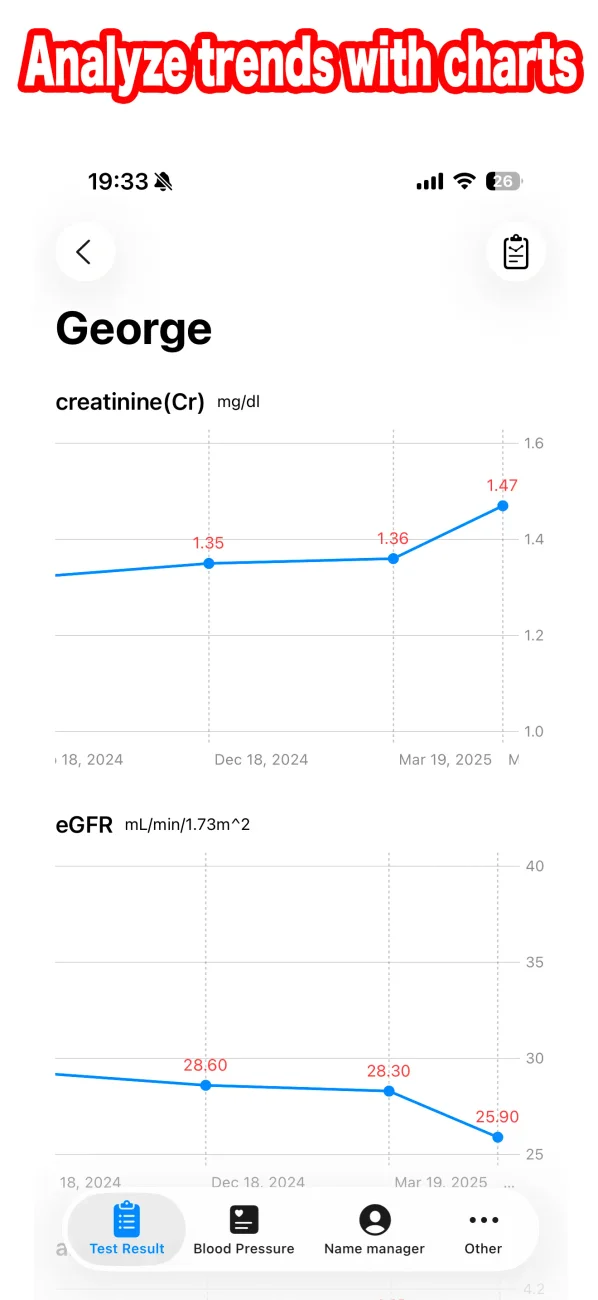
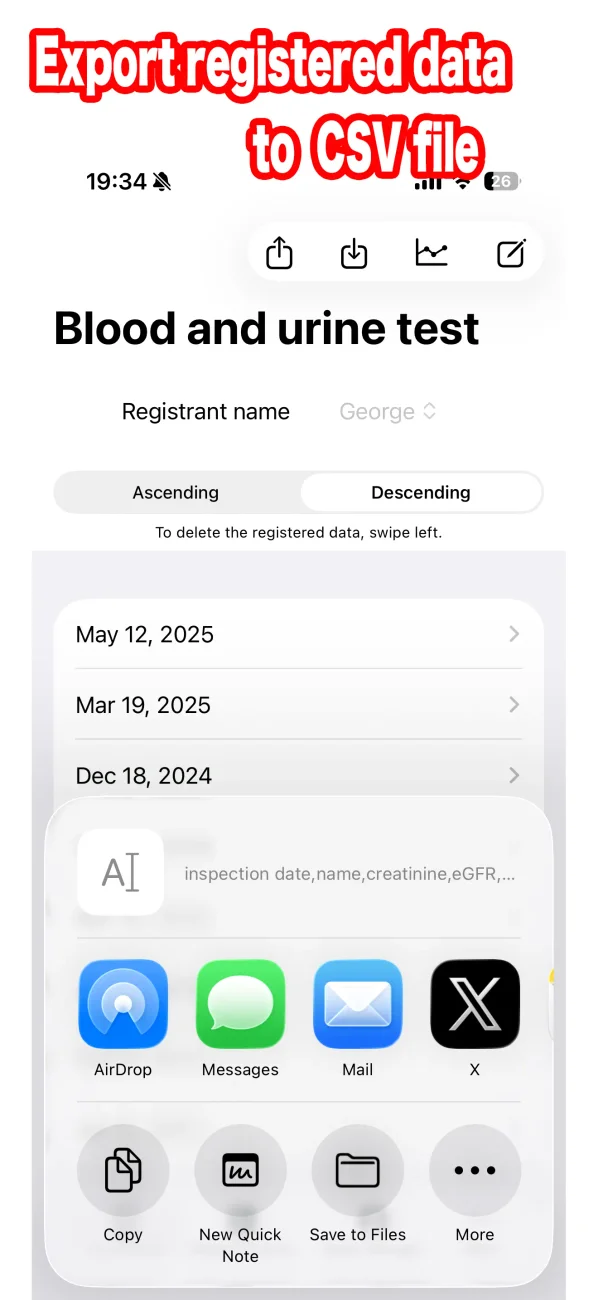
The registered data can be displayed in charts or output to a CSV file for sharing.
You can use the exported CSV file as a backup to restore the data or use it on other devices.
Since the test results of multiple people can be registered, you can also manage the health data of your loved ones, such as family and acquaintances.
To register the test results of multiple people, you will need to sign up for a monthly subscription.
■Data registration for multiple people is provided on a subscription basis.
The contract unit is one month. Once you purchase, the charge will be automatically renewed.
You can try it for free for one week only for the first time for each Apple Account.(You will be charged automatically after one week.)
You can easily cancel your contract at any time.If you cancel during the free trial period, you can use the functions provided by this subscription until the end date of the free trial period.
When purchasing the premium function by in-app (Subscriptions Type) billing, please display a list of premium functions and select it.
●Restoration when changing models
If you want to use this function on this device after you change to a new mobile phone or reinstall the application, if you purchase this function with another iOS device, you can use it by performing receipt restoration. (Provided, however, only when you are signed in to the App Store with the same Apple Account)
●Confirmation and cancellation
Launch the 'Settings' app from the home screen → Select 'Apple Account, iCloud+, and more' at the top of the screen → Select 'Subscriptions' → Select 'Kidney Note'. On the screen opened by this procedure, you can check the timing of the next automatic update and cancel / set the automatic update.After cancellation, you can continue to use your subscription until the expiration date.
●About automatic renewal billing
If the automatic renewal is not canceled more than 24 hours before the end date of the period, the contract period will be automatically renewed. You will be charged for automatic renewal within 24 hours of the end of the contract period.
●Precautions
・Those who have been charged cannot cancel the contract by any method other than the above.
・You will be charged via your Apple Account.
What’s new
Version 1.6 · Nov 15, 2026
Supported iPhone Duo.
App privacy
What shinichi tanimoto declares on the App Store about how this app handles data.
-
Data used to track you
May be used to track you across apps and websites owned by other companies.
- Location
- Identifiers
- Usage data
- Diagnostics
-
Data linked to you
May be collected and linked to your identity.
- Location
- Identifiers
- Usage data
- Diagnostics
Privacy practices may vary, for example with the features you use or your age.
Information
- Seller
- shinichi tanimoto
- Category
- Health & Fitness
- Version
- 1.6
- Updated
- Nov 15, 2026
- Released
- Jul 21, 2025
- Size
- 17.7 MB
- Requires
- iOS 26.6 or later
- Age rating
- 4+
- In-app purchases
- Yes
- Languages
- Japanese, English
- Copyright
- © Artisan Force
You might also like
-
 Kidneybook: CKD Lab TrackereGFR and creatinine, charted
-
 じんぞうグラフ 腎臓病の血液検査をグラフにHealth & Fitness
-
 Breath DiaryWellbeing, exercise and steps
-
 食事管理簿-食事の傾向がすぐわかる・カロリー計算・記録-Health & Fitness
-
 Beary HealthHealth & Fitness
-
 SleeppiaBedside sleep & calm sounds
-
 6分間ウォーキング記録(6MW)|記録・分析Health & Fitness
-
 腎臓アプリ V3.0Medical
-
 SGLT2日記Health & Fitness
-
 カムカム - 噛んでやせる食事ダイエットHealth & Fitness