
Visual Timer for Kids: TickTod
Calm Routines & Transitions
Designed for iPhone, iPad
Free · In-app purchases
- Age rating4+
- CategoryEducation
- DeveloperJorge Avila
- LanguagesEnglish+ 22 more
- Size153.4 MB
Links to the official App Store page
Download.org hosts no file of Visual Timer for Kids: TickTod. The button opens its official App Store page, published by Jorge Avila. Listing last checked on Nov 22, 2026.
Screenshots
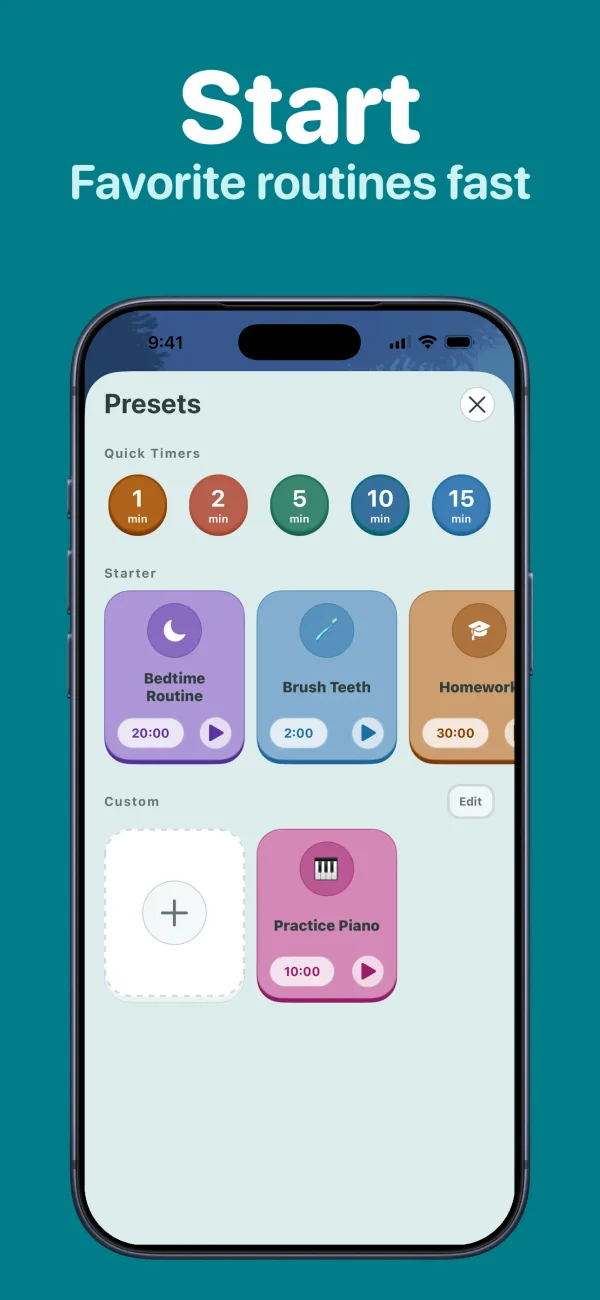


About
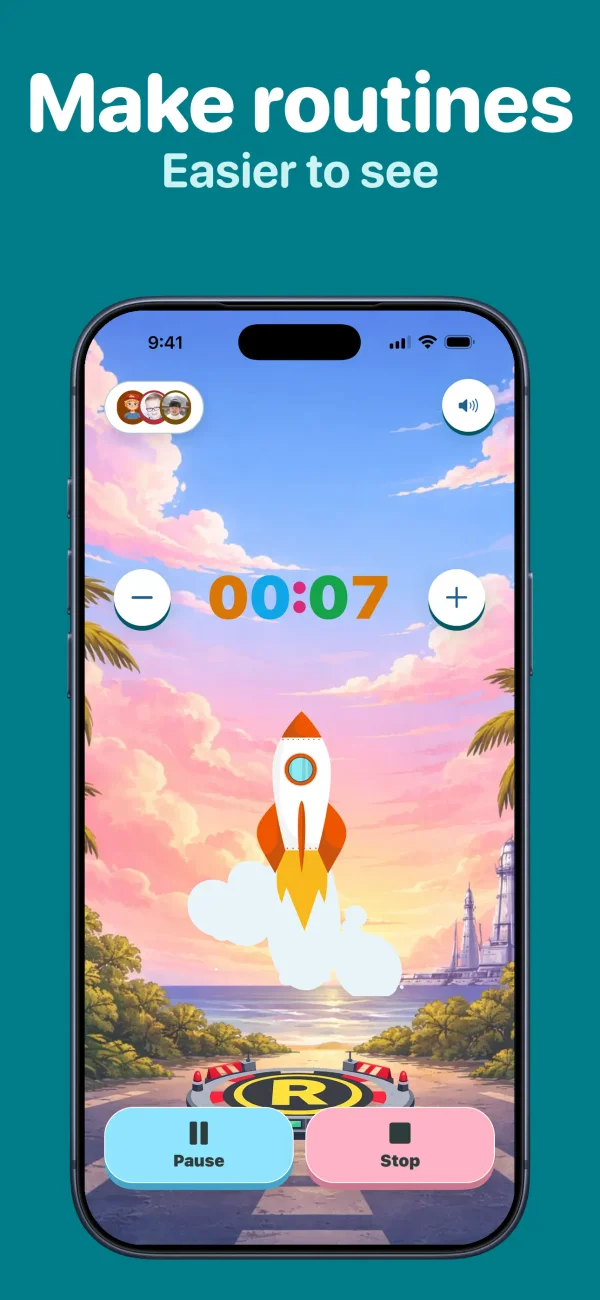
TickTod helps kids see time, move through routines, and feel proud when a timer is done.
Built for parents, caregivers, and families, TickTod turns countdowns into visual moments kids can watch and understand. Use it for bedtime, getting ready, brushing teeth, cleanup, homework, reading, screen time, quiet time, and the everyday transitions that need a clear finish line.
Visual timers for home routines
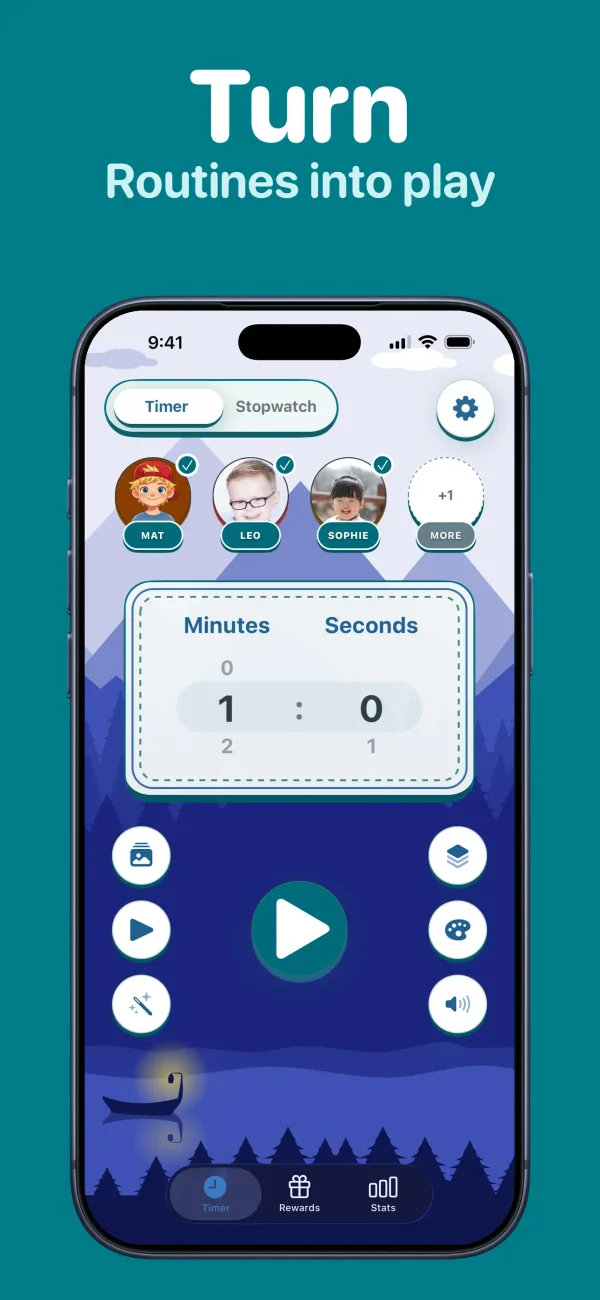
Start colorful countdowns quickly, save favorite routine presets, or switch to stopwatch mode when counting up works better.
Progress that feels motivating
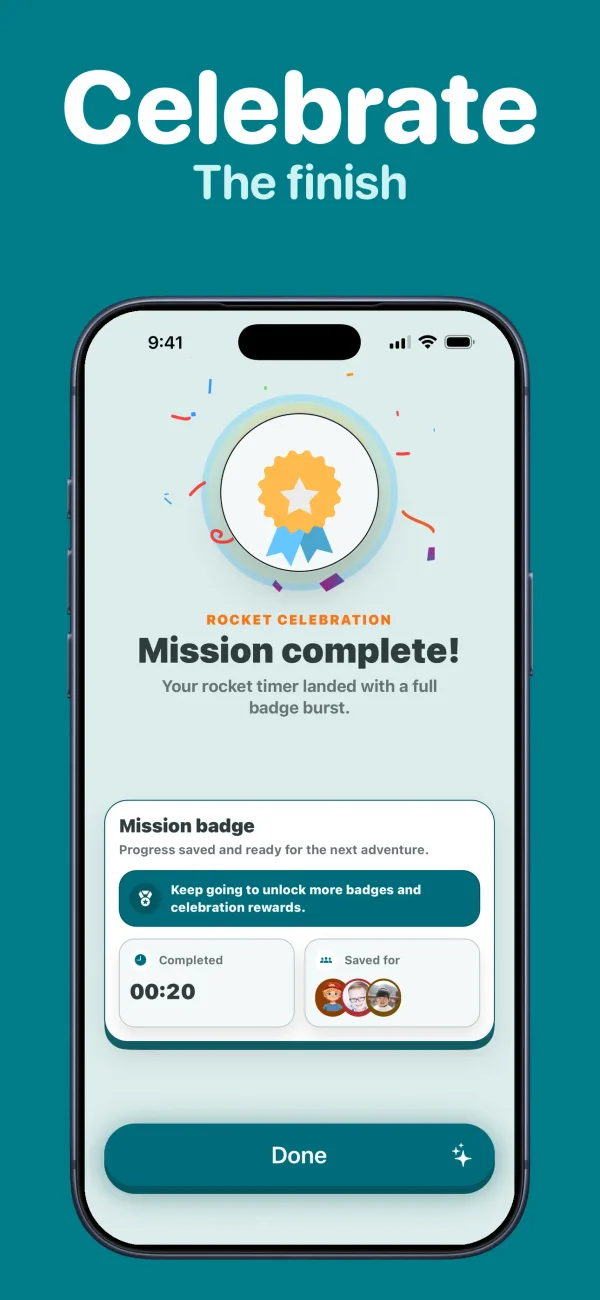
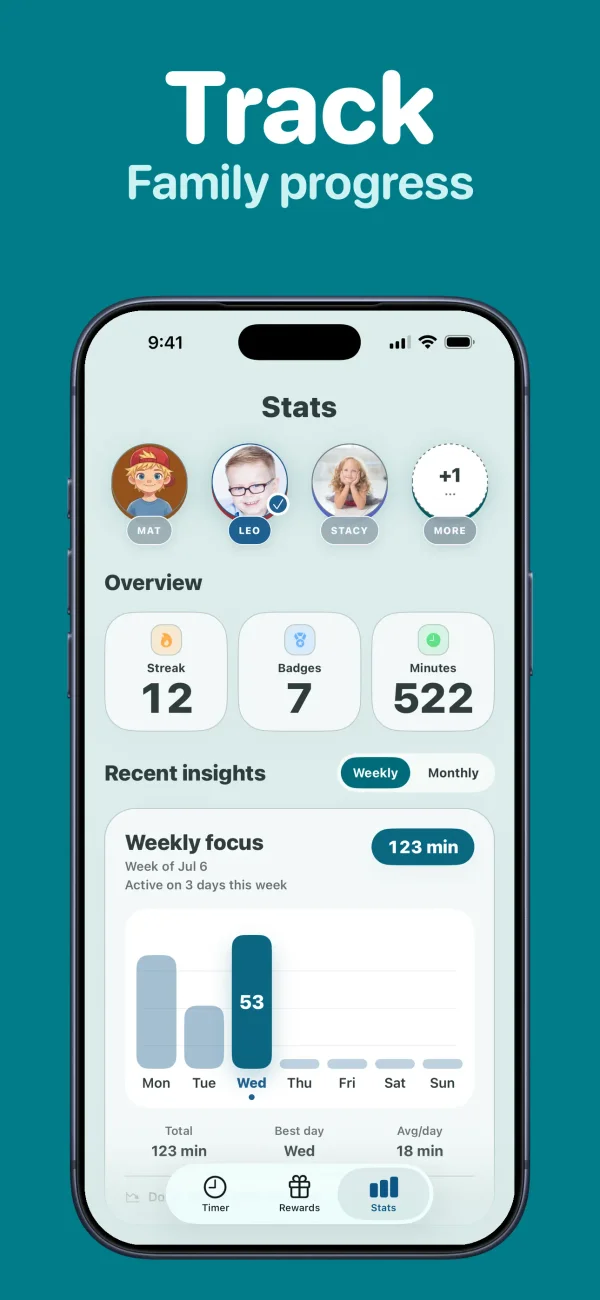
Completed timers can become stars, streaks, badges, and goals, giving kids a small win to come back to.
Personal for each child
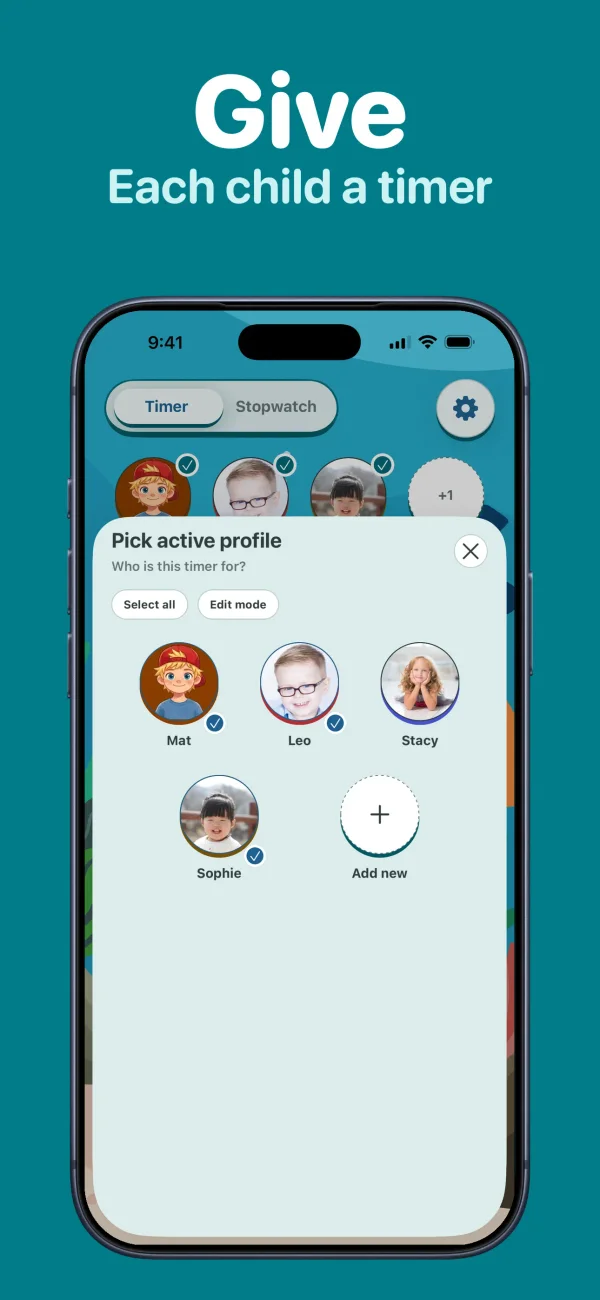
Create child profiles with their own colors, avatars, rewards, and progress so each timer feels familiar.
Made to fit your family
Choose themes, backgrounds, sounds, app icons, and timer animations. Use reduced-motion and sensory-friendly options when your family needs a calmer timer.
Parent-friendly by design
Protect parent settings with app lock options. Core family setup, profiles, timer history, rewards, and settings stay on your device, and optional analytics can be turned off in Privacy settings.
Download TickTod and make the next routine easier to see, start, and celebrate.
Privacy Policy: https://ticktod.app/privacy
Terms of Use: https://ticktod.app/terms
Apple Standard EULA: https://www.apple.com/legal/internet-services/itunes/dev/stdeula/
What’s new
Version 1.2.5 · Nov 21, 2026
Saving a timer you use often is easier. After a timer finishes, TickTod may suggest saving it as a preset, so you can find it again in Presets. We've made improvements behind the scenes, too.
App privacy
What Jorge Avila declares on the App Store about how this app handles data.
-
Data not linked to you
May be collected but is not linked to your identity.
- Usage data
- Diagnostics
Privacy practices may vary, for example with the features you use or your age.
Information
- Seller
- Jorge Avila
- Category
- Education
- Version
- 1.2.5
- Updated
- Nov 21, 2026
- Released
- Jul 21, 2026
- Size
- 153.4 MB
- Requires
- iOS 18.0 or later
- Age rating
- 4+
- Price
- Free
- In-app purchases
- Yes
- Languages
- English, Croatian, Czech, Danish, Dutch, Finnish, French, German, Greek, Hungarian, Italian, Japanese + 11 more
- Copyright
- © 2026 Jorge Avila
You might also like
-
 Kids Visual Countdown TimerHourglass Routines Tasks Focus
-
 Kids Visual Schedule & TimerRoutines & First Then Board
-
 Kids Timer - TipiVisual Countdown for Children
-
 Timer for Kids - RoutinePalVisual Countdown Clock
-
 Animal Timer: Visual TimerKids Routine & Focus Timer
-
 Timer for Kids – RoutinesVisual timer with routines
-
 Toddler Timer AppTimer App for all kids
-
 Visual Timer For Kids ToddlersCalm Rainbow Countdown Clock
-
 Visual Timer For Kids: TimoKids Timer & Routine Helper
-
 My Magic TimerVisual timer for kids.