
KifuBox
Manages board game transcripts
Designed for iPhone, iPad, iPod touch
Free · In-app purchases
- Age rating4+
- CategoryBoard
- DeveloperAtsushi Tanaka
- LanguagesEnglish+ 1 more
- Size39.8 MB
Links to the official App Store page
Download.org hosts no file of KifuBox. The button opens its official App Store page, published by Atsushi Tanaka. Listing last checked on Nov 20, 2026.
Screenshots
About
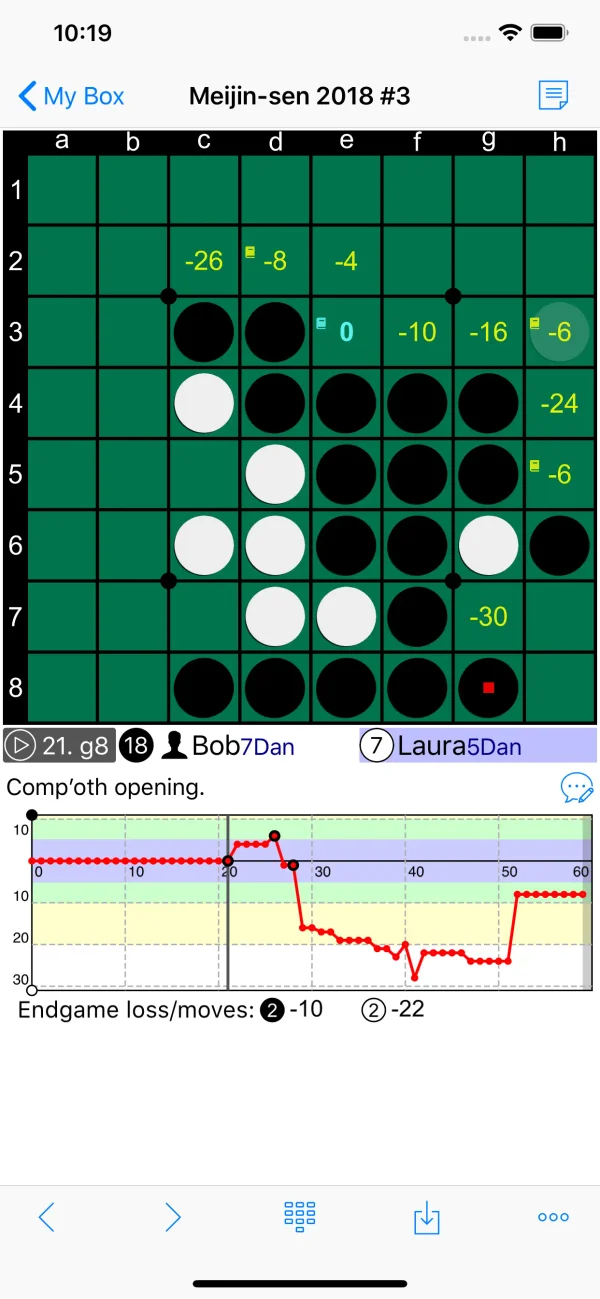
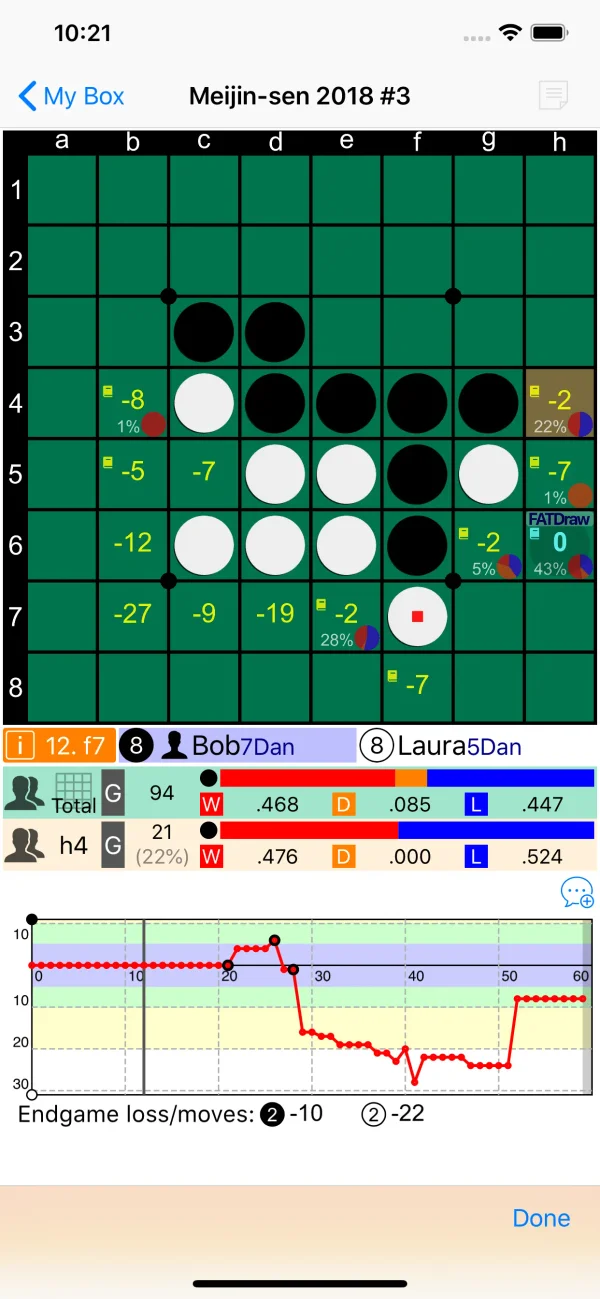
KifuBox is an app specialized for managing and reviewing reversi games.
You can easily input transcripts and game information, and review games.
[Main features]
Input transcript
- Edit board to input misflipping games
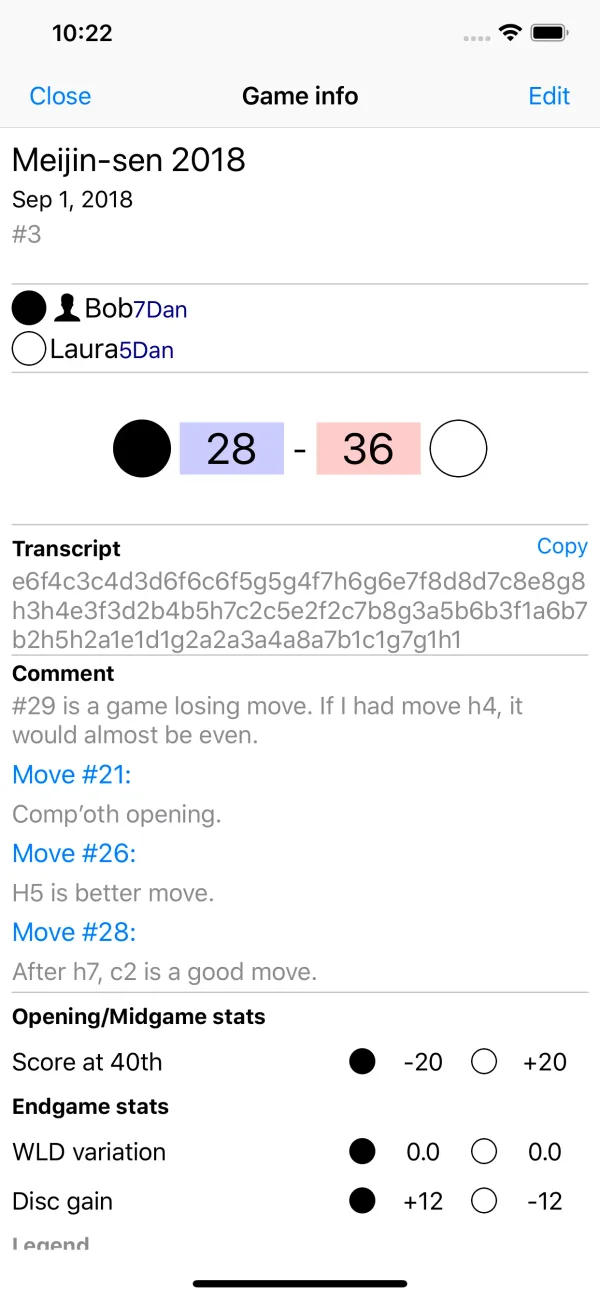
- Comments for future review
- Import from Othello Quest
- Import from eOthello
- Import from clipboard to import transcripts of other game apps
- Import from camera/photo to import real board
- Import from AR camera to import transcripts from real board
- Batch import from CSV file
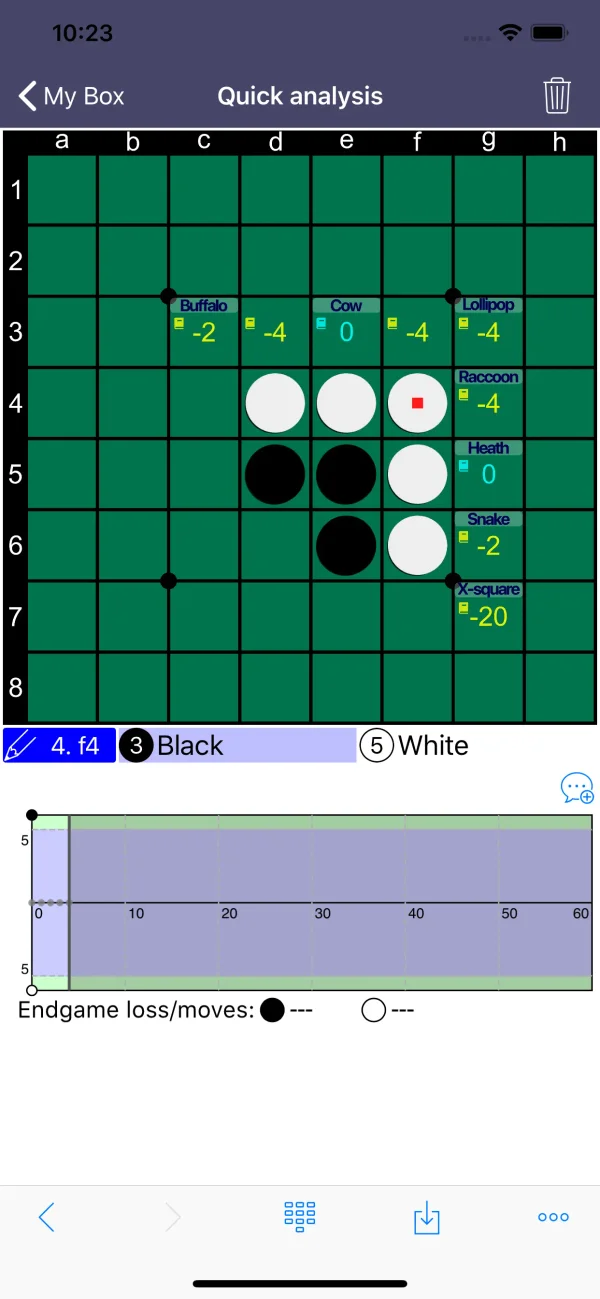
- Quick analysis to study easily without saving transcripts automatically
- Set transcript sheet image to board background to input transcript easily
- Launch quick analysis by link (URL) or iOS shortcut
Show score and graph
- Custom book
- Show book info
- Add positions to book
- Benchmark score calculation
- Show endgame loss/moves
- Show "Umigame" number
Show/edit game information
- Input assist for tournament information and player name
Review transcript
- Save branch moves
- Share screenshot for SNS
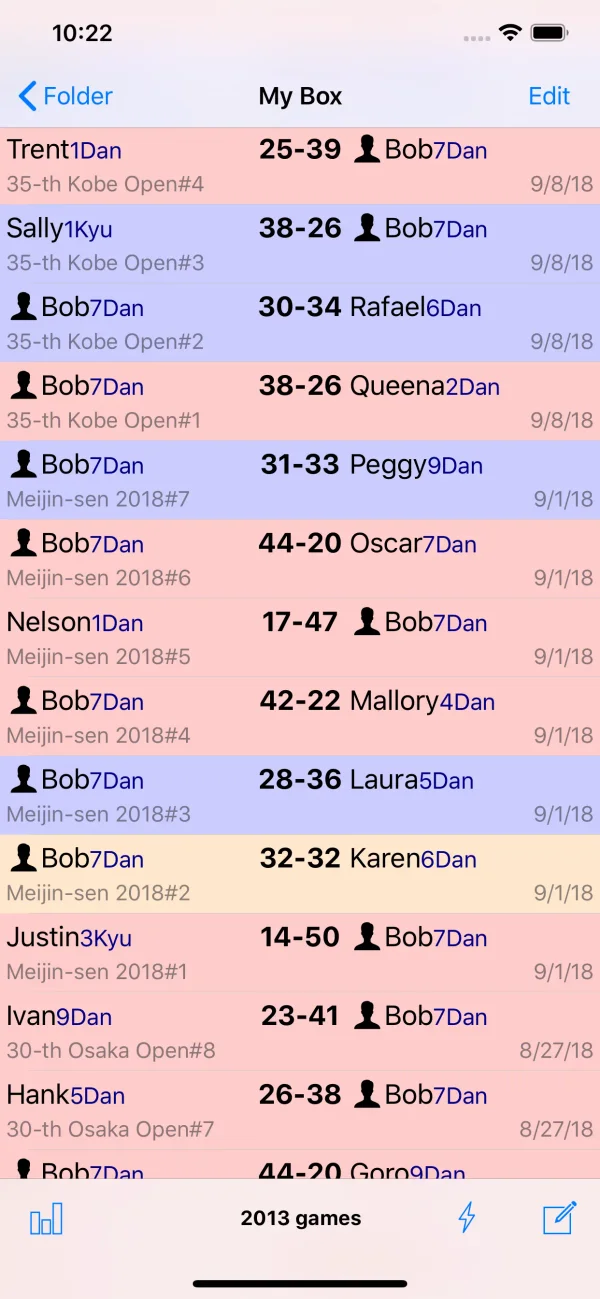
Folder
- To sort games by online/offline etc.
- Search transcripts by player name, tournament name, date, comment, openings, designated position, opponent's rank, endgame loss and so on.
- Save search conditions as bookmark.
- Backup/restore folders.
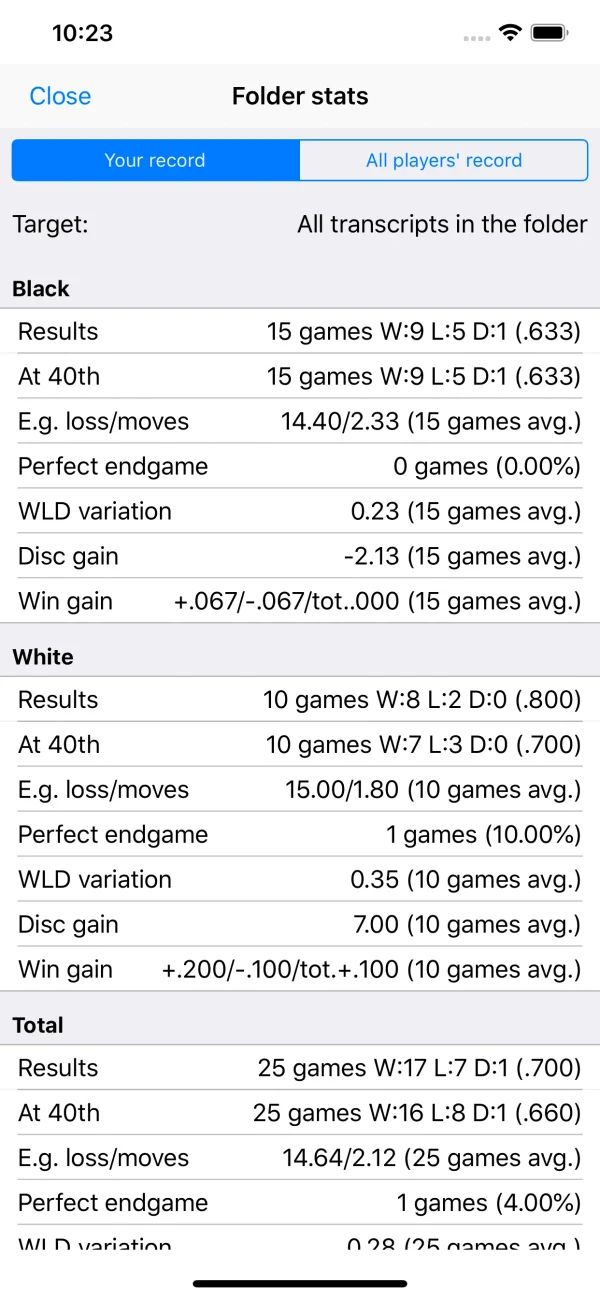
Show statistics
- Stats for position and each cell
- Stats of win-loss, endgame-loss and various detail items for folder and search result
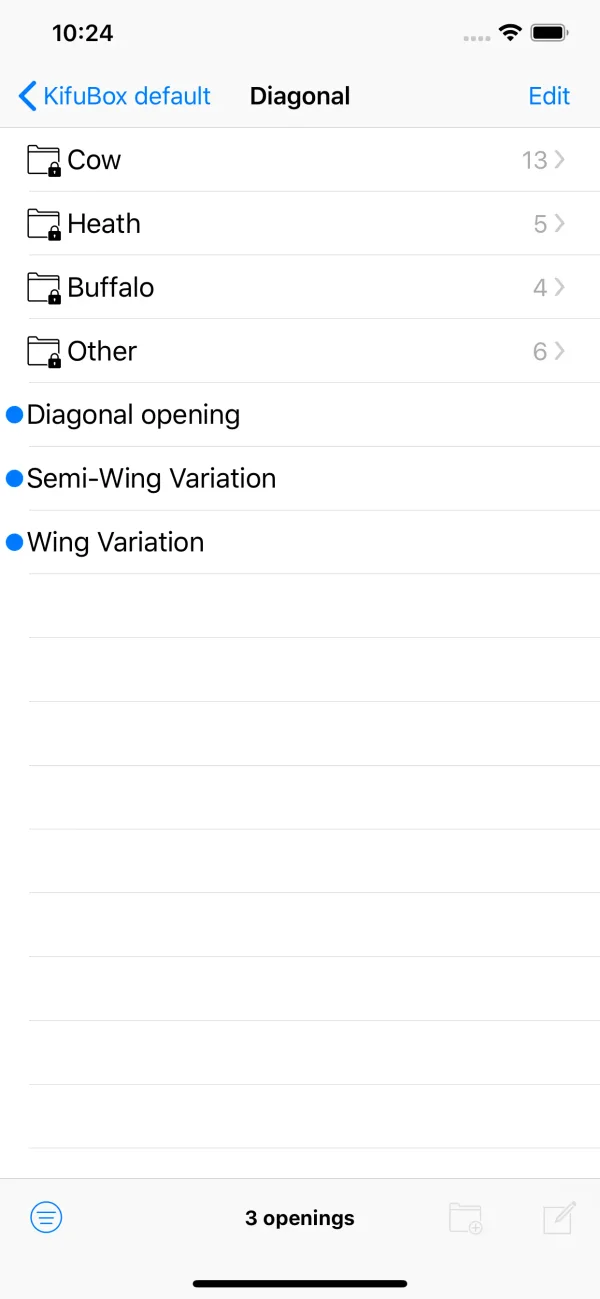
Opening management
- Input openings
- Show opening name on the board
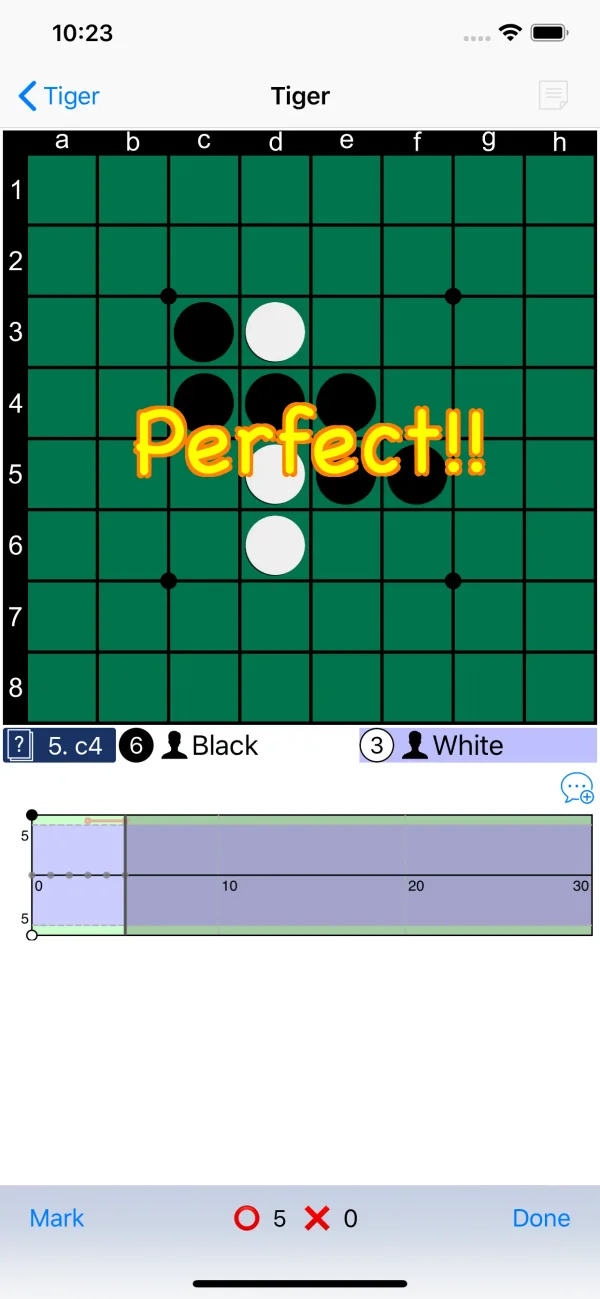
- Memorization test of openings
- Filter openings
[In-App purchase]
KifuBox is available for free, but free edition has the following restrictions;
- You can create up to 10 transcripts and openings in each folder
- You can create up to 2 transcript folders including default folder
- You can create up to 2 opening folders not including default folder.
- You cannot create subfolders of opening folders.
- Scores are not shown after move #40 in quick analysis
- You cannot use batch import of transcripts.
- Displays "Free edition" caption in transcript list, quick analysis and in AR camera screen.
- You cannot use backup/restore within the app.
Purchasing unlimited edition, these resitrictions are canceled. (Be care that quality of AR recognition is the same between both editions.)
[Note]
You cannot play game with KifuBox. Play games with other apps, and import transcript into KifuBox!
[Acknowledgement]
KifuBox uses modified version of Edax4.4 by Richard Delorme, GPL v3 software. Modified source code is available in https://github.com/lavox/edax-reversi/releases/tag/libEdax4i-1.7. The author agreed to use the software in this manner.
Kifubox uses icons by icons8(https://icons8.jp).
What’s new
Version 2.16.5 · Feb 8, 2026
Fixed an issue where the app could crash on the opening information edit screen.
App privacy
What Atsushi Tanaka declares on the App Store about how this app handles data.
-
Data not linked to you
May be collected but is not linked to your identity.
- Identifiers
- Diagnostics
Privacy practices may vary, for example with the features you use or your age.
Information
- Seller
- Atsushi Tanaka
- Category
- Board
- Version
- 2.16.5
- Updated
- Feb 8, 2026
- Released
- Sep 20, 2018
- Size
- 39.8 MB
- Requires
- iOS 13.0 or later
- Age rating
- 4+
- Price
- Free
- In-app purchases
- Yes
- Languages
- English, Japanese
- Copyright
- © 2018 Atsushi Tanaka
You might also like
-
 Othello EndingTrainingBoard
-
 Othello SenseiBoard
-
 Othello Quest - Online OthelloOnline othello server
-
 Othello for allGame with Online Multiplayer
-
 Black and white board gamesQuality and design
-
 Piccolo: OthelloThe best Othello app
-
 CrazyStone DeepLearningEnjoy Online and Offline Go
-
 Smart OthelloClassic strategy board game
-
 GoQuestBeginner friendly online Go
-
 Little GoBoard