
- Age rating4+
- CategoryPhoto & Video
- DeveloperGraydon Wasil
- LanguagesEnglish
- Size3.0 MB
Links to the official App Store page
Download.org hosts no file of Kilopixel. The button opens its official App Store page, published by Graydon Wasil. Listing last checked on Nov 18, 2026.
Screenshots


About
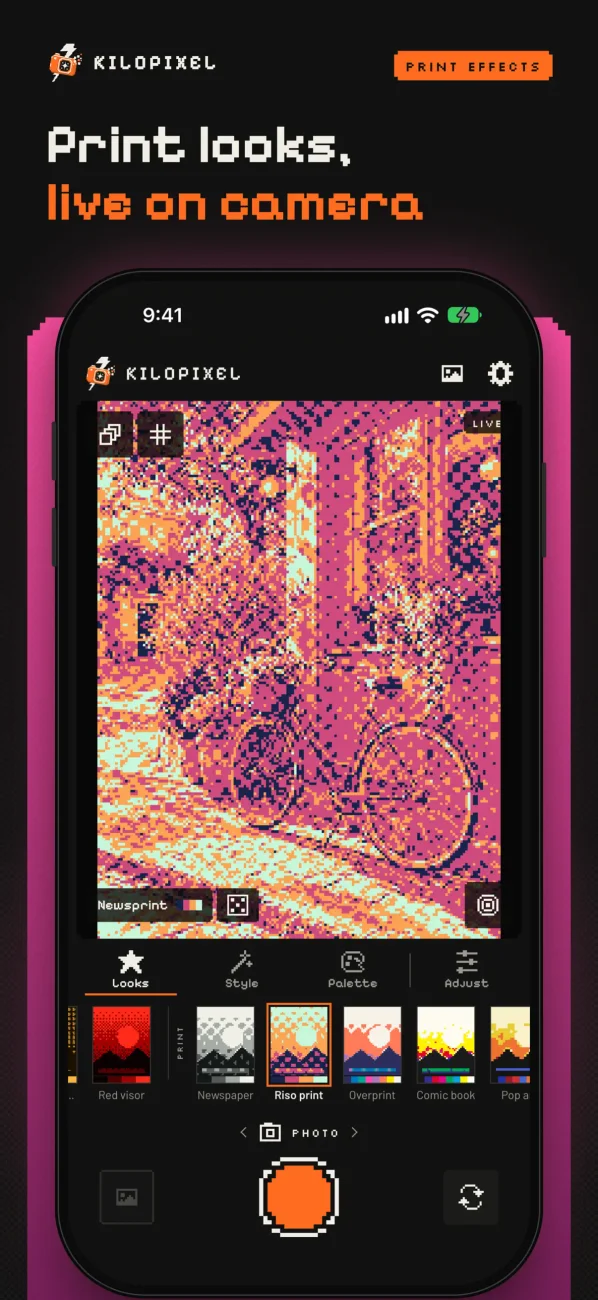
Kilopixel is a retro pixel camera and editor. Every frame you see in the viewfinder is already dithered, screened or printed, so what you see is exactly what you save.
Fewer pixels. More personality.
LIVE LOOKS, NOT FILTERS AFTER THE FACT
Choose from 23 effects that run live on the camera:
• Dither: Bayer, blue noise, Atkinson, Floyd–Steinberg, Stucki
• Print: halftone, newsprint, crosshatch, engrave, cross-stitch
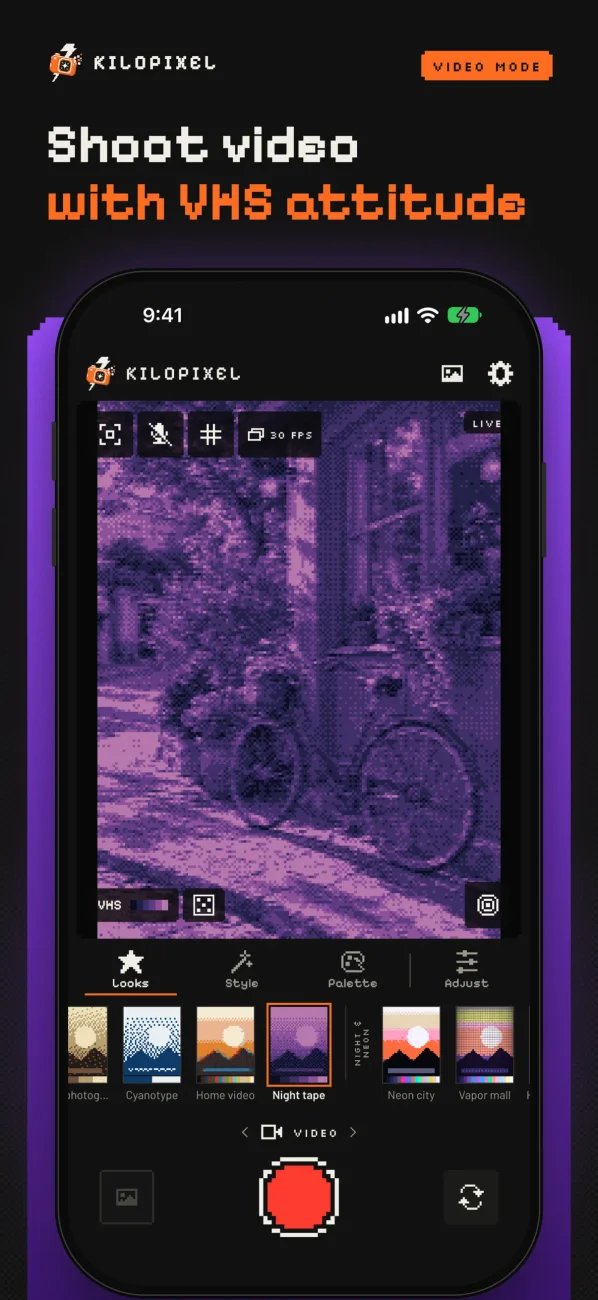
• Screen: CRT, LCD, animated VHS, ASCII
• Graphic: two-tone, posterize, edges, emboss, invert
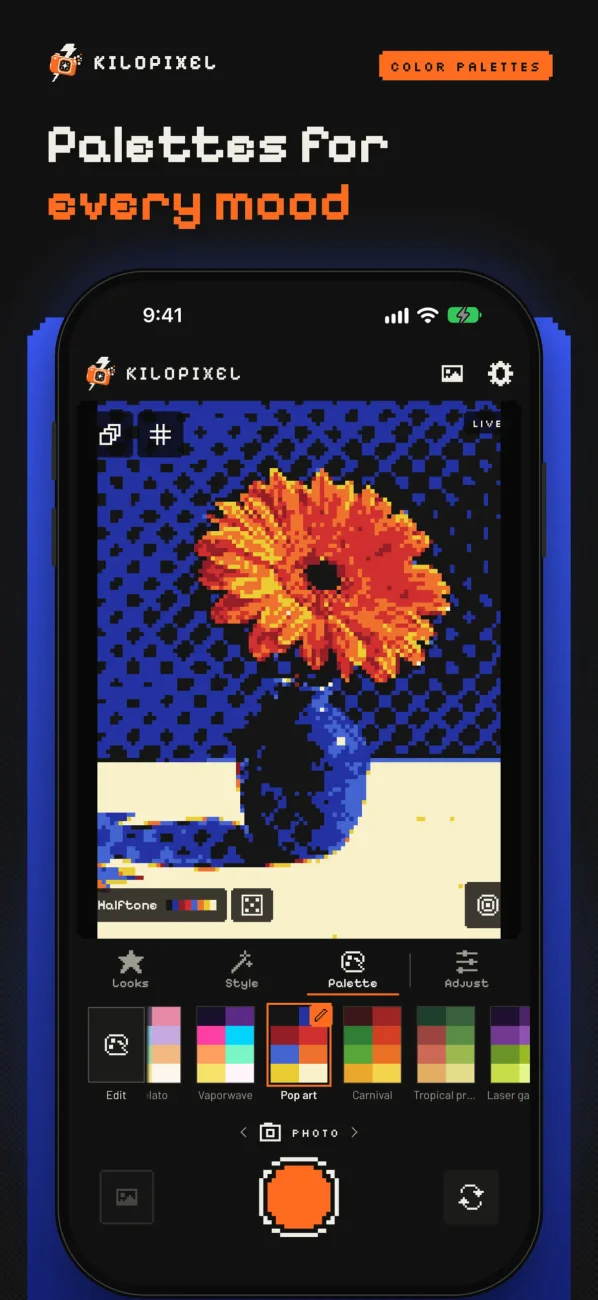
92 PALETTES, OR MAKE YOUR OWN
Pick from 1-bit to 4-bit palettes, sample colors from your own photo, edit swatches by hand, or paste a Coolors link or a list of hex colors. Everything works offline.
STARTER LOOKS AND YOUR OWN PRESETS
Start with ready-made looks like Pocket camera, Newspaper, Riso print, Night tape, Blueprint and Arcade CRT. Tweak contrast, exposure and pixel size, then save your own looks and styles with one tap.
PHOTO AND VIDEO
• Tap the shutter for a photo, or switch to Video and tap to start and stop. Hold the shutter and slide to zoom while you record.
• 3-shot moment keeps frames from just before and after the press so you can pick the best one.
• Steady and Tripod stabilization smooth out shaky video.
• Optional microphone with sound styles that match the picture: Tape, Handheld, Arcade, Radio, or Clean.
• Save videos as MP4, or turn clips and VHS photos into looping GIFs.
EDIT WHAT YOU ALREADY HAVE
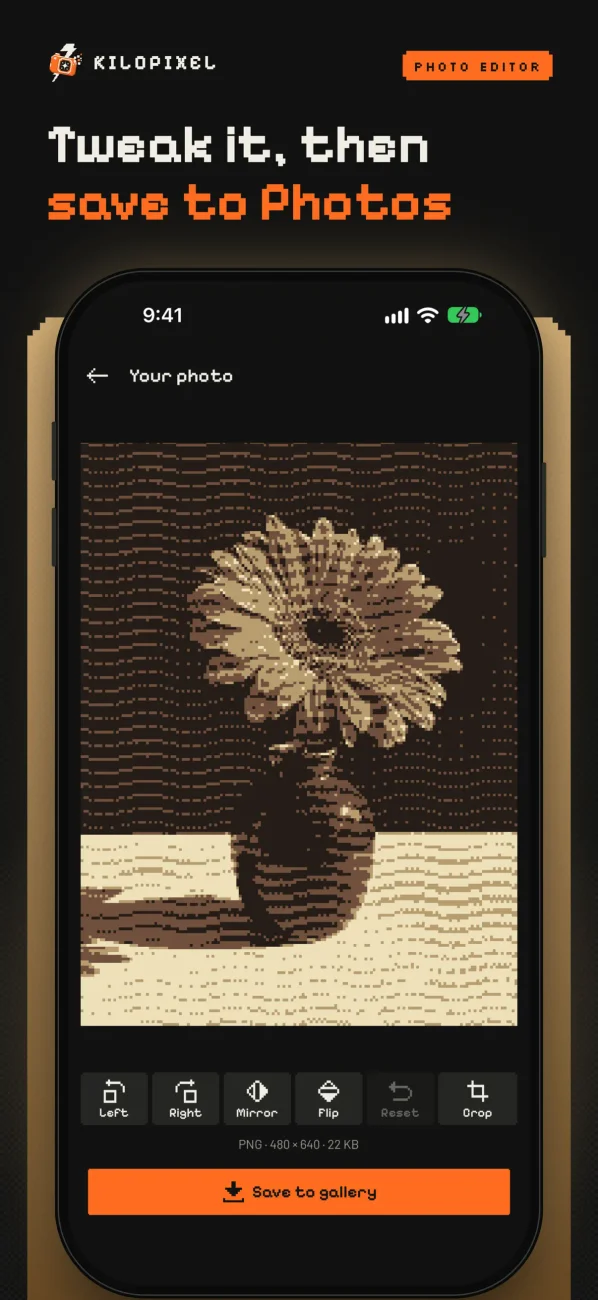
Open any photo, video or GIF from your library and run it through the same looks. Rotate, mirror and flip before you save.
MADE FOR COMPOSING
Thirds, square and golden-ratio grids, six frame ratios, and 1–4× digital zoom. Six interface themes: Graphite, Classic, Pocket, Arcade, Terminal and Candy. Optional 8-bit shutter sounds and haptics.
PRIVATE BY DESIGN
No account. No uploads. No tracking. Photos and video are processed on your iPhone and saved straight to your Photos library.
App privacy
What Graydon Wasil declares on the App Store about how this app handles data.
-
Data not collected
The developer does not collect any data from this app.
Privacy practices may vary, for example with the features you use or your age.
Information
- Seller
- Graydon Wasil
- Category
- Photo & Video
- Version
- 1.0
- Updated
- Nov 8, 2026
- Released
- Nov 8, 2026
- Size
- 3.0 MB
- Requires
- iOS 15.0 or later
- Age rating
- 4+
- Price
- Free
- Languages
- English
- Copyright
- © 2026 Graydon Wasil
You might also like
-
 Infidelity+Dither & halftone photo looks
-
 VHS Camcorder: 90s Retro CamY2K Vintage Tape Video Camera
-
 Bitpop Lo-Fi CameraDithered color photography
-
 Glitch BentoGlitchy 3x3 GIF Collages
-
 Scryer: Glitch RitualSee worlds in your expression
-
 MonoArtTurn photos into ASCII art
-
 PixelCamera - Retro 8-bit CamTurn your world into pixel art
-
 DotMatrix StudioRetro 1-bit dither camera
-
 Helio Black&White Film CameraAuthentic Film Grain & Styles
-
 Turing PatternsYour photos, reimagined