- Age rating9+
- CategoryMusic
- DeveloperKevin Oneill
- LanguagesEnglish
- Size11.5 MB
Links to the official App Store page
Download.org hosts no file of Kima Hub. The button opens its official App Store page, published by Kevin Oneill. Listing last checked on Nov 25, 2026.
Screenshots

About
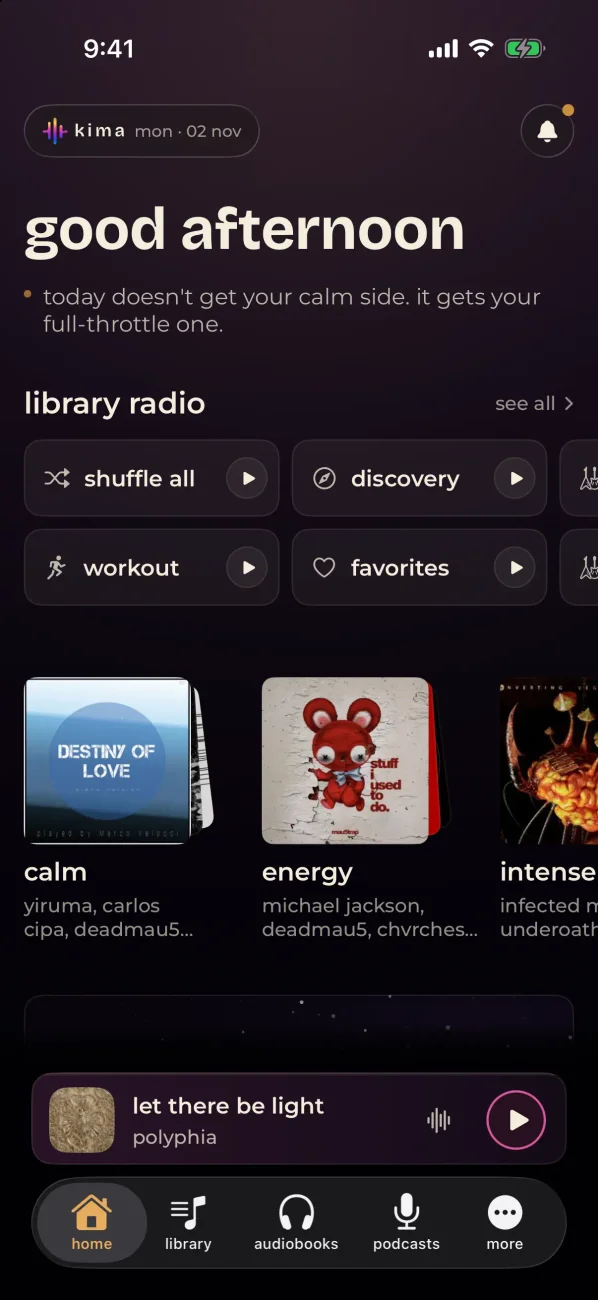
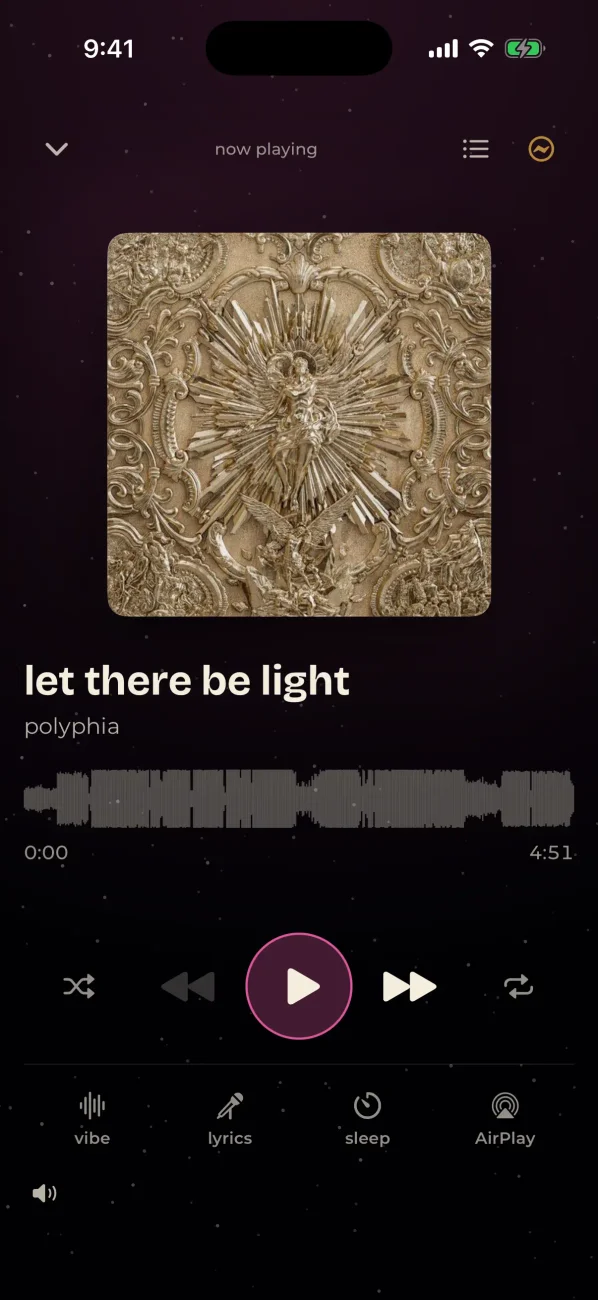
Kima is the iPhone and iPad app for Kima, the self-hosted music, audiobook and podcast server. It plays your library through the system audio player, so playback continues in the background, on the lock screen and over AirPlay.
You need a Kima server that your device can reach. The app has no accounts or backend of its own. Enter your server's address and sign in with your Kima account.
Music
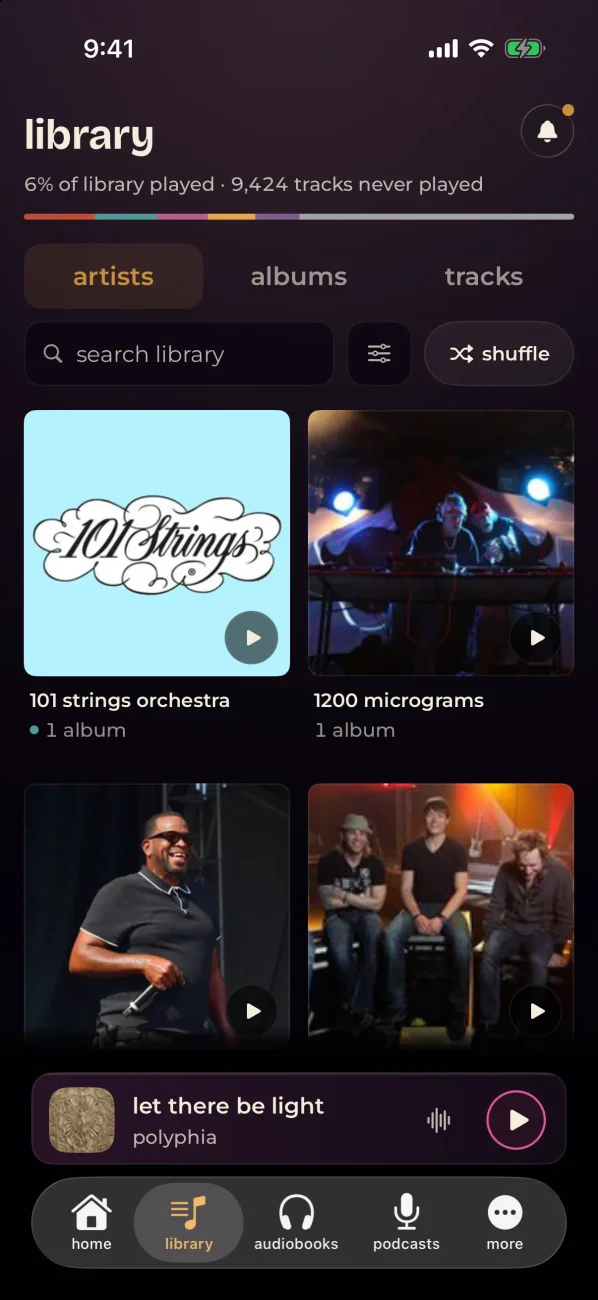
• Browse by artist, album, track and playlist.
• Search your library.
• Play radio stations, mood mixes and a weekly discovery list.
• Follow along with synced lyrics.
Playback
• Background audio with lock screen and Control Center controls.
• AirPlay.
• A queue you can reorder.
• A sleep timer.
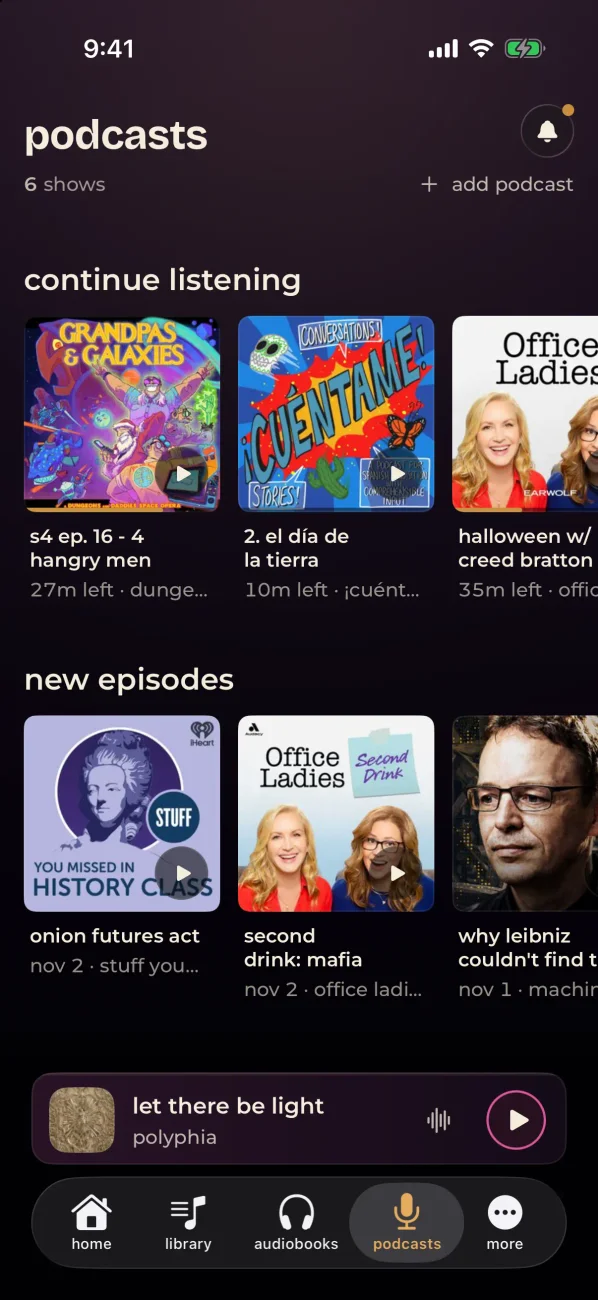
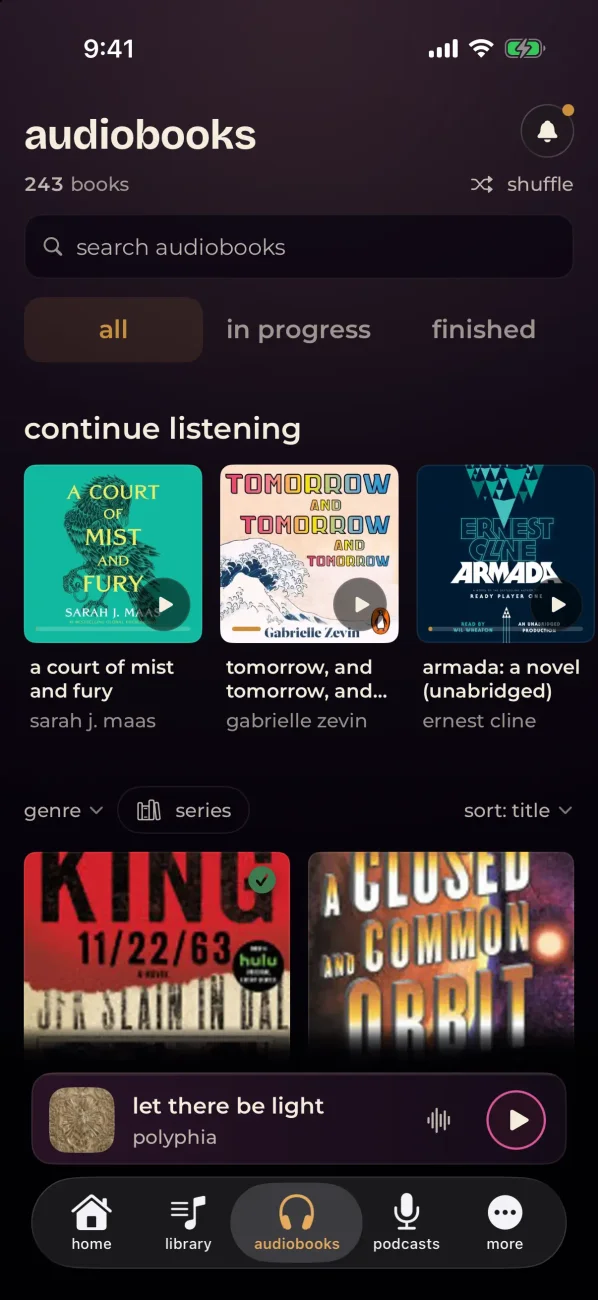
Audiobooks and podcasts
• Chapters, playback speed, and resume where you left off.
• Podcast subscriptions.
• One list of new and unfinished episodes across all your shows.
Vibe map
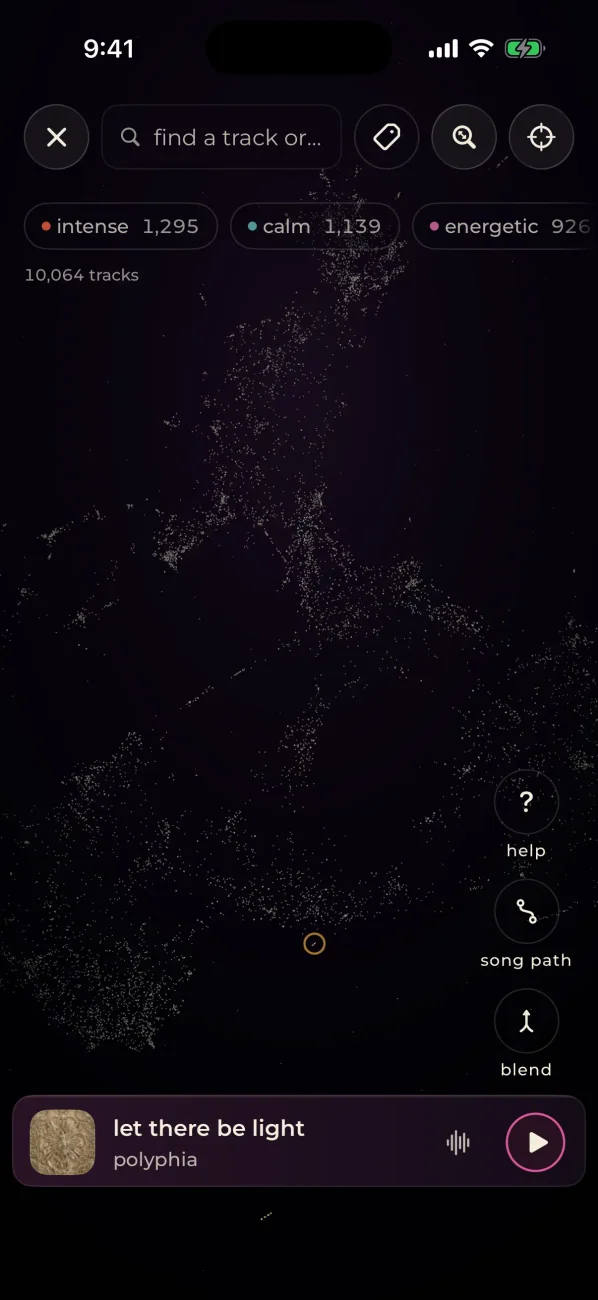
• A map of your library where songs that sound alike sit close together.
• Play similar songs, build a path from one song to another, or blend two moods.
Stats
• See what you play, when you play it, and how much of your library you have heard.
Privacy
• The app sends nothing to the developer. It connects only to your own server and to public cover art sources.
What’s new
Version 0.2.0 · Nov 24, 2026
what's new in 0.2.0
connect
- link a device: scan the qr code on your kima server's website, or open its link from the camera
- plain http works for any server you confirm (tailscale names, custom domains), and a failed connect tells you why
playback
- play and pause buttons everywhere now match what you actually hear: mini player, full player, lock screen, carplay, and every play button on album, artist, playlist and podcast pages
- tapping play on something that's paused picks up where you left off instead of starting over
- skipping within a flac lands exactly where you aimed, and lyrics stay in sync
- if a stream drops and reconnects, it resumes at the spot you skipped to
- a pause right after pressing play stays paused
podcasts
- you can unsubscribe from a show from its page
vibe map
- faint stars are brighter, the queue line is gone, song path dots stay on their stars, and orbiting no longer flips at the pole
- home's vibe card now draws orion
App privacy
What Kevin Oneill declares on the App Store about how this app handles data.
-
Data not collected
The developer does not collect any data from this app.
Privacy practices may vary, for example with the features you use or your age.
Information
- Seller
- Kevin Oneill
- Category
- Music
- Version
- 0.2.0
- Updated
- Nov 24, 2026
- Released
- Nov 6, 2026
- Size
- 11.5 MB
- Requires
- iOS 18.0 or later
- Age rating
- 9+
- Price
- Free
- Languages
- English
- Copyright
- © 2026 Kevin ONeill
You might also like
-
 Music GardenA modern local music player.
-
 Synofi: NAS Music PlayerFor Synology Audio Station
-
 QXRadioInternet online radio player.
-
 vPlayer HiFiDSD Hi-Res Lossless Player
-
 Radio PortRadio and Podcast Everywhere
-
 Tuned Radio Shoutcast EditionHiFi EQ Music Streaming
-
 iMusifySubsonic & Ampache client
-
 977Music.com Internet RadioMusic
-
 HQ Radio: OnlineRadio Player
-
 Sound Room: Audiophile PlayerLossless Subsonic & Navidrome